Cheat
pv Pipe progress viewer
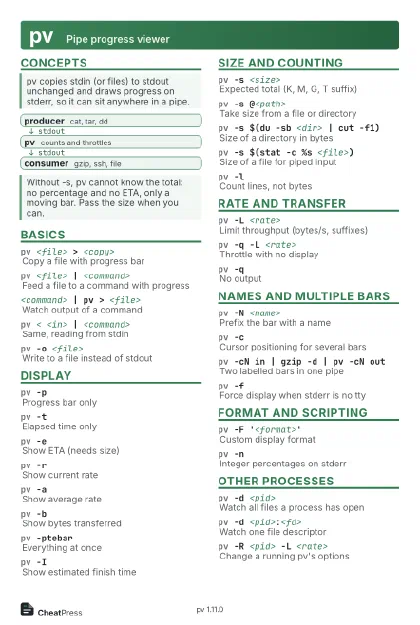 Light · Postcard
102 × 152 mm · PDF
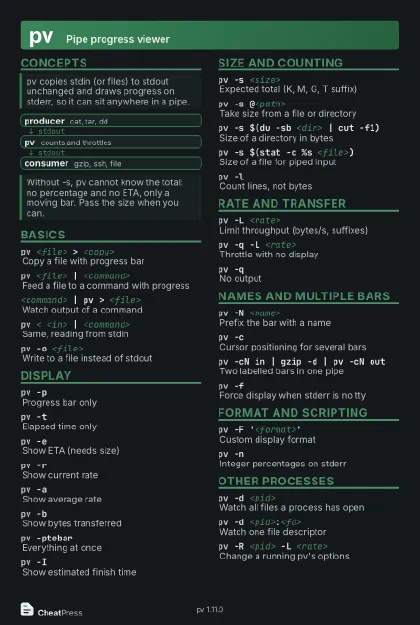 Dark · Postcard
102 × 152 mm · PDF
 Ink saver · Postcard
102 × 152 mm · PDF
 Light · A4 landscape
297 × 210 mm · PDF
 Dark · A4 landscape
297 × 210 mm · PDF
 Ink saver · A4 landscape
297 × 210 mm · PDF
 Light · A3 landscape
420 × 297 mm · PDF
 Dark · A3 landscape
420 × 297 mm · PDF
 Ink saver · A3 landscape
420 × 297 mm · PDF
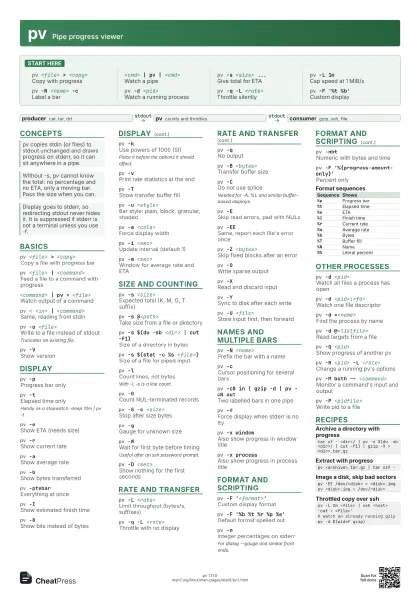
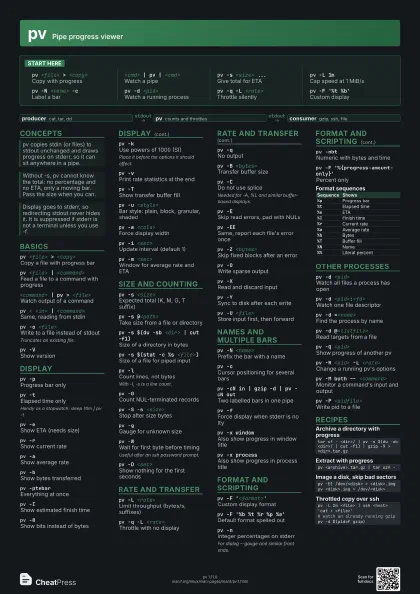
Start here
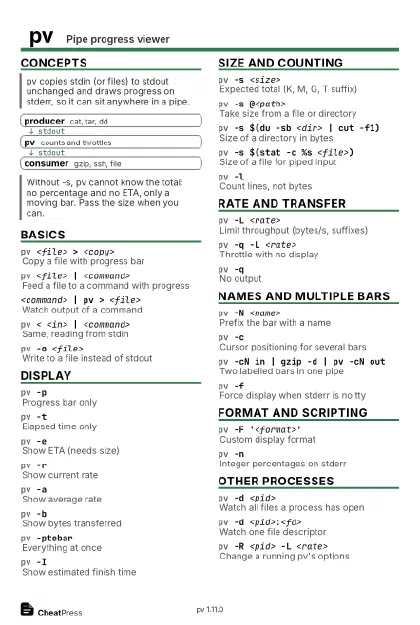
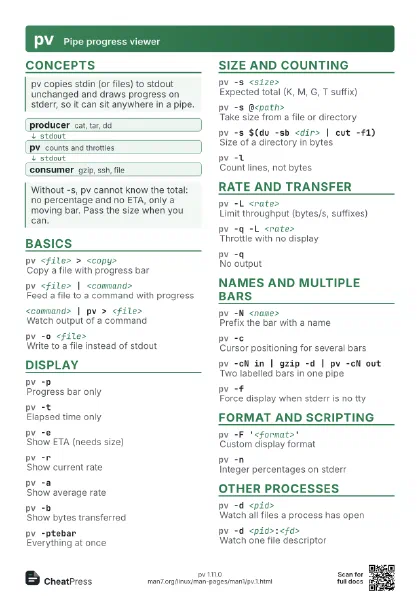
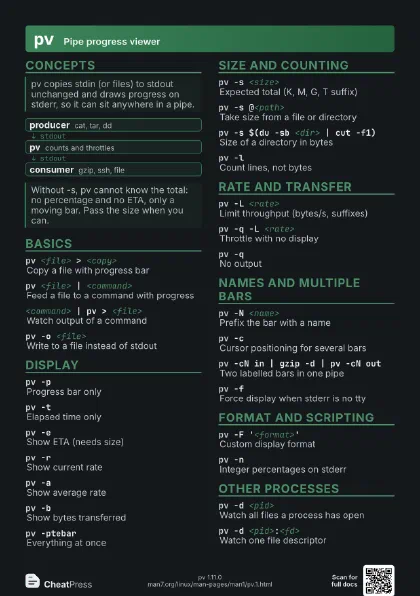
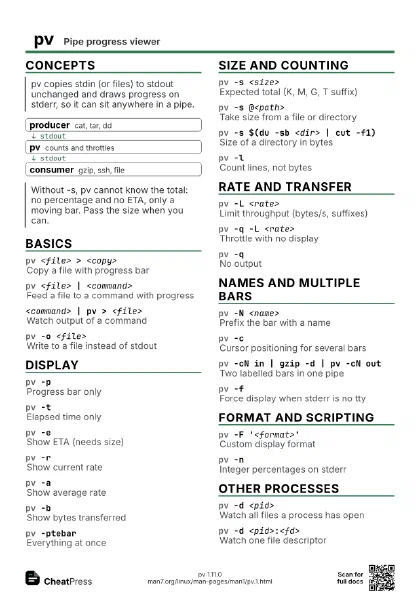
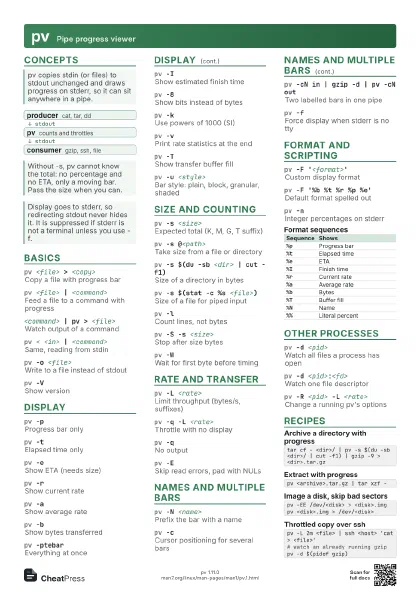
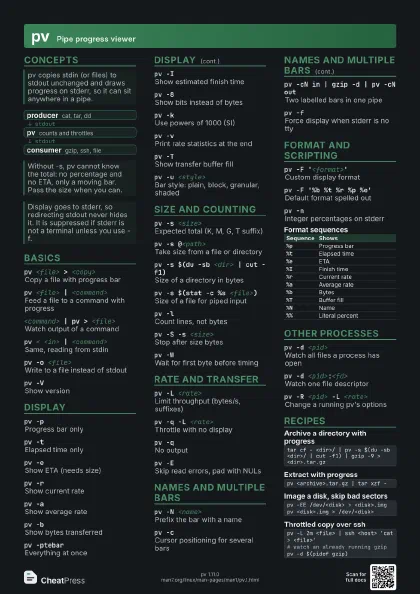
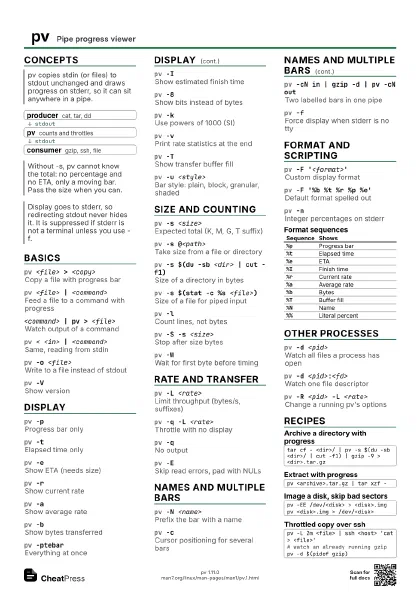
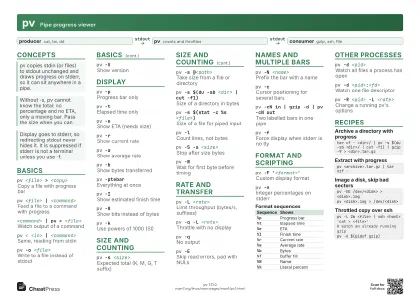
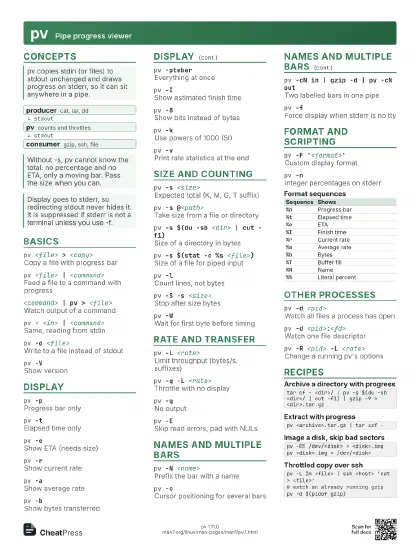
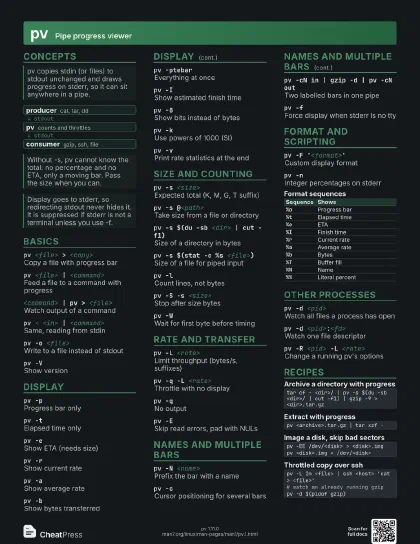
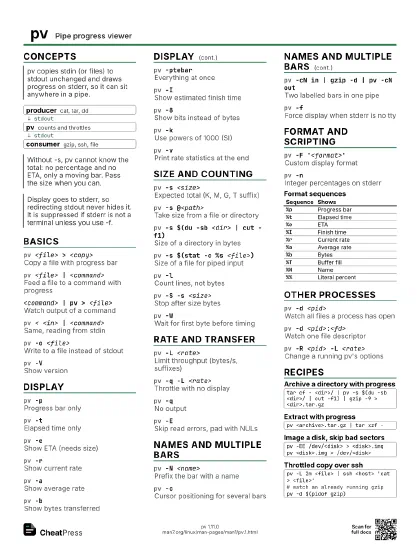
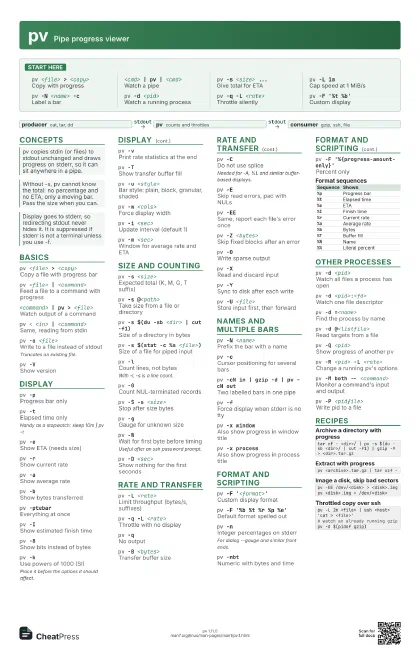
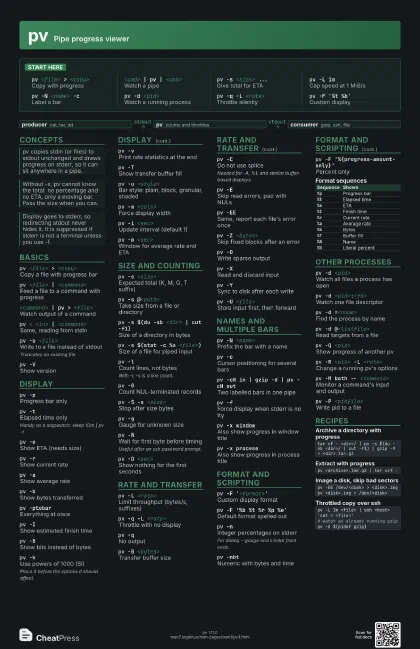
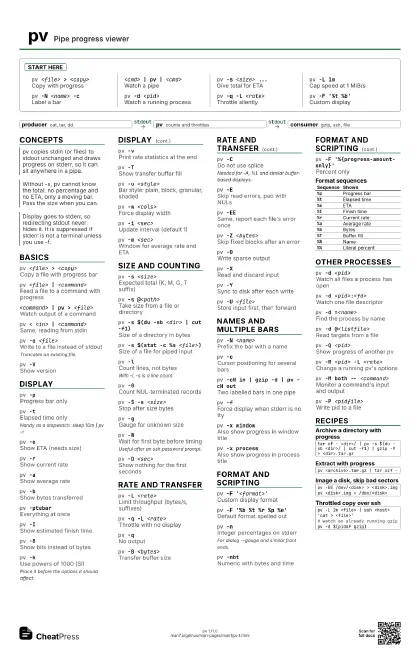
pv <file> > <copy>
Copy with progress
<cmd> | pv | <cmd>
Watch a pipe
pv -s <size> ...
Give total for ETA
pv -L 1mCap speed at 1 MiB/s
pv -N <name> -c
Label a bar
pv -d <pid>
Watch a running process
pv -q -L <rate>
Throttle silently
pv -F '%t %b'
Custom display
Concepts
- producer cat, tar, dd
- pv counts and throttles
- consumer gzip, ssh, file
Basics
pv <file> > <copy>
Copy a file with progress bar
pv <file> | <command>
Feed a file to a command with progress
<command> | pv > <file>
Watch output of a command
pv < <in> | <command>
Same, reading from stdin
pv -o <file>
Write to a file instead of stdout
Truncates an existing file.
pv -VShow version
Display
pv -pProgress bar only
pv -tElapsed time only
Handy as a stopwatch: sleep 10m | pv -t
pv -eShow ETA (needs size)
pv -rShow current rate
pv -aShow average rate
pv -bShow bytes transferred
pv -ptebarEverything at once
pv -IShow estimated finish time
pv -8Show bits instead of bytes
pv -kUse powers of 1000 (SI)
Place it before the options it should affect.
pv -vPrint rate statistics at the end
pv -TShow transfer buffer fill
pv -u <style>
Bar style: plain, block, granular, shaded
pv -w <cols>
Force display width
pv -i <sec>
Update interval (default 1)
pv -m <sec>
Window for average rate and ETA
Size and counting
pv -s <size>
Expected total (K, M, G, T suffix)
pv -s @<path>
Take size from a file or directory
pv -s $(du -sb <dir> | cut -f1)
Size of a directory in bytes
pv -s $(stat -c %s <file>)
Size of a file for piped input
pv -lCount lines, not bytes
With -l, -s is a line count.
pv -0Count NUL-terminated records
pv -S -s <size>
Stop after size bytes
pv -gGauge for unknown size
pv -WWait for first byte before timing
Useful after an ssh password prompt.
pv -D <sec>
Show nothing for the first seconds
Rate and transfer
pv -L <rate>
Limit throughput (bytes/s, suffixes)
pv -q -L <rate>
Throttle with no display
pv -qNo output
pv -B <bytes>
Transfer buffer size
pv -CDo not use splice
Needed for -A, %L and similar buffer-based displays.
pv -ESkip read errors, pad with NULs
pv -EESame, report each file's error once
pv -Z <bytes>
Skip fixed blocks after an error
pv -OWrite sparse output
pv -XRead and discard input
pv -YSync to disk after each write
pv -U <file>
Store input first, then forward
Names and multiple bars
pv -N <name>
Prefix the bar with a name
pv -cCursor positioning for several bars
pv -cN in | gzip -d | pv -cN out
Two labelled bars in one pipe
pv -fForce display when stderr is no tty
pv -x windowAlso show progress in window title
pv -x processAlso show progress in process title
Format and scripting
pv -F '<format>'
Custom display format
pv -F '%b %t %r %p %e'
Default format spelled out
pv -nInteger percentages on stderr
For dialog --gauge and similar front ends.
pv -nbtNumeric with bytes and time
pv -F '%{progress-amount-only}'
Percent only
| Sequence | Shows |
|---|---|
%p |
Progress bar |
%t |
Elapsed time |
%e |
ETA |
%I |
Finish time |
%r |
Current rate |
%a |
Average rate |
%b |
Bytes |
%T |
Buffer fill |
%N |
Name |
%% |
Literal percent |
Other processes
pv -d <pid>
Watch all files a process has open
pv -d <pid>:<fd>
Watch one file descriptor
pv -d =<name>
Find the process by name
pv -d @<listfile>
Read targets from a file
pv -Q <pid>
Show progress of another pv
pv -R <pid> -L <rate>
Change a running pv's options
pv -M both -- <command>
Monitor a command's input and output
pv -P <pidfile>
Write pid to a file
Recipes
tar cf - <dir>/ | pv -s $(du -sb <dir>/ | cut -f1) | gzip -9 > <dir>.tar.gzpv <archive>.tar.gz | tar xzf -pv -EE /dev/<disk> > <disk>.imgpv <disk>.img > /dev/<disk>pv -L 2m <file> | ssh <host> 'cat > <file>'# watch an already running gzippv -d $(pidof gzip)