Cheat
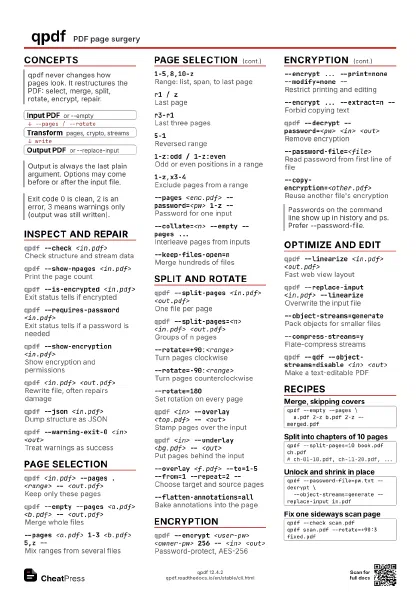
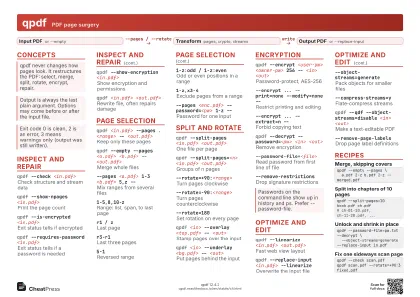
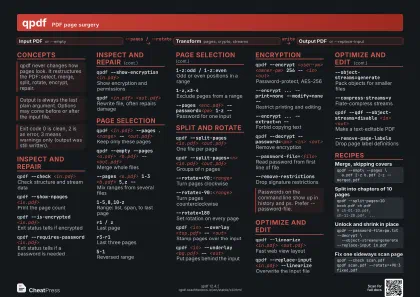
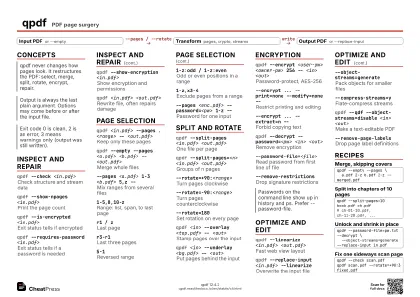
qpdf PDF page surgery
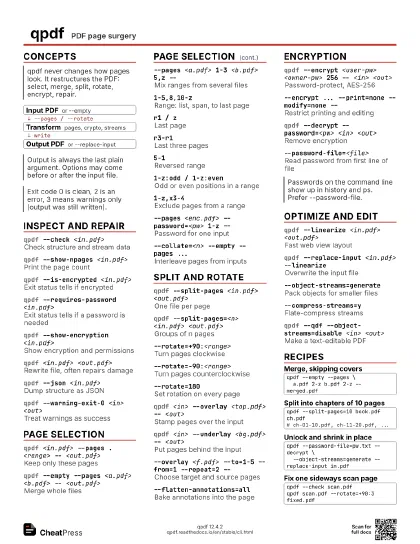
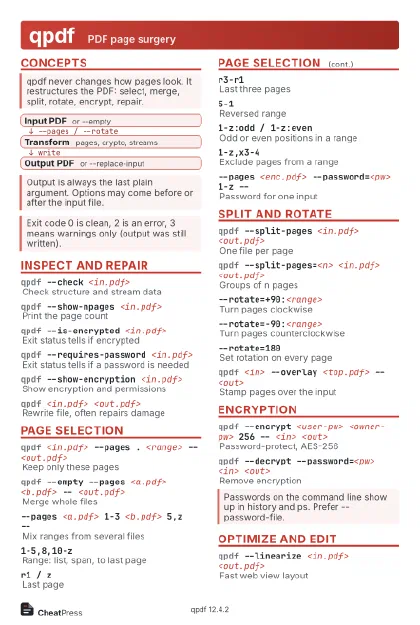 Light · Postcard
102 × 152 mm · PDF
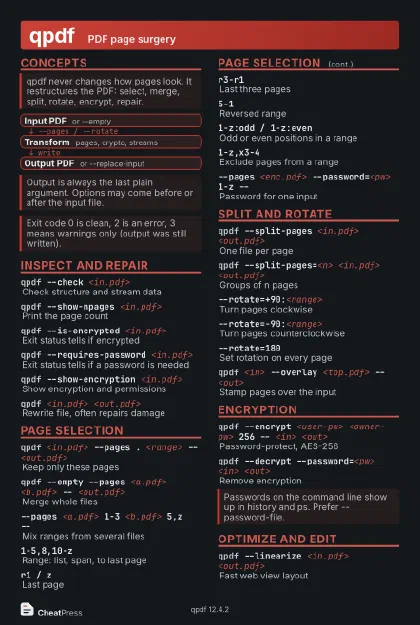 Dark · Postcard
102 × 152 mm · PDF
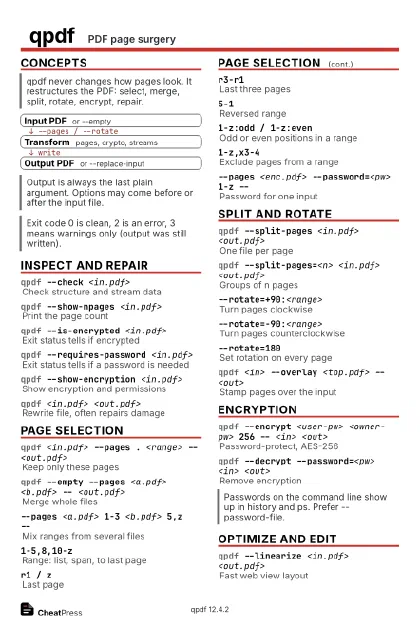 Ink saver · Postcard
102 × 152 mm · PDF
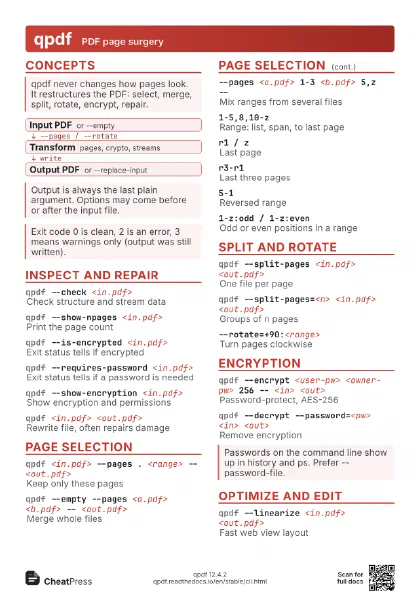
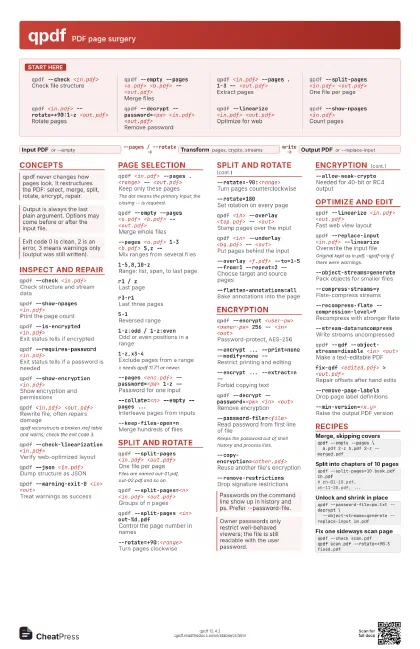
 Light · A4 landscape
297 × 210 mm · PDF
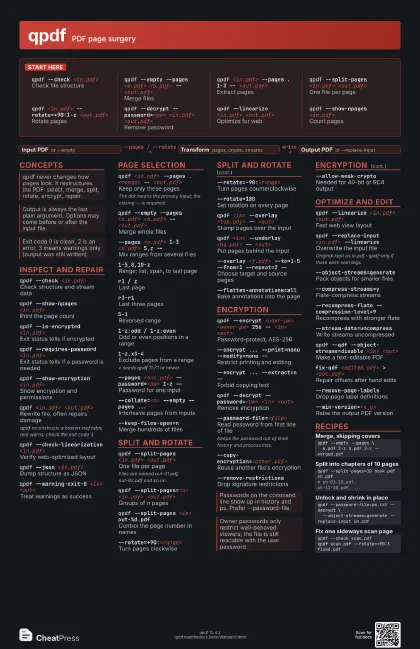
 Dark · A4 landscape
297 × 210 mm · PDF
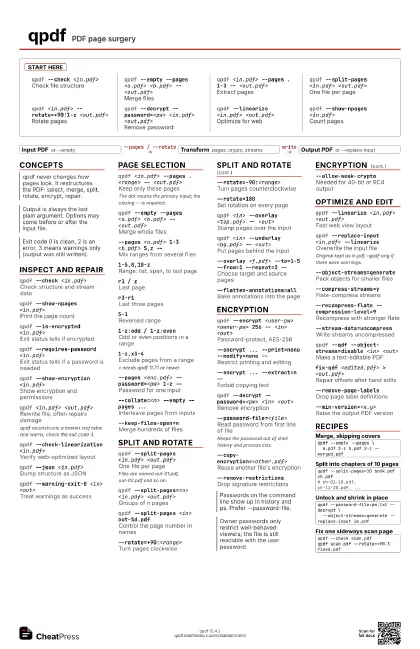
 Ink saver · A4 landscape
297 × 210 mm · PDF
 Light · A3 landscape
420 × 297 mm · PDF
 Dark · A3 landscape
420 × 297 mm · PDF
 Ink saver · A3 landscape
420 × 297 mm · PDF
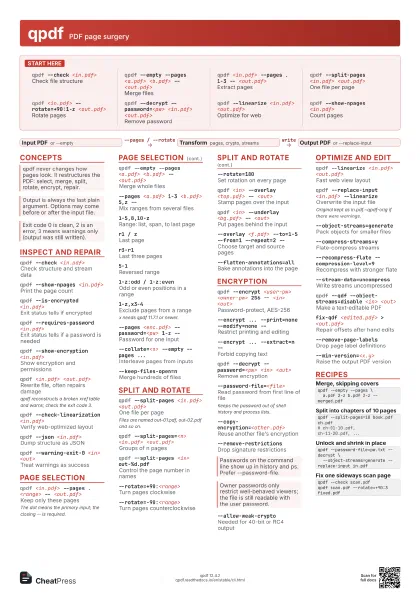
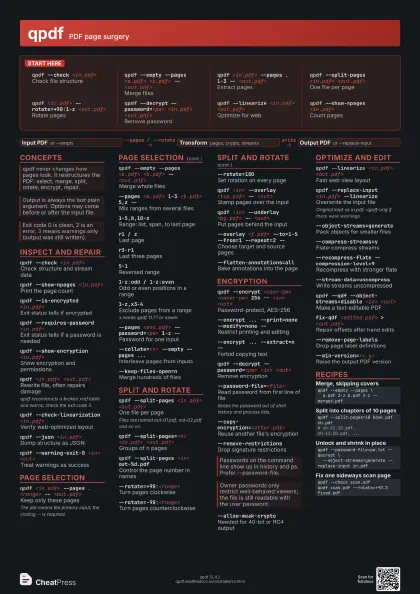
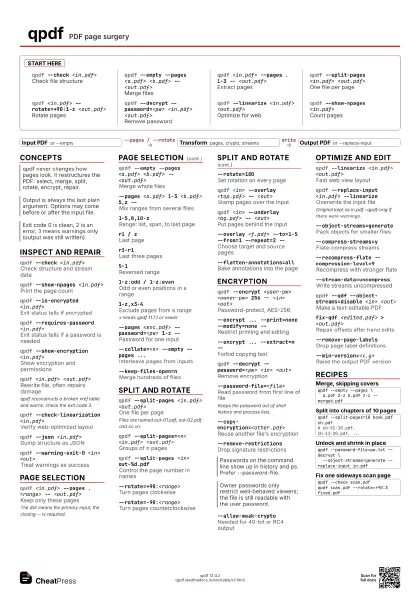
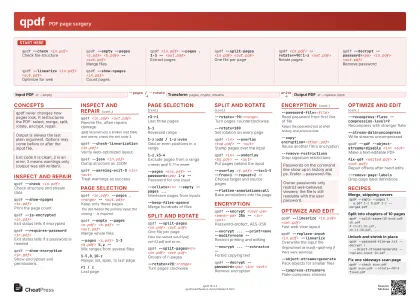
Start here
qpdf --check <in.pdf>
Check file structure
qpdf --empty --pages <a.pdf> <b.pdf> --
                    <out.pdf>
Merge files
qpdf <in.pdf> --pages . 1-3 -- <out.pdf>
Extract pages
qpdf --split-pages <in.pdf> <out.pdf>
One file per page
qpdf <in.pdf> --rotate=+90:1-z
                    <out.pdf>
Rotate pages
qpdf --decrypt --password=<pw> <in.pdf>
                    <out.pdf>
Remove password
qpdf --linearize <in.pdf> <out.pdf>
Optimize for web
qpdf --show-npages <in.pdf>
Count pages
Concepts
- Input PDF or --empty
- Transform pages, crypto, streams
- Output PDF or --replace-input
Inspect and repair
qpdf --check <in.pdf>
Check structure and stream data
qpdf --show-npages <in.pdf>
Print the page count
qpdf --is-encrypted <in.pdf>
Exit status tells if encrypted
qpdf --requires-password <in.pdf>
Exit status tells if a password is needed
qpdf --show-encryption <in.pdf>
Show encryption and permissions
qpdf <in.pdf> <out.pdf>
Rewrite file, often repairs damage
qpdf reconstructs a broken xref table and warns; check the
exit code 3.
qpdf --check-linearization <in.pdf>
Verify web-optimized layout
qpdf --json <in.pdf>
Dump structure as JSON
qpdf --warning-exit-0 <in> <out>
Treat warnings as success
Page selection
qpdf <in.pdf> --pages . <range> --
                    <out.pdf>
Keep only these pages
The dot means the primary input; the closing -- is required.
qpdf --empty --pages <a.pdf> <b.pdf> --
                    <out.pdf>
Merge whole files
--pages <a.pdf> 1-3 <b.pdf> 5,z --
Mix ranges from several files
1-5,8,10-zRange: list, span, to last page
r1 / zLast page
r3-r1Last three pages
5-1Reversed range
1-z:odd / 1-z:even
Odd or even positions in a range
1-z,x3-4Exclude pages from a range
x needs qpdf 11.7.1 or newer.
--pages <enc.pdf> --password=<pw> 1-z --
Password for one input
--collate=<n> --empty --pages ...
Interleave pages from inputs
--keep-files-open=n
Merge hundreds of files
Split and rotate
qpdf --split-pages <in.pdf> <out.pdf>
One file per page
Files are named out-01.pdf, out-02.pdf and so on.
qpdf --split-pages=<n> <in.pdf>
                    <out.pdf>
Groups of n pages
qpdf --split-pages <in> out-%d.pdf
Control the page number in names
--rotate=+90:<range>
Turn pages clockwise
--rotate=-90:<range>
Turn pages counterclockwise
--rotate=180Set rotation on every page
qpdf <in> --overlay <top.pdf> --
                    <out>
Stamp pages over the input
qpdf <in> --underlay <bg.pdf> --
                    <out>
Put pages behind the input
--overlay <f.pdf> --to=1-5 --from=1 --repeat=2
                    --
Choose target and source pages
--flatten-annotations=all
Bake annotations into the page
Encryption
qpdf --encrypt <user-pw> <owner-pw> 256 --
                    <in> <out>
Password-protect, AES-256
--encrypt ... --print=none --modify=none --
Restrict printing and editing
--encrypt ... --extract=n --
Forbid copying text
qpdf --decrypt --password=<pw> <in>
                    <out>
Remove encryption
--password-file=<file>
Read password from first line of file
Keeps the password out of shell history and process lists.
--copy-encryption=<other.pdf>
Reuse another file's encryption
--remove-restrictions
Drop signature restrictions
--allow-weak-crypto
Needed for 40-bit or RC4 output
Optimize and edit
qpdf --linearize <in.pdf> <out.pdf>
Fast web view layout
qpdf --replace-input <in.pdf> --linearize
Overwrite the input file
Original kept as in.pdf.~qpdf-orig if there were warnings.
--object-streams=generate
Pack objects for smaller files
--compress-streams=y
Flate-compress streams
--recompress-flate --compression-level=9
Recompress with stronger flate
--stream-data=uncompress
Write streams uncompressed
qpdf --qdf --object-streams=disable <in>
                    <out>
Make a text-editable PDF
fix-qdf <edited.pdf> > <out.pdf>
Repair offsets after hand edits
--remove-page-labels
Drop page label definitions
--min-version=<x.y>
Raise the output PDF version
Recipes
qpdf --empty --pages \ a.pdf 2-z b.pdf 2-z -- merged.pdfqpdf --split-pages=10 book.pdf ch.pdf# ch-01-10.pdf, ch-11-20.pdf, ...qpdf --password-file=pw.txt --decrypt \ --object-streams=generate --replace-input in.pdfqpdf --check scan.pdfqpdf scan.pdf --rotate=+90:3 fixed.pdf