Cheat
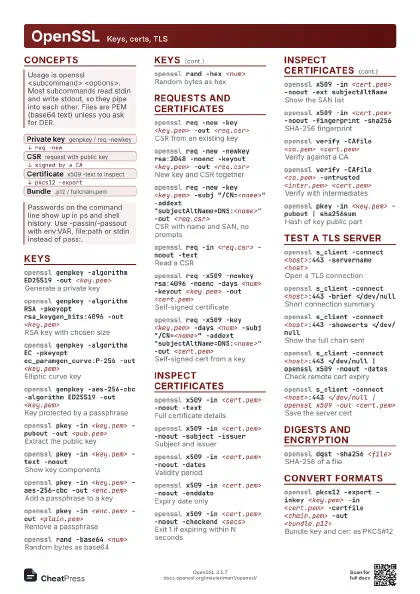
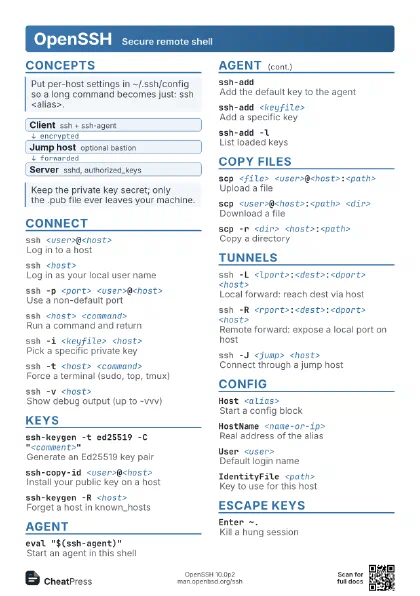
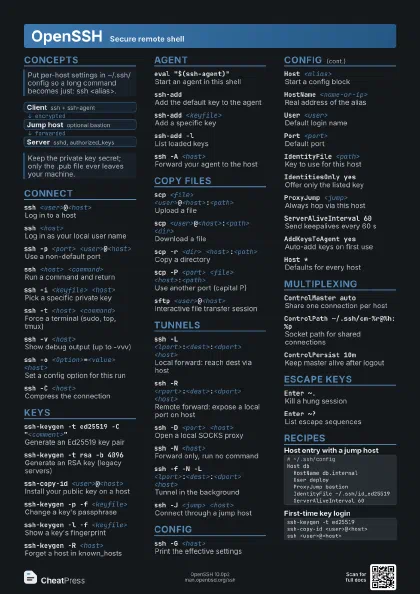
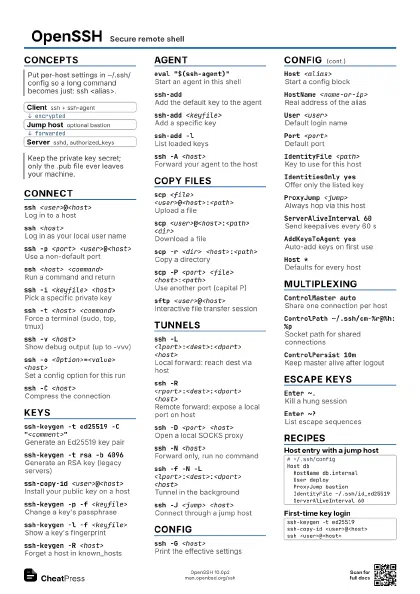
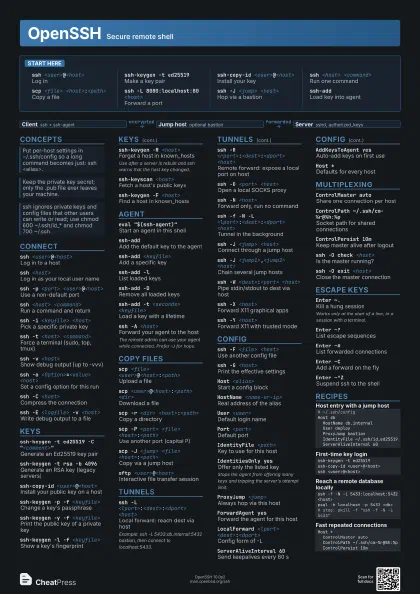
OpenSSH Secure remote shell
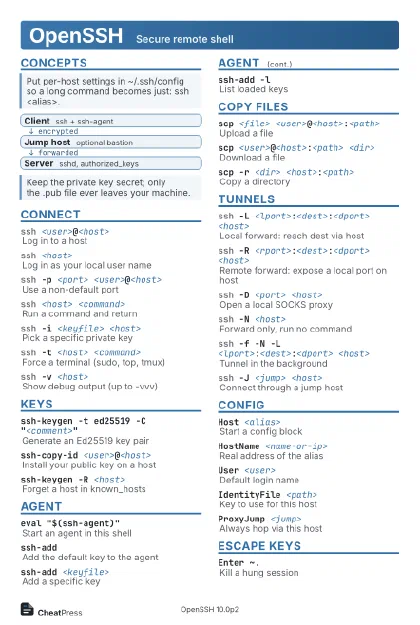 Light · Postcard
102 × 152 mm · PDF
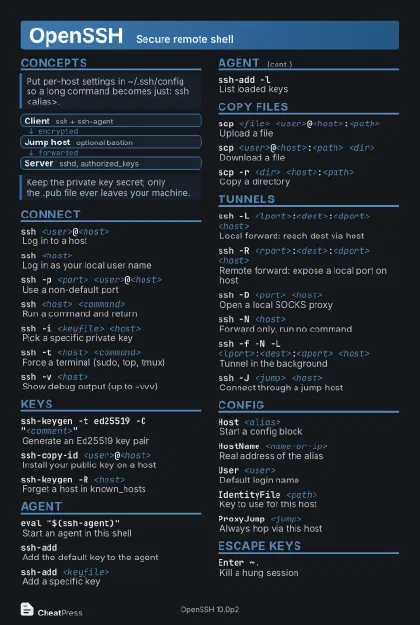 Dark · Postcard
102 × 152 mm · PDF
 Ink saver · Postcard
102 × 152 mm · PDF

 Light · A4 landscape
297 × 210 mm · PDF
 Dark · A4 landscape
297 × 210 mm · PDF
 Ink saver · A4 landscape
297 × 210 mm · PDF


 Light · A3 landscape
420 × 297 mm · PDF
 Dark · A3 landscape
420 × 297 mm · PDF
 Ink saver · A3 landscape
420 × 297 mm · PDF
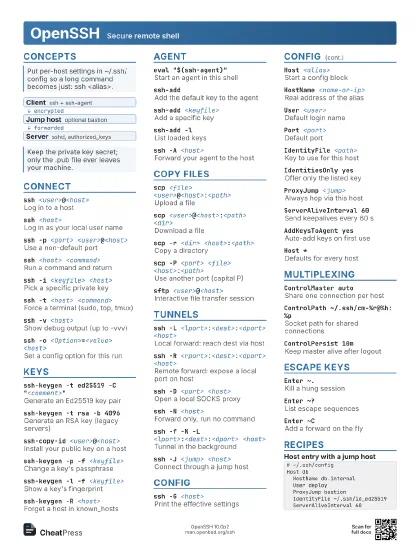
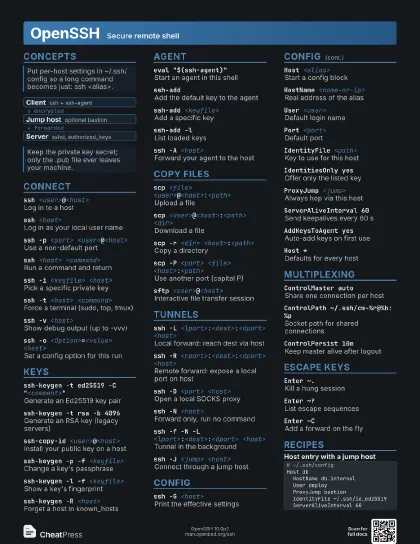
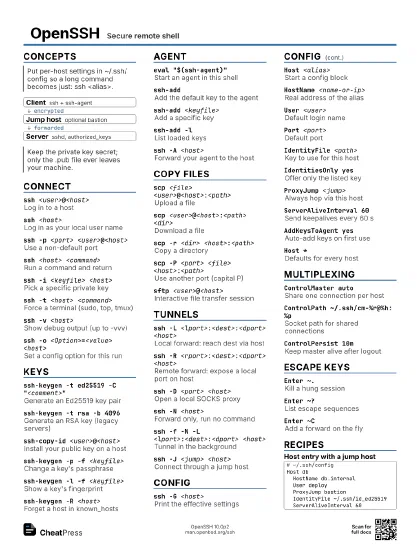
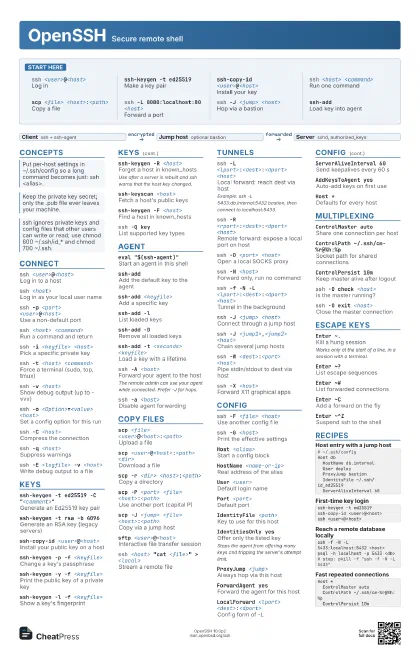
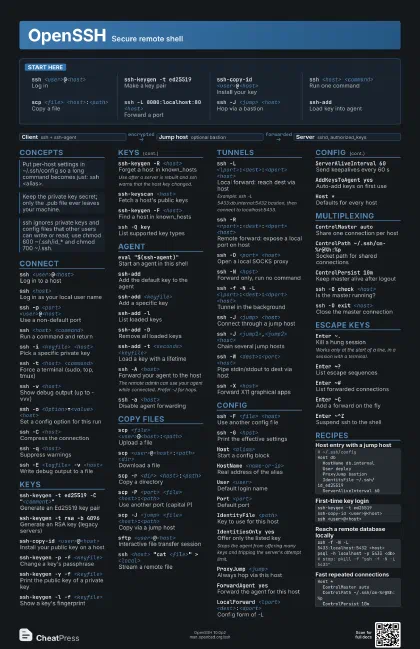
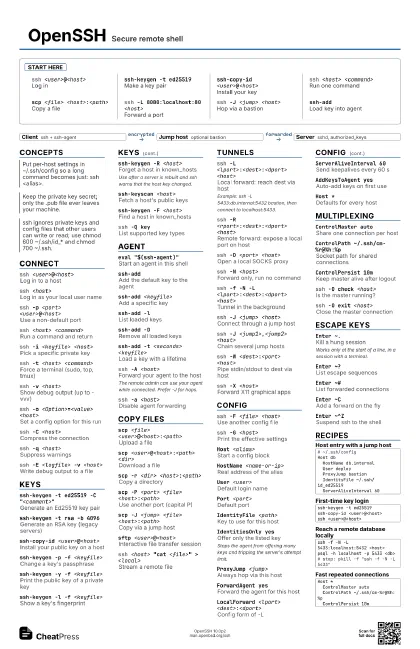
Start here
ssh <user>@<host>
Log in
ssh-keygen -t ed25519
Make a key pair
ssh-copy-id <user>@<host>
Install your key
ssh <host> <command>
Run one command
scp <file> <host>:<path>
Copy a file
ssh -L 8080:localhost:80 <host>
Forward a port
ssh -J <jump> <host>
Hop via a bastion
ssh-addLoad key into agent
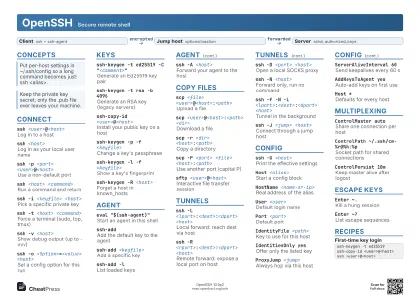
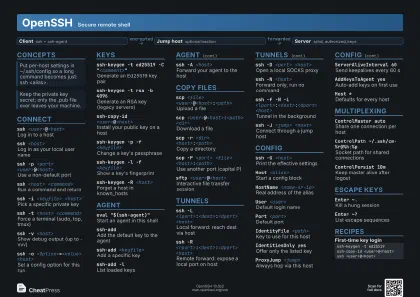
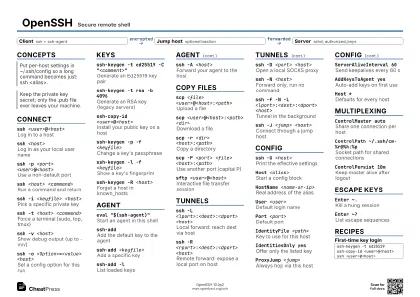
Concepts
- Client ssh + ssh-agent
- Jump host optional bastion
- Server sshd, authorized_keys
Connect
ssh <user>@<host>
Log in to a host
ssh <host>
Log in as your local user name
ssh -p <port> <user>@<host>
Use a non-default port
ssh <host> <command>
Run a command and return
ssh -i <keyfile> <host>
Pick a specific private key
ssh -t <host> <command>
Force a terminal (sudo, top, tmux)
ssh -v <host>
Show debug output (up to -vvv)
ssh -o <Option>=<value> <host>
Set a config option for this run
ssh -C <host>
Compress the connection
ssh -q <host>
Suppress warnings
ssh -E <logfile> -v <host>
Write debug output to a file
Keys
ssh-keygen -t ed25519 -C "<comment>"
Generate an Ed25519 key pair
ssh-keygen -t rsa -b 4096
Generate an RSA key (legacy servers)
ssh-copy-id <user>@<host>
Install your public key on a host
ssh-keygen -p -f <keyfile>
Change a key's passphrase
ssh-keygen -y -f <keyfile>
Print the public key of a private key
ssh-keygen -l -f <keyfile>
Show a key's fingerprint
ssh-keygen -R <host>
Forget a host in known_hosts
Use after a server is rebuilt and ssh warns that the host key
changed.
ssh-keyscan <host>
Fetch a host's public keys
ssh-keygen -F <host>
Find a host in known_hosts
ssh -Q keyList supported key types
Agent
eval "$(ssh-agent)"
Start an agent in this shell
ssh-addAdd the default key to the agent
ssh-add <keyfile>
Add a specific key
ssh-add -lList loaded keys
ssh-add -DRemove all loaded keys
ssh-add -t <seconds> <keyfile>
Load a key with a lifetime
ssh -A <host>
Forward your agent to the host
The remote admin can use your agent while connected. Prefer -J
for hops.
ssh -a <host>
Disable agent forwarding
Copy Files
scp <file>
                    <user>@<host>:<path>
Upload a file
scp <user>@<host>:<path>
                    <dir>
Download a file
scp -r <dir> <host>:<path>
Copy a directory
scp -P <port> <file>
                    <host>:<path>
Use another port (capital P)
scp -J <jump> <file>
                    <host>:<path>
Copy via a jump host
sftp <user>@<host>
Interactive file transfer session
ssh <host> "cat <file>" >
                    <local>
Stream a remote file
Tunnels
ssh -L <lport>:<dest>:<dport>
                    <host>
Local forward: reach dest via host
Example: ssh -L 5433:db.internal:5432 bastion, then connect to
localhost:5433.
ssh -R <rport>:<dest>:<dport>
                    <host>
Remote forward: expose a local port on host
ssh -D <port> <host>
Open a local SOCKS proxy
ssh -N <host>
Forward only, run no command
ssh -f -N -L <lport>:<dest>:<dport>
                    <host>
Tunnel in the background
ssh -J <jump> <host>
Connect through a jump host
ssh -J <jump1>,<jump2> <host>
Chain several jump hosts
ssh -W <dest>:<port> <host>
Pipe stdin/stdout to dest via host
ssh -X <host>
Forward X11 graphical apps
ssh -Y <host>
Forward X11 with trusted mode
Config
ssh -F <file> <host>
Use another config file
ssh -G <host>
Print the effective settings
Host <alias>
Start a config block
HostName <name-or-ip>
Real address of the alias
User <user>
Default login name
Port <port>
Default port
IdentityFile <path>
Key to use for this host
IdentitiesOnly yes
Offer only the listed key
Stops the agent from offering many keys and tripping the
server's attempt limit.
ProxyJump <jump>
Always hop via this host
ForwardAgent yes
Forward the agent for this host
LocalForward <lport> <dest>:<dport>
Config form of -L
ServerAliveInterval 60
Send keepalives every 60 s
AddKeysToAgent yes
Auto-add keys on first use
Host *Defaults for every host
Include <path>
Pull in more config files
Multiplexing
ControlMaster auto
Share one connection per host
ControlPath ~/.ssh/cm-%r@%h:%p
Socket path for shared connections
ControlPersist 10m
Keep master alive after logout
ssh -O check <host>
Is the master running?
ssh -O exit <host>
Close the master connection
ssh -S none <host>
Skip connection sharing
Escape Keys
Enter ~.Kill a hung session
Works only at the start of a line, in a session with a
terminal.
Enter ~?List escape sequences
Enter ~#List forwarded connections
Enter ~CAdd a forward on the fly
Enter ~^ZSuspend ssh to the shell
Enter ~~Send a literal ~
Recipes
# ~/.ssh/configHost db HostName db.internal User deploy ProxyJump bastion IdentityFile ~/.ssh/id_ed25519 ServerAliveInterval 60ssh-keygen -t ed25519ssh-copy-id <user>@<host>ssh <user>@<host>ssh -f -N -L 5433:localhost:5432 <host>psql -h localhost -p 5433 <db># stop: pkill -f "ssh -f -N -L 5433"Host * ControlMaster auto ControlPath ~/.ssh/cm-%r@%h:%p ControlPersist 10m