Cheat
ps List processes
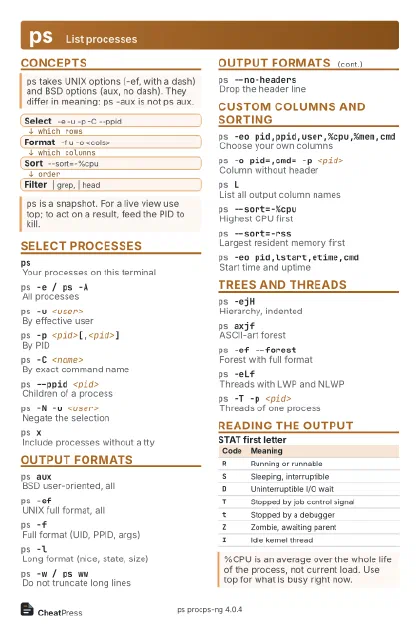 Light · Postcard
102 × 152 mm · PDF
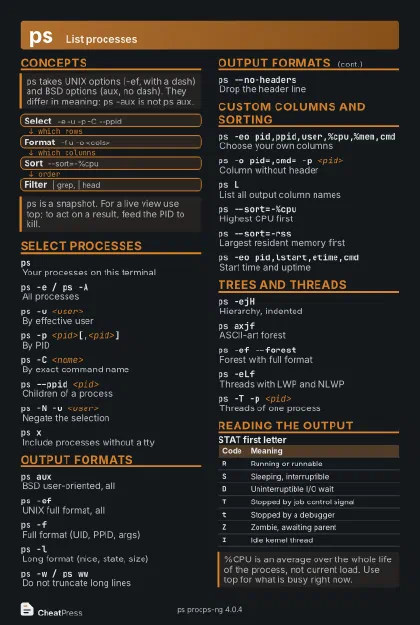 Dark · Postcard
102 × 152 mm · PDF
 Ink saver · Postcard
102 × 152 mm · PDF
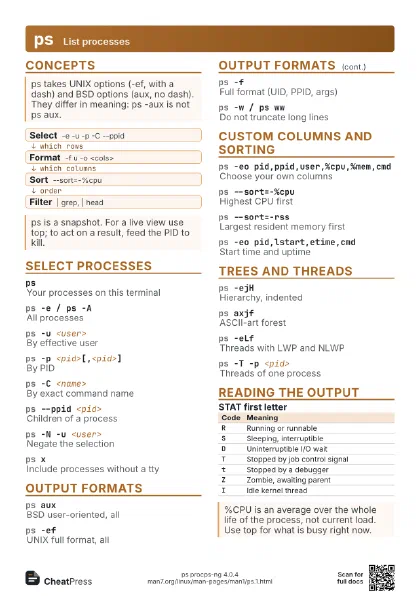
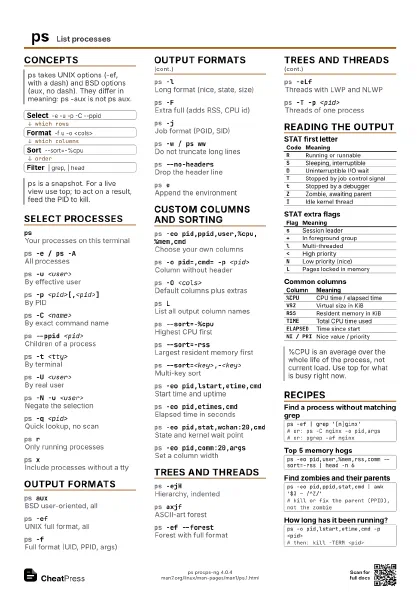
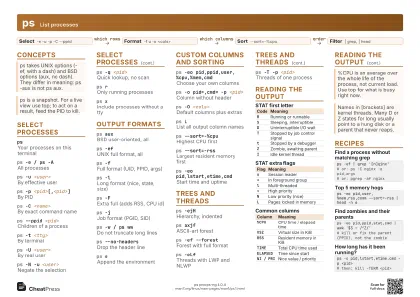 Light · A4 landscape
297 × 210 mm · PDF
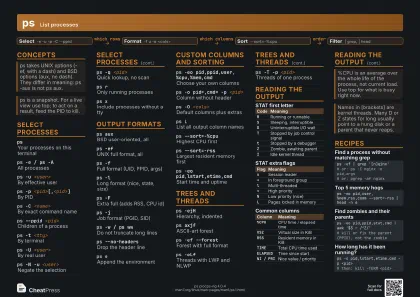 Dark · A4 landscape
297 × 210 mm · PDF
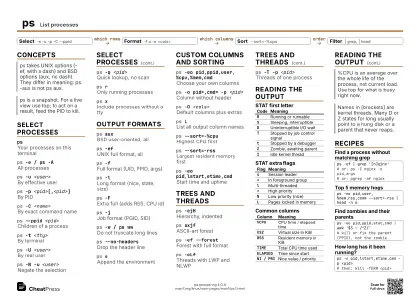 Ink saver · A4 landscape
297 × 210 mm · PDF
 Light · A3 landscape
420 × 297 mm · PDF
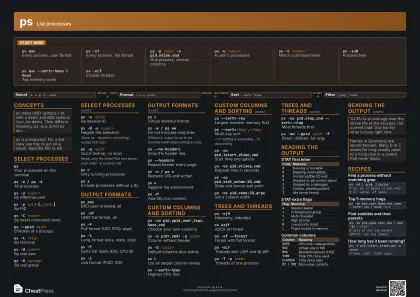 Dark · A3 landscape
420 × 297 mm · PDF
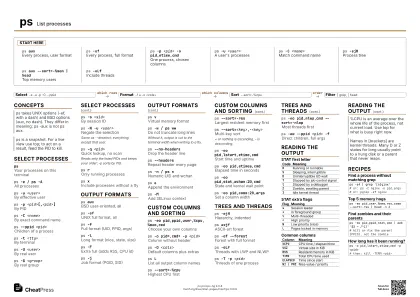 Ink saver · A3 landscape
420 × 297 mm · PDF
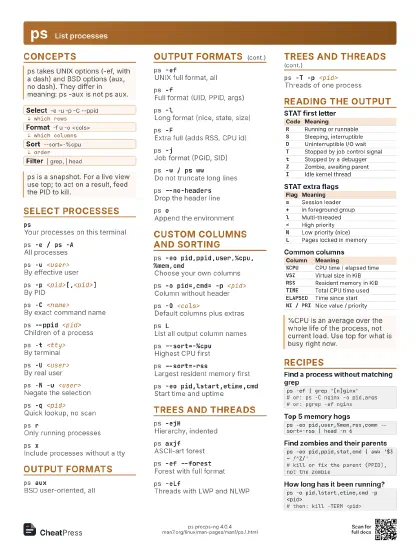
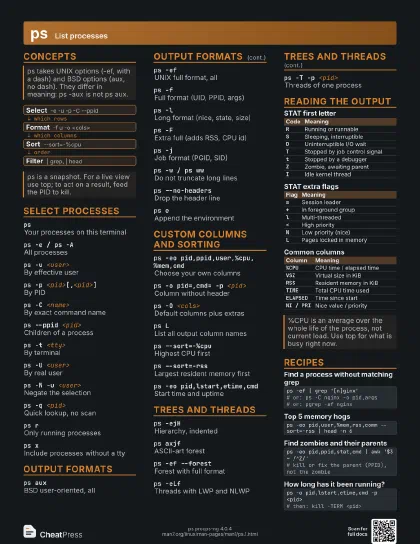
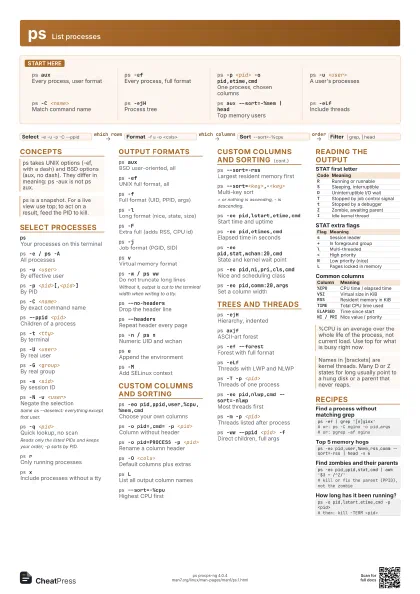
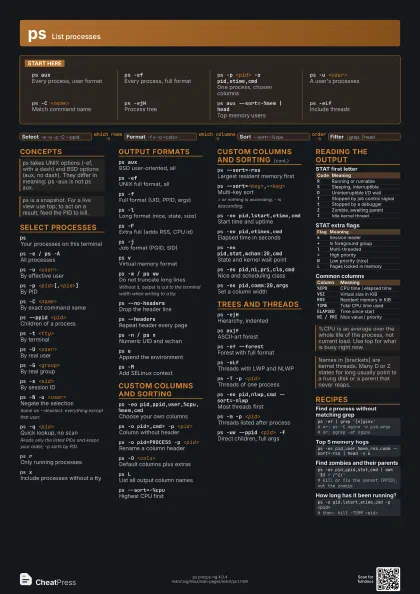
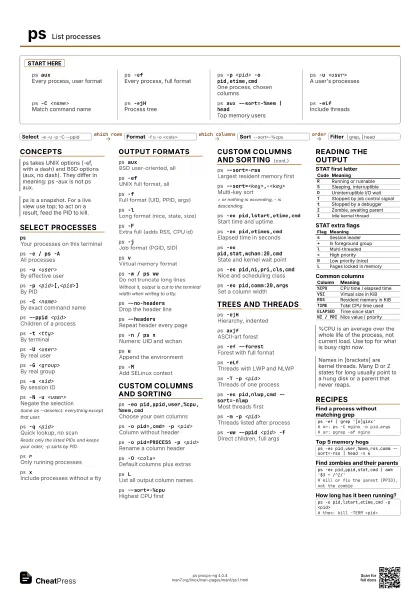
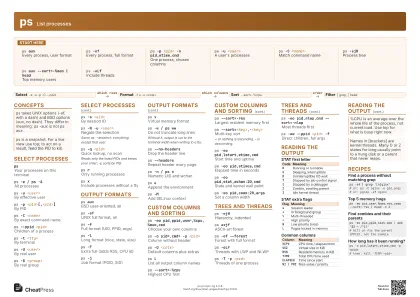
Start here
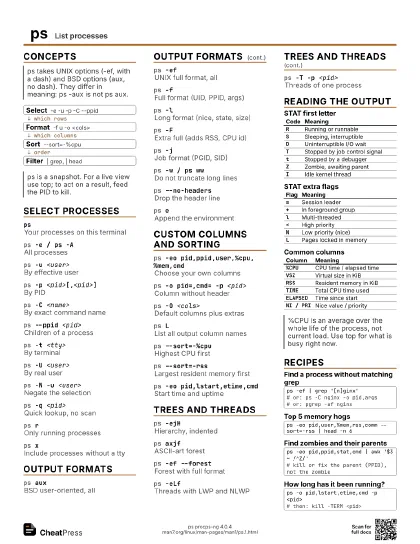
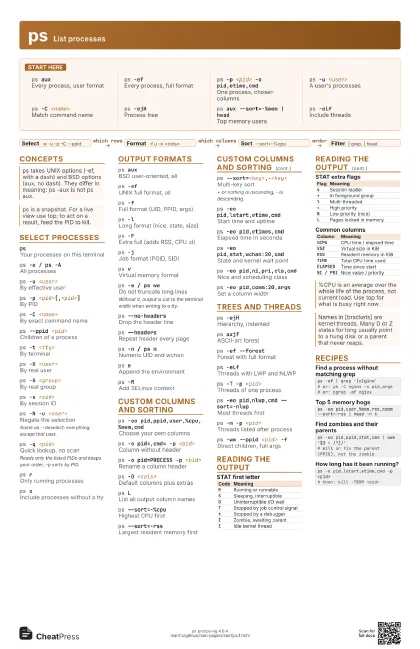
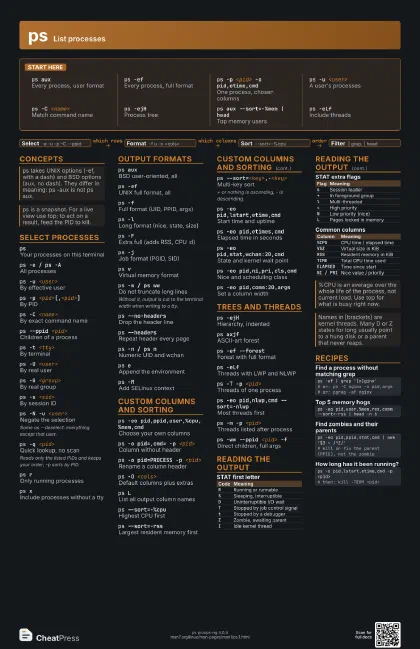
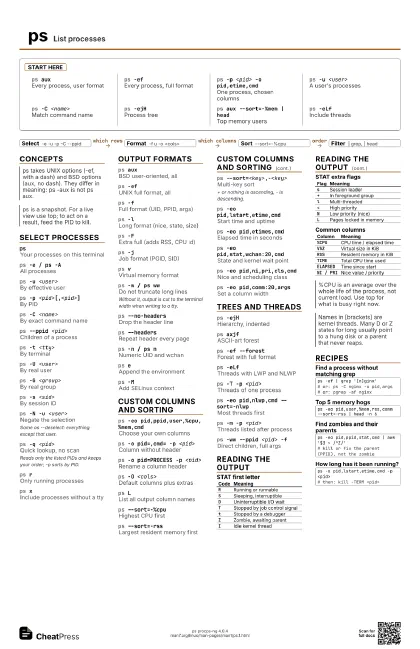
ps auxEvery process, user format
ps -efEvery process, full format
ps -p <pid> -o pid,etime,cmd
One process, chosen columns
ps -u <user>
A user's processes
ps -C <name>
Match command name
ps -ejHProcess tree
ps aux --sort=-%mem | head
Top memory users
ps -eLfInclude threads
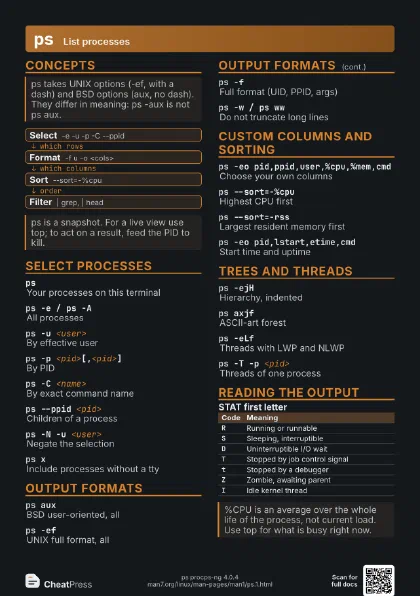
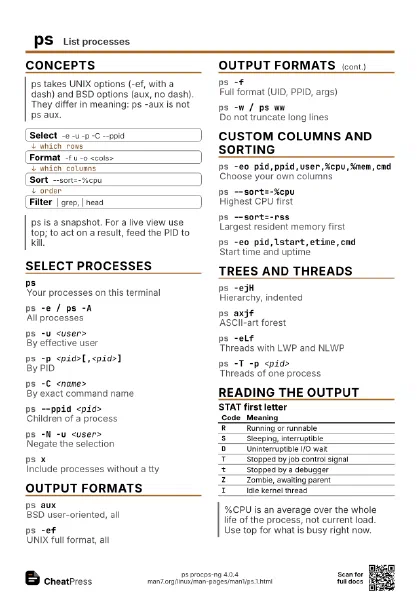
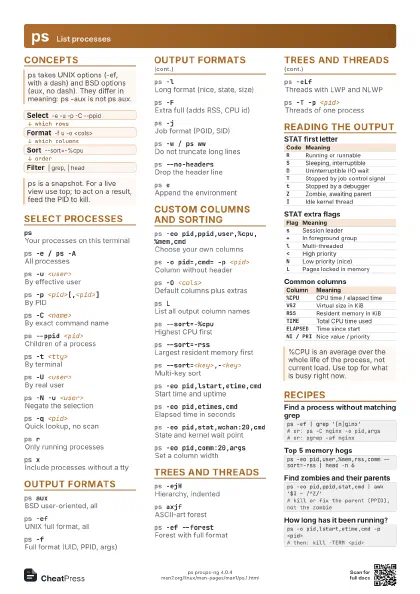
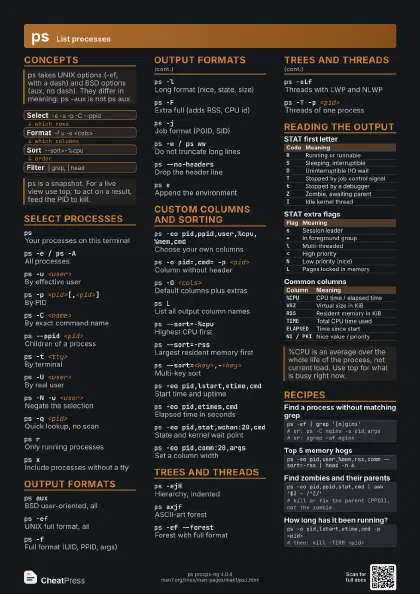
Concepts
- Select -e -u -p -C --ppid
- Format -f u -o <cols>
- Sort --sort=-%cpu
- Filter | grep, | head
Select processes
psYour processes on this terminal
ps -e / ps -AAll processes
ps -u <user>
By effective user
ps -p <pid>[,<pid>]
By PID
ps -C <name>
By exact command name
ps --ppid <pid>
Children of a process
ps -t <tty>
By terminal
ps -U <user>
By real user
ps -G <group>
By real group
ps -s <sid>
By session ID
ps -N -u <user>
Negate the selection
Same as --deselect: everything except that user.
ps -q <pid>
Quick lookup, no scan
Reads only the listed PIDs and keeps your order; -p sorts by
PID.
ps rOnly running processes
ps xInclude processes without a tty
Output formats
ps auxBSD user-oriented, all
ps -efUNIX full format, all
ps -fFull format (UID, PPID, args)
ps -lLong format (nice, state, size)
ps -FExtra full (adds RSS, CPU id)
ps -jJob format (PGID, SID)
ps vVirtual memory format
ps -w / ps wwDo not truncate long lines
Without it, output is cut to the terminal width when writing
to a tty.
ps --no-headersDrop the header line
ps --headersRepeat header every page
ps -n / ps nNumeric UID and wchan
ps eAppend the environment
ps -MAdd SELinux context
Custom columns and sorting
ps -eo pid,ppid,user,%cpu,%mem,cmd
Choose your own columns
ps -o pid=,cmd= -p <pid>
Column without header
ps -o pid=PROCESS -p <pid>
Rename a column header
ps -O <cols>
Default columns plus extras
ps LList all output column names
ps --sort=-%cpuHighest CPU first
ps --sort=-rssLargest resident memory first
ps --sort=<key>,-<key>
Multi-key sort
+ or nothing is ascending, - is descending.
ps -eo pid,lstart,etime,cmd
Start time and uptime
ps -eo pid,etimes,cmd
Elapsed time in seconds
ps -eo pid,stat,wchan:20,cmd
State and kernel wait point
ps -eo pid,ni,pri,cls,cmd
Nice and scheduling class
ps -eo pid,comm:20,args
Set a column width
Trees and threads
ps -ejHHierarchy, indented
ps axjfASCII-art forest
ps -ef --forestForest with full format
ps -eLfThreads with LWP and NLWP
ps -T -p <pid>
Threads of one process
ps -eo pid,nlwp,cmd --sort=-nlwp
Most threads first
ps -m -p <pid>
Threads listed after process
ps -ww --ppid <pid> -f
Direct children, full args
Reading the output
| Code | Meaning |
|---|---|
R |
Running or runnable |
S |
Sleeping, interruptible |
D |
Uninterruptible I/O wait |
T |
Stopped by job control signal |
t |
Stopped by a debugger |
Z |
Zombie, awaiting parent |
I |
Idle kernel thread |
| Flag | Meaning |
|---|---|
s |
Session leader |
+ |
In foreground group |
l |
Multi-threaded |
< |
High priority |
N |
Low priority (nice) |
L |
Pages locked in memory |
| Column | Meaning |
|---|---|
%CPU |
CPU time / elapsed time |
VSZ |
Virtual size in KiB |
RSS |
Resident memory in KiB |
TIME |
Total CPU time used |
ELAPSED |
Time since start |
NI / PRI |
Nice value / priority |
Recipes
ps -ef | grep '[n]ginx'# or: ps -C nginx -o pid,args# or: pgrep -af nginxps -eo pid,user,%mem,rss,comm --sort=-rss | head -n 6ps -eo pid,ppid,stat,cmd | awk '$3 ~ /^Z/'# kill or fix the parent (PPID), not the zombieps -o pid,lstart,etime,cmd -p <pid># then: kill -TERM <pid>