Cheat
tar Archive files
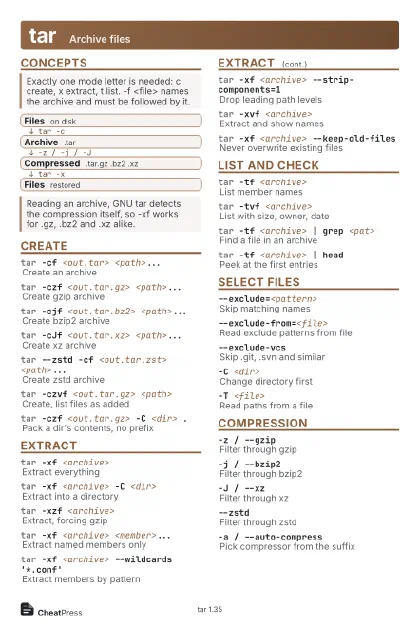 Light · Postcard
102 × 152 mm · PDF
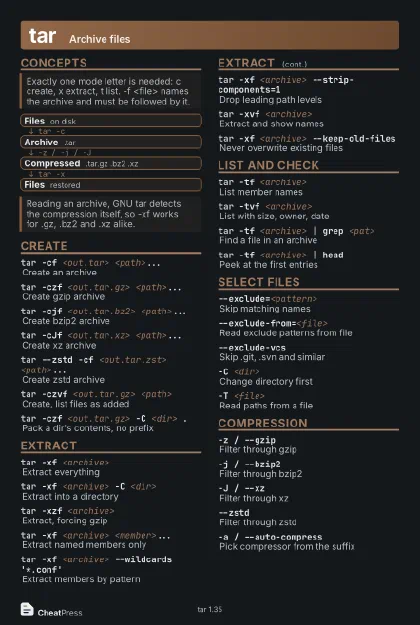 Dark · Postcard
102 × 152 mm · PDF
 Ink saver · Postcard
102 × 152 mm · PDF
 Light · A4 landscape
297 × 210 mm · PDF
 Dark · A4 landscape
297 × 210 mm · PDF
 Ink saver · A4 landscape
297 × 210 mm · PDF
 Light · A3 landscape
420 × 297 mm · PDF
 Dark · A3 landscape
420 × 297 mm · PDF
 Ink saver · A3 landscape
420 × 297 mm · PDF
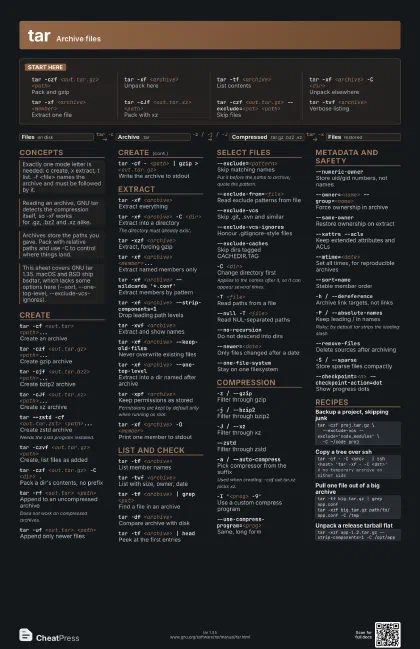
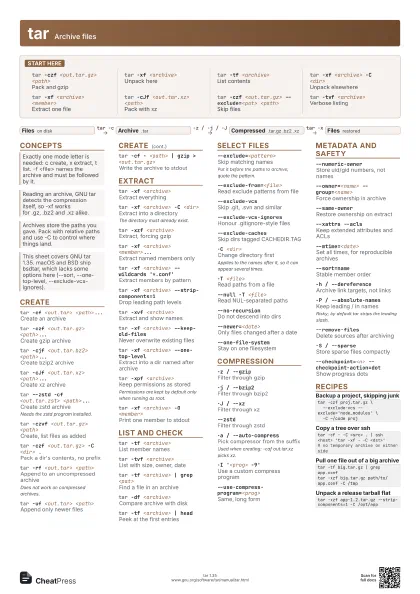
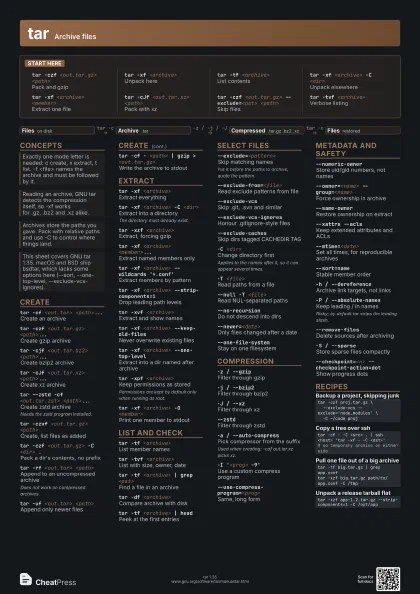
Start here
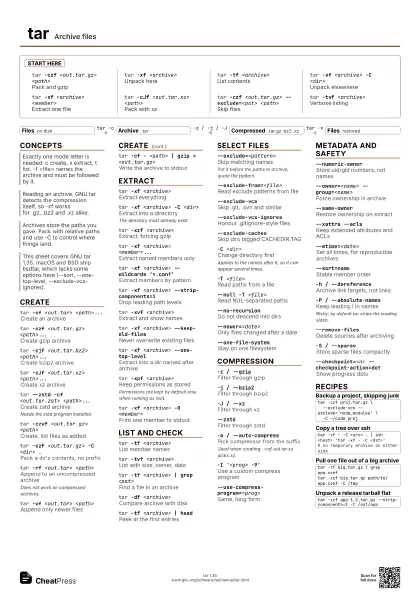
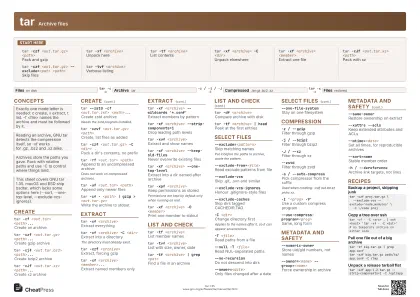
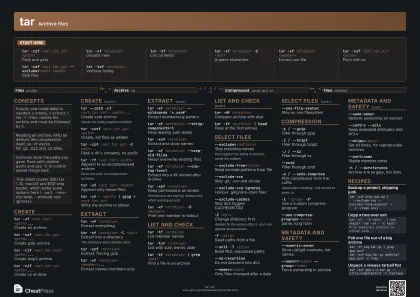
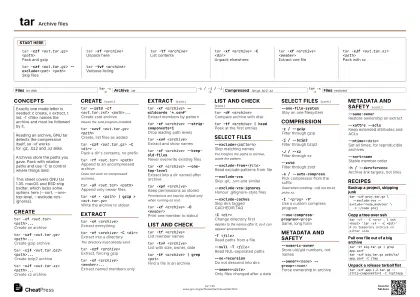
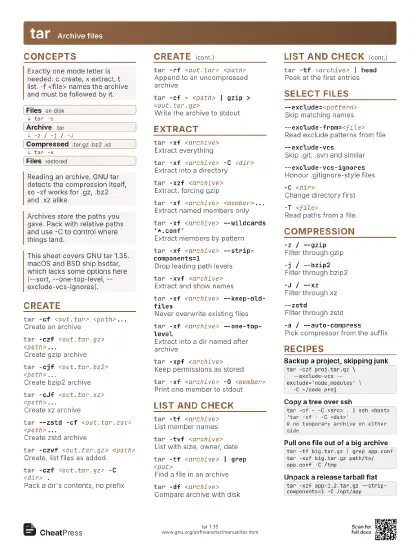
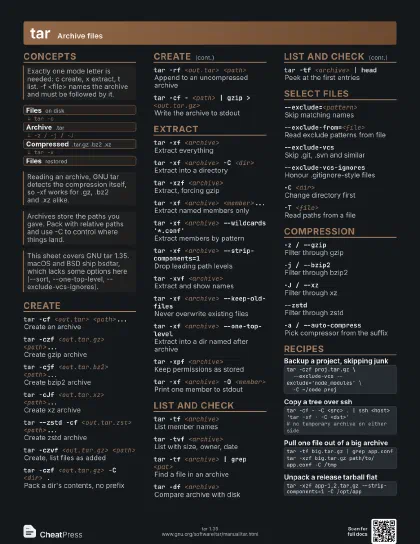
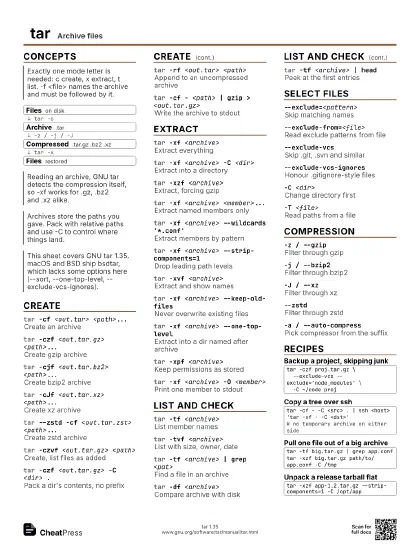
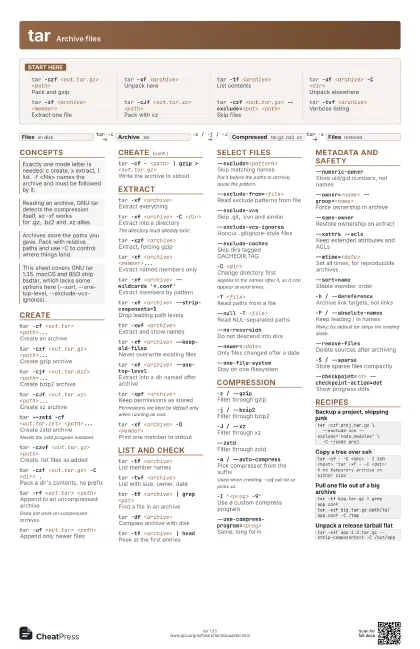
tar -czf <out.tar.gz> <path>
Pack and gzip
tar -xf <archive>
Unpack here
tar -tf <archive>
List contents
tar -xf <archive> -C <dir>
Unpack elsewhere
tar -xf <archive> <member>
Extract one file
tar -cJf <out.tar.xz> <path>
Pack with xz
tar -czf <out.tar.gz> --exclude=<pat>
                    <path>
Skip files
tar -tvf <archive>
Verbose listing
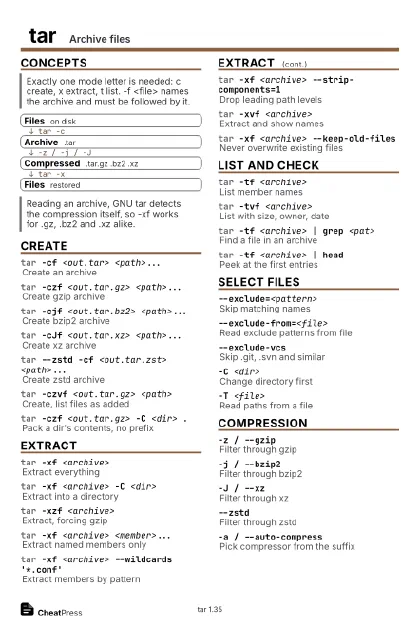
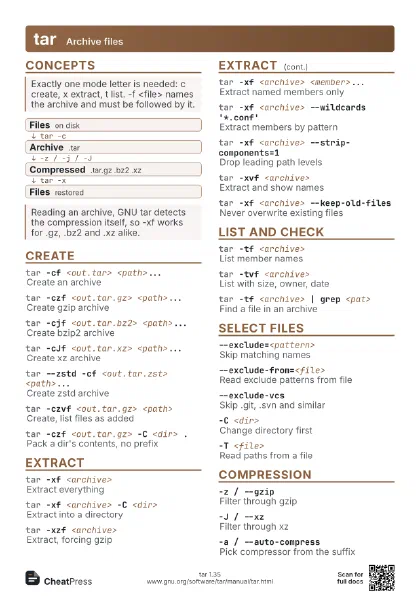
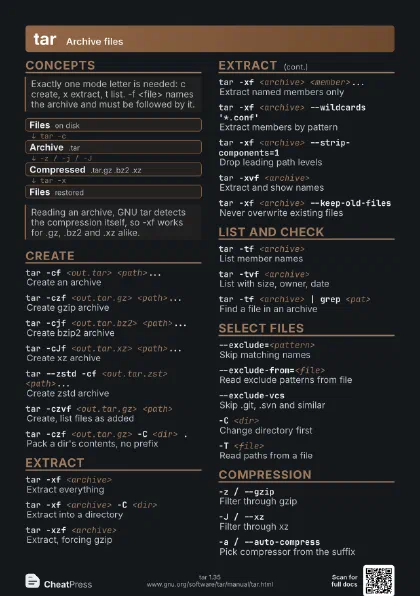
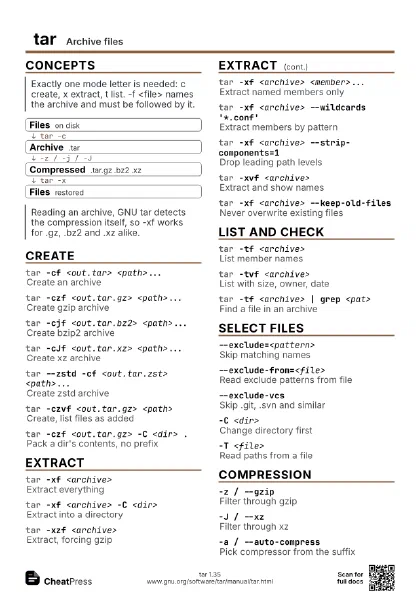
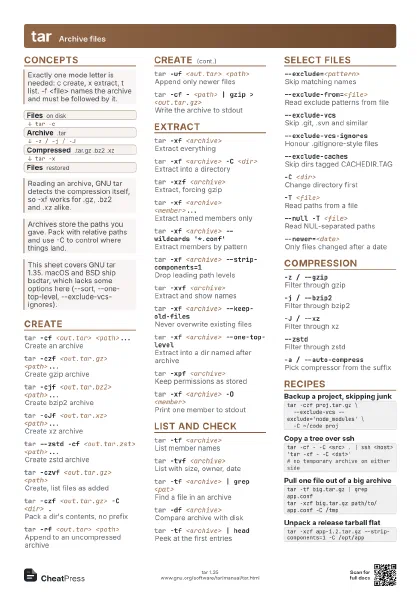
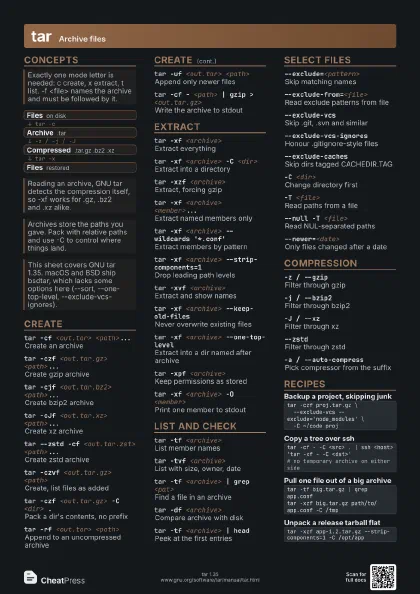
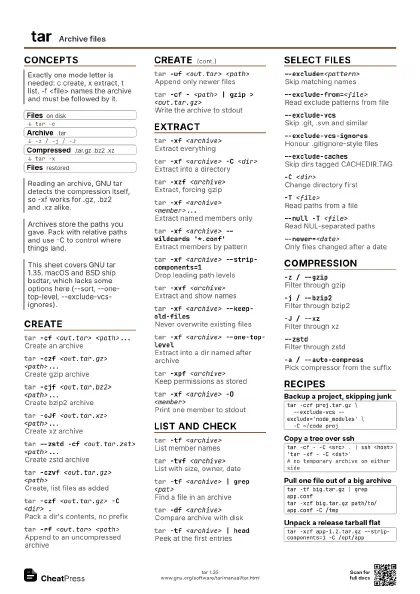
Concepts
- Files on disk
- Archive .tar
- Compressed .tar.gz .bz2 .xz
- Files restored
Create
tar -cf <out.tar> <path>...
Create an archive
tar -czf <out.tar.gz> <path>...
Create gzip archive
tar -cjf <out.tar.bz2> <path>...
Create bzip2 archive
tar -cJf <out.tar.xz> <path>...
Create xz archive
tar --zstd -cf <out.tar.zst> <path>...
Create zstd archive
Needs the zstd program installed.
tar -czvf <out.tar.gz> <path>
Create, list files as added
tar -czf <out.tar.gz> -C <dir> .
Pack a dir's contents, no prefix
tar -rf <out.tar> <path>
Append to an uncompressed archive
Does not work on compressed archives.
tar -uf <out.tar> <path>
Append only newer files
tar -cf - <path> | gzip > <out.tar.gz>
Write the archive to stdout
Extract
tar -xf <archive>
Extract everything
tar -xf <archive> -C <dir>
Extract into a directory
The directory must already exist.
tar -xzf <archive>
Extract, forcing gzip
tar -xf <archive> <member>...
Extract named members only
tar -xf <archive> --wildcards '*.conf'
Extract members by pattern
tar -xf <archive> --strip-components=1
Drop leading path levels
tar -xvf <archive>
Extract and show names
tar -xf <archive> --keep-old-files
Never overwrite existing files
tar -xf <archive> --one-top-level
Extract into a dir named after archive
tar -xpf <archive>
Keep permissions as stored
Permissions are kept by default only when running as root.
tar -xf <archive> -O <member>
Print one member to stdout
List and check
tar -tf <archive>
List member names
tar -tvf <archive>
List with size, owner, date
tar -tf <archive> | grep <pat>
Find a file in an archive
tar -df <archive>
Compare archive with disk
tar -tf <archive> | head
Peek at the first entries
Select files
--exclude=<pattern>
Skip matching names
Put it before the paths to archive; quote the pattern.
--exclude-from=<file>
Read exclude patterns from file
--exclude-vcsSkip .git, .svn and similar
--exclude-vcs-ignores
Honour .gitignore-style files
--exclude-caches
Skip dirs tagged CACHEDIR.TAG
-C <dir>Change directory first
Applies to the names after it, so it can appear several times.
-T <file>Read paths from a file
--null -T <file>
Read NUL-separated paths
--no-recursionDo not descend into dirs
--newer=<date>
Only files changed after a date
--one-file-system
Stay on one filesystem
Compression
-z / --gzipFilter through gzip
-j / --bzip2Filter through bzip2
-J / --xzFilter through xz
--zstdFilter through zstd
-a / --auto-compress
Pick compressor from the suffix
Used when creating: -caf out.tar.xz picks xz.
-I '<prog> -9'
Use a custom compress program
--use-compress-program=<prog>
Same, long form
Metadata and safety
--numeric-ownerStore uid/gid numbers, not names
--owner=<name> --group=<name>
Force ownership in archive
--same-ownerRestore ownership on extract
--xattrs --aclsKeep extended attributes and ACLs
--mtime=<date>
Set all times, for reproducible archives
--sort=nameStable member order
-h / --dereference
Archive link targets, not links
-P / --absolute-names
Keep leading / in names
Risky; by default tar strips the leading slash.
--remove-filesDelete sources after archiving
-S / --sparseStore sparse files compactly
--checkpoint=<n> --checkpoint-action=dot
Show progress dots
Recipes
tar -czf proj.tar.gz \ --exclude-vcs --exclude='node_modules' \ -C ~/code projtar -cf - -C <src> . | ssh <host> 'tar -xf - -C <dst>'# no temporary archive on either sidetar -tf big.tar.gz | grep app.conftar -xzf big.tar.gz path/to/app.conf -C /tmptar -xzf app-1.2.tar.gz --strip-components=1 -C /opt/app