Cheat
ncmpcpp Terminal MPD client
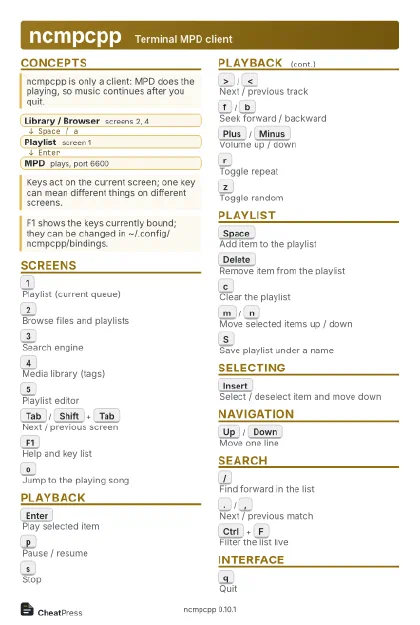 Light · Postcard
102 × 152 mm · PDF
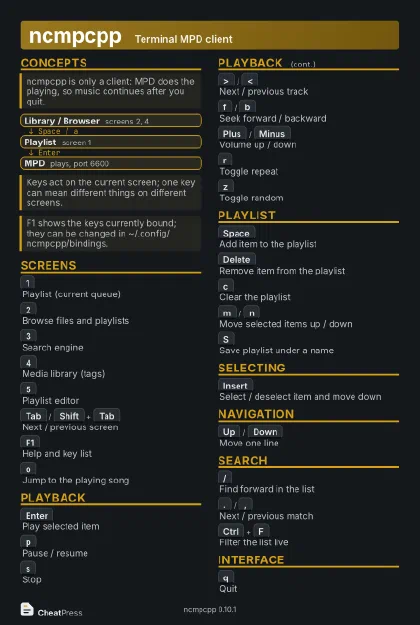 Dark · Postcard
102 × 152 mm · PDF
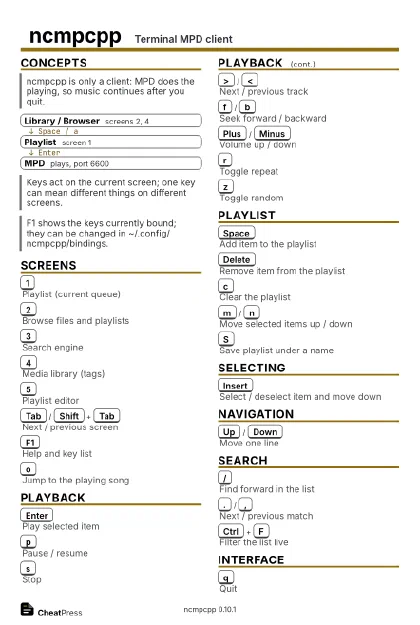 Ink saver · Postcard
102 × 152 mm · PDF
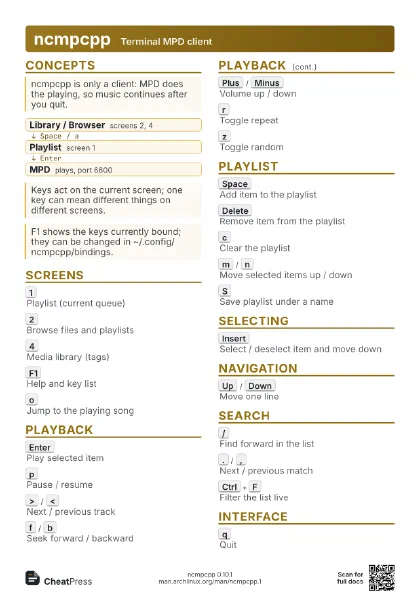
 Light · A4 landscape
297 × 210 mm · PDF
 Dark · A4 landscape
297 × 210 mm · PDF
 Ink saver · A4 landscape
297 × 210 mm · PDF
 Light · A3 landscape
420 × 297 mm · PDF
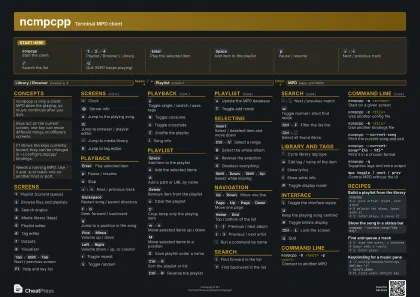 Dark · A3 landscape
420 × 297 mm · PDF
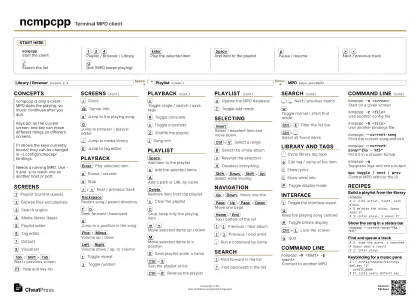 Ink saver · A3 landscape
420 × 297 mm · PDF
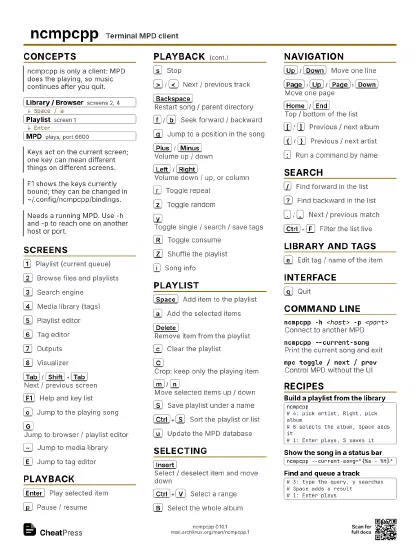
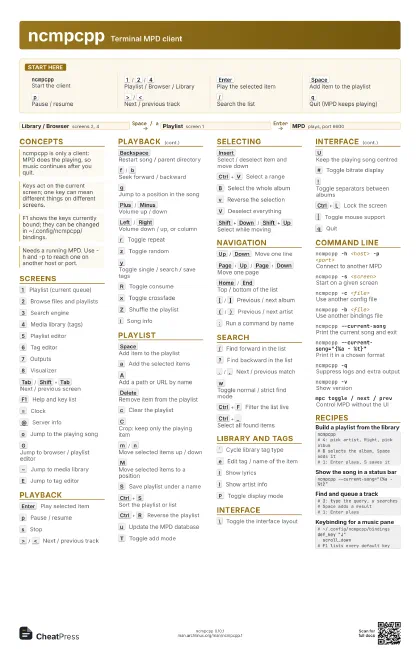
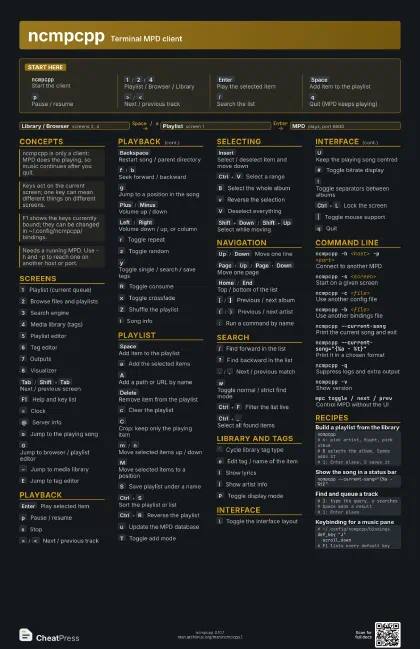
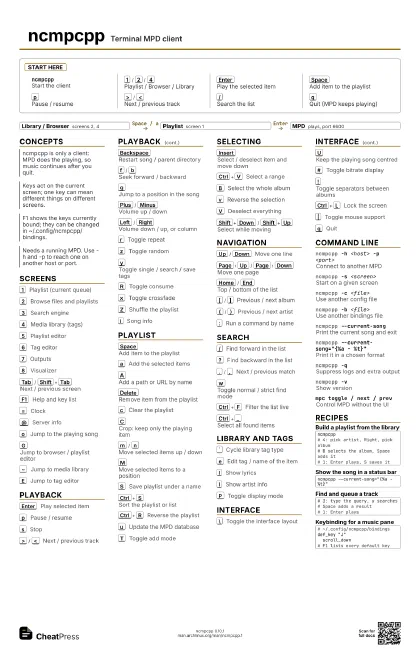
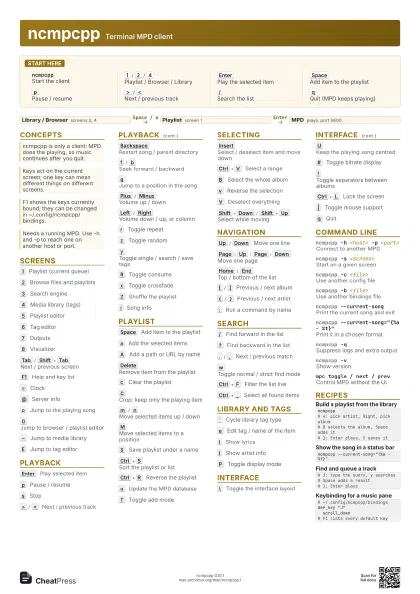
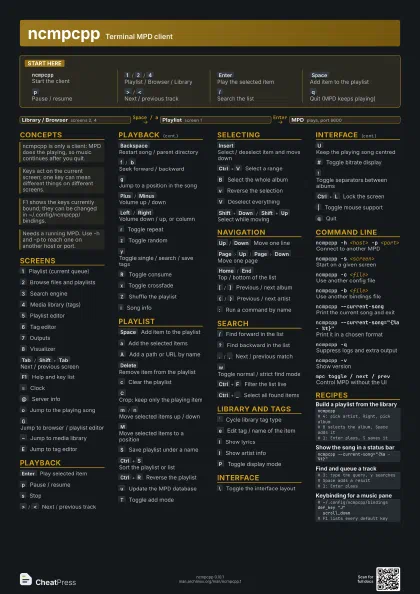
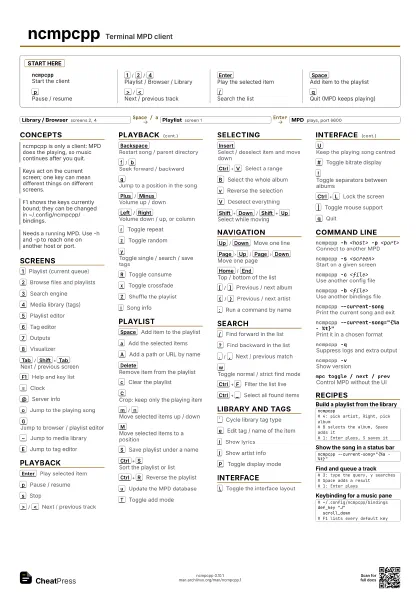
Start here
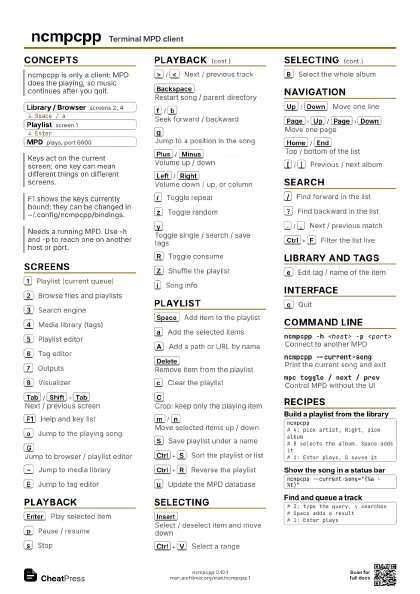
ncmpcppStart the client
1
/
2
/
4
Playlist / Browser / Library
Enter
Play the selected item
Space
Add item to the playlist
p
Pause / resume
>
/
<
Next / previous track
/
Search the list
q
Quit (MPD keeps playing)
Concepts
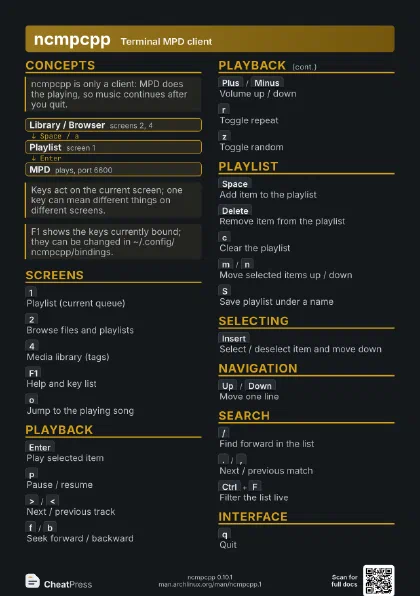
- Library / Browser screens 2, 4
- Playlist screen 1
- MPD plays, port 6600
Screens
1
Playlist (current queue)
2
Browse files and playlists
3
Search engine
4
Media library (tags)
5
Playlist editor
6
Tag editor
7
Outputs
8
Visualizer
Tab
/
Shift+Tab
Next / previous screen
F1
Help and key list
=
Clock
@
Server info
o
Jump to the playing song
G
Jump to browser / playlist editor
~
Jump to media library
E
Jump to tag editor
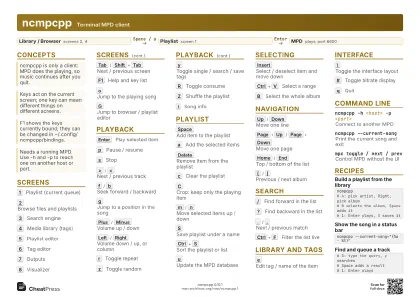
Playback
Enter
Play selected item
p
Pause / resume
s
Stop
>
/
<
Next / previous track
Backspace
Restart song / parent directory
f
/
b
Seek forward / backward
g
Jump to a position in the song
Plus
/
Minus
Volume up / down
Left
/
Right
Volume down / up, or column
r
Toggle repeat
z
Toggle random
y
Toggle single / search / save tags
R
Toggle consume
x
Toggle crossfade
Z
Shuffle the playlist
i
Song info
Playlist
Space
Add item to the playlist
a
Add the selected items
A
Add a path or URL by name
Delete
Remove item from the playlist
c
Clear the playlist
C
Crop: keep only the playing item
m
/
n
Move selected items up / down
M
Move selected items to a position
S
Save playlist under a name
Ctrl+S
Sort the playlist or list
Ctrl+R
Reverse the playlist
u
Update the MPD database
T
Toggle add mode
Selecting
Insert
Select / deselect item and move down
Ctrl+V
Select a range
B
Select the whole album
v
Reverse the selection
V
Deselect everything
Shift+Down
/
Shift+Up
Select while moving
Navigation
Up
/
Down
Move one line
Page
Up
/
Page
Down
Move one page
Home
/
End
Top / bottom of the list
[
/
]
Previous / next album
{
/
}
Previous / next artist
:
Run a command by name
Search
/
Find forward in the list
?
Find backward in the list
.
/
,
Next / previous match
w
Toggle normal / strict find mode
Ctrl+F
Filter the list live
Ctrl+_
Select all found items
Library and Tags
`
Cycle library tag type
e
Edit tag / name of the item
l
Show lyrics
I
Show artist info
P
Toggle display mode
Interface
\
Toggle the interface layout
U
Keep the playing song centred
#
Toggle bitrate display
!
Toggle separators between albums
Ctrl+L
Lock the screen
|
Toggle mouse support
q
Quit
Command line
ncmpcpp -h <host> -p <port>
Connect to another MPD
ncmpcpp -s <screen>
Start on a given screen
ncmpcpp -c <file>
Use another config file
ncmpcpp -b <file>
Use another bindings file
ncmpcpp --current-song
Print the current song and exit
ncmpcpp --current-song="{%a - %t}"
Print it in a chosen format
ncmpcpp -qSuppress logs and extra output
ncmpcpp -vShow version
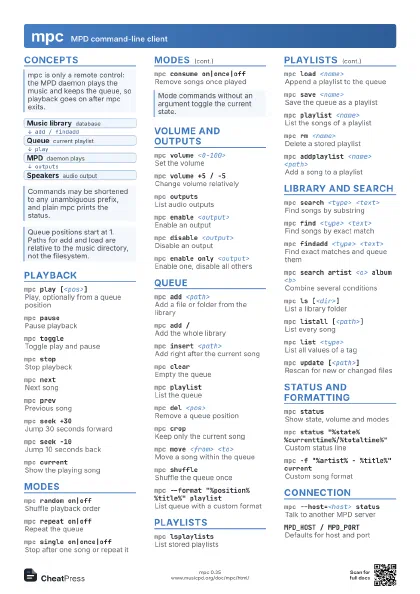
mpc toggle / next / prev
Control MPD without the UI
Recipes
ncmpcpp# 4: pick artist, Right, pick album# B selects the album, Space adds it# 1: Enter plays, S saves itncmpcpp --current-song="{%a - %t}"# 3: type the query, y searches# Space adds a result# 1: Enter plays# ~/.config/ncmpcpp/bindingsdef_key "J" scroll_down# F1 lists every default key