Cheat
ncdu Disk usage browser
 Light · Postcard
102 × 152 mm · PDF
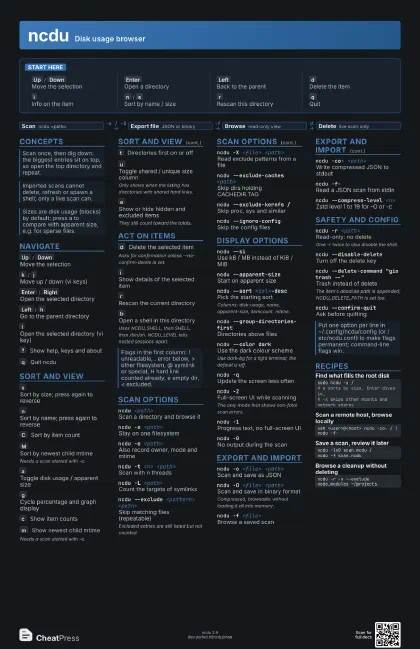
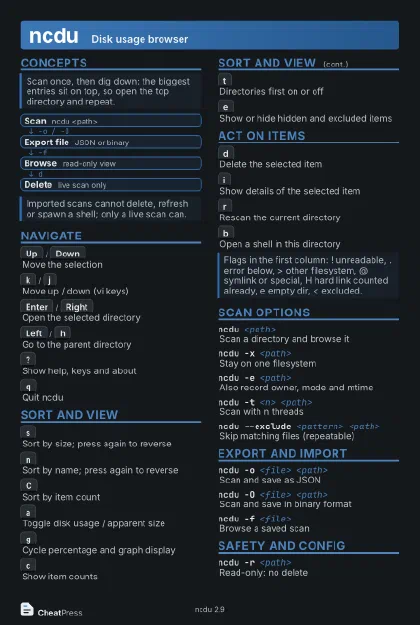 Dark · Postcard
102 × 152 mm · PDF
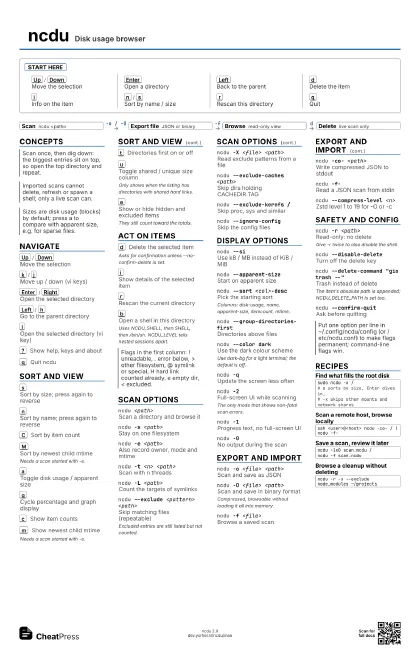
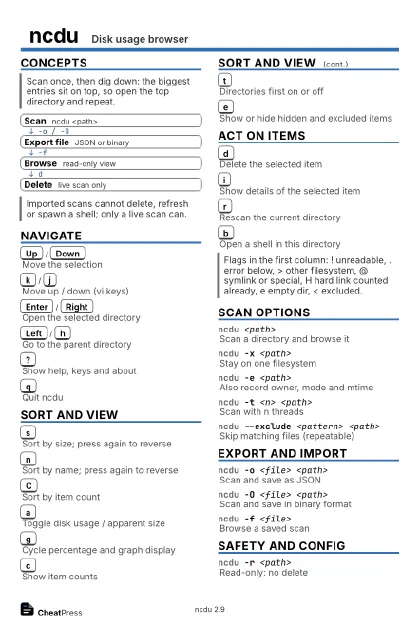 Ink saver · Postcard
102 × 152 mm · PDF
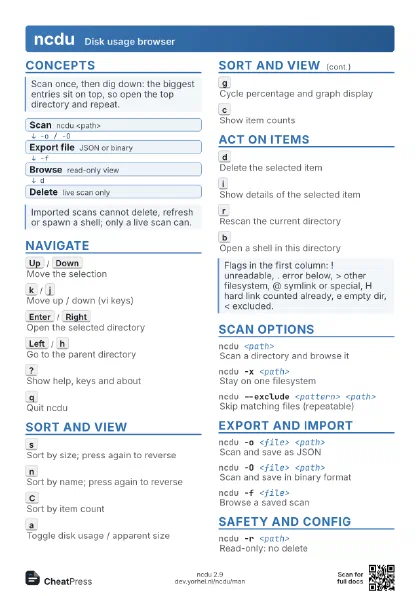
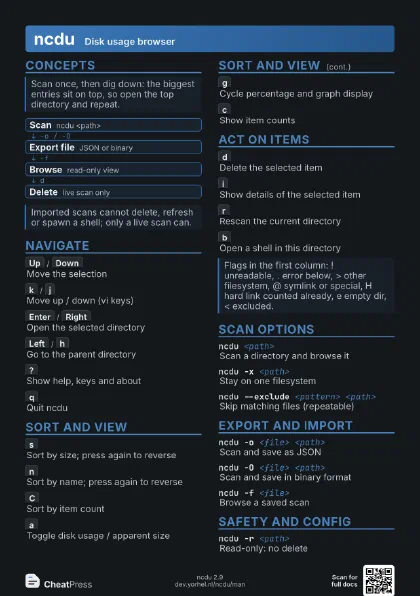
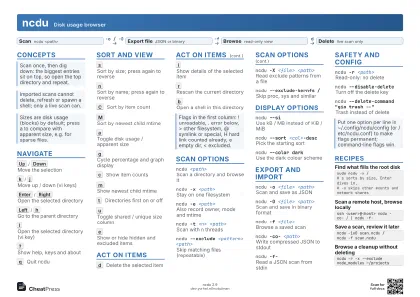 Light · A4 landscape
297 × 210 mm · PDF
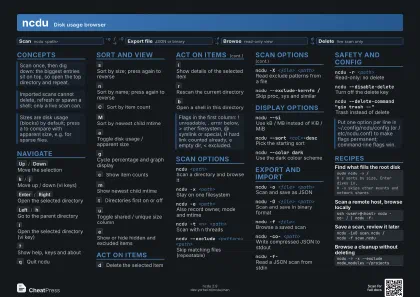 Dark · A4 landscape
297 × 210 mm · PDF
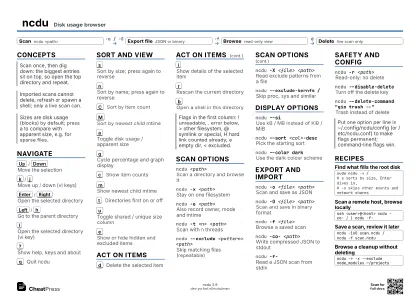 Ink saver · A4 landscape
297 × 210 mm · PDF
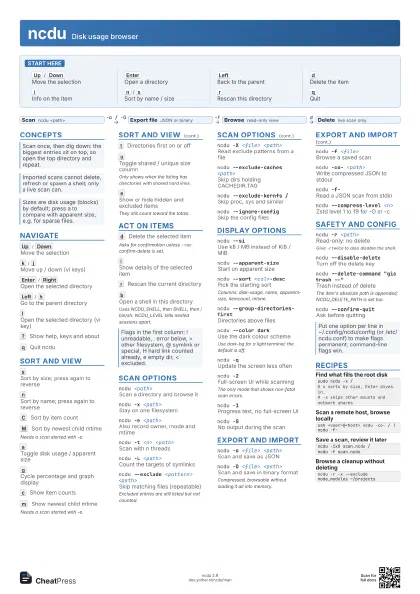
 Light · A3 landscape
420 × 297 mm · PDF
 Dark · A3 landscape
420 × 297 mm · PDF
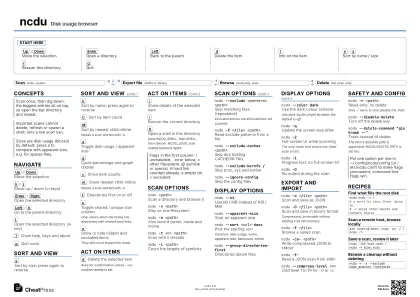 Ink saver · A3 landscape
420 × 297 mm · PDF
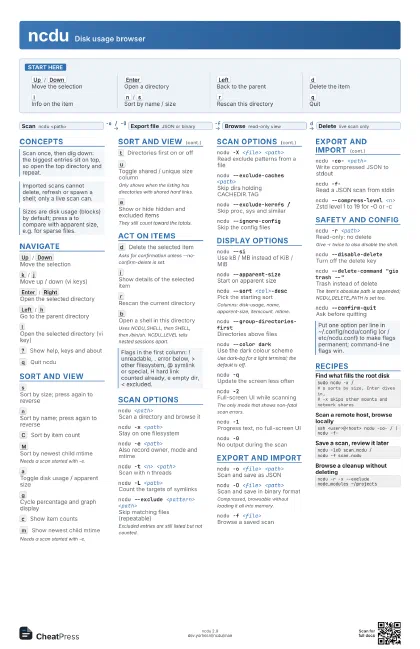
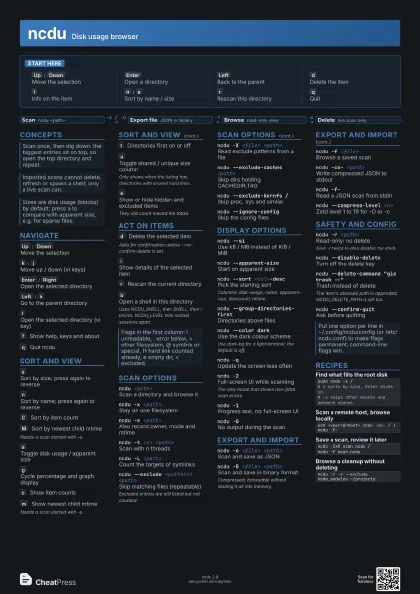
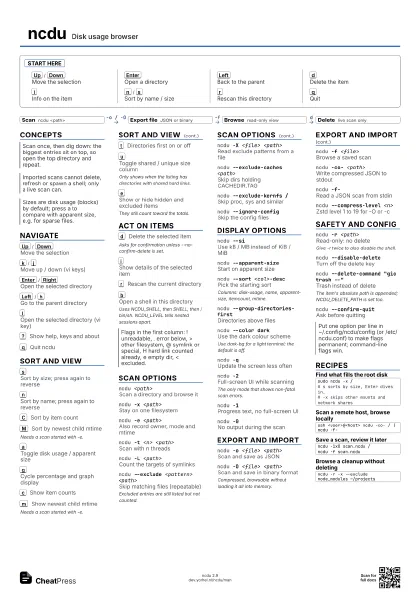
Start here
Up
/
Down
Move the selection
Enter
Open a directory
Left
Back to the parent
d
Delete the item
i
Info on the item
n
/
s
Sort by name / size
r
Rescan this directory
q
Quit
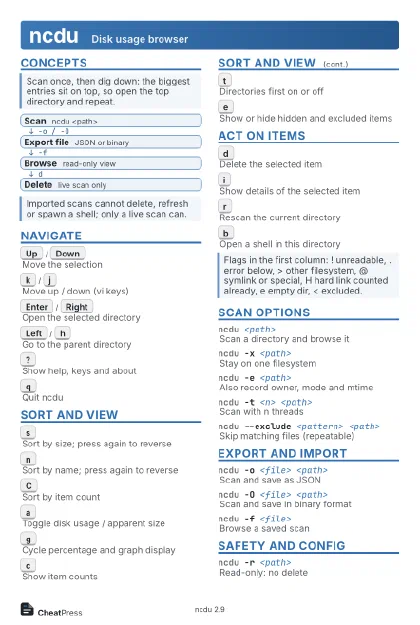
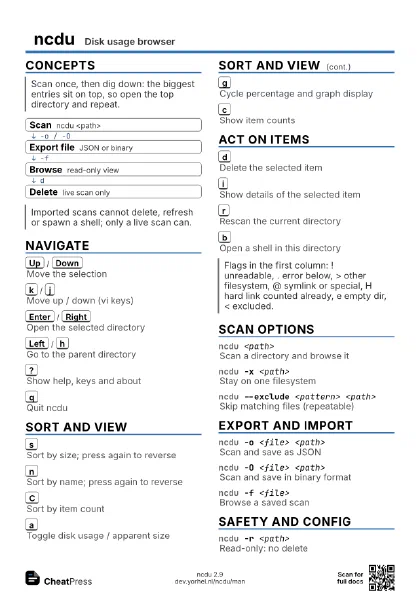
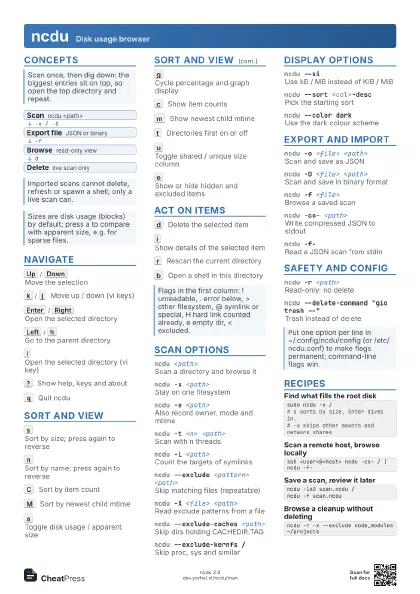
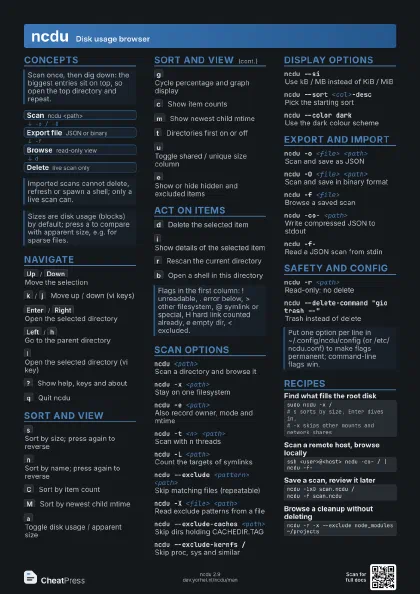
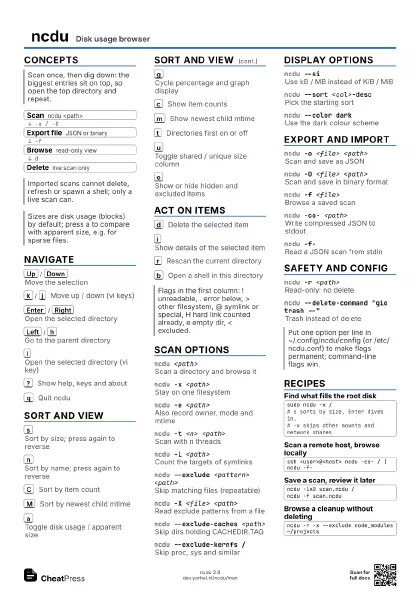
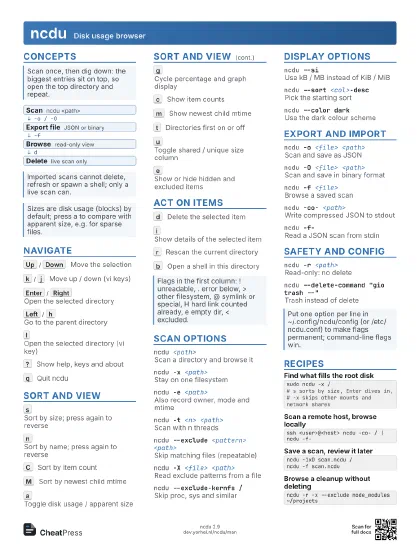
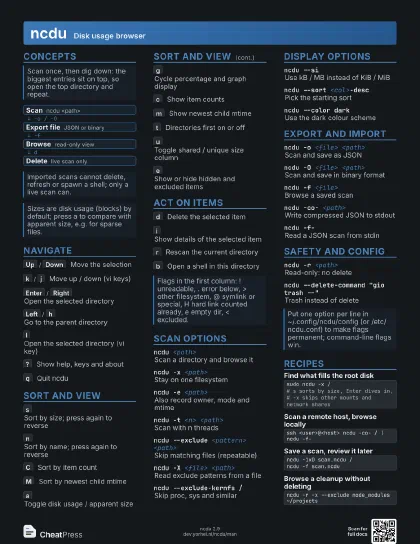
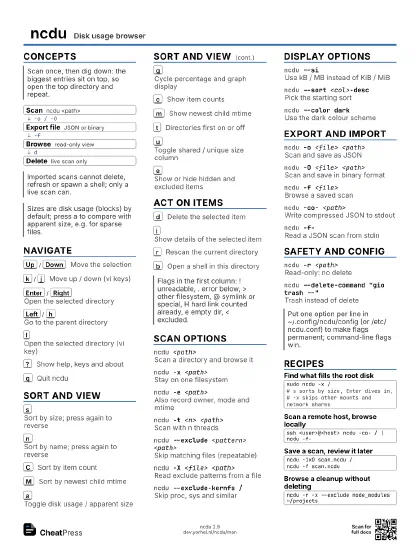
Concepts
- Scan ncdu <path>
- Export file JSON or binary
- Browse read-only view
- Delete live scan only
Navigate
Up
/
Down
Move the selection
k
/
j
Move up / down (vi keys)
Enter
/
Right
Open the selected directory
Left
/
h
Go to the parent directory
l
Open the selected directory (vi key)
?
Show help, keys and about
q
Quit ncdu
Sort and view
s
Sort by size; press again to reverse
n
Sort by name; press again to reverse
C
Sort by item count
M
Sort by newest child mtime
Needs a scan started with -e.
a
Toggle disk usage / apparent size
g
Cycle percentage and graph display
c
Show item counts
m
Show newest child mtime
Needs a scan started with -e.
t
Directories first on or off
u
Toggle shared / unique size column
Only shows when the listing has directories with shared hard
links.
e
Show or hide hidden and excluded items
They still count toward the totals.
Act on items
d
Delete the selected item
Asks for confirmation unless --no-confirm-delete is set.
i
Show details of the selected item
r
Rescan the current directory
b
Open a shell in this directory
Uses NCDU_SHELL, then SHELL, then /bin/sh. NCDU_LEVEL tells
nested sessions apart.
Scan options
ncdu <path>
Scan a directory and browse it
ncdu -x <path>
Stay on one filesystem
ncdu -e <path>
Also record owner, mode and mtime
ncdu -t <n> <path>
Scan with n threads
ncdu -L <path>
Count the targets of symlinks
ncdu --exclude <pattern> <path>
Skip matching files (repeatable)
Excluded entries are still listed but not counted.
ncdu -X <file> <path>
Read exclude patterns from a file
ncdu --exclude-caches <path>
Skip dirs holding CACHEDIR.TAG
ncdu --exclude-kernfs /
Skip proc, sys and similar
ncdu --ignore-config
Skip the config files
Display options
ncdu --siUse kB / MB instead of KiB / MiB
ncdu --apparent-size
Start on apparent size
ncdu --sort <col>-desc
Pick the starting sort
Columns: disk-usage, name, apparent-size, itemcount, mtime.
ncdu --group-directories-first
Directories above files
ncdu --color dark
Use the dark colour scheme
Use dark-bg for a light terminal; the default is off.
ncdu -qUpdate the screen less often
ncdu -2Full-screen UI while scanning
The only mode that shows non-fatal scan errors.
ncdu -1Progress text, no full-screen UI
ncdu -0No output during the scan
Export and import
ncdu -o <file> <path>
Scan and save as JSON
ncdu -O <file> <path>
Scan and save in binary format
Compressed, browsable without loading it all into memory.
ncdu -f <file>
Browse a saved scan
ncdu -co- <path>
Write compressed JSON to stdout
ncdu -f-Read a JSON scan from stdin
ncdu --compress-level <n>
Zstd level 1 to 19 for -O or -c
Safety and config
ncdu -r <path>
Read-only: no delete
Give -r twice to also disable the shell.
ncdu --disable-delete
Turn off the delete key
ncdu --delete-command "gio trash --"
Trash instead of delete
The item's absolute path is appended; NCDU_DELETE_PATH is
set too.
ncdu --confirm-quit
Ask before quitting
Recipes
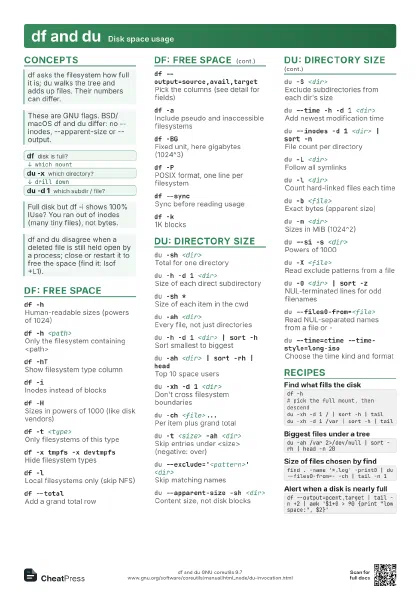
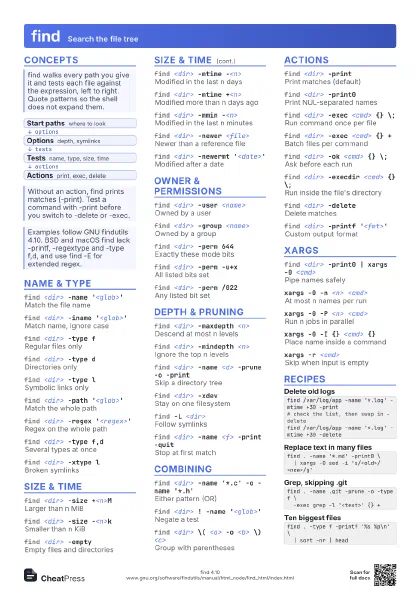
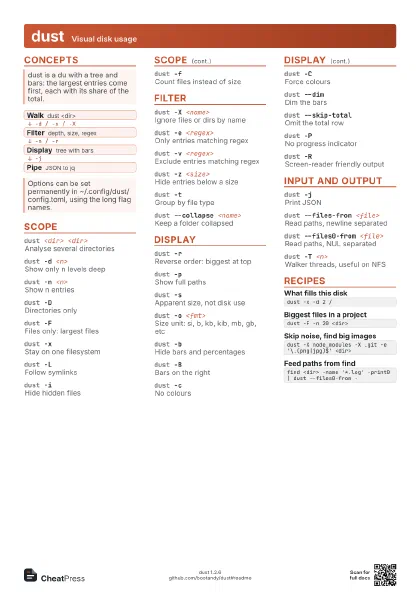
sudo ncdu -x /# s sorts by size, Enter dives in,# -x skips other mounts and network sharesssh <user>@<host> ncdu -co- / | ncdu -f-ncdu -1xO scan.ncdu /ncdu -f scan.ncduncdu -r -x --exclude node_modules ~/projects