Cheat
cmus Console music player
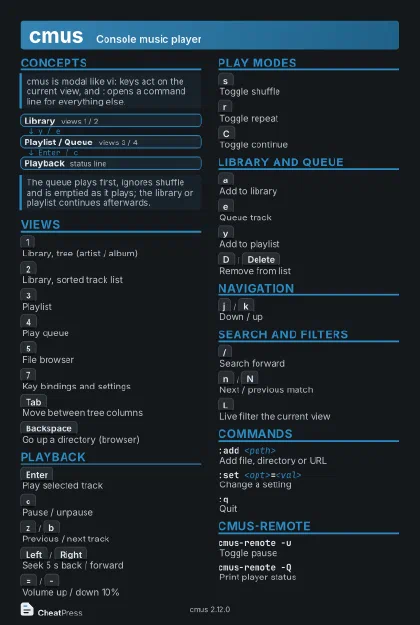
 Light · Postcard
102 × 152 mm · PDF
 Dark · Postcard
102 × 152 mm · PDF
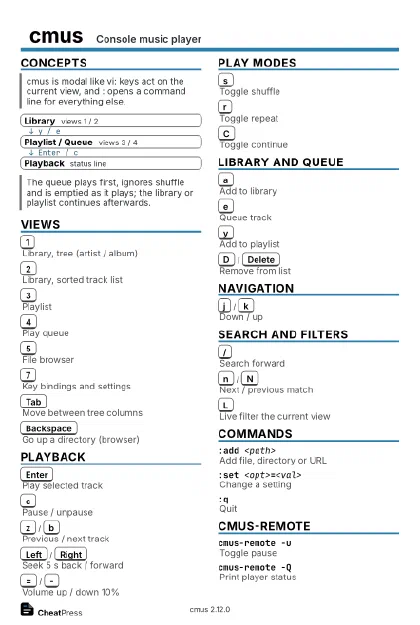 Ink saver · Postcard
102 × 152 mm · PDF
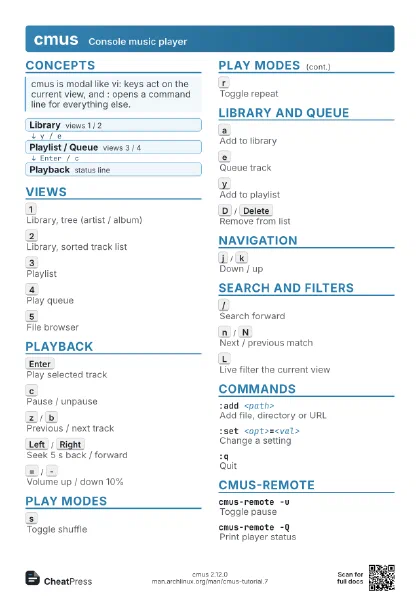
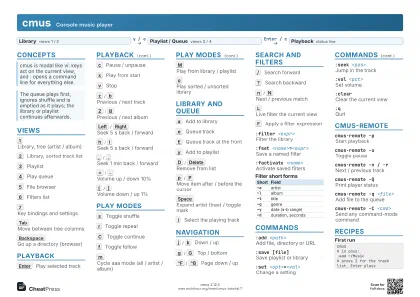 Light · A4 landscape
297 × 210 mm · PDF
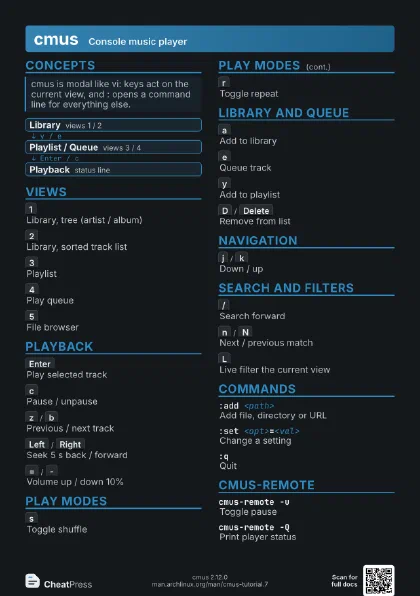
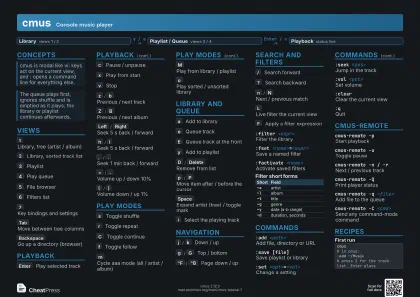 Dark · A4 landscape
297 × 210 mm · PDF
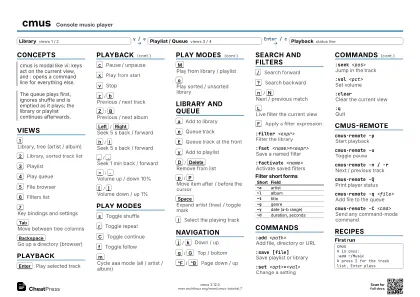 Ink saver · A4 landscape
297 × 210 mm · PDF
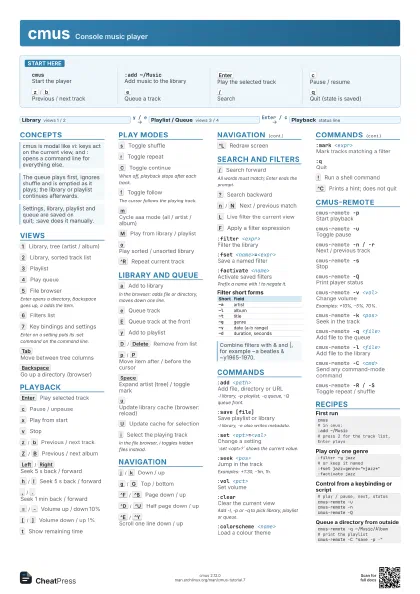
 Light · A3 landscape
420 × 297 mm · PDF
 Dark · A3 landscape
420 × 297 mm · PDF
 Ink saver · A3 landscape
420 × 297 mm · PDF
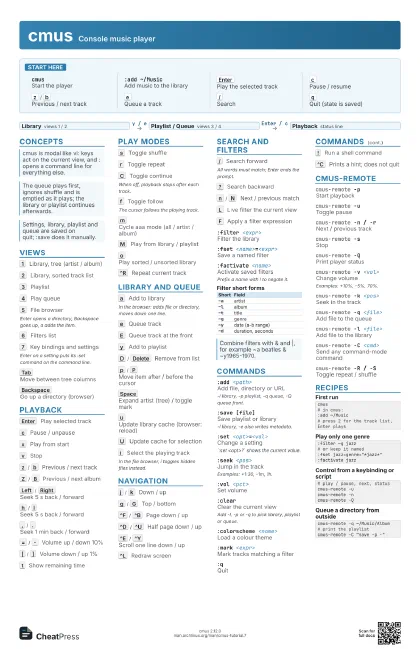
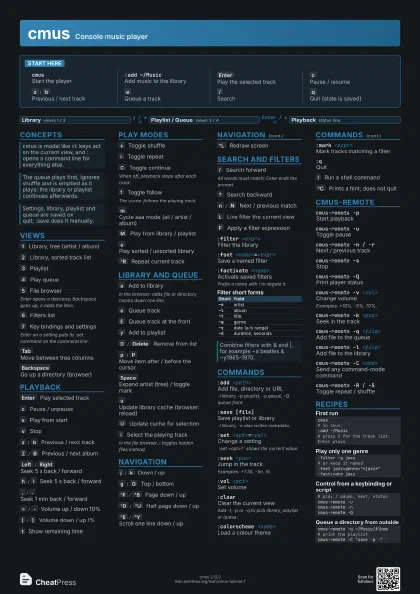
Start here
cmusStart the player
:add ~/MusicAdd music to the library
Enter
Play the selected track
c
Pause / resume
z
/
b
Previous / next track
e
Queue a track
/
Search
q
Quit (state is saved)
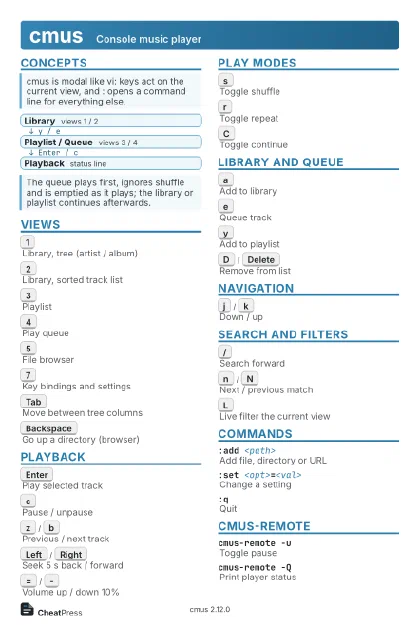
Concepts
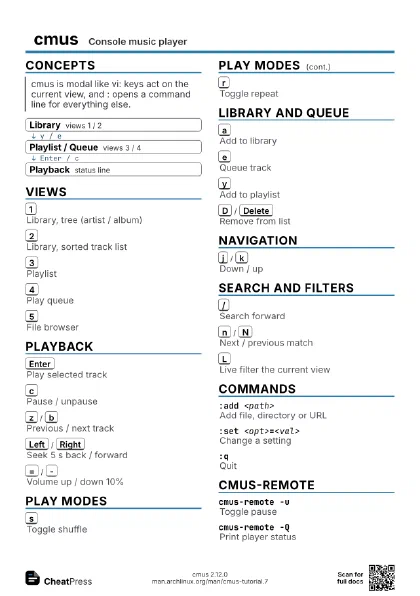
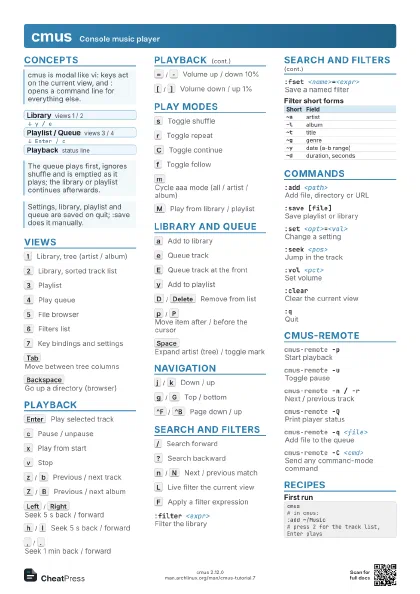
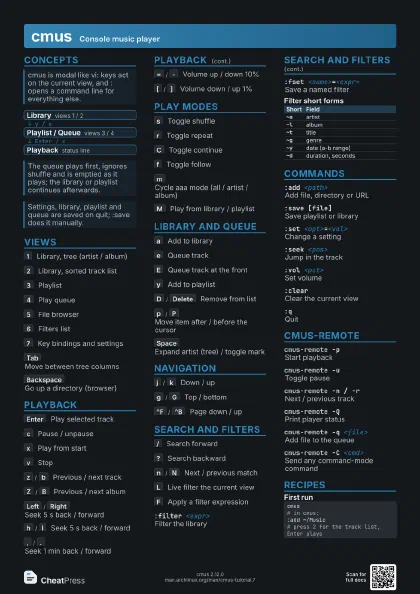
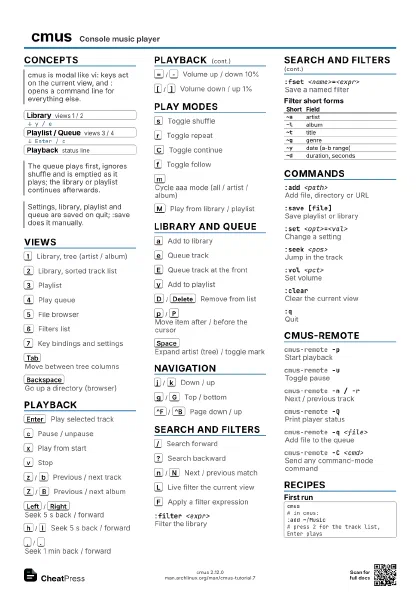
- Library views 1 / 2
- Playlist / Queue views 3 / 4
- Playback status line
Views
1
Library, tree (artist / album)
2
Library, sorted track list
3
Playlist
4
Play queue
5
File browser
Enter opens a directory, Backspace goes up, a adds the item.
6
Filters list
7
Key bindings and settings
Enter on a setting puts its :set command on the command line.
Tab
Move between tree columns
Backspace
Go up a directory (browser)
Playback
Enter
Play selected track
c
Pause / unpause
x
Play from start
v
Stop
z
/
b
Previous / next track
Z
/
B
Previous / next album
Left
/
Right
Seek 5 s back / forward
h
/
l
Seek 5 s back / forward
,
/
.
Seek 1 min back / forward
=
/
-
Volume up / down 10%
[
/
]
Volume down / up 1%
t
Show remaining time
Play modes
s
Toggle shuffle
r
Toggle repeat
C
Toggle continue
When off, playback stops after each track.
f
Toggle follow
The cursor follows the playing track.
m
Cycle aaa mode (all / artist / album)
M
Play from library / playlist
o
Play sorted / unsorted library
^R
Repeat current track
Library and Queue
a
Add to library
In the browser: adds file or directory, moves down one line.
e
Queue track
E
Queue track at the front
y
Add to playlist
D
/
Delete
Remove from list
p
/
P
Move item after / before the cursor
Space
Expand artist (tree) / toggle mark
u
Update library cache (browser: reload)
U
Update cache for selection
i
Select the playing track
In the file browser, i toggles hidden files instead.
Navigation
j
/
k
Down / up
g
/
G
Top / bottom
^F
/
^B
Page down / up
^D
/
^U
Half page down / up
^E
/
^Y
Scroll one line down / up
^L
Redraw screen
Search and Filters
/
Search forward
All words must match; Enter ends the prompt.
?
Search backward
n
/
N
Next / previous match
L
Live filter the current view
F
Apply a filter expression
:filter <expr>
Filter the library
:fset <name>=<expr>
Save a named filter
:factivate <name>
Activate saved filters
Prefix a name with ! to negate it.
| Short | Field |
|---|---|
~a |
artist |
~l |
album |
~t |
title |
~g |
genre |
~y |
date (a-b range) |
~d |
duration, seconds |
Commands
:add <path>
Add file, directory or URL
-l library, -p playlist, -q queue, -Q queue front.
:save [file]Save playlist or library
-l library, -e also writes metadata.
:set <opt>=<val>
Change a setting
`:set <opt>?` shows the current value.
:seek <pos>
Jump in the track
Examples: +1:30, -1m, 1h.
:vol <pct>
Set volume
:clearClear the current view
Add -l, -p or -q to pick library, playlist or queue.
:colorscheme <name>
Load a colour theme
:mark <expr>
Mark tracks matching a filter
:qQuit
!
Run a shell command
^C
Prints a hint; does not quit
cmus-remote
cmus-remote -pStart playback
cmus-remote -uToggle pause
cmus-remote -n / -r
Next / previous track
cmus-remote -sStop
cmus-remote -QPrint player status
cmus-remote -v <vol>
Change volume
Examples: +10%, -5%, 70%.
cmus-remote -k <pos>
Seek in the track
cmus-remote -q <file>
Add file to the queue
cmus-remote -l <file>
Add file to the library
cmus-remote -C <cmd>
Send any command-mode command
cmus-remote -R / -S
Toggle repeat / shuffle
Recipes
cmus# in cmus::add ~/Music# press 2 for the track list, Enter plays:filter ~g jazz# or keep it named:fset jazz=genre="*jazz*":factivate jazz# play / pause, next, statuscmus-remote -ucmus-remote -ncmus-remote -Qcmus-remote -q ~/Music/Album# print the playlistcmus-remote -C "save -p -"