Cheat
mpc MPD command-line client
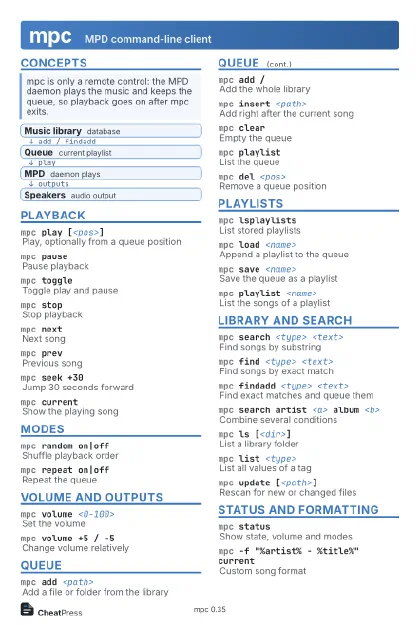 Light · Postcard
102 × 152 mm · PDF
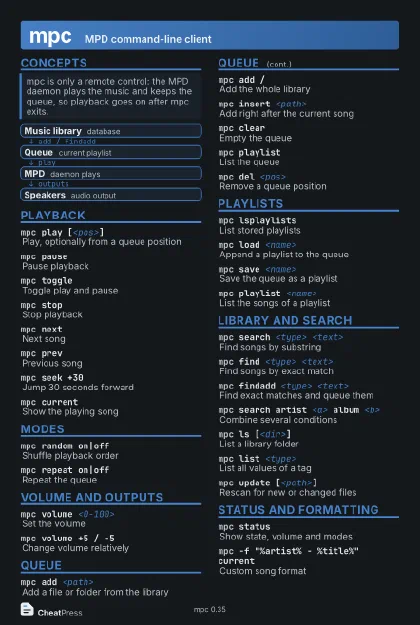 Dark · Postcard
102 × 152 mm · PDF
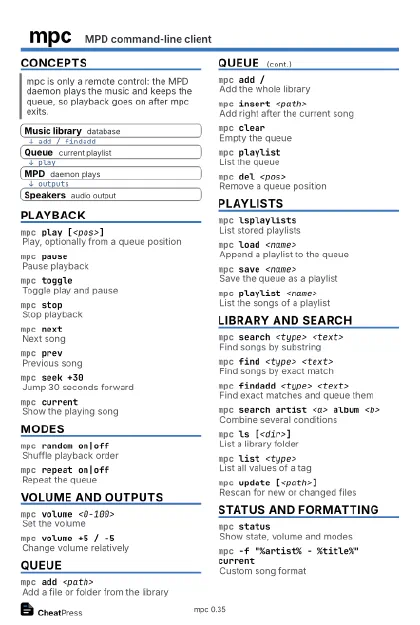 Ink saver · Postcard
102 × 152 mm · PDF
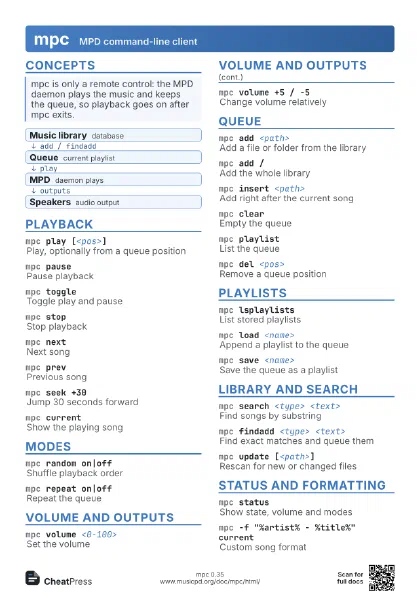
 Light · A4 landscape
297 × 210 mm · PDF
 Dark · A4 landscape
297 × 210 mm · PDF
 Ink saver · A4 landscape
297 × 210 mm · PDF
 Light · A3 landscape
420 × 297 mm · PDF
 Dark · A3 landscape
420 × 297 mm · PDF
 Ink saver · A3 landscape
420 × 297 mm · PDF
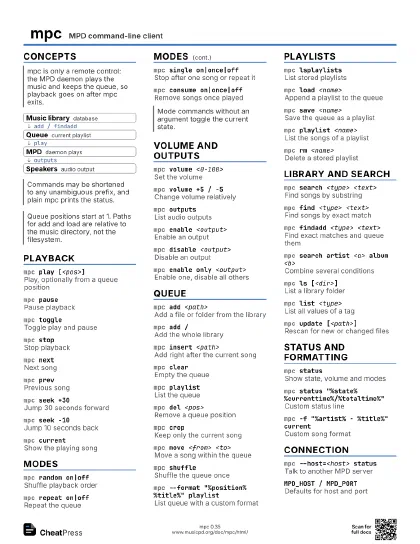
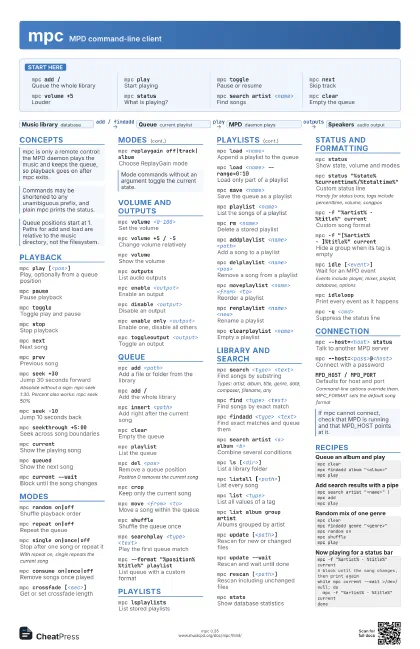
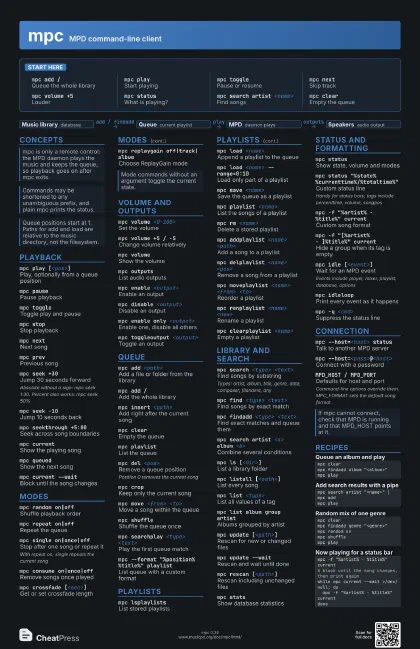
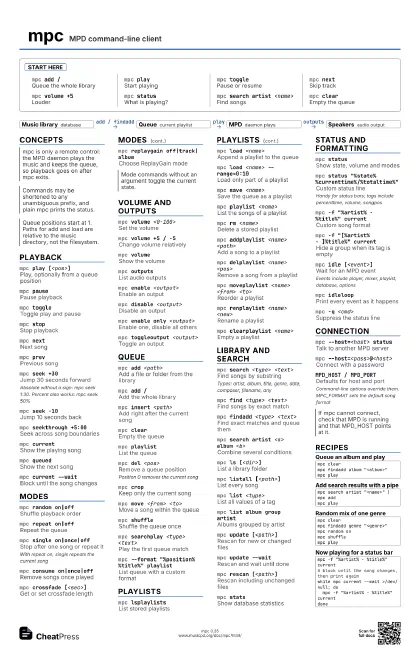
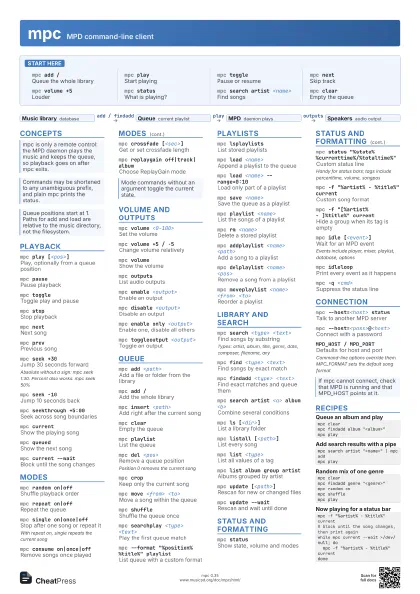
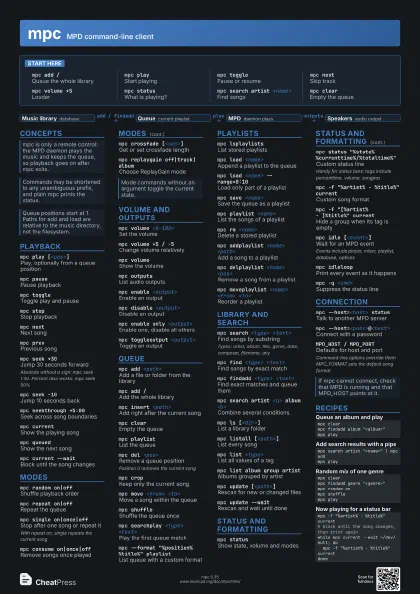
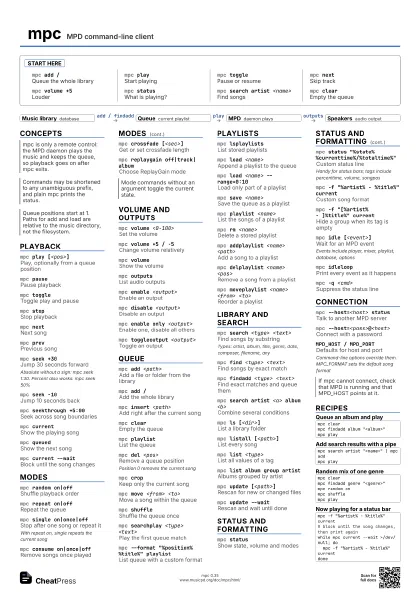
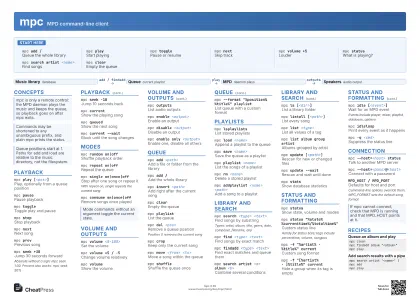
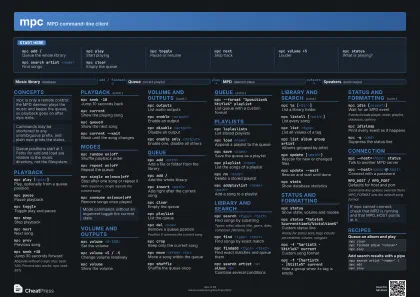
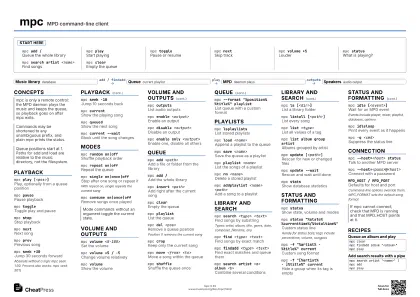
Start here
mpc add /Queue the whole library
mpc playStart playing
mpc togglePause or resume
mpc nextSkip track
mpc volume +5
Louder
mpc statusWhat is playing?
mpc search artist <name>
Find songs
mpc clearEmpty the queue
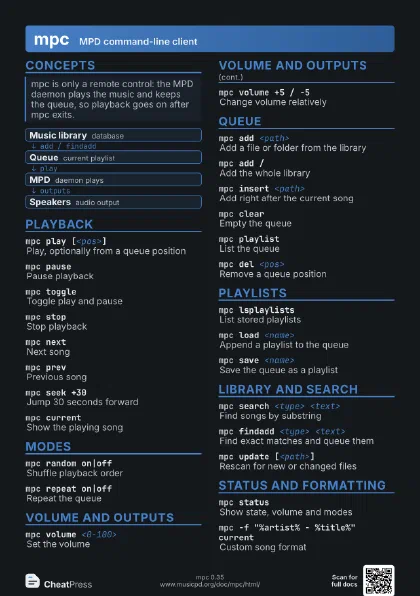
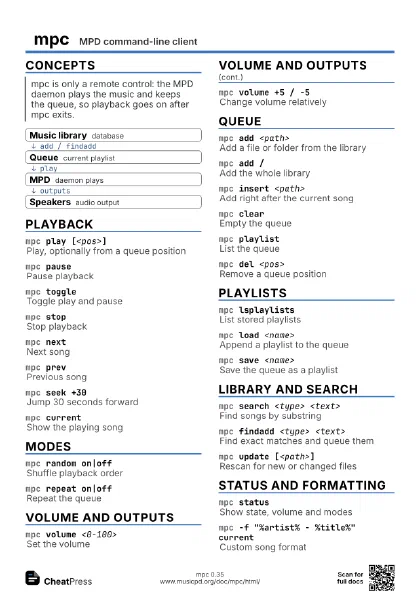
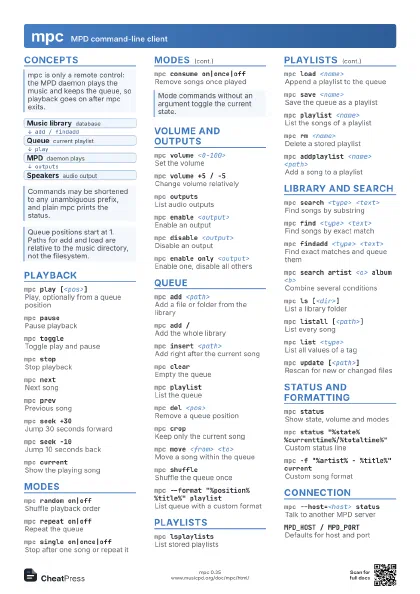
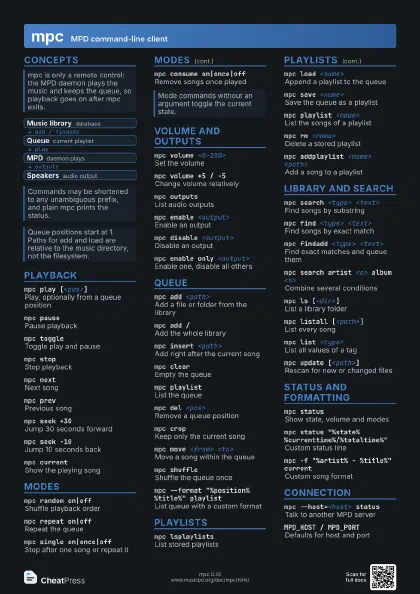
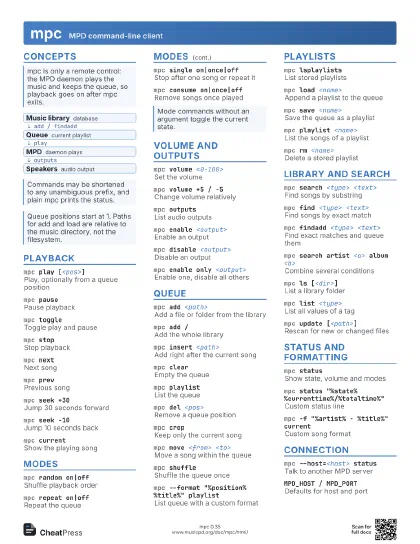
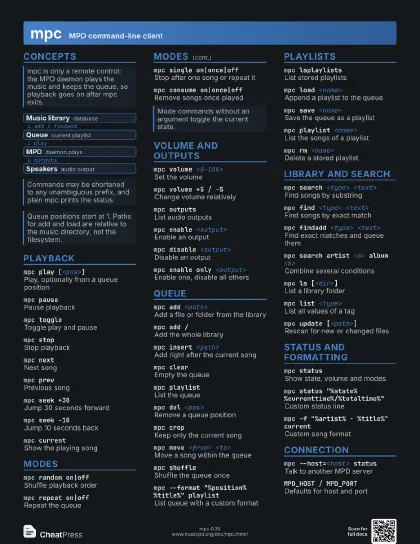
Concepts
- Music library database
- Queue current playlist
- MPD daemon plays
- Speakers audio output
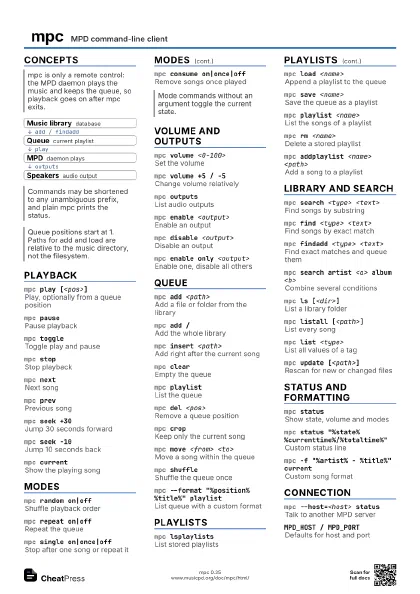
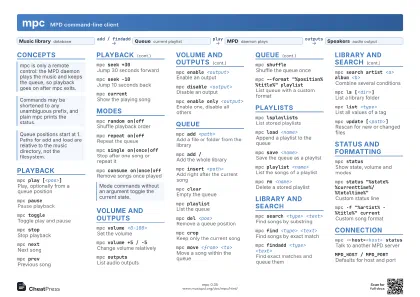
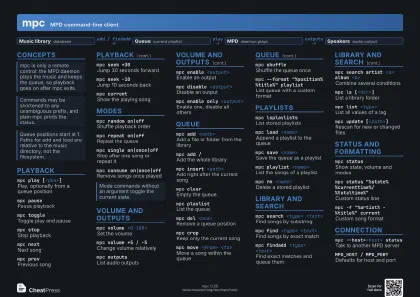
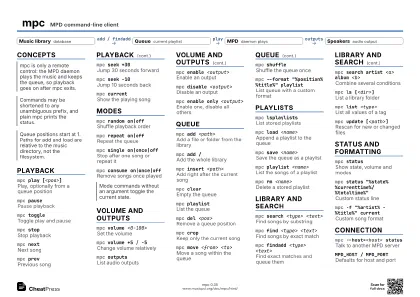
Playback
mpc play [<pos>]
Play, optionally from a queue position
mpc pausePause playback
mpc toggleToggle play and pause
mpc stopStop playback
mpc nextNext song
mpc prevPrevious song
mpc seek +30
Jump 30 seconds forward
Absolute without a sign: mpc seek 1:30. Percent also works:
mpc seek 50%
mpc seek -10Jump 10 seconds back
mpc seekthrough +5:00
Seek across song boundaries
mpc currentShow the playing song
mpc queuedShow the next song
mpc current --wait
Block until the song changes
Modes
mpc random on|off
Shuffle playback order
mpc repeat on|off
Repeat the queue
mpc single on|once|off
Stop after one song or repeat it
With repeat on, single repeats the current song
mpc consume on|once|off
Remove songs once played
mpc crossfade [<sec>]
Get or set crossfade length
mpc replaygain off|track|album
Choose ReplayGain mode
Volume and Outputs
mpc volume <0-100>
Set the volume
mpc volume +5 / -5
Change volume relatively
mpc volumeShow the volume
mpc outputsList audio outputs
mpc enable <output>
Enable an output
mpc disable <output>
Disable an output
mpc enable only <output>
Enable one, disable all others
mpc toggleoutput <output>
Toggle an output
Queue
mpc add <path>
Add a file or folder from the library
mpc add /Add the whole library
mpc insert <path>
Add right after the current song
mpc clearEmpty the queue
mpc playlistList the queue
mpc del <pos>
Remove a queue position
Position 0 removes the current song
mpc cropKeep only the current song
mpc move <from> <to>
Move a song within the queue
mpc shuffleShuffle the queue once
mpc searchplay <type> <text>
Play the first queue match
mpc --format "%position% %title%" playlist
List queue with a custom format
Playlists
mpc lsplaylistsList stored playlists
mpc load <name>
Append a playlist to the queue
mpc load <name> --range=0:10
Load only part of a playlist
mpc save <name>
Save the queue as a playlist
mpc playlist <name>
List the songs of a playlist
mpc rm <name>
Delete a stored playlist
mpc addplaylist <name> <path>
Add a song to a playlist
mpc delplaylist <name> <pos>
Remove a song from a playlist
mpc moveplaylist <name> <from> <to>
Reorder a playlist
mpc renplaylist <name> <new>
Rename a playlist
mpc clearplaylist <name>
Empty a playlist
Library and Search
mpc search <type> <text>
Find songs by substring
Types: artist, album, title, genre, date, composer, filename,
any
mpc find <type> <text>
Find songs by exact match
mpc findadd <type> <text>
Find exact matches and queue them
mpc search artist <a> album <b>
Combine several conditions
mpc ls [<dir>]
List a library folder
mpc listall [<path>]
List every song
mpc list <type>
List all values of a tag
mpc list album group artist
Albums grouped by artist
mpc update [<path>]
Rescan for new or changed files
mpc update --wait
Rescan and wait until done
mpc rescan [<path>]
Rescan including unchanged files
mpc statsShow database statistics
Status and Formatting
mpc statusShow state, volume and modes
mpc status "%state%
                    %currenttime%/%totaltime%"
Custom status line
Handy for status bars; tags include percenttime, volume,
songpos
mpc -f "%artist% - %title%" current
Custom song format
mpc -f "[%artist% - ]%title%" current
Hide a group when its tag is empty
mpc idle [<event>]
Wait for an MPD event
Events include player, mixer, playlist, database, options
mpc idleloopPrint every event as it happens
mpc -q <cmd>
Suppress the status line
mpc albumart <path> > <file>
Save album art to a file
Connection
mpc --host=<host> status
Talk to another MPD server
mpc --host=<pass>@<host>
Connect with a password
mpc -p <port> <cmd>
Use a different port
mpc --host=<socket> <cmd>
Use a Unix socket path
mpc -a <partition> <cmd>
Work on another partition
MPD_HOST / MPD_PORT
Defaults for host and port
Command-line options override them. MPC_FORMAT sets the
default song format
Recipes
mpc clearmpc findadd album "<album>"mpc plaympc search artist "<name>" | mpc addmpc plaympc clearmpc findadd genre "<genre>"mpc random onmpc shufflempc plaympc -f "%artist% - %title%" current# block until the song changes, then print againwhile mpc current --wait >/dev/null; do mpc -f "%artist% - %title%" currentdonesleep 30m && mpc pause