Cheat
mpv Keyboard media player
 Light · Postcard
102 × 152 mm · PDF
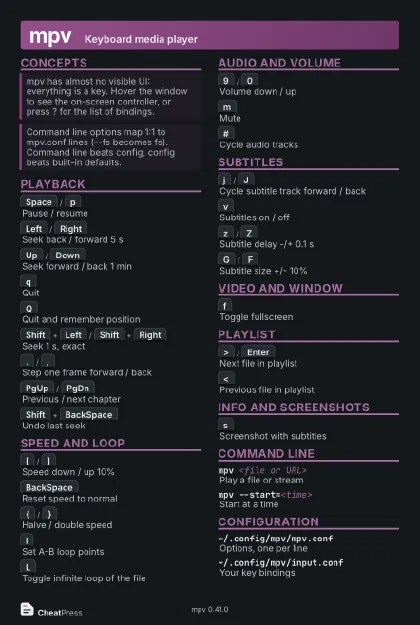 Dark · Postcard
102 × 152 mm · PDF
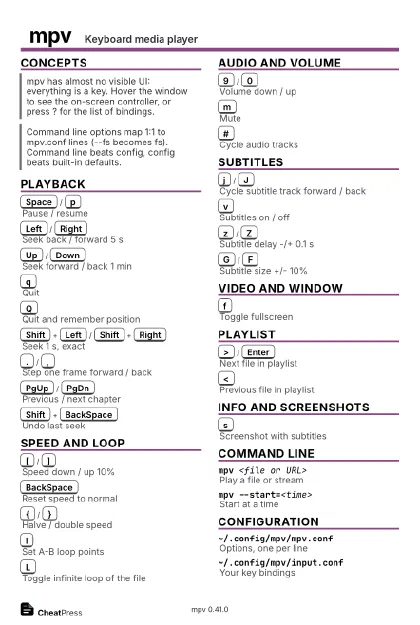 Ink saver · Postcard
102 × 152 mm · PDF
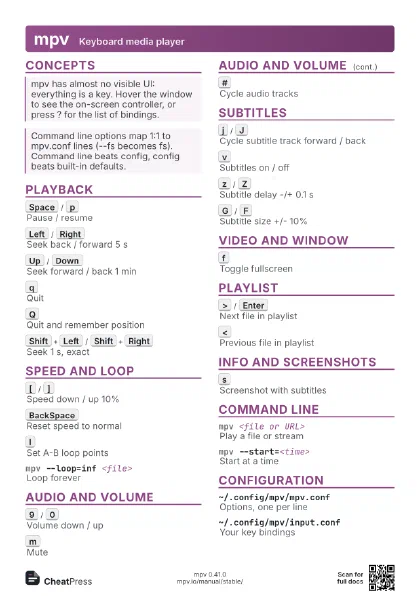
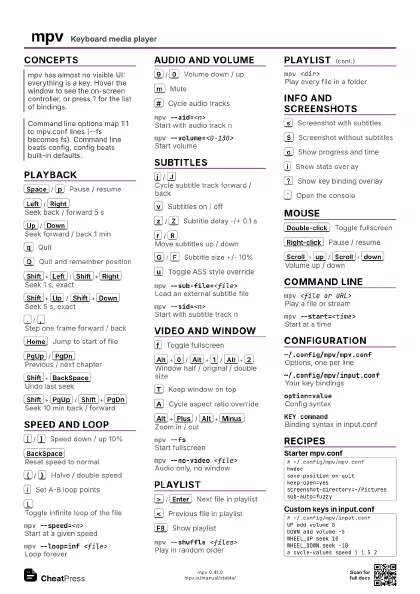
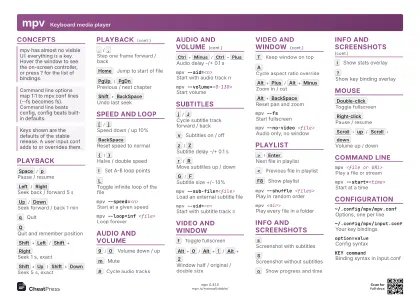 Light · A4 landscape
297 × 210 mm · PDF
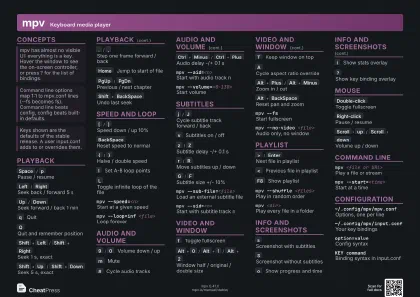 Dark · A4 landscape
297 × 210 mm · PDF
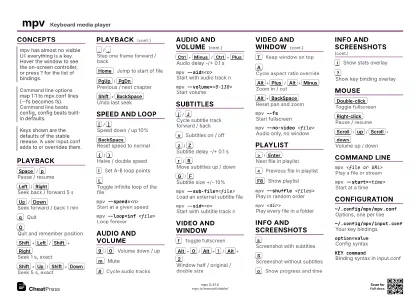 Ink saver · A4 landscape
297 × 210 mm · PDF
 Light · A3 landscape
420 × 297 mm · PDF
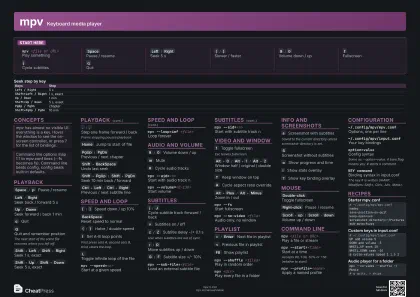 Dark · A3 landscape
420 × 297 mm · PDF
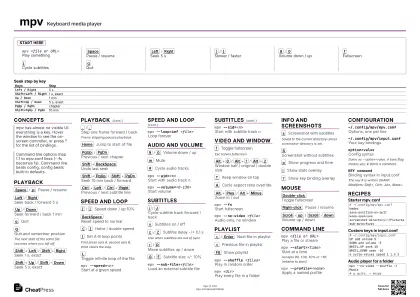 Ink saver · A3 landscape
420 × 297 mm · PDF
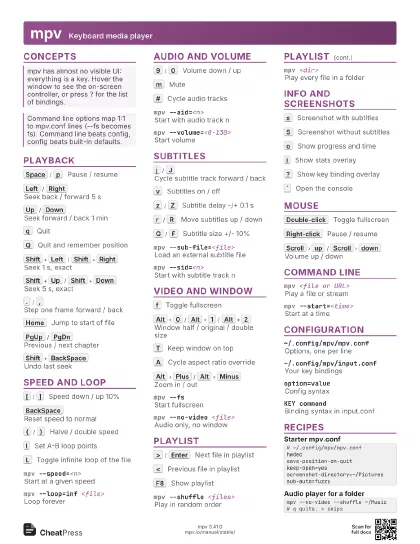
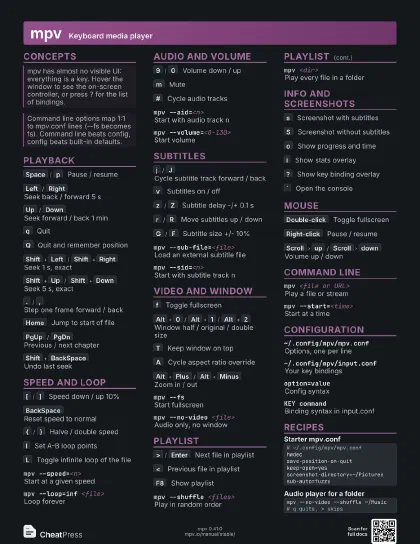
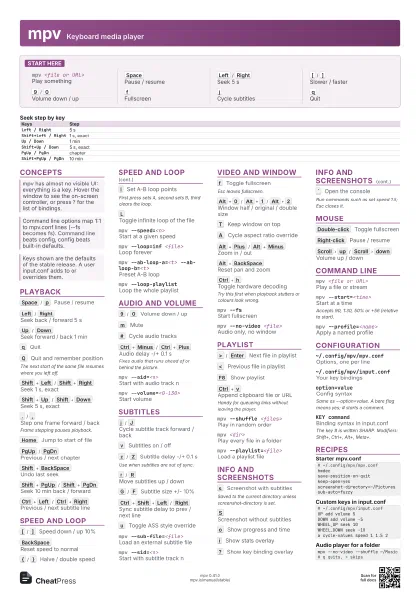
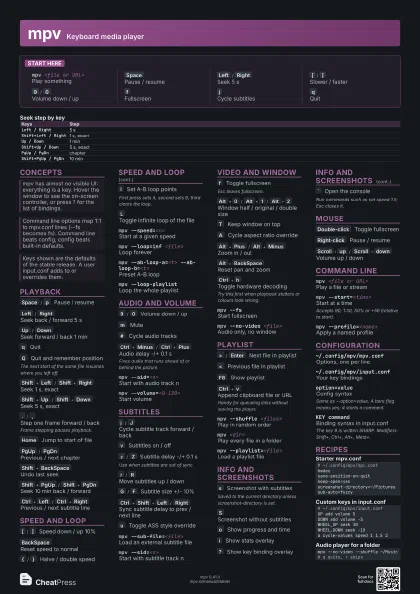
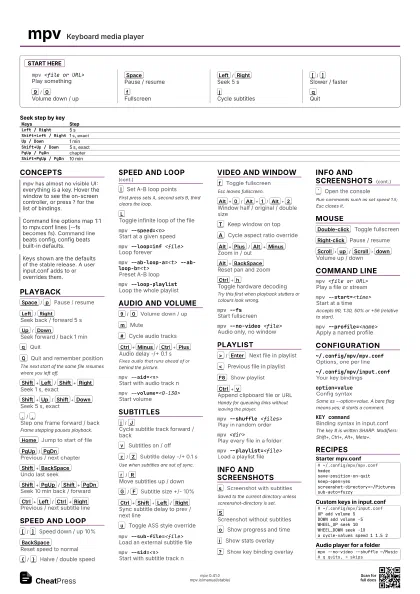
Start here
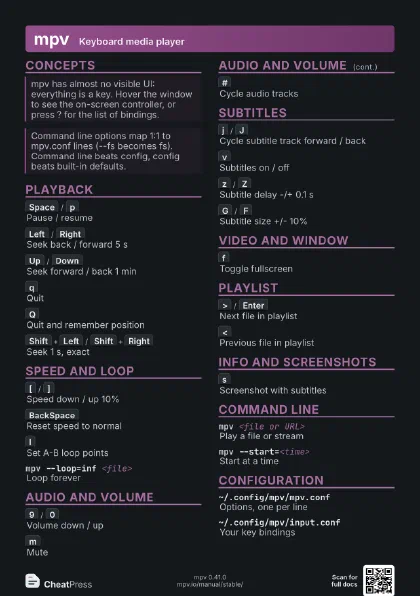
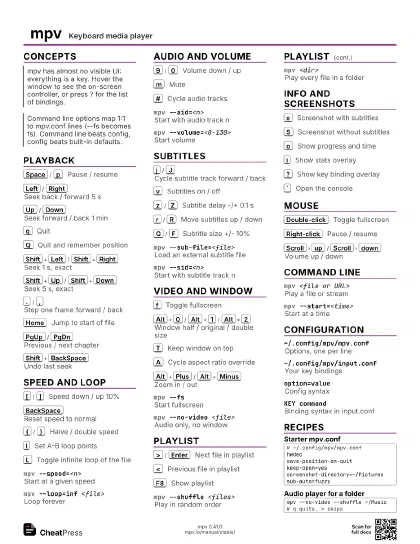
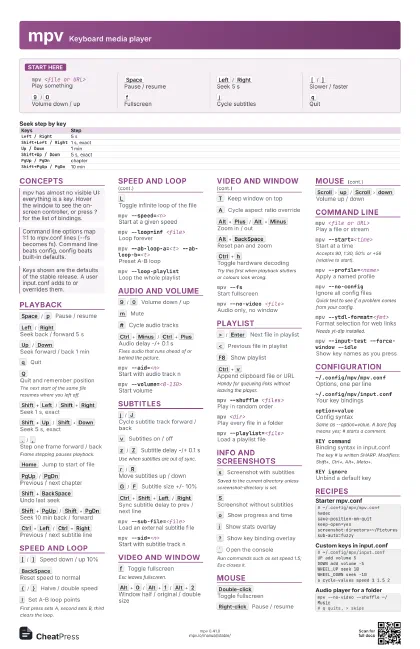
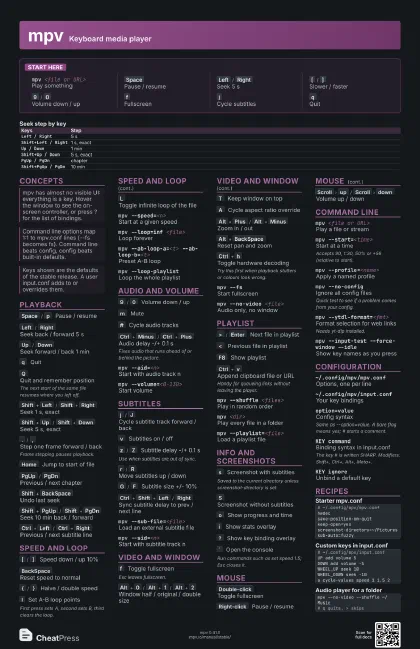
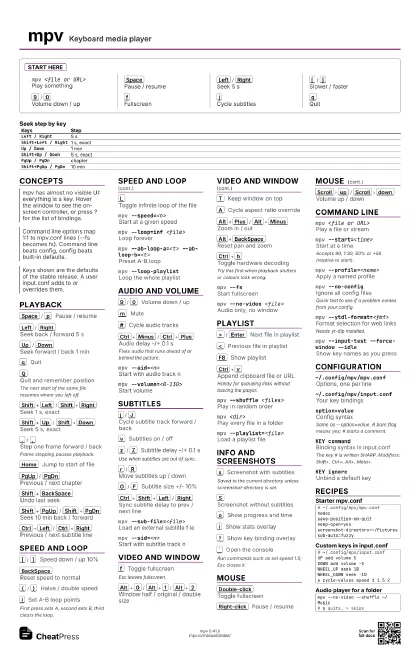
mpv <file or URL>
Play something
Space
Pause / resume
Left
/
Right
Seek 5 s
[
/
]
Slower / faster
9
/
0
Volume down / up
f
Fullscreen
j
Cycle subtitles
q
Quit
Concepts
| Keys | Step |
|---|---|
Left / Right |
5 s |
Shift+Left / Right |
1 s, exact |
Up / Down |
1 min |
Shift+Up / Down |
5 s, exact |
PgUp / PgDn |
chapter |
Shift+PgUp / PgDn |
10 min |
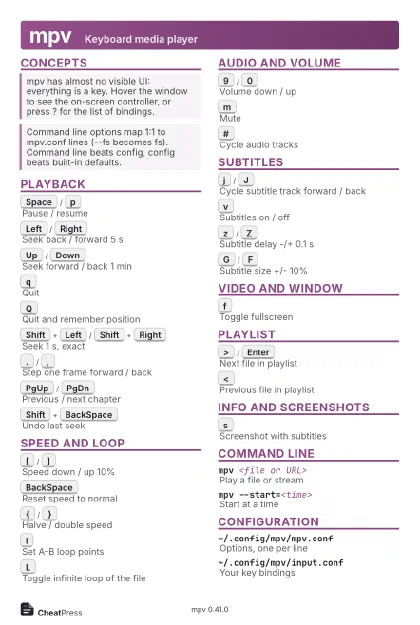
Playback
Space
/
p
Pause / resume
Left
/
Right
Seek back / forward 5 s
Up
/
Down
Seek forward / back 1 min
q
Quit
Q
Quit and remember position
The next start of the same file resumes where you left off.
Shift+Left
/
Shift+Right
Seek 1 s, exact
Shift+Up
/
Shift+Down
Seek 5 s, exact
.
/
,
Step one frame forward / back
Frame stepping pauses playback.
Home
Jump to start of file
PgUp
/
PgDn
Previous / next chapter
Shift+BackSpace
Undo last seek
Shift+Ctrl+BackSpace
Mark position to return to
Shift+PgUp
/
Shift+PgDn
Seek 10 min back / forward
Ctrl+Left
/
Ctrl+Right
Previous / next subtitle line
Speed and Loop
[
/
]
Speed down / up 10%
BackSpace
Reset speed to normal
{
/
}
Halve / double speed
l
Set A-B loop points
First press sets A, second sets B, third clears the loop.
L
Toggle infinite loop of the file
mpv --speed=<n>
Start at a given speed
mpv --loop=inf <file>
Loop forever
mpv --ab-loop-a=<t> --ab-loop-b=<t>
Preset A-B loop
mpv --loop-playlist
Loop the whole playlist
Audio and Volume
9
/
0
Volume down / up
m
Mute
#
Cycle audio tracks
Ctrl+Minus
/
Ctrl+Plus
Audio delay -/+ 0.1 s
Fixes audio that runs ahead of or behind the picture.
g
a
Pick audio track from menu
g
d
Pick audio output device
mpv --aid=<n>
Start with audio track n
mpv --no-audioPlay without sound
mpv --volume=<0-130>
Start volume
Subtitles
j
/
J
Cycle subtitle track forward / back
v
Subtitles on / off
z
/
Z
Subtitle delay -/+ 0.1 s
Use when subtitles are out of sync.
r
/
R
Move subtitles up / down
G
/
F
Subtitle size +/- 10%
Ctrl+Shift+Left
/
Right
Sync subtitle delay to prev / next line
Alt+v
Toggle secondary subtitles
u
Toggle ASS style override
g
s
Pick subtitle track from menu
mpv --sub-file=<file>
Load an external subtitle file
mpv --sid=<n>
Start with subtitle track n
mpv --sub-delay=<sec>
Preset subtitle delay
Video and Window
f
Toggle fullscreen
Esc leaves fullscreen.
Alt+0
/
Alt+1
/
Alt+2
Window half / original / double size
T
Keep window on top
_
Cycle video tracks
A
Cycle aspect ratio override
Alt+Arrows
Pan video
Alt+Plus
/
Alt+Minus
Zoom in / out
Alt+BackSpace
Reset pan and zoom
1
/
2
Contrast down / up
3
/
4
Brightness down / up
5
/
6
Gamma down / up
7
/
8
Saturation down / up
Ctrl+h
Toggle hardware decoding
Try this first when playback stutters or colours look wrong.
d
Cycle deinterlacing
b
Toggle debanding
mpv --fsStart fullscreen
mpv --no-video <file>
Audio only, no window
Playlist
>
/
Enter
Next file in playlist
<
Previous file in playlist
F8
Show playlist
Shift+Home
/
Shift+End
First / last playlist entry
g
p
Pick playlist entry from menu
Ctrl+v
Append clipboard file or URL
Handy for queueing links without leaving the player.
mpv --shuffle <files>
Play in random order
mpv <dir>Play every file in a folder
mpv --playlist=<file>
Load a playlist file
Info and Screenshots
s
Screenshot with subtitles
Saved to the current directory unless screenshot-directory is
set.
S
Screenshot without subtitles
Ctrl+s
Screenshot as shown in window
o
Show progress and time
O
Toggle OSD time and duration
i
Show stats overlay
?
Show key binding overlay
`
Open the console
Run commands such as set speed 1.5; Esc closes it.
Del
Cycle on-screen controller
g
m
Open the menu
Mouse
Double-click
Toggle fullscreen
Right-click
Pause / resume
Scroll
up
/
Scroll
down
Volume up / down
Scroll
left
/
Scroll
right
Seek 10 s
Ctrl+Scroll
Zoom at pointer
Ctrl+Drag
Pan video
Back
/
Forward
button
Previous / next playlist entry
Command Line
mpv <file or URL>
Play a file or stream
mpv --start=<time>
Start at a time
Accepts 90, 1:30, 50% or +56 (relative to start).
mpv --profile=<name>
Apply a named profile
mpv --no-configIgnore all config files
Quick test to see if a problem comes from your config.
mpv --list-options
Print every option
mpv --script=<file>
Load a Lua script
mpv --ytdl-format=<fmt>
Format selection for web links
Needs yt-dlp installed.
mpv --input-test --force-window --idle
Show key names as you press
mpv --versionShow version
Configuration
~/.config/mpv/mpv.conf
Options, one per line
~/.config/mpv/input.conf
Your key bindings
option=valueConfig syntax
Same as --option=value. A bare flag means yes; # starts a
comment.
KEY commandBinding syntax in input.conf
The key # is written SHARP. Modifiers: Shift+, Ctrl+,
Alt+, Meta+.
KEY ignoreUnbind a default key
cycle <prop>
Toggle or step a property
add <prop> <n>
Change a property by n
set <prop> <value>
Set a property
Recipes
# ~/.config/mpv/mpv.confhwdecsave-position-on-quitkeep-open=yesscreenshot-directory=~/Picturessub-auto=fuzzy# ~/.config/mpv/input.confUP add volume 5DOWN add volume -5WHEEL_UP seek 10WHEEL_DOWN seek -10a cycle-values speed 1 1.5 2mpv --no-video --shuffle ~/Music# q quits, > skipsmpv --start=1:20 --ab-loop-a=80 --ab-loop-b=95 clip.mp4