Cheat
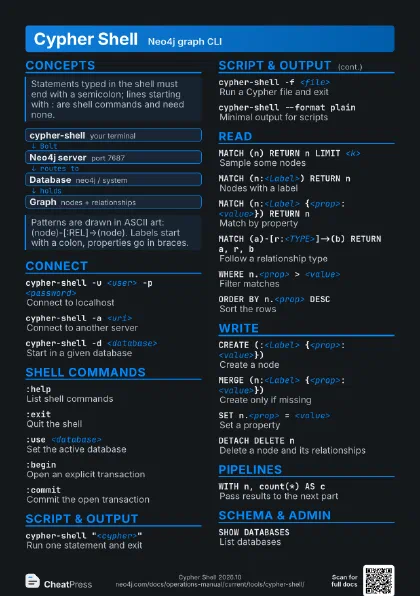
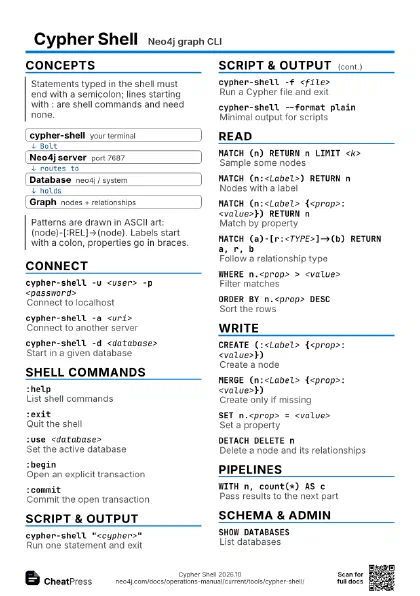
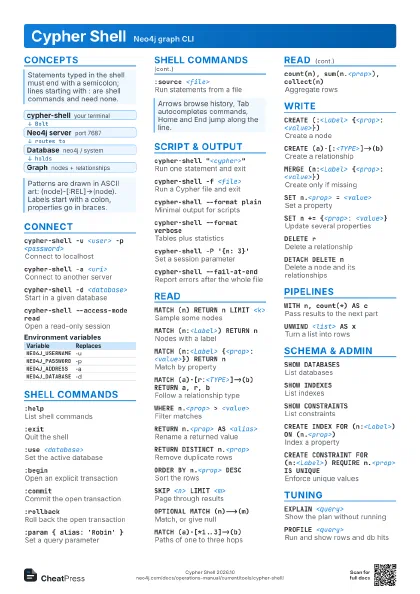
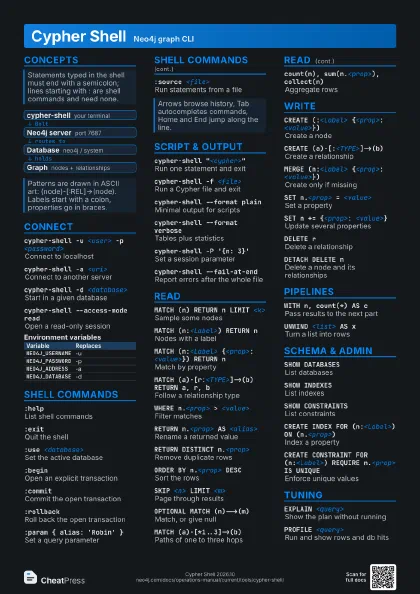
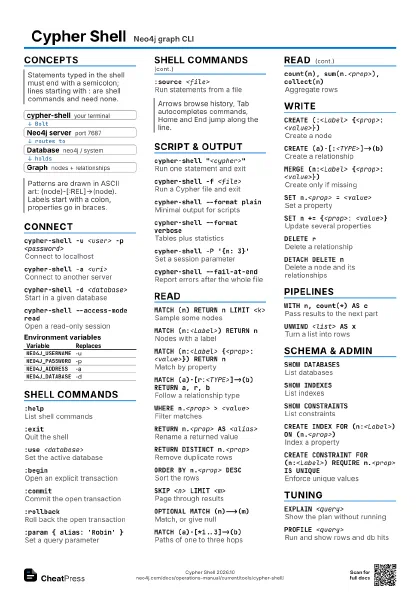
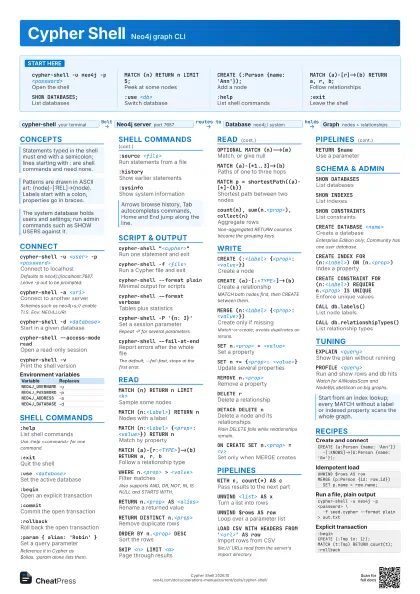
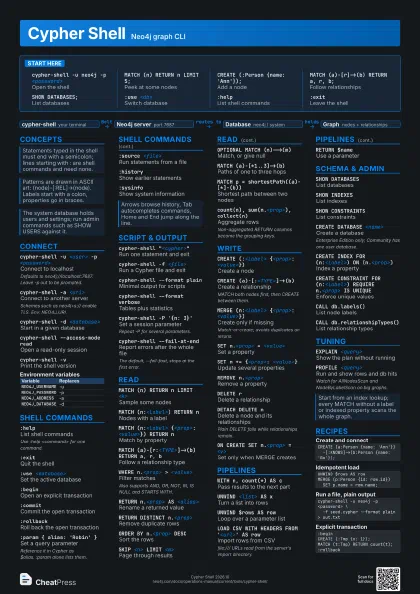
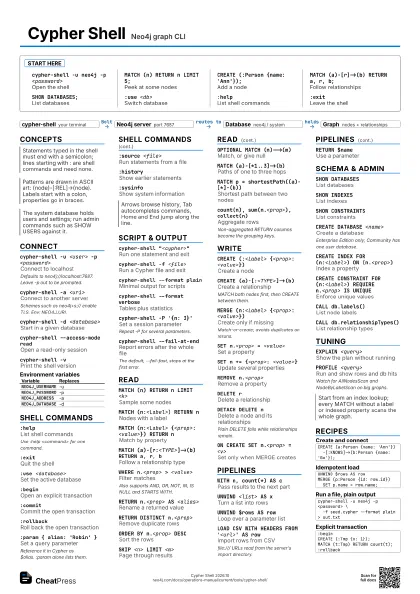
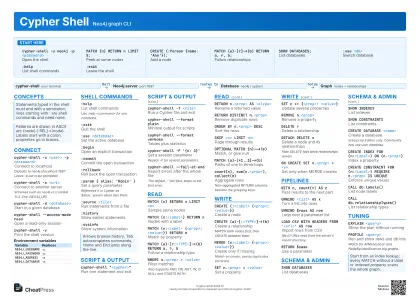
Cypher Shell Neo4j graph CLI
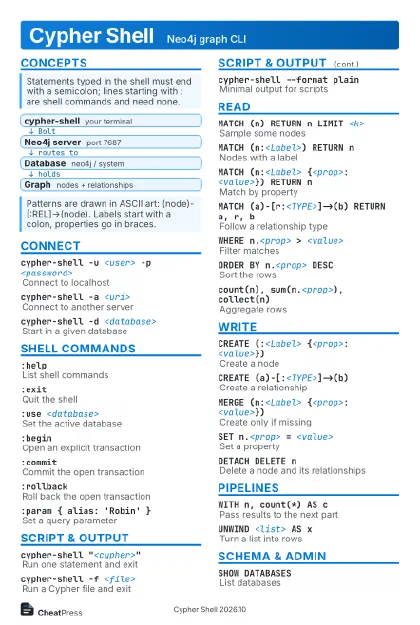 Light · Postcard
102 × 152 mm · PDF
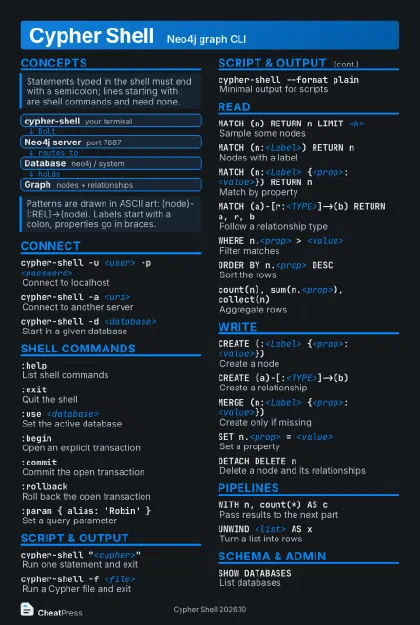 Dark · Postcard
102 × 152 mm · PDF
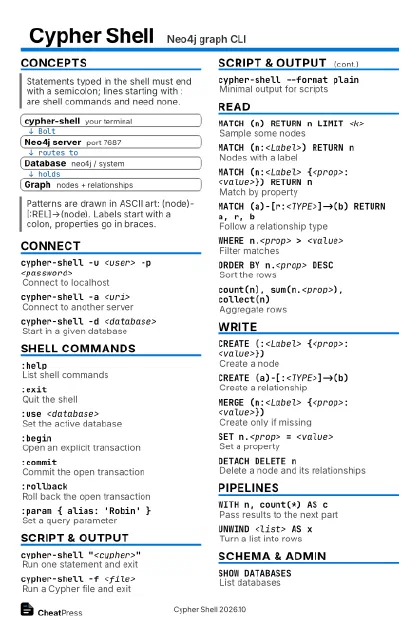 Ink saver · Postcard
102 × 152 mm · PDF
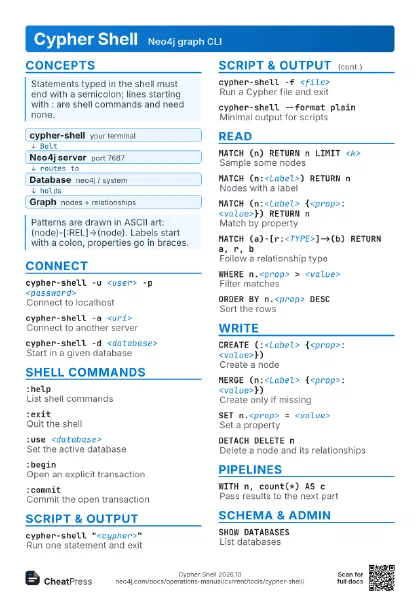
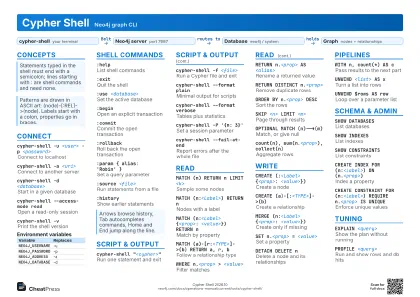 Light · A4 landscape
297 × 210 mm · PDF
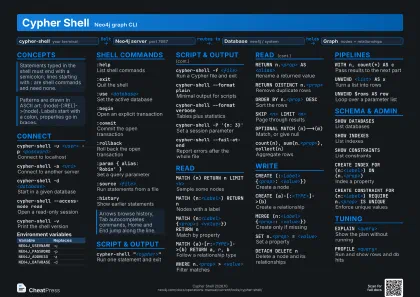 Dark · A4 landscape
297 × 210 mm · PDF
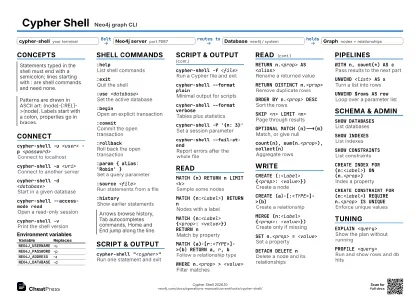 Ink saver · A4 landscape
297 × 210 mm · PDF
 Light · A3 landscape
420 × 297 mm · PDF
 Dark · A3 landscape
420 × 297 mm · PDF
 Ink saver · A3 landscape
420 × 297 mm · PDF
Start here
cypher-shell -u neo4j -p <password>
Open the shell
MATCH (n) RETURN n LIMIT 5;
Peek at some nodes
CREATE (:Person {name: 'Ann'});
Add a node
MATCH (a)-[r]->(b) RETURN a, r, b;
Follow relationships
SHOW DATABASES;List databases
:use <db>Switch database
:helpList shell commands
:exitLeave the shell
Concepts
- cypher-shell your terminal
- Neo4j server port 7687
- Database neo4j / system
- Graph nodes + relationships
Connect
cypher-shell -u <user> -p <password>
Connect to localhost
Defaults to neo4j://localhost:7687. Leave -p out to be
prompted.
cypher-shell -a <uri>
Connect to another server
Schemes such as neo4j+s:// enable TLS. Env: NEO4J_URI.
cypher-shell -d <database>
Start in a given database
cypher-shell --access-mode read
Open a read-only session
cypher-shell --encryption true
Force an encrypted connection
Must match the server's TLS configuration.
cypher-shell --change-password
Change the neo4j password and exit
cypher-shell -vPrint the shell version
| Variable | Replaces |
|---|---|
NEO4J_USERNAME |
-u |
NEO4J_PASSWORD |
-p |
NEO4J_ADDRESS |
-a |
NEO4J_DATABASE |
-d |
Shell commands
:helpList shell commands
Use :help <command> for one command.
:exitQuit the shell
:use <database>
Set the active database
:beginOpen an explicit transaction
:commitCommit the open transaction
:rollbackRoll back the open transaction
:param { alias: 'Robin' }
Set a query parameter
Reference it in Cypher as $alias. :param alone lists them.
:source <file>
Run statements from a file
:historyShow earlier statements
:sysinfoShow system information
:access-mode read
View or set the access mode
Script & output
cypher-shell "<cypher>"
Run one statement and exit
cypher-shell -f <file>
Run a Cypher file and exit
cypher-shell --format plain
Minimal output for scripts
cypher-shell --format verbose
Tables plus statistics
cypher-shell -P '{n: 3}'
Set a session parameter
Repeat -P for several parameters.
cypher-shell --fail-at-end
Report errors after the whole file
The default, --fail-fast, stops at the first error.
cypher-shell --non-interactive
Force non-interactive mode
cypher-shell --transaction-timeout <time>
Limit transaction time
Example: 10m. Needs a recent shell (2025.12 or later).
cypher-shell --log <file>
Write debug log to a file
Read
MATCH (n) RETURN n LIMIT <k>
Sample some nodes
MATCH (n:<Label>) RETURN n
Nodes with a label
MATCH (n:<Label> {<prop>: <value>})
                    RETURN n
Match by property
MATCH (a)-[r:<TYPE>]->(b) RETURN a, r, b
Follow a relationship type
WHERE n.<prop> > <value>
Filter matches
Also supports AND, OR, NOT, IN, IS NULL and STARTS WITH.
RETURN n.<prop> AS <alias>
Rename a returned value
RETURN DISTINCT n.<prop>
Remove duplicate rows
ORDER BY n.<prop> DESC
Sort the rows
SKIP <n> LIMIT <m>
Page through results
OPTIONAL MATCH (n)-->(m)
Match, or give null
MATCH (a)-[*1..3]->(b)
Paths of one to three hops
MATCH p = shortestPath((a)-[*]-(b))
Shortest path between two nodes
count(n), sum(n.<prop>), collect(n)
Aggregate rows
Non-aggregated RETURN columns become the grouping keys.
Write
CREATE (:<Label> {<prop>: <value>})
Create a node
CREATE (a)-[:<TYPE>]->(b)
Create a relationship
MATCH both nodes first, then CREATE between them.
MERGE (n:<Label> {<prop>: <value>})
Create only if missing
Match-or-create; avoids duplicates on reruns.
SET n.<prop> = <value>
Set a property
SET n += {<prop>: <value>}
Update several properties
REMOVE n.<prop>
Remove a property
DELETE rDelete a relationship
DETACH DELETE nDelete a node and its relationships
Plain DELETE fails while relationships remain.
MATCH (n) DETACH DELETE n
Wipe the whole graph
Irreversible. Large graphs need batching.
ON CREATE SET n.<prop> = <v>
Set only when MERGE creates
ON MATCH SET n.<prop> = <v>
Set only when MERGE matches
Pipelines
WITH n, count(*) AS c
Pass results to the next part
UNWIND <list> AS x
Turn a list into rows
UNWIND $rows AS row
Loop over a parameter list
UNIONJoin queries, dropping duplicates
CALL { <subquery> }
Run a subquery
LOAD CSV WITH HEADERS FROM '<url>' AS
                    row
Import rows from CSV
file:/// URLs read from the server's import directory.
RETURN $nameUse a parameter
CASE WHEN <cond> THEN <a> ELSE <b>
                    END
Conditional value
Schema & admin
SHOW DATABASESList databases
SHOW INDEXESList indexes
SHOW CONSTRAINTS
List constraints
CREATE DATABASE <name>
Create a database
Enterprise Edition only; Community has one user database.
CREATE INDEX FOR (n:<Label>) ON
                    (n.<prop>)
Index a property
CREATE CONSTRAINT FOR (n:<Label>) REQUIRE
                    n.<prop> IS UNIQUE
Enforce unique values
DROP INDEX <name>
Remove an index
DROP CONSTRAINT <name>
Remove a constraint
SHOW PROCEDURESList callable procedures
CALL db.labels()
List node labels
CALL db.relationshipTypes()
List relationship types
SHOW TRANSACTIONS
List running transactions
SHOW USERSList users
Tuning
EXPLAIN <query>
Show the plan without running
PROFILE <query>
Run and show rows and db hits
Watch for AllNodesScan and NodeByLabelScan on big graphs.
Recipes
CREATE (a:Person {name: 'Ann'}) -[:KNOWS]->(b:Person {name: 'Bo'});UNWIND $rows AS rowMERGE (p:Person {id: row.id}) SET p.name = row.name;cypher-shell -u neo4j -p <password> \ -f seed.cypher --format plain > out.txt:beginCREATE (:Tmp {x: 1});MATCH (t:Tmp) RETURN count(t);:rollback