Cheat
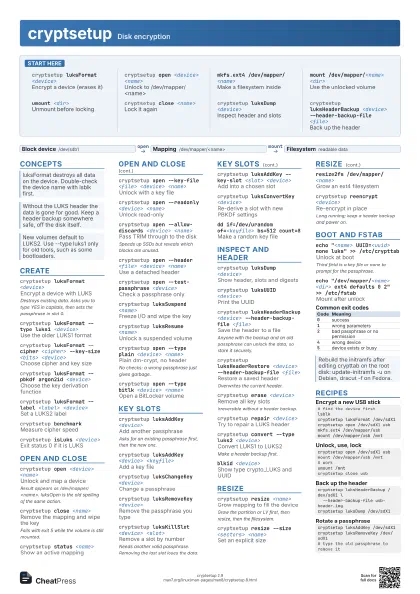
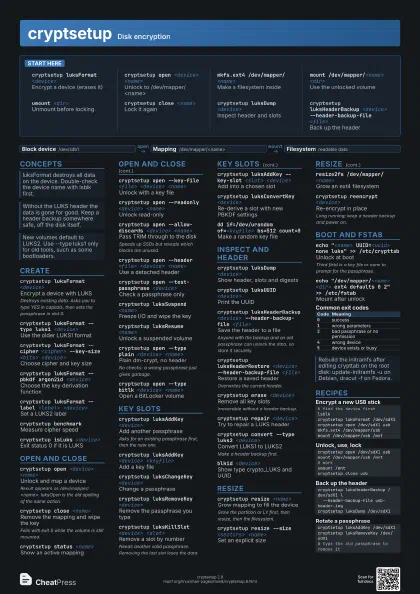
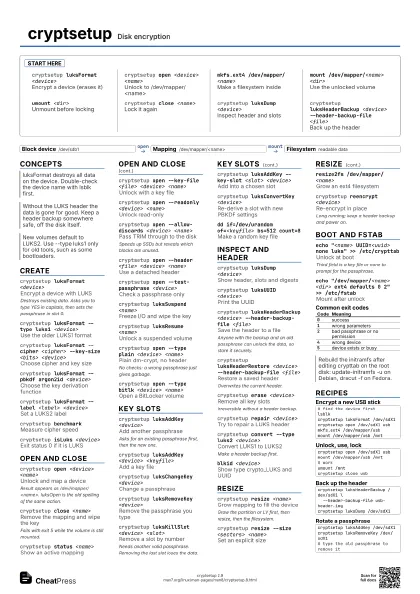
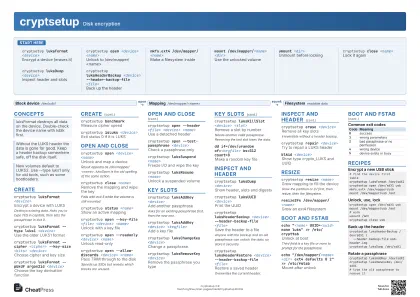
cryptsetup Disk encryption
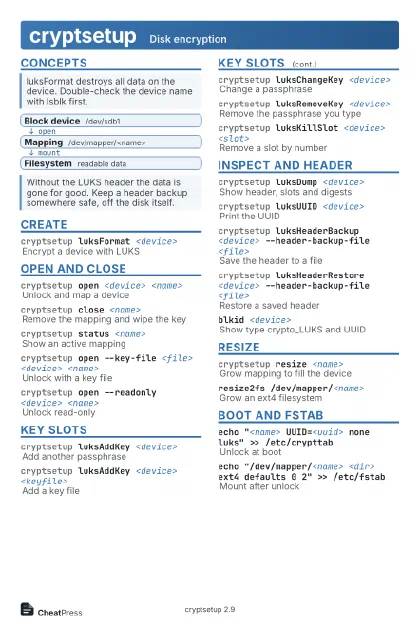 Light · Postcard
102 × 152 mm · PDF
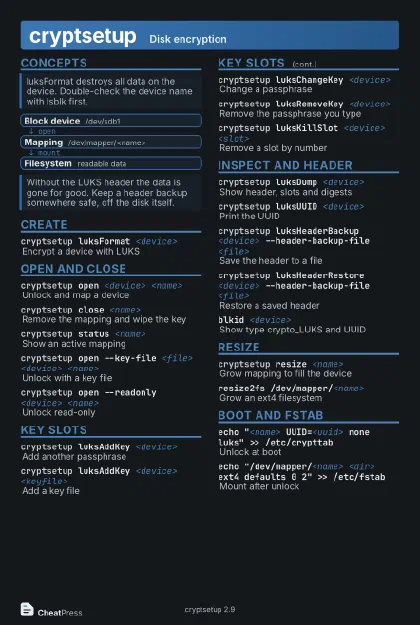 Dark · Postcard
102 × 152 mm · PDF
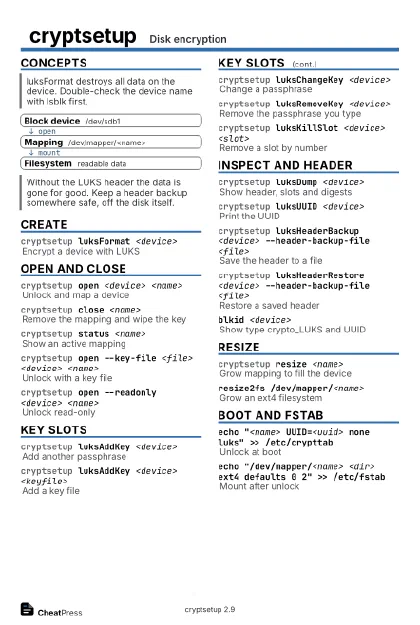 Ink saver · Postcard
102 × 152 mm · PDF
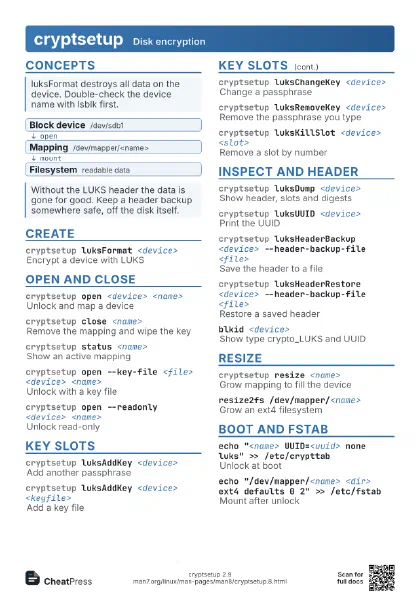
 Light · A4 landscape
297 × 210 mm · PDF
 Dark · A4 landscape
297 × 210 mm · PDF
 Ink saver · A4 landscape
297 × 210 mm · PDF
 Light · A3 landscape
420 × 297 mm · PDF
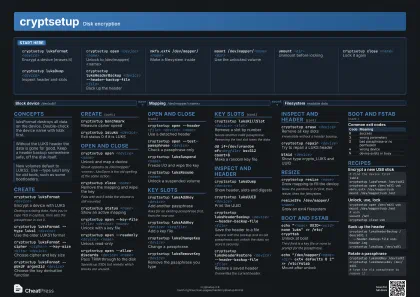 Dark · A3 landscape
420 × 297 mm · PDF
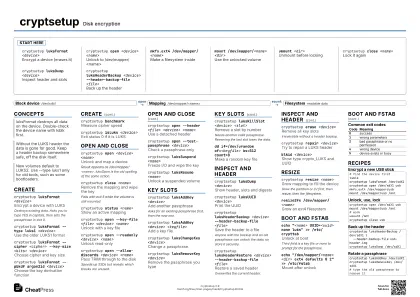 Ink saver · A3 landscape
420 × 297 mm · PDF
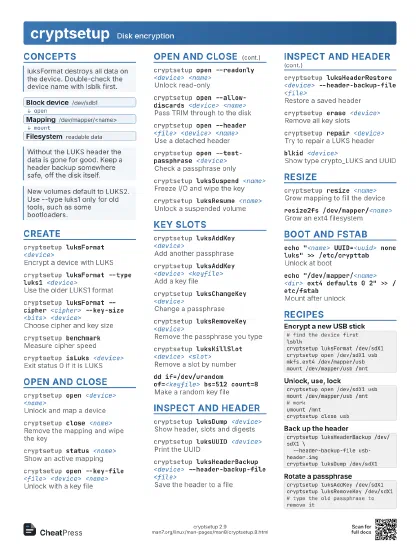
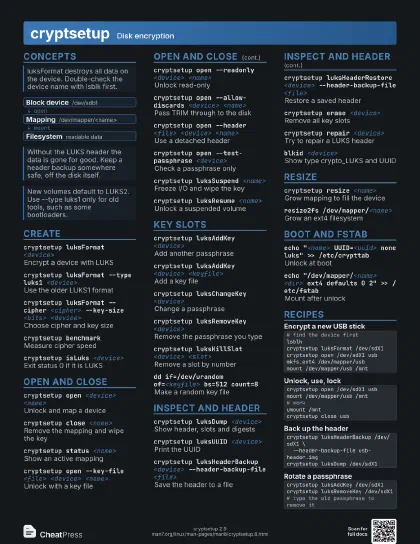
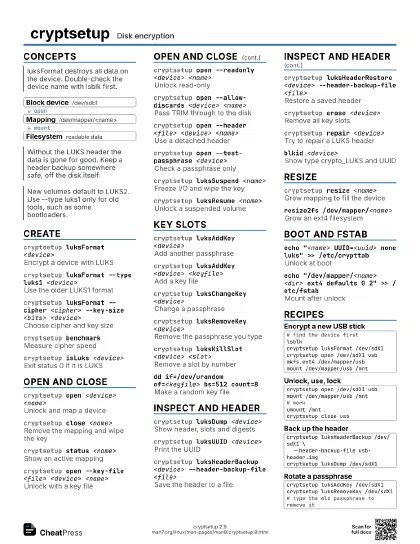
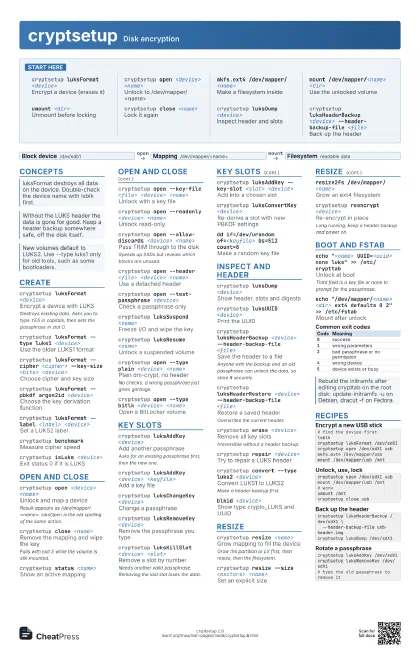
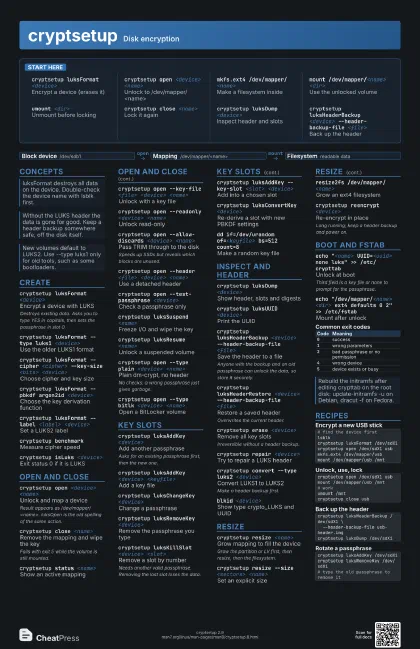
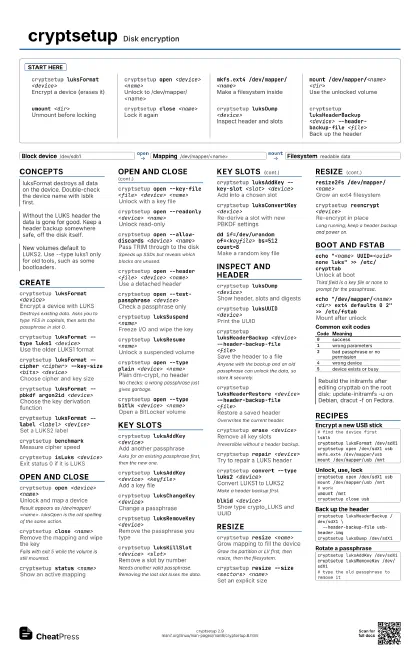
Start here
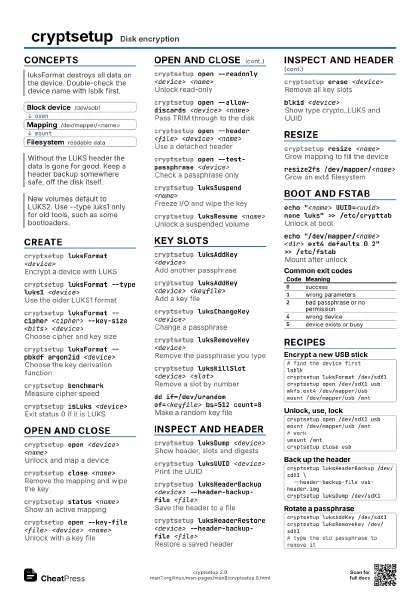
cryptsetup luksFormat <device>
Encrypt a device (erases it)
cryptsetup open <device> <name>
Unlock to /dev/mapper/<name>
mkfs.ext4 /dev/mapper/<name>
Make a filesystem inside
mount /dev/mapper/<name> <dir>
Use the unlocked volume
umount <dir>
Unmount before locking
cryptsetup close <name>
Lock it again
cryptsetup luksDump <device>
Inspect header and slots
cryptsetup luksHeaderBackup <device>
                    --header-backup-file <file>
Back up the header
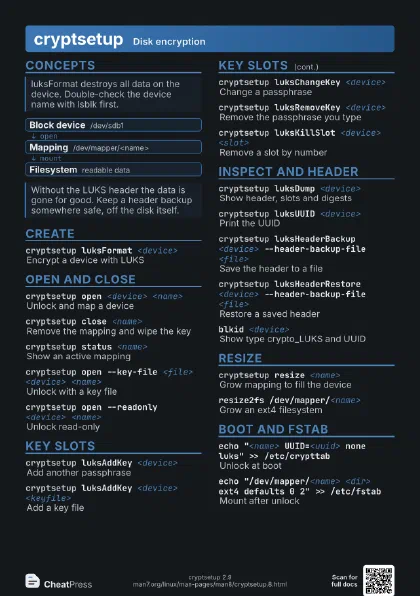
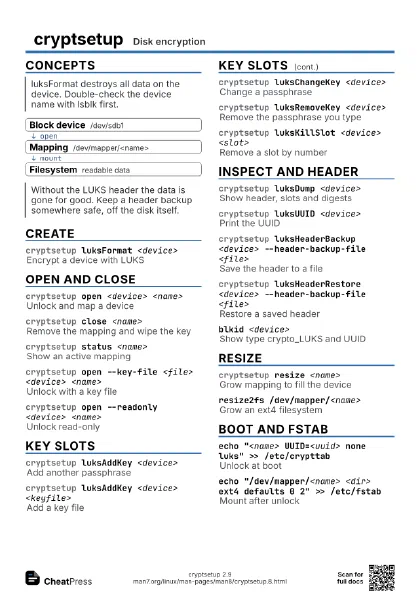
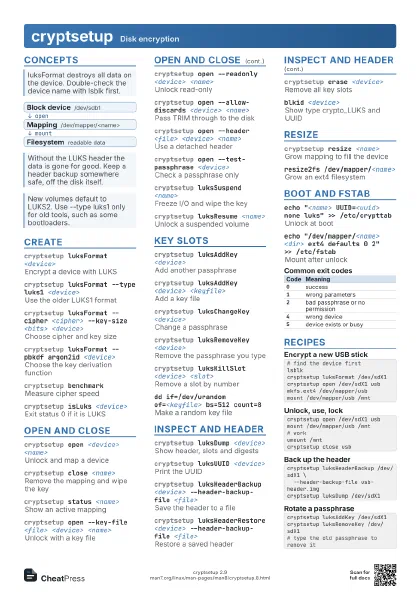
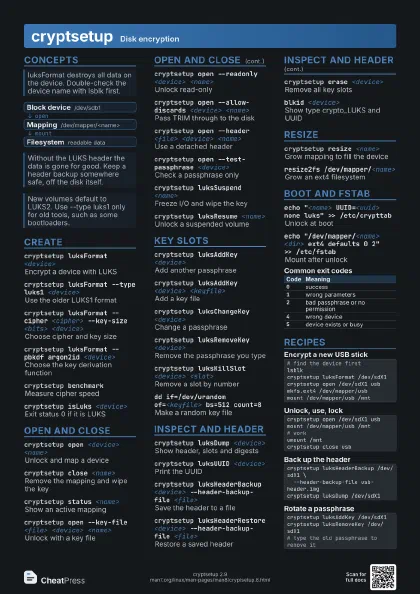
Concepts
- Block device /dev/sdb1
- Mapping /dev/mapper/<name>
- Filesystem readable data
Create
cryptsetup luksFormat <device>
Encrypt a device with LUKS
Destroys existing data. Asks you to type YES in capitals, then
sets the passphrase in slot 0.
cryptsetup luksFormat --type luks1 <device>
Use the older LUKS1 format
cryptsetup luksFormat --cipher <cipher> --key-size
                    <bits> <device>
Choose cipher and key size
cryptsetup luksFormat --pbkdf argon2id <device>
Choose the key derivation function
cryptsetup luksFormat --label <label>
                    <device>
Set a LUKS2 label
cryptsetup benchmark
Measure cipher speed
cryptsetup isLuks <device>
Exit status 0 if it is LUKS
Open and close
cryptsetup open <device> <name>
Unlock and map a device
Result appears as /dev/mapper/<name>. luksOpen is the
old spelling of the same action.
cryptsetup close <name>
Remove the mapping and wipe the key
Fails with exit 5 while the volume is still mounted.
cryptsetup status <name>
Show an active mapping
cryptsetup open --key-file <file> <device>
                    <name>
Unlock with a key file
cryptsetup open --readonly <device>
                    <name>
Unlock read-only
cryptsetup open --allow-discards <device>
                    <name>
Pass TRIM through to the disk
Speeds up SSDs but reveals which blocks are unused.
cryptsetup open --header <file> <device>
                    <name>
Use a detached header
cryptsetup open --test-passphrase <device>
Check a passphrase only
cryptsetup luksSuspend <name>
Freeze I/O and wipe the key
cryptsetup luksResume <name>
Unlock a suspended volume
cryptsetup open --type plain <device>
                    <name>
Plain dm-crypt, no header
No checks: a wrong passphrase just gives garbage.
cryptsetup open --type bitlk <device>
                    <name>
Open a BitLocker volume
Key slots
cryptsetup luksAddKey <device>
Add another passphrase
Asks for an existing passphrase first, then the new one.
cryptsetup luksAddKey <device> <keyfile>
Add a key file
cryptsetup luksChangeKey <device>
Change a passphrase
cryptsetup luksRemoveKey <device>
Remove the passphrase you type
cryptsetup luksKillSlot <device> <slot>
Remove a slot by number
Needs another valid passphrase. Removing the last slot loses
the data.
cryptsetup luksAddKey --key-slot <slot>
                    <device>
Add into a chosen slot
cryptsetup luksConvertKey <device>
Re-derive a slot with new PBKDF settings
dd if=/dev/urandom of=<keyfile> bs=512 count=8
Make a random key file
Inspect and header
cryptsetup luksDump <device>
Show header, slots and digests
cryptsetup luksUUID <device>
Print the UUID
cryptsetup luksHeaderBackup <device>
                    --header-backup-file <file>
Save the header to a file
Anyone with the backup and an old passphrase can unlock the
data, so store it securely.
cryptsetup luksHeaderRestore <device>
                    --header-backup-file <file>
Restore a saved header
Overwrites the current header.
cryptsetup erase <device>
Remove all key slots
Irreversible without a header backup.
cryptsetup repair <device>
Try to repair a LUKS header
cryptsetup convert --type luks2 <device>
Convert LUKS1 to LUKS2
Make a header backup first.
blkid <device>
Show type crypto_LUKS and UUID
Resize
cryptsetup resize <name>
Grow mapping to fill the device
Grow the partition or LV first, then resize, then the
filesystem.
cryptsetup resize --size <sectors> <name>
Set an explicit size
resize2fs /dev/mapper/<name>
Grow an ext4 filesystem
cryptsetup reencrypt <device>
Re-encrypt in place
Long running; keep a header backup and power on.
Boot and fstab
echo "<name> UUID=<uuid> none luks"
                    >> /etc/crypttab
Unlock at boot
Third field is a key file or none to prompt for the
passphrase.
echo "/dev/mapper/<name> <dir> ext4
                    defaults 0 2" >> /etc/fstab
Mount after unlock
| Code | Meaning |
|---|---|
0 |
success |
1 |
wrong parameters |
2 |
bad passphrase or no permission |
4 |
wrong device |
5 |
device exists or busy |
Recipes
# find the device firstlsblkcryptsetup luksFormat /dev/sdX1cryptsetup open /dev/sdX1 usbmkfs.ext4 /dev/mapper/usbmount /dev/mapper/usb /mntcryptsetup open /dev/sdX1 usbmount /dev/mapper/usb /mnt# workumount /mntcryptsetup close usbcryptsetup luksHeaderBackup /dev/sdX1 \ --header-backup-file usb-header.imgcryptsetup luksDump /dev/sdX1cryptsetup luksAddKey /dev/sdX1cryptsetup luksRemoveKey /dev/sdX1# type the old passphrase to remove it