Cheat
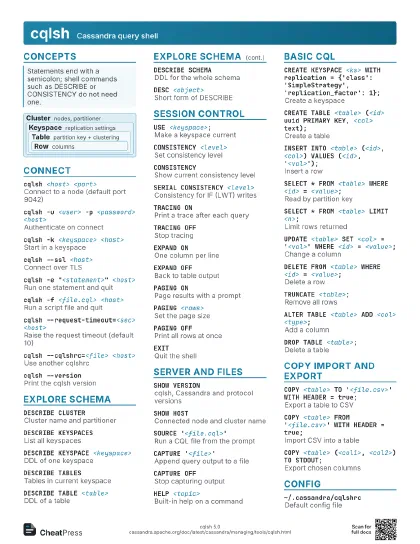
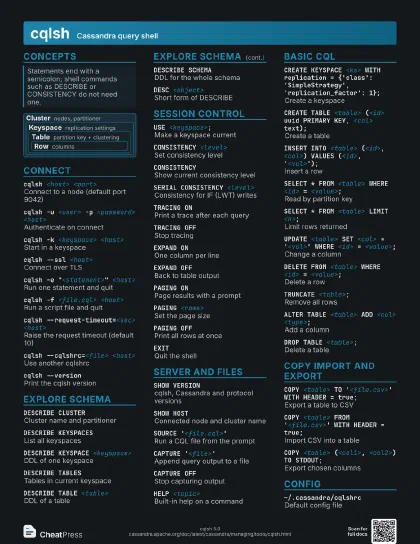
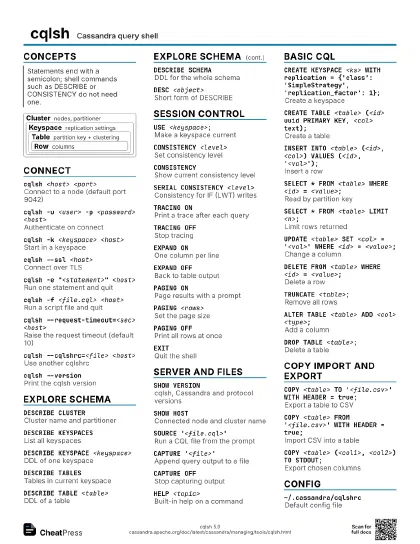
cqlsh Cassandra query shell
 Light · Postcard
102 × 152 mm · PDF
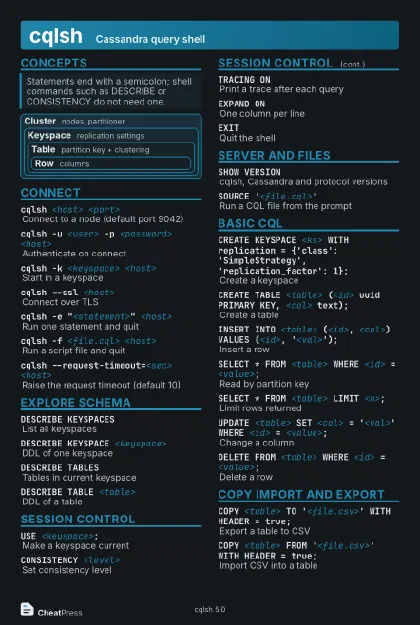 Dark · Postcard
102 × 152 mm · PDF
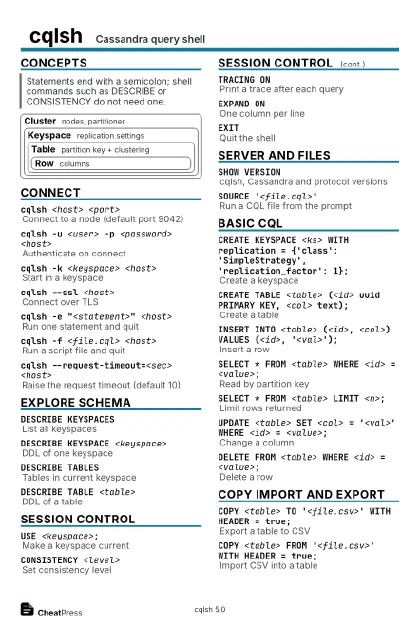 Ink saver · Postcard
102 × 152 mm · PDF
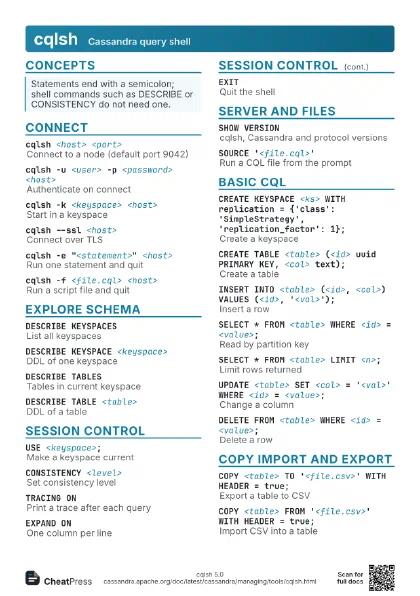
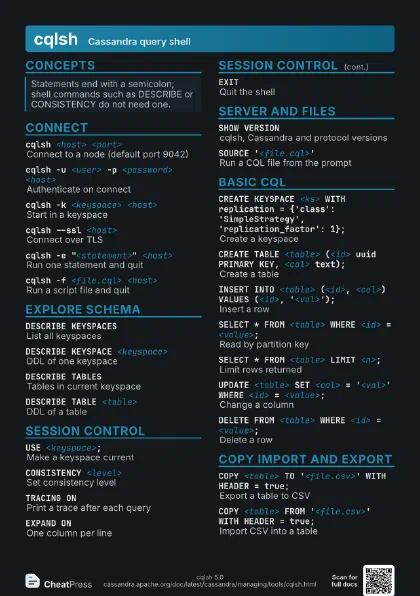
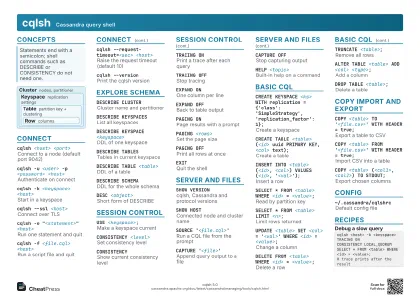 Light · A4 landscape
297 × 210 mm · PDF
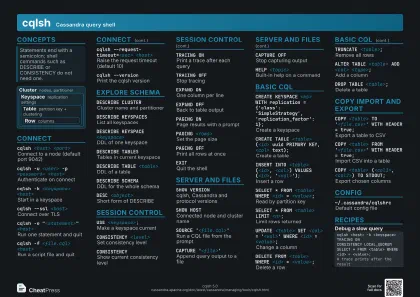 Dark · A4 landscape
297 × 210 mm · PDF
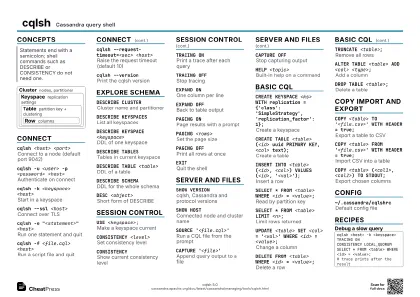 Ink saver · A4 landscape
297 × 210 mm · PDF
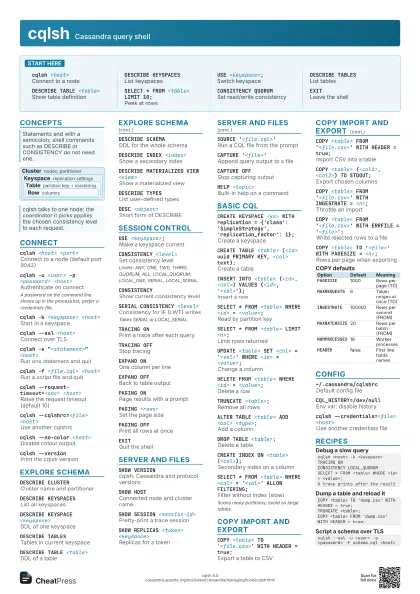
 Light · A3 landscape
420 × 297 mm · PDF
 Dark · A3 landscape
420 × 297 mm · PDF
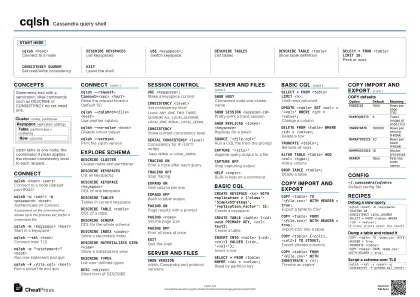 Ink saver · A3 landscape
420 × 297 mm · PDF
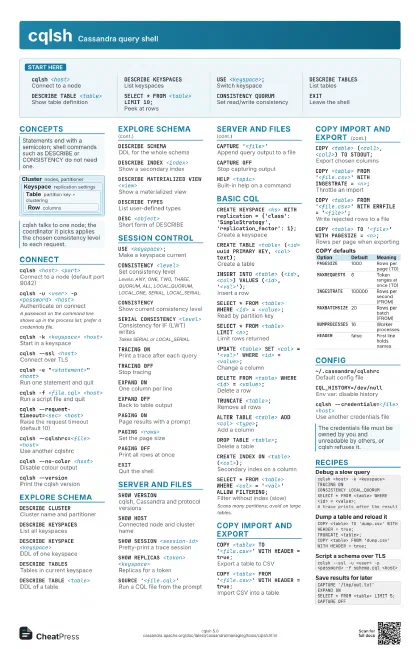
Start here
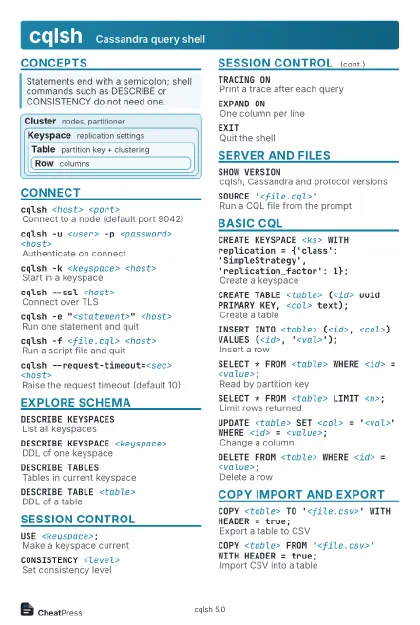
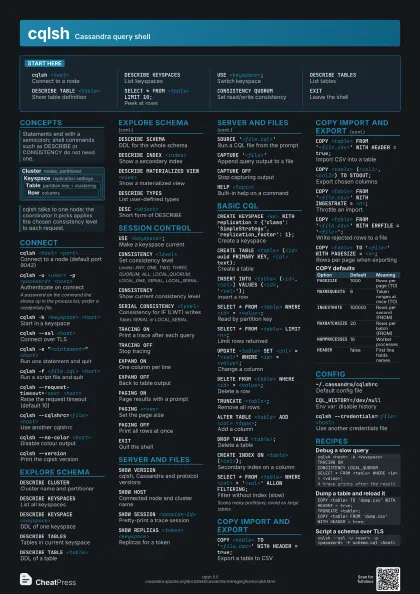
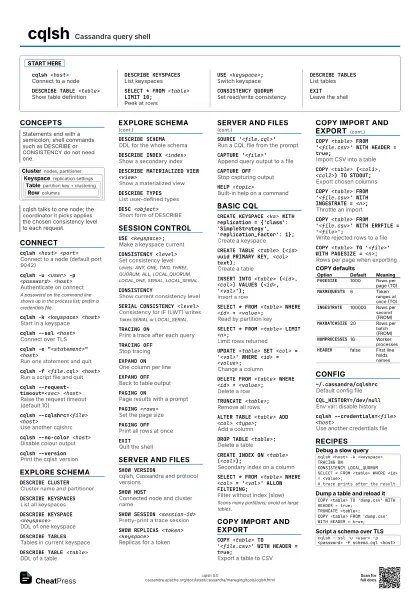
cqlsh <host>
Connect to a node
DESCRIBE KEYSPACES
List keyspaces
USE <keyspace>;
Switch keyspace
DESCRIBE TABLESList tables
DESCRIBE TABLE <table>
Show table definition
SELECT * FROM <table> LIMIT 10;
Peek at rows
CONSISTENCY QUORUM
Set read/write consistency
EXITLeave the shell
Concepts
Cluster nodes, partitioner
Keyspace
replication settings
Table
partition key + clustering
Row columns
Connect
cqlsh <host> <port>
Connect to a node (default port 9042)
cqlsh -u <user> -p <password>
                    <host>
Authenticate on connect
A password on the command line shows up in the process list;
prefer a credentials file.
cqlsh -k <keyspace> <host>
Start in a keyspace
cqlsh --ssl <host>
Connect over TLS
cqlsh -e "<statement>" <host>
Run one statement and quit
cqlsh -f <file.cql> <host>
Run a script file and quit
cqlsh --request-timeout=<sec> <host>
Raise the request timeout (default 10)
cqlsh --cqlshrc=<file> <host>
Use another cqlshrc
cqlsh --no-color <host>
Disable colour output
cqlsh --versionPrint the cqlsh version
Explore schema
DESCRIBE CLUSTER
Cluster name and partitioner
DESCRIBE KEYSPACES
List all keyspaces
DESCRIBE KEYSPACE <keyspace>
DDL of one keyspace
DESCRIBE TABLESTables in current keyspace
DESCRIBE TABLE <table>
DDL of a table
DESCRIBE SCHEMADDL for the whole schema
DESCRIBE INDEX <index>
Show a secondary index
DESCRIBE MATERIALIZED VIEW <view>
Show a materialized view
DESCRIBE TYPESList user-defined types
DESC <object>
Short form of DESCRIBE
Session control
USE <keyspace>;
Make a keyspace current
CONSISTENCY <level>
Set consistency level
Levels: ANY, ONE, TWO, THREE, QUORUM, ALL, LOCAL_QUORUM,
LOCAL_ONE, SERIAL, LOCAL_SERIAL.
CONSISTENCYShow current consistency level
SERIAL CONSISTENCY <level>
Consistency for IF (LWT) writes
Takes SERIAL or LOCAL_SERIAL.
TRACING ONPrint a trace after each query
TRACING OFFStop tracing
EXPAND ONOne column per line
EXPAND OFFBack to table output
PAGING ONPage results with a prompt
PAGING <rows>
Set the page size
PAGING OFFPrint all rows at once
EXITQuit the shell
Server and files
SHOW VERSIONcqlsh, Cassandra and protocol versions
SHOW HOSTConnected node and cluster name
SHOW SESSION <session-id>
Pretty-print a trace session
SHOW REPLICAS <token> <keyspace>
Replicas for a token
SOURCE '<file.cql>'
Run a CQL file from the prompt
CAPTURE '<file>'
Append query output to a file
CAPTURE OFFStop capturing output
HELP <topic>
Built-in help on a command
Basic CQL
CREATE KEYSPACE <ks> WITH replication =
                    {'class': 'SimpleStrategy',
                    'replication_factor': 1};
Create a keyspace
CREATE TABLE <table> (<id> uuid PRIMARY KEY,
                    <col> text);
Create a table
INSERT INTO <table> (<id>, <col>) VALUES
                    (<id>, '<val>');
Insert a row
SELECT * FROM <table> WHERE <id> =
                    <value>;
Read by partition key
SELECT * FROM <table> LIMIT <n>;
Limit rows returned
UPDATE <table> SET <col> =
                    '<val>' WHERE <id> =
                    <value>;
Change a column
DELETE FROM <table> WHERE <id> =
                    <value>;
Delete a row
TRUNCATE <table>;
Remove all rows
ALTER TABLE <table> ADD <col>
                    <type>;
Add a column
DROP TABLE <table>;
Delete a table
CREATE INDEX ON <table> (<col>);
Secondary index on a column
SELECT * FROM <table> WHERE <col> =
                    '<val>' ALLOW FILTERING;
Filter without index (slow)
Scans many partitions; avoid on large tables.
COPY import and export
COPY <table> TO '<file.csv>' WITH
                    HEADER = true;
Export a table to CSV
COPY <table> FROM '<file.csv>' WITH
                    HEADER = true;
Import CSV into a table
COPY <table> (<col1>, <col2>) TO
                    STDOUT;
Export chosen columns
COPY <table> FROM '<file.csv>' WITH
                    INGESTRATE = <n>;
Throttle an import
COPY <table> FROM '<file.csv>' WITH
                    ERRFILE = '<file>';
Write rejected rows to a file
COPY <table> TO '<file>' WITH PAGESIZE
                    = <n>;
Rows per page when exporting
| Option | Default | Meaning |
|---|---|---|
PAGESIZE |
1000 | Rows per page (TO) |
MAXREQUESTS |
6 | Token ranges at once (TO) |
INGESTRATE |
100000 | Rows per second (FROM) |
MAXBATCHSIZE |
20 | Rows per batch (FROM) |
NUMPROCESSES |
16 | Worker processes |
HEADER |
false | First line holds names |
Config
~/.cassandra/cqlshrc
Default config file
CQL_HISTORY=/dev/null
Env var: disable history
cqlsh --credentials=<file> <host>
Use another credentials file
Recipes
cqlsh <host> -k <keyspace>TRACING ONCONSISTENCY LOCAL_QUORUMSELECT * FROM <table> WHERE <id> = <value>;# trace prints after the resultCOPY <table> TO 'dump.csv' WITH HEADER = true;TRUNCATE <table>;COPY <table> FROM 'dump.csv' WITH HEADER = true;cqlsh --ssl -u <user> -p <password> -f schema.cql <host>CAPTURE '/tmp/out.txt'EXPAND ONSELECT * FROM <table> LIMIT 5;CAPTURE OFF