Cheat
ffmpeg Audio/video converter
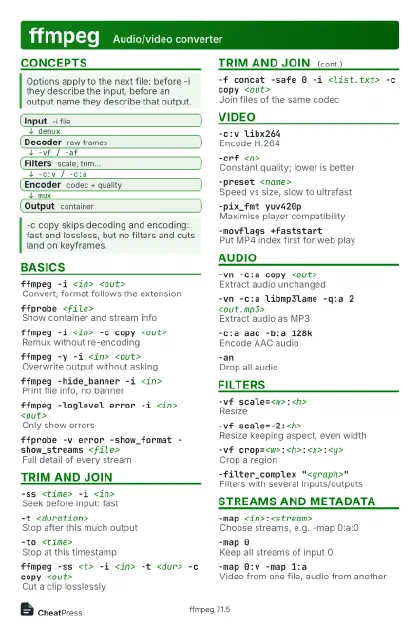 Light · Postcard
102 × 152 mm · PDF
 Dark · Postcard
102 × 152 mm · PDF
 Ink saver · Postcard
102 × 152 mm · PDF
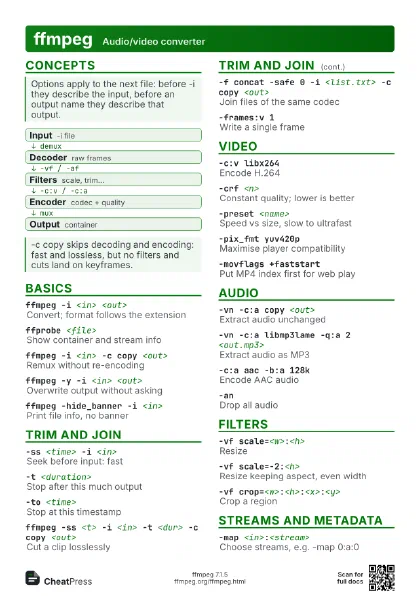
 Light · A4 landscape
297 × 210 mm · PDF
 Dark · A4 landscape
297 × 210 mm · PDF
 Ink saver · A4 landscape
297 × 210 mm · PDF
 Light · A3 landscape
420 × 297 mm · PDF
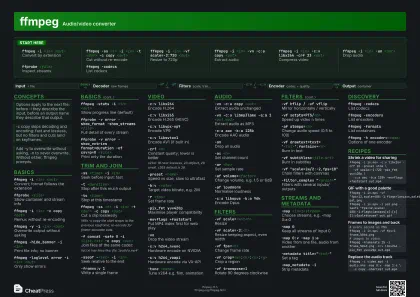 Dark · A3 landscape
420 × 297 mm · PDF
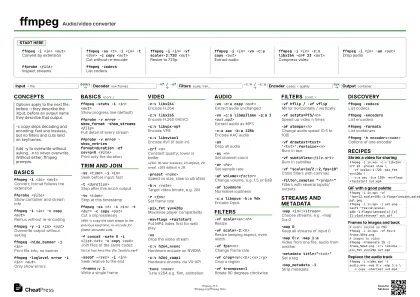 Ink saver · A3 landscape
420 × 297 mm · PDF
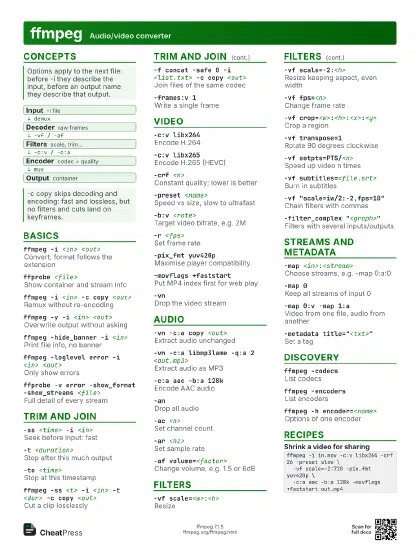
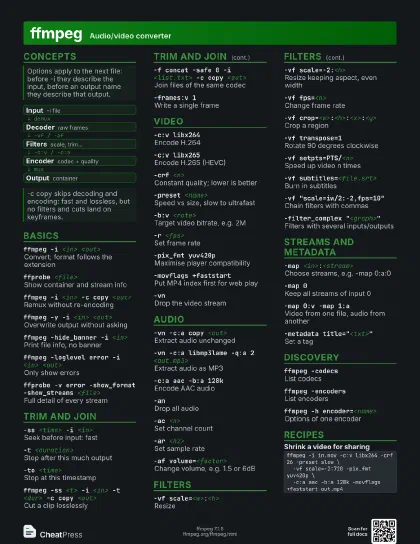
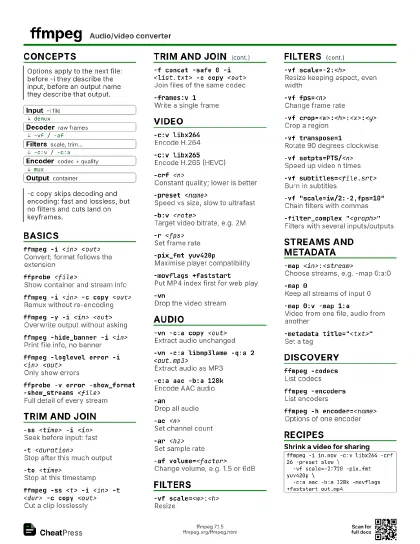
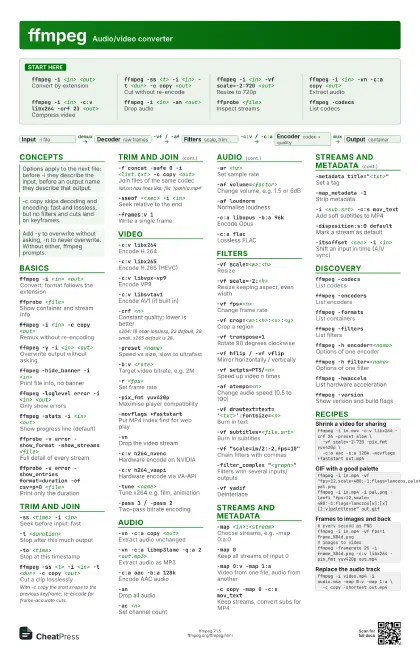
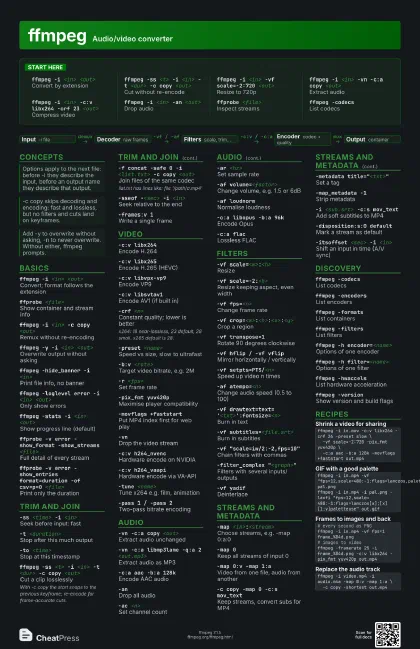
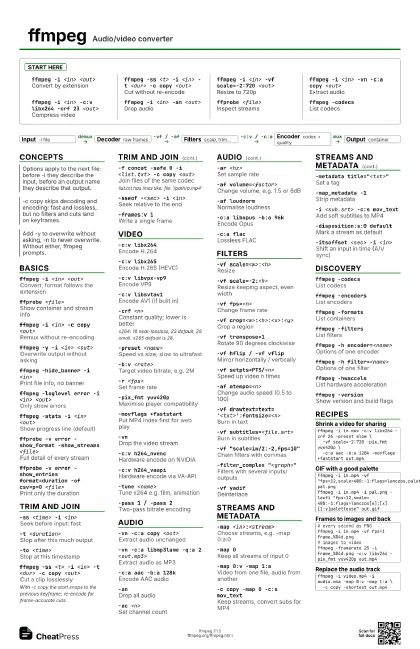
Start here
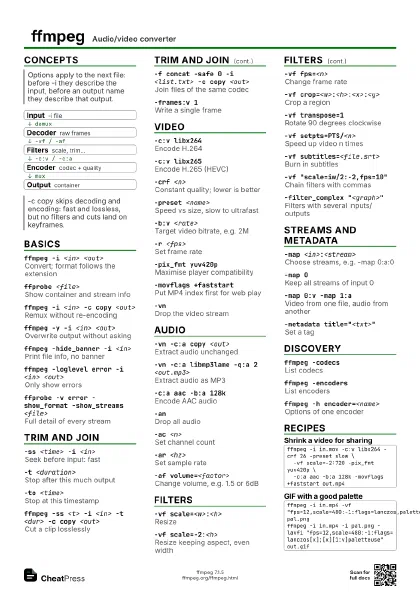
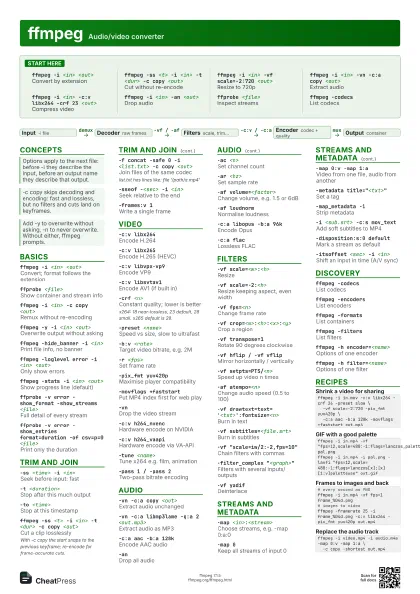
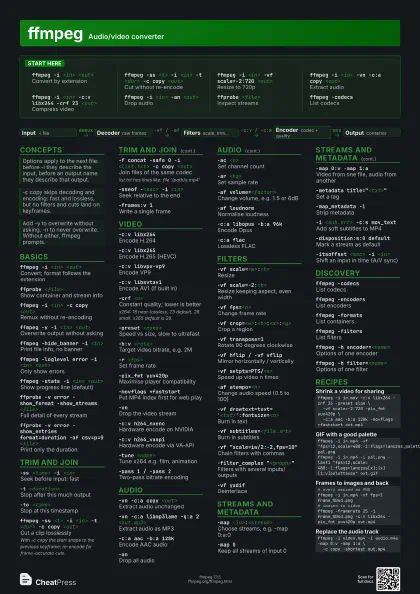
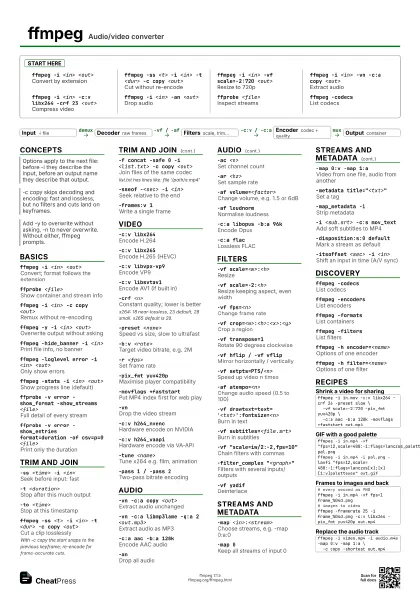
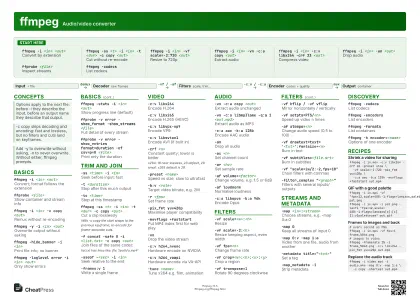
ffmpeg -i <in> <out>
Convert by extension
ffmpeg -ss <t> -i <in> -t <dur> -c copy
                    <out>
Cut without re-encode
ffmpeg -i <in> -vf scale=-2:720 <out>
Resize to 720p
ffmpeg -i <in> -vn -c:a copy <out>
Extract audio
ffmpeg -i <in> -c:v libx264 -crf 23 <out>
Compress video
ffmpeg -i <in> -an <out>
Drop audio
ffprobe <file>
Inspect streams
ffmpeg -codecsList codecs
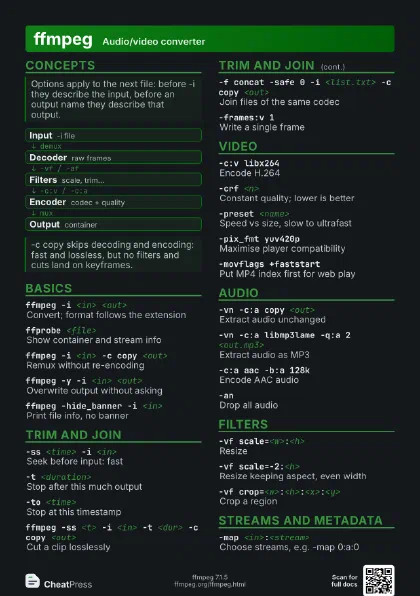
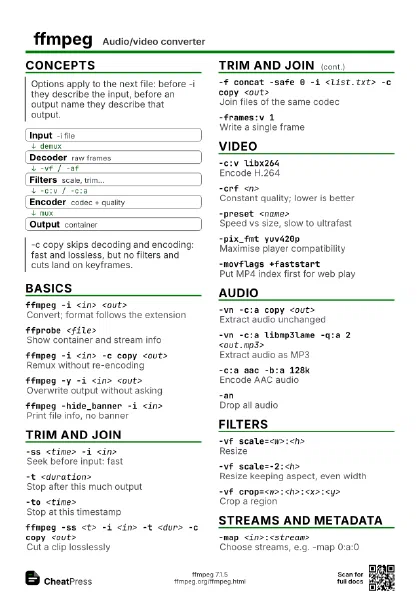
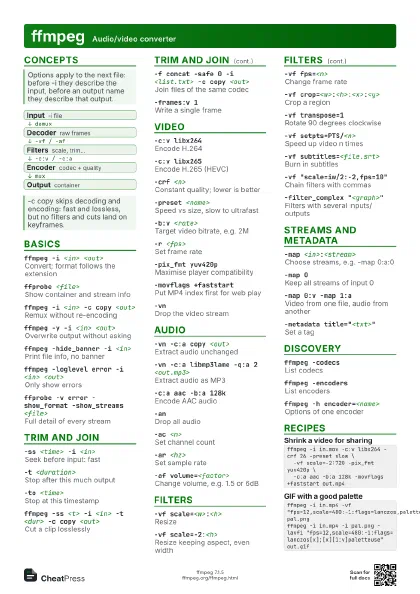
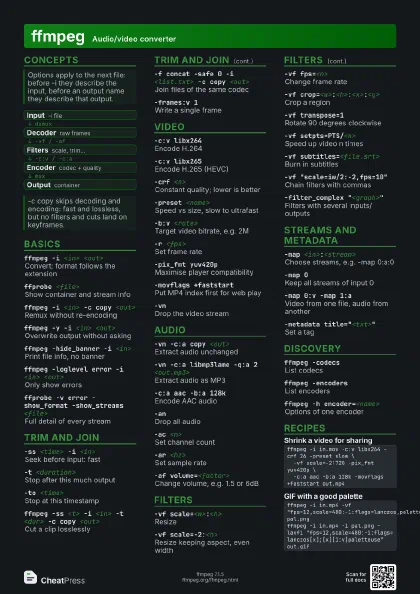
Concepts
- Input -i file
- Decoder raw frames
- Filters scale, trim...
- Encoder codec + quality
- Output container
Basics
ffmpeg -i <in> <out>
Convert; format follows the extension
ffprobe <file>
Show container and stream info
ffmpeg -i <in> -c copy <out>
Remux without re-encoding
ffmpeg -y -i <in> <out>
Overwrite output without asking
ffmpeg -hide_banner -i <in>
Print file info, no banner
ffmpeg -loglevel error -i <in> <out>
Only show errors
ffmpeg -stats -i <in> <out>
Show progress line (default)
ffprobe -v error -show_format -show_streams
                    <file>
Full detail of every stream
ffprobe -v error -show_entries format=duration -of csv=p=0
                    <file>
Print only the duration
Trim and join
-ss <time> -i <in>
Seek before input: fast
-t <duration>
Stop after this much output
-to <time>
Stop at this timestamp
ffmpeg -ss <t> -i <in> -t <dur> -c copy
                    <out>
Cut a clip losslessly
With -c copy the start snaps to the previous keyframe;
re-encode for frame-accurate cuts.
-f concat -safe 0 -i <list.txt> -c copy
                    <out>
Join files of the same codec
list.txt has lines like: file '/path/a.mp4'
-sseof -<sec> -i <in>
Seek relative to the end
-frames:v 1Write a single frame
Video
-c:v libx264Encode H.264
-c:v libx265Encode H.265 (HEVC)
-c:v libvpx-vp9Encode VP9
-c:v libsvtav1Encode AV1 (if built in)
-crf <n>Constant quality; lower is better
x264: 18 near-lossless, 23 default, 28 small. x265 default is
28.
-preset <name>
Speed vs size, slow to ultrafast
-b:v <rate>
Target video bitrate, e.g. 2M
-r <fps>Set frame rate
-pix_fmt yuv420p
Maximise player compatibility
-movflags +faststart
Put MP4 index first for web play
-vnDrop the video stream
-c:v h264_nvencHardware encode on NVIDIA
-c:v h264_vaapiHardware encode via VA-API
-tune <name>
Tune x264 e.g. film, animation
-pass 1 / -pass 2
Two-pass bitrate encoding
Audio
-vn -c:a copy <out>
Extract audio unchanged
-vn -c:a libmp3lame -q:a 2 <out.mp3>
Extract audio as MP3
-c:a aac -b:a 128k
Encode AAC audio
-anDrop all audio
-ac <n>Set channel count
-ar <hz>Set sample rate
-af volume=<factor>
Change volume, e.g. 1.5 or 6dB
-af loudnormNormalise loudness
-c:a libopus -b:a 96k
Encode Opus
-c:a flacLossless FLAC
Filters
-vf scale=<w>:<h>
Resize
-vf scale=-2:<h>
Resize keeping aspect, even width
-vf fps=<n>
Change frame rate
-vf crop=<w>:<h>:<x>:<y>
Crop a region
-vf transpose=1Rotate 90 degrees clockwise
-vf hflip / -vf vflip
Mirror horizontally / vertically
-vf setpts=PTS/<n>
Speed up video n times
-af atempo=<n>
Change audio speed (0.5 to 100)
-vf
                    drawtext=text='<txt>':fontsize=<n>
Burn in text
-vf subtitles=<file.srt>
Burn in subtitles
-vf "scale=iw/2:-2,fps=10"
Chain filters with commas
-filter_complex "<graph>"
Filters with several inputs/outputs
-vf yadifDeinterlace
Streams and metadata
-map <in>:<stream>
Choose streams, e.g. -map 0:a:0
-map 0Keep all streams of input 0
-map 0:v -map 1:a
Video from one file, audio from another
-c copy -map 0 -c:s mov_text
Keep streams, convert subs for MP4
-metadata title="<txt>"
Set a tag
-map_metadata -1
Strip metadata
-i <sub.srt> -c:s mov_text
Add soft subtitles to MP4
-disposition:s:0 default
Mark a stream as default
-itsoffset <sec> -i <in>
Shift an input in time (A/V sync)
Discovery
ffmpeg -codecsList codecs
ffmpeg -encoders
List encoders
ffmpeg -formatsList containers
ffmpeg -filtersList filters
ffmpeg -h encoder=<name>
Options of one encoder
ffmpeg -h filter=<name>
Options of one filter
ffmpeg -hwaccels
List hardware acceleration
ffmpeg -versionShow version and build flags
Recipes
ffmpeg -i in.mov -c:v libx264 -crf 26 -preset slow \ -vf scale=-2:720 -pix_fmt yuv420p \ -c:a aac -b:a 128k -movflags +faststart out.mp4ffmpeg -i in.mp4 -vf "fps=12,scale=480:-1:flags=lanczos,palettegen" pal.pngffmpeg -i in.mp4 -i pal.png -lavfi "fps=12,scale=480:-1:flags=lanczos[x];[x][1:v]paletteuse" out.gif# every second as PNGffmpeg -i in.mp4 -vf fps=1 frame_%04d.png# images to videoffmpeg -framerate 25 -i frame_%04d.png -c:v libx264 -pix_fmt yuv420p out.mp4ffmpeg -i video.mp4 -i audio.m4a -map 0:v -map 1:a \ -c copy -shortest out.mp4