Cheat
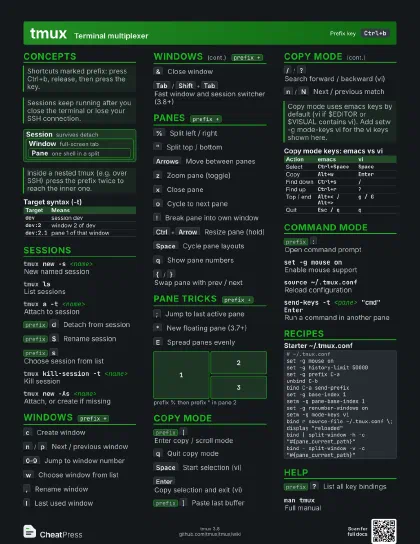
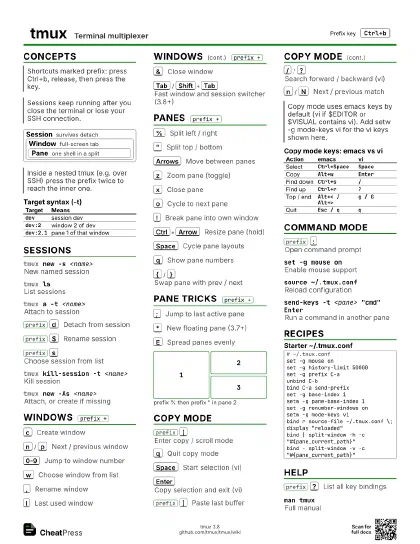
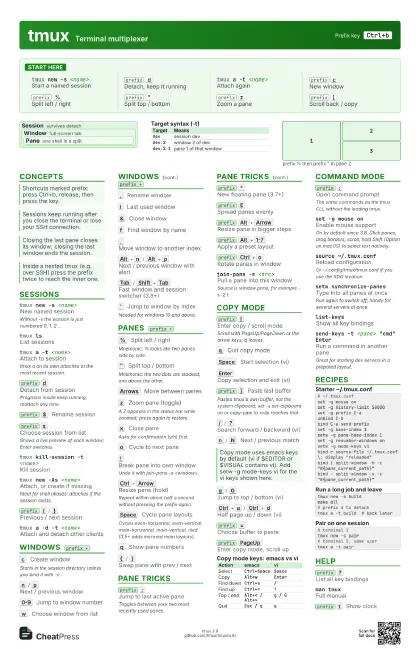
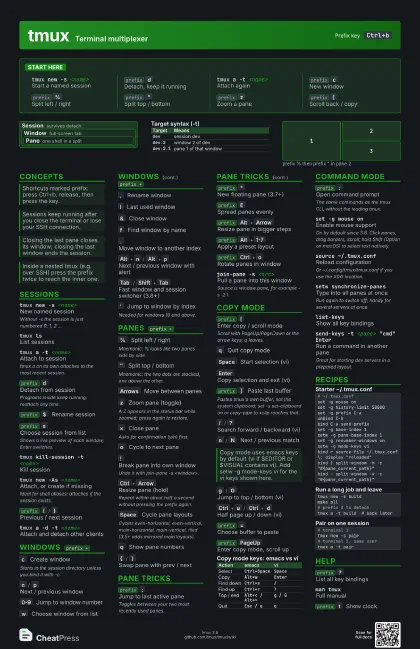
tmux Terminal multiplexer
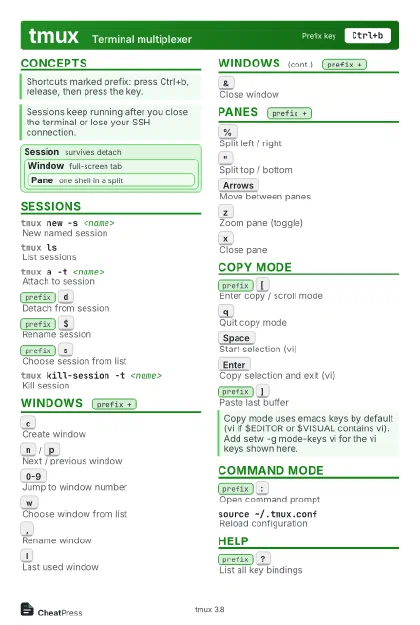 Light · Postcard
102 × 152 mm · PDF
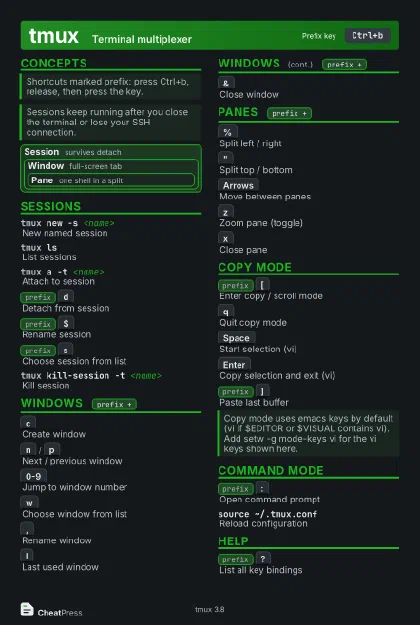 Dark · Postcard
102 × 152 mm · PDF
 Ink saver · Postcard
102 × 152 mm · PDF

 Light · A4 landscape
297 × 210 mm · PDF
 Dark · A4 landscape
297 × 210 mm · PDF
 Ink saver · A4 landscape
297 × 210 mm · PDF
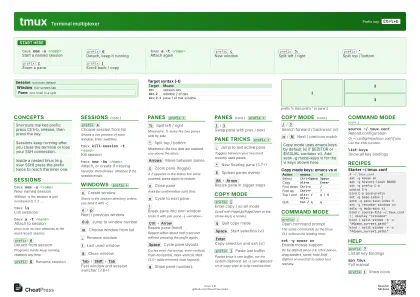 Light · A3 landscape
420 × 297 mm · PDF
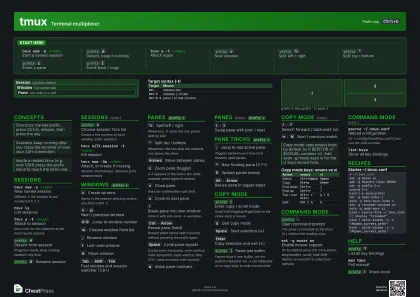 Dark · A3 landscape
420 × 297 mm · PDF
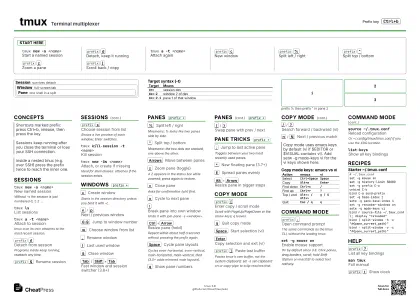 Ink saver · A3 landscape
420 × 297 mm · PDF
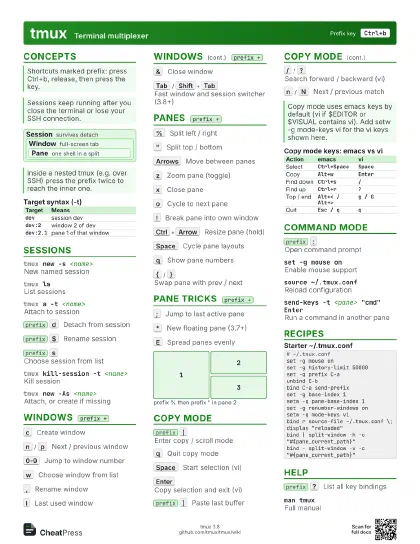
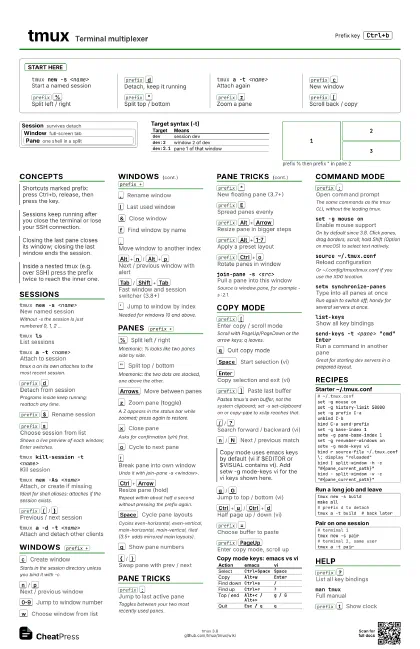
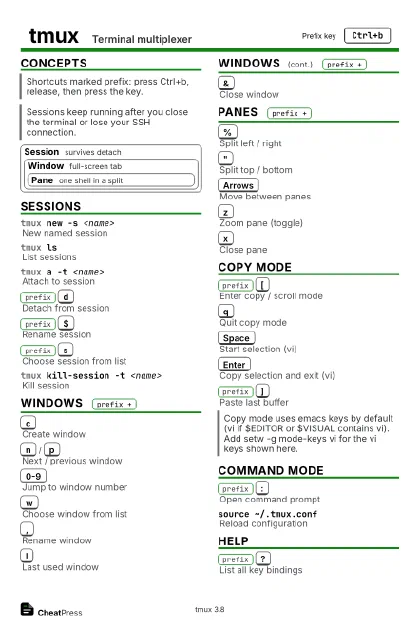
Start here
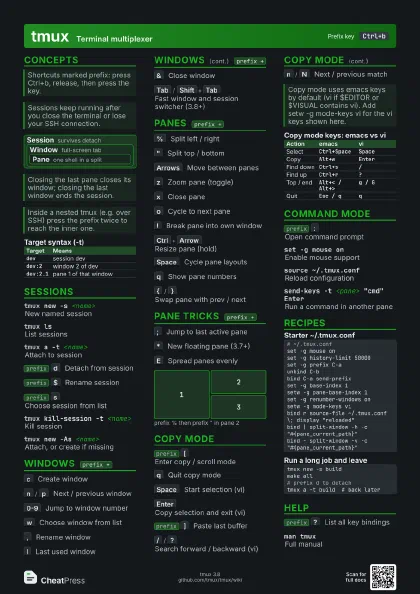
tmux new -s <name>
Start a named session
prefix
d
Detach, keep it running
tmux a -t <name>
Attach again
prefix
c
New window
prefix
%
Split left / right
prefix
"
Split top / bottom
prefix
z
Zoom a pane
prefix
[
Scroll back / copy
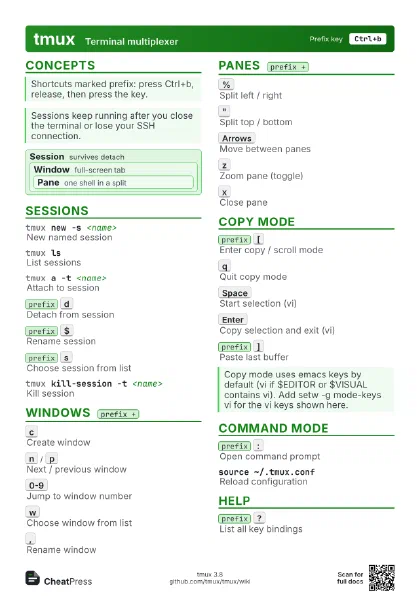
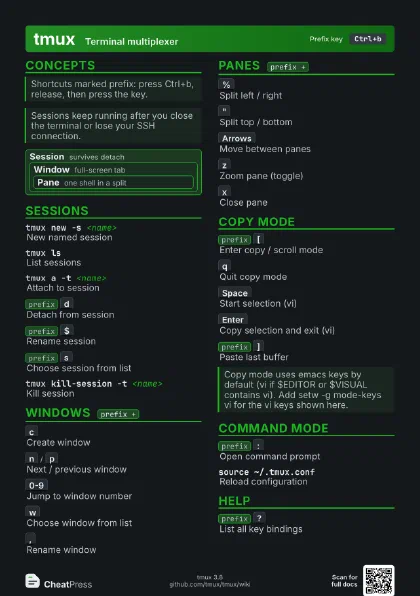
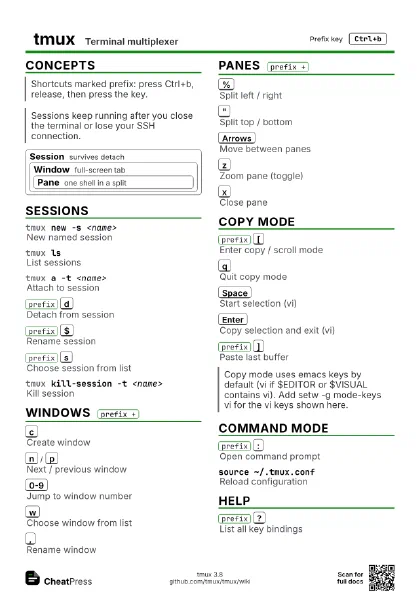
Concepts
Session survives detach
Window full-screen tab
Pane one shell in a split
| Target | Means |
|---|---|
dev |
session dev |
dev:2 |
window 2 of dev |
dev:2.1 |
pane 1 of that window |
Sessions
tmux new -s <name>
New named session
Without -s the session is just numbered 0, 1, 2 ...
tmux lsList sessions
tmux a -t <name>
Attach to session
tmux a on its own attaches to the most recent session.
prefix
d
Detach from session
Programs inside keep running; reattach any time.
prefix
$
Rename session
prefix
s
Choose session from list
Shows a live preview of each window; Enter switches.
tmux kill-session -t <name>
Kill session
tmux new -As <name>
Attach, or create if missing
Ideal for shell aliases: attaches if the session exists.
prefix
(
/
)
Previous / next session
tmux a -d -t <name>
Attach and detach other clients
tmux kill-server
Kill all sessions
Also kills every program running inside.
Windows
prefix
c
Create window
Starts in the session directory unless you bind it with -c.
prefix
n
/
p
Next / previous window
prefix
0-9
Jump to window number
prefix
w
Choose window from list
prefix
,
Rename window
prefix
l
Last used window
prefix
&
Close window
prefix
f
Find window by name
prefix
.
Move window to another index
prefix
Alt+n
/
Alt+p
Next / previous window with alert
prefix
Tab
/
Shift+Tab
Fast window and session switcher (3.8+)
prefix
'
Jump to window by index
Needed for windows 10 and above.
Panes
prefix
%
Split left / right
Mnemonic: % looks like two panes side by side.
prefix
"
Split top / bottom
Mnemonic: the two dots are stacked, one above the other.
prefix
Arrows
Move between panes
prefix
z
Zoom pane (toggle)
A Z appears in the status bar while zoomed; press again to
restore.
prefix
x
Close pane
Asks for confirmation (y/n) first.
prefix
o
Cycle to next pane
prefix
!
Break pane into own window
Undo it with join-pane -s <window>.
prefix
Ctrl+Arrow
Resize pane (hold)
Repeat within about half a second without pressing the prefix
again.
prefix
Space
Cycle pane layouts
Cycles even-horizontal, even-vertical, main-horizontal,
main-vertical, tiled (3.5+ adds mirrored main layouts).
prefix
q
Show pane numbers
prefix
{
/
}
Swap pane with prev / next
Pane Tricks
prefix
;
Jump to last active pane
Toggles between your two most recently used panes.
prefix
*
New floating pane (3.7+)
prefix
E
Spread panes evenly
prefix
Alt+Arrow
Resize pane in bigger steps
prefix
Alt+1-7
Apply a preset layout
prefix
Ctrl+o
Rotate panes in window
prefix
m
Mark / unmark pane
join-pane -s <src>
Pull a pane into this window
Source is window.pane, for example -s :2.1.
1
2
3
Copy Mode
prefix
[
Enter copy / scroll mode
Scroll with PageUp/PageDown or the arrow keys; q leaves.
q
Quit copy mode
Space
Start selection (vi)
Enter
Copy selection and exit (vi)
prefix
]
Paste last buffer
Pastes tmux's own buffer, not the system clipboard; set -s
set-clipboard on or copy-pipe to xclip reaches that.
/
/
?
Search forward / backward (vi)
n
/
N
Next / previous match
g
/
G
Jump to top / bottom (vi)
Ctrl+u
/
Ctrl+d
Half page up / down (vi)
v
Rectangle selection toggle (vi)
prefix
=
Choose buffer to paste
prefix
PageUp
Enter copy mode, scroll up
| Action | emacs | vi |
|---|---|---|
| Select | Ctrl+Space |
Space |
| Copy | Alt+w |
Enter |
| Find down | Ctrl+s |
/ |
| Find up | Ctrl+r |
? |
| Top / end | Alt+< / Alt+> |
g / G |
| Quit | Esc / q |
q |
Command Mode
prefix
:
Open command prompt
The same commands as the tmux CLI, without the leading tmux.
set -g mouse onEnable mouse support
On by default since 3.8. Click panes, drag borders, scroll;
hold Shift (Option on macOS) to select text natively.
source ~/.tmux.conf
Reload configuration
Or ~/.config/tmux/tmux.conf if you use the XDG location.
setw synchronize-panes
Type into all panes at once
Run again to switch off; handy for several servers at once.
list-keysShow all key bindings
set -g history-limit 50000
Longer scrollback
Only affects windows created afterwards; set it in .tmux.conf.
capture-pane -pPrint pane contents to stdout
Add -S - to include the full scrollback.
send-keys -t <pane> "cmd" Enter
Run a command in another pane
Great for starting dev servers in a prepared layout.
swap-window -t <n>
Swap with window n
move-window -rRenumber windows
Recipes
# ~/.tmux.confset -g mouse onset -g history-limit 50000set -g prefix C-aunbind C-bbind C-a send-prefixset -g base-index 1setw -g pane-base-index 1set -g renumber-windows onsetw -g mode-keys vibind r source-file ~/.tmux.conf \; display "reloaded"bind | split-window -h -c "#{pane_current_path}"bind - split-window -v -c "#{pane_current_path}"tmux new -d -s devtmux split-window -h -t devtmux send-keys -t dev 'htop' Entertmux a -t devtmux new -s buildmake all# prefix d to detachtmux a -t build # back later# terminal 1tmux new -s pair# terminal 2, same usertmux a -t pairHelp
prefix
?
List all key bindings
prefix
/
Describe what a key does
man tmuxFull manual
prefix
t
Show clock
prefix
~
Show past messages
tmux -VShow version