Cheat
yt-dlp Video downloader
 Light · Postcard
102 × 152 mm · PDF
 Dark · Postcard
102 × 152 mm · PDF
 Ink saver · Postcard
102 × 152 mm · PDF
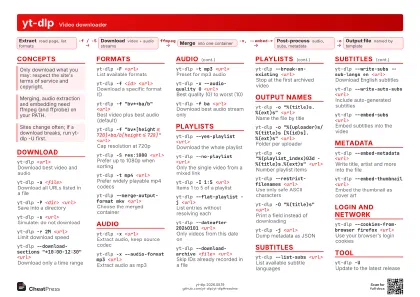 Light · A4 landscape
297 × 210 mm · PDF
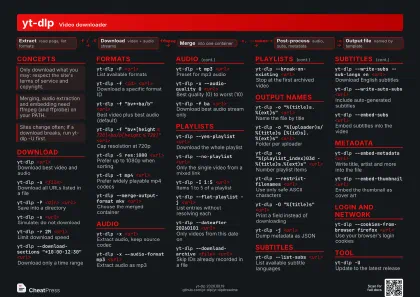 Dark · A4 landscape
297 × 210 mm · PDF
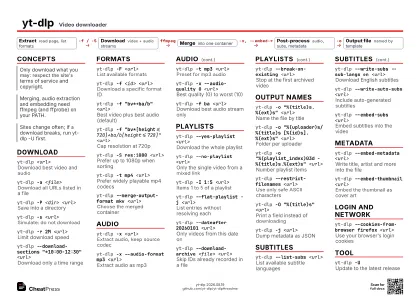 Ink saver · A4 landscape
297 × 210 mm · PDF
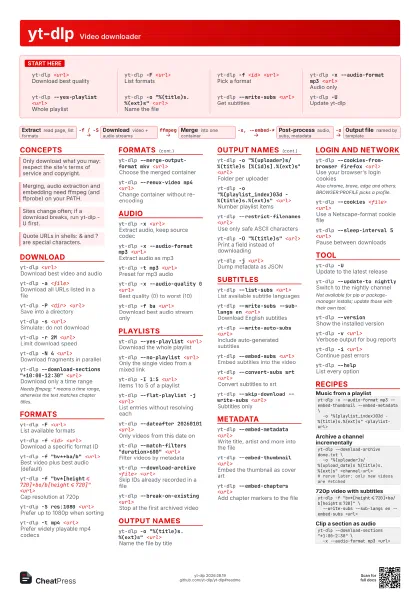
 Light · A3 landscape
420 × 297 mm · PDF
 Dark · A3 landscape
420 × 297 mm · PDF
 Ink saver · A3 landscape
420 × 297 mm · PDF
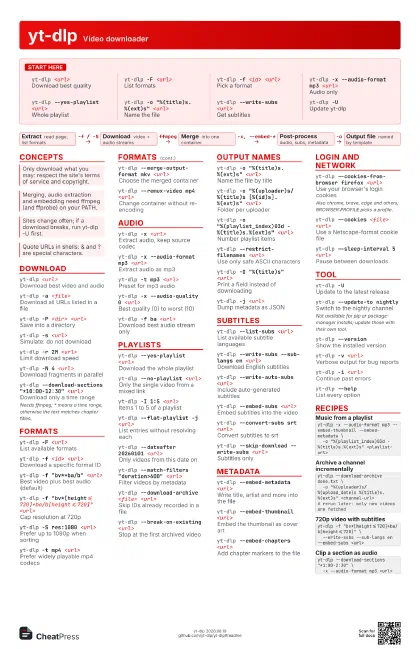
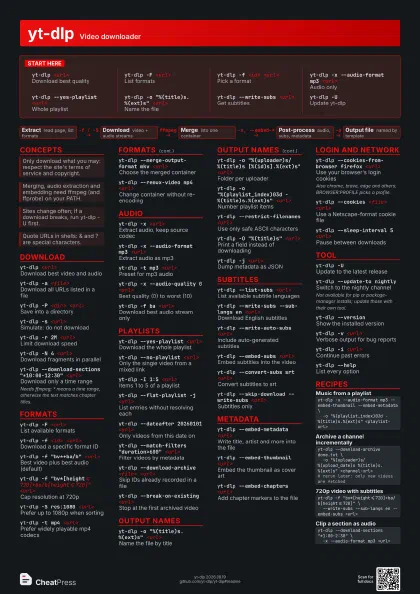
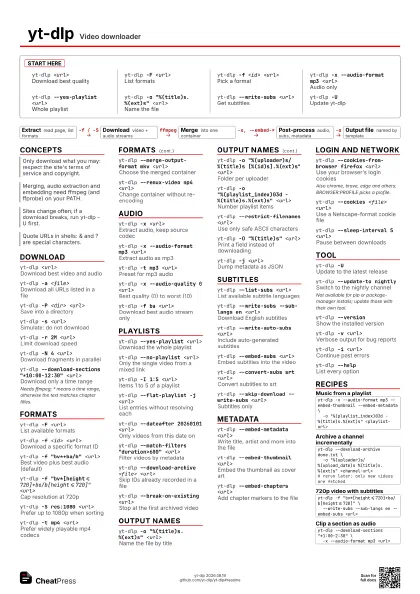
Start here
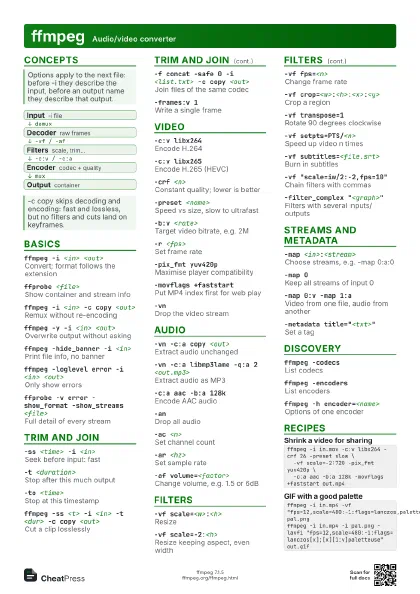
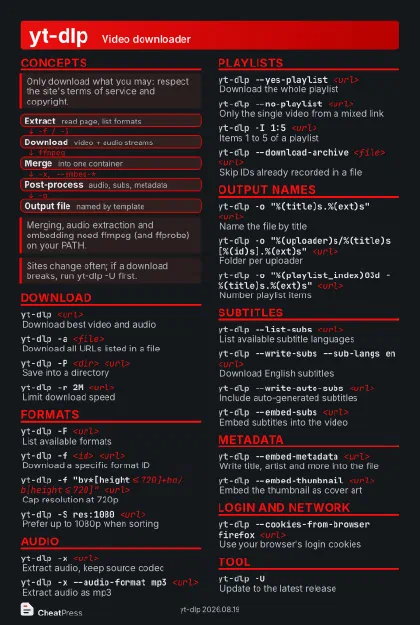
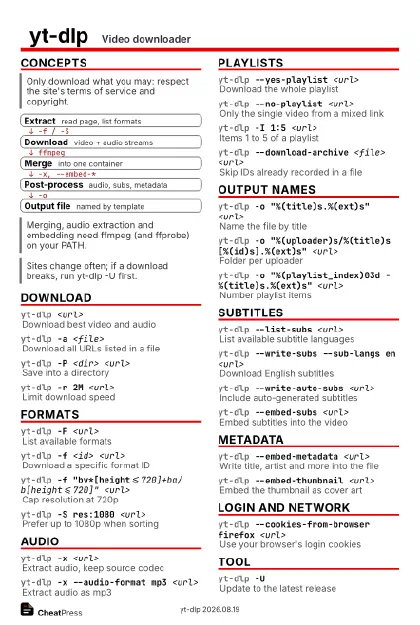
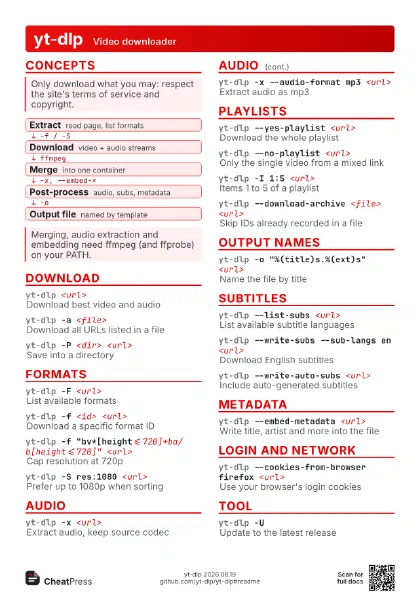
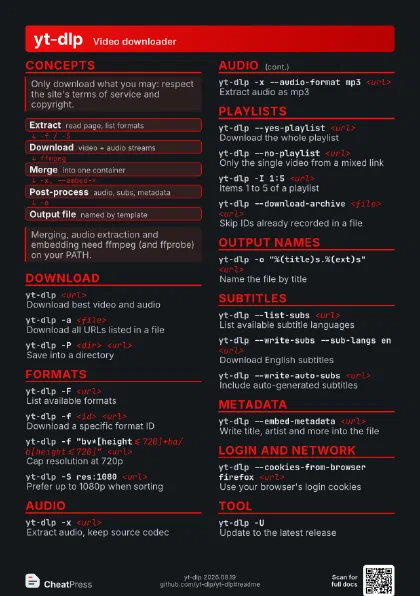
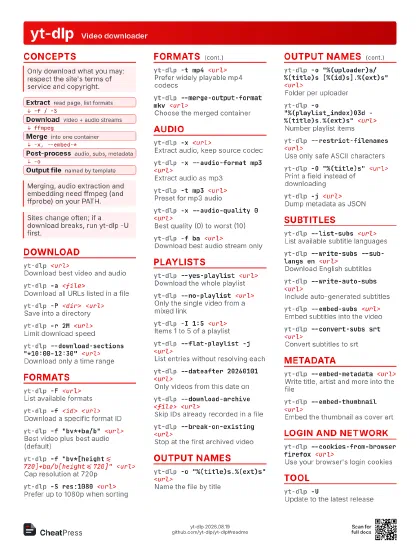
yt-dlp <url>
Download best quality
yt-dlp -F <url>
List formats
yt-dlp -f <id> <url>
Pick a format
yt-dlp -x --audio-format mp3 <url>
Audio only
yt-dlp --yes-playlist <url>
Whole playlist
yt-dlp -o "%(title)s.%(ext)s" <url>
Name the file
yt-dlp --write-subs <url>
Get subtitles
yt-dlp -UUpdate yt-dlp
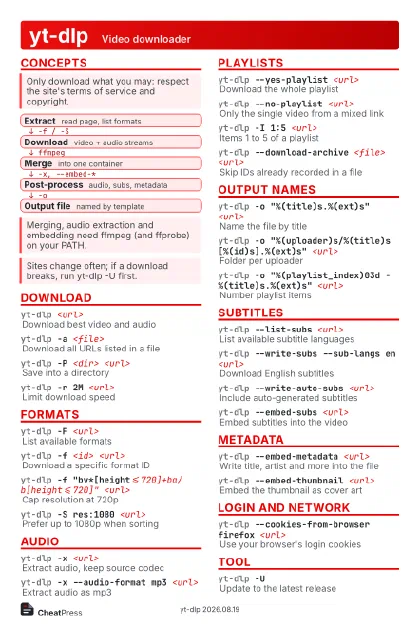
Concepts
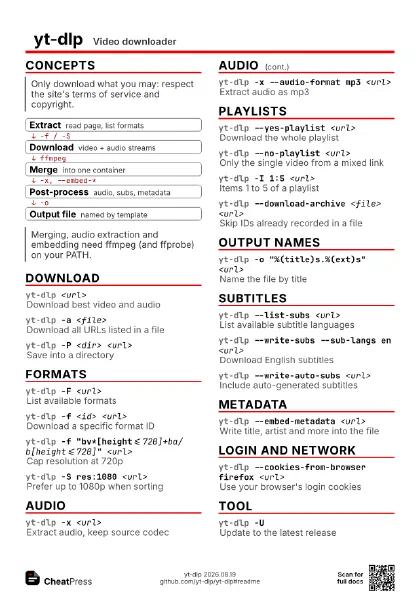
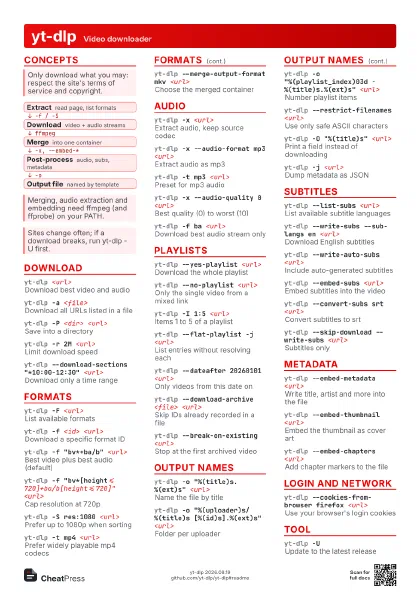
- Extract read page, list formats
- Download video + audio streams
- Merge into one container
- Post-process audio, subs, metadata
- Output file named by template
Download
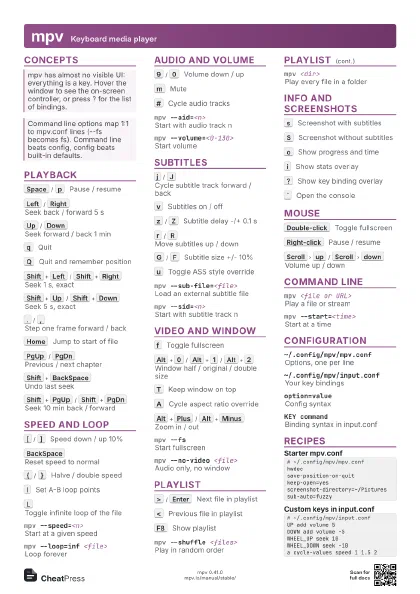
yt-dlp <url>
Download best video and audio
yt-dlp -a <file>
Download all URLs listed in a file
yt-dlp -P <dir> <url>
Save into a directory
yt-dlp -s <url>
Simulate: do not download
yt-dlp -r 2M <url>
Limit download speed
yt-dlp -N 4 <url>
Download fragments in parallel
yt-dlp --download-sections "*10:00-12:30"
                    <url>
Download only a time range
Needs ffmpeg; * means a time range, otherwise the text matches
chapter titles.
Formats
yt-dlp -F <url>
List available formats
yt-dlp -f <id> <url>
Download a specific format ID
yt-dlp -f "bv*+ba/b" <url>
Best video plus best audio (default)
yt-dlp -f
                    "bv*[height<=720]+ba/b[height<=720]"
                    <url>
Cap resolution at 720p
yt-dlp -S res:1080 <url>
Prefer up to 1080p when sorting
yt-dlp -t mp4 <url>
Prefer widely playable mp4 codecs
yt-dlp --merge-output-format mkv <url>
Choose the merged container
yt-dlp --remux-video mp4 <url>
Change container without re-encoding
Audio
yt-dlp -x <url>
Extract audio, keep source codec
yt-dlp -x --audio-format mp3 <url>
Extract audio as mp3
yt-dlp -t mp3 <url>
Preset for mp3 audio
yt-dlp -x --audio-quality 0 <url>
Best quality (0) to worst (10)
yt-dlp -f ba <url>
Download best audio stream only
Playlists
yt-dlp --yes-playlist <url>
Download the whole playlist
yt-dlp --no-playlist <url>
Only the single video from a mixed link
yt-dlp -I 1:5 <url>
Items 1 to 5 of a playlist
yt-dlp --flat-playlist -j <url>
List entries without resolving each
yt-dlp --dateafter 20260101 <url>
Only videos from this date on
yt-dlp --match-filters "duration>600"
                    <url>
Filter videos by metadata
yt-dlp --download-archive <file> <url>
Skip IDs already recorded in a file
yt-dlp --break-on-existing <url>
Stop at the first archived video
Output names
yt-dlp -o "%(title)s.%(ext)s" <url>
Name the file by title
yt-dlp -o "%(uploader)s/%(title)s [%(id)s].%(ext)s"
                    <url>
Folder per uploader
yt-dlp -o "%(playlist_index)03d -
                    %(title)s.%(ext)s" <url>
Number playlist items
yt-dlp --restrict-filenames <url>
Use only safe ASCII characters
yt-dlp -O "%(title)s" <url>
Print a field instead of downloading
yt-dlp -j <url>
Dump metadata as JSON
Subtitles
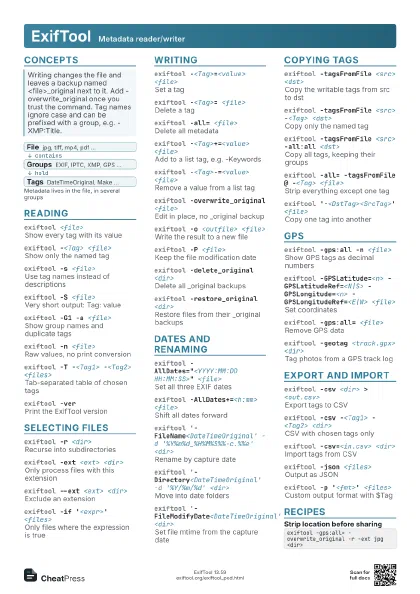
yt-dlp --list-subs <url>
List available subtitle languages
yt-dlp --write-subs --sub-langs en <url>
Download English subtitles
yt-dlp --write-auto-subs <url>
Include auto-generated subtitles
yt-dlp --embed-subs <url>
Embed subtitles into the video
yt-dlp --convert-subs srt <url>
Convert subtitles to srt
yt-dlp --skip-download --write-subs <url>
Subtitles only
Metadata
yt-dlp --embed-metadata <url>
Write title, artist and more into the file
yt-dlp --embed-thumbnail <url>
Embed the thumbnail as cover art
yt-dlp --embed-chapters <url>
Add chapter markers to the file
Login and network
yt-dlp --cookies-from-browser firefox <url>
Use your browser's login cookies
Also chrome, brave, edge and others; BROWSER:PROFILE picks a
profile.
yt-dlp --cookies <file> <url>
Use a Netscape-format cookie file
yt-dlp --sleep-interval 5 <url>
Pause between downloads
Tool
yt-dlp -UUpdate to the latest release
yt-dlp --update-to nightly
Switch to the nightly channel
Not available for pip or package-manager installs; update
those with their own tool.
yt-dlp --version
Show the installed version
yt-dlp -v <url>
Verbose output for bug reports
yt-dlp -i <url>
Continue past errors
yt-dlp --helpList every option
Recipes
yt-dlp -x --audio-format mp3 --embed-thumbnail --embed-metadata \ -o "%(playlist_index)03d - %(title)s.%(ext)s" <playlist-url>yt-dlp --download-archive done.txt \ -o "%(uploader)s/%(upload_date)s %(title)s.%(ext)s" <channel-url># rerun later: only new videos are fetchedyt-dlp -f "bv*[height<=720]+ba/b[height<=720]" \ --write-subs --sub-langs en --embed-subs <url>yt-dlp --download-sections "*1:00-2:30" \ -x --audio-format mp3 <url>