Cheat
clickhouse-client ClickHouse SQL shell
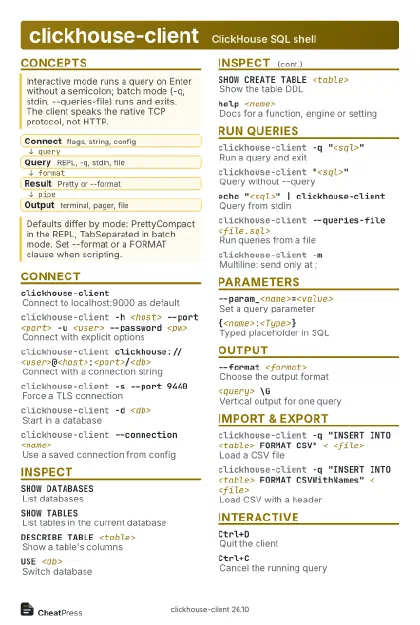 Light · Postcard
102 × 152 mm · PDF
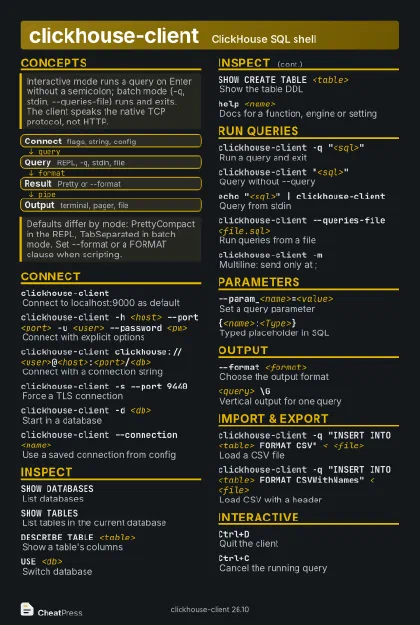 Dark · Postcard
102 × 152 mm · PDF
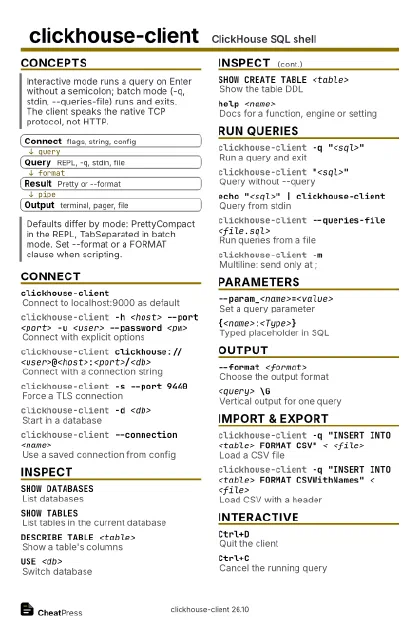 Ink saver · Postcard
102 × 152 mm · PDF
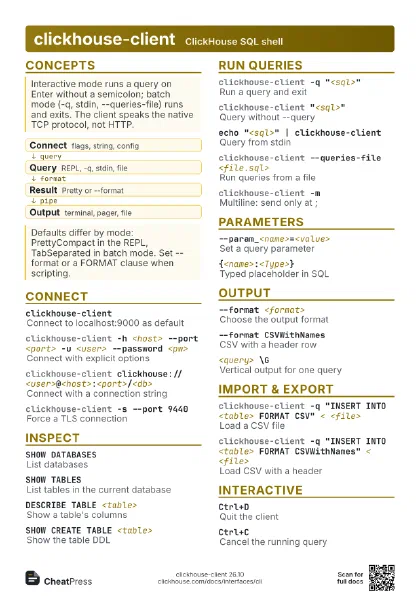
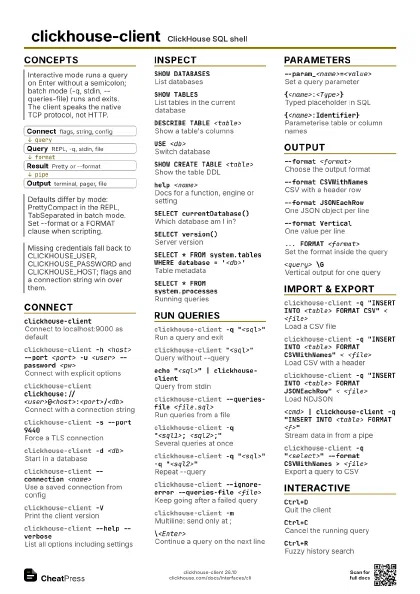
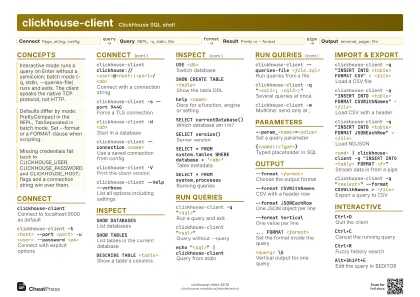 Light · A4 landscape
297 × 210 mm · PDF
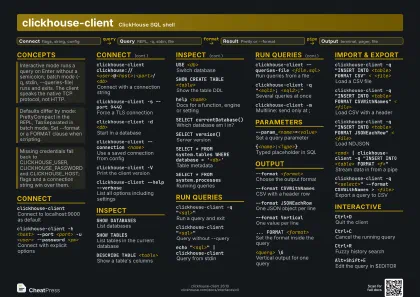 Dark · A4 landscape
297 × 210 mm · PDF
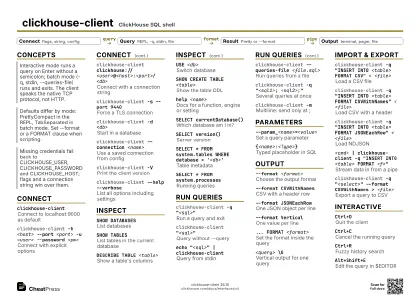 Ink saver · A4 landscape
297 × 210 mm · PDF
 Light · A3 landscape
420 × 297 mm · PDF
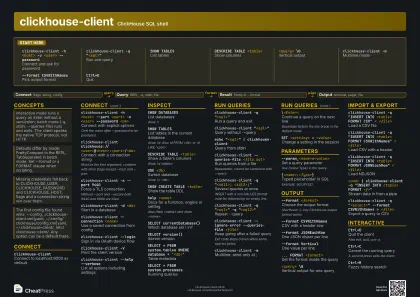 Dark · A3 landscape
420 × 297 mm · PDF
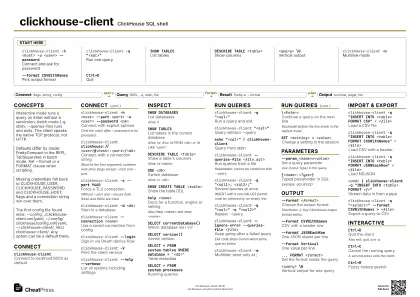 Ink saver · A3 landscape
420 × 297 mm · PDF
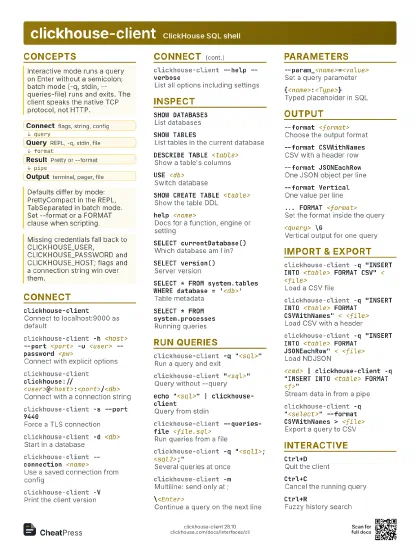
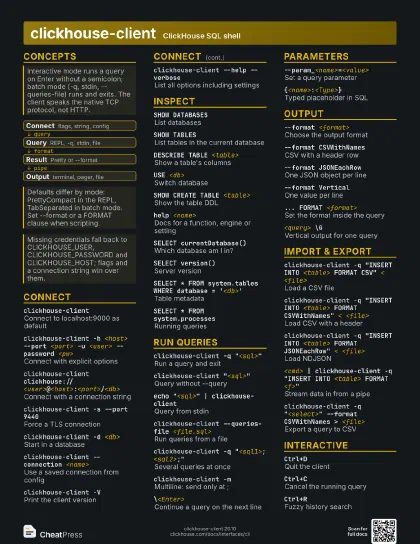
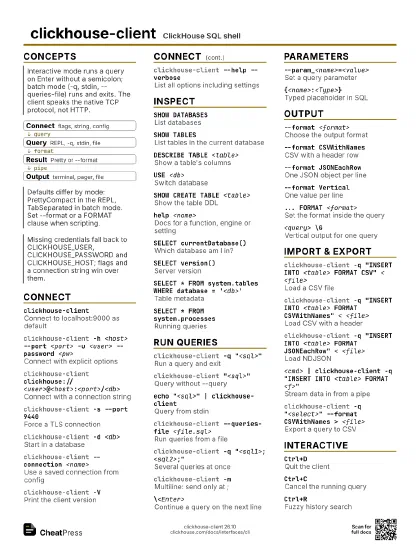
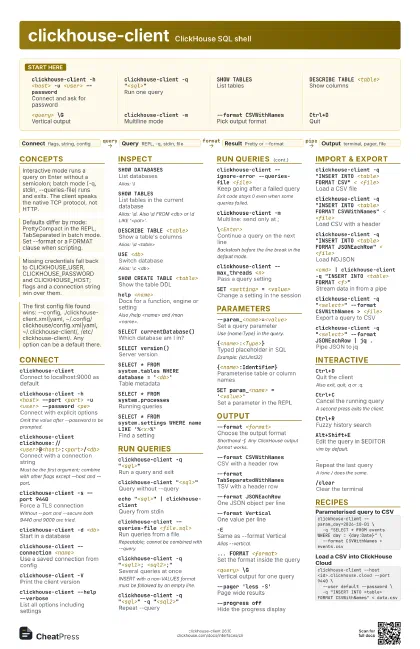
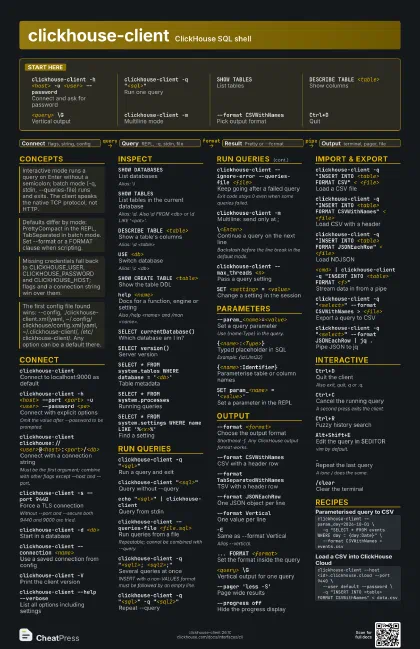
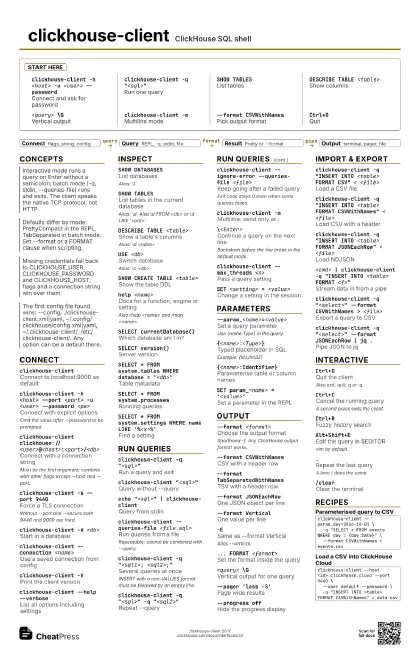
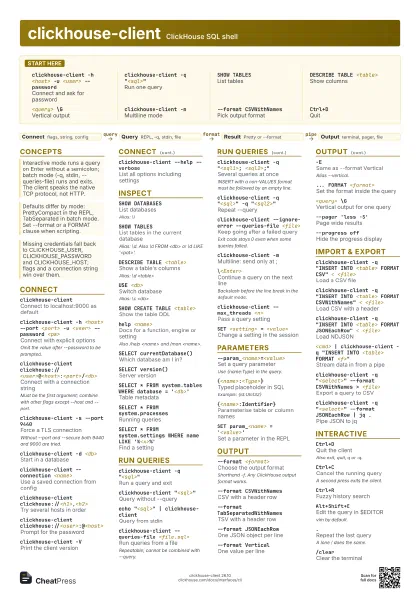
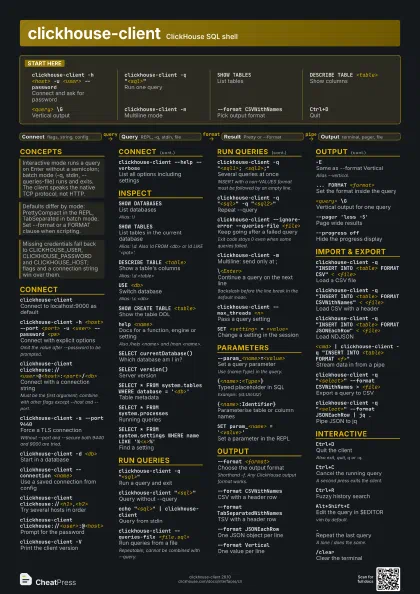
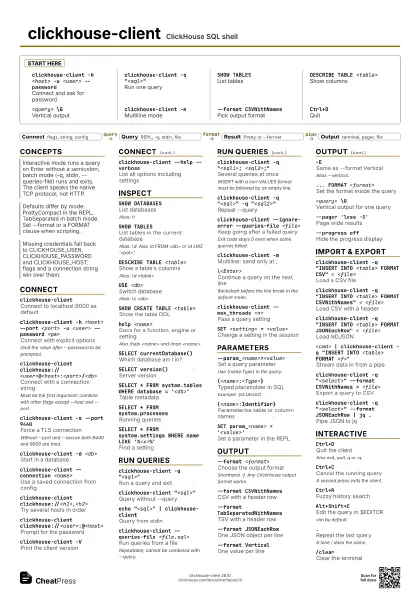
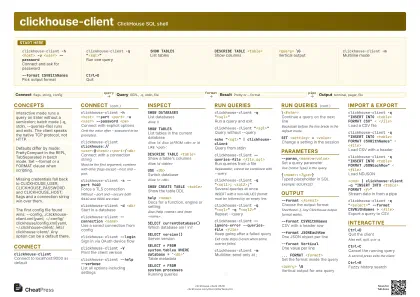
Start here
clickhouse-client -h <host> -u <user>
                    --password
Connect and ask for password
clickhouse-client -q "<sql>"
Run one query
SHOW TABLESList tables
DESCRIBE TABLE <table>
Show columns
<query> \G
Vertical output
clickhouse-client -m
Multiline mode
--format CSVWithNames
Pick output format
Ctrl+DQuit
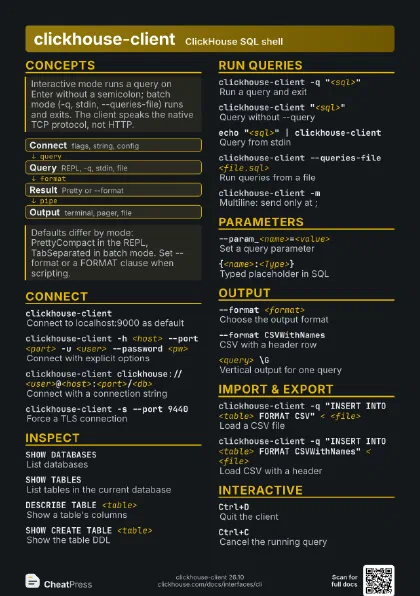
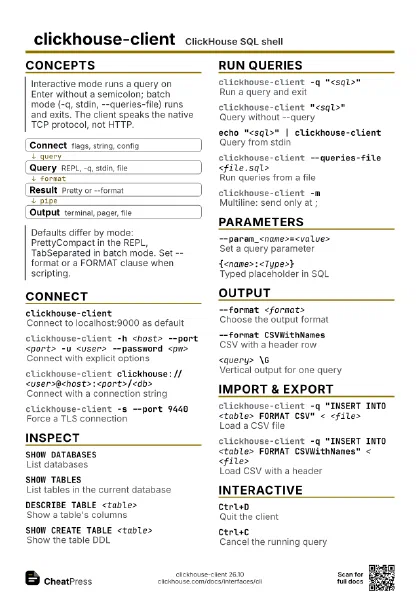
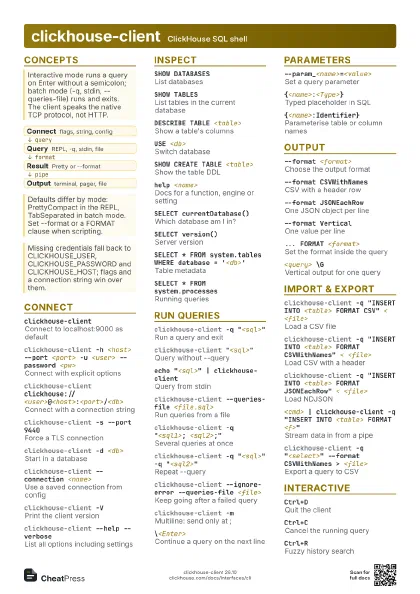
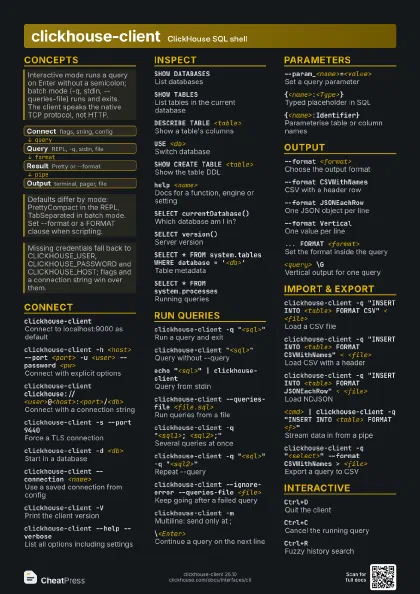
Concepts
- Connect flags, string, config
- Query REPL, -q, stdin, file
- Result Pretty or --format
- Output terminal, pager, file
Connect
clickhouse-client
Connect to localhost:9000 as default
clickhouse-client -h <host> --port <port> -u
                    <user> --password <pw>
Connect with explicit options
Omit the value after --password to be prompted.
clickhouse-client
                    clickhouse://<user>@<host>:<port>/<db>
Connect with a connection string
Must be the first argument; combine with other flags except
--host and --port.
clickhouse-client -s --port 9440
Force a TLS connection
Without --port and --secure both 9440 and 9000 are tried.
clickhouse-client -d <db>
Start in a database
clickhouse-client --connection <name>
Use a saved connection from config
clickhouse-client clickhouse://<h1>,<h2>
Try several hosts in order
clickhouse-client
                    clickhouse://<user>:@<host>
Prompt for the password
clickhouse-client --ssh-key-file <path>
Authenticate with an SSH key
clickhouse-client --jwt <token>
Authenticate with a JWT (Cloud)
clickhouse-client --login
Sign in via OAuth device flow
clickhouse-client --tls-sni-override <name>
Set the TLS server name
clickhouse-client -V
Print the client version
clickhouse-client --help --verbose
List all options including settings
Inspect
SHOW DATABASESList databases
Alias: \l
SHOW TABLESList tables in the current database
Alias: \d. Also \d FROM <db> or \d LIKE
'<pat>'.
DESCRIBE TABLE <table>
Show a table's columns
Alias: \d <table>
USE <db>Switch database
Alias: \c <db>
SHOW CREATE TABLE <table>
Show the table DDL
help <name>
Docs for a function, engine or setting
Also /help <name> and /man <name>.
SELECT currentDatabase()
Which database am I in?
SELECT version()
Server version
SELECT * FROM system.tables WHERE database =
                    '<db>'
Table metadata
SELECT * FROM system.processes
Running queries
SELECT * FROM system.settings WHERE name LIKE
                    '%<x>%'
Find a setting
SHOW CREATE TABLE <table> \G
DDL without line wrapping
Run Queries
clickhouse-client -q "<sql>"
Run a query and exit
clickhouse-client "<sql>"
Query without --query
echo "<sql>" | clickhouse-client
Query from stdin
clickhouse-client --queries-file <file.sql>
Run queries from a file
Repeatable; cannot be combined with --query.
clickhouse-client -q "<sql1>;
                    <sql2>;"
Several queries at once
INSERT with a non-VALUES format must be followed by an empty
line.
clickhouse-client -q "<sql>" -q
                    "<sql2>"
Repeat --query
clickhouse-client --ignore-error --queries-file
                    <file>
Keep going after a failed query
Exit code stays 0 even when some queries failed.
clickhouse-client -m
Multiline: send only at ;
\<Enter>Continue a query on the next line
Backslash before the line break in the default mode.
clickhouse-client --max_threads <n>
Pass a query setting
SET <setting> = <value>
Change a setting in the session
clickhouse-client --inline-insert-data
Send INSERT ... VALUES as text
clickhouse-client -t -q "<sql>"
Print execution time to stderr
clickhouse-client --stacktrace
Print stack traces of errors
Parameters
--param_<name>=<value>
Set a query parameter
Use {name:Type} in the query.
{<name>:<Type>}
Typed placeholder in SQL
Example: {id:UInt32}
{<name>:Identifier}
Parameterise table or column names
SET param_<name> = '<value>'
Set a parameter in the REPL
--param_<name>="[1, 2]"
Pass an array or tuple value
Type it as Array(UInt16) or Tuple(...).
Output
--format <format>
Choose the output format
Shorthand -f. Any ClickHouse output format works.
--format CSVWithNames
CSV with a header row
--format TabSeparatedWithNames
TSV with a header row
--format JSONEachRow
One JSON object per line
--format Vertical
One value per line
-ESame as --format Vertical
Alias --vertical.
... FORMAT <format>
Set the format inside the query
<query> \G
Vertical output for one query
--pager 'less -S'
Page wide results
--progress offHide the progress display
--highlight 0Turn off syntax colours
--echoPrint each query before running it
--format PrettyPretty box tables
--memory-usage readable
Print peak memory to stderr
Import & Export
clickhouse-client -q "INSERT INTO <table> FORMAT
                    CSV" < <file>
Load a CSV file
clickhouse-client -q "INSERT INTO <table> FORMAT
                    CSVWithNames" < <file>
Load CSV with a header
clickhouse-client -q "INSERT INTO <table> FORMAT
                    JSONEachRow" < <file>
Load NDJSON
<cmd> | clickhouse-client -q "INSERT INTO
                    <table> FORMAT <f>"
Stream data in from a pipe
clickhouse-client -q "<select>" --format
                    CSVWithNames > <file>
Export a query to CSV
clickhouse-client -q "<select>" --format
                    JSONEachRow | jq .
Pipe JSON to jq
clickhouse-client -q "<select>" | gzip >
                    <file.gz>
Export compressed
--host <h> --port 9440 -s --password <pw>
                    ...
Load into ClickHouse Cloud
Interactive
Ctrl+DQuit the client
Also exit, quit, q or :q.
Ctrl+CCancel the running query
A second press exits the client.
Ctrl+RFuzzy history search
Alt+Shift+E
Edit the query in $EDITOR
vim by default.
Alt+#Comment out the line
.Repeat the last query
A lone / does the same.
/clearClear the terminal
/dialect <name>
Switch the SQL dialect
?? <question>
Generate SQL with AI
Needs OPENAI_API_KEY or ANTHROPIC_API_KEY, or an ai: config.
--prompt "<text>"
Custom prompt
--history_file <path>
Use another history file
Default ~/.clickhouse-client-history.
--hints 0Disable as-you-type hints
Recipes
clickhouse-client --param_day=2026-10-01 \ -q "SELECT * FROM events WHERE day = {day:Date}" \ --format CSVWithNames > events.csvclickhouse-client --host <id>.clickhouse.cloud --port 9440 \ --user default --password \ -q "INSERT INTO <table> FORMAT CSVWithNames" < data.csv# ~/.config/clickhouse/config.xml<config> <connections_credentials> <connection> <name>prod</name> <hostname>ch.example.com</hostname> <port>9440</port> <secure>1</secure> <user>default</user> </connection> </connections_credentials></config># then: clickhouse-client --connection prodclickhouse-client -h <host> -d <db> \ --ignore-error --queries-file schema.sql 2> errors.log