Cheat
btop++ Resource monitor
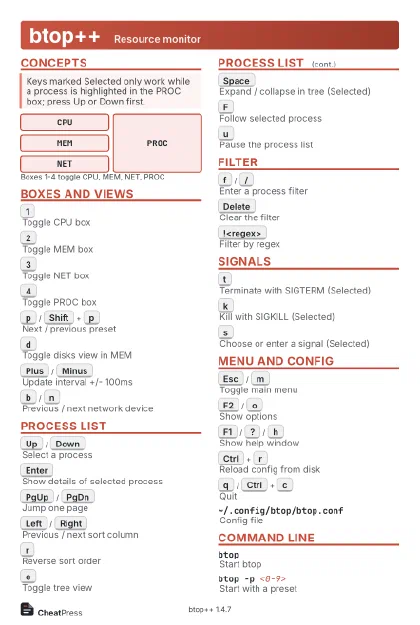 Light · Postcard
102 × 152 mm · PDF
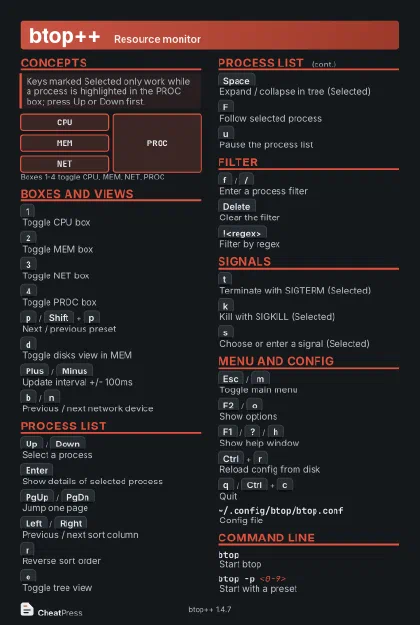 Dark · Postcard
102 × 152 mm · PDF
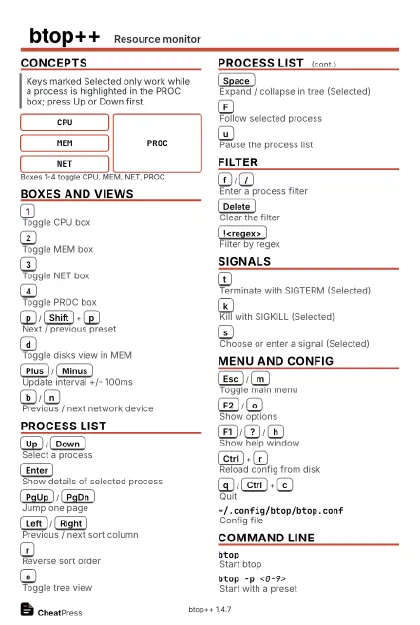 Ink saver · Postcard
102 × 152 mm · PDF
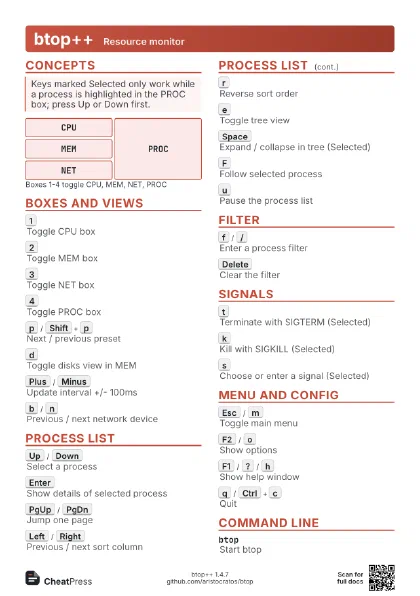
 Light · A4 landscape
297 × 210 mm · PDF
 Dark · A4 landscape
297 × 210 mm · PDF
 Ink saver · A4 landscape
297 × 210 mm · PDF
 Light · A3 landscape
420 × 297 mm · PDF
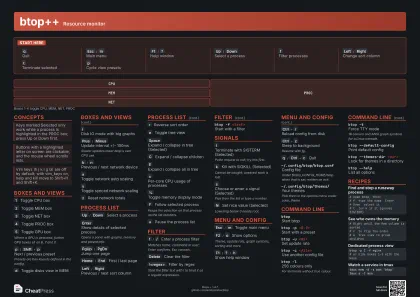 Dark · A3 landscape
420 × 297 mm · PDF
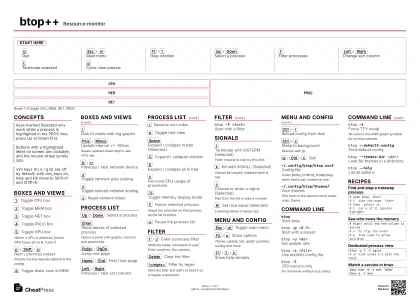 Ink saver · A3 landscape
420 × 297 mm · PDF
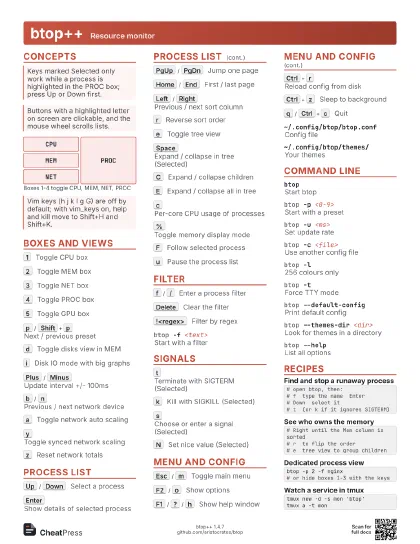
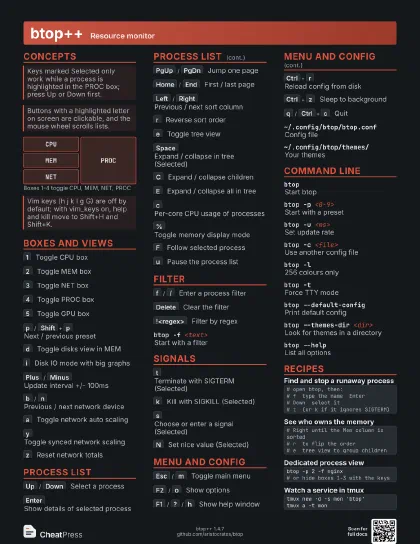
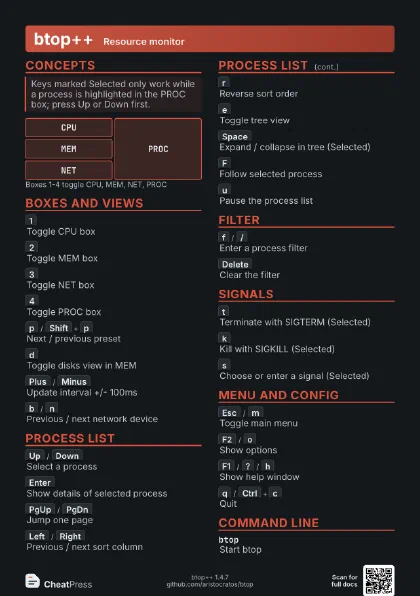
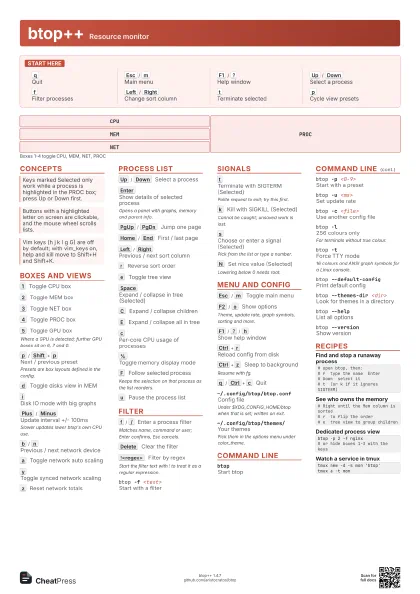
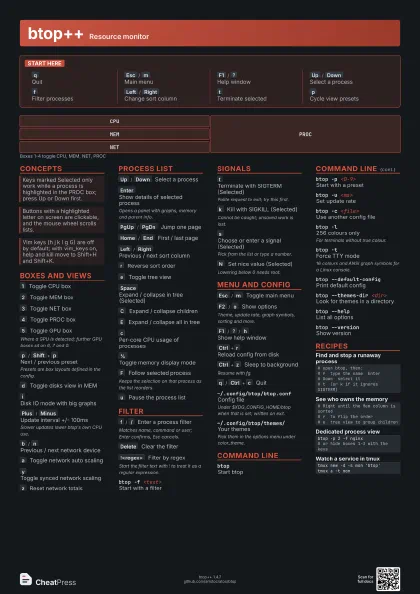
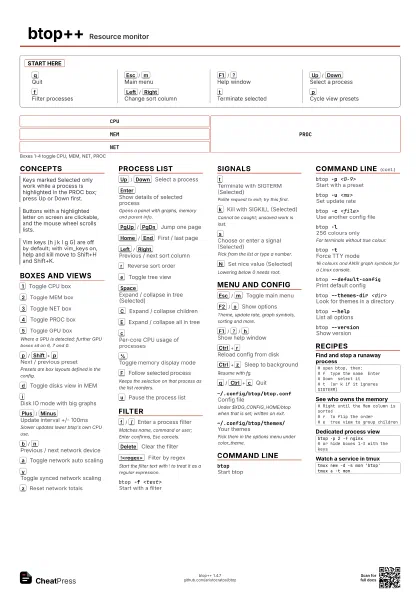
Start here
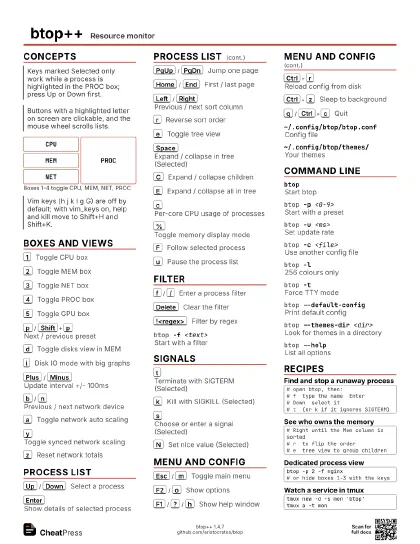
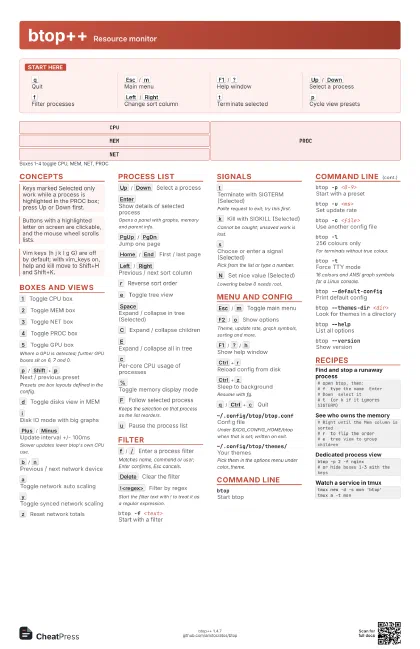
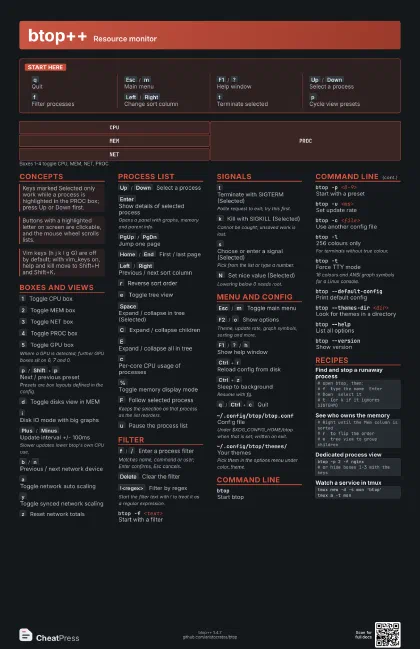
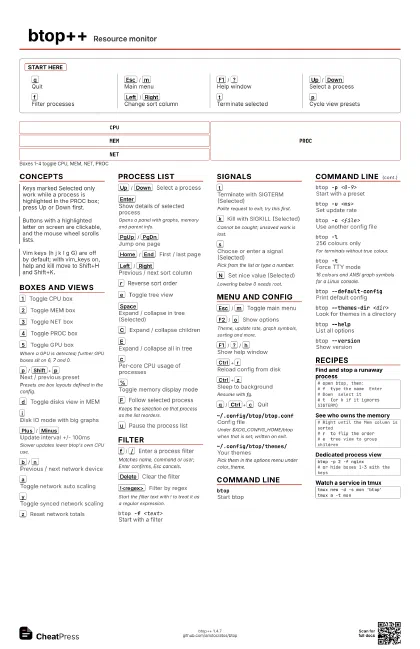
q
Quit
Esc
/
m
Main menu
F1
/
?
Help window
Up
/
Down
Select a process
f
Filter processes
Left
/
Right
Change sort column
t
Terminate selected
p
Cycle view presets
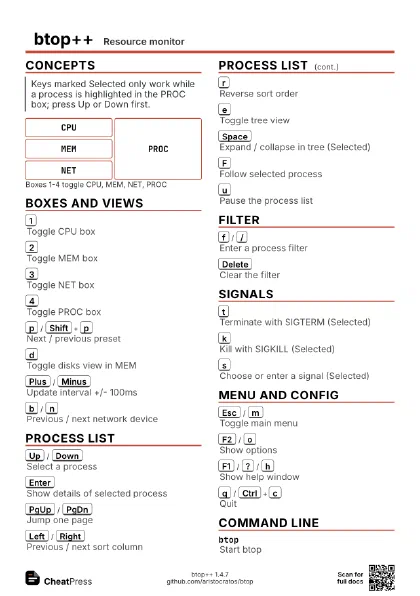
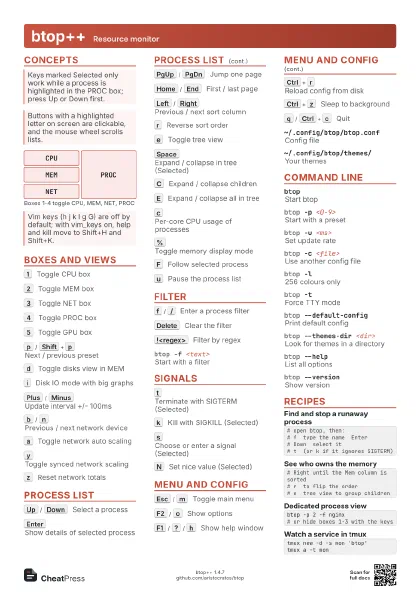
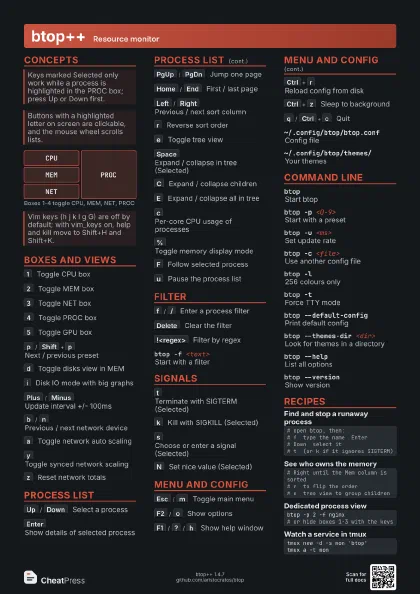
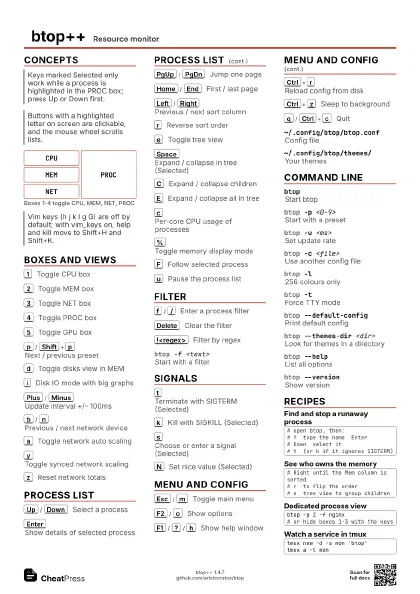
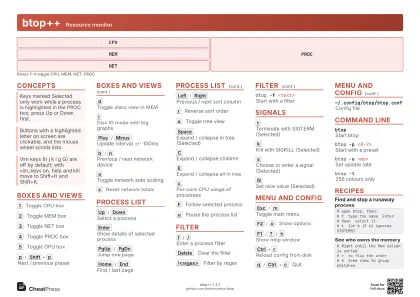
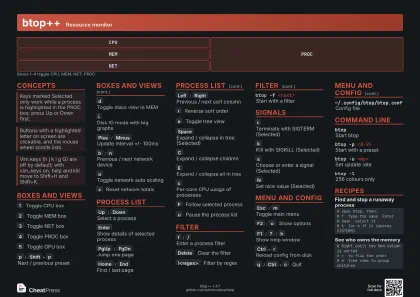
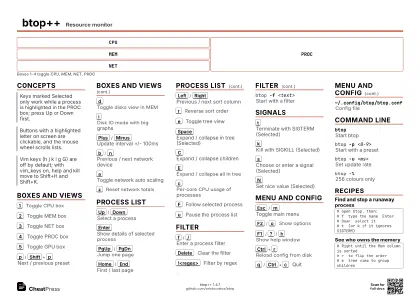
Concepts
CPU
MEM
NET
PROC
Boxes and Views
1
Toggle CPU box
2
Toggle MEM box
3
Toggle NET box
4
Toggle PROC box
5
Toggle GPU box
Where a GPU is detected; further GPU boxes sit on 6, 7 and 0.
p
/
Shift+p
Next / previous preset
Presets are box layouts defined in the config.
d
Toggle disks view in MEM
i
Disk IO mode with big graphs
Plus
/
Minus
Update interval +/- 100ms
Slower updates lower btop's own CPU use.
b
/
n
Previous / next network device
a
Toggle network auto scaling
y
Toggle synced network scaling
z
Reset network totals
Process List
Up
/
Down
Select a process
Enter
Show details of selected process
Opens a panel with graphs, memory and parent info.
PgUp
/
PgDn
Jump one page
Home
/
End
First / last page
Left
/
Right
Previous / next sort column
r
Reverse sort order
e
Toggle tree view
Space
Expand / collapse in tree (Selected)
C
Expand / collapse children
E
Expand / collapse all in tree
c
Per-core CPU usage of processes
%
Toggle memory display mode
F
Follow selected process
Keeps the selection on that process as the list reorders.
u
Pause the process list
Filter
f
/
/
Enter a process filter
Matches name, command or user; Enter confirms, Esc cancels.
Delete
Clear the filter
!<regex>
Filter by regex
Start the filter text with ! to treat it as a regular
expression.
btop -f <text>
Start with a filter
Signals
t
Terminate with SIGTERM (Selected)
Polite request to exit; try this first.
k
Kill with SIGKILL (Selected)
Cannot be caught; unsaved work is lost.
s
Choose or enter a signal (Selected)
Pick from the list or type a number.
N
Set nice value (Selected)
Lowering below 0 needs root.
Menu and Config
Esc
/
m
Toggle main menu
F2
/
o
Show options
Theme, update rate, graph symbols, sorting and more.
F1
/
?
/
h
Show help window
Ctrl+r
Reload config from disk
Ctrl+z
Sleep to background
Resume with fg.
q
/
Ctrl+c
Quit
~/.config/btop/btop.conf
Config file
Under $XDG_CONFIG_HOME/btop when that is set; written on exit.
~/.config/btop/themes/
Your themes
Pick them in the options menu under color_theme.
Command Line
btopStart btop
btop -p <0-9>
Start with a preset
btop -u <ms>
Set update rate
btop -c <file>
Use another config file
btop -l256 colours only
For terminals without true colour.
btop -tForce TTY mode
16 colours and ANSI graph symbols for a Linux console.
btop --default-config
Print default config
btop --themes-dir <dir>
Look for themes in a directory
btop --helpList all options
btop --versionShow version
Recipes
# open btop, then:# f type the name Enter# Down select it# t (or k if it ignores SIGTERM)# Right until the Mem column is sorted# r to flip the order# e tree view to group childrenbtop -p 2 -f nginx# or hide boxes 1-3 with the keystmux new -d -s mon 'btop'tmux a -t mon