Cheat
htop Interactive process viewer
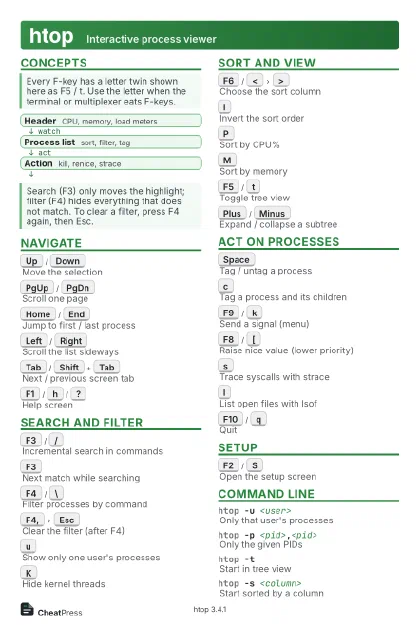 Light · Postcard
102 × 152 mm · PDF
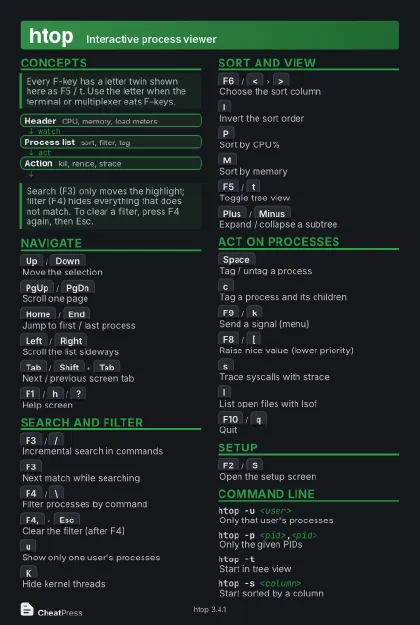 Dark · Postcard
102 × 152 mm · PDF
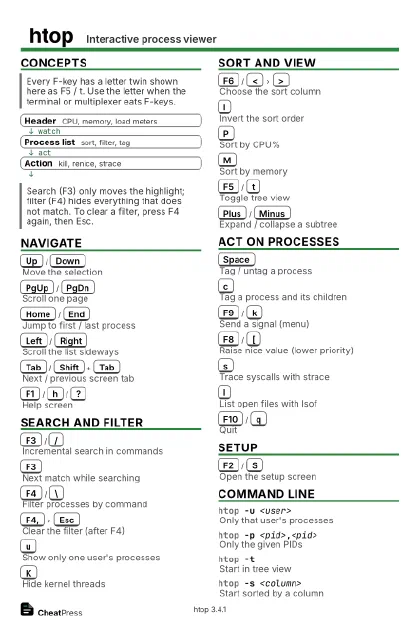 Ink saver · Postcard
102 × 152 mm · PDF
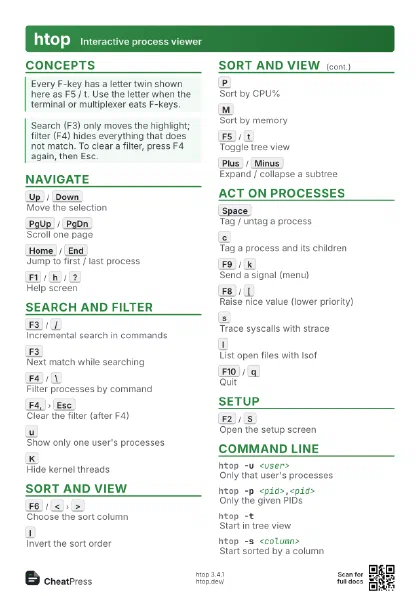
 Light · A4 landscape
297 × 210 mm · PDF
 Dark · A4 landscape
297 × 210 mm · PDF
 Ink saver · A4 landscape
297 × 210 mm · PDF
 Light · A3 landscape
420 × 297 mm · PDF
 Dark · A3 landscape
420 × 297 mm · PDF
 Ink saver · A3 landscape
420 × 297 mm · PDF
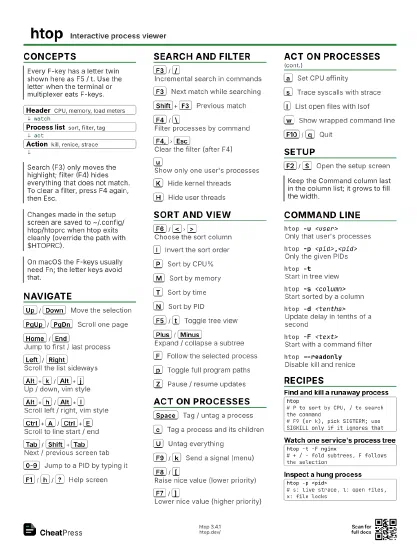
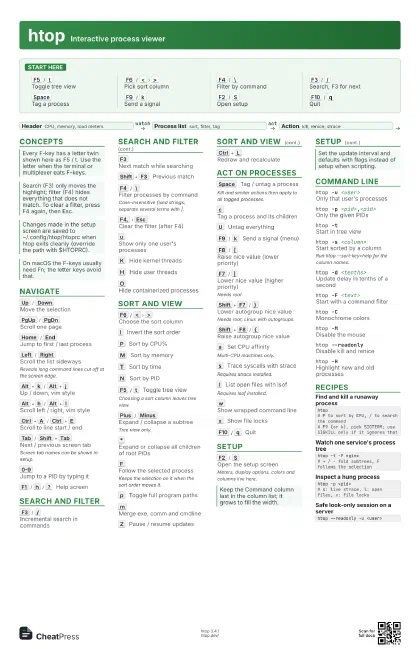
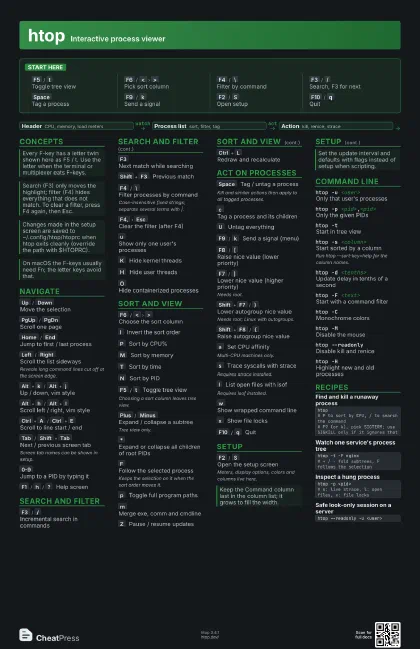
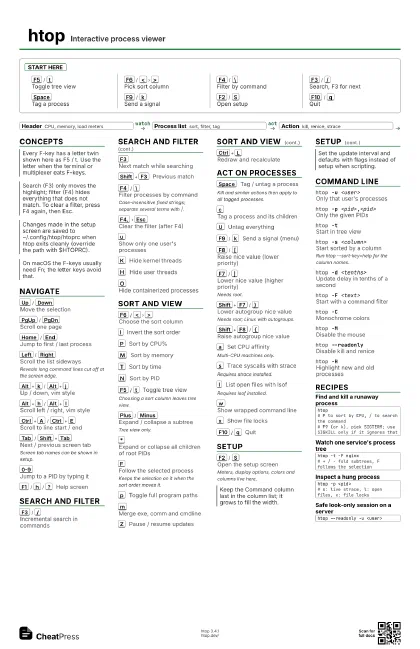
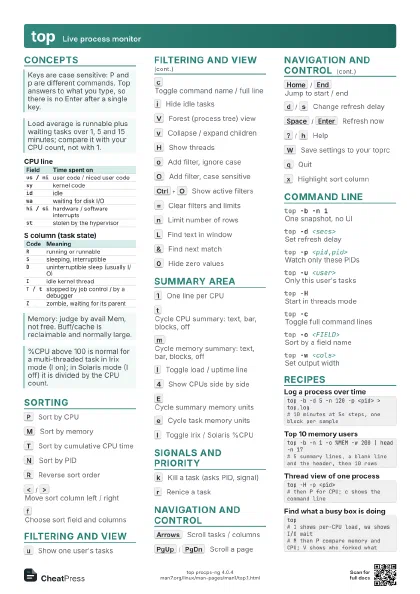
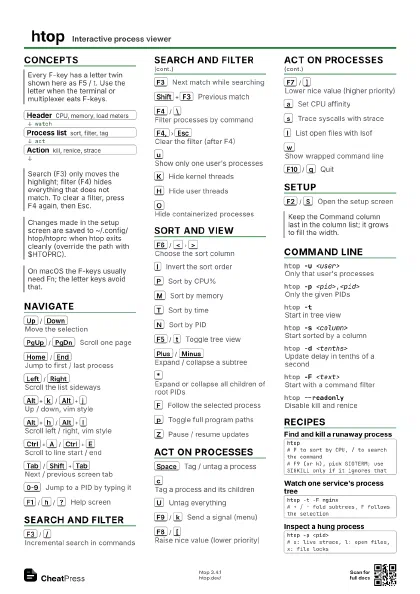
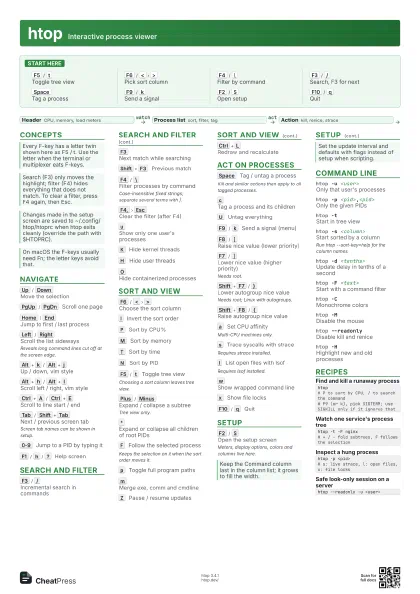
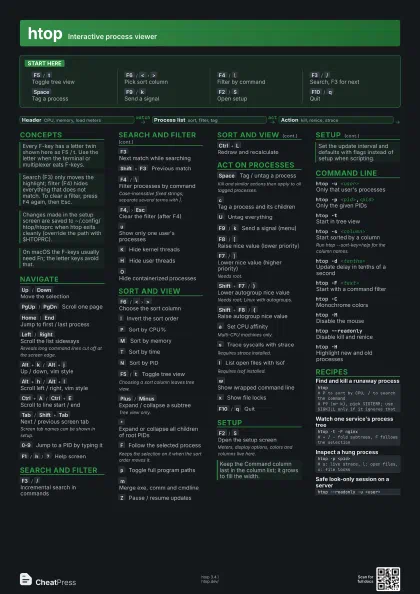
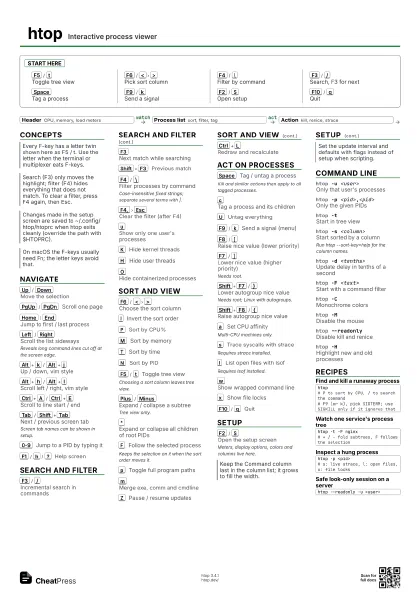
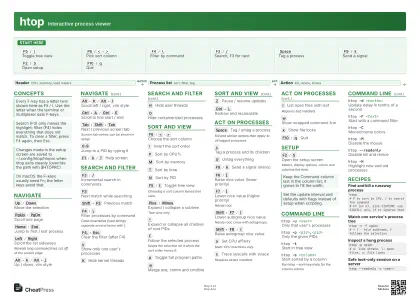
Start here
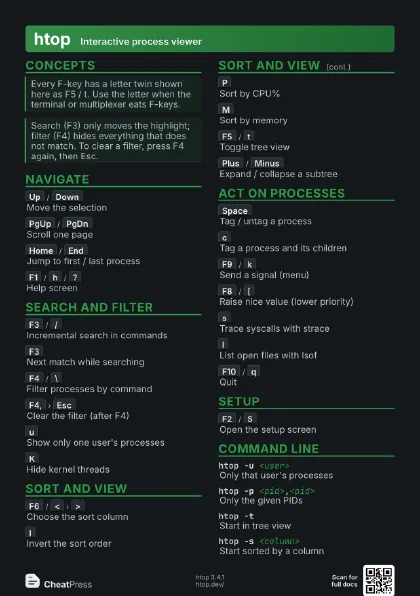
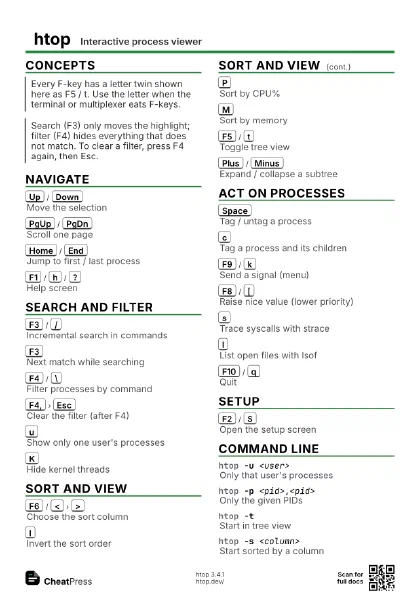
F5
/
t
Toggle tree view
F6
/
<
>
Pick sort column
F4
/
\
Filter by command
F3
/
/
Search, F3 for next
Space
Tag a process
F9
/
k
Send a signal
F2
/
S
Open setup
F10
/
q
Quit
Concepts
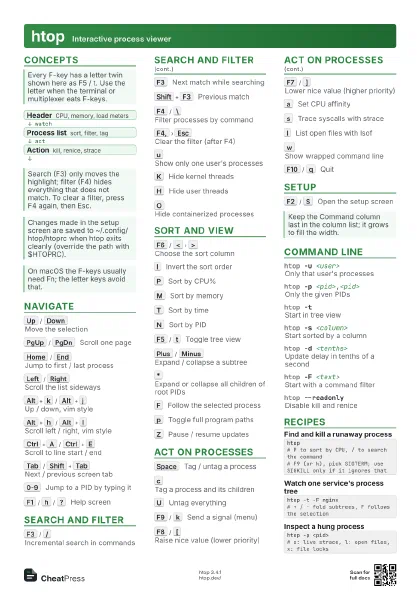
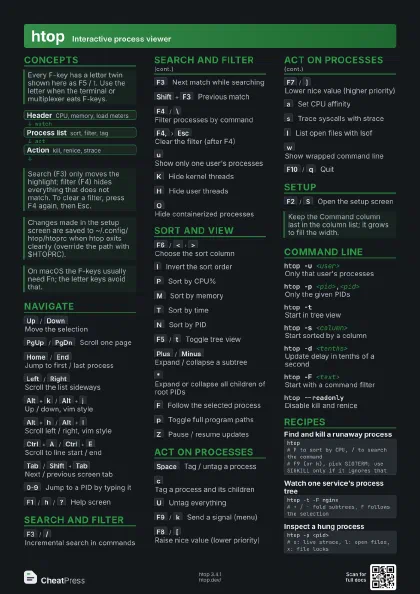
- Header CPU, memory, load meters
- Process list sort, filter, tag
- Action kill, renice, strace
Navigate
Up
/
Down
Move the selection
PgUp
/
PgDn
Scroll one page
Home
/
End
Jump to first / last process
Left
/
Right
Scroll the list sideways
Reveals long command lines cut off at the screen edge.
Alt+k
/
Alt+j
Up / down, vim style
Alt+h
/
Alt+l
Scroll left / right, vim style
Ctrl+A
/
Ctrl+E
Scroll to line start / end
Tab
/
Shift+Tab
Next / previous screen tab
Screen tab names can be shown in setup.
0-9
Jump to a PID by typing it
F1
/
h
/
?
Help screen
Search and filter
F3
/
/
Incremental search in commands
F3
Next match while searching
Shift+F3
Previous match
F4
/
\
Filter processes by command
Case-insensitive fixed strings; separate several terms with |.
F4,
Esc
Clear the filter (after F4)
u
Show only one user's processes
K
Hide kernel threads
H
Hide user threads
O
Hide containerized processes
Sort and view
F6
/
<
>
Choose the sort column
I
Invert the sort order
P
Sort by CPU%
M
Sort by memory
T
Sort by time
N
Sort by PID
F5
/
t
Toggle tree view
Choosing a sort column leaves tree view.
Plus
/
Minus
Expand / collapse a subtree
Tree view only.
*
Expand or collapse all children of root PIDs
F
Follow the selected process
Keeps the selection on it when the sort order moves it.
p
Toggle full program paths
m
Merge exe, comm and cmdline
Z
Pause / resume updates
Ctrl+L
Redraw and recalculate
Act on processes
Space
Tag / untag a process
Kill and similar actions then apply to all tagged processes.
c
Tag a process and its children
U
Untag everything
F9
/
k
Send a signal (menu)
F8
/
[
Raise nice value (lower priority)
F7
/
]
Lower nice value (higher priority)
Needs root.
Shift+F7
/
}
Lower autogroup nice value
Needs root; Linux with autogroups.
Shift+F8
/
{
Raise autogroup nice value
a
Set CPU affinity
Multi-CPU machines only.
s
Trace syscalls with strace
Requires strace installed.
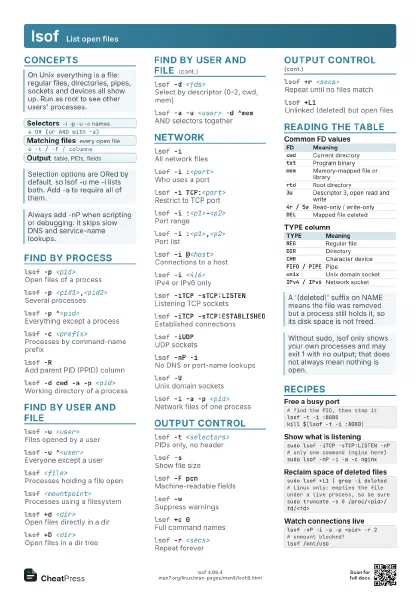
l
List open files with lsof
Requires lsof installed.
w
Show wrapped command line
x
Show file locks
F10
/
q
Quit
Setup
F2
/
S
Open the setup screen
Meters, display options, colors and columns live here.
Command line
htop -u <user>
Only that user's processes
htop -p <pid>,<pid>
Only the given PIDs
htop -tStart in tree view
htop -s <column>
Start sorted by a column
Run htop --sort-key=help for the column names.
htop -d <tenths>
Update delay in tenths of a second
htop -F <text>
Start with a command filter
htop -CMonochrome colors
htop -MDisable the mouse
htop --readonlyDisable kill and renice
htop -HHighlight new and old processes
Recipes
htop# P to sort by CPU, / to search the command# F9 (or k), pick SIGTERM; use SIGKILL only if it ignores thathtop -t -F nginx# + / - fold subtrees, F follows the selectionhtop -p <pid># s: live strace, l: open files, x: file lockshtop --readonly -u <user>