Cheat
calcurse Terminal calendar and todo
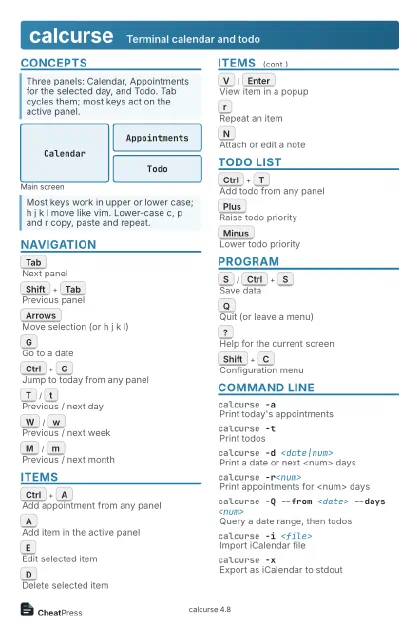 Light · Postcard
102 × 152 mm · PDF
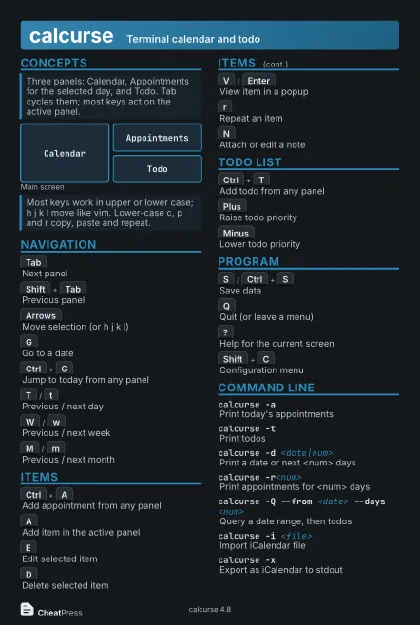 Dark · Postcard
102 × 152 mm · PDF
 Ink saver · Postcard
102 × 152 mm · PDF
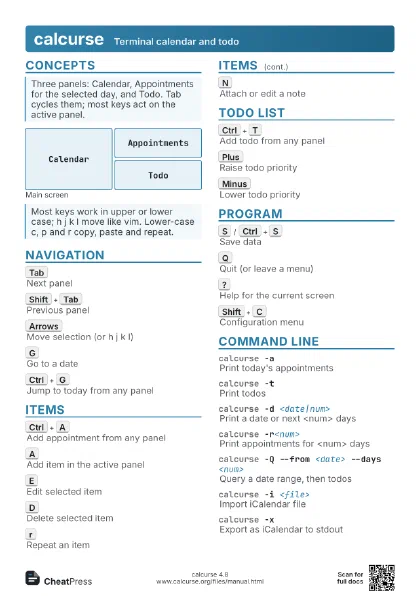
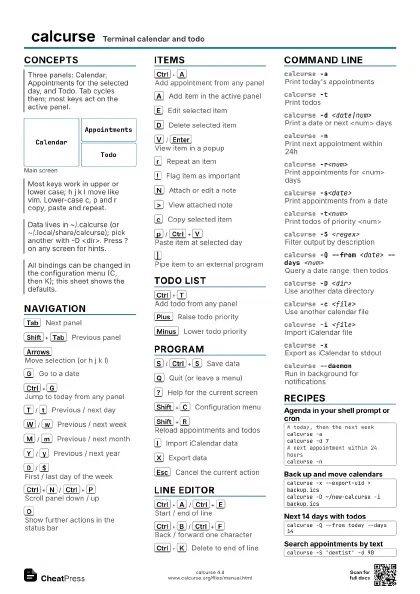
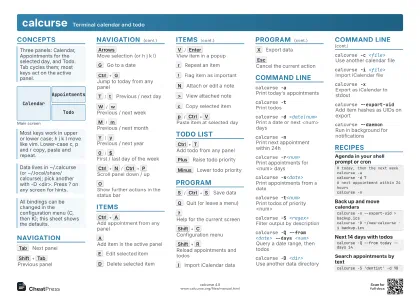 Light · A4 landscape
297 × 210 mm · PDF
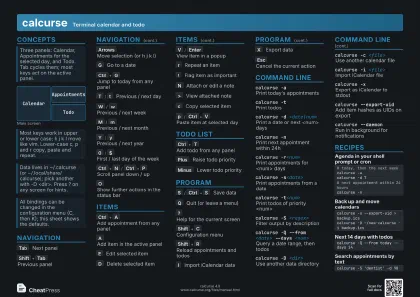 Dark · A4 landscape
297 × 210 mm · PDF
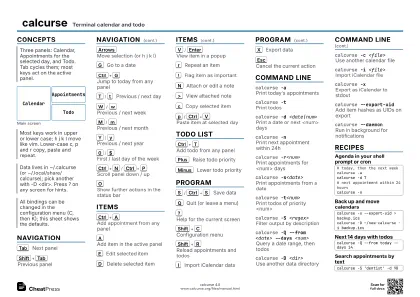 Ink saver · A4 landscape
297 × 210 mm · PDF
 Light · A3 landscape
420 × 297 mm · PDF
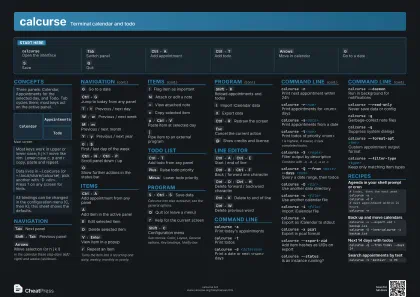 Dark · A3 landscape
420 × 297 mm · PDF
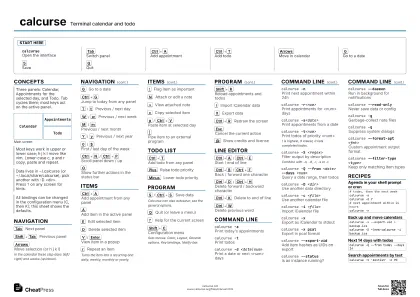 Ink saver · A3 landscape
420 × 297 mm · PDF
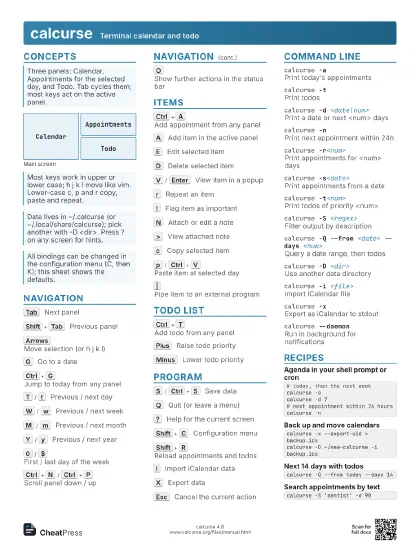
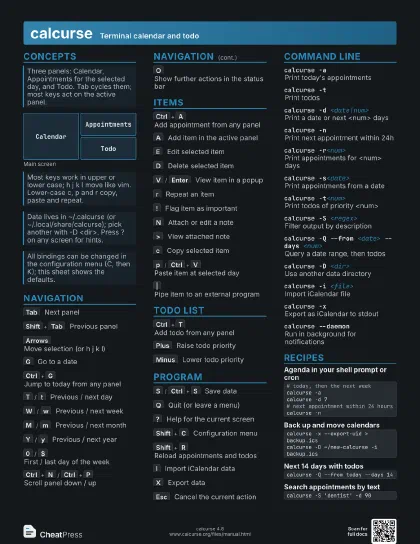
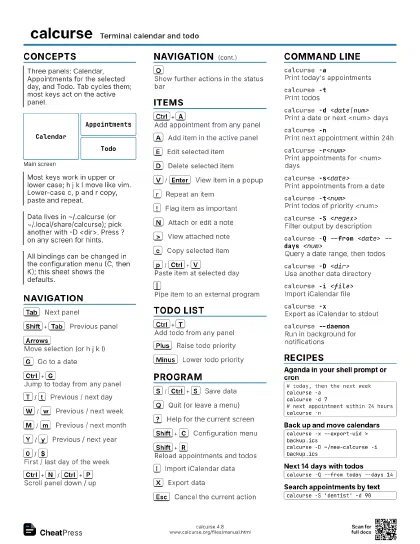
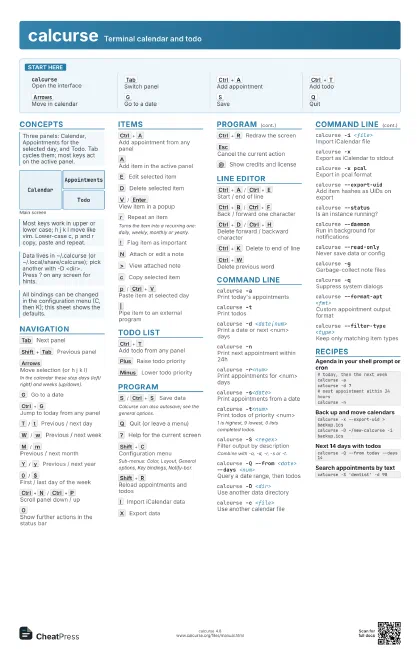
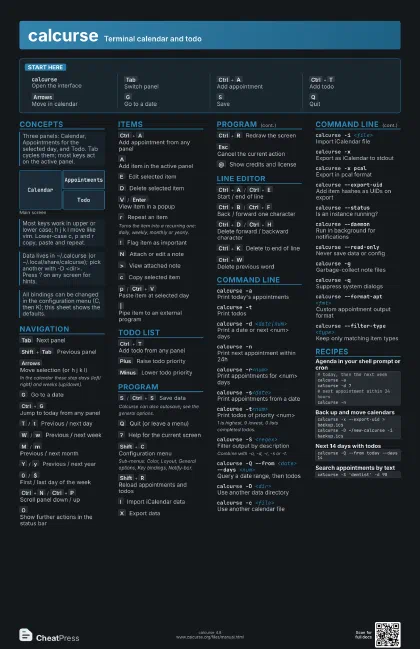
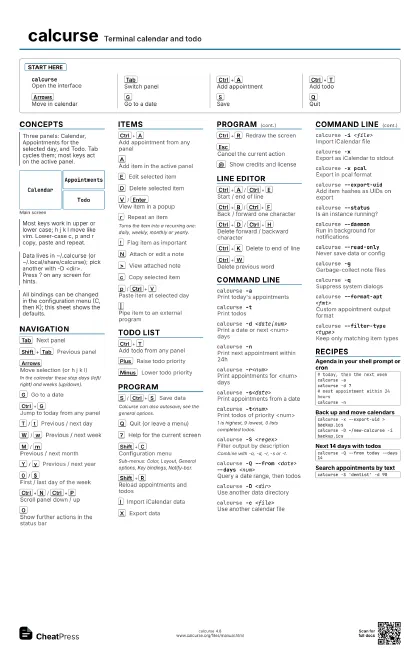
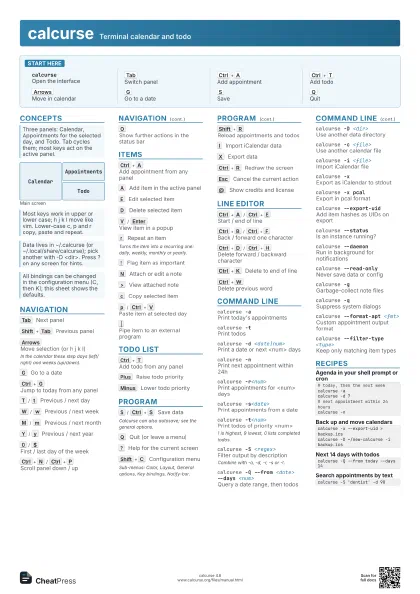
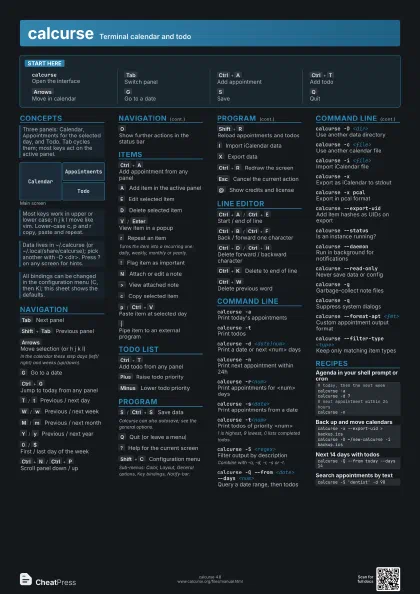
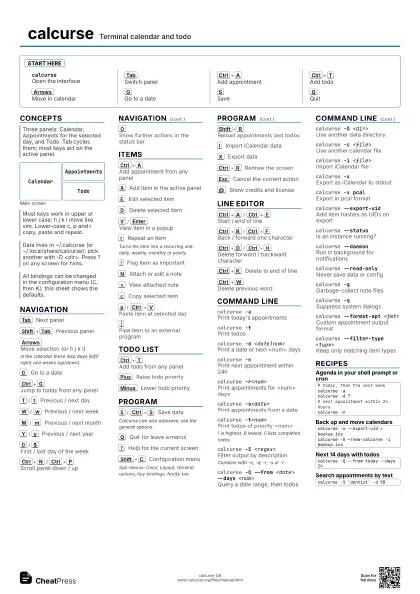
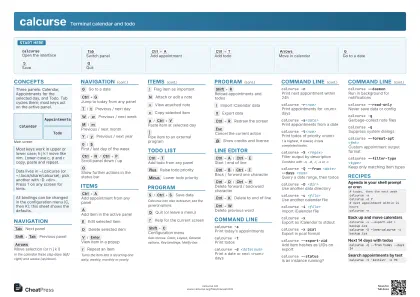
Start here
calcurseOpen the interface
Tab
Switch panel
Ctrl+A
Add appointment
Ctrl+T
Add todo
Arrows
Move in calendar
G
Go to a date
S
Save
Q
Quit
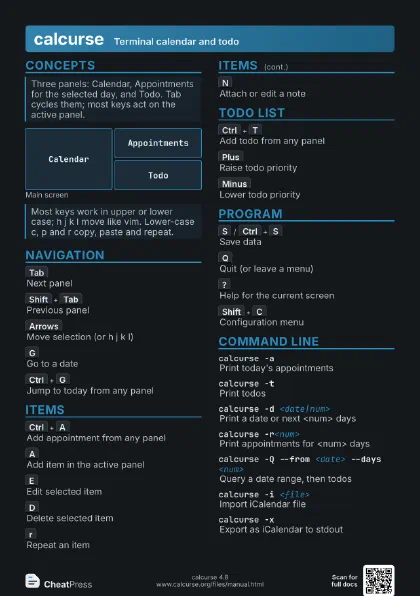
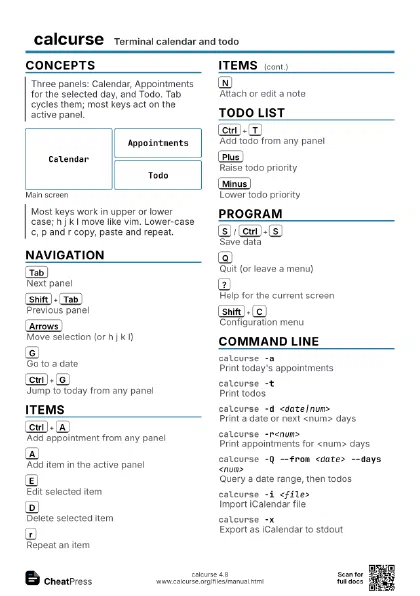
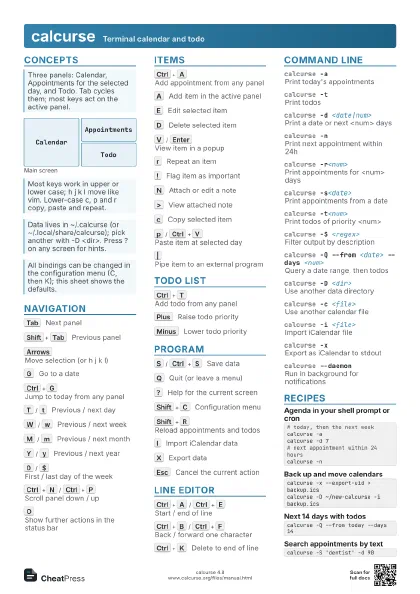
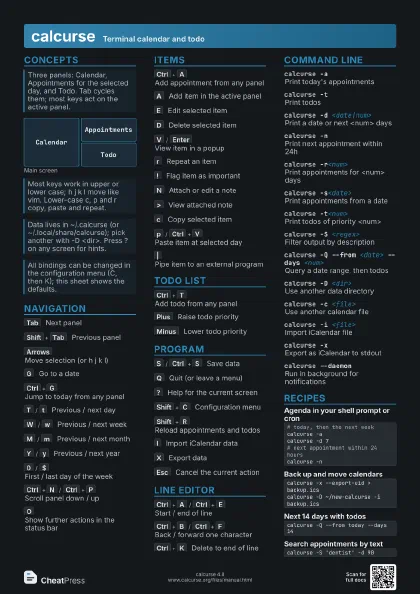
Concepts
Calendar
Appointments
Todo
Navigation
Tab
Next panel
Shift+Tab
Previous panel
Arrows
Move selection (or h j k l)
In the calendar these step days (left/right) and weeks
(up/down).
G
Go to a date
Ctrl+G
Jump to today from any panel
T
/
t
Previous / next day
W
/
w
Previous / next week
M
/
m
Previous / next month
Y
/
y
Previous / next year
0
/
$
First / last day of the week
Ctrl+N
/
Ctrl+P
Scroll panel down / up
O
Show further actions in the status bar
Items
Ctrl+A
Add appointment from any panel
A
Add item in the active panel
E
Edit selected item
D
Delete selected item
V
/
Enter
View item in a popup
r
Repeat an item
Turns the item into a recurring one: daily, weekly, monthly or
yearly.
!
Flag item as important
N
Attach or edit a note
>
View attached note
c
Copy selected item
p
/
Ctrl+V
Paste item at selected day
|
Pipe item to an external program
Todo list
Ctrl+T
Add todo from any panel
Plus
Raise todo priority
Minus
Lower todo priority
Program
S
/
Ctrl+S
Save data
Calcurse can also autosave; see the general options.
Q
Quit (or leave a menu)
?
Help for the current screen
Shift+C
Configuration menu
Sub-menus: Color, Layout, General options, Key bindings,
Notify-bar.
Shift+R
Reload appointments and todos
I
Import iCalendar data
X
Export data
Ctrl+R
Redraw the screen
Esc
Cancel the current action
@
Show credits and license
Line editor
Ctrl+A
/
Ctrl+E
Start / end of line
Ctrl+B
/
Ctrl+F
Back / forward one character
Ctrl+D
/
Ctrl+H
Delete forward / backward character
Ctrl+K
Delete to end of line
Ctrl+W
Delete previous word
Command line
calcurse -aPrint today's appointments
calcurse -tPrint todos
calcurse -d <date|num>
Print a date or next <num> days
calcurse -nPrint next appointment within 24h
calcurse -r<num>
Print appointments for <num> days
calcurse -s<date>
Print appointments from a date
calcurse -t<num>
Print todos of priority <num>
1 is highest, 9 lowest, 0 lists completed todos.
calcurse -S <regex>
Filter output by description
Combine with -a, -d, -r, -s or -t.
calcurse -Q --from <date> --days <num>
Query a date range, then todos
calcurse -D <dir>
Use another data directory
calcurse -c <file>
Use another calendar file
calcurse -i <file>
Import iCalendar file
calcurse -xExport as iCalendar to stdout
calcurse -x pcal
Export in pcal format
calcurse --export-uid
Add item hashes as UIDs on export
calcurse --status
Is an instance running?
calcurse --daemon
Run in background for notifications
calcurse --read-only
Never save data or config
calcurse -gGarbage-collect note files
calcurse -qSuppress system dialogs
calcurse --format-apt <fmt>
Custom appointment output format
calcurse --filter-type <type>
Keep only matching item types
Recipes
# today, then the next weekcalcurse -acalcurse -d 7# next appointment within 24 hourscalcurse -ncalcurse -x --export-uid > backup.icscalcurse -D ~/new-calcurse -i backup.icscalcurse -Q --from today --days 14calcurse -S 'dentist' -d 90