Cheat
xmonad Haskell tiling manager
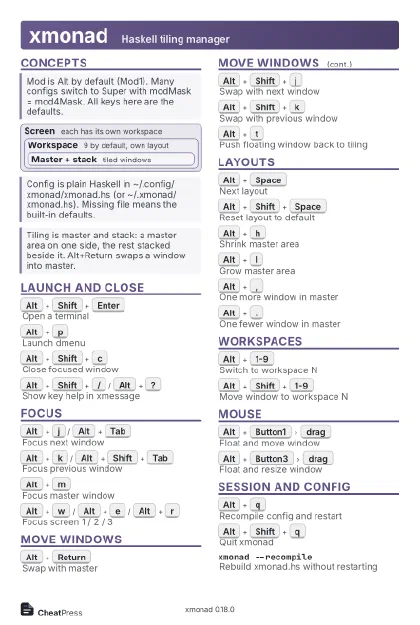 Light · Postcard
102 × 152 mm · PDF
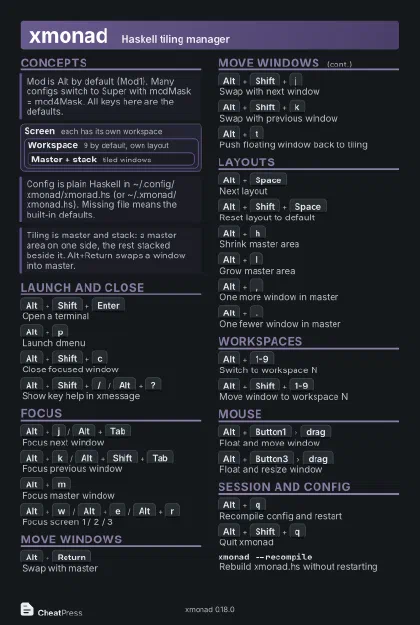 Dark · Postcard
102 × 152 mm · PDF
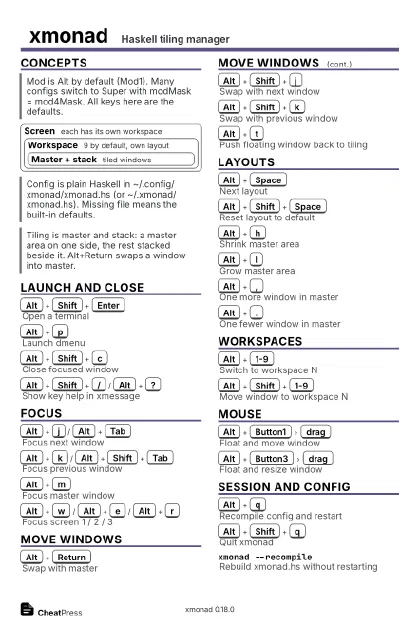 Ink saver · Postcard
102 × 152 mm · PDF
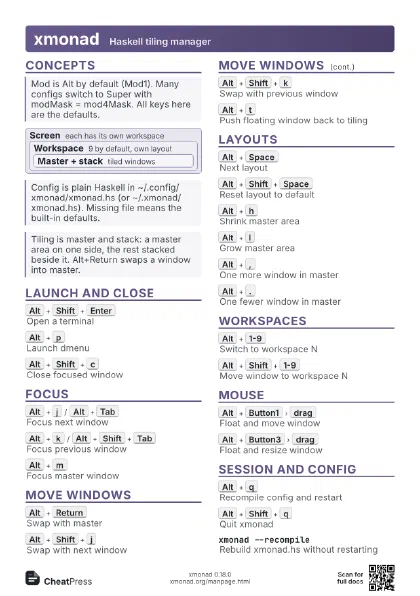
 Light · A4 landscape
297 × 210 mm · PDF
 Dark · A4 landscape
297 × 210 mm · PDF
 Ink saver · A4 landscape
297 × 210 mm · PDF
 Light · A3 landscape
420 × 297 mm · PDF
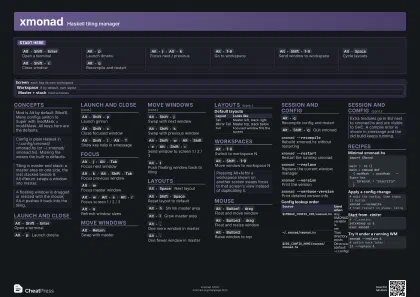 Dark · A3 landscape
420 × 297 mm · PDF
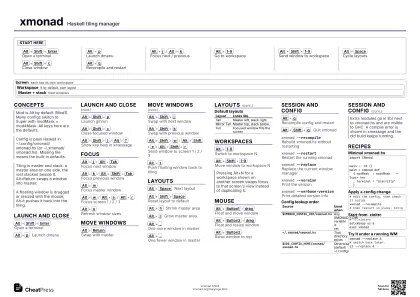 Ink saver · A3 landscape
420 × 297 mm · PDF
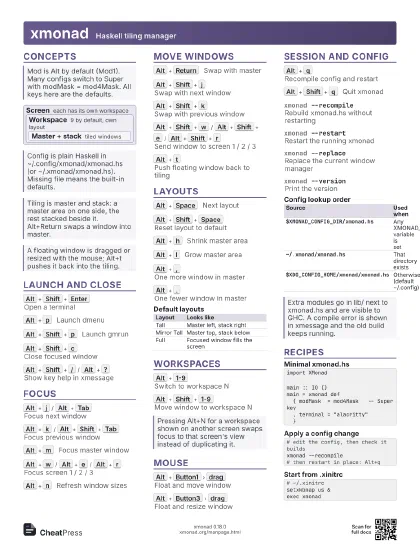
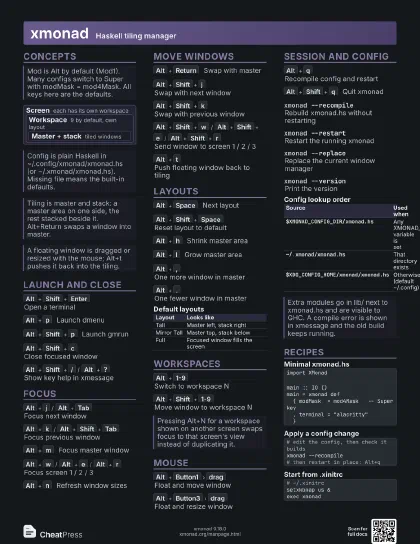
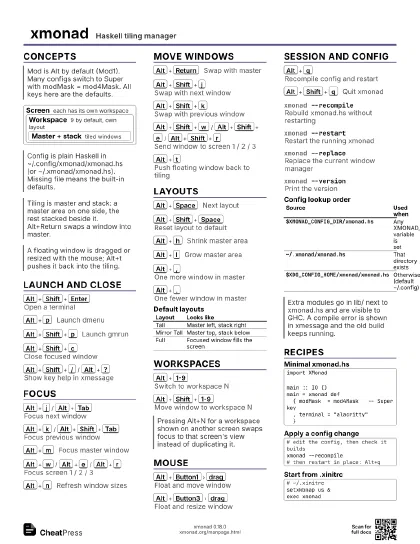
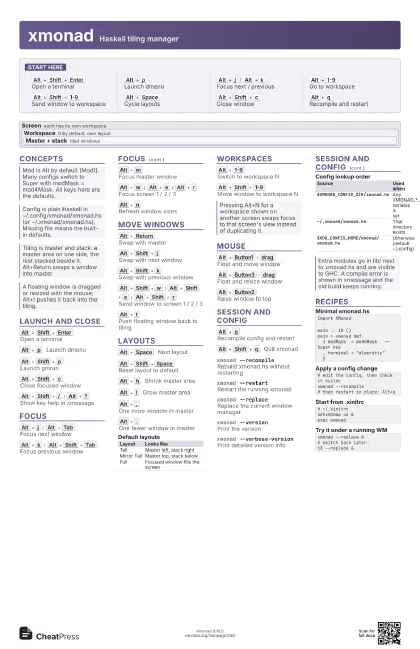
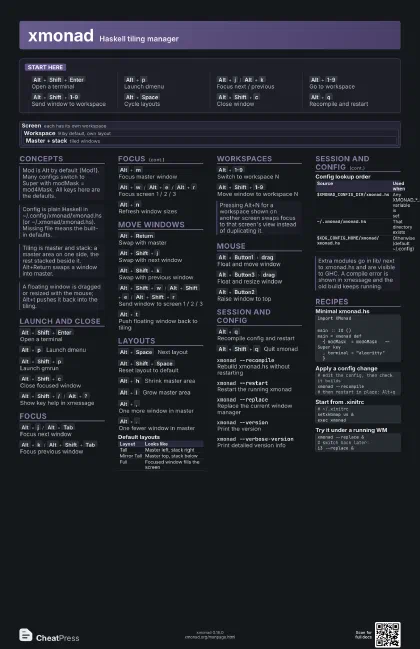
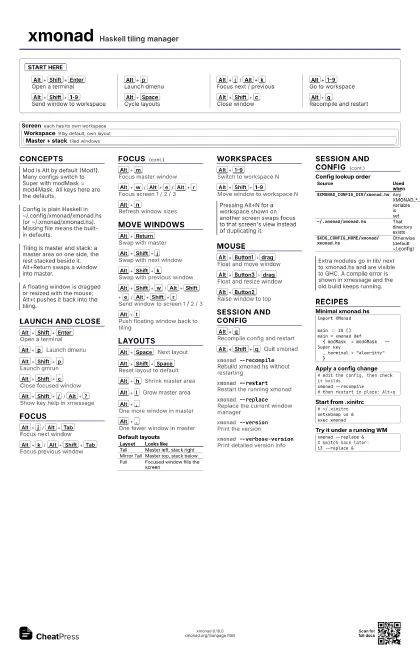
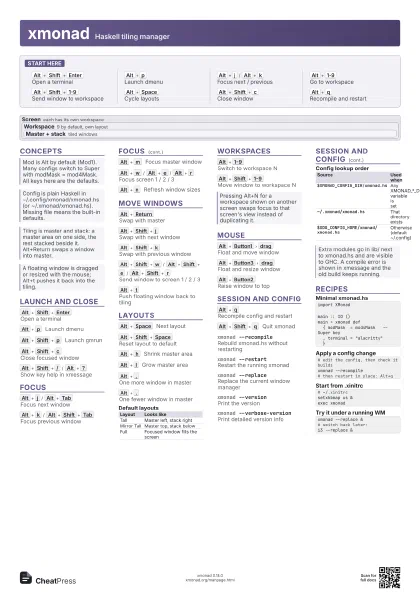
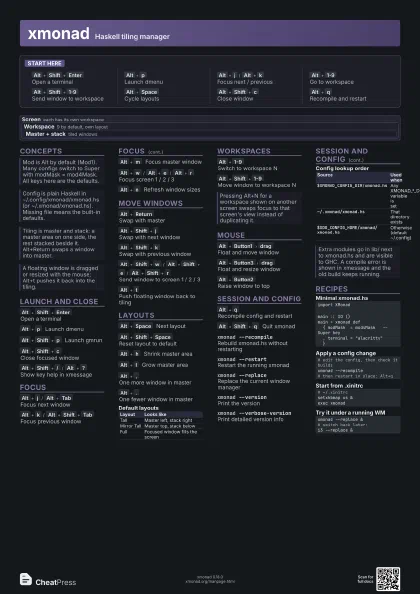
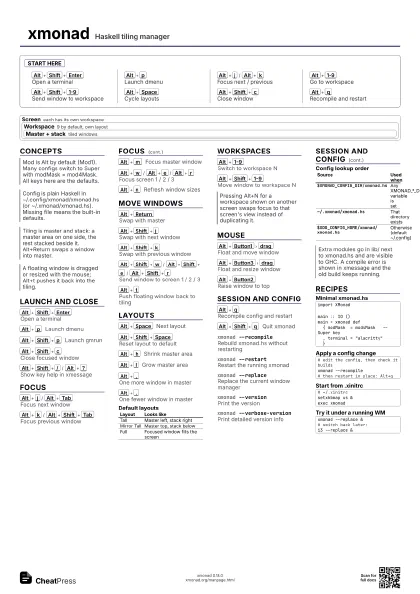
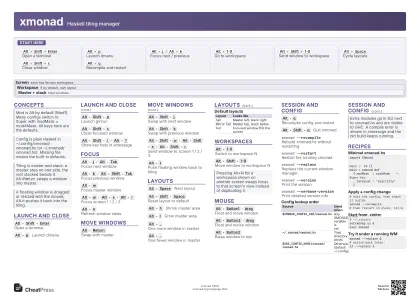
Start here
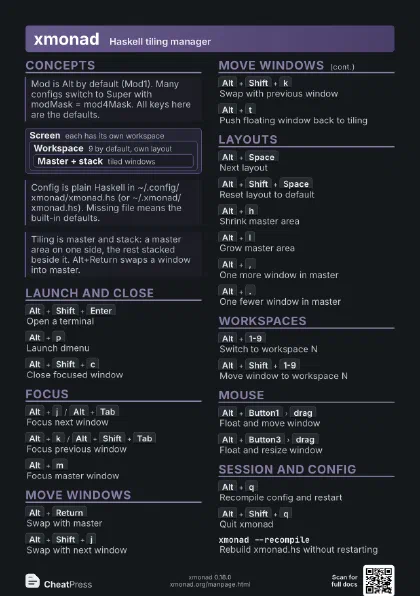
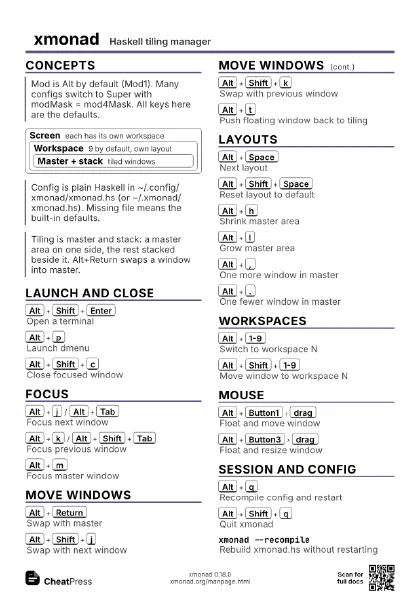
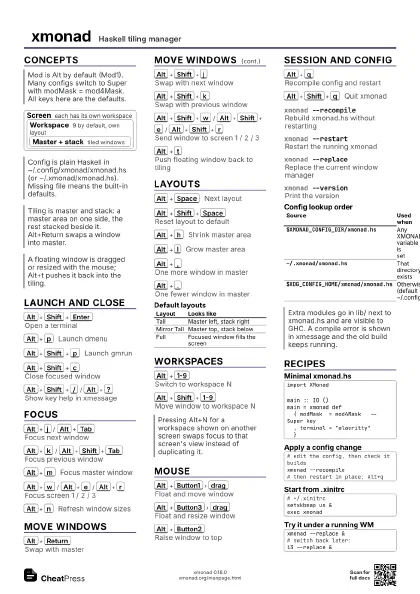
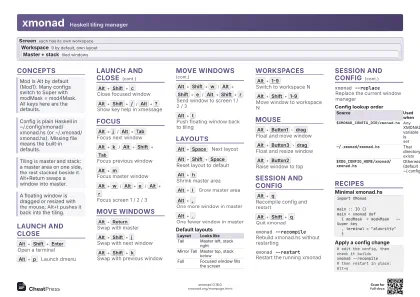
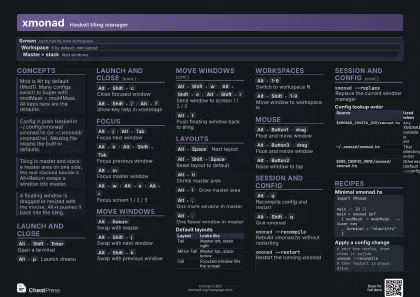
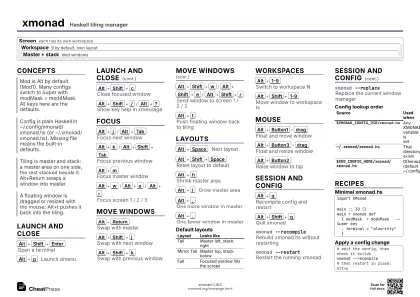
Alt+Shift+Enter
Open a terminal
Alt+p
Launch dmenu
Alt+j
/
Alt+k
Focus next / previous
Alt+1-9
Go to workspace
Alt+Shift+1-9
Send window to workspace
Alt+Space
Cycle layouts
Alt+Shift+c
Close window
Alt+q
Recompile and restart
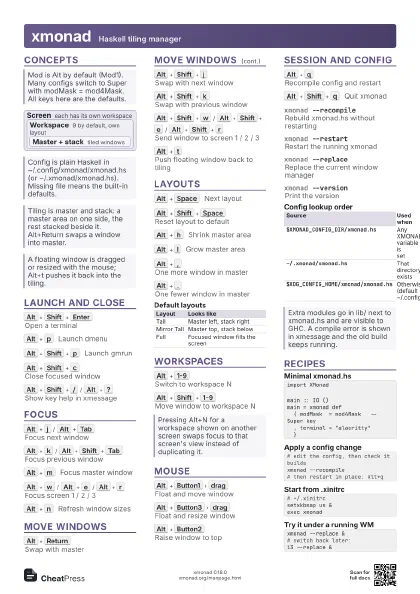
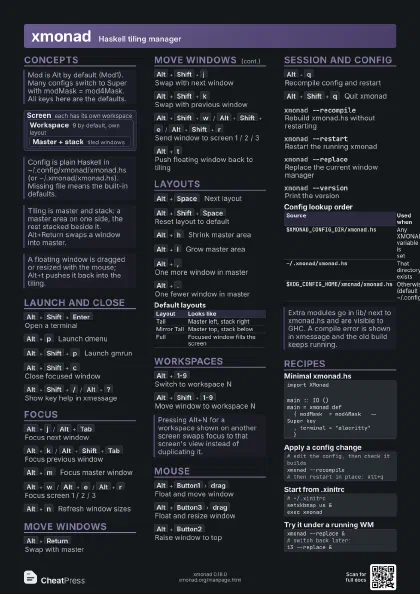
Concepts
Screen
each has its own workspace
Workspace
9 by default, own layout
Master + stack
tiled windows
Launch and Close
Alt+Shift+Enter
Open a terminal
Alt+p
Launch dmenu
Alt+Shift+p
Launch gmrun
Alt+Shift+c
Close focused window
Alt+Shift+/
/
Alt+?
Show key help in xmessage
Focus
Alt+j
/
Alt+Tab
Focus next window
Alt+k
/
Alt+Shift+Tab
Focus previous window
Alt+m
Focus master window
Alt+w
/
Alt+e
/
Alt+r
Focus screen 1 / 2 / 3
Alt+n
Refresh window sizes
Move Windows
Alt+Return
Swap with master
Alt+Shift+j
Swap with next window
Alt+Shift+k
Swap with previous window
Alt+Shift+w
/
Alt+Shift+e
/
Alt+Shift+r
Send window to screen 1 / 2 / 3
Alt+t
Push floating window back to tiling
Layouts
Alt+Space
Next layout
Alt+Shift+Space
Reset layout to default
Alt+h
Shrink master area
Alt+l
Grow master area
Alt+,
One more window in master
Alt+.
One fewer window in master
| Layout | Looks like |
|---|---|
| Tall | Master left, stack right |
| Mirror Tall | Master top, stack below |
| Full | Focused window fills the screen |
Workspaces
Alt+1-9
Switch to workspace N
Alt+Shift+1-9
Move window to workspace N
Mouse
Alt+Button1
drag
Float and move window
Alt+Button3
drag
Float and resize window
Alt+Button2
Raise window to top
Session and Config
Alt+q
Recompile config and restart
Alt+Shift+q
Quit xmonad
xmonad --recompile
Rebuild xmonad.hs without restarting
xmonad --restart
Restart the running xmonad
xmonad --replace
Replace the current window manager
xmonad --version
Print the version
xmonad --verbose-version
Print detailed version info
| Source | Used when |
|---|---|
$XMONAD_CONFIG_DIR/xmonad.hs |
Any XMONAD_*_DIR variable is set |
~/.xmonad/xmonad.hs |
That directory exists |
$XDG_CONFIG_HOME/xmonad/xmonad.hs |
Otherwise (default ~/.config) |
Recipes
import XMonadmain :: IO ()main = xmonad def { modMask = mod4Mask -- Super key , terminal = "alacritty" }# edit the config, then check it buildsxmonad --recompile# then restart in place: Alt+q# ~/.xinitrcsetxkbmap us &exec xmonadxmonad --replace &# switch back later:i3 --replace &