Cheat
i3 Tiling window manager
 Light · Postcard
102 × 152 mm · PDF
 Dark · Postcard
102 × 152 mm · PDF
 Ink saver · Postcard
102 × 152 mm · PDF
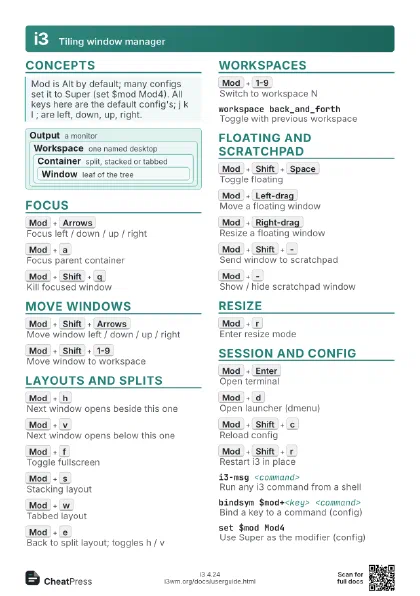
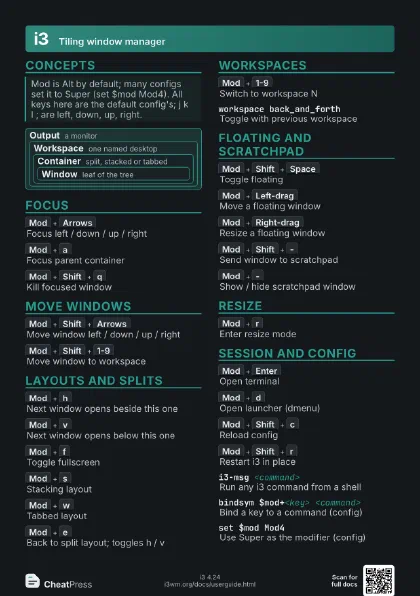
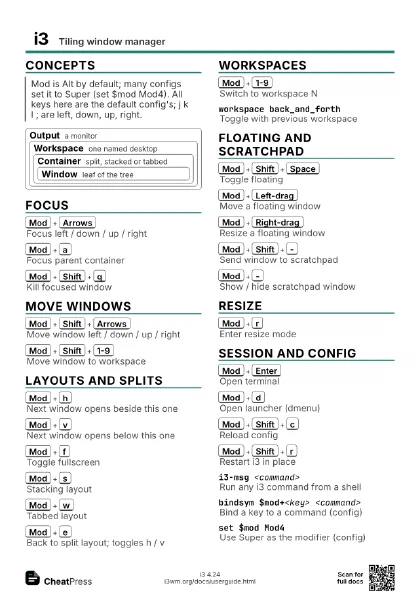
 Light · A4 landscape
297 × 210 mm · PDF
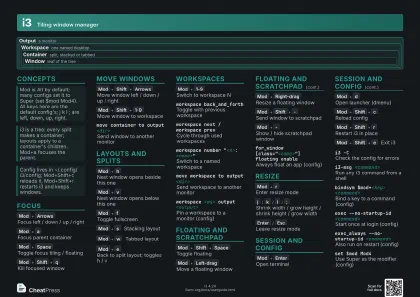 Dark · A4 landscape
297 × 210 mm · PDF
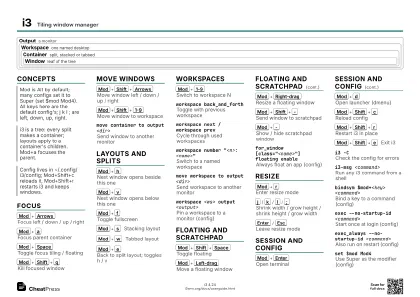 Ink saver · A4 landscape
297 × 210 mm · PDF
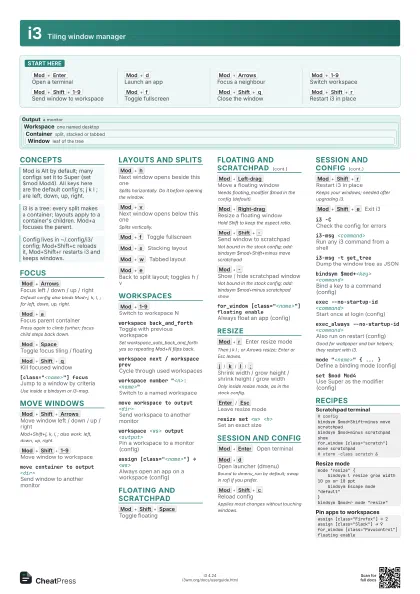
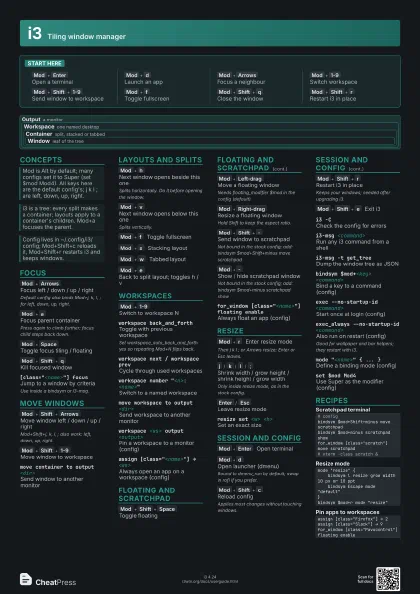
 Light · A3 landscape
420 × 297 mm · PDF
 Dark · A3 landscape
420 × 297 mm · PDF
 Ink saver · A3 landscape
420 × 297 mm · PDF
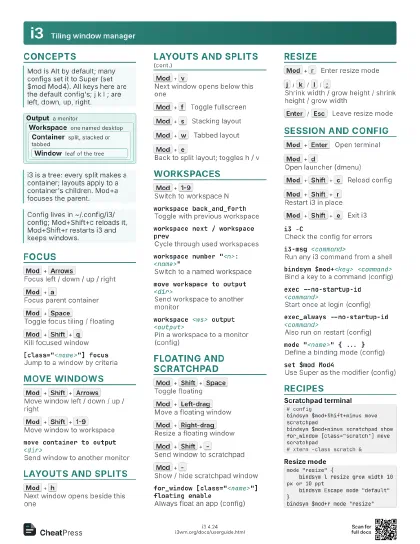
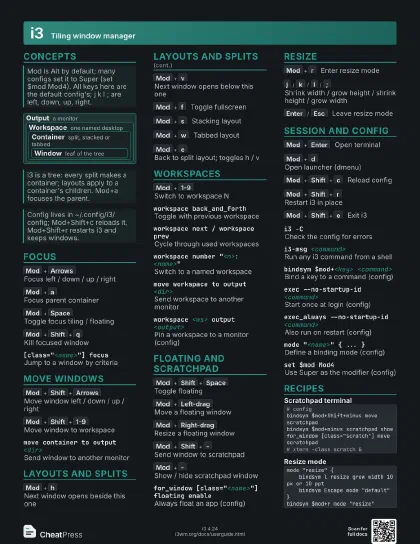
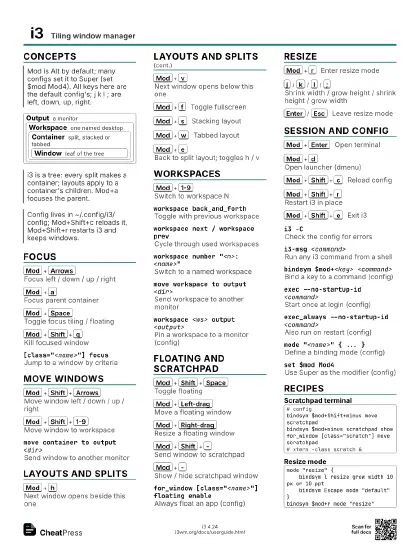
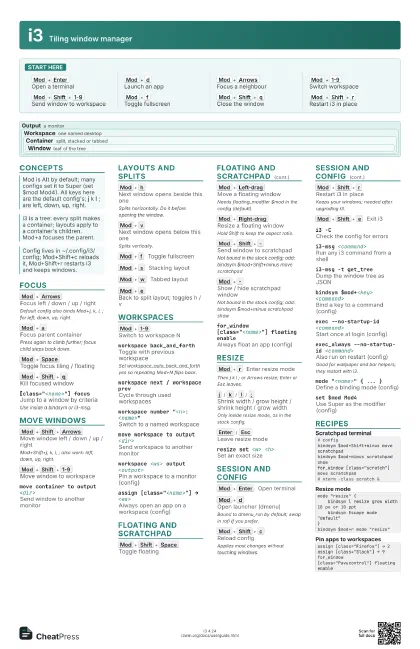
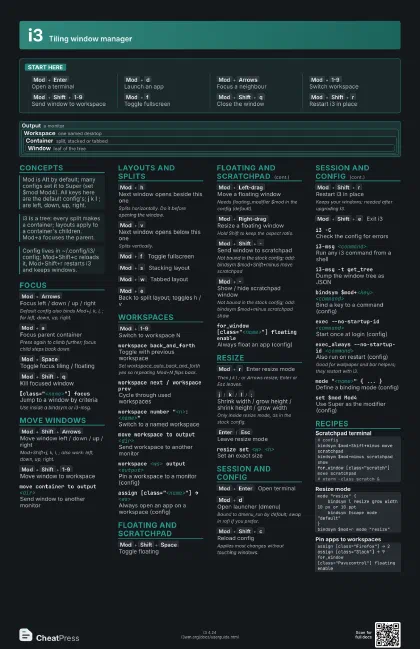
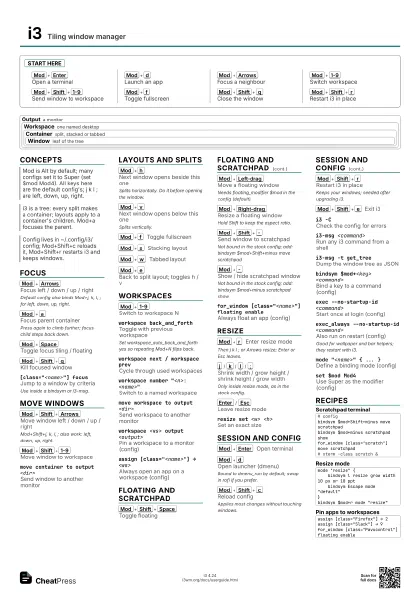
Start here
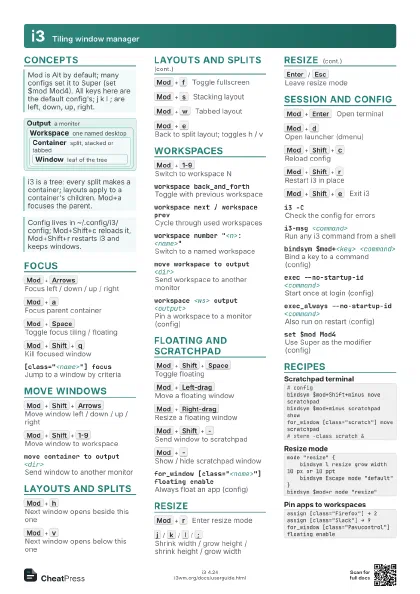
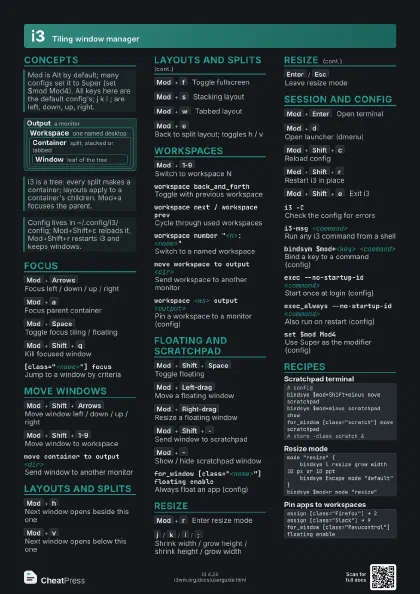
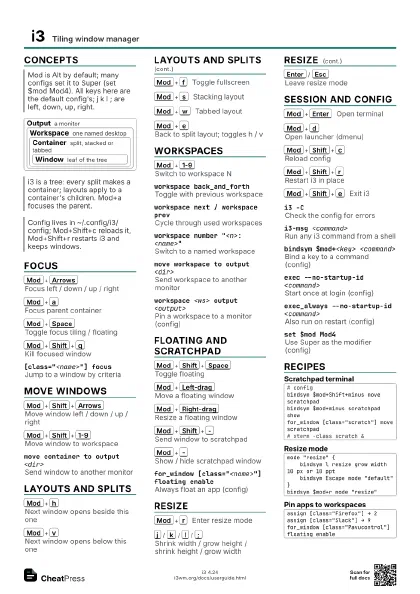
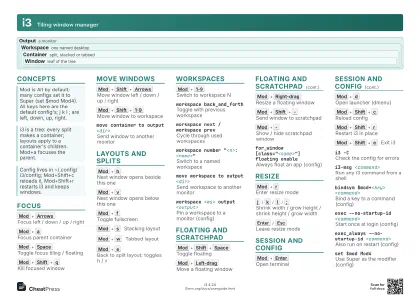
Mod+Enter
Open a terminal
Mod+d
Launch an app
Mod+Arrows
Focus a neighbour
Mod+1-9
Switch workspace
Mod+Shift+1-9
Send window to workspace
Mod+f
Toggle fullscreen
Mod+Shift+q
Close the window
Mod+Shift+r
Restart i3 in place
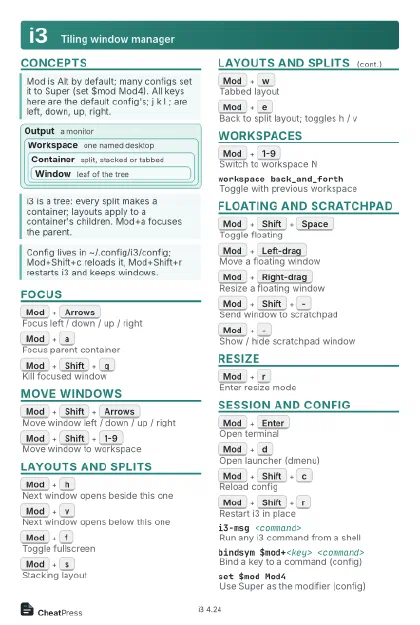
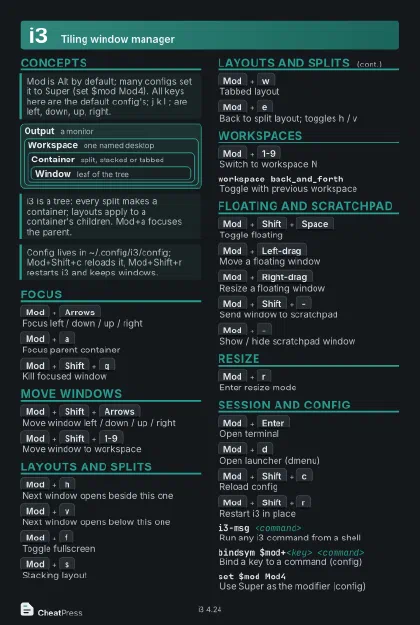
Concepts
Output a monitor
Workspace one named desktop
Container
split, stacked or tabbed
Window leaf of the tree
Focus
Mod+Arrows
Focus left / down / up / right
Default config also binds Mod+j, k, l, ; for left, down,
up, right.
Mod+a
Focus parent container
Press again to climb further; focus child steps back down.
Mod+Space
Toggle focus tiling / floating
Mod+Shift+q
Kill focused window
[class="<name>"] focus
Jump to a window by criteria
Use inside a bindsym or i3-msg.
Move Windows
Mod+Shift+Arrows
Move window left / down / up / right
Mod+Shift+j, k, l, ; also work: left, down, up, right.
Mod+Shift+1-9
Move window to workspace
move container to output <dir>
Send window to another monitor
Layouts and Splits
Mod+h
Next window opens beside this one
Splits horizontally. Do it before opening the window.
Mod+v
Next window opens below this one
Splits vertically.
Mod+f
Toggle fullscreen
Mod+s
Stacking layout
Mod+w
Tabbed layout
Mod+e
Back to split layout; toggles h / v
Workspaces
Mod+1-9
Switch to workspace N
workspace back_and_forth
Toggle with previous workspace
Set workspace_auto_back_and_forth yes so repeating Mod+N
flips back.
workspace next / workspace prev
Cycle through used workspaces
workspace number "<n>: <name>"
Switch to a named workspace
move workspace to output <dir>
Send workspace to another monitor
workspace <ws> output <output>
Pin a workspace to a monitor (config)
assign [class="<name>"] → <ws>
Always open an app on a workspace (config)
Floating and Scratchpad
Mod+Shift+Space
Toggle floating
Mod+Left-drag
Move a floating window
Needs floating_modifier $mod in the config (default).
Mod+Right-drag
Resize a floating window
Hold Shift to keep the aspect ratio.
Mod+Shift+-
Send window to scratchpad
Not bound in the stock config; add: bindsym
$mod+Shift+minus move scratchpad
Mod+-
Show / hide scratchpad window
Not bound in the stock config; add: bindsym $mod+minus
scratchpad show
for_window [class="<name>"] floating
                    enable
Always float an app (config)
Resize
Mod+r
Enter resize mode
Then j k l ; or Arrows resize; Enter or Esc leaves.
j
/
k
/
l
/
;
Shrink width / grow height / shrink height / grow width
Only inside resize mode, as in the stock config.
Enter
/
Esc
Leave resize mode
resize set <w> <h>
Set an exact size
Session and Config
Mod+Enter
Open terminal
Mod+d
Open launcher (dmenu)
Bound to dmenu_run by default; swap in rofi if you prefer.
Mod+Shift+c
Reload config
Applies most changes without touching windows.
Mod+Shift+r
Restart i3 in place
Keeps your windows; needed after upgrading i3.
Mod+Shift+e
Exit i3
i3 -CCheck the config for errors
i3-msg <command>
Run any i3 command from a shell
i3-msg -t get_tree
Dump the window tree as JSON
bindsym $mod+<key> <command>
Bind a key to a command (config)
exec --no-startup-id <command>
Start once at login (config)
exec_always --no-startup-id <command>
Also run on restart (config)
Good for wallpaper and bar helpers; they restart with i3.
mode "<name>" { ... }
Define a binding mode (config)
set $mod Mod4Use Super as the modifier (config)
Recipes
# configbindsym $mod+Shift+minus move scratchpadbindsym $mod+minus scratchpad showfor_window [class="scratch"] move scratchpad# xterm -class scratch &mode "resize" { bindsym l resize grow width 10 px or 10 ppt bindsym Escape mode "default"}bindsym $mod+r mode "resize"assign [class="Firefox"] → 2assign [class="Slack"] → 9for_window [class="Pavucontrol"] floating enable