Cheat
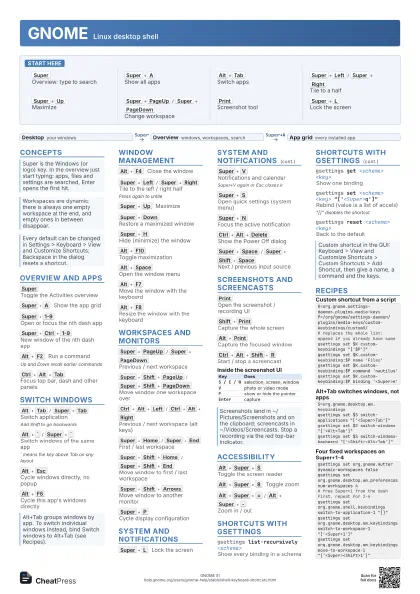
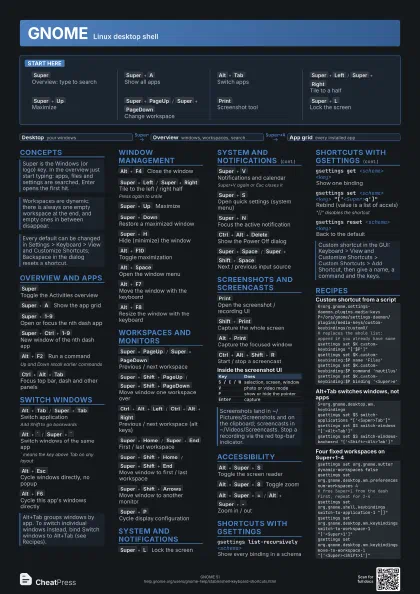
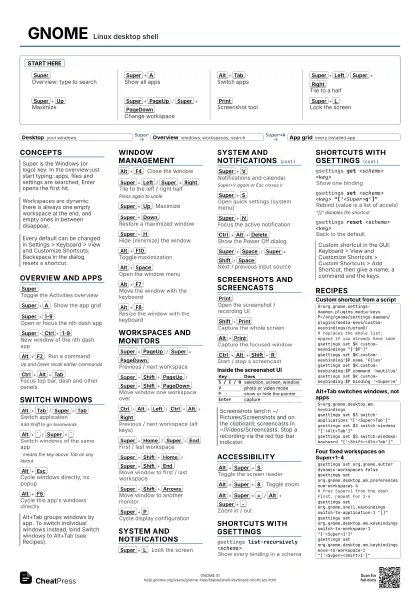
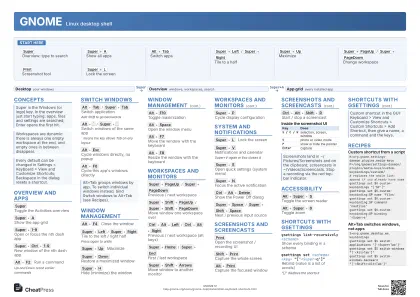
GNOME Linux desktop shell
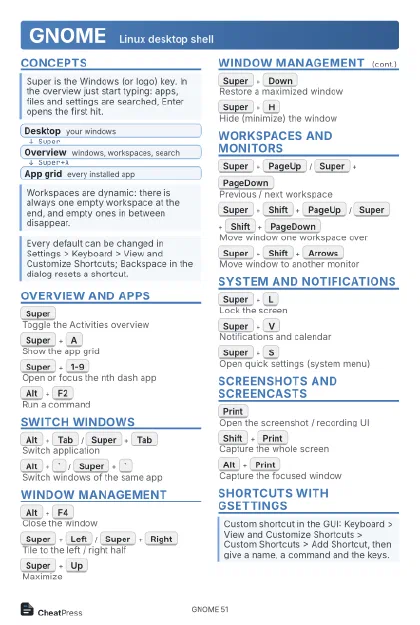 Light · Postcard
102 × 152 mm · PDF
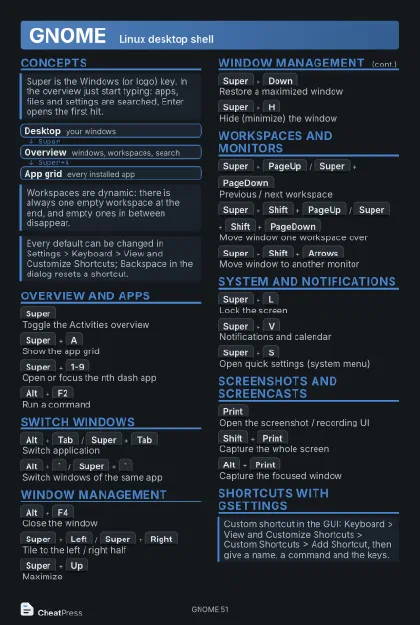 Dark · Postcard
102 × 152 mm · PDF
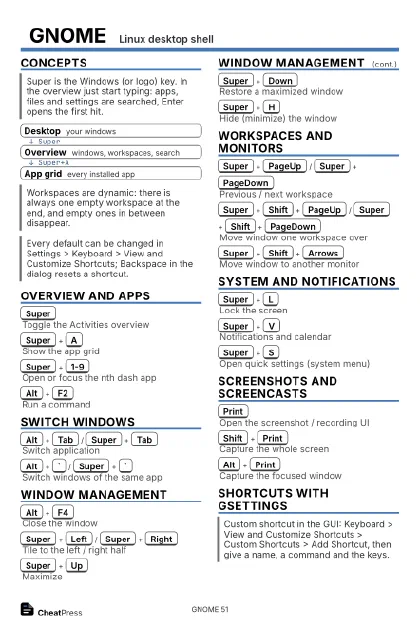 Ink saver · Postcard
102 × 152 mm · PDF
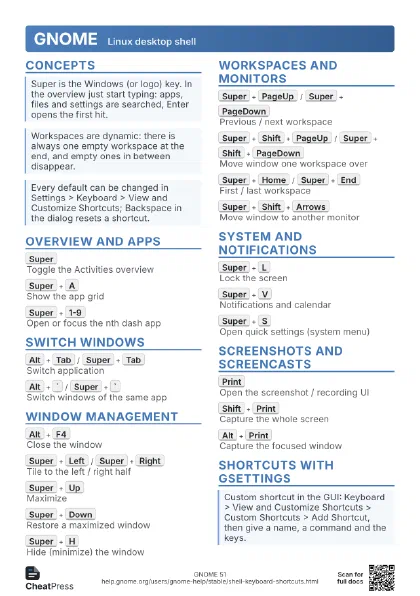
 Light · A4 landscape
297 × 210 mm · PDF
 Dark · A4 landscape
297 × 210 mm · PDF
 Ink saver · A4 landscape
297 × 210 mm · PDF
 Light · A3 landscape
420 × 297 mm · PDF
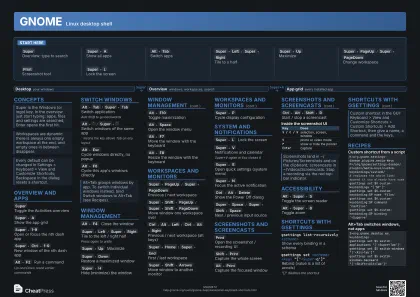 Dark · A3 landscape
420 × 297 mm · PDF
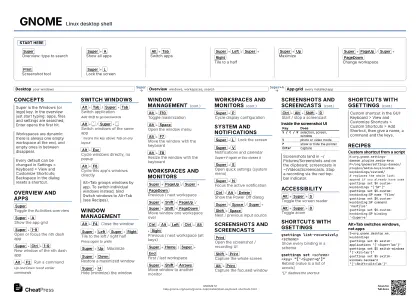 Ink saver · A3 landscape
420 × 297 mm · PDF
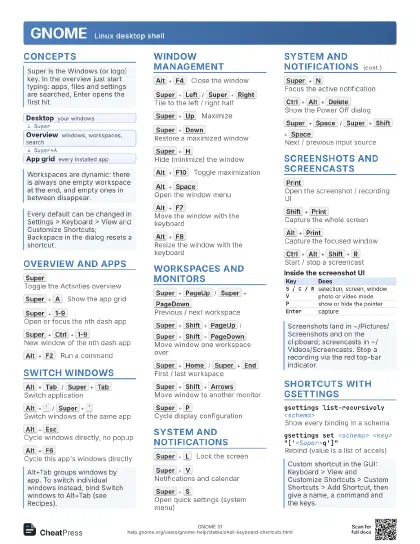
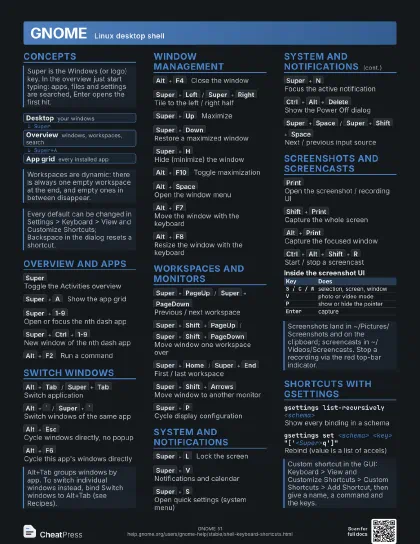
Start here
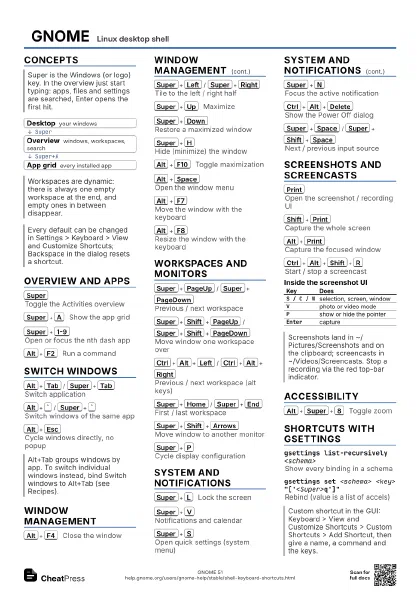
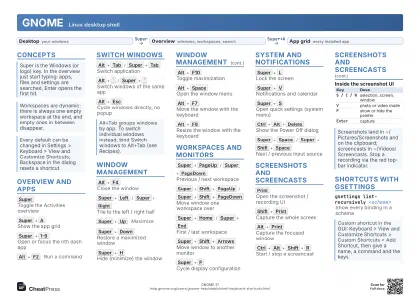
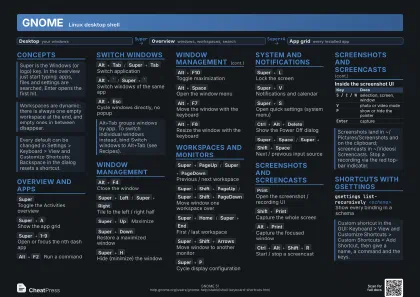
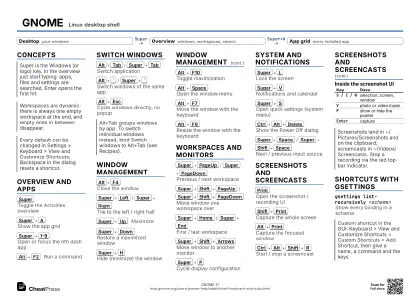
Super
Overview: type to search
Super+A
Show all apps
Alt+Tab
Switch apps
Super+Left
/
Super+Right
Tile to a half
Super+Up
Maximize
Super+PageUp
/
Super+PageDown
Change workspace
Print
Screenshot tool
Super+L
Lock the screen
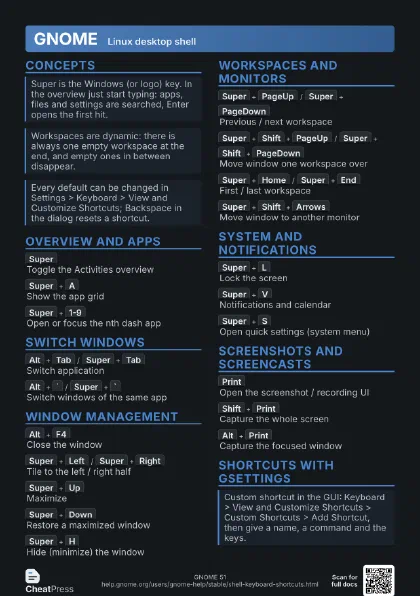
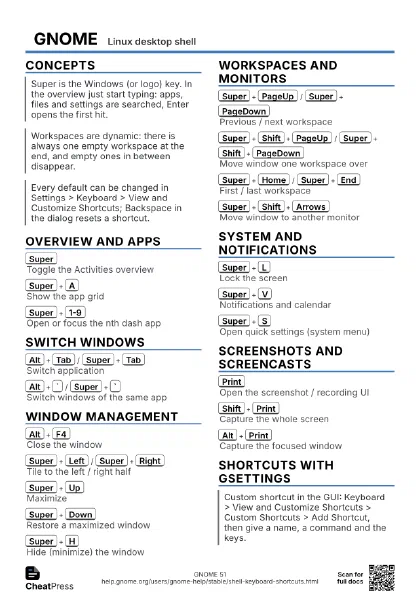
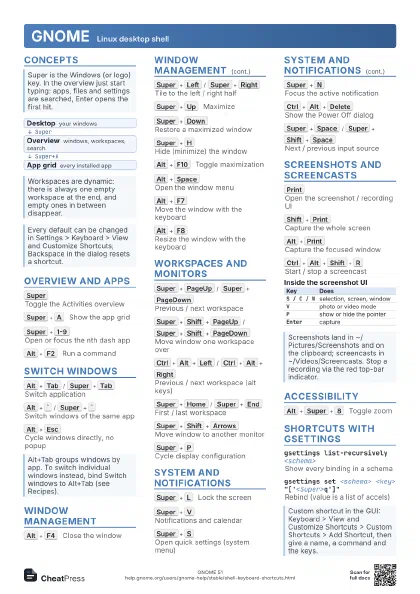
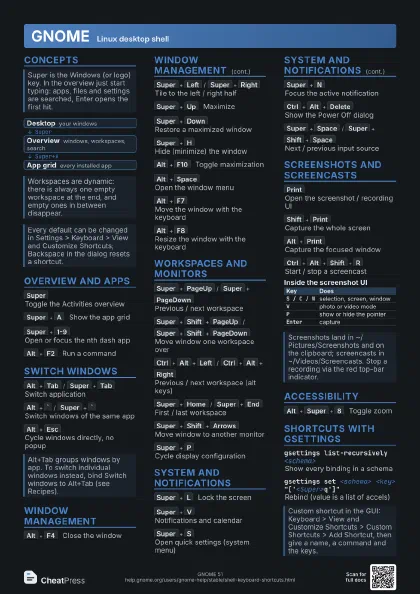
Concepts
- Desktop your windows
- Overview windows, workspaces, search
- App grid every installed app
Overview and Apps
Super
Toggle the Activities overview
Super+A
Show the app grid
Super+1-9
Open or focus the nth dash app
Super+Ctrl+1-9
New window of the nth dash app
Alt+F2
Run a command
Up and Down recall earlier commands
Super+Alt+Up
/
Super+Alt+Down
Step desktop / overview / app grid
Ctrl+Alt+Tab
Focus top bar, dash and other panels
Switch Windows
Alt+Tab
/
Super+Tab
Switch application
Add Shift to go backwards
Alt+`
/
Super+`
Switch windows of the same app
` means the key above Tab on any layout
Alt+Esc
Cycle windows directly, no popup
Alt+F6
Cycle this app's windows directly
Window Management
Alt+F4
Close the window
Super+Left
/
Super+Right
Tile to the left / right half
Press again to untile
Super+Up
Maximize
Super+Down
Restore a maximized window
Super+H
Hide (minimize) the window
Alt+F10
Toggle maximization
Alt+Space
Open the window menu
Alt+F7
Move the window with the keyboard
Alt+F8
Resize the window with the keyboard
Workspaces and Monitors
Super+PageUp
/
Super+PageDown
Previous / next workspace
Super+Shift+PageUp
/
Super+Shift+PageDown
Move window one workspace over
Ctrl+Alt+Left
/
Ctrl+Alt+Right
Previous / next workspace (alt keys)
Super+Home
/
Super+End
First / last workspace
Super+Shift+Home
/
Super+Shift+End
Move window to first / last workspace
Super+Shift+Arrows
Move window to another monitor
Super+P
Cycle display configuration
System and Notifications
Super+L
Lock the screen
Super+V
Notifications and calendar
Super+V again or Esc closes it
Super+S
Open quick settings (system menu)
Super+N
Focus the active notification
Ctrl+Alt+Delete
Show the Power Off dialog
Super+Space
/
Super+Shift+Space
Next / previous input source
Super+Esc
Restore shortcuts an app grabbed
e.g. after a VM or remote desktop took the keyboard
Screenshots and Screencasts
Print
Open the screenshot / recording UI
Shift+Print
Capture the whole screen
Alt+Print
Capture the focused window
Ctrl+Alt+Shift+R
Start / stop a screencast
| Key | Does |
|---|---|
S / C / W |
selection, screen, window |
V |
photo or video mode |
P |
show or hide the pointer |
Enter |
capture |
Accessibility
Alt+Super+S
Toggle the screen reader
Alt+Super+8
Toggle zoom
Alt+Super+=
/
Alt+Super+-
Zoom in / out
Shortcuts with gsettings
gsettings list-recursively <schema>
Show every binding in a schema
gsettings get <schema> <key>
Show one binding
gsettings set <schema> <key>
                    "['<Super>q']"
Rebind (value is a list of accels)
"[]" disables the shortcut
gsettings reset <schema> <key>
Back to the default
gsettings reset-recursively <schema>
Reset a whole schema
| Schema (org.gnome.) | Holds |
|---|---|
desktop.wm.keybindings |
windows, workspaces, switchers |
shell.keybindings |
app grid, dash, screenshots, notifications |
mutter.keybindings |
half tiling, Super+P |
settings-daemon.plugins.media-keys |
lock, media, accessibility, custom |
Recipes
K=org.gnome.settings-daemon.plugins.media-keysP=/org/gnome/settings-daemon/plugins/media-keys/custom-keybindings/custom0/# replaces the whole list: append if you already have somegsettings set $K custom-keybindings "['$P']"gsettings set $K.custom-keybinding:$P name 'Files'gsettings set $K.custom-keybinding:$P command 'nautilus'gsettings set $K.custom-keybinding:$P binding '<Super>e'S=org.gnome.desktop.wm.keybindingsgsettings set $S switch-applications "['<Super>Tab']"gsettings set $S switch-windows "['<Alt>Tab']"gsettings set $S switch-windows-backward "['<Shift><Alt>Tab']"gsettings set org.gnome.mutter dynamic-workspaces falsegsettings set org.gnome.desktop.wm.preferences num-workspaces 4# free Super+1 from the dash first, repeat for 2-4gsettings set org.gnome.shell.keybindings switch-to-application-1 "[]"gsettings set org.gnome.desktop.wm.keybindings switch-to-workspace-1 "['<Super>1']"gsettings set org.gnome.desktop.wm.keybindings move-to-workspace-1 "['<Super><Shift>1']"gsettings reset-recursively org.gnome.desktop.wm.keybindingsgsettings reset-recursively org.gnome.shell.keybindingsgsettings reset-recursively org.gnome.mutter.keybindings