Cheat
xclip X11 clipboard from shell
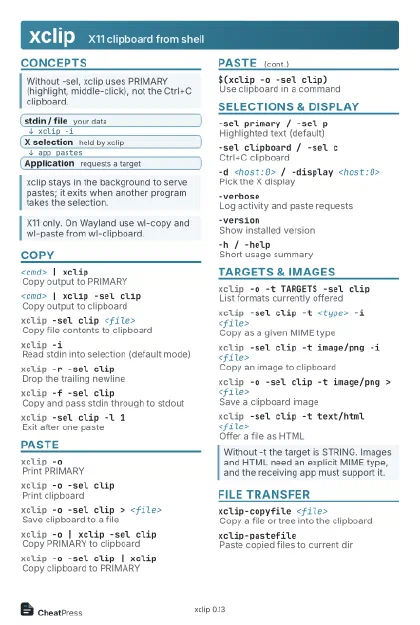 Light · Postcard
102 × 152 mm · PDF
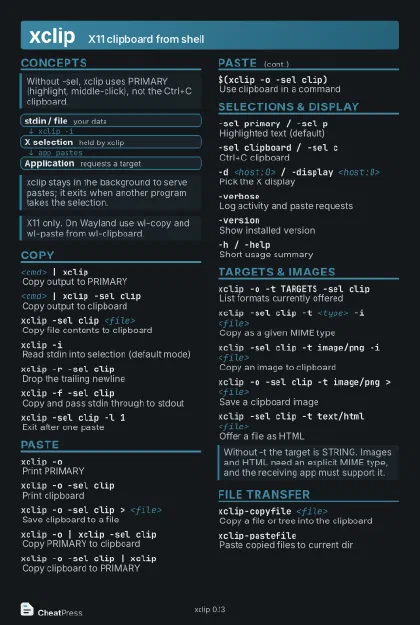 Dark · Postcard
102 × 152 mm · PDF
 Ink saver · Postcard
102 × 152 mm · PDF
 Light · A4 landscape
297 × 210 mm · PDF
 Dark · A4 landscape
297 × 210 mm · PDF
 Ink saver · A4 landscape
297 × 210 mm · PDF
 Light · A3 landscape
420 × 297 mm · PDF
 Dark · A3 landscape
420 × 297 mm · PDF
 Ink saver · A3 landscape
420 × 297 mm · PDF
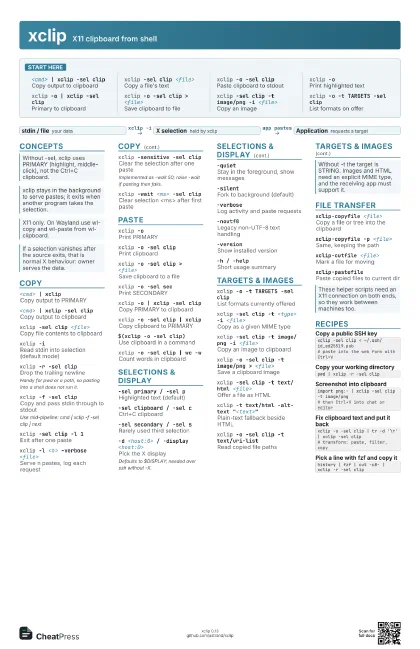
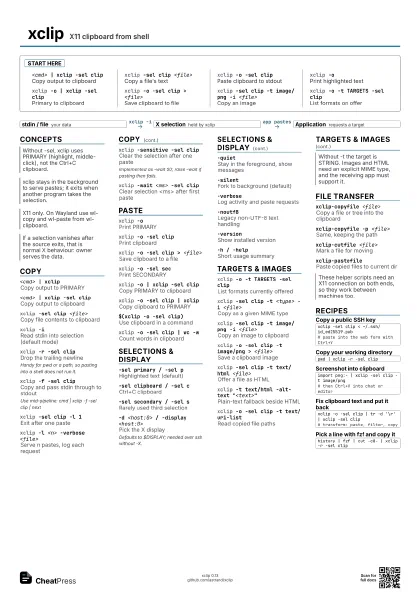
Start here
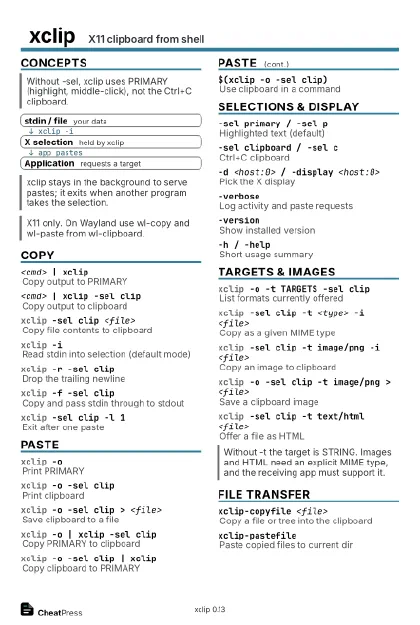
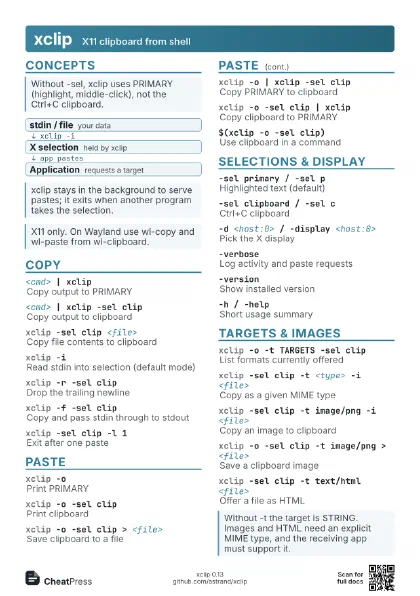
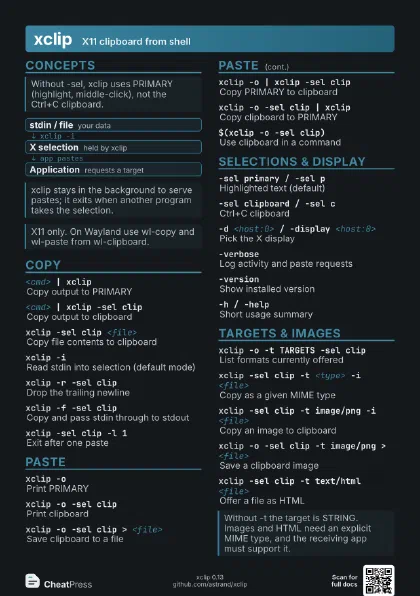
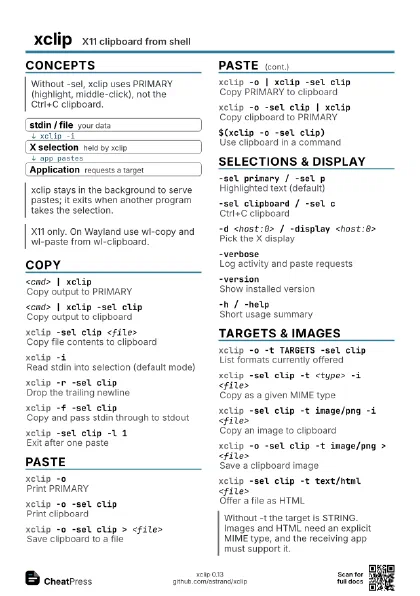
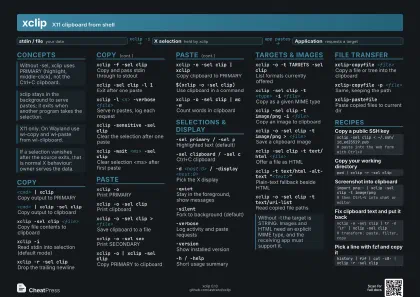
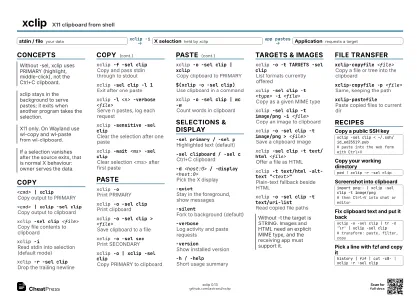
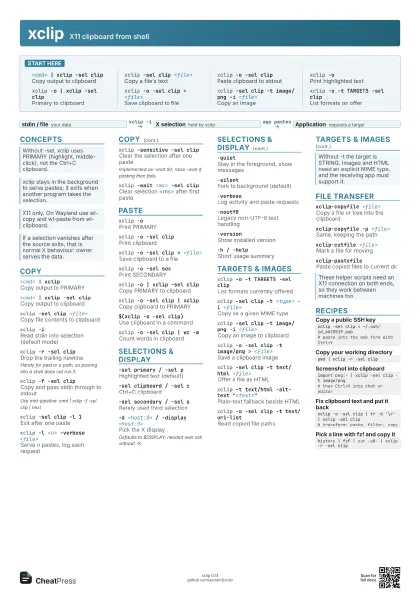
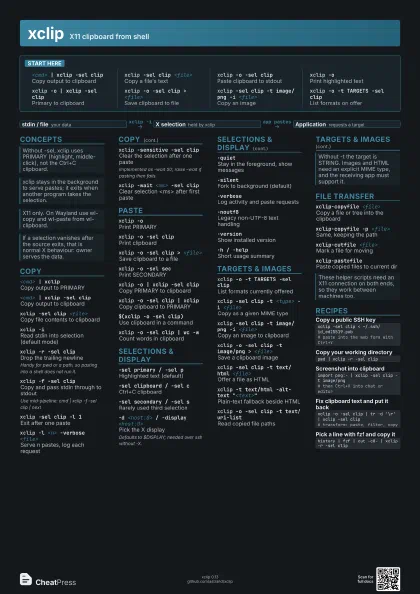
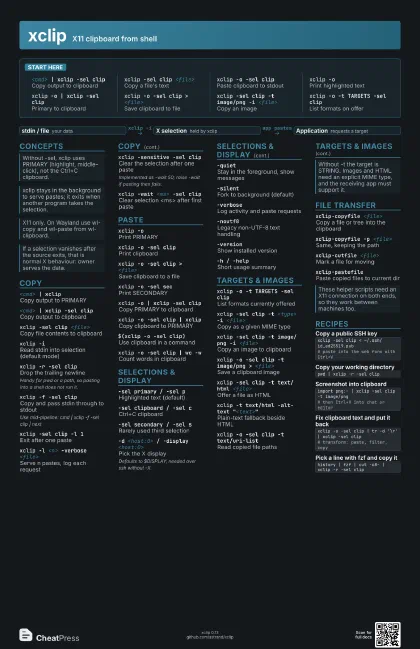
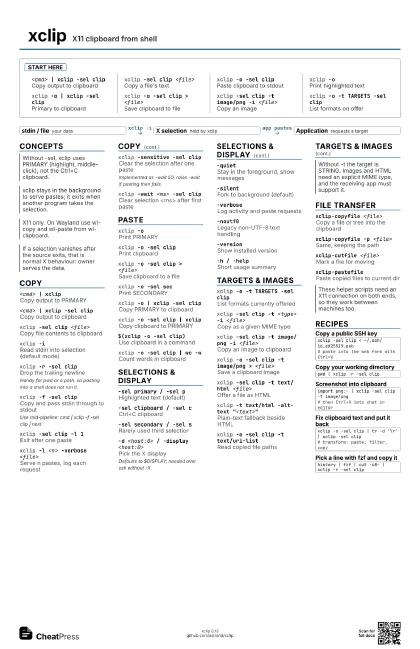
<cmd> | xclip -sel clip
Copy output to clipboard
xclip -sel clip <file>
Copy a file's text
xclip -o -sel clip
Paste clipboard to stdout
xclip -oPrint highlighted text
xclip -o | xclip -sel clip
Primary to clipboard
xclip -o -sel clip > <file>
Save clipboard to file
xclip -sel clip -t image/png -i <file>
Copy an image
xclip -o -t TARGETS -sel clip
List formats on offer
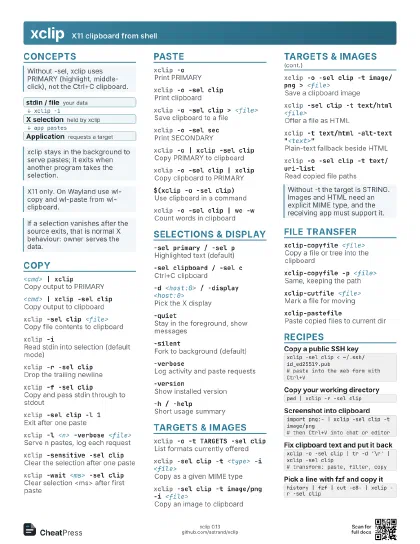
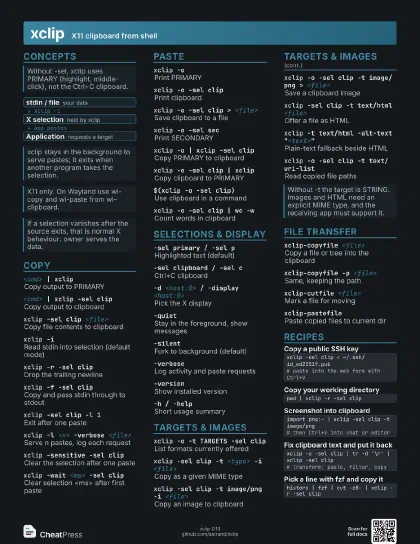
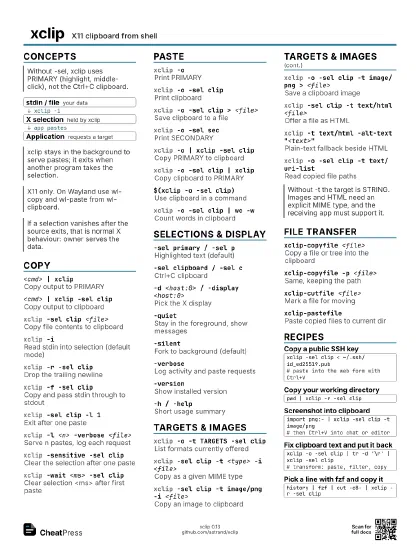
Concepts
- stdin / file your data
- X selection held by xclip
- Application requests a target
Copy
<cmd> | xclip
Copy output to PRIMARY
<cmd> | xclip -sel clip
Copy output to clipboard
xclip -sel clip <file>
Copy file contents to clipboard
xclip -iRead stdin into selection (default mode)
xclip -r -sel clip
Drop the trailing newline
Handy for pwd or a path, so pasting into a shell does not run
it.
xclip -f -sel clip
Copy and pass stdin through to stdout
Use mid-pipeline: cmd | xclip -f -sel clip | next
xclip -sel clip -l 1
Exit after one paste
xclip -l <n> -verbose <file>
Serve n pastes, log each request
xclip -sensitive -sel clip
Clear the selection after one paste
Implemented as -wait 50; raise -wait if pasting then fails.
xclip -wait <ms> -sel clip
Clear selection <ms> after first paste
Paste
xclip -oPrint PRIMARY
xclip -o -sel clip
Print clipboard
xclip -o -sel clip > <file>
Save clipboard to a file
xclip -o -sel sec
Print SECONDARY
xclip -o | xclip -sel clip
Copy PRIMARY to clipboard
xclip -o -sel clip | xclip
Copy clipboard to PRIMARY
$(xclip -o -sel clip)
Use clipboard in a command
xclip -o -sel clip | wc -w
Count words in clipboard
Selections & Display
-sel primary / -sel p
Highlighted text (default)
-sel clipboard / -sel c
Ctrl+C clipboard
-sel secondary / -sel s
Rarely used third selection
-d <host:0> / -display <host:0>
Pick the X display
Defaults to $DISPLAY; needed over ssh without -X.
-quietStay in the foreground, show messages
-silentFork to background (default)
-verboseLog activity and paste requests
-noutf8Legacy non-UTF-8 text handling
-versionShow installed version
-h / -helpShort usage summary
Targets & Images
xclip -o -t TARGETS -sel clip
List formats currently offered
xclip -sel clip -t <type> -i <file>
Copy as a given MIME type
xclip -sel clip -t image/png -i <file>
Copy an image to clipboard
xclip -o -sel clip -t image/png > <file>
Save a clipboard image
xclip -sel clip -t text/html <file>
Offer a file as HTML
xclip -t text/html -alt-text "<text>"
Plain-text fallback beside HTML
xclip -o -sel clip -t text/uri-list
Read copied file paths
File Transfer
xclip-copyfile <file>
Copy a file or tree into the clipboard
xclip-copyfile -p <file>
Same, keeping the path
xclip-cutfile <file>
Mark a file for moving
xclip-pastefilePaste copied files to current dir
Recipes
xclip -sel clip < ~/.ssh/id_ed25519.pub# paste into the web form with Ctrl+Vpwd | xclip -r -sel clipimport png:- | xclip -sel clip -t image/png# then Ctrl+V into chat or editorxclip -o -sel clip | tr -d '\r' | xclip -sel clip# transform: paste, filter, copyhistory | fzf | cut -c8- | xclip -r -sel clip