Cheat
xargs Build commands from input
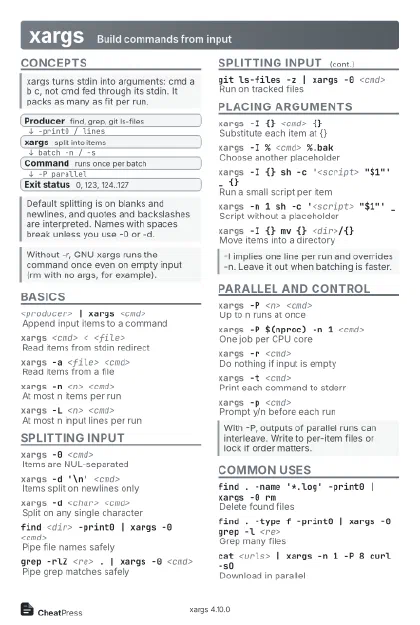 Light · Postcard
102 × 152 mm · PDF
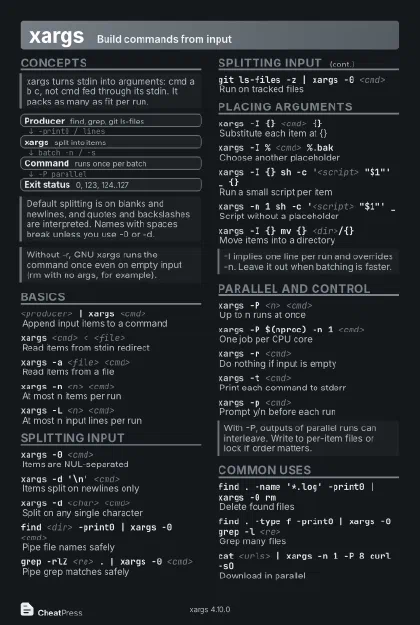 Dark · Postcard
102 × 152 mm · PDF
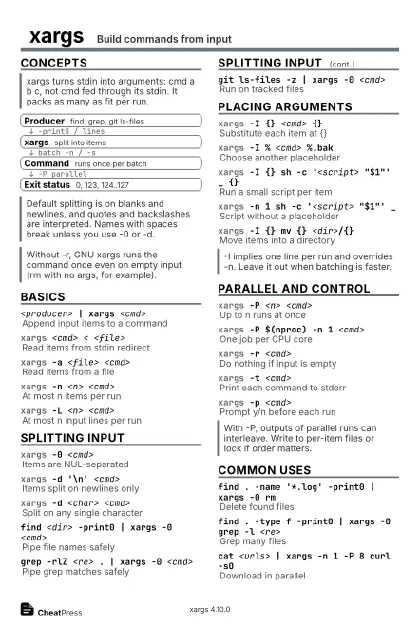 Ink saver · Postcard
102 × 152 mm · PDF
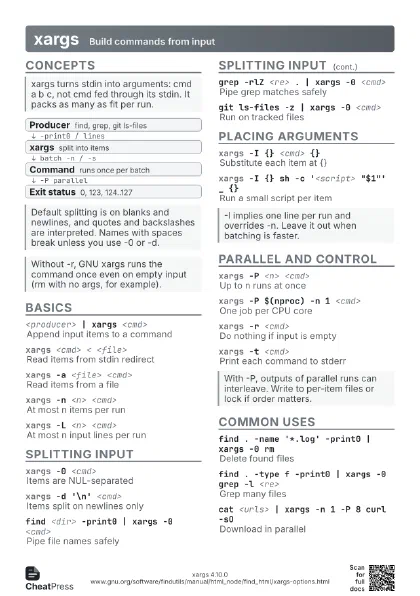
 Light · A4 landscape
297 × 210 mm · PDF
 Dark · A4 landscape
297 × 210 mm · PDF
 Ink saver · A4 landscape
297 × 210 mm · PDF
 Light · A3 landscape
420 × 297 mm · PDF
 Dark · A3 landscape
420 × 297 mm · PDF
 Ink saver · A3 landscape
420 × 297 mm · PDF
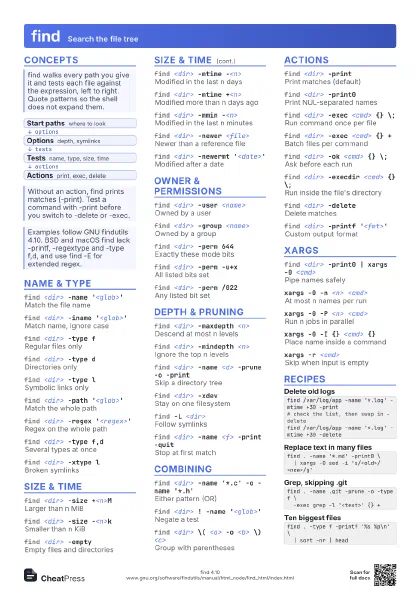
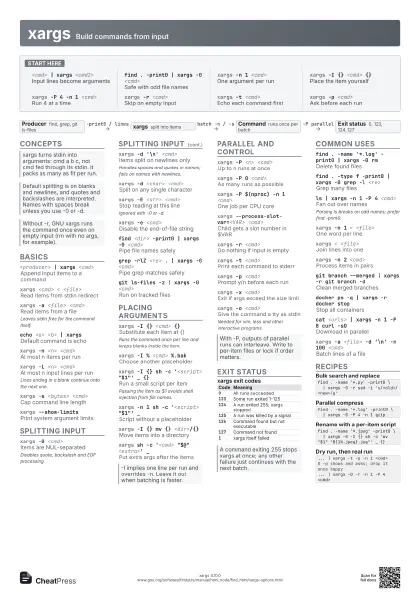
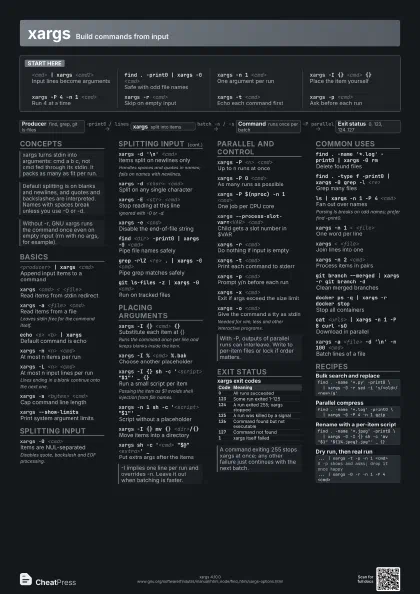
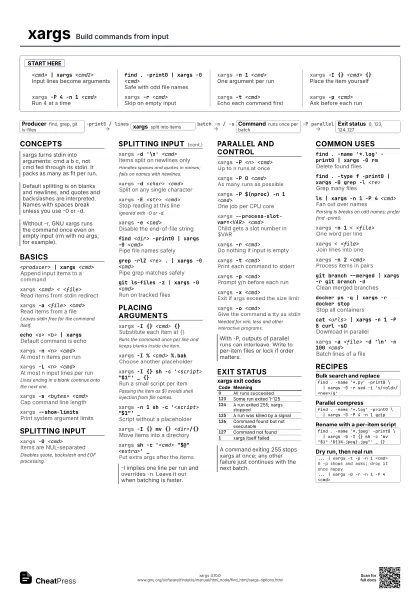
Start here
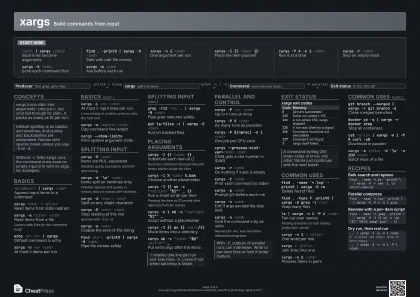
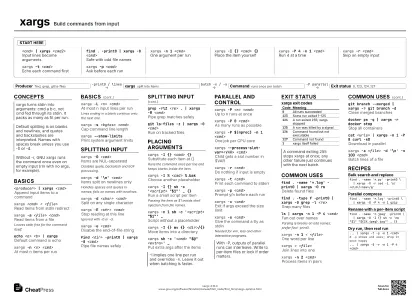
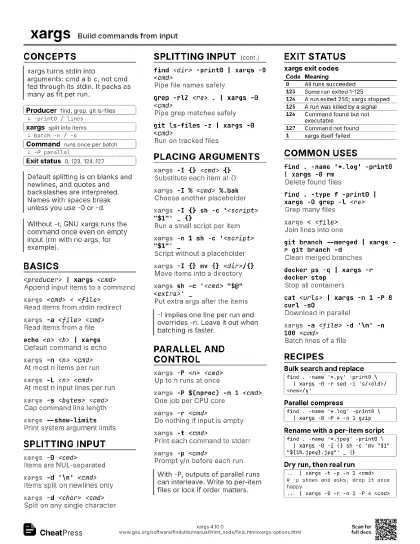
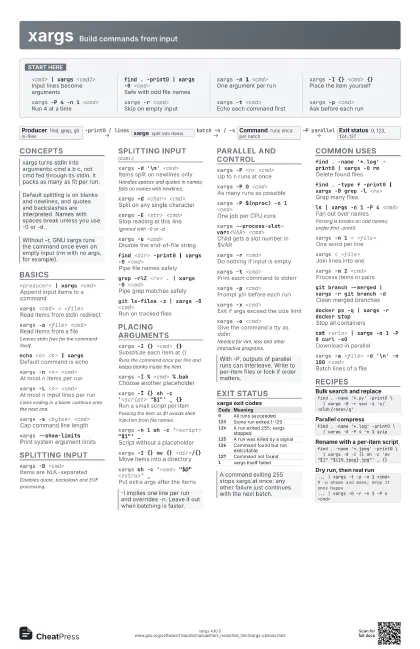
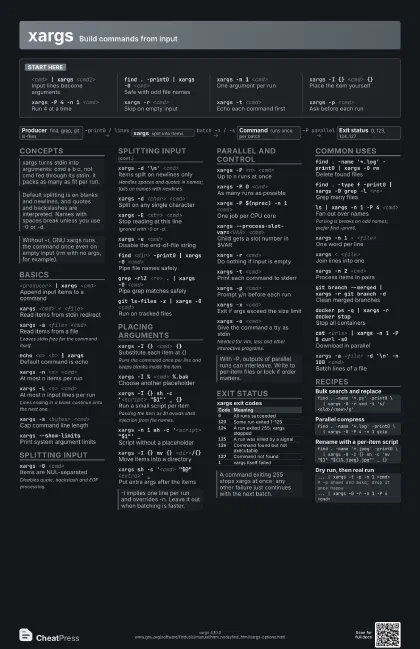
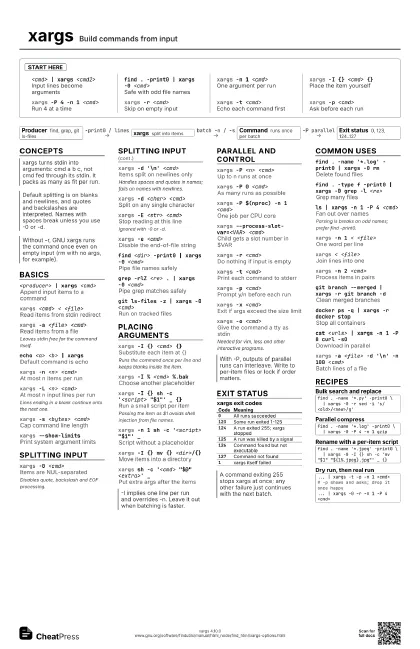
<cmd> | xargs <cmd2>
Input lines become arguments
find . -print0 | xargs -0 <cmd>
Safe with odd file names
xargs -n 1 <cmd>
One argument per run
xargs -I {} <cmd> {}
Place the item yourself
xargs -P 4 -n 1 <cmd>
Run 4 at a time
xargs -r <cmd>
Skip on empty input
xargs -t <cmd>
Echo each command first
xargs -p <cmd>
Ask before each run
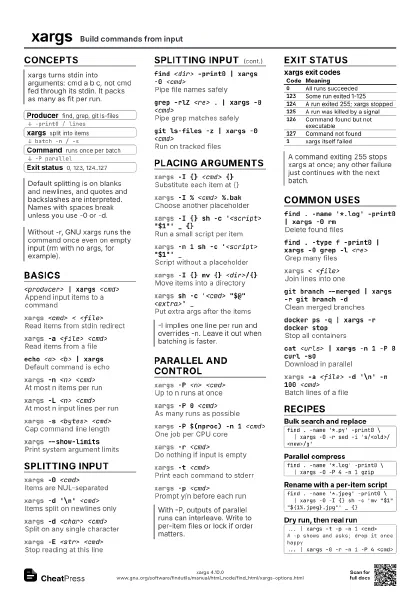
Concepts
- Producer find, grep, git ls-files
- xargs split into items
- Command runs once per batch
- Exit status 0, 123, 124..127
Basics
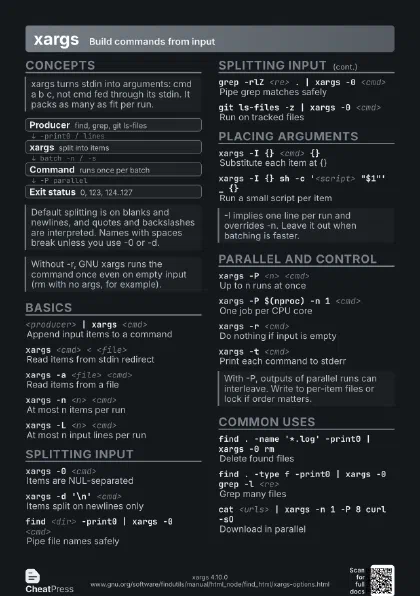
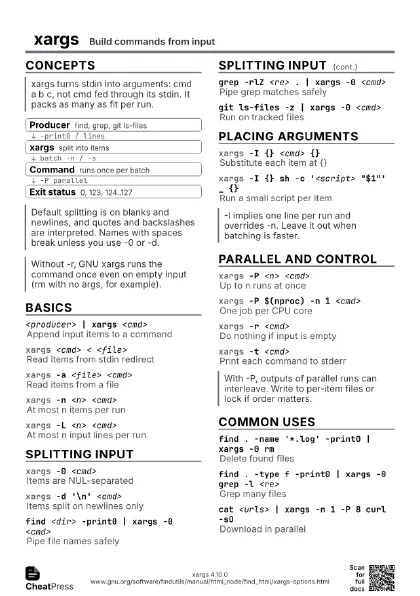
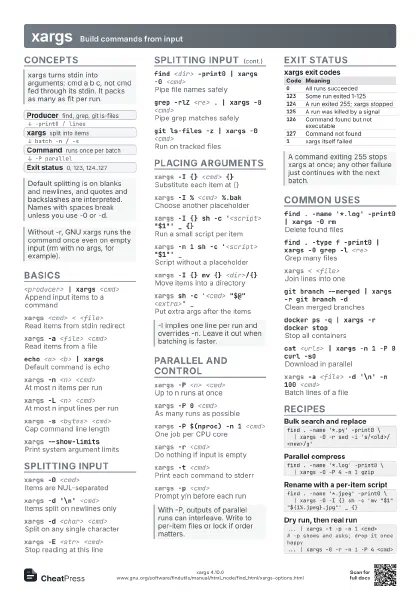
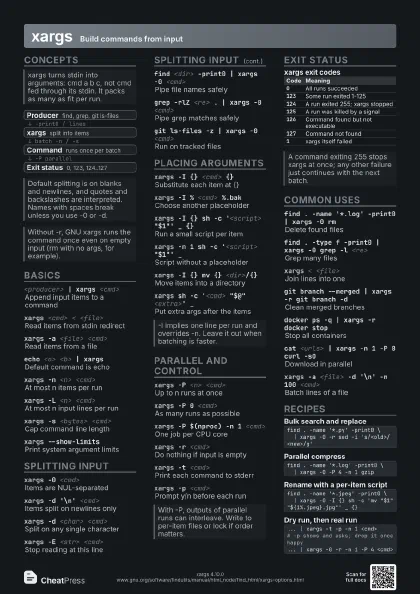
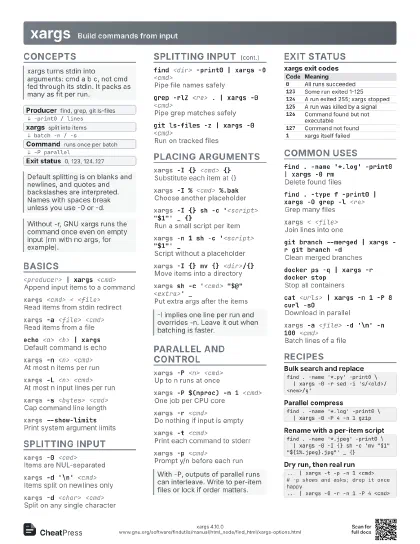
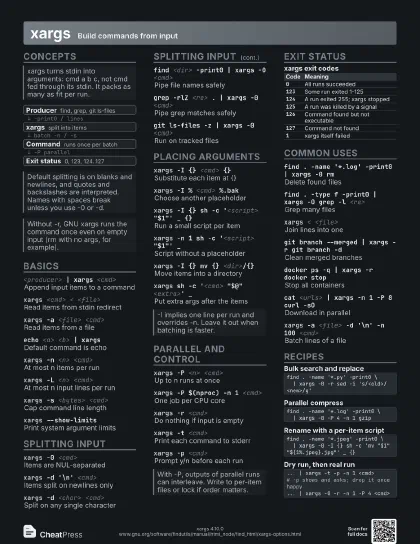
<producer> | xargs <cmd>
Append input items to a command
xargs <cmd> < <file>
Read items from stdin redirect
xargs -a <file> <cmd>
Read items from a file
Leaves stdin free for the command itself.
echo <a> <b> | xargs
Default command is echo
xargs -n <n> <cmd>
At most n items per run
xargs -L <n> <cmd>
At most n input lines per run
Lines ending in a blank continue onto the next one.
xargs -s <bytes> <cmd>
Cap command line length
xargs --show-limits
Print system argument limits
Splitting input
xargs -0 <cmd>
Items are NUL-separated
Disables quote, backslash and EOF processing.
xargs -d '\n' <cmd>
Items split on newlines only
Handles spaces and quotes in names; fails on names with
newlines.
xargs -d <char> <cmd>
Split on any single character
xargs -E <str> <cmd>
Stop reading at this line
Ignored with -0 or -d.
xargs -e <cmd>
Disable the end-of-file string
find <dir> -print0 | xargs -0 <cmd>
Pipe file names safely
grep -rlZ <re> . | xargs -0 <cmd>
Pipe grep matches safely
git ls-files -z | xargs -0 <cmd>
Run on tracked files
Placing arguments
xargs -I {} <cmd> {}
Substitute each item at {}
Runs the command once per line and keeps blanks inside the
item.
xargs -I % <cmd> %.bak
Choose another placeholder
xargs -I {} sh -c '<script> "$1"' _
                    {}
Run a small script per item
Passing the item as $1 avoids shell injection from file names.
xargs -n 1 sh -c '<script> "$1"'
                    _
Script without a placeholder
xargs -I {} mv {} <dir>/{}
Move items into a directory
xargs sh -c '<cmd> "$@"
                    <extra>' _
Put extra args after the items
Parallel and control
xargs -P <n> <cmd>
Up to n runs at once
xargs -P 0 <cmd>
As many runs as possible
xargs -P $(nproc) -n 1 <cmd>
One job per CPU core
xargs --process-slot-var=<VAR> <cmd>
Child gets a slot number in $VAR
xargs -r <cmd>
Do nothing if input is empty
xargs -t <cmd>
Print each command to stderr
xargs -p <cmd>
Prompt y/n before each run
xargs -x <cmd>
Exit if args exceed the size limit
xargs -o <cmd>
Give the command a tty as stdin
Needed for vim, less and other interactive programs.
Exit status
| Code | Meaning |
|---|---|
0 |
All runs succeeded |
123 |
Some run exited 1-125 |
124 |
A run exited 255; xargs stopped |
125 |
A run was killed by a signal |
126 |
Command found but not executable |
127 |
Command not found |
1 |
xargs itself failed |
Common uses
find . -name '*.log' -print0 | xargs -0 rm
Delete found files
find . -type f -print0 | xargs -0 grep -l <re>
Grep many files
ls | xargs -n 1 -P 4 <cmd>
Fan out over names
Parsing ls breaks on odd names; prefer find -print0.
xargs -n 1 < <file>
One word per line
xargs < <file>
Join lines into one
xargs -n 2 <cmd>
Process items in pairs
git branch --merged | xargs -r git branch -d
Clean merged branches
docker ps -q | xargs -r docker stop
Stop all containers
cat <urls> | xargs -n 1 -P 8 curl -sO
Download in parallel
xargs -a <file> -d '\n' -n 100
                    <cmd>
Batch lines of a file
Recipes
find . -name '*.py' -print0 \ | xargs -0 -r sed -i 's/<old>/<new>/g'find . -name '*.log' -print0 \ | xargs -0 -P 4 -n 1 gzipfind . -name '*.jpeg' -print0 \ | xargs -0 -I {} sh -c 'mv "$1" "${1%.jpeg}.jpg"' _ {}... | xargs -t -p -n 1 <cmd># -p shows and asks; drop it once happy... | xargs -0 -r -n 1 -P 4 <cmd>