Cheat
xdotool X11 input automation
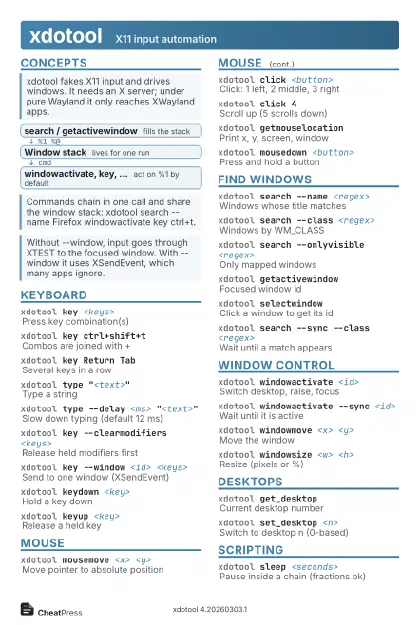 Light · Postcard
102 × 152 mm · PDF
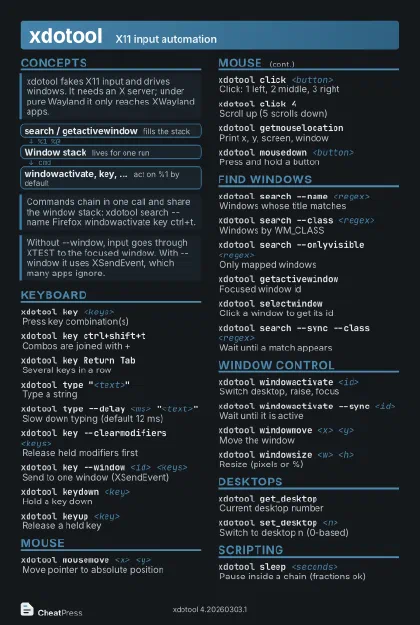 Dark · Postcard
102 × 152 mm · PDF
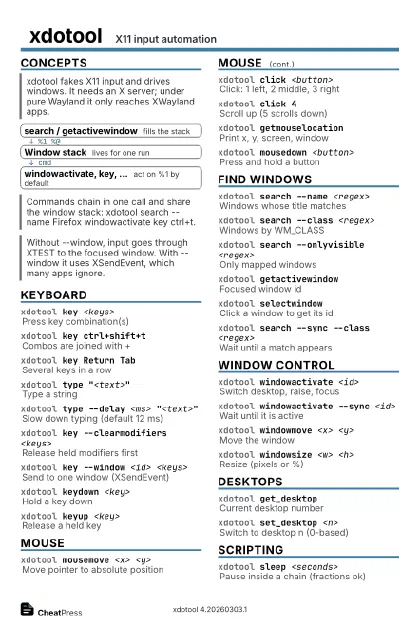 Ink saver · Postcard
102 × 152 mm · PDF
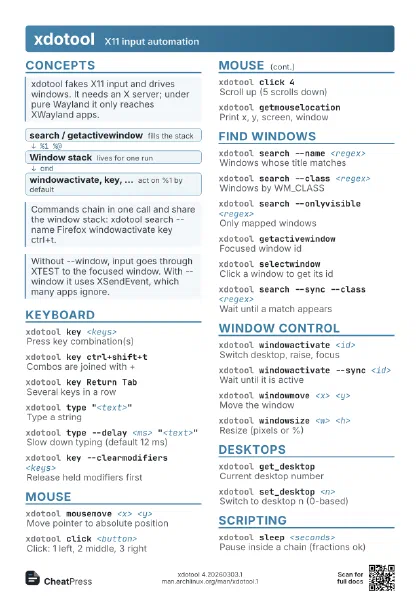
 Light · A4 landscape
297 × 210 mm · PDF
 Dark · A4 landscape
297 × 210 mm · PDF
 Ink saver · A4 landscape
297 × 210 mm · PDF
 Light · A3 landscape
420 × 297 mm · PDF
 Dark · A3 landscape
420 × 297 mm · PDF
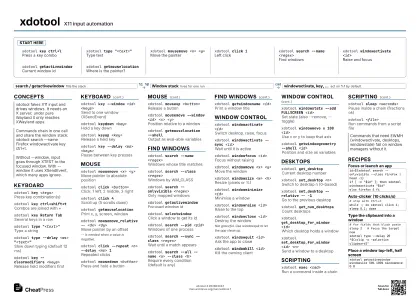 Ink saver · A3 landscape
420 × 297 mm · PDF

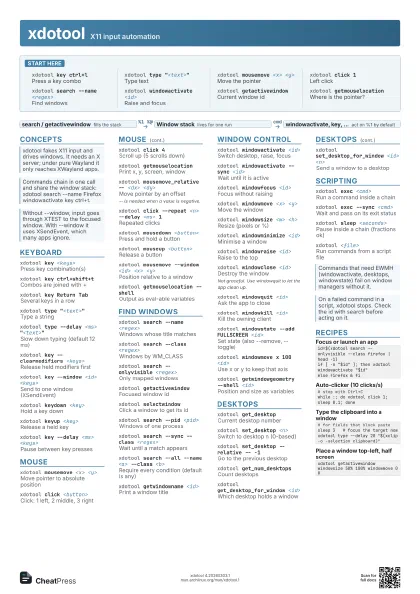
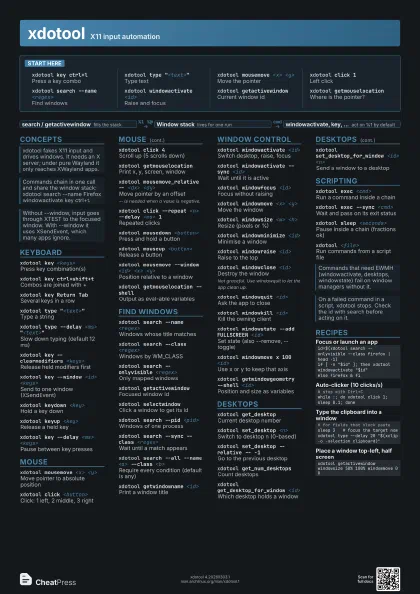
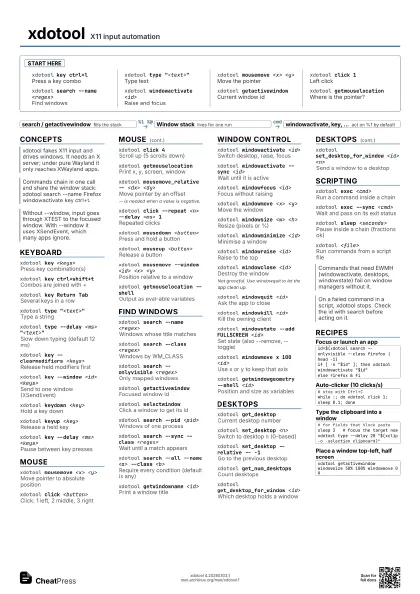
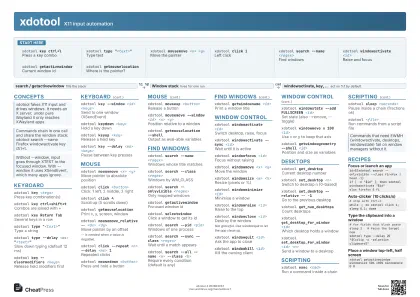
Start here
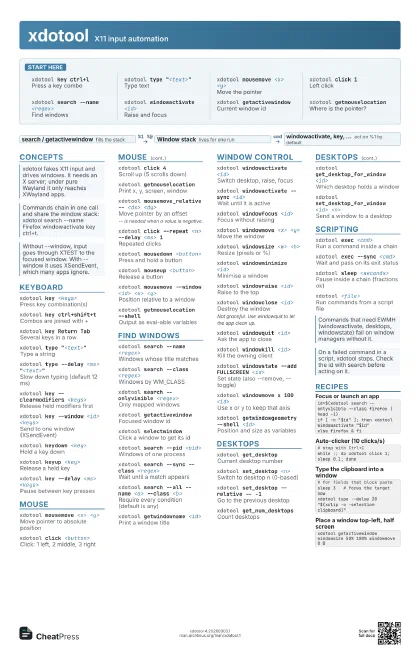
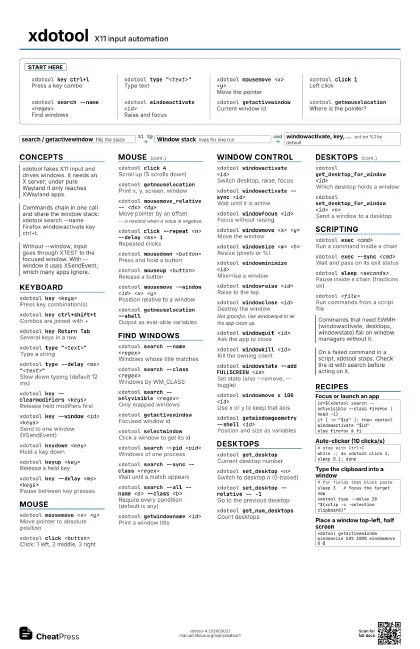
xdotool key ctrl+l
Press a key combo
xdotool type "<text>"
Type text
xdotool mousemove <x> <y>
Move the pointer
xdotool click 1Left click
xdotool search --name <regex>
Find windows
xdotool windowactivate <id>
Raise and focus
xdotool getactivewindow
Current window id
xdotool getmouselocation
Where is the pointer?
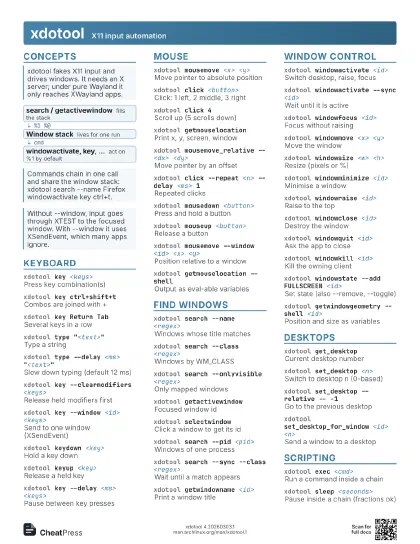
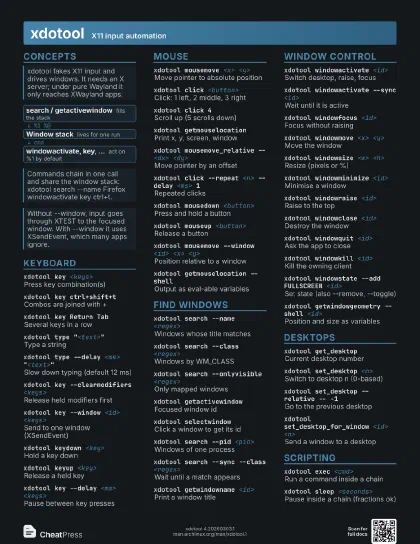
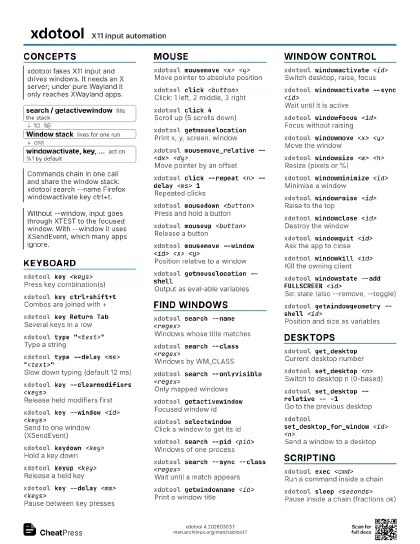
Concepts
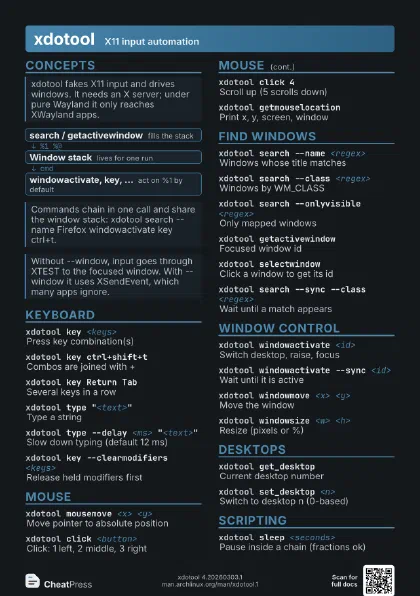
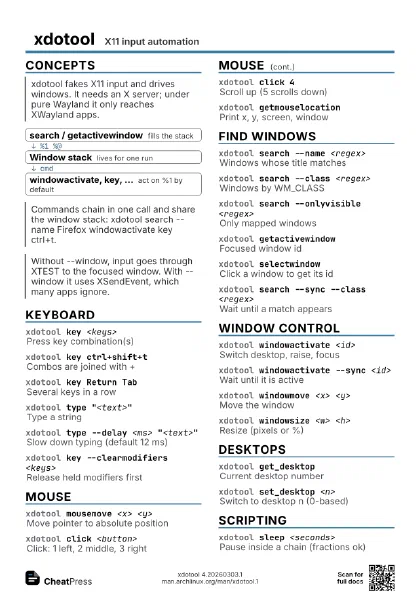
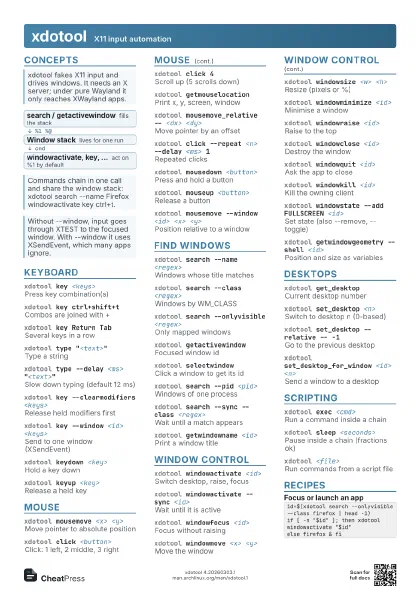
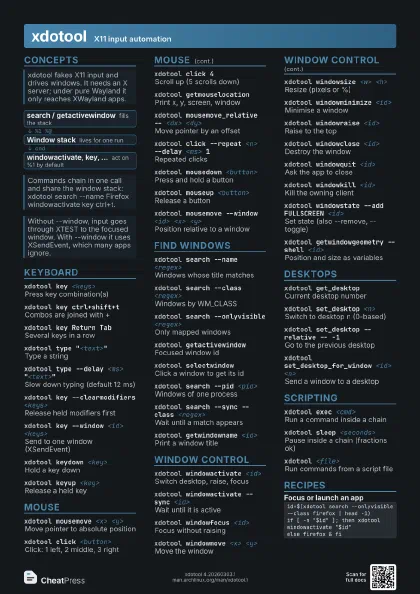
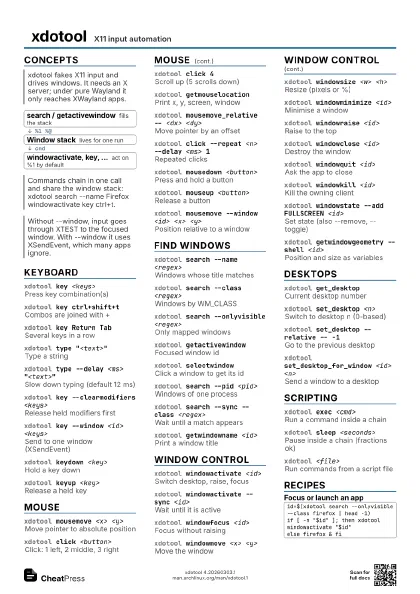
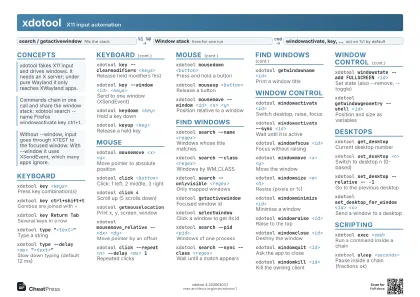
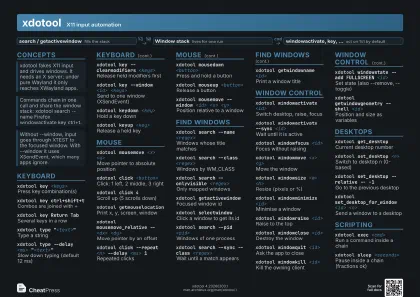
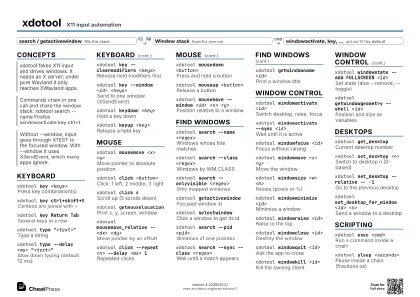
- search / getactivewindow fills the stack
- Window stack lives for one run
- windowactivate, key, ... act on %1 by default
Keyboard
xdotool key <keys>
Press key combination(s)
xdotool key ctrl+shift+t
Combos are joined with +
xdotool key Return Tab
Several keys in a row
xdotool type "<text>"
Type a string
xdotool type --delay <ms>
                    "<text>"
Slow down typing (default 12 ms)
xdotool key --clearmodifiers <keys>
Release held modifiers first
xdotool key --window <id> <keys>
Send to one window (XSendEvent)
xdotool keydown <key>
Hold a key down
xdotool keyup <key>
Release a held key
xdotool key --delay <ms> <keys>
Pause between key presses
Mouse
xdotool mousemove <x> <y>
Move pointer to absolute position
xdotool click <button>
Click: 1 left, 2 middle, 3 right
xdotool click 4Scroll up (5 scrolls down)
xdotool getmouselocation
Print x, y, screen, window
xdotool mousemove_relative -- <dx> <dy>
Move pointer by an offset
-- is needed when a value is negative.
xdotool click --repeat <n> --delay <ms> 1
Repeated clicks
xdotool mousedown <button>
Press and hold a button
xdotool mouseup <button>
Release a button
xdotool mousemove --window <id> <x>
                    <y>
Position relative to a window
xdotool getmouselocation --shell
Output as eval-able variables
Find windows
xdotool search --name <regex>
Windows whose title matches
xdotool search --class <regex>
Windows by WM_CLASS
xdotool search --onlyvisible <regex>
Only mapped windows
xdotool getactivewindow
Focused window id
xdotool selectwindow
Click a window to get its id
xdotool search --pid <pid>
Windows of one process
xdotool search --sync --class <regex>
Wait until a match appears
xdotool search --all --name <a> --class
                    <b>
Require every condition (default is any)
xdotool getwindowname <id>
Print a window title
Window control
xdotool windowactivate <id>
Switch desktop, raise, focus
xdotool windowactivate --sync <id>
Wait until it is active
xdotool windowfocus <id>
Focus without raising
xdotool windowmove <x> <y>
Move the window
xdotool windowsize <w> <h>
Resize (pixels or %)
xdotool windowminimize <id>
Minimise a window
xdotool windowraise <id>
Raise to the top
xdotool windowclose <id>
Destroy the window
Not graceful. Use windowquit to let the app clean up.
xdotool windowquit <id>
Ask the app to close
xdotool windowkill <id>
Kill the owning client
xdotool windowstate --add FULLSCREEN <id>
Set state (also --remove, --toggle)
xdotool windowmove x 100 <id>
Use x or y to keep that axis
xdotool getwindowgeometry --shell <id>
Position and size as variables
Desktops
xdotool get_desktop
Current desktop number
xdotool set_desktop <n>
Switch to desktop n (0-based)
xdotool set_desktop --relative -- -1
Go to the previous desktop
xdotool get_num_desktops
Count desktops
xdotool get_desktop_for_window <id>
Which desktop holds a window
xdotool set_desktop_for_window <id> <n>
Send a window to a desktop
Scripting
xdotool exec <cmd>
Run a command inside a chain
xdotool exec --sync <cmd>
Wait and pass on its exit status
xdotool sleep <seconds>
Pause inside a chain (fractions ok)
xdotool <file>
Run commands from a script file
Recipes
id=$(xdotool search --onlyvisible --class firefox | head -1)if [ -n "$id" ]; then xdotool windowactivate "$id"else firefox & fi# stop with Ctrl+Cwhile :; do xdotool click 1; sleep 0.1; done# for fields that block pastesleep 3 # focus the target nowxdotool type --delay 20 "$(xclip -o -selection clipboard)"xdotool getactivewindow windowsize 50% 100% windowmove 0 0