Cheat
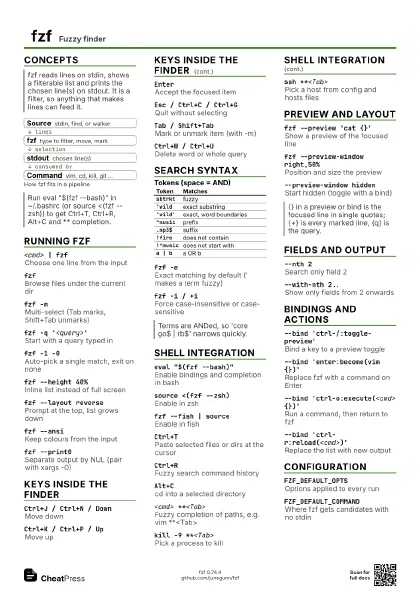
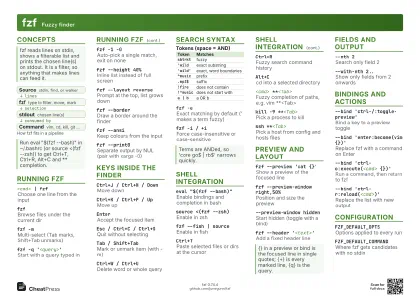
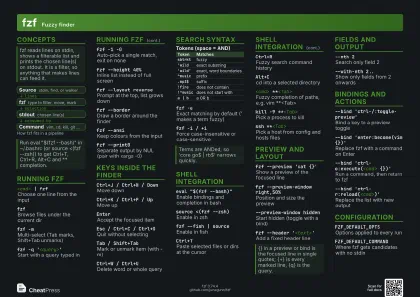
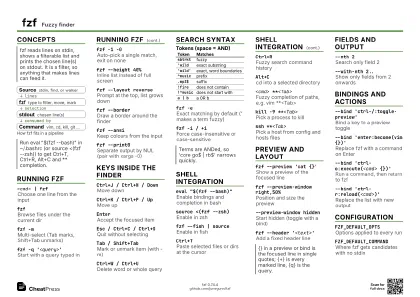
fzf Fuzzy finder
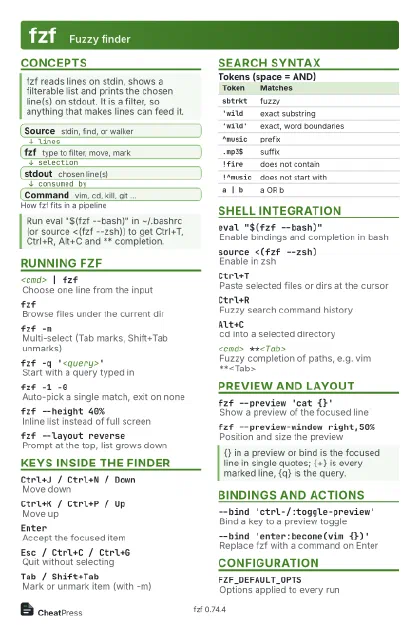 Light · Postcard
102 × 152 mm · PDF
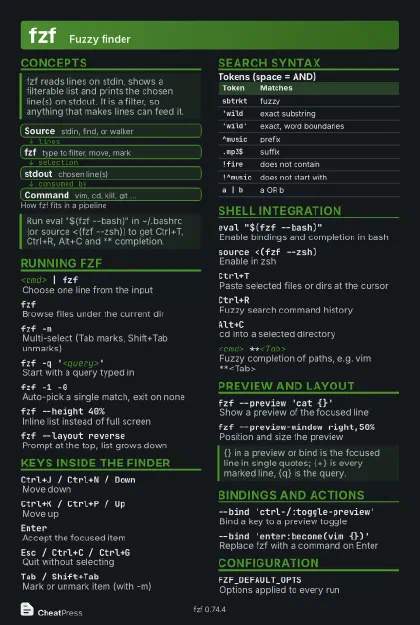 Dark · Postcard
102 × 152 mm · PDF
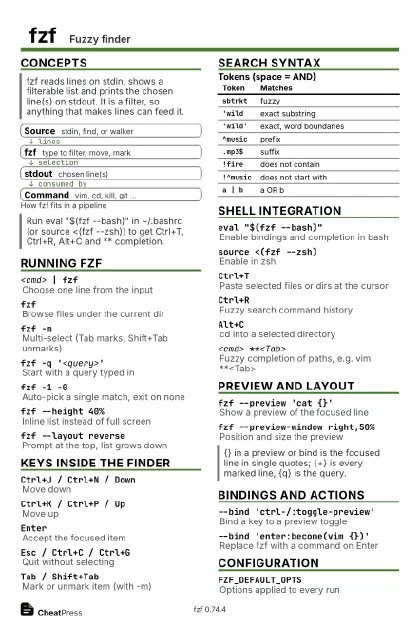 Ink saver · Postcard
102 × 152 mm · PDF
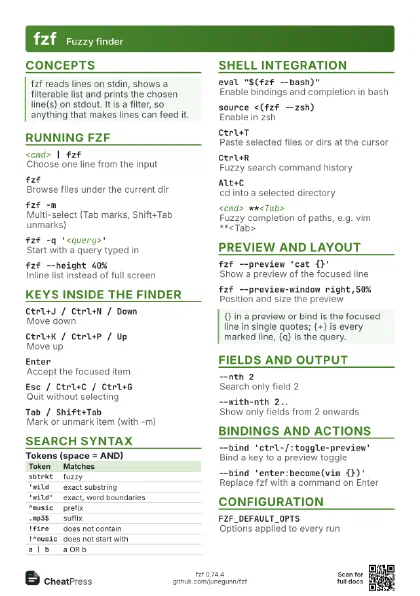
 Light · A4 landscape
297 × 210 mm · PDF
 Dark · A4 landscape
297 × 210 mm · PDF
 Ink saver · A4 landscape
297 × 210 mm · PDF
 Light · A3 landscape
420 × 297 mm · PDF
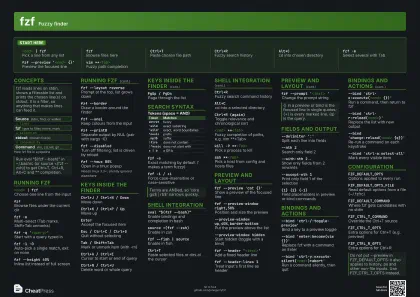 Dark · A3 landscape
420 × 297 mm · PDF
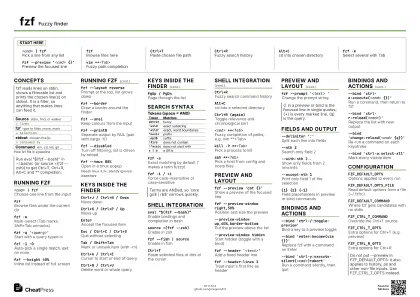 Ink saver · A3 landscape
420 × 297 mm · PDF
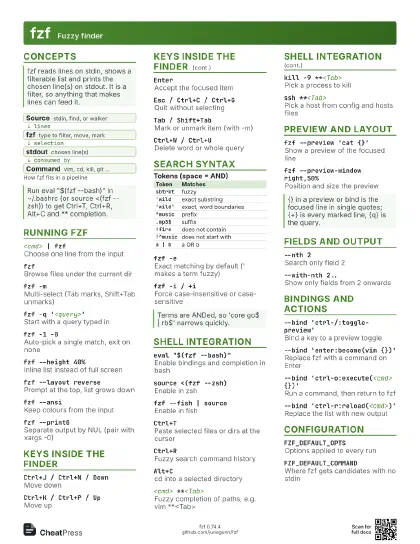
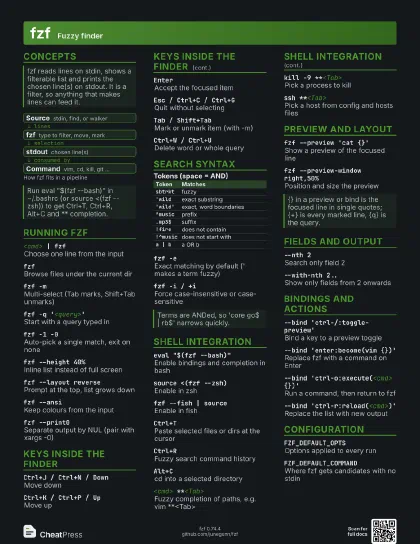
Start here
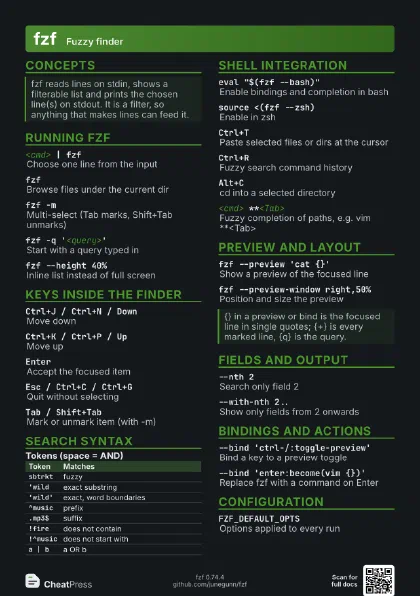
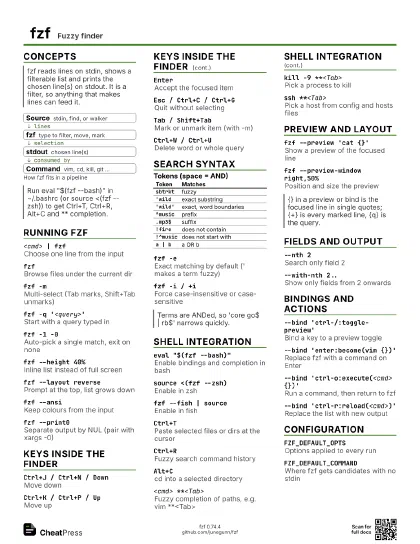
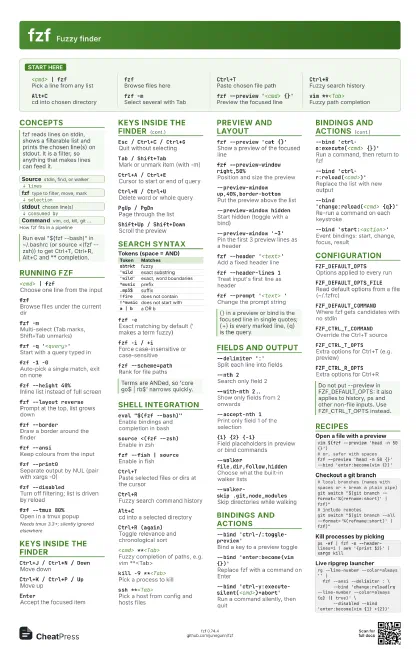
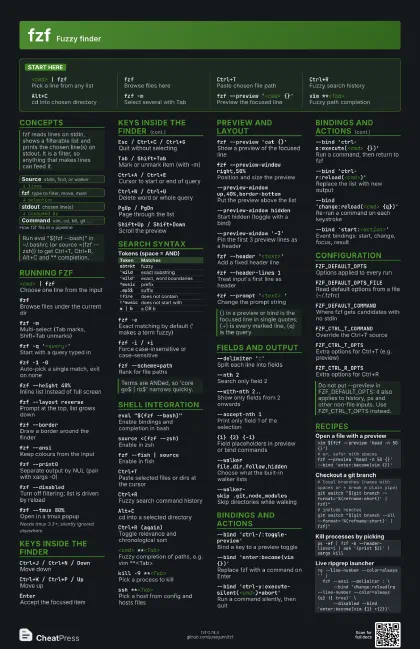
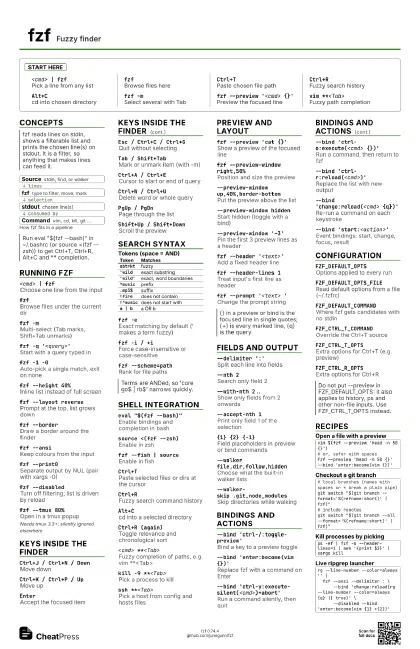
<cmd> | fzf
Pick a line from any list
fzfBrowse files here
Ctrl+TPaste chosen file path
Ctrl+RFuzzy search history
Alt+Ccd into chosen directory
fzf -mSelect several with Tab
fzf --preview '<cmd> {}'
Preview the focused line
vim **<Tab>
Fuzzy path completion
Concepts
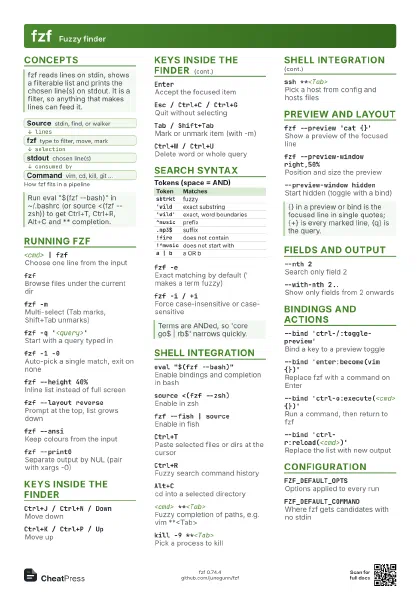
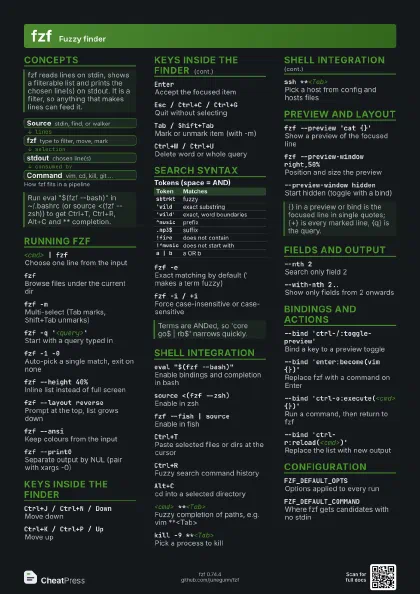
- Source stdin, find, or walker
- fzf type to filter, move, mark
- stdout chosen line(s)
- Command vim, cd, kill, git ...
Running fzf
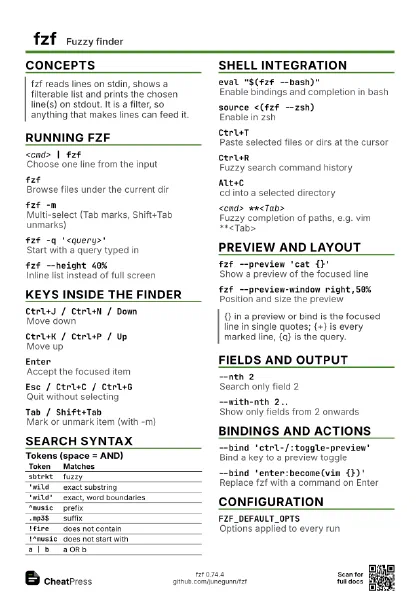
<cmd> | fzf
Choose one line from the input
fzfBrowse files under the current dir
fzf -m
Multi-select (Tab marks, Shift+Tab unmarks)
fzf -q '<query>'
Start with a query typed in
fzf -1 -0Auto-pick a single match, exit on none
fzf --height 40%
Inline list instead of full screen
fzf --layout reverse
Prompt at the top, list grows down
fzf --borderDraw a border around the finder
fzf --ansiKeep colours from the input
fzf --print0
Separate output by NUL (pair with xargs -0)
fzf --disabled
Turn off filtering; list is driven by reload
fzf --tmux 80%Open in a tmux popup
Needs tmux 3.3+; silently ignored elsewhere
Keys inside the finder
Ctrl+J / Ctrl+N / Down
Move down
Ctrl+K / Ctrl+P / Up
Move up
EnterAccept the focused item
Esc / Ctrl+C / Ctrl+G
Quit without selecting
Tab / Shift+Tab
Mark or unmark item (with -m)
Ctrl+A / Ctrl+E
Cursor to start or end of query
Ctrl+W / Ctrl+U
Delete word or whole query
Alt+B / Alt+F
Move by word in the query
PgUp / PgDnPage through the list
Shift+Up / Shift+Down
Scroll the preview
Mouse click / double-click
Focus or accept an item
Search syntax
| Token | Matches |
|---|---|
sbtrkt |
fuzzy |
'wild |
exact substring |
'wild' |
exact, word boundaries |
^music |
prefix |
.mp3$ |
suffix |
!fire |
does not contain |
!^music |
does not start with |
a | b |
a OR b |
fzf -e
Exact matching by default (' makes a term fuzzy)
fzf -i / +iForce case-insensitive or case-sensitive
fzf --scheme=path
Rank for file paths
fzf --scheme=history
Rank for history (recent wins ties)
Shell integration
eval "$(fzf --bash)"
Enable bindings and completion in bash
source <(fzf --zsh)
Enable in zsh
fzf --fish | source
Enable in fish
Ctrl+T
Paste selected files or dirs at the cursor
Ctrl+RFuzzy search command history
Alt+Ccd into a selected directory
Ctrl+R (again)
Toggle relevance and chronological sort
<cmd> **<Tab>
Fuzzy completion of paths, e.g. vim **<Tab>
kill -9 **<Tab>
Pick a process to kill
ssh **<Tab>
Pick a host from config and hosts files
export **<Tab>
Pick a variable name (also unset, unalias)
FZF_CTRL_R_COMMAND= FZF_ALT_C_COMMAND= eval "$(fzf
                    --bash)"
Disable chosen bindings while sourcing
Setting the variable after sourcing has no effect.
Preview and layout
fzf --preview 'cat {}'
Show a preview of the focused line
fzf --preview-window right,50%
Position and size the preview
--preview-window up,40%,border-bottom
Put the preview above the list
--preview-window hidden
Start hidden (toggle with a bind)
--preview-window '~3'
Pin the first 3 preview lines as a header
fzf --header '<text>'
Add a fixed header line
fzf --header-lines 1
Treat input's first line as header
fzf --prompt '<text> '
Change the prompt string
fzf --color <spec>
Customise colours (e.g. dark, bw)
fzf --style full
Use the full borders-and-labels style
Fields and output
--delimiter ':'
Split each line into fields
--nth 2Search only field 2
--with-nth 2..Show only fields from 2 onwards
--accept-nth 1Print only field 1 of the selection
{1} {2} {-1}
Field placeholders in preview or bind commands
--expect ctrl-oPrint the key pressed before the result
--print-queryPrint the typed query as the first line
--read0Read NUL-separated input
--tacReverse the input order
--no-sortKeep input order instead of ranking
--walker file,dir,follow,hidden
Choose what the built-in walker lists
--walker-skip .git,node_modules
Skip directories while walking
Bindings and actions
--bind 'ctrl-/:toggle-preview'
Bind a key to a preview toggle
--bind 'enter:become(vim {})'
Replace fzf with a command on Enter
--bind
                    'ctrl-y:execute-silent(<cmd>)+abort'
Run a command silently, then quit
--bind 'ctrl-o:execute(<cmd> {})'
Run a command, then return to fzf
--bind 'ctrl-r:reload(<cmd>)'
Replace the list with new output
--bind 'change:reload(<cmd> {q})'
Re-run a command on each keystroke
--bind 'start:<action>'
Event bindings: start, change, focus, result
--bind 'ctrl-a:select-all'
Mark every visible item
--bind
                    'ctrl-/:change-preview-window(50%|hidden|)'
Cycle preview layouts
--bind 'ctrl-t:transform-header(<cmd>)'
Rewrite the header from a command
Configuration
FZF_DEFAULT_OPTS
Options applied to every run
FZF_DEFAULT_OPTS_FILE
Read default options from a file (~/.fzfrc)
FZF_DEFAULT_COMMAND
Where fzf gets candidates with no stdin
FZF_CTRL_T_COMMAND
Override the Ctrl+T source
FZF_CTRL_T_OPTS
Extra options for Ctrl+T (e.g. preview)
FZF_CTRL_R_OPTSExtra options for Ctrl+R
FZF_ALT_C_COMMAND
Override the Alt+C source
FZF_ALT_C_OPTSExtra options for Alt+C
FZF_COMPLETION_TRIGGER
Change the ** trigger string
FZF_COMPLETION_OPTS
Options for ** completion
Recipes
vim $(fzf --preview 'head -n 50 {}')# or, safer with spacesfzf --preview 'head -n 50 {}' --bind 'enter:become(vim {})'# local branches (names with spaces or * break a plain pipe)git switch "$(git branch --format='%(refname:short)' | fzf)"# include remotesgit switch "$(git branch --all --format='%(refname:short)' | fzf)"ps -ef | fzf -m --header-lines=1 | awk '{print $2}' | xargs killrg --line-number --color=always '' | fzf --ansi --delimiter : \ --bind 'change:reload(rg --line-number --color=always {q} || true)' \ --disabled --bind 'enter:become(vim {1} +{2})'