Cheat
find Search the file tree
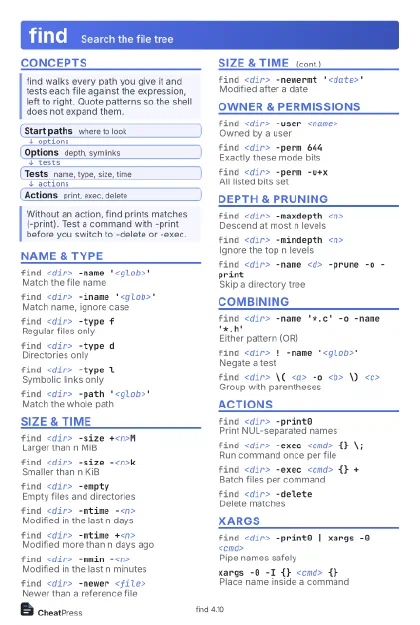 Light · Postcard
102 × 152 mm · PDF
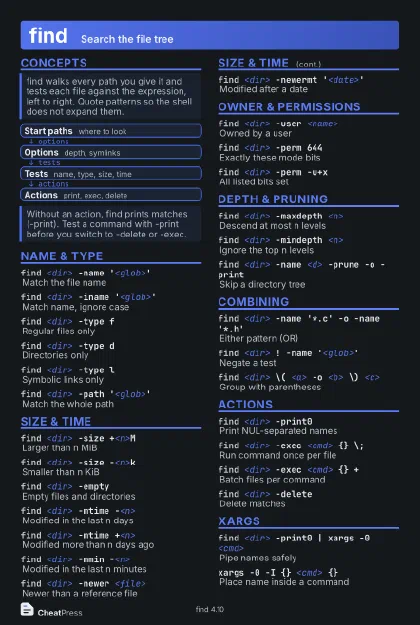 Dark · Postcard
102 × 152 mm · PDF
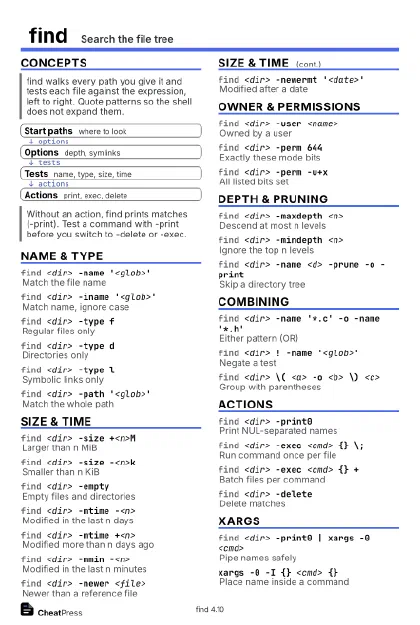 Ink saver · Postcard
102 × 152 mm · PDF
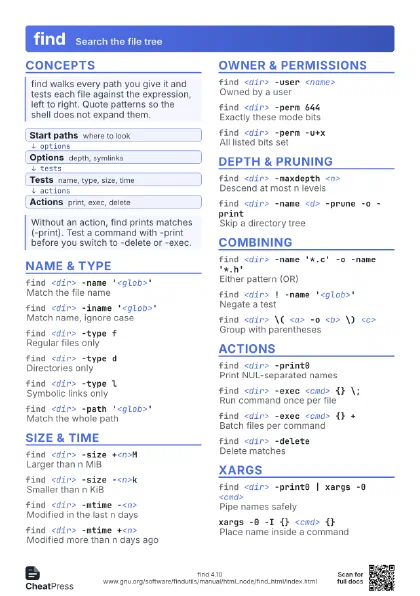
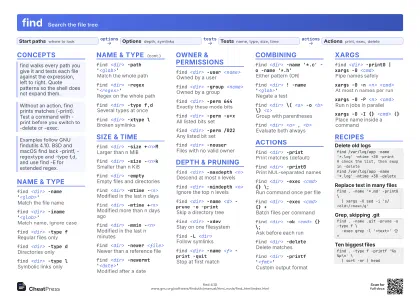 Light · A4 landscape
297 × 210 mm · PDF
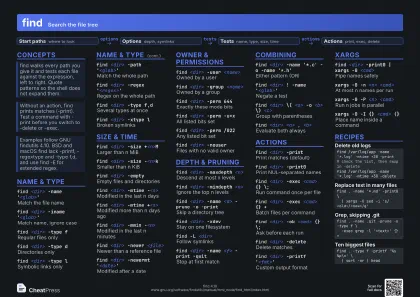 Dark · A4 landscape
297 × 210 mm · PDF
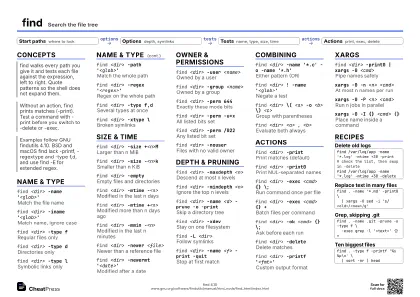 Ink saver · A4 landscape
297 × 210 mm · PDF
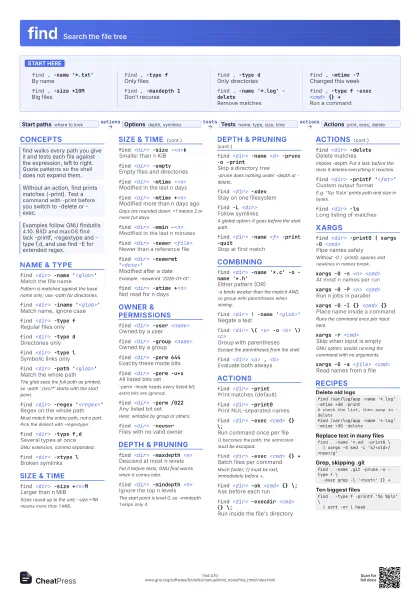
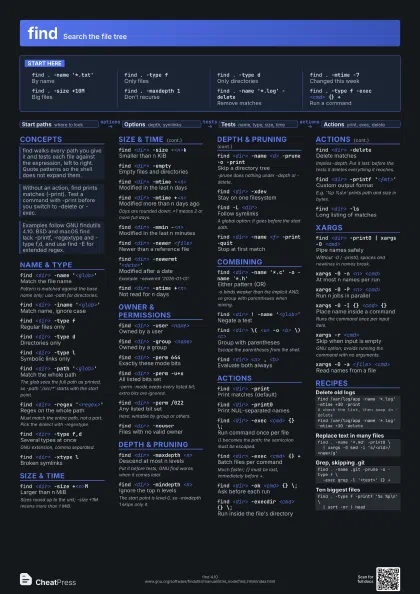
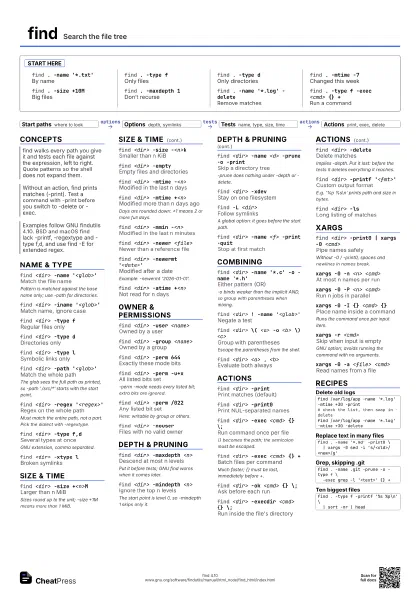
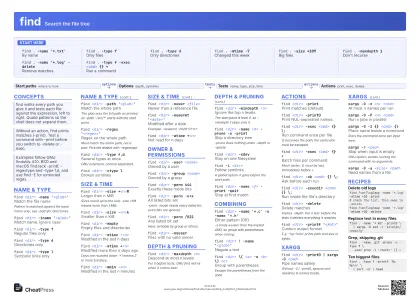 Light · A3 landscape
420 × 297 mm · PDF
 Dark · A3 landscape
420 × 297 mm · PDF
 Ink saver · A3 landscape
420 × 297 mm · PDF
Start here
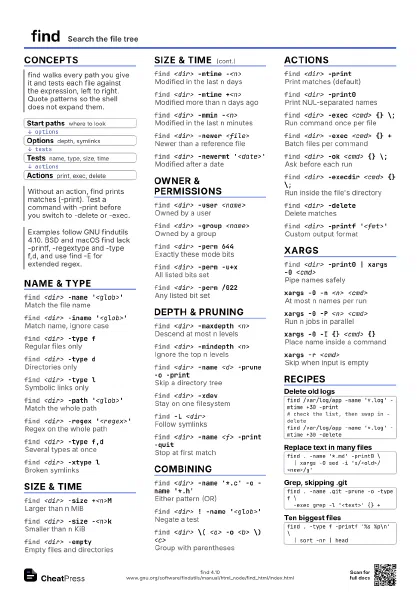
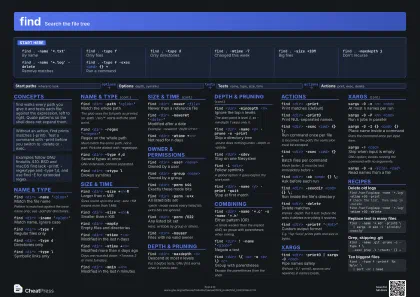
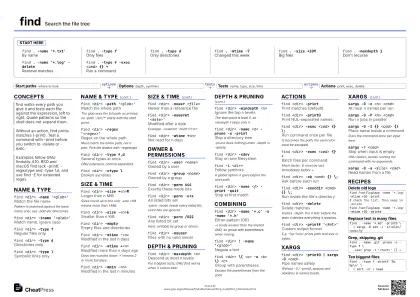
find . -name '*.txt'
By name
find . -type fOnly files
find . -type dOnly directories
find . -mtime -7
Changed this week
find . -size +10M
Big files
find . -maxdepth 1
Don't recurse
find . -name '*.log' -delete
Remove matches
find . -type f -exec <cmd> {} +
Run a command
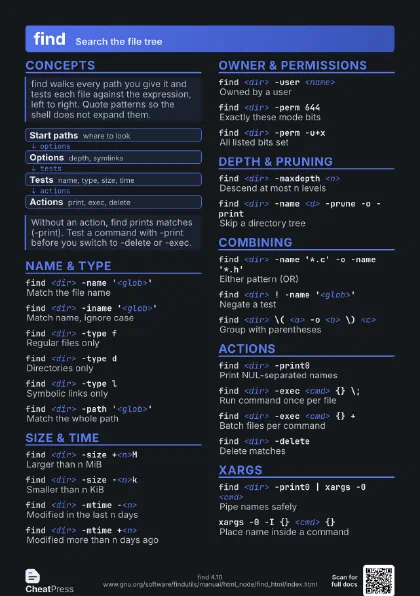
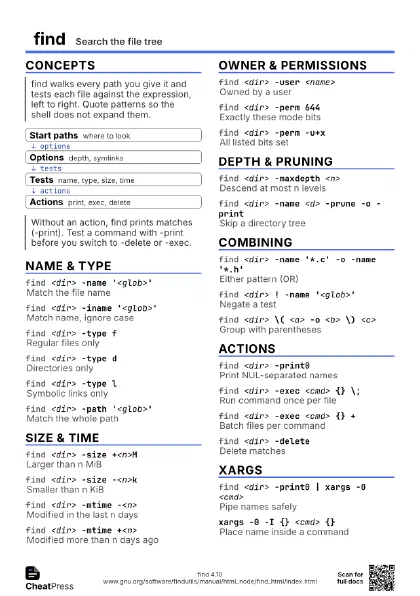
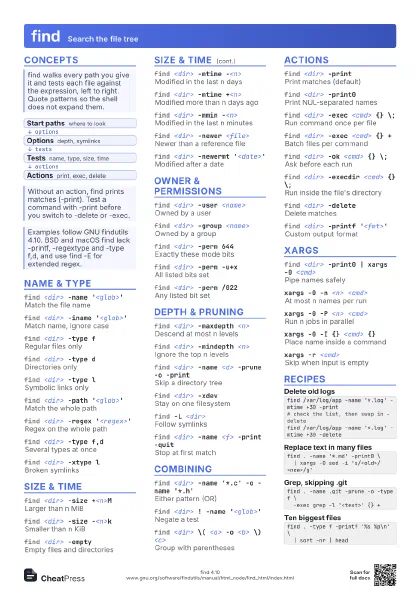
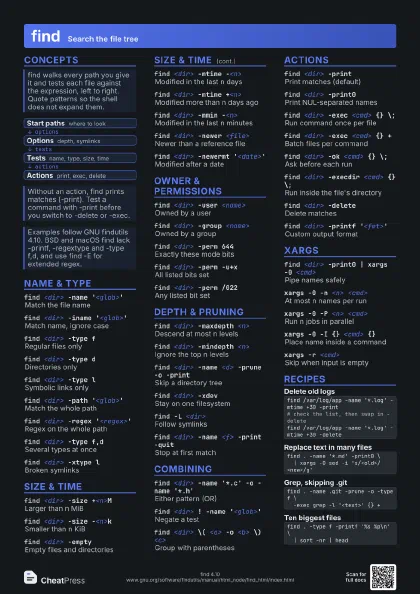
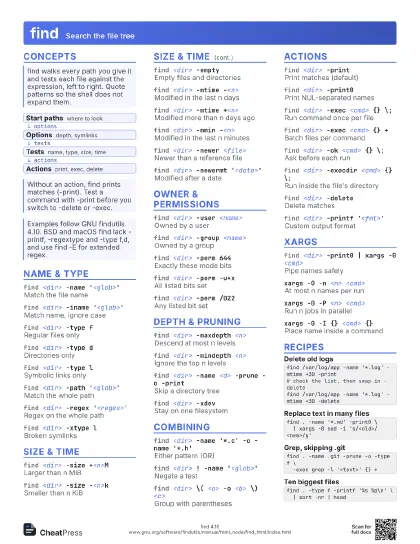
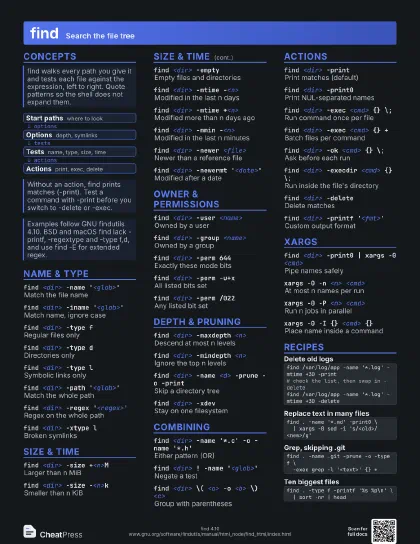
Concepts
- Start paths where to look
- Options depth, symlinks
- Tests name, type, size, time
- Actions print, exec, delete
Name & Type
find <dir> -name '<glob>'
Match the file name
Pattern is matched against the base name only; use -path for
directories.
find <dir> -iname '<glob>'
Match name, ignore case
find <dir> -type f
Regular files only
find <dir> -type d
Directories only
find <dir> -type l
Symbolic links only
find <dir> -path '<glob>'
Match the whole path
The glob sees the full path as printed, so -path
'./src/*' starts with the start point.
find <dir> -regex '<regex>'
Regex on the whole path
Must match the entire path, not a part. Pick the dialect with
-regextype.
find <dir> -type f,d
Several types at once
GNU extension, comma separated.
find <dir> -xtype l
Broken symlinks
Size & Time
find <dir> -size +<n>M
Larger than n MiB
Sizes round up to the unit; -size +1M means more than 1
MiB.
find <dir> -size -<n>k
Smaller than n KiB
find <dir> -empty
Empty files and directories
find <dir> -mtime -<n>
Modified in the last n days
find <dir> -mtime +<n>
Modified more than n days ago
Days are rounded down: +1 means 2 or more full days.
find <dir> -mmin -<n>
Modified in the last n minutes
find <dir> -newer <file>
Newer than a reference file
find <dir> -newermt '<date>'
Modified after a date
Example: -newermt '2026-01-01'.
find <dir> -atime +<n>
Not read for n days
Owner & Permissions
find <dir> -user <name>
Owned by a user
find <dir> -group <name>
Owned by a group
find <dir> -perm 644
Exactly these mode bits
find <dir> -perm -u+x
All listed bits set
-perm -mode needs every listed bit; extra bits are ignored.
find <dir> -perm /022
Any listed bit set
Here: writable by group or others.
find <dir> -nouser
Files with no valid owner
Depth & Pruning
find <dir> -maxdepth <n>
Descend at most n levels
Put it before tests; GNU find warns when it comes later.
find <dir> -mindepth <n>
Ignore the top n levels
The start point is level 0, so -mindepth 1 skips only it.
find <dir> -name <d> -prune -o -print
Skip a directory tree
-prune does nothing under -depth or -delete.
find <dir> -xdev
Stay on one filesystem
find -L <dir>
Follow symlinks
A global option: it goes before the start path.
find <dir> -name <f> -print -quit
Stop at first match
Combining
find <dir> -name '*.c' -o -name
                    '*.h'
Either pattern (OR)
-o binds weaker than the implicit AND, so group with
parentheses when mixing.
find <dir> ! -name '<glob>'
Negate a test
find <dir> \( <a> -o <b> \)
                    <c>
Group with parentheses
Escape the parentheses from the shell.
find <dir> <a> , <b>
Evaluate both always
Actions
find <dir> -print
Print matches (default)
find <dir> -print0
Print NUL-separated names
find <dir> -exec <cmd> {} \;
Run command once per file
{} becomes the path; the semicolon must be escaped.
find <dir> -exec <cmd> {} +
Batch files per command
Much faster; {} must be last, immediately before +.
find <dir> -ok <cmd> {} \;
Ask before each run
find <dir> -execdir <cmd> {} \;
Run inside the file's directory
find <dir> -delete
Delete matches
Implies -depth. Put it last: before the tests it deletes
everything it reaches.
find <dir> -printf '<fmt>'
Custom output format
E.g. '%p %s\n' prints path and size in bytes.
find <dir> -ls
Long listing of matches
xargs
find <dir> -print0 | xargs -0 <cmd>
Pipe names safely
Without -0 / -print0, spaces and newlines in names break.
xargs -0 -n <n> <cmd>
At most n names per run
xargs -0 -P <n> <cmd>
Run n jobs in parallel
xargs -0 -I {} <cmd> {}
Place name inside a command
Runs the command once per input item.
xargs -r <cmd>
Skip when input is empty
GNU option; avoids running the command with no arguments.
xargs -0 -a <file> <cmd>
Read names from a file
Recipes
find /var/log/app -name '*.log' -mtime +30 -print# check the list, then swap in -deletefind /var/log/app -name '*.log' -mtime +30 -deletefind . -name '*.md' -print0 \ | xargs -0 sed -i 's/<old>/<new>/g'find . -name .git -prune -o -type f \ -exec grep -l '<text>' {} +find . -type f -printf '%s %p\n' \ | sort -nr | head