Cheat
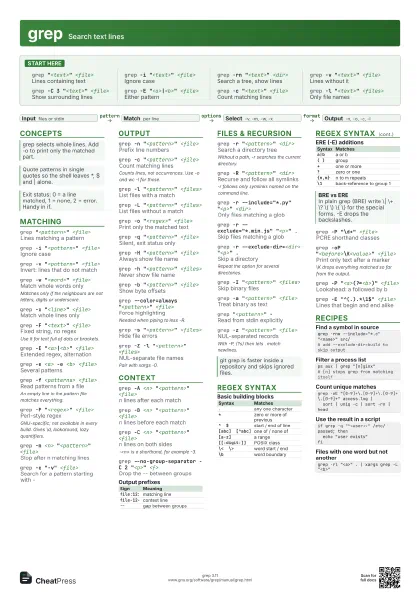
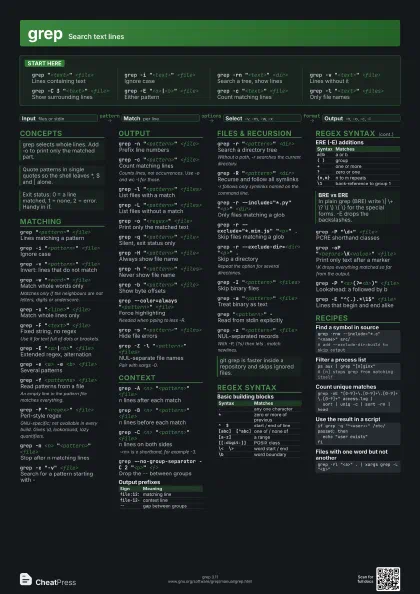
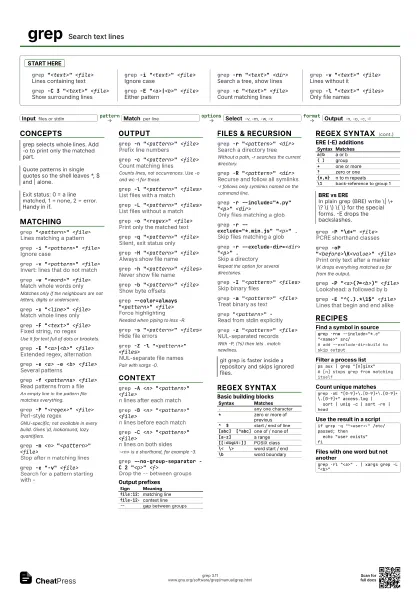
grep Search text lines
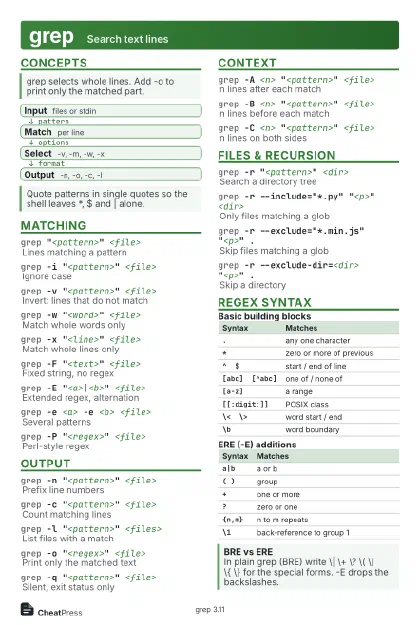 Light · Postcard
102 × 152 mm · PDF
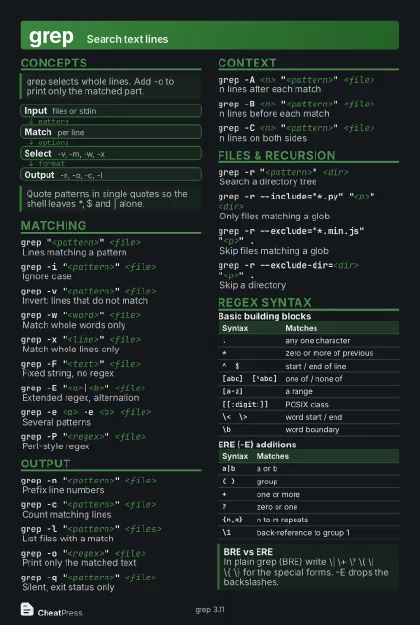 Dark · Postcard
102 × 152 mm · PDF
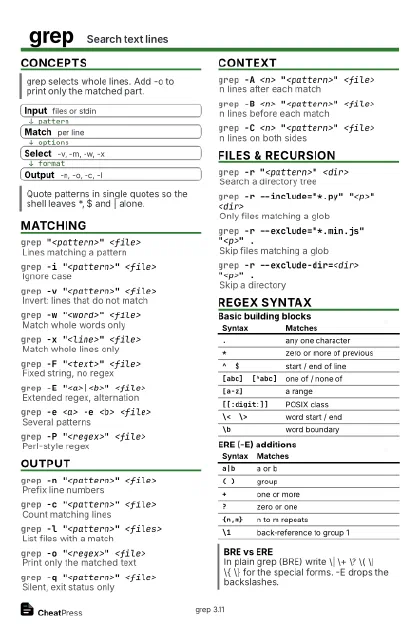 Ink saver · Postcard
102 × 152 mm · PDF
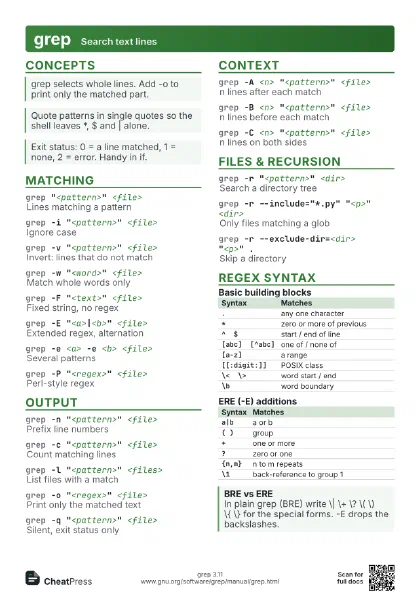
 Light · A4 landscape
297 × 210 mm · PDF
 Dark · A4 landscape
297 × 210 mm · PDF
 Ink saver · A4 landscape
297 × 210 mm · PDF
 Light · A3 landscape
420 × 297 mm · PDF
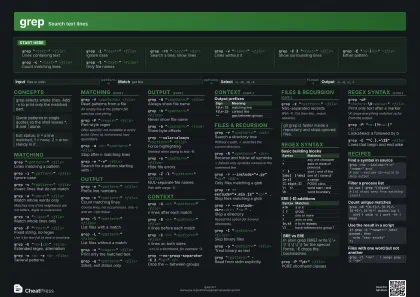 Dark · A3 landscape
420 × 297 mm · PDF
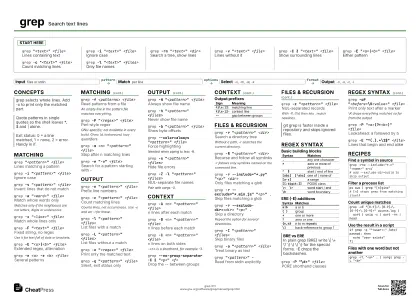 Ink saver · A3 landscape
420 × 297 mm · PDF
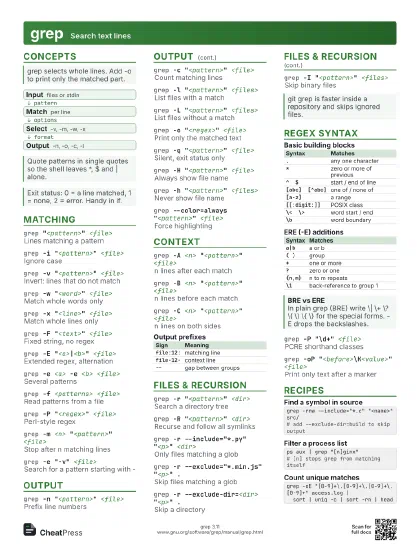
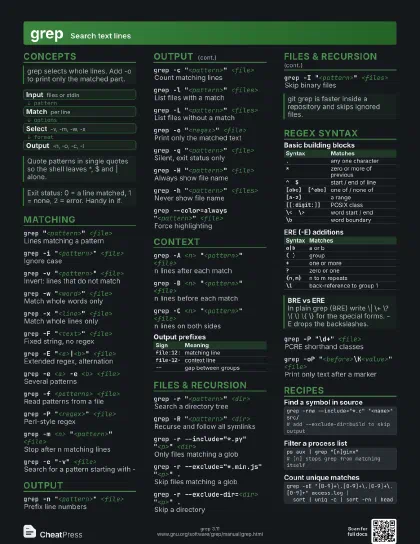
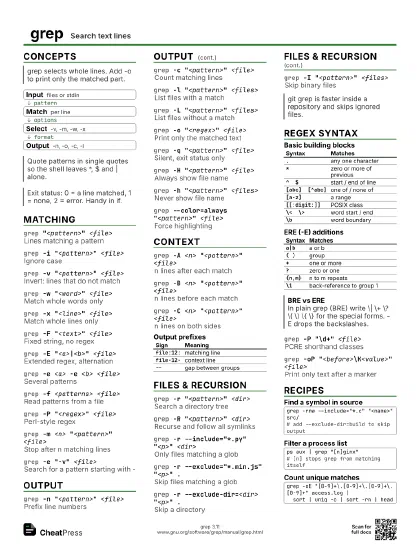
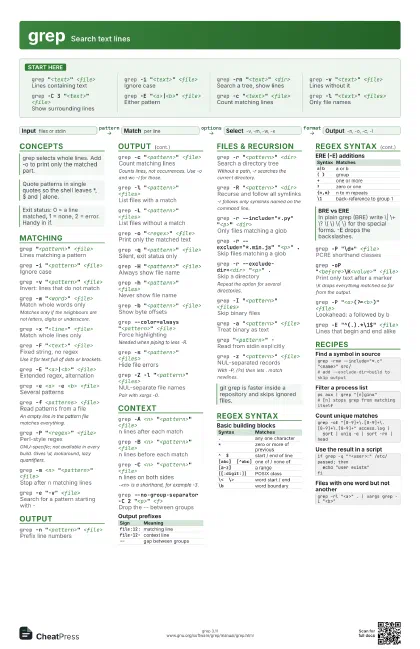
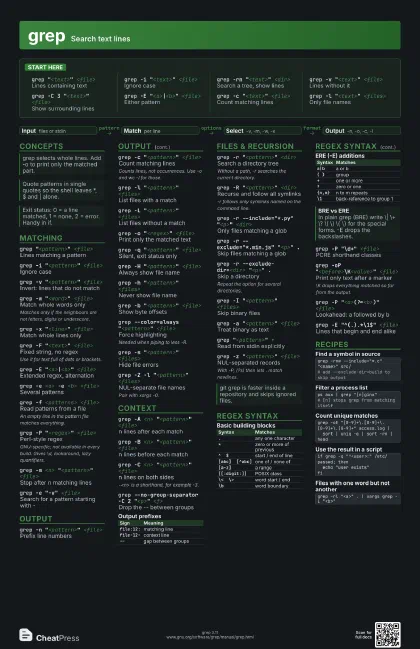
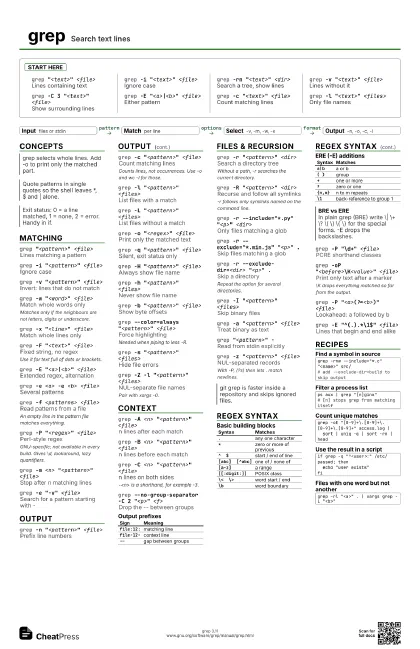
Start here
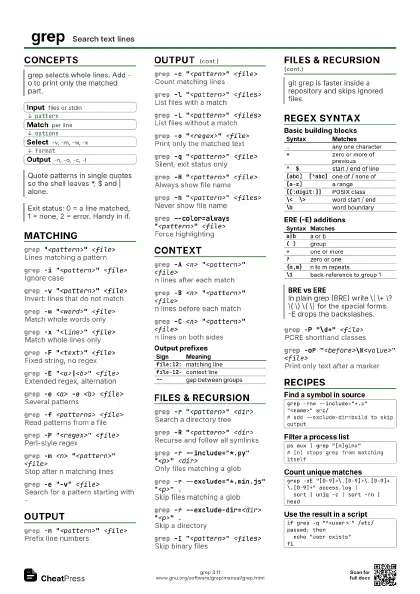
grep "<text>" <file>
Lines containing text
grep -i "<text>" <file>
Ignore case
grep -rn "<text>" <dir>
Search a tree, show lines
grep -v "<text>" <file>
Lines without it
grep -C 3 "<text>" <file>
Show surrounding lines
grep -E "<a>|<b>" <file>
Either pattern
grep -c "<text>" <file>
Count matching lines
grep -l "<text>" <files>
Only file names
Concepts
- Input files or stdin
- Match per line
- Select -v, -m, -w, -x
- Output -n, -o, -c, -l
Matching
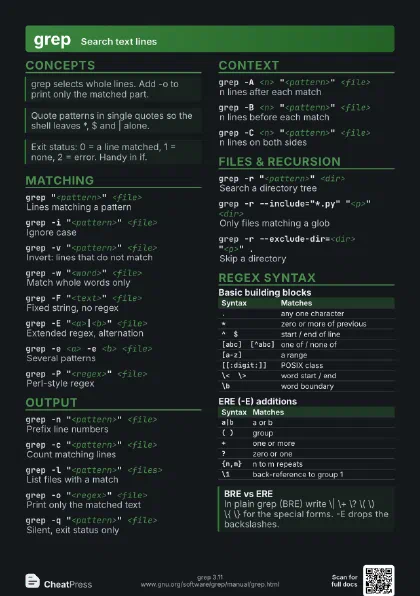
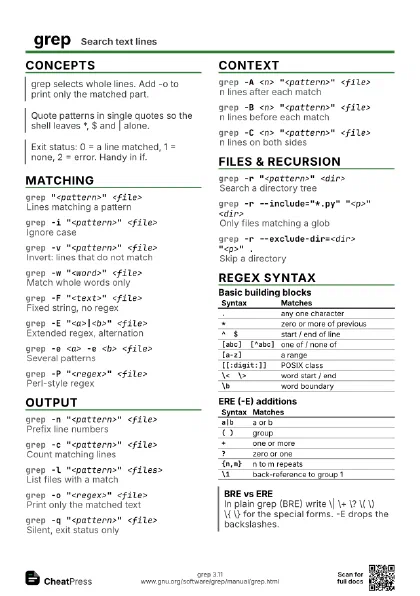
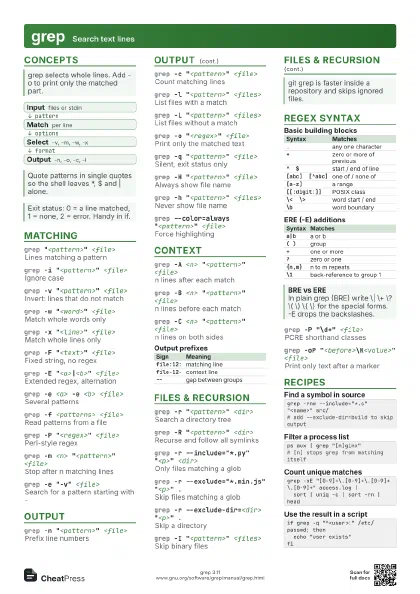
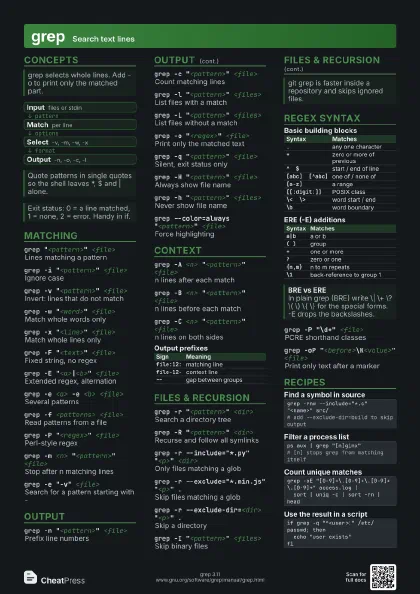
grep "<pattern>" <file>
Lines matching a pattern
grep -i "<pattern>" <file>
Ignore case
grep -v "<pattern>" <file>
Invert: lines that do not match
grep -w "<word>" <file>
Match whole words only
Matches only if the neighbours are not letters, digits or
underscore.
grep -x "<line>" <file>
Match whole lines only
grep -F "<text>" <file>
Fixed string, no regex
Use it for text full of dots or brackets.
grep -E "<a>|<b>" <file>
Extended regex, alternation
grep -e <a> -e <b> <file>
Several patterns
grep -f <patterns> <file>
Read patterns from a file
An empty line in the pattern file matches everything.
grep -P "<regex>" <file>
Perl-style regex
GNU-specific; not available in every build. Gives \d,
lookaround, lazy quantifiers.
grep -m <n> "<pattern>"
                    <file>
Stop after n matching lines
grep -e "-v" <file>
Search for a pattern starting with -
Output
grep -n "<pattern>" <file>
Prefix line numbers
grep -c "<pattern>" <file>
Count matching lines
Counts lines, not occurrences. Use -o and wc -l for those.
grep -l "<pattern>" <files>
List files with a match
grep -L "<pattern>" <files>
List files without a match
grep -o "<regex>" <file>
Print only the matched text
grep -q "<pattern>" <file>
Silent, exit status only
grep -H "<pattern>" <file>
Always show file name
grep -h "<pattern>" <files>
Never show file name
grep -b "<pattern>" <file>
Show byte offsets
grep --color=always "<pattern>"
                    <file>
Force highlighting
Needed when piping to less -R.
grep -s "<pattern>" <files>
Hide file errors
grep -Z -l "<pattern>" <files>
NUL-separate file names
Pair with xargs -0.
Context
grep -A <n> "<pattern>"
                    <file>
n lines after each match
grep -B <n> "<pattern>"
                    <file>
n lines before each match
grep -C <n> "<pattern>"
                    <file>
n lines on both sides
-<n> is a shorthand, for example -3.
grep --no-group-separator -C 2 "<p>"
                    <f>
Drop the -- between groups
| Sign | Meaning |
|---|---|
file:12: |
matching line |
file-12- |
context line |
-- |
gap between groups |
Files & Recursion
grep -r "<pattern>" <dir>
Search a directory tree
Without a path, -r searches the current directory.
grep -R "<pattern>" <dir>
Recurse and follow all symlinks
-r follows only symlinks named on the command line.
grep -r --include="*.py" "<p>"
                    <dir>
Only files matching a glob
grep -r --exclude="*.min.js" "<p>"
                    .
Skip files matching a glob
grep -r --exclude-dir=<dir> "<p>"
                    .
Skip a directory
Repeat the option for several directories.
grep -I "<pattern>" <files>
Skip binary files
grep -a "<pattern>" <file>
Treat binary as text
grep "<pattern>" -
Read from stdin explicitly
grep -z "<pattern>" <file>
NUL-separated records
With -P, (?s) then lets . match newlines.
Regex syntax
| Syntax | Matches |
|---|---|
. |
any one character |
* |
zero or more of previous |
^ $ |
start / end of line |
[abc] [^abc] |
one of / none of |
[a-z] |
a range |
[[:digit:]] |
POSIX class |
\< \> |
word start / end |
\b |
word boundary |
| Syntax | Matches |
|---|---|
a|b |
a or b |
( ) |
group |
+ |
one or more |
? |
zero or one |
{n,m} |
n to m repeats |
\1 |
back-reference to group 1 |
grep -P "\d+" <file>
PCRE shorthand classes
grep -oP "<before>\K<value>"
                    <file>
Print only text after a marker
\K drops everything matched so far from the output.
grep -P "<a>(?=<b>)" <file>
Lookahead: a followed by b
grep -E "^(.).*\1$" <file>
Lines that begin and end alike
Recipes
grep -rnw --include="*.c" "<name>" src/# add --exclude-dir=build to skip outputps aux | grep "[n]ginx"# [n] stops grep from matching itselfgrep -oE "[0-9]+\.[0-9]+\.[0-9]+\.[0-9]+" access.log | sort | uniq -c | sort -rn | headif grep -q "^<user>:" /etc/passwd; then echo "user exists"figrep -rl "<a>" . | xargs grep -L "<b>"