Cheat
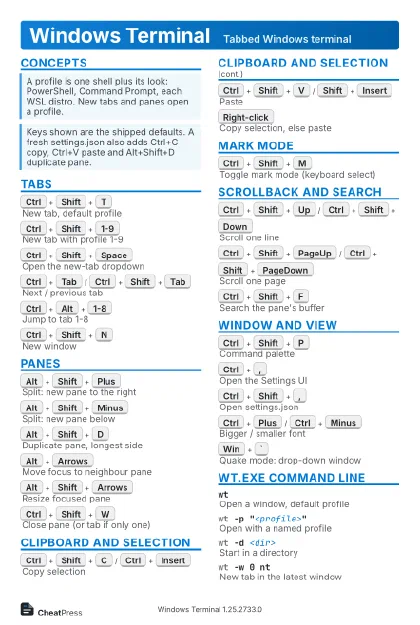
Windows Terminal Tabbed Windows terminal
 Light · Postcard
102 × 152 mm · PDF
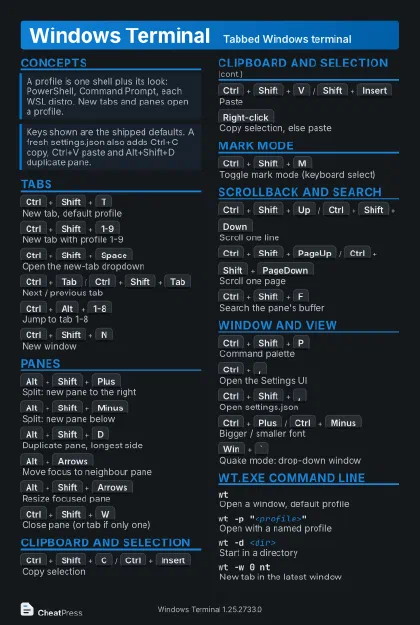 Dark · Postcard
102 × 152 mm · PDF
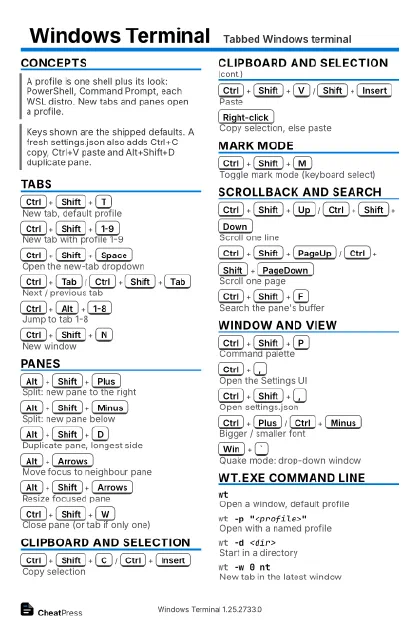 Ink saver · Postcard
102 × 152 mm · PDF
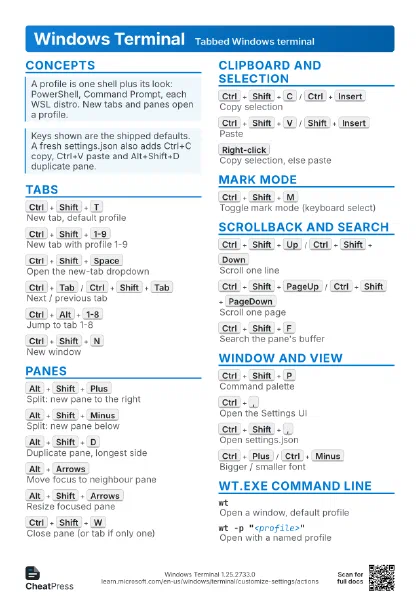
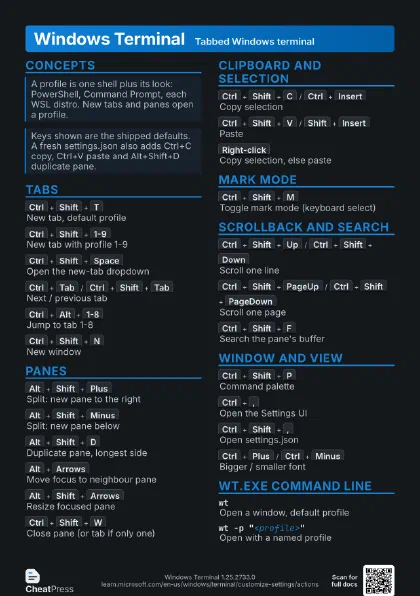
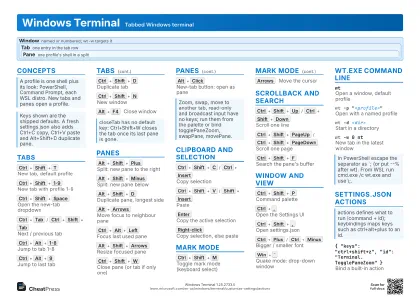 Light · A4 landscape
297 × 210 mm · PDF
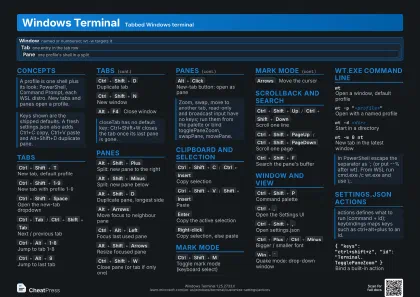 Dark · A4 landscape
297 × 210 mm · PDF
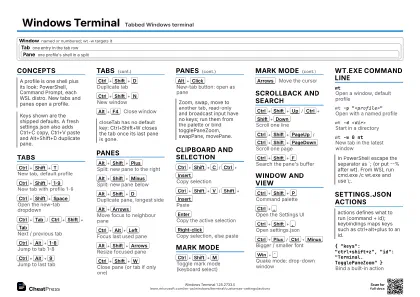 Ink saver · A4 landscape
297 × 210 mm · PDF
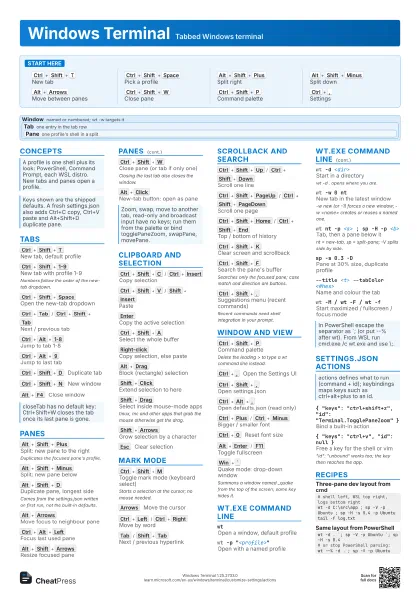
 Light · A3 landscape
420 × 297 mm · PDF
 Dark · A3 landscape
420 × 297 mm · PDF
 Ink saver · A3 landscape
420 × 297 mm · PDF
Start here
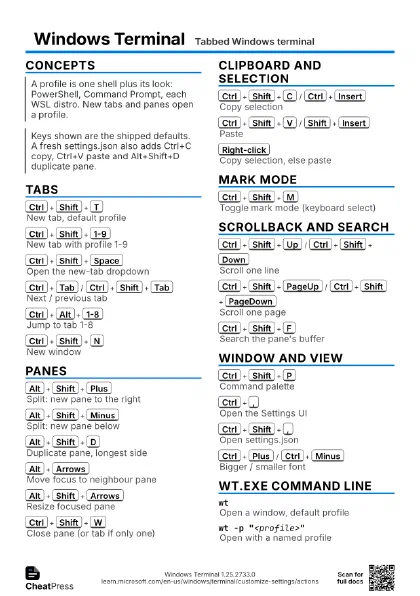
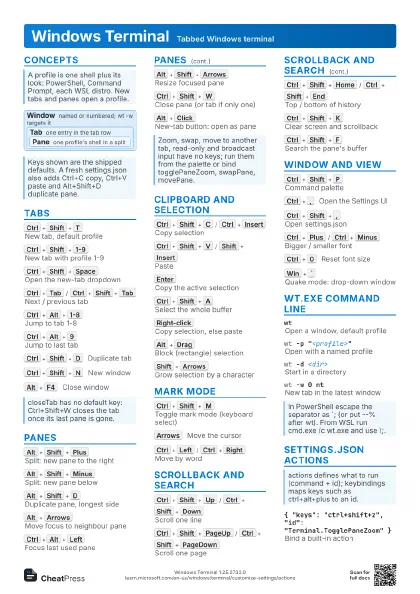
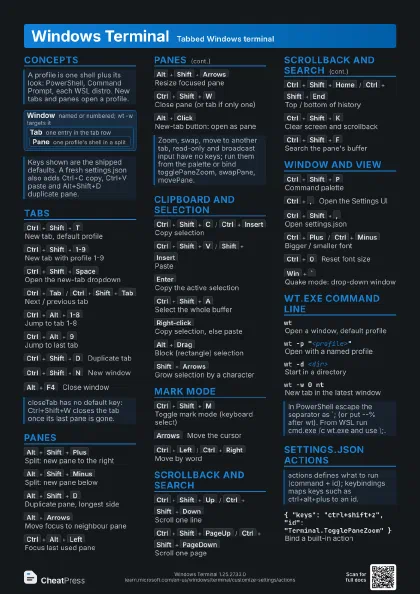
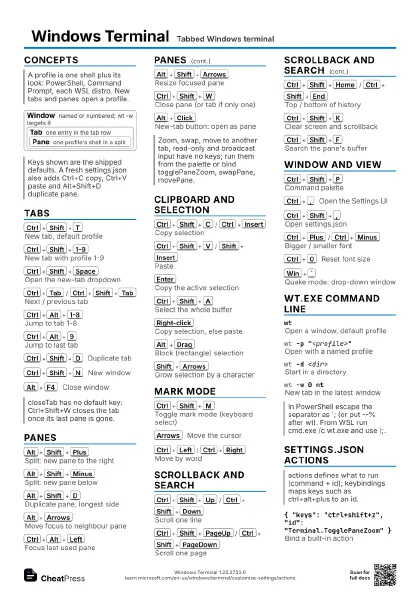
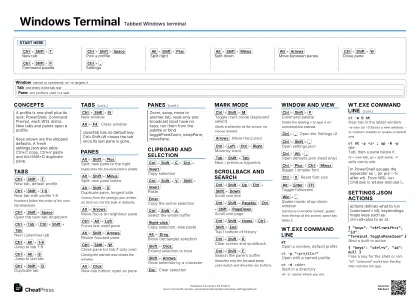
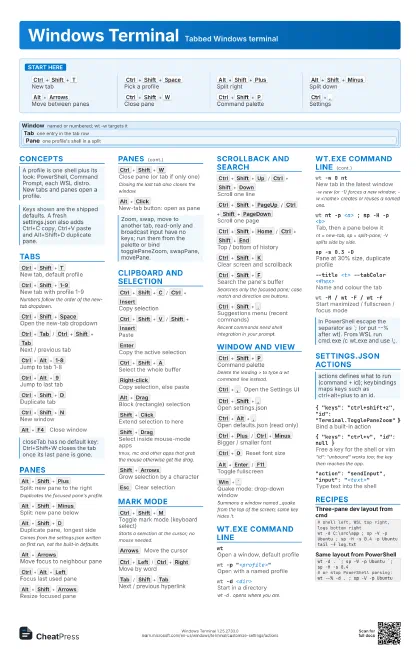
Ctrl+Shift+T
New tab
Ctrl+Shift+Space
Pick a profile
Alt+Shift+Plus
Split right
Alt+Shift+Minus
Split down
Alt+Arrows
Move between panes
Ctrl+Shift+W
Close pane
Ctrl+Shift+P
Command palette
Ctrl+,
Settings
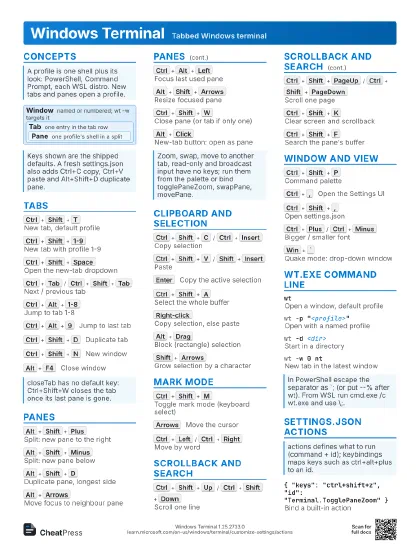
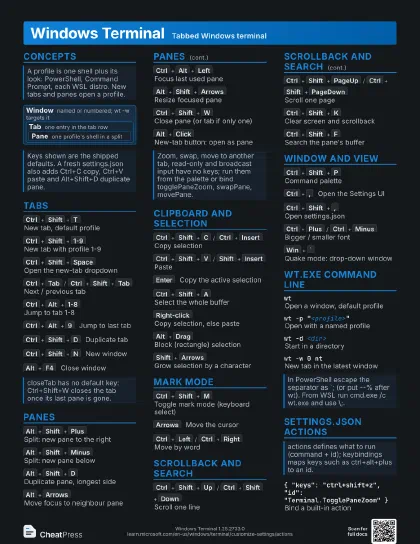
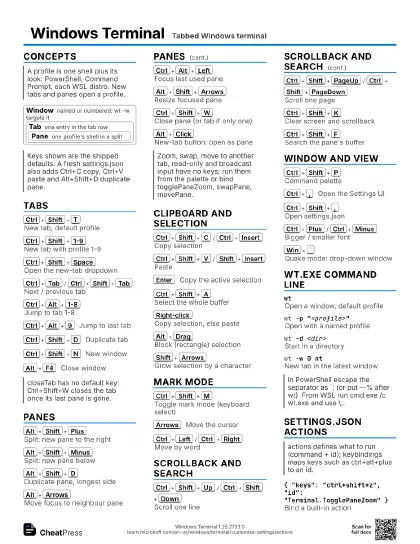
Concepts
Window
named or numbered; wt -w targets it
Tab one entry in the tab row
Pane
one profile's shell in a split
Tabs
Ctrl+Shift+T
New tab, default profile
Ctrl+Shift+1-9
New tab with profile 1-9
Numbers follow the order of the new-tab dropdown.
Ctrl+Shift+Space
Open the new-tab dropdown
Ctrl+Tab
/
Ctrl+Shift+Tab
Next / previous tab
Ctrl+Alt+1-8
Jump to tab 1-8
Ctrl+Alt+9
Jump to last tab
Ctrl+Shift+D
Duplicate tab
Ctrl+Shift+N
New window
Alt+F4
Close window
Panes
Alt+Shift+Plus
Split: new pane to the right
Duplicates the focused pane's profile.
Alt+Shift+Minus
Split: new pane below
Alt+Shift+D
Duplicate pane, longest side
Comes from the settings.json written on first run, not the
built-in defaults.
Alt+Arrows
Move focus to neighbour pane
Ctrl+Alt+Left
Focus last used pane
Alt+Shift+Arrows
Resize focused pane
Ctrl+Shift+W
Close pane (or tab if only one)
Closing the last tab also closes the window.
Alt+Click
New-tab button: open as pane
Clipboard and Selection
Ctrl+Shift+C
/
Ctrl+Insert
Copy selection
Ctrl+Shift+V
/
Shift+Insert
Paste
Enter
Copy the active selection
Ctrl+Shift+A
Select the whole buffer
Right-click
Copy selection, else paste
Alt+Drag
Block (rectangle) selection
Shift+Click
Extend selection to here
Shift+Drag
Select inside mouse-mode apps
tmux, mc and other apps that grab the mouse otherwise get the
drag.
Shift+Arrows
Grow selection by a character
Esc
Clear selection
Mark Mode
Ctrl+Shift+M
Toggle mark mode (keyboard select)
Starts a selection at the cursor; no mouse needed.
Arrows
Move the cursor
Ctrl+Left
/
Ctrl+Right
Move by word
Tab
/
Shift+Tab
Next / previous hyperlink
Scrollback and Search
Ctrl+Shift+Up
/
Ctrl+Shift+Down
Scroll one line
Ctrl+Shift+PageUp
/
Ctrl+Shift+PageDown
Scroll one page
Ctrl+Shift+Home
/
Ctrl+Shift+End
Top / bottom of history
Ctrl+Shift+K
Clear screen and scrollback
Ctrl+Shift+F
Search the pane's buffer
Searches only the focused pane; case match and direction are
buttons.
Ctrl+Shift+.
Suggestions menu (recent commands)
Recent commands need shell integration in your prompt.
Window and View
Ctrl+Shift+P
Command palette
Delete the leading > to type a wt command line instead.
Ctrl+,
Open the Settings UI
Ctrl+Shift+,
Open settings.json
Ctrl+Alt+,
Open defaults.json (read only)
Ctrl+Plus
/
Ctrl+Minus
Bigger / smaller font
Ctrl+0
Reset font size
Alt+Enter
/
F11
Toggle fullscreen
Win+`
Quake mode: drop-down window
Summons a window named _quake from the top of the screen; same
key hides it.
wt.exe Command Line
wtOpen a window, default profile
wt -p "<profile>"
Open with a named profile
wt -d <dir>
Start in a directory
wt -d . opens where you are.
wt -w 0 ntNew tab in the latest window
-w new (or -1) forces a new window; -w <name> creates or
reuses a named one.
wt nt -p <a> ; sp -H -p <b>
Tab, then a pane below it
nt = new-tab, sp = split-pane; -V splits side by side.
sp -s 0.3 -DPane at 30% size, duplicate profile
--title <t> --tabColor <#hex>
Name and colour the tab
wt -M / wt -F / wt -f
Start maximized / fullscreen / focus mode
settings.json Actions
{ "keys": "ctrl+shift+z",
                    "id": "Terminal.TogglePaneZoom" }
Bind a built-in action
{ "keys": "ctrl+v", "id": null
                    }
Free a key for the shell or vim
"id": "unbound" works too; the key then
reaches the app.
"action": "sendInput", "input":
                    "<text>"
Type text into the shell
Recipes
# shell left, WSL top right, logs bottom rightwt -d C:\src\app ; sp -V -p Ubuntu ; sp -H -s 0.4 -p Ubuntu tail -f log.txtwt -d . `; sp -V -p Ubuntu `; sp -H -s 0.4# or stop PowerShell parsing:wt --% -d . ; sp -V -p Ubuntu"actions": [ { "id": "User.Dev", "command": { "action": "wt", "commandline": "nt -p Ubuntu ; sp -V -p PowerShell" } } ],"keybindings": [ { "keys": "ctrl+shift+o", "id": "User.Dev" } ]