Cheat
wget Download and mirror
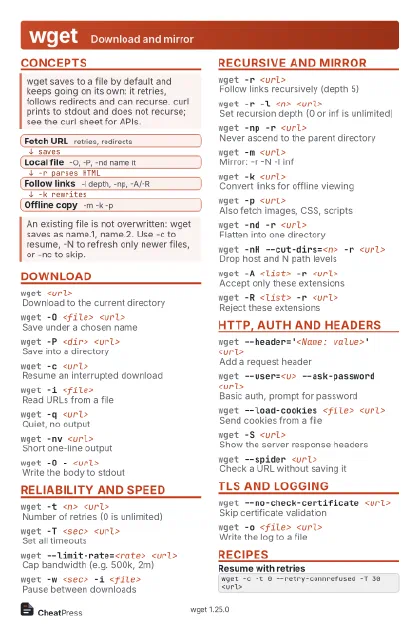 Light · Postcard
102 × 152 mm · PDF
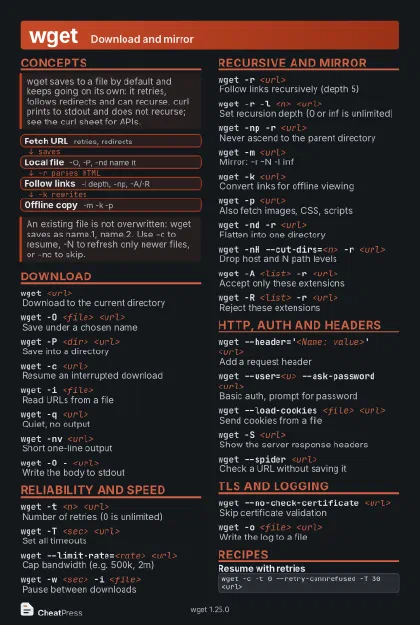 Dark · Postcard
102 × 152 mm · PDF
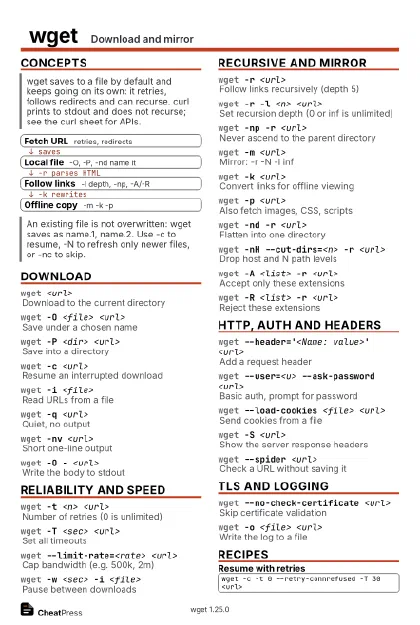 Ink saver · Postcard
102 × 152 mm · PDF
 Light · A4 landscape
297 × 210 mm · PDF
 Dark · A4 landscape
297 × 210 mm · PDF
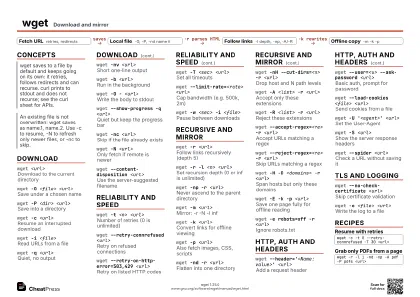 Ink saver · A4 landscape
297 × 210 mm · PDF
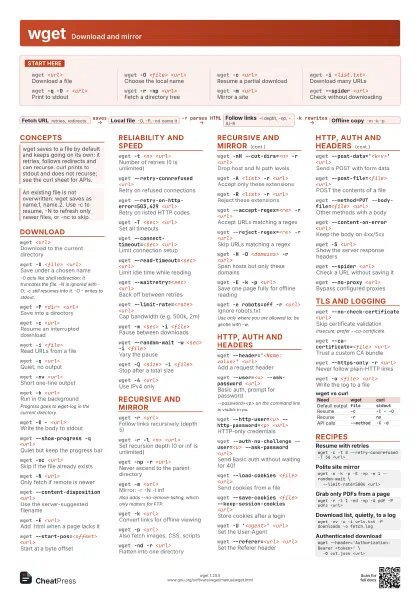
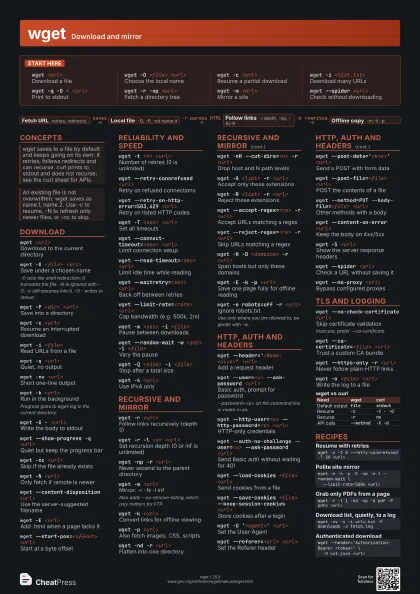
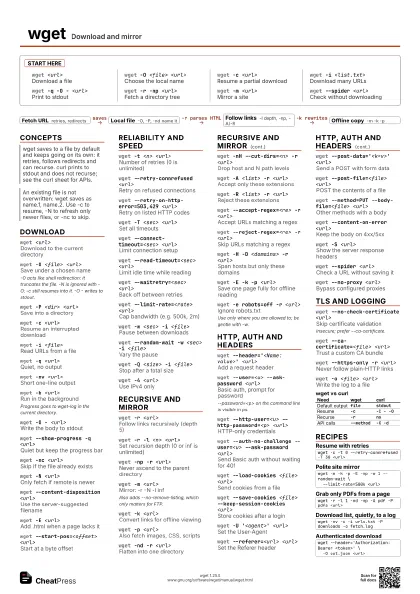
 Light · A3 landscape
420 × 297 mm · PDF
 Dark · A3 landscape
420 × 297 mm · PDF
 Ink saver · A3 landscape
420 × 297 mm · PDF
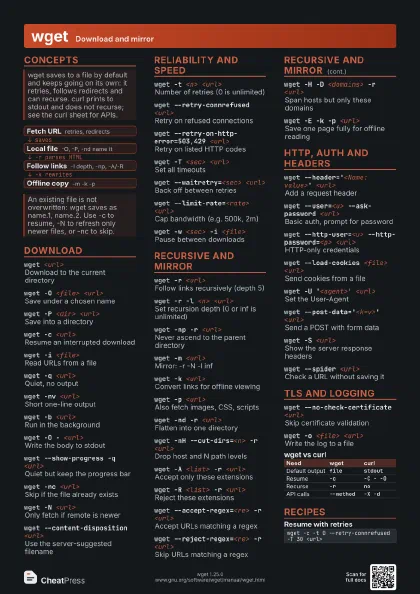
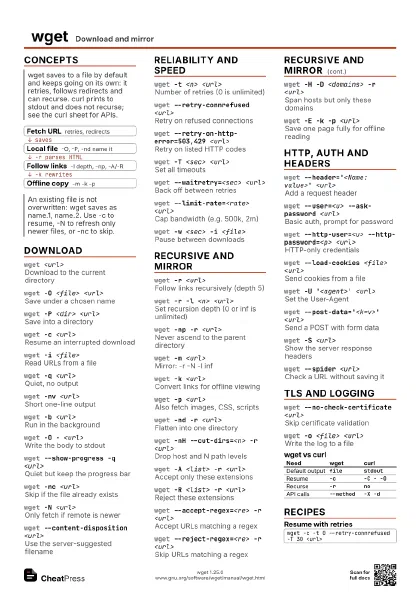
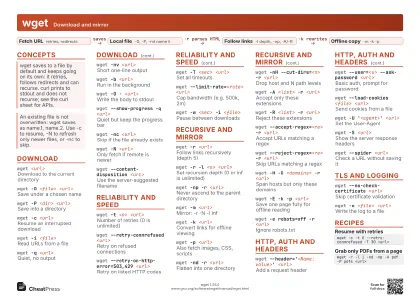
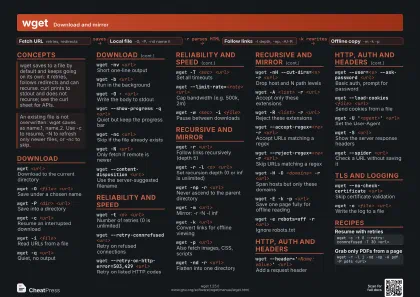
Start here
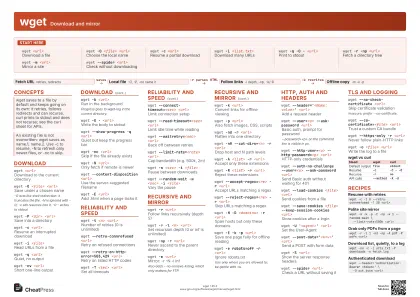
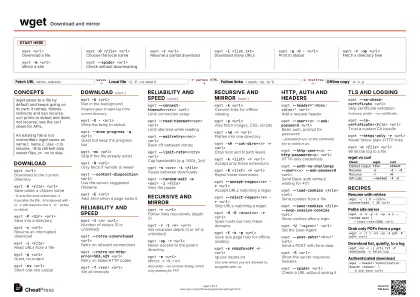
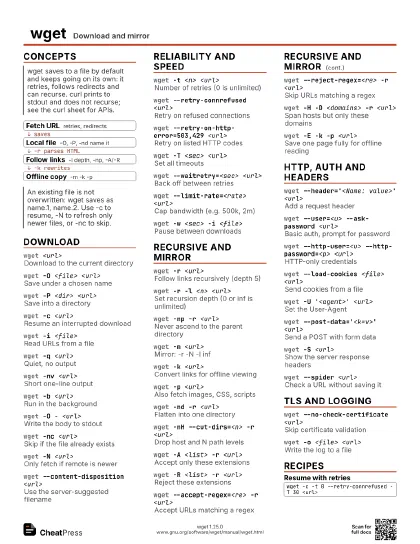
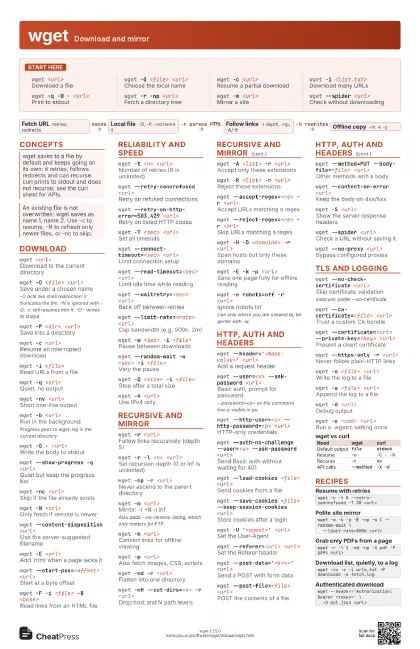
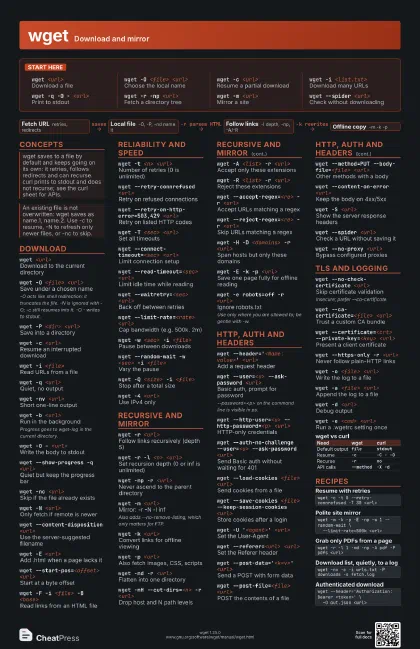
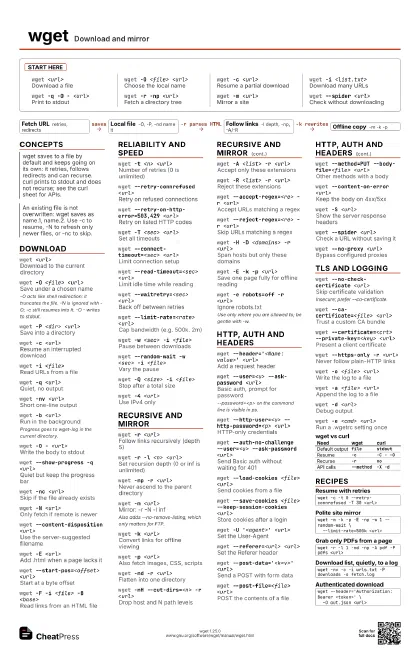
wget <url>
Download a file
wget -O <file> <url>
Choose the local name
wget -c <url>
Resume a partial download
wget -i <list.txt>
Download many URLs
wget -q -O - <url>
Print to stdout
wget -r -np <url>
Fetch a directory tree
wget -m <url>
Mirror a site
wget --spider <url>
Check without downloading
Concepts
- Fetch URL retries, redirects
- Local file -O, -P, -nd name it
- Follow links -l depth, -np, -A/-R
- Offline copy -m -k -p
Download
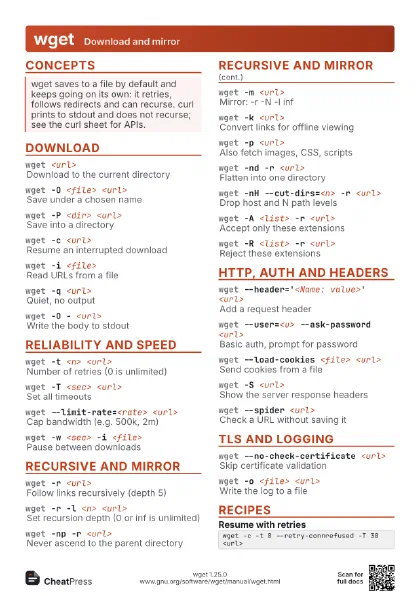
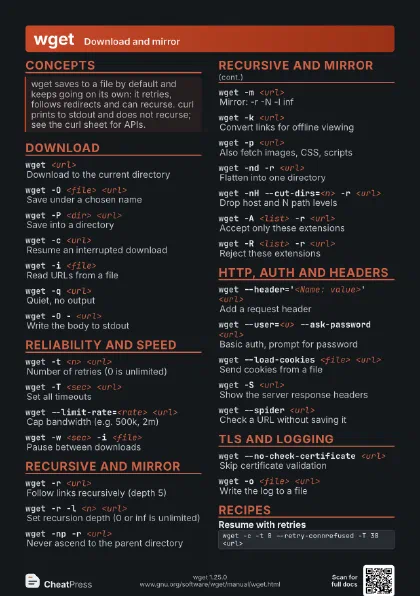
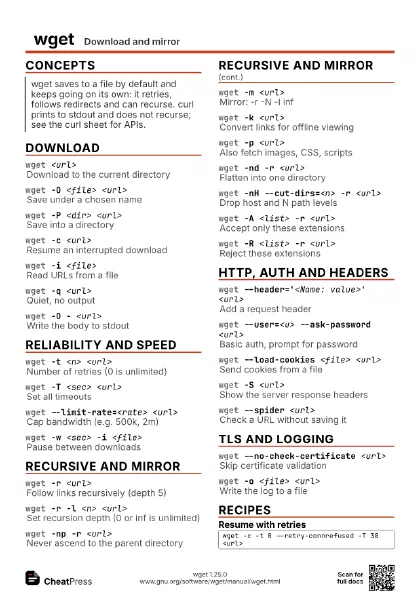
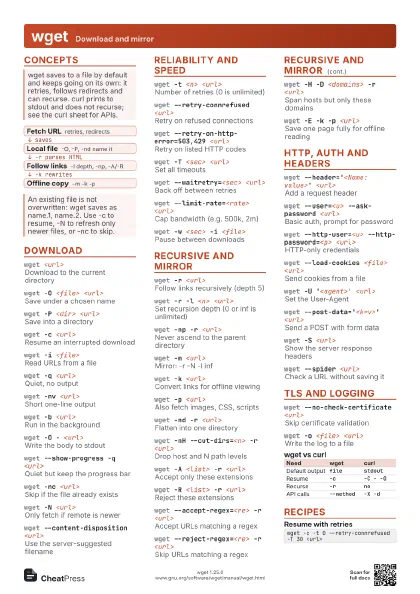
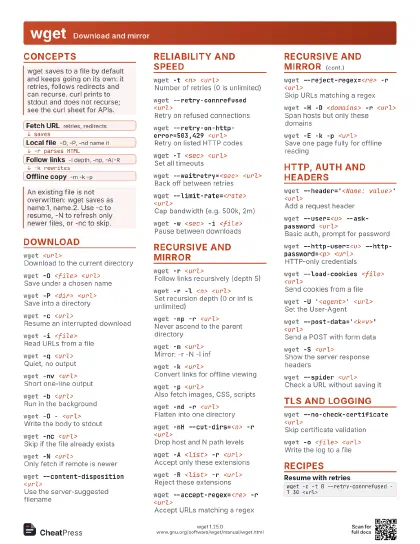
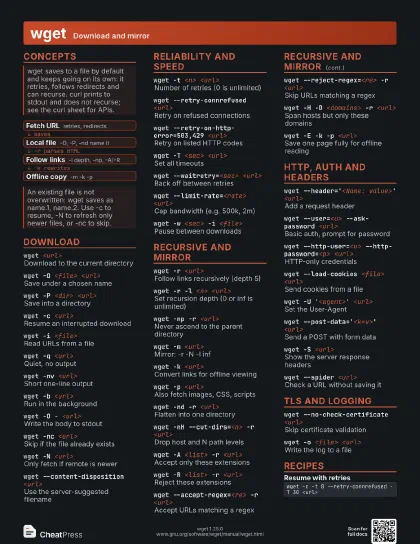
wget <url>
Download to the current directory
wget -O <file> <url>
Save under a chosen name
-O acts like shell redirection: it truncates the file. -N is
ignored with -O; -c still resumes into it. -O - writes to
stdout.
wget -P <dir> <url>
Save into a directory
wget -c <url>
Resume an interrupted download
wget -i <file>
Read URLs from a file
wget -q <url>
Quiet, no output
wget -nv <url>
Short one-line output
wget -b <url>
Run in the background
Progress goes to wget-log in the current directory.
wget -O - <url>
Write the body to stdout
wget --show-progress -q <url>
Quiet but keep the progress bar
wget -nc <url>
Skip if the file already exists
wget -N <url>
Only fetch if remote is newer
wget --content-disposition <url>
Use the server-suggested filename
wget -E <url>
Add .html when a page lacks it
wget --start-pos=<offset> <url>
Start at a byte offset
wget -F -i <file> -B <base>
Read links from an HTML file
Reliability and speed
wget -t <n> <url>
Number of retries (0 is unlimited)
wget --retry-connrefused <url>
Retry on refused connections
wget --retry-on-http-error=503,429 <url>
Retry on listed HTTP codes
wget -T <sec> <url>
Set all timeouts
wget --connect-timeout=<sec> <url>
Limit connection setup
wget --read-timeout=<sec> <url>
Limit idle time while reading
wget --waitretry=<sec> <url>
Back off between retries
wget --limit-rate=<rate> <url>
Cap bandwidth (e.g. 500k, 2m)
wget -w <sec> -i <file>
Pause between downloads
wget --random-wait -w <sec> -i <file>
Vary the pause
wget -Q <size> -i <file>
Stop after a total size
wget -4 <url>
Use IPv4 only
wget -6 <url>
Use IPv6 only
wget --bind-address=<ip> <url>
Use a specific local address
Recursive and mirror
wget -r <url>
Follow links recursively (depth 5)
wget -r -l <n> <url>
Set recursion depth (0 or inf is unlimited)
wget -np -r <url>
Never ascend to the parent directory
wget -m <url>
Mirror: -r -N -l inf
Also adds --no-remove-listing, which only matters for FTP.
wget -k <url>
Convert links for offline viewing
wget -p <url>
Also fetch images, CSS, scripts
wget -nd -r <url>
Flatten into one directory
wget -nH --cut-dirs=<n> -r <url>
Drop host and N path levels
wget -A <list> -r <url>
Accept only these extensions
wget -R <list> -r <url>
Reject these extensions
wget --accept-regex=<re> -r <url>
Accept URLs matching a regex
wget --reject-regex=<re> -r <url>
Skip URLs matching a regex
wget -H -D <domains> -r <url>
Span hosts but only these domains
wget -E -k -p <url>
Save one page fully for offline reading
wget --adjust-extension --convert-links --page-requisites
                    <url>
Long form of a single-page save
wget -e robots=off -r <url>
Ignore robots.txt
Use only where you are allowed to; be gentle with -w.
wget -K -k <url>
Keep .orig backups before converting
wget --delete-after -r <url>
Crawl then delete (warm a cache)
wget --rejected-log=<file> -r <url>
Log why URLs were skipped
HTTP, auth and headers
wget --header='<Name: value>'
                    <url>
Add a request header
wget --user=<u> --ask-password <url>
Basic auth, prompt for password
--password=<p> on the command line is visible in ps.
wget --http-user=<u> --http-password=<p>
                    <url>
HTTP-only credentials
wget --auth-no-challenge --user=<u> --ask-password
                    <url>
Send Basic auth without waiting for 401
wget --load-cookies <file> <url>
Send cookies from a file
wget --save-cookies <file> --keep-session-cookies
                    <url>
Store cookies after a login
wget -U '<agent>' <url>
Set the User-Agent
wget --referer=<url> <url>
Set the Referer header
wget --post-data='<k=v>' <url>
Send a POST with form data
wget --post-file=<file> <url>
POST the contents of a file
wget --method=PUT --body-file=<file>
                    <url>
Other methods with a body
wget --content-on-error <url>
Keep the body on 4xx/5xx
wget -S <url>
Show the server response headers
wget --spider <url>
Check a URL without saving it
wget --max-redirect=<n> <url>
Limit redirects
wget --compression=auto <url>
Accept gzip encoding
wget --no-cache <url>
Ask proxies for a fresh copy
wget --no-proxy <url>
Bypass configured proxies
TLS and logging
wget --no-check-certificate <url>
Skip certificate validation
Insecure; prefer --ca-certificate.
wget --ca-certificate=<file> <url>
Trust a custom CA bundle
wget --certificate=<crt> --private-key=<key>
                    <url>
Present a client certificate
wget --https-only -r <url>
Never follow plain-HTTP links
wget --no-hsts <url>
Do not use the HSTS store
wget -o <file> <url>
Write the log to a file
wget -a <file> <url>
Append the log to a file
wget -d <url>
Debug output
wget --no-config <url>
Ignore wgetrc files
wget -e <cmd> <url>
Run a .wgetrc setting once
wget --report-speed=bits <url>
Show speed in bits
| Need | wget | curl |
|---|---|---|
| Default output | file |
stdout |
| Resume | -c |
-C - -O |
| Recurse | -r |
no |
| API calls | --method |
-X -d |
Recipes
wget -c -t 0 --retry-connrefused -T 30 <url>wget -m -k -p -E -np -w 1 --random-wait \ --limit-rate=500k <url>wget -r -l 1 -nd -np -A pdf -P pdfs <url>wget -nv -c -i urls.txt -P downloads -o fetch.logwget --header='Authorization: Bearer <token>' \ -O out.json <url>