Cheat
WinGet Windows package manager
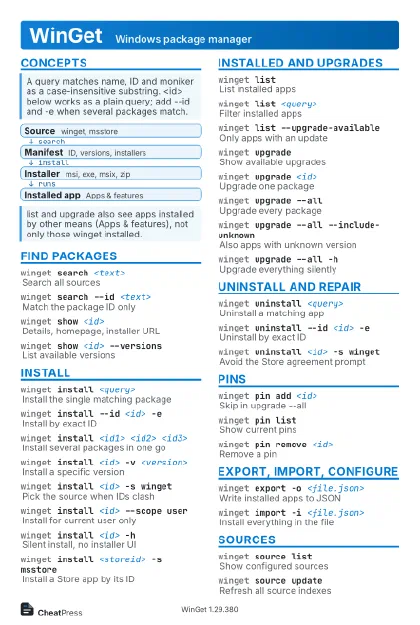 Light · Postcard
102 × 152 mm · PDF
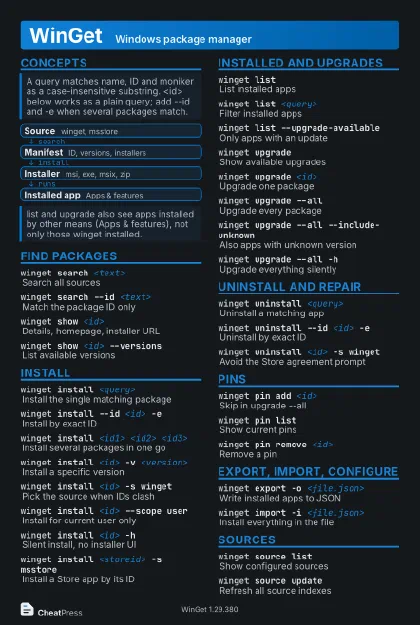 Dark · Postcard
102 × 152 mm · PDF
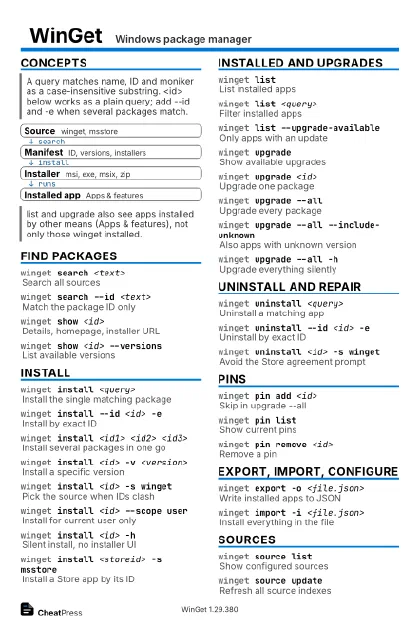 Ink saver · Postcard
102 × 152 mm · PDF
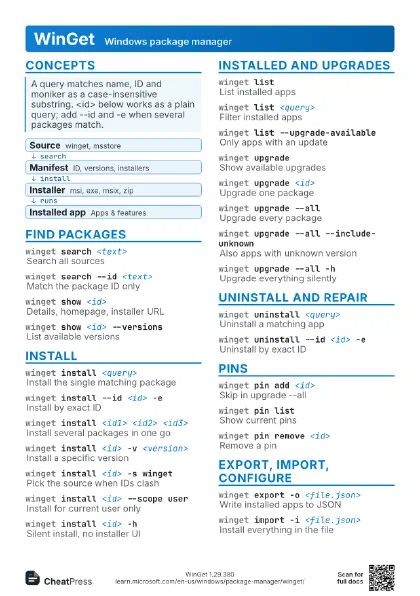
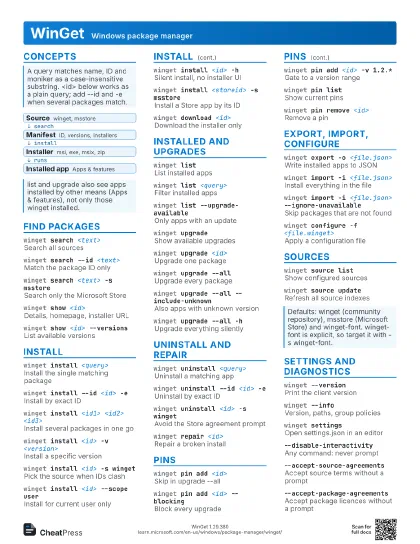
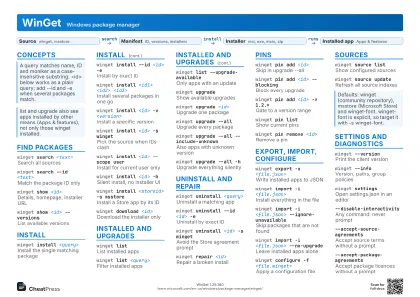 Light · A4 landscape
297 × 210 mm · PDF
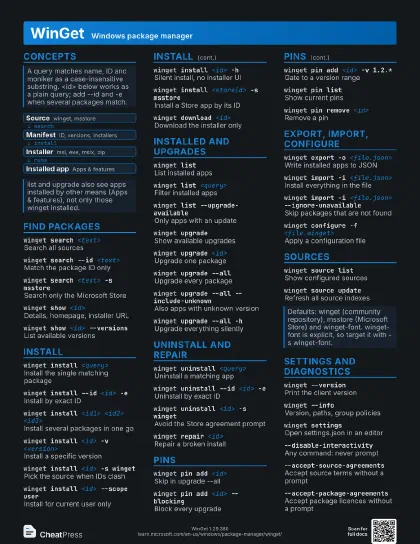
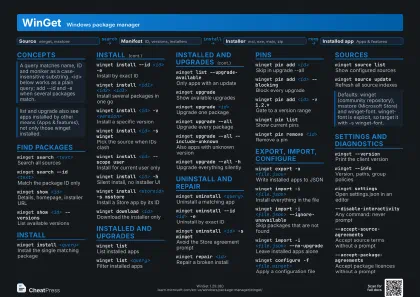 Dark · A4 landscape
297 × 210 mm · PDF
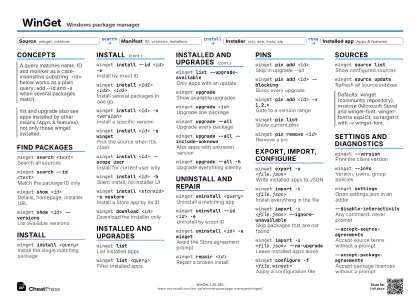 Ink saver · A4 landscape
297 × 210 mm · PDF
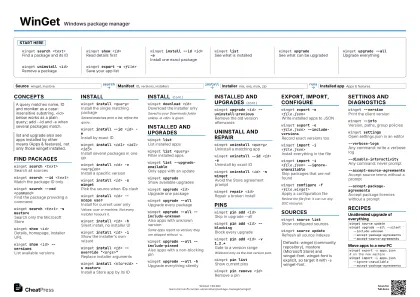
 Light · A3 landscape
420 × 297 mm · PDF
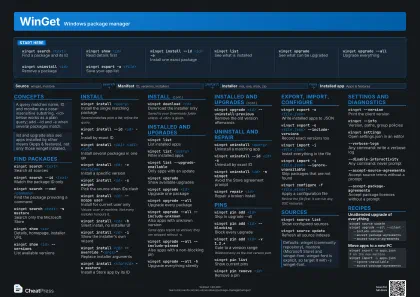 Dark · A3 landscape
420 × 297 mm · PDF
 Ink saver · A3 landscape
420 × 297 mm · PDF
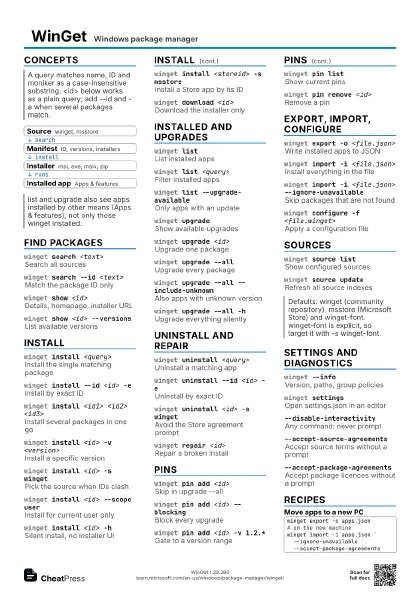
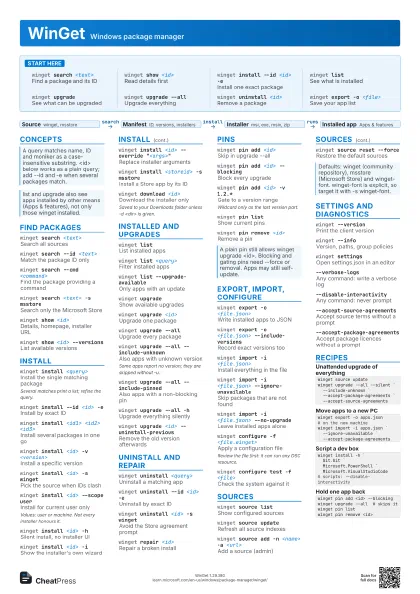
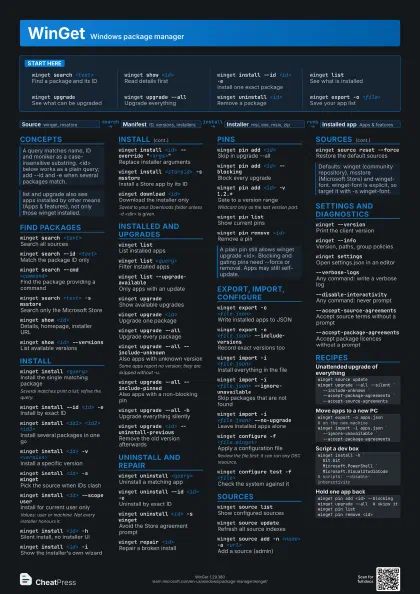
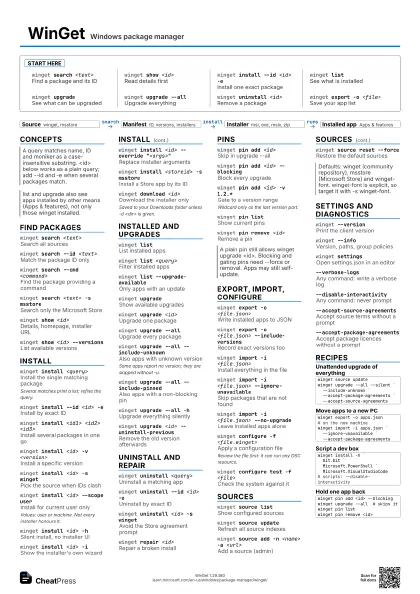
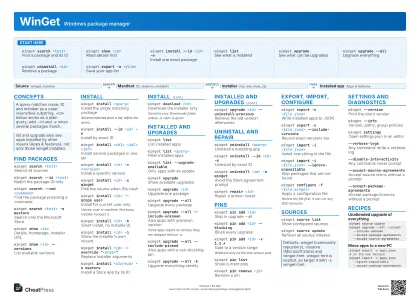
Start here
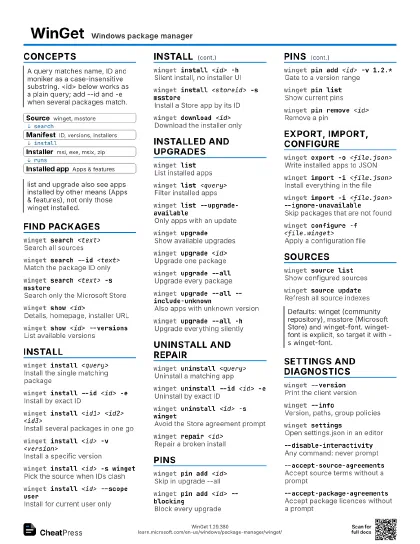
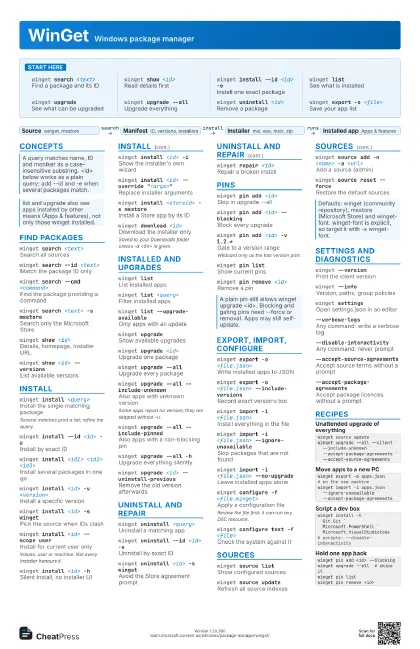
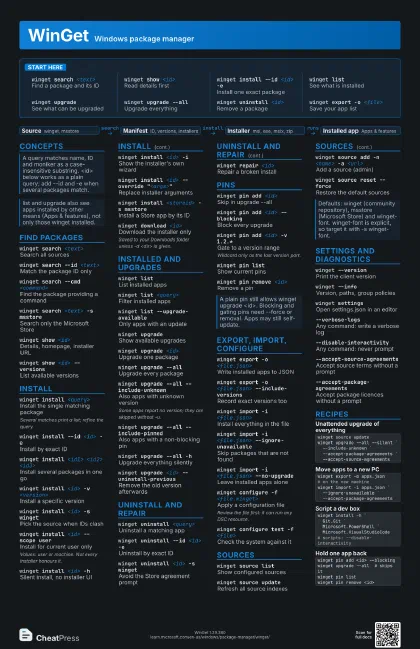
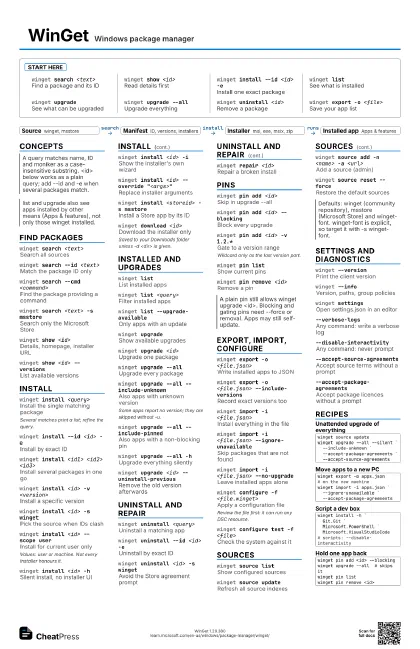
winget search <text>
Find a package and its ID
winget show <id>
Read details first
winget install --id <id> -e
Install one exact package
winget listSee what is installed
winget upgradeSee what can be upgraded
winget upgrade --all
Upgrade everything
winget uninstall <id>
Remove a package
winget export -o <file>
Save your app list
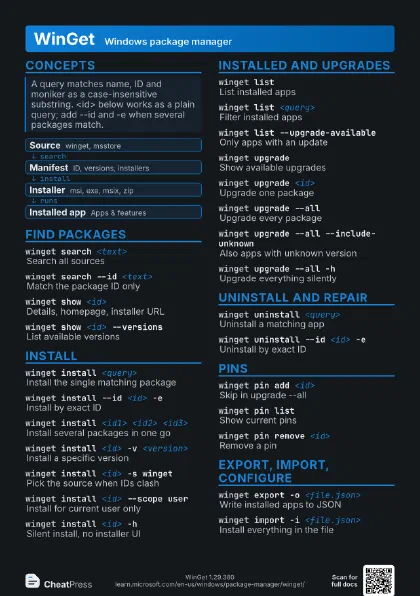
Concepts
- Source winget, msstore
- Manifest ID, versions, installers
- Installer msi, exe, msix, zip
- Installed app Apps & features
Find packages
winget search <text>
Search all sources
winget search --id <text>
Match the package ID only
winget search --cmd <command>
Find the package providing a command
winget search <text> -s msstore
Search only the Microsoft Store
winget show <id>
Details, homepage, installer URL
winget show <id> --versions
List available versions
Install
winget install <query>
Install the single matching package
Several matches print a list; refine the query.
winget install --id <id> -e
Install by exact ID
winget install <id1> <id2> <id3>
Install several packages in one go
winget install <id> -v <version>
Install a specific version
winget install <id> -s winget
Pick the source when IDs clash
winget install <id> --scope user
Install for current user only
Values: user or machine. Not every installer honours it.
winget install <id> -h
Silent install, no installer UI
winget install <id> -i
Show the installer's own wizard
winget install <id> --override
                    "<args>"
Replace installer arguments
winget install <storeid> -s msstore
Install a Store app by its ID
winget download <id>
Download the installer only
Saved to your Downloads folder unless -d <dir> is given.
Installed and upgrades
winget listList installed apps
winget list <query>
Filter installed apps
winget list --upgrade-available
Only apps with an update
winget upgradeShow available upgrades
winget upgrade <id>
Upgrade one package
winget upgrade --all
Upgrade every package
winget upgrade --all --include-unknown
Also apps with unknown version
Some apps report no version; they are skipped without -u.
winget upgrade --all --include-pinned
Also apps with a non-blocking pin
winget upgrade --all -h
Upgrade everything silently
winget upgrade <id> --uninstall-previous
Remove the old version afterwards
Uninstall and repair
winget uninstall <query>
Uninstall a matching app
winget uninstall --id <id> -e
Uninstall by exact ID
winget uninstall <id> -s winget
Avoid the Store agreement prompt
winget repair <id>
Repair a broken install
Pins
winget pin add <id>
Skip in upgrade --all
winget pin add <id> --blocking
Block every upgrade
winget pin add <id> -v 1.2.*
Gate to a version range
Wildcard only as the last version part.
winget pin listShow current pins
winget pin remove <id>
Remove a pin
Export, import, configure
winget export -o <file.json>
Write installed apps to JSON
winget export -o <file.json> --include-versions
Record exact versions too
winget import -i <file.json>
Install everything in the file
winget import -i <file.json>
                    --ignore-unavailable
Skip packages that are not found
winget import -i <file.json> --no-upgrade
Leave installed apps alone
winget configure -f <file.winget>
Apply a configuration file
Review the file first: it can run any DSC resource.
winget configure test -f <file>
Check the system against it
Sources
winget source list
Show configured sources
winget source update
Refresh all source indexes
winget source add -n <name> -a <url>
Add a source (admin)
winget source reset --force
Restore the default sources
Settings and diagnostics
winget --version
Print the client version
winget --infoVersion, paths, group policies
winget settingsOpen settings.json in an editor
--verbose-logsAny command: write a verbose log
--disable-interactivity
Any command: never prompt
--accept-source-agreements
Accept source terms without a prompt
--accept-package-agreements
Accept package licences without a prompt
Recipes
winget source updatewinget upgrade --all --silent ` --include-unknown ` --accept-package-agreements ` --accept-source-agreementswinget export -o apps.json# on the new machinewinget import -i apps.json ` --ignore-unavailable ` --accept-package-agreementswinget install -h ` Git.Git ` Microsoft.PowerShell ` Microsoft.VisualStudioCode# scripts: --disable-interactivitywinget pin add <id> --blockingwinget upgrade --all # skips itwinget pin listwinget pin remove <id>