Cheat
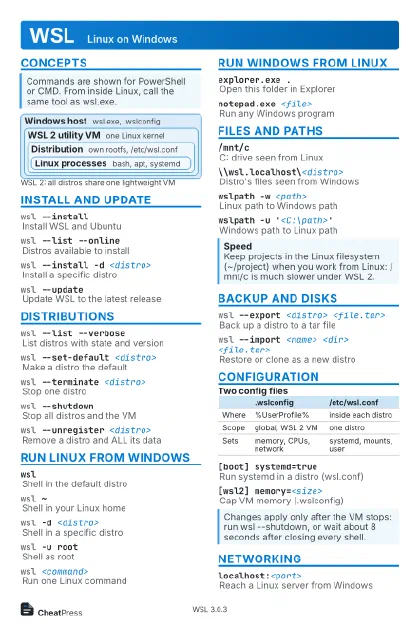
WSL Linux on Windows
 Light · Postcard
102 × 152 mm · PDF
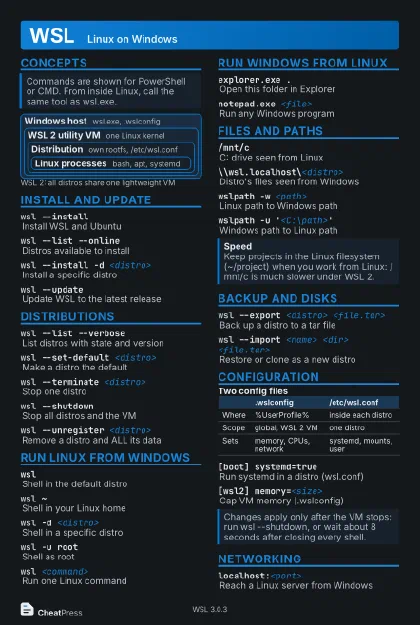 Dark · Postcard
102 × 152 mm · PDF
 Ink saver · Postcard
102 × 152 mm · PDF
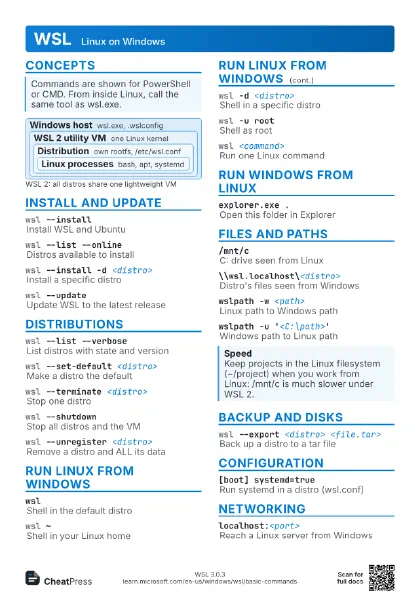
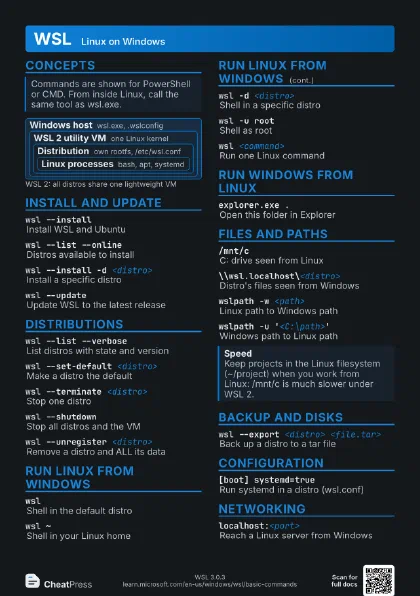
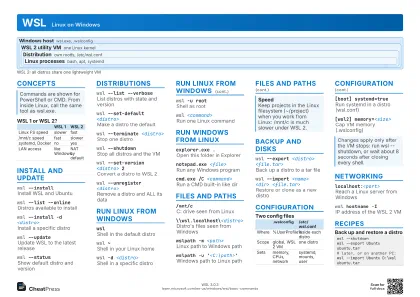 Light · A4 landscape
297 × 210 mm · PDF
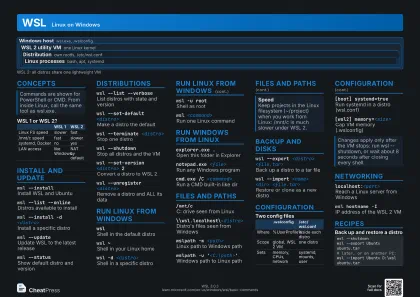 Dark · A4 landscape
297 × 210 mm · PDF
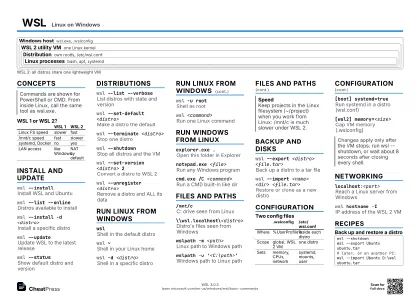 Ink saver · A4 landscape
297 × 210 mm · PDF
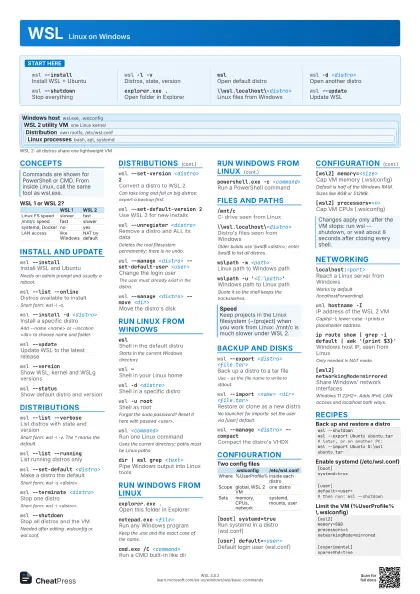
 Light · A3 landscape
420 × 297 mm · PDF
 Dark · A3 landscape
420 × 297 mm · PDF
 Ink saver · A3 landscape
420 × 297 mm · PDF
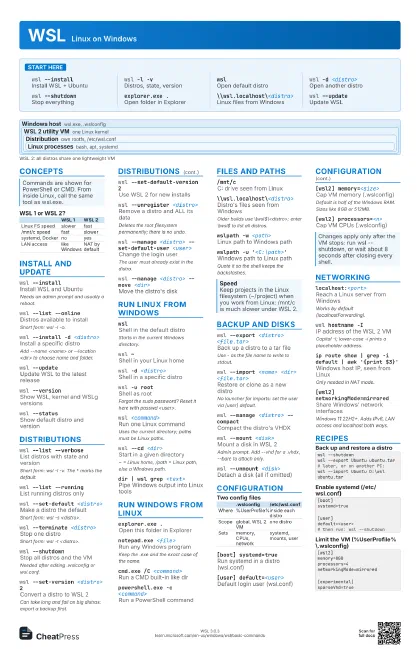
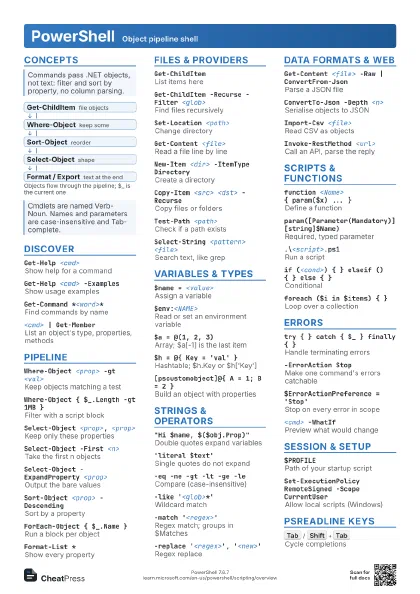
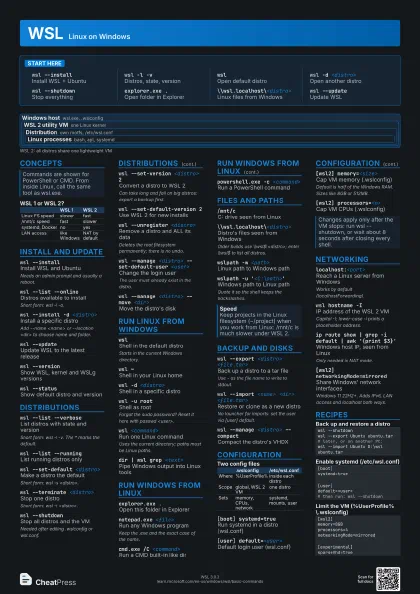
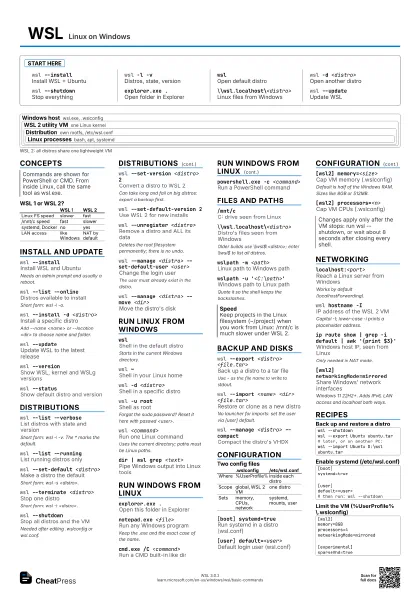
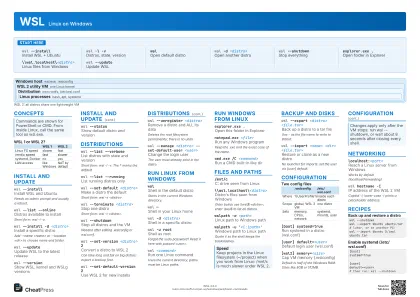
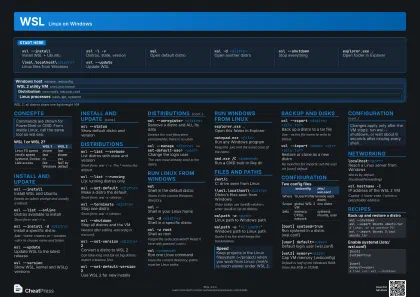
Start here
wsl --installInstall WSL + Ubuntu
wsl -l -vDistros, state, version
wslOpen default distro
wsl -d <distro>
Open another distro
wsl --shutdownStop everything
explorer.exe .Open folder in Explorer
\\wsl.localhost\<distro>
Linux files from Windows
wsl --updateUpdate WSL
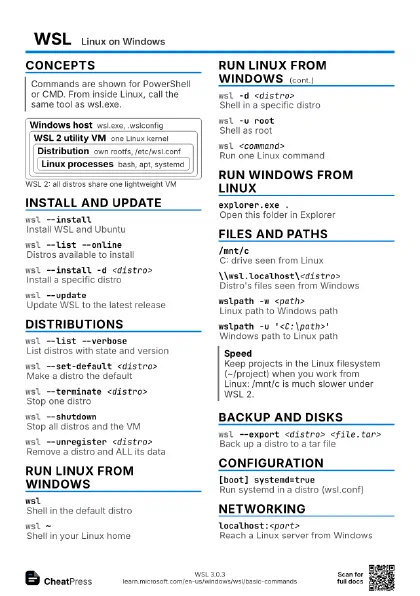
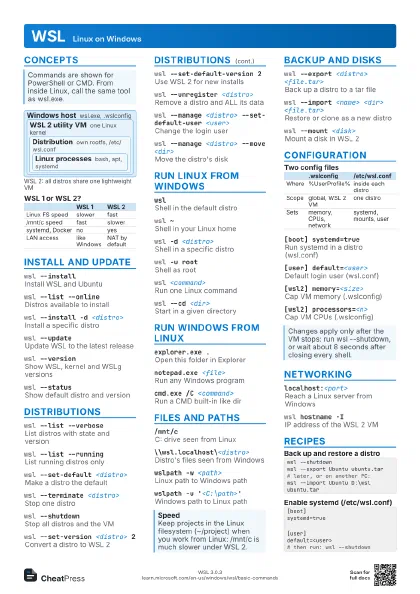
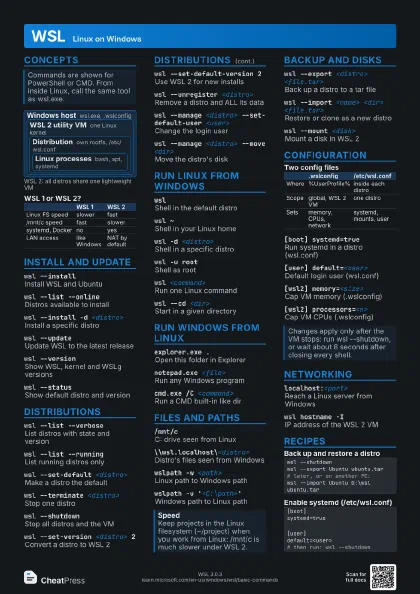
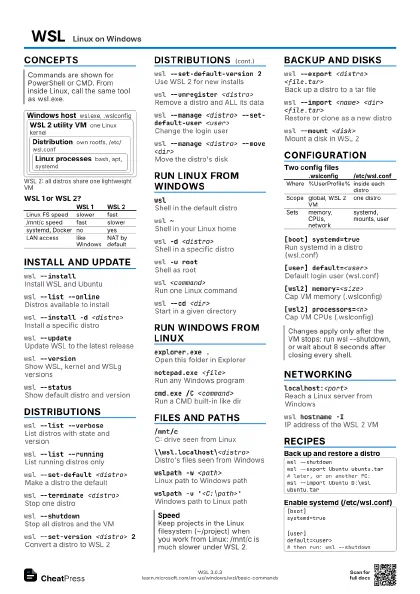
Concepts
Windows host
wsl.exe, .wslconfig
WSL 2 utility VM
one Linux kernel
Distribution
own rootfs, /etc/wsl.conf
Linux processes
bash, apt, systemd
| WSL 1 | WSL 2 | |
|---|---|---|
| Linux FS speed | slower | fast |
| /mnt/c speed | fast | slower |
| systemd, Docker | no | yes |
| LAN access | like Windows | NAT by default |
Install and update
wsl --installInstall WSL and Ubuntu
Needs an admin prompt and usually a reboot.
wsl --list --online
Distros available to install
Short form: wsl -l -o.
wsl --install -d <distro>
Install a specific distro
Add --name <name> or --location <dir> to choose
name and folder.
wsl --updateUpdate WSL to the latest release
wsl --versionShow WSL, kernel and WSLg versions
wsl --statusShow default distro and version
Distributions
wsl --list --verbose
List distros with state and version
Short form: wsl -l -v. The * marks the default.
wsl --list --running
List running distros only
wsl --set-default <distro>
Make a distro the default
Short form: wsl -s <distro>.
wsl --terminate <distro>
Stop one distro
Short form: wsl -t <distro>.
wsl --shutdownStop all distros and the VM
Needed after editing .wslconfig or wsl.conf.
wsl --set-version <distro> 2
Convert a distro to WSL 2
Can take long and fail on big distros: export a backup first.
wsl --set-default-version 2
Use WSL 2 for new installs
wsl --unregister <distro>
Remove a distro and ALL its data
Deletes the root filesystem permanently; there is no undo.
wsl --manage <distro> --set-default-user
                    <user>
Change the login user
The user must already exist in the distro.
wsl --manage <distro> --move <dir>
Move the distro's disk
Run Linux from Windows
wslShell in the default distro
Starts in the current Windows directory.
wsl ~Shell in your Linux home
wsl -d <distro>
Shell in a specific distro
wsl -u rootShell as root
Forgot the sudo password? Reset it here with passwd
<user>.
wsl <command>
Run one Linux command
Uses the current directory; paths must be Linux paths.
wsl --cd <dir>
Start in a given directory
~ = Linux home, /path = Linux path, else a Windows path.
dir | wsl grep <text>
Pipe Windows output into Linux tools
Run Windows from Linux
explorer.exe .Open this folder in Explorer
notepad.exe <file>
Run any Windows program
Keep the .exe and the exact case of the name.
cmd.exe /C <command>
Run a CMD built-in like dir
powershell.exe -c <command>
Run a PowerShell command
Files and paths
/mnt/cC: drive seen from Linux
\\wsl.localhost\<distro>
Distro's files seen from Windows
Older builds use \\wsl$\<distro>; enter \\wsl$ to list
all distros.
wslpath -w <path>
Linux path to Windows path
wslpath -u '<C:\path>'
Windows path to Linux path
Quote it so the shell keeps the backslashes.
Backup and disks
wsl --export <distro> <file.tar>
Back up a distro to a tar file
Use - as the file name to write to stdout.
wsl --import <name> <dir>
                    <file.tar>
Restore or clone as a new distro
No launcher for imports: set the user via [user] default.
wsl --manage <distro> --compact
Compact the distro's VHDX
wsl --mount <disk>
Mount a disk in WSL 2
Admin prompt. Add --vhd for a .vhdx, --bare to attach only.
wsl --unmount <disk>
Detach a disk (all if omitted)
Configuration
| .wslconfig | /etc/wsl.conf | |
|---|---|---|
| Where | %UserProfile% | inside each distro |
| Scope | global, WSL 2 VM | one distro |
| Sets | memory, CPUs, network | systemd, mounts, user |
[boot] systemd=true
Run systemd in a distro (wsl.conf)
[user] default=<user>
Default login user (wsl.conf)
[interop] appendWindowsPath=false
Keep Windows dirs out of $PATH
[wsl2] memory=<size>
Cap VM memory (.wslconfig)
Default is half of the Windows RAM. Sizes like 8GB or 512MB.
[wsl2] processors=<n>
Cap VM CPUs (.wslconfig)
Networking
localhost:<port>
Reach a Linux server from Windows
Works by default (localhostForwarding).
wsl hostname -IIP address of the WSL 2 VM
Capital -I; lower-case -i prints a placeholder address.
ip route show | grep -i default | awk '{print
                    $3}'
Windows host IP, seen from Linux
Only needed in NAT mode.
[wsl2] networkingMode=mirrored
Share Windows' network interfaces
Windows 11 22H2+. Adds IPv6, LAN access and localhost both
ways.
Recipes
wsl --shutdownwsl --export Ubuntu ubuntu.tar# later, or on another PC:wsl --import Ubuntu D:\wsl ubuntu.tar[boot]systemd=true[user]default=<user># then run: wsl --shutdown[wsl2]memory=8GBprocessors=4networkingMode=mirrored[experimental]sparseVhd=true