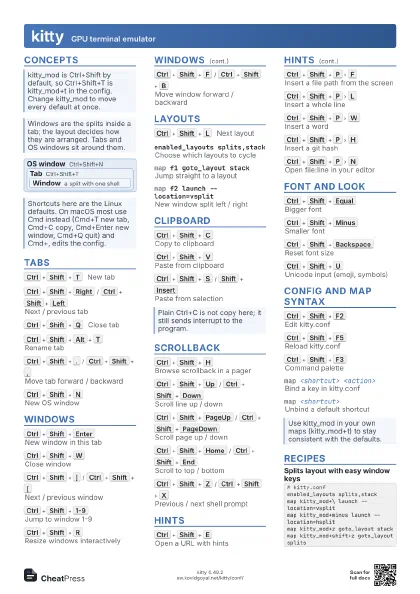
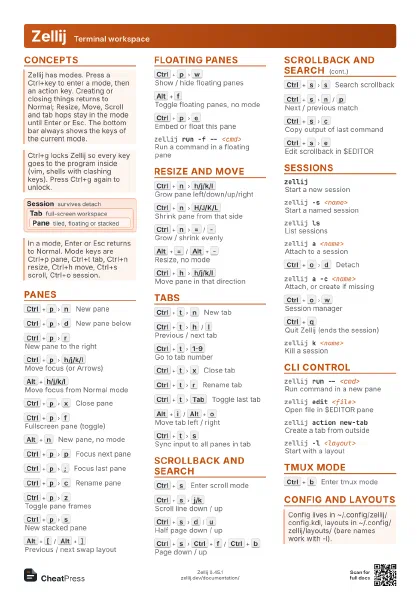
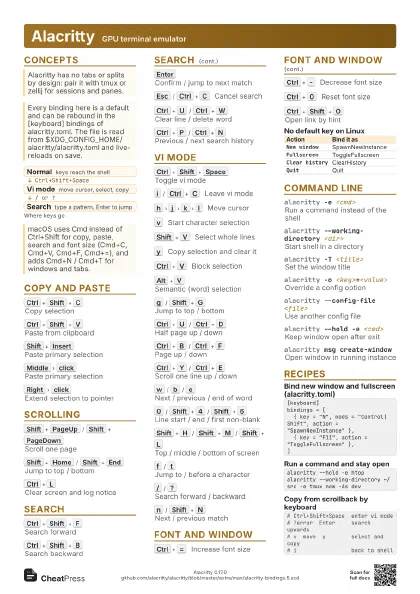
Cheat
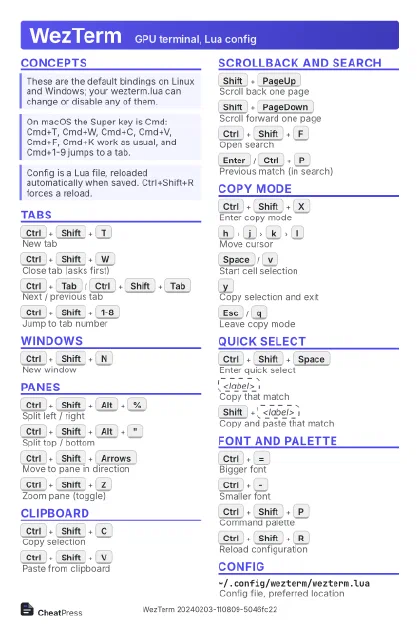
WezTerm GPU terminal, Lua config
 Light · Postcard
102 × 152 mm · PDF
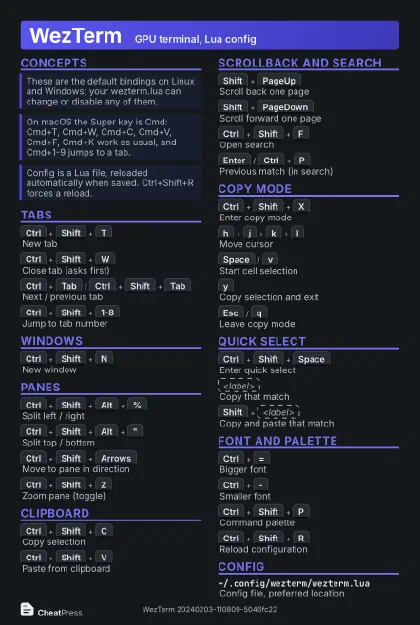 Dark · Postcard
102 × 152 mm · PDF
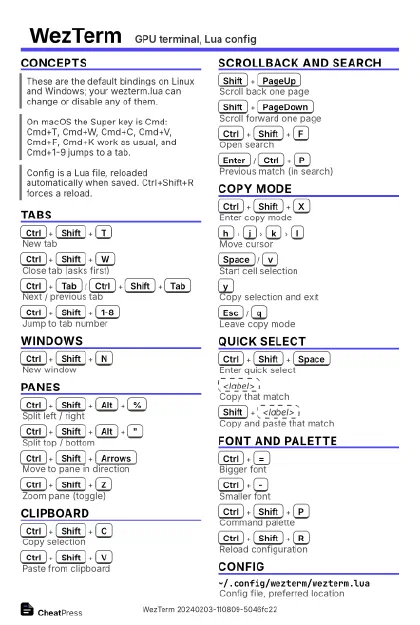 Ink saver · Postcard
102 × 152 mm · PDF
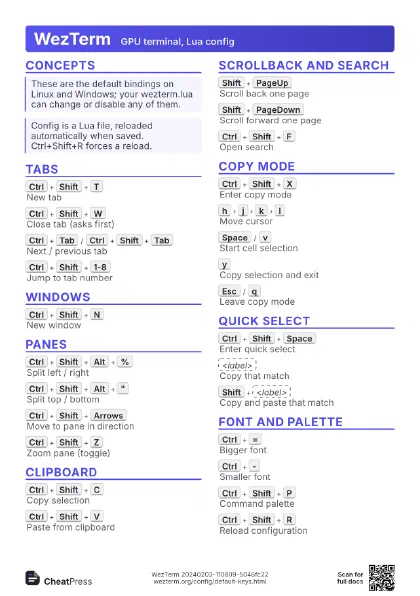
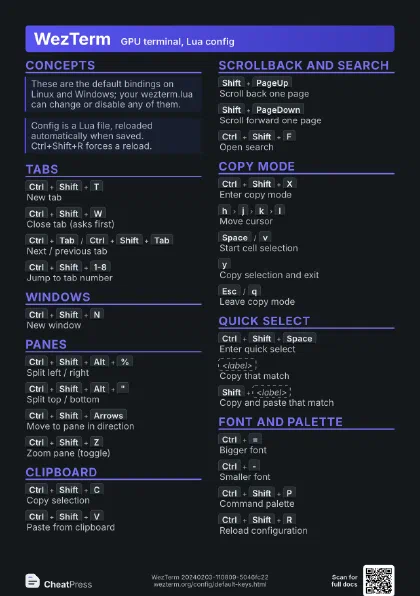
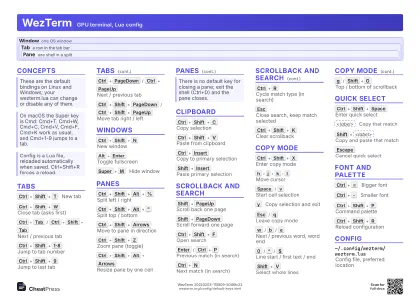 Light · A4 landscape
297 × 210 mm · PDF
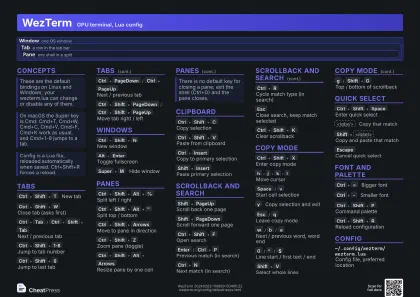 Dark · A4 landscape
297 × 210 mm · PDF
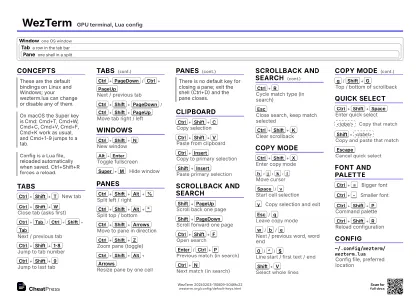 Ink saver · A4 landscape
297 × 210 mm · PDF
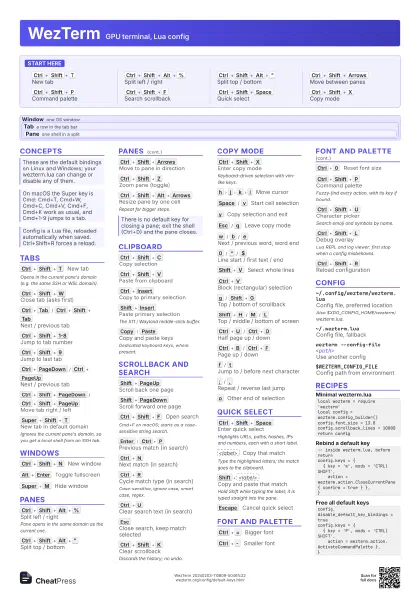
 Light · A3 landscape
420 × 297 mm · PDF
 Dark · A3 landscape
420 × 297 mm · PDF
 Ink saver · A3 landscape
420 × 297 mm · PDF
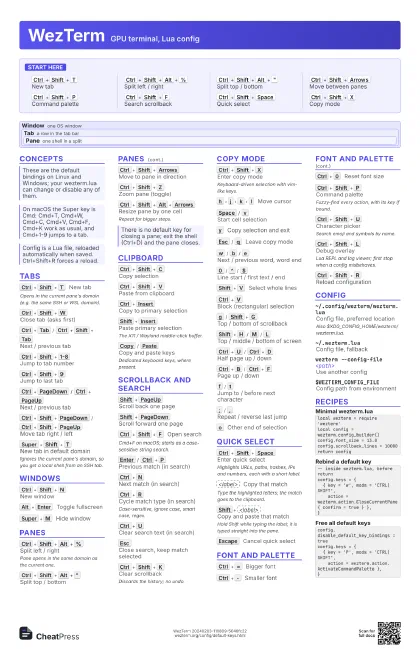
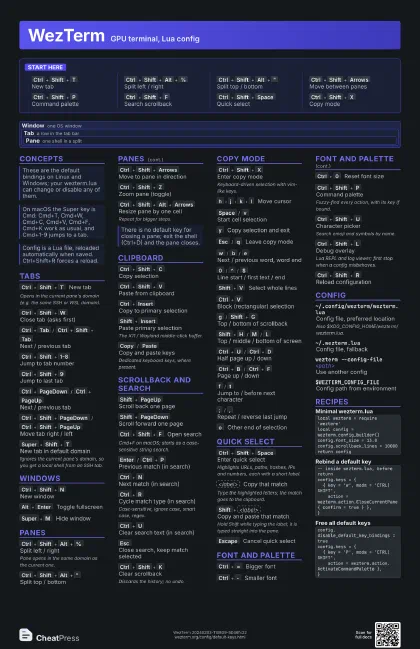
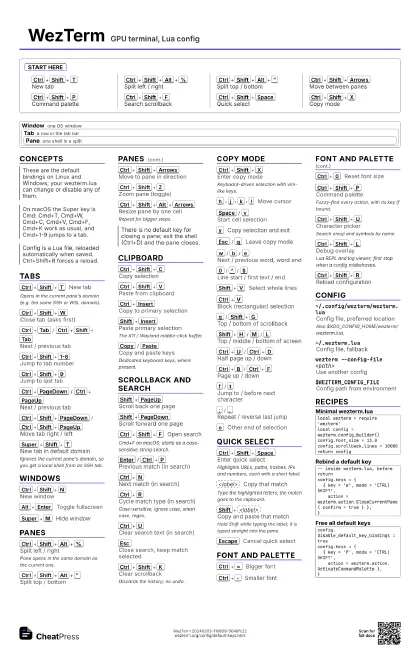
Start here
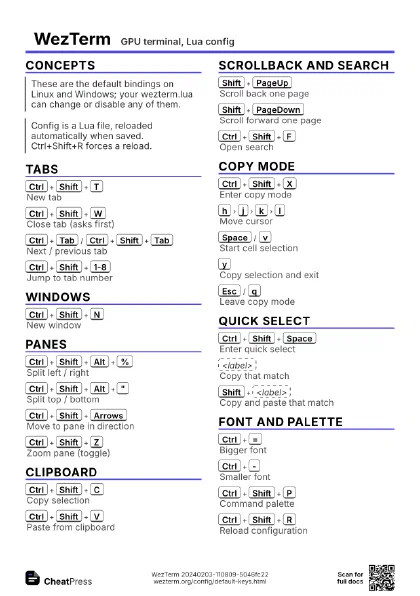
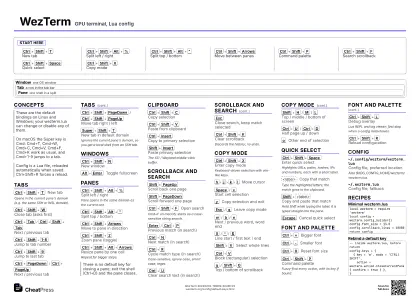
Ctrl+Shift+T
New tab
Ctrl+Shift+Alt+%
Split left / right
Ctrl+Shift+Alt+"
Split top / bottom
Ctrl+Shift+Arrows
Move between panes
Ctrl+Shift+P
Command palette
Ctrl+Shift+F
Search scrollback
Ctrl+Shift+Space
Quick select
Ctrl+Shift+X
Copy mode
Concepts
Window one OS window
Tab a row in the tab bar
Pane one shell in a split
Tabs
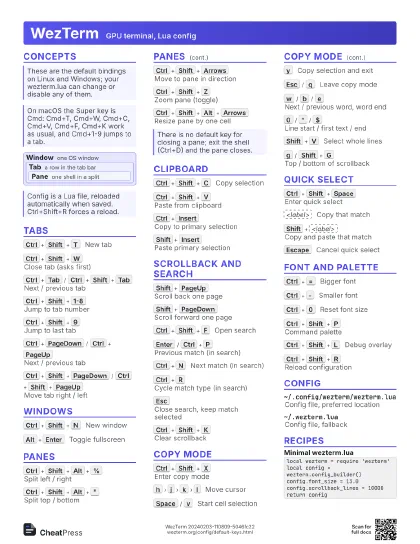
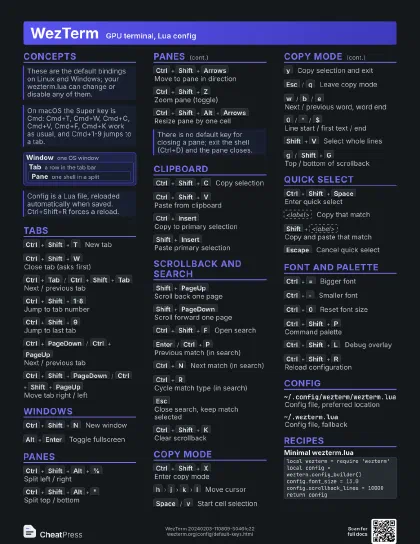
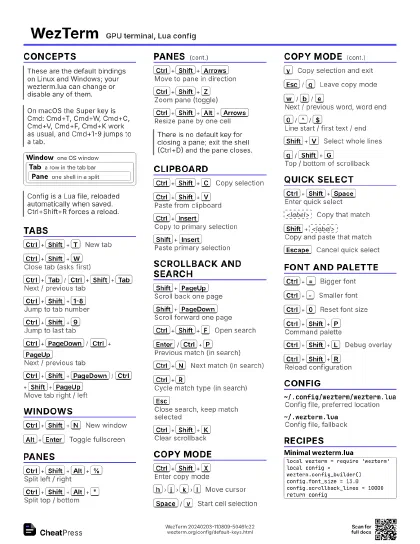
Ctrl+Shift+T
New tab
Opens in the current pane's domain (e.g. the same SSH or
WSL domain).
Ctrl+Shift+W
Close tab (asks first)
Ctrl+Tab
/
Ctrl+Shift+Tab
Next / previous tab
Ctrl+Shift+1-8
Jump to tab number
Ctrl+Shift+9
Jump to last tab
Ctrl+PageDown
/
Ctrl+PageUp
Next / previous tab
Ctrl+Shift+PageDown
/
Ctrl+Shift+PageUp
Move tab right / left
Super+Shift+T
New tab in default domain
Ignores the current pane's domain, so you get a local
shell from an SSH tab.
Windows
Ctrl+Shift+N
New window
Alt+Enter
Toggle fullscreen
Super+M
Hide window
Panes
Ctrl+Shift+Alt+%
Split left / right
Pane opens in the same domain as the current one.
Ctrl+Shift+Alt+"
Split top / bottom
Ctrl+Shift+Arrows
Move to pane in direction
Ctrl+Shift+Z
Zoom pane (toggle)
Ctrl+Shift+Alt+Arrows
Resize pane by one cell
Repeat for bigger steps.
Clipboard
Ctrl+Shift+C
Copy selection
Ctrl+Shift+V
Paste from clipboard
Ctrl+Insert
Copy to primary selection
Shift+Insert
Paste primary selection
The X11 / Wayland middle-click buffer.
Copy
/
Paste
Copy and paste keys
Dedicated keyboard keys, where present.
Scrollback and Search
Shift+PageUp
Scroll back one page
Shift+PageDown
Scroll forward one page
Ctrl+Shift+F
Open search
Cmd+F on macOS; starts as a case-sensitive string search.
Enter
/
Ctrl+P
Previous match (in search)
Ctrl+N
Next match (in search)
Ctrl+R
Cycle match type (in search)
Case-sensitive, ignore case, smart case, regex.
Ctrl+U
Clear search text (in search)
Esc
Close search, keep match selected
Ctrl+Shift+K
Clear scrollback
Discards the history; no undo.
Copy Mode
Ctrl+Shift+X
Enter copy mode
Keyboard-driven selection with vim-like keys.
h
j
k
l
Move cursor
Space
/
v
Start cell selection
y
Copy selection and exit
Esc
/
q
Leave copy mode
w
/
b
/
e
Next / previous word, word end
0
/
^
/
$
Line start / first text / end
Shift+V
Select whole lines
Ctrl+V
Block (rectangular) selection
g
/
Shift+G
Top / bottom of scrollback
Shift+H
/
M
/
L
Top / middle / bottom of screen
Ctrl+U
/
Ctrl+D
Half page up / down
Ctrl+B
/
Ctrl+F
Page up / down
f
/
t
Jump to / before next character
;
/
,
Repeat / reverse last jump
o
Other end of selection
Quick Select
Ctrl+Shift+Space
Enter quick select
Highlights URLs, paths, hashes, IPs and numbers, each with a
short label.
<label>
Copy that match
Type the highlighted letters; the match goes to the clipboard.
Shift+<label>
Copy and paste that match
Hold Shift while typing the label; it is typed straight into
the pane.
Escape
Cancel quick select
Font and Palette
Ctrl+=
Bigger font
Ctrl+-
Smaller font
Ctrl+0
Reset font size
Ctrl+Shift+P
Command palette
Fuzzy-find every action, with its key if bound.
Ctrl+Shift+U
Character picker
Search emoji and symbols by name.
Ctrl+Shift+L
Debug overlay
Lua REPL and log viewer; first stop when a config misbehaves.
Ctrl+Shift+R
Reload configuration
Config
~/.config/wezterm/wezterm.lua
Config file, preferred location
Also $XDG_CONFIG_HOME/wezterm/wezterm.lua.
~/.wezterm.luaConfig file, fallback
wezterm --config-file <path>
Use another config
$WEZTERM_CONFIG_FILE
Config path from environment
Recipes
local wezterm = require 'wezterm'local config = wezterm.config_builder()config.font_size = 13.0config.scrollback_lines = 10000return config-- inside wezterm.lua, before returnconfig.keys = { { key = 'w', mods = 'CTRL|SHIFT', action = wezterm.action.CloseCurrentPane { confirm = true } },}config.disable_default_key_bindings = trueconfig.keys = { { key = 'P', mods = 'CTRL|SHIFT', action = wezterm.action.ActivateCommandPalette },}