Cheat
watch Rerun a command
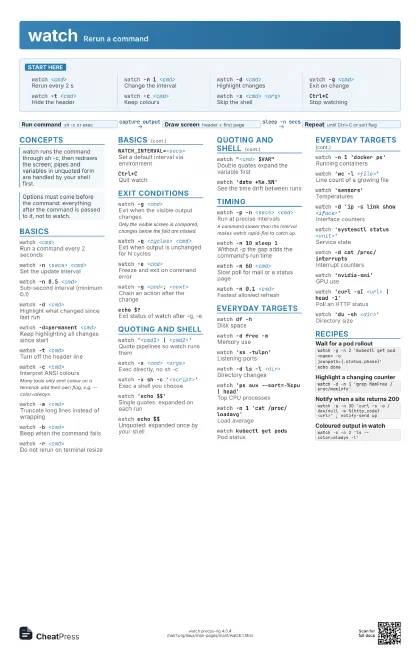
 Light · Postcard
102 × 152 mm · PDF
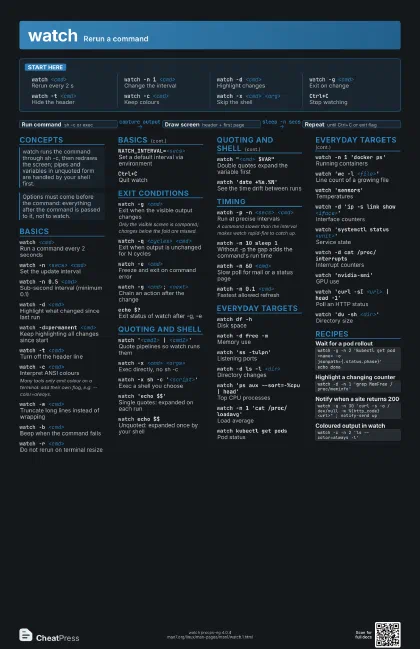
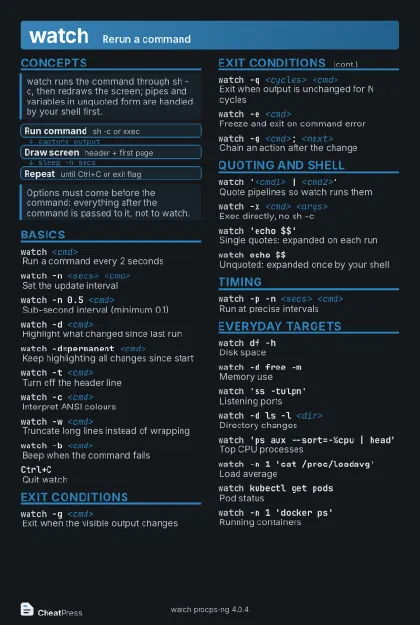 Dark · Postcard
102 × 152 mm · PDF
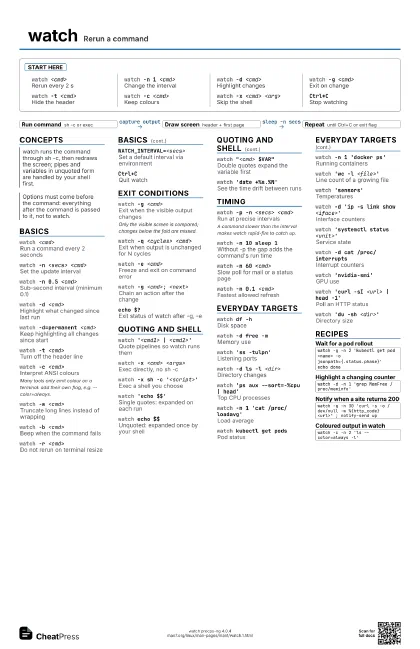
 Ink saver · Postcard
102 × 152 mm · PDF
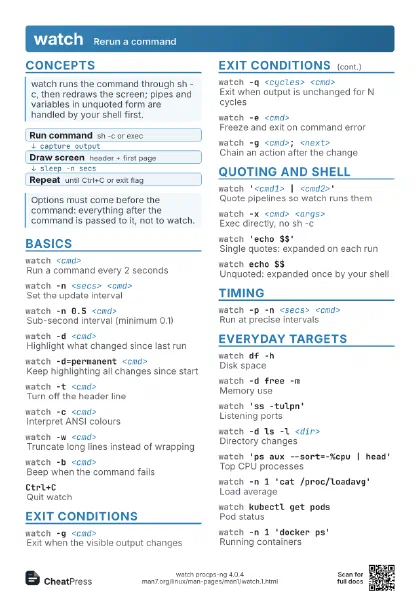
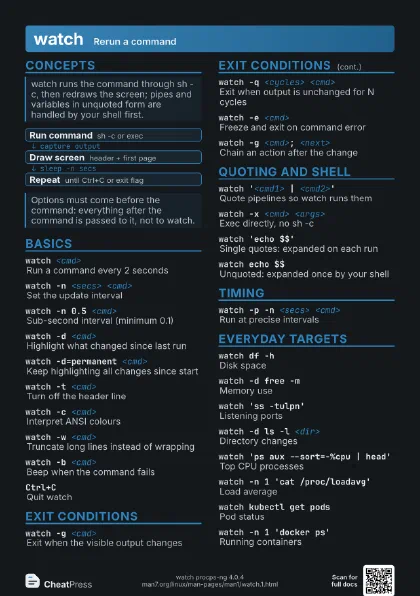
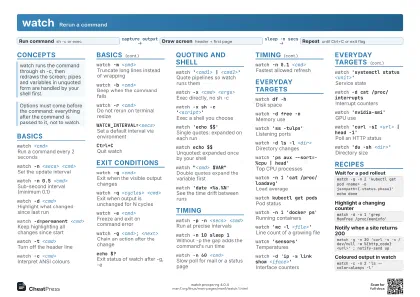 Light · A4 landscape
297 × 210 mm · PDF
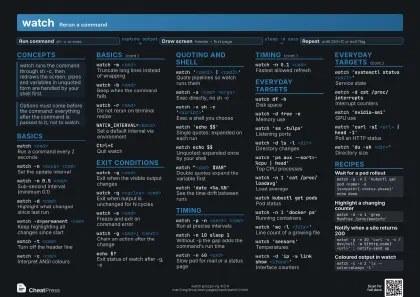 Dark · A4 landscape
297 × 210 mm · PDF
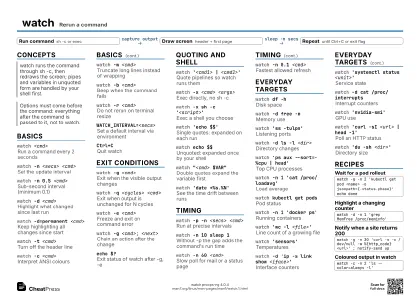 Ink saver · A4 landscape
297 × 210 mm · PDF
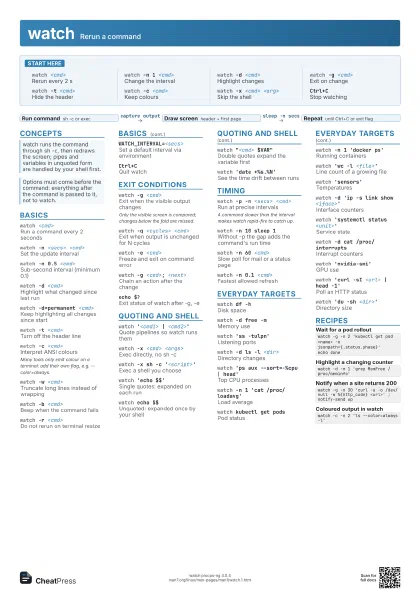
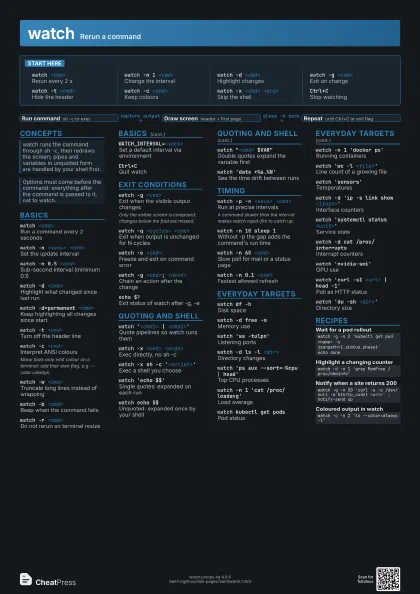
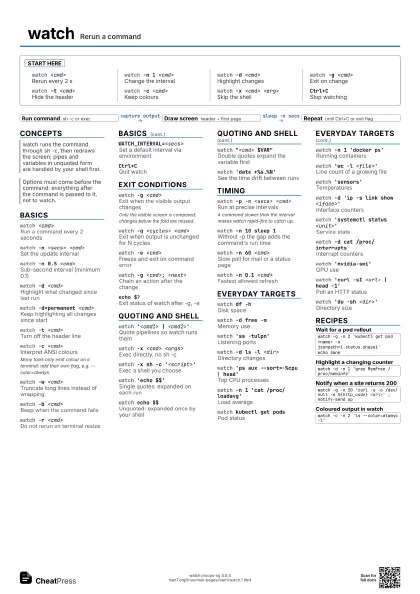
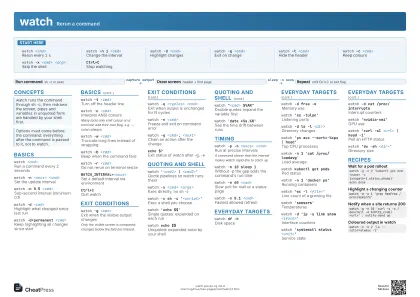 Light · A3 landscape
420 × 297 mm · PDF
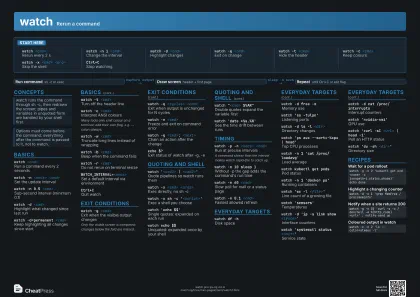 Dark · A3 landscape
420 × 297 mm · PDF
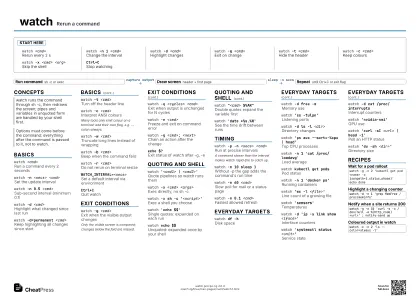 Ink saver · A3 landscape
420 × 297 mm · PDF
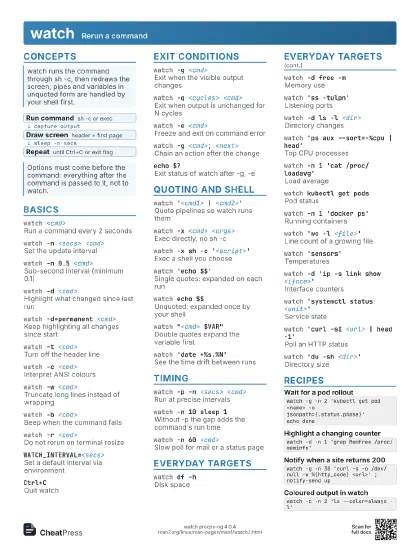
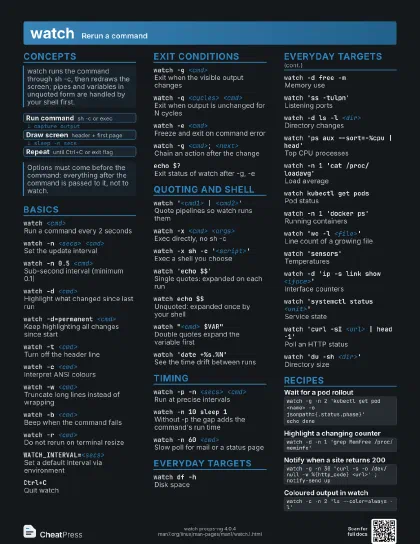
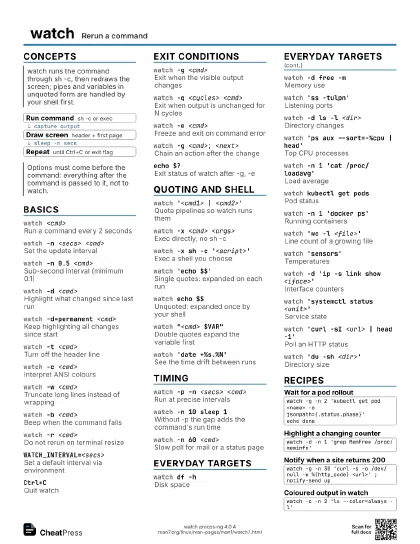
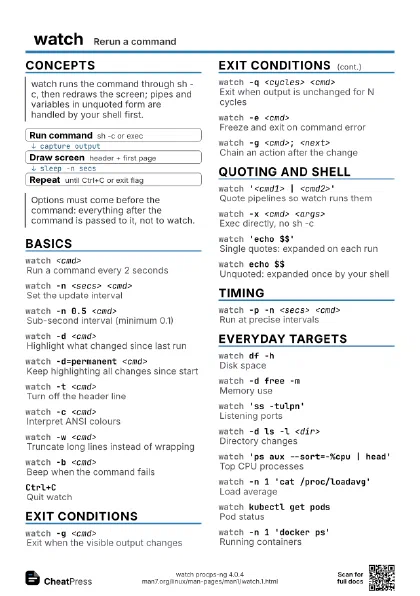
Start here
watch <cmd>
Rerun every 2 s
watch -n 1 <cmd>
Change the interval
watch -d <cmd>
Highlight changes
watch -g <cmd>
Exit on change
watch -t <cmd>
Hide the header
watch -c <cmd>
Keep colours
watch -x <cmd> <arg>
Skip the shell
Ctrl+CStop watching
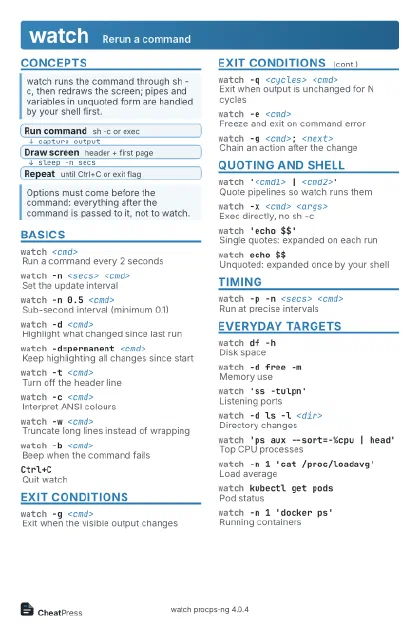
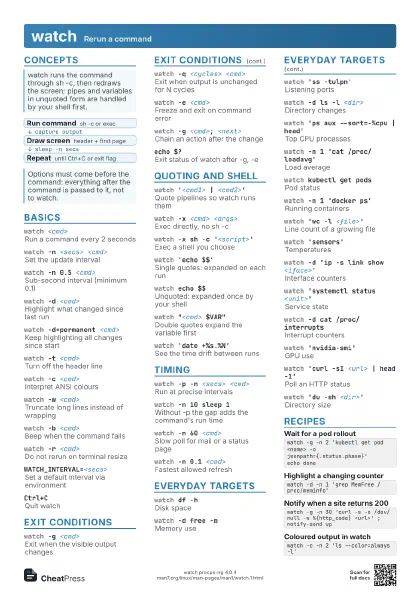
Concepts
- Run command sh -c or exec
- Draw screen header + first page
- Repeat until Ctrl+C or exit flag
Basics
watch <cmd>
Run a command every 2 seconds
watch -n <secs> <cmd>
Set the update interval
watch -n 0.5 <cmd>
Sub-second interval (minimum 0.1)
watch -d <cmd>
Highlight what changed since last run
watch -d=permanent <cmd>
Keep highlighting all changes since start
watch -t <cmd>
Turn off the header line
watch -c <cmd>
Interpret ANSI colours
Many tools only emit colour on a terminal: add their own flag,
e.g. --color=always.
watch -w <cmd>
Truncate long lines instead of wrapping
watch -b <cmd>
Beep when the command fails
watch -r <cmd>
Do not rerun on terminal resize
WATCH_INTERVAL=<secs>
Set a default interval via environment
Ctrl+CQuit watch
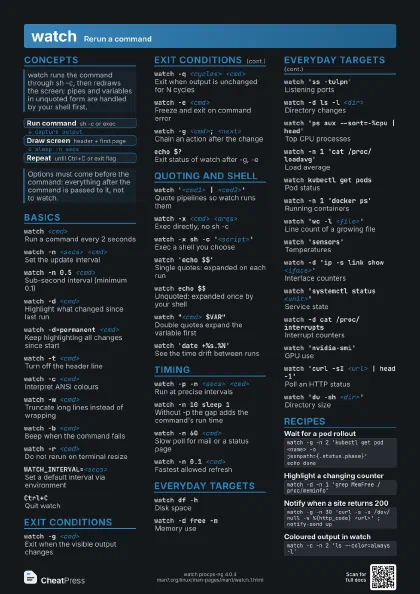
Exit conditions
watch -g <cmd>
Exit when the visible output changes
Only the visible screen is compared; changes below the fold
are missed.
watch -q <cycles> <cmd>
Exit when output is unchanged for N cycles
watch -e <cmd>
Freeze and exit on command error
watch -g <cmd>; <next>
Chain an action after the change
echo $?Exit status of watch after -g, -e
Quoting and shell
watch '<cmd1> | <cmd2>'
Quote pipelines so watch runs them
watch -x <cmd> <args>
Exec directly, no sh -c
watch -x sh -c '<script>'
Exec a shell you choose
watch 'echo $$'
Single quotes: expanded on each run
watch echo $$Unquoted: expanded once by your shell
watch "<cmd> $VAR"
Double quotes expand the variable first
watch 'date +%s.%N'
See the time drift between runs
Timing
watch -p -n <secs> <cmd>
Run at precise intervals
A command slower than the interval makes watch rapid-fire to
catch up.
watch -n 10 sleep 1
Without -p the gap adds the command's run time
watch -n 60 <cmd>
Slow poll for mail or a status page
watch -n 0.1 <cmd>
Fastest allowed refresh
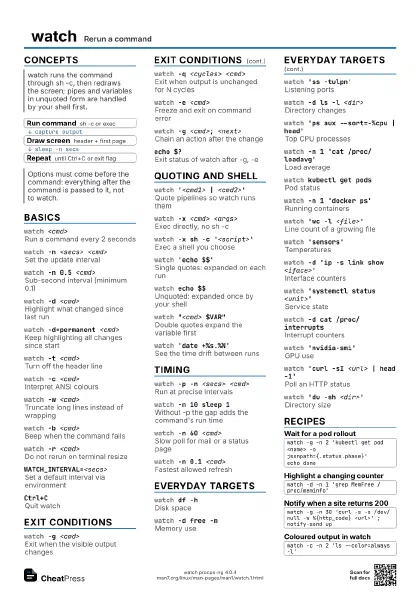
Everyday targets
watch df -hDisk space
watch -d free -m
Memory use
watch 'ss -tulpn'
Listening ports
watch -d ls -l <dir>
Directory changes
watch 'ps aux --sort=-%cpu | head'
Top CPU processes
watch -n 1 'cat /proc/loadavg'
Load average
watch kubectl get pods
Pod status
watch -n 1 'docker ps'
Running containers
watch 'wc -l <file>'
Line count of a growing file
watch 'sensors'
Temperatures
watch -d 'ip -s link show <iface>'
Interface counters
watch 'systemctl status <unit>'
Service state
watch -d cat /proc/interrupts
Interrupt counters
watch 'nvidia-smi'
GPU use
watch 'curl -sI <url> | head -1'
Poll an HTTP status
watch 'du -sh <dir>'
Directory size
Recipes
watch -g -n 2 'kubectl get pod <name> -o jsonpath={.status.phase}'echo donewatch -d -n 1 'grep MemFree /proc/meminfo'watch -g -n 30 'curl -s -o /dev/null -w %{http_code} <url>' ; notify-send upwatch -c -n 2 'ls --color=always -l'