Cheat
ss Inspect sockets
 Light · Postcard
102 × 152 mm · PDF
 Dark · Postcard
102 × 152 mm · PDF
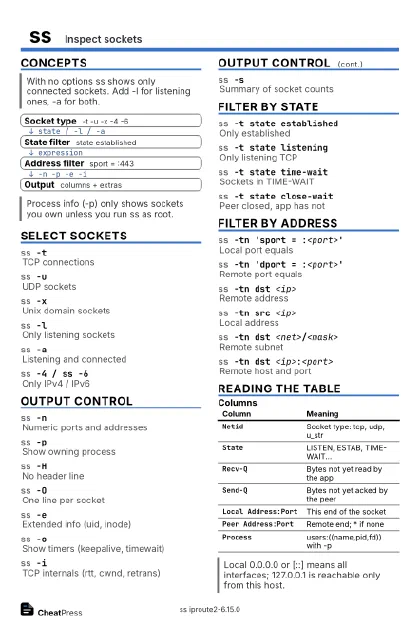 Ink saver · Postcard
102 × 152 mm · PDF
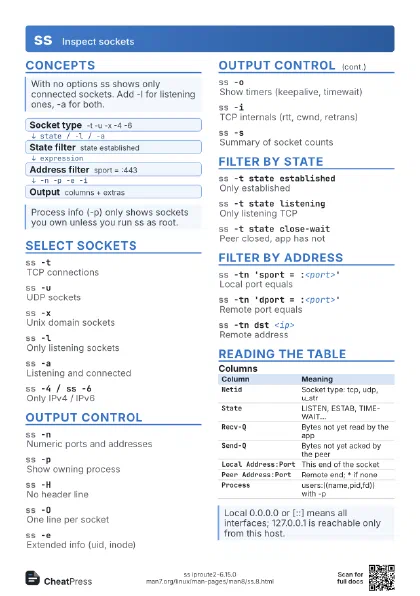
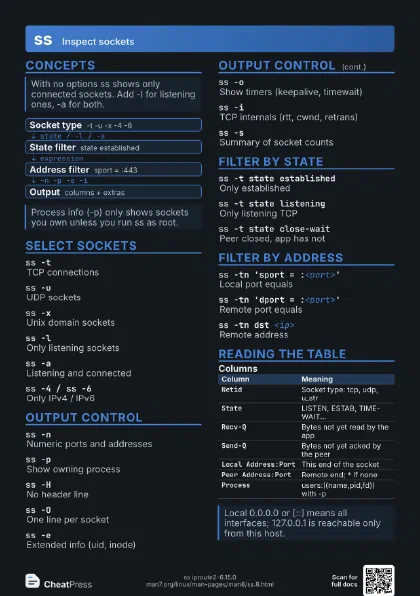
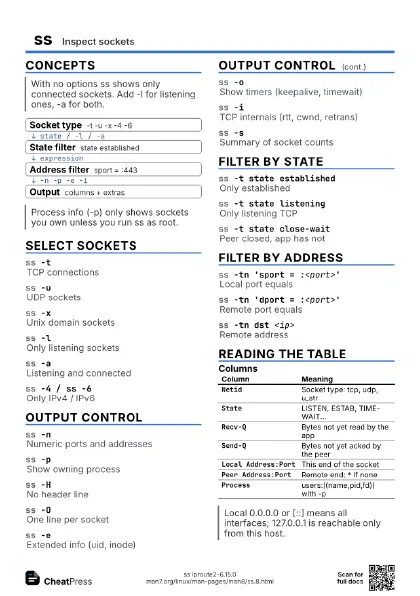
 Light · A4 landscape
297 × 210 mm · PDF
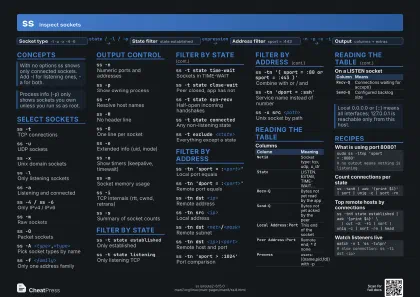 Dark · A4 landscape
297 × 210 mm · PDF
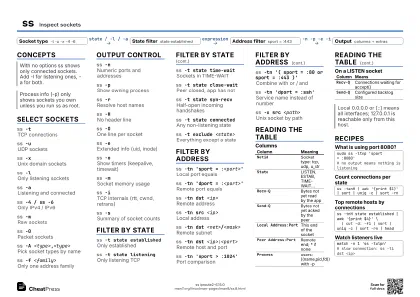 Ink saver · A4 landscape
297 × 210 mm · PDF
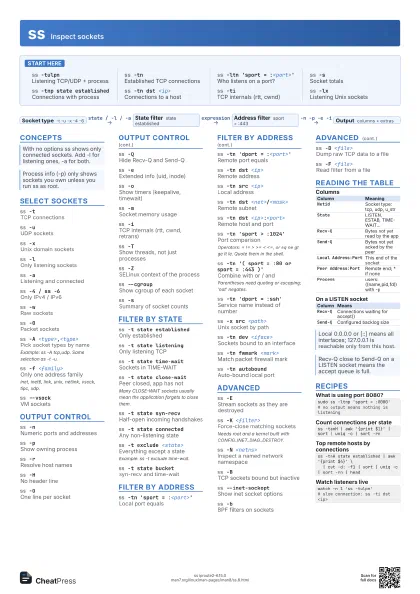
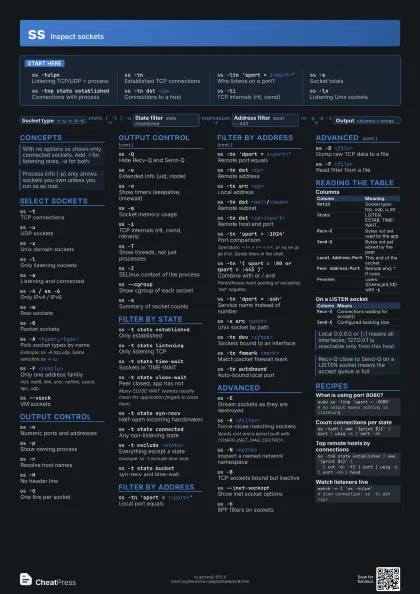
 Light · A3 landscape
420 × 297 mm · PDF
 Dark · A3 landscape
420 × 297 mm · PDF
 Ink saver · A3 landscape
420 × 297 mm · PDF
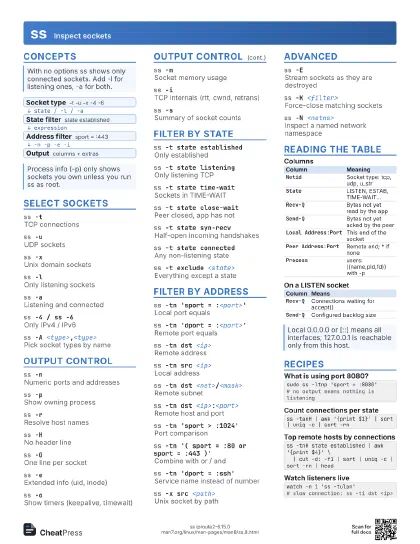
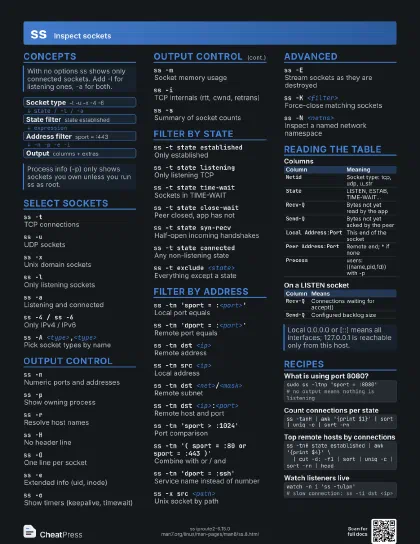
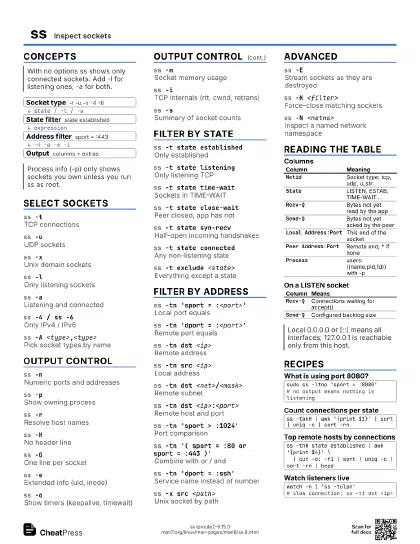
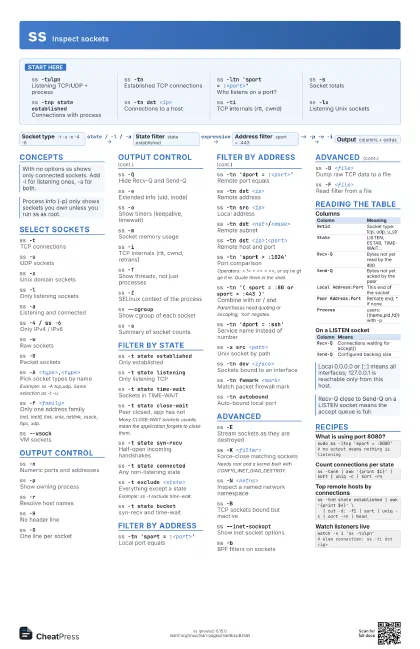
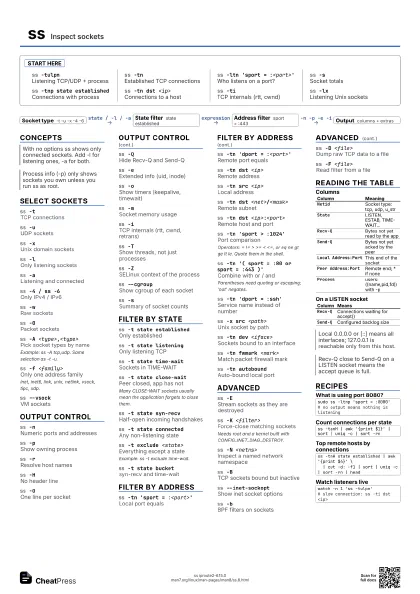
Start here
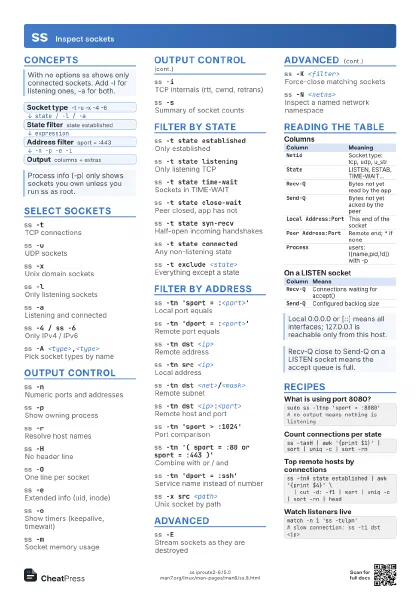
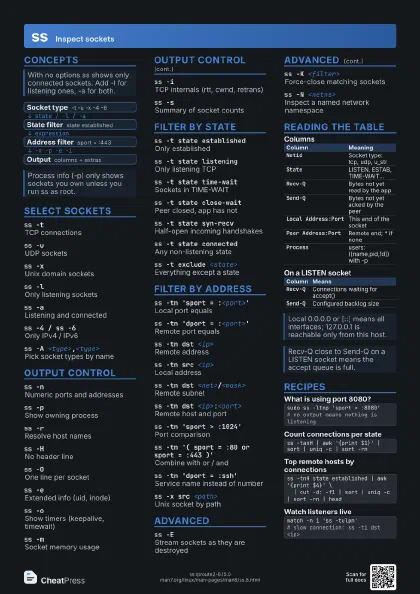
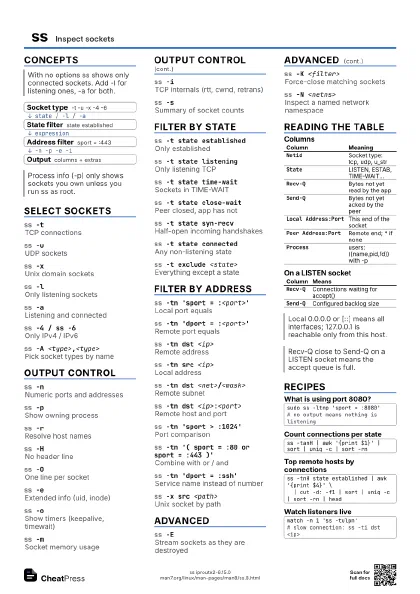
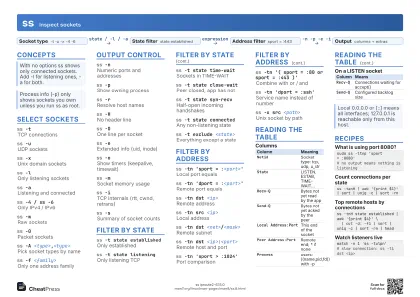
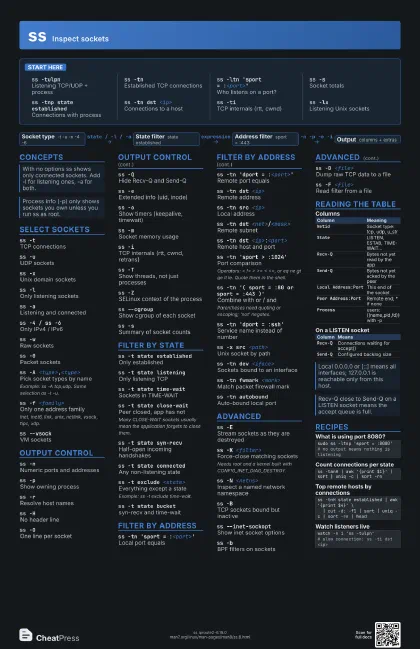
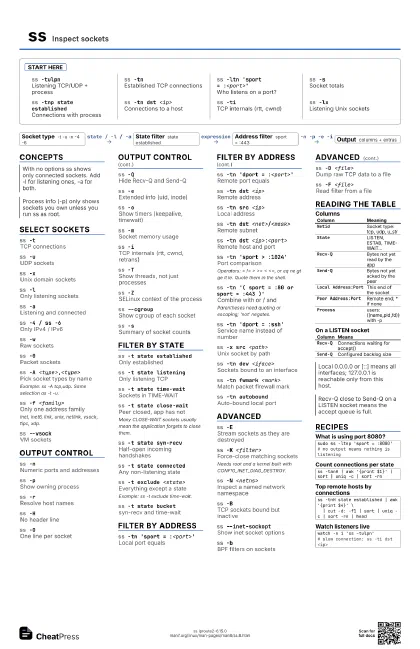
ss -tulpnListening TCP/UDP + process
ss -tnEstablished TCP connections
ss -ltn 'sport = :<port>'
Who listens on a port?
ss -sSocket totals
ss -tnp state established
Connections with process
ss -tn dst <ip>
Connections to a host
ss -tiTCP internals (rtt, cwnd)
ss -lxListening Unix sockets
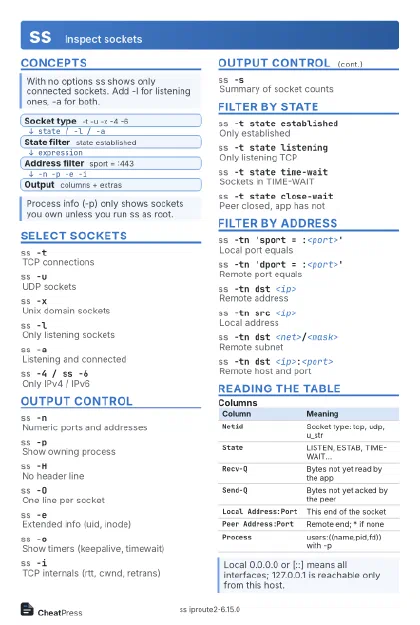
Concepts
- Socket type -t -u -x -4 -6
- State filter state established
- Address filter sport = :443
- Output columns + extras
Select sockets
ss -tTCP connections
ss -uUDP sockets
ss -xUnix domain sockets
ss -lOnly listening sockets
ss -aListening and connected
ss -4 / ss -6Only IPv4 / IPv6
ss -wRaw sockets
ss -0Packet sockets
ss -A <type>,<type>
Pick socket types by name
Example: ss -A tcp,udp. Same selection as -t -u.
ss -f <family>
Only one address family
inet, inet6, link, unix, netlink, vsock, tipc, xdp.
ss --vsockVM sockets
Output control
ss -nNumeric ports and addresses
ss -pShow owning process
ss -rResolve host names
ss -HNo header line
ss -OOne line per socket
ss -QHide Recv-Q and Send-Q
ss -eExtended info (uid, inode)
ss -oShow timers (keepalive, timewait)
ss -mSocket memory usage
ss -iTCP internals (rtt, cwnd, retrans)
ss -TShow threads, not just processes
ss -ZSELinux context of the process
ss --cgroupShow cgroup of each socket
ss -sSummary of socket counts
Filter by state
ss -t state established
Only established
ss -t state listening
Only listening TCP
ss -t state time-wait
Sockets in TIME-WAIT
ss -t state close-wait
Peer closed, app has not
Many CLOSE-WAIT sockets usually mean the application forgets
to close them.
ss -t state syn-recv
Half-open incoming handshakes
ss -t state connected
Any non-listening state
ss -t exclude <state>
Everything except a state
Example: ss -t exclude time-wait.
ss -t state bucket
syn-recv and time-wait
Filter by address
ss -tn 'sport = :<port>'
Local port equals
ss -tn 'dport = :<port>'
Remote port equals
ss -tn dst <ip>
Remote address
ss -tn src <ip>
Local address
ss -tn dst <net>/<mask>
Remote subnet
ss -tn dst <ip>:<port>
Remote host and port
ss -tn 'sport > :1024'
Port comparison
Operators: = != > >= < <=, or eq ne gt ge lt le.
Quote them in the shell.
ss -tn '( sport = :80 or sport = :443 )'
Combine with or / and
Parentheses need quoting or escaping; 'not' negates.
ss -tn 'dport = :ssh'
Service name instead of number
ss -x src <path>
Unix socket by path
ss -tn dev <iface>
Sockets bound to an interface
ss -tn fwmark <mark>
Match packet firewall mark
ss -tn autobound
Auto-bound local port
Advanced
ss -EStream sockets as they are destroyed
ss -K <filter>
Force-close matching sockets
Needs root and a kernel built with CONFIG_INET_DIAG_DESTROY.
ss -N <netns>
Inspect a named network namespace
ss -BTCP sockets bound but inactive
ss --inet-sockopt
Show inet socket options
ss -bBPF filters on sockets
ss -D <file>
Dump raw TCP data to a file
ss -F <file>
Read filter from a file
Reading the table
| Column | Meaning |
|---|---|
Netid |
Socket type: tcp, udp, u_str |
State |
LISTEN, ESTAB, TIME-WAIT... |
Recv-Q |
Bytes not yet read by the app |
Send-Q |
Bytes not yet acked by the peer |
Local Address:Port |
This end of the socket |
Peer Address:Port |
Remote end; * if none |
Process |
users:((name,pid,fd)) with -p |
| Column | Means |
|---|---|
Recv-Q |
Connections waiting for accept() |
Send-Q |
Configured backlog size |
Recipes
sudo ss -ltnp 'sport = :8080'# no output means nothing is listeningss -tanH | awk '{print $1}' | sort | uniq -c | sort -rnss -tnH state established | awk '{print $4}' \ | cut -d: -f1 | sort | uniq -c | sort -rn | headwatch -n 1 'ss -tulpn'# slow connection: ss -ti dst <ip>