Cheat
kubectl Kubernetes CLI
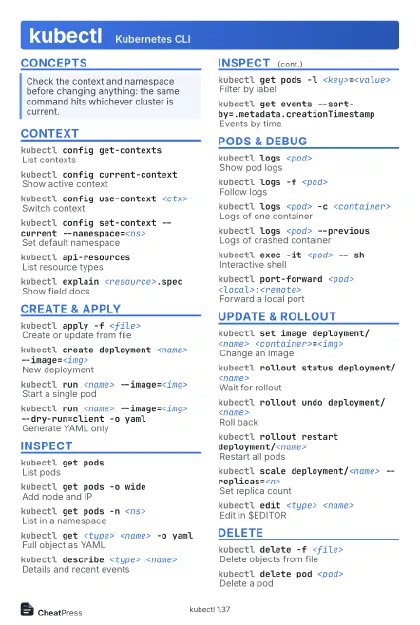 Light · Postcard
102 × 152 mm · PDF
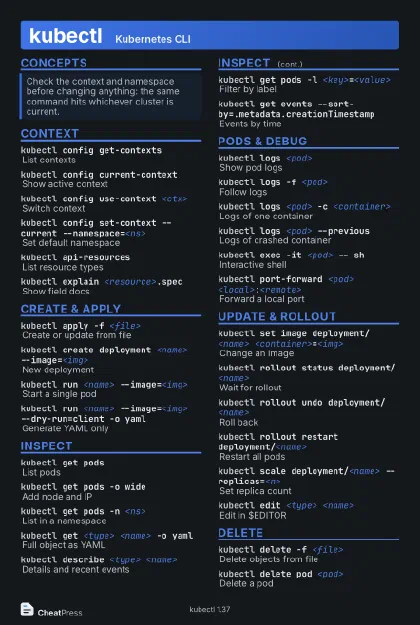 Dark · Postcard
102 × 152 mm · PDF
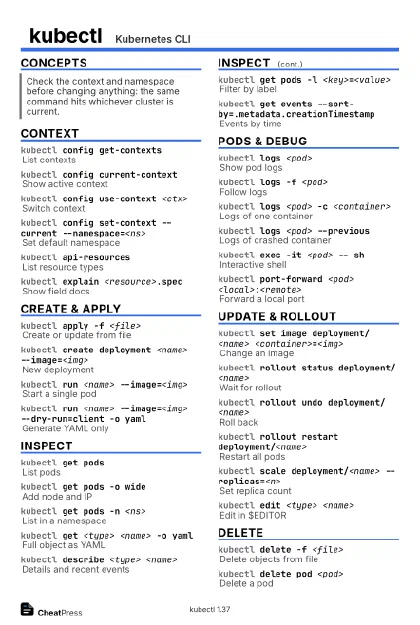 Ink saver · Postcard
102 × 152 mm · PDF
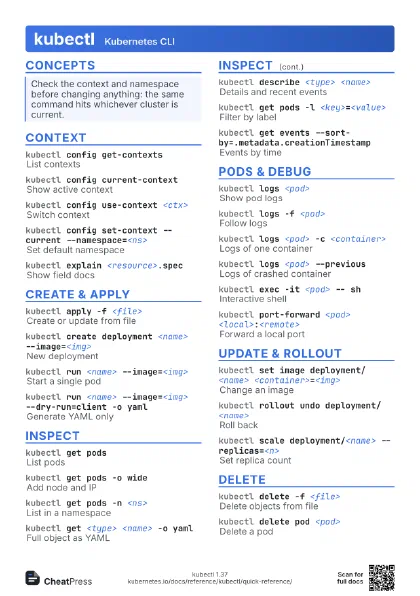

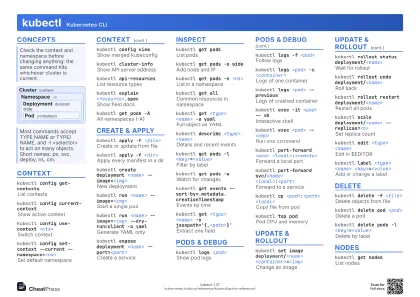 Light · A4 landscape
297 × 210 mm · PDF
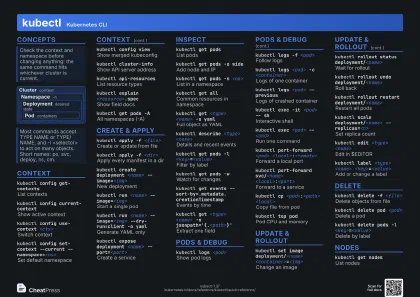 Dark · A4 landscape
297 × 210 mm · PDF
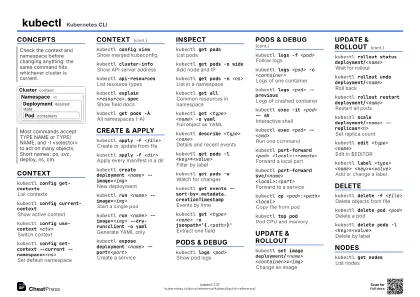 Ink saver · A4 landscape
297 × 210 mm · PDF
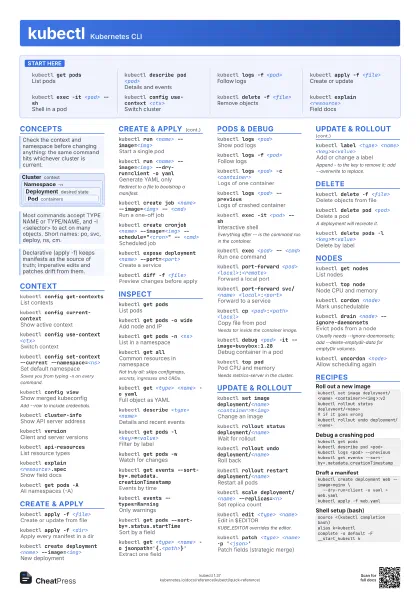
 Light · A3 landscape
420 × 297 mm · PDF
 Dark · A3 landscape
420 × 297 mm · PDF
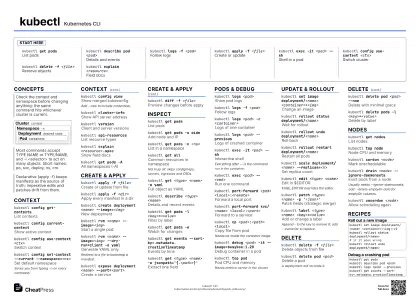 Ink saver · A3 landscape
420 × 297 mm · PDF
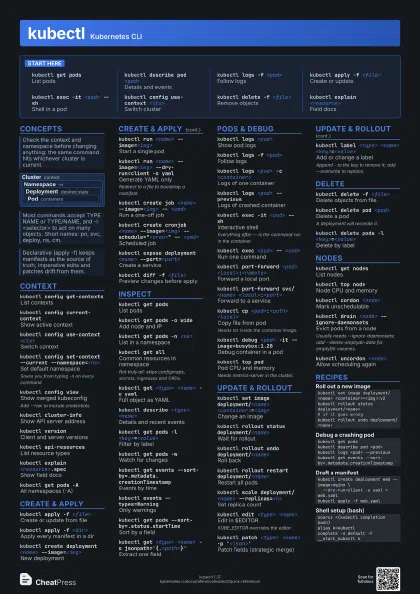
Start here
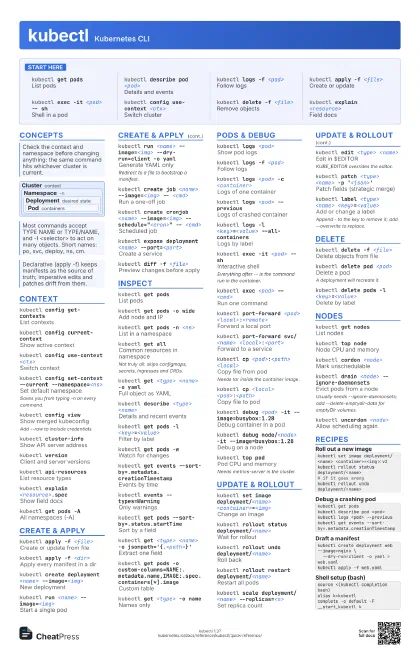
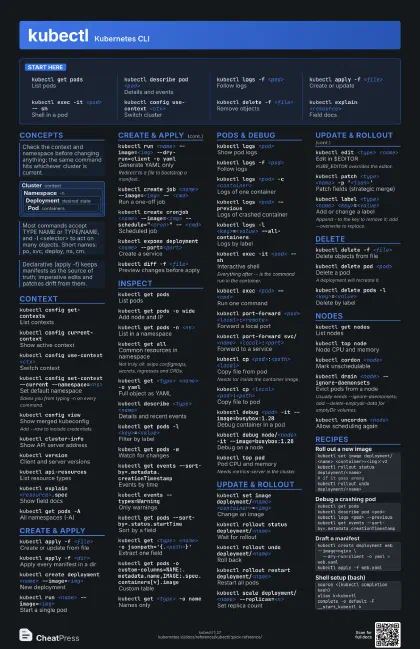
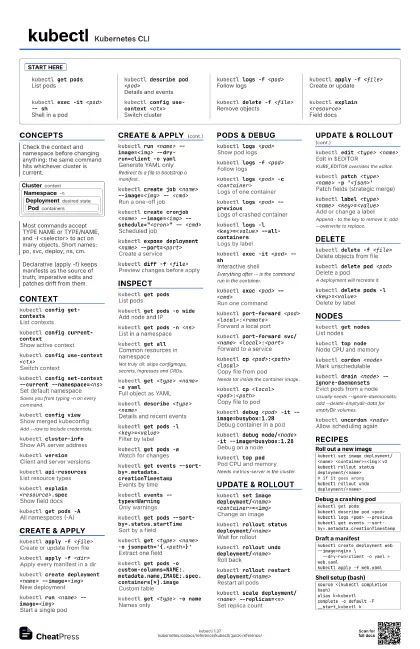
kubectl get pods
List pods
kubectl describe pod <pod>
Details and events
kubectl logs -f <pod>
Follow logs
kubectl apply -f <file>
Create or update
kubectl exec -it <pod> -- sh
Shell in a pod
kubectl config use-context <ctx>
Switch cluster
kubectl delete -f <file>
Remove objects
kubectl explain <resource>
Field docs
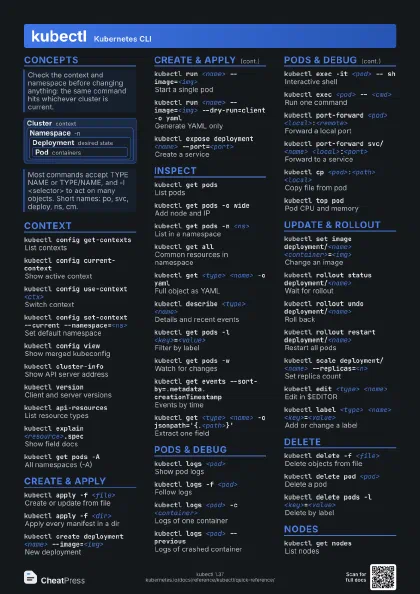
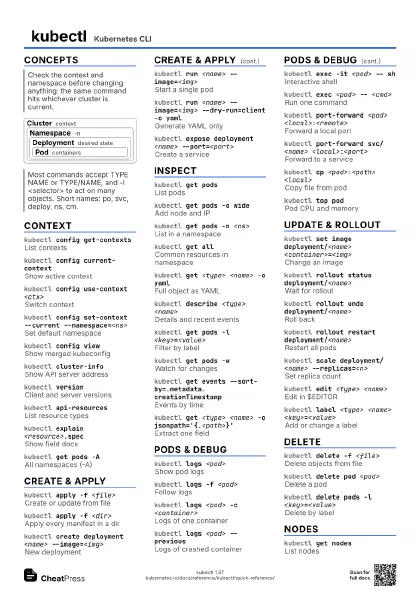
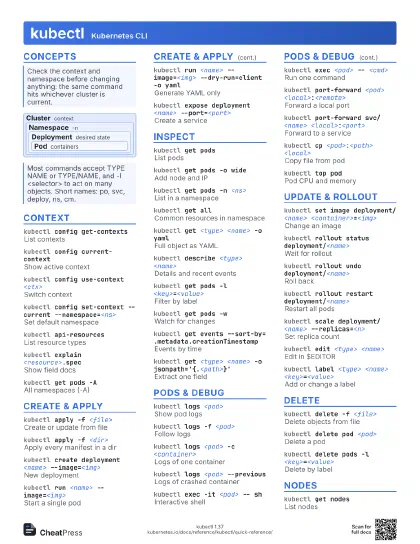
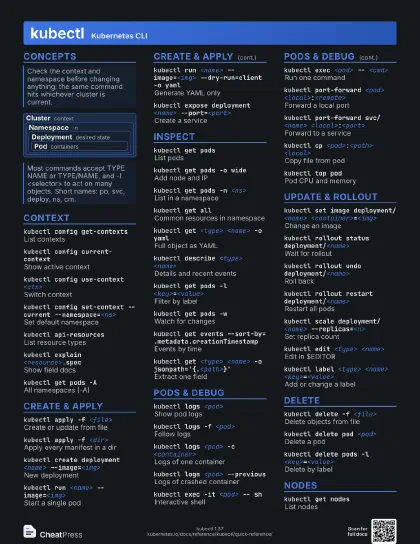
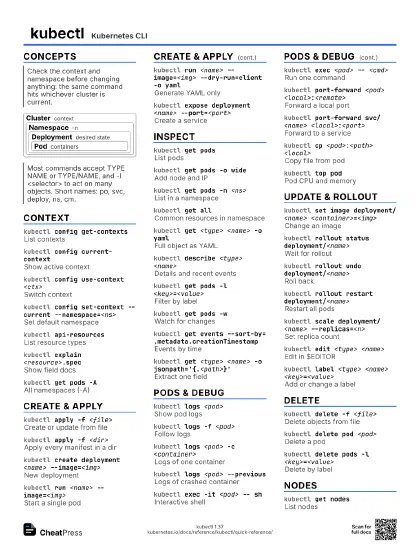
Concepts
Cluster context
Namespace -n
Deployment desired state
Pod containers
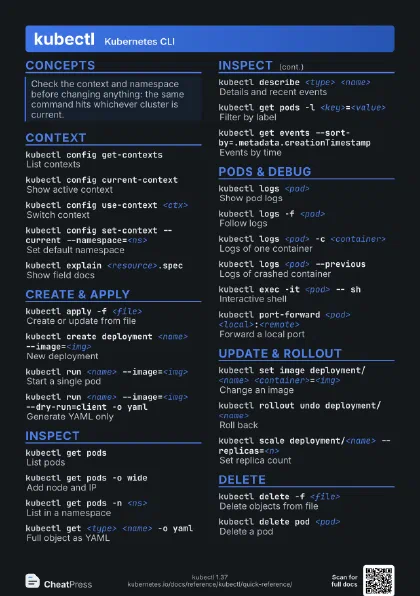
Context
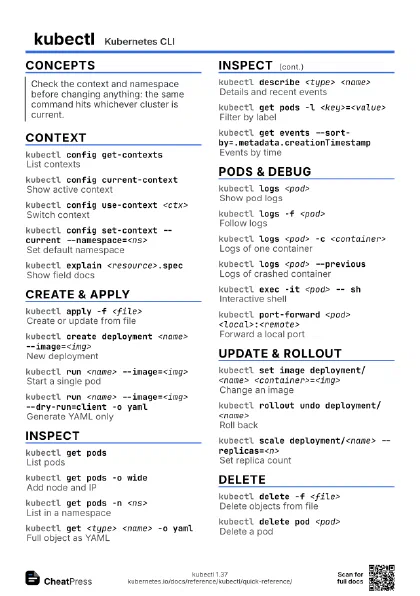
kubectl config get-contexts
List contexts
kubectl config current-context
Show active context
kubectl config use-context <ctx>
Switch context
kubectl config set-context --current
                    --namespace=<ns>
Set default namespace
Saves you from typing -n on every command.
kubectl config view
Show merged kubeconfig
Add --raw to include credentials.
kubectl cluster-info
Show API server address
kubectl versionClient and server versions
kubectl api-resources
List resource types
kubectl explain <resource>.spec
Show field docs
kubectl get pods -A
All namespaces (-A)
Create & Apply
kubectl apply -f <file>
Create or update from file
kubectl apply -f <dir>
Apply every manifest in a dir
kubectl create deployment <name>
                    --image=<img>
New deployment
kubectl run <name> --image=<img>
Start a single pod
kubectl run <name> --image=<img>
                    --dry-run=client -o yaml
Generate YAML only
Redirect to a file to bootstrap a manifest.
kubectl create job <name> --image=<img> --
                    <cmd>
Run a one-off job
kubectl create cronjob <name> --image=<img>
                    --schedule="<cron>" -- <cmd>
Scheduled job
kubectl expose deployment <name>
                    --port=<port>
Create a service
kubectl diff -f <file>
Preview changes before apply
Inspect
kubectl get pods
List pods
kubectl get pods -o wide
Add node and IP
kubectl get pods -n <ns>
List in a namespace
kubectl get allCommon resources in namespace
Not truly all: skips configmaps, secrets, ingresses and CRDs.
kubectl get <type> <name> -o yaml
Full object as YAML
kubectl describe <type> <name>
Details and recent events
kubectl get pods -l <key>=<value>
Filter by label
kubectl get pods -w
Watch for changes
kubectl get events
                    --sort-by=.metadata.creationTimestamp
Events by time
kubectl events --types=Warning
Only warnings
kubectl get pods --sort-by=.status.startTime
Sort by a field
kubectl get <type> <name> -o
                    jsonpath='{.<path>}'
Extract one field
kubectl get pods -o
                    custom-columns=NAME:.metadata.name,IMAGE:.spec.containers[*].image
Custom table
kubectl get <type> -o name
Names only
Pods & Debug
kubectl logs <pod>
Show pod logs
kubectl logs -f <pod>
Follow logs
kubectl logs <pod> -c <container>
Logs of one container
kubectl logs <pod> --previous
Logs of crashed container
kubectl logs -l <key>=<value>
                    --all-containers
Logs by label
kubectl exec -it <pod> -- sh
Interactive shell
Everything after -- is the command run in the container.
kubectl exec <pod> -- <cmd>
Run one command
kubectl port-forward <pod>
                    <local>:<remote>
Forward a local port
kubectl port-forward svc/<name>
                    <local>:<port>
Forward to a service
kubectl cp <pod>:<path> <local>
Copy file from pod
Needs tar inside the container image.
kubectl cp <local> <pod>:<path>
Copy file to pod
kubectl debug <pod> -it --image=busybox:1.28
Debug container in a pod
kubectl debug node/<node> -it
                    --image=busybox:1.28
Debug on a node
kubectl top podPod CPU and memory
Needs metrics-server in the cluster.
kubectl attach <pod> -i
Attach to main process
Update & Rollout
kubectl set image deployment/<name>
                    <container>=<img>
Change an image
kubectl rollout status deployment/<name>
Wait for rollout
kubectl rollout undo deployment/<name>
Roll back
kubectl rollout restart deployment/<name>
Restart all pods
kubectl rollout history deployment/<name>
Revision history
kubectl scale deployment/<name>
                    --replicas=<n>
Set replica count
kubectl autoscale deployment <name> --min=2
                    --max=10
Create an autoscaler
kubectl edit <type> <name>
Edit in $EDITOR
KUBE_EDITOR overrides the editor.
kubectl patch <type> <name> -p
                    '<json>'
Patch fields (strategic merge)
kubectl label <type> <name>
                    <key>=<value>
Add or change a label
Append - to the key to remove it; add --overwrite to replace.
kubectl annotate <type> <name>
                    <key>=<value>
Add an annotation
kubectl replace --force -f <file>
Delete and recreate
Causes downtime for the object.
Delete
kubectl delete -f <file>
Delete objects from file
kubectl delete pod <pod>
Delete a pod
A deployment will recreate it.
kubectl delete pod <pod> --now
Delete with minimal grace
kubectl delete pods -l <key>=<value>
Delete by label
kubectl delete pod,svc --all -n <ns>
Delete all of types in ns
Nodes
kubectl get nodes
List nodes
kubectl top node
Node CPU and memory
kubectl cordon <node>
Mark unschedulable
kubectl drain <node> --ignore-daemonsets
Evict pods from a node
Usually needs --ignore-daemonsets; add --delete-emptydir-data
for emptyDir volumes.
kubectl uncordon <node>
Allow scheduling again
kubectl taint nodes <node>
                    <key>=<value>:NoSchedule
Taint a node
Recipes
kubectl set image deployment/<name> <container>=<img>:v2kubectl rollout status deployment/<name># if it goes wrongkubectl rollout undo deployment/<name>kubectl get podskubectl describe pod <pod>kubectl logs <pod> --previouskubectl get events --sort-by=.metadata.creationTimestampkubectl create deployment web --image=nginx \ --dry-run=client -o yaml > web.yamlkubectl apply -f web.yamlsource <(kubectl completion bash)alias k=kubectlcomplete -o default -F __start_kubectl k