Cheat
watchexec Run on file change
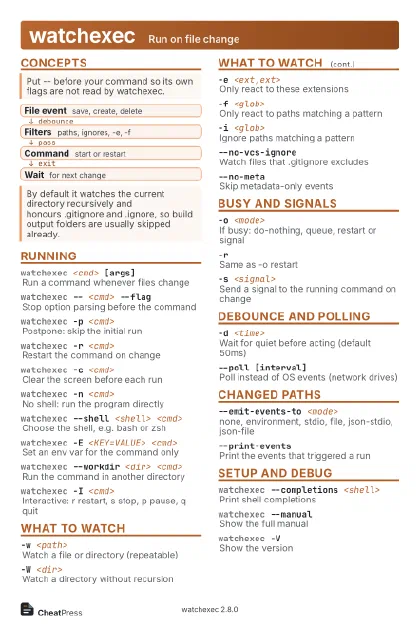 Light · Postcard
102 × 152 mm · PDF
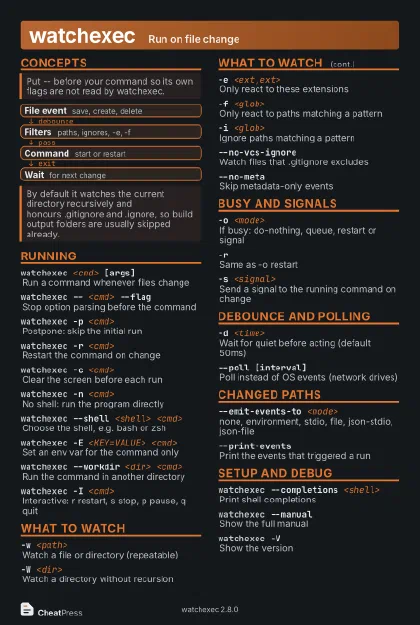 Dark · Postcard
102 × 152 mm · PDF
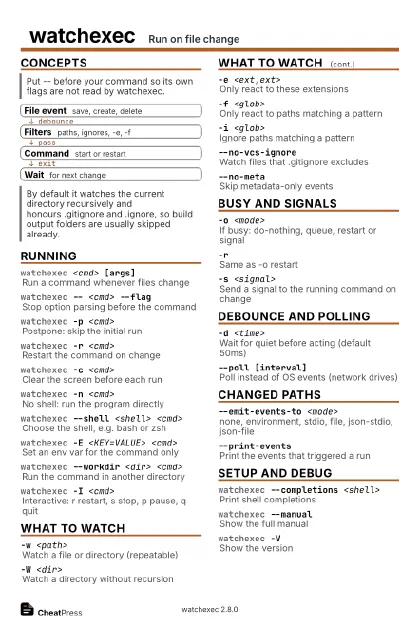 Ink saver · Postcard
102 × 152 mm · PDF
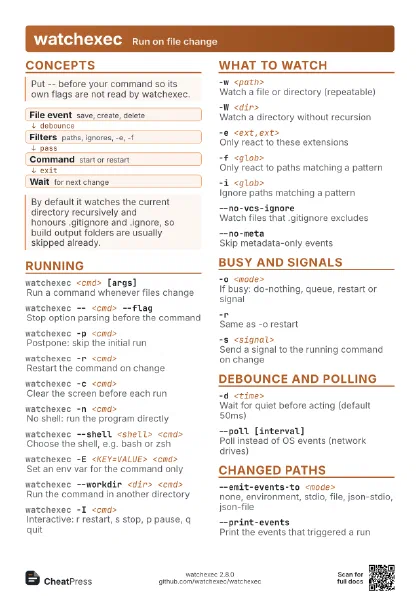
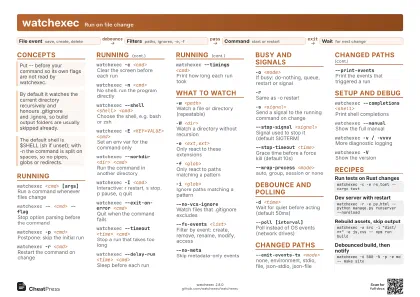 Light · A4 landscape
297 × 210 mm · PDF
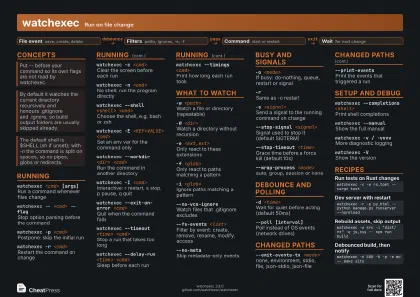 Dark · A4 landscape
297 × 210 mm · PDF
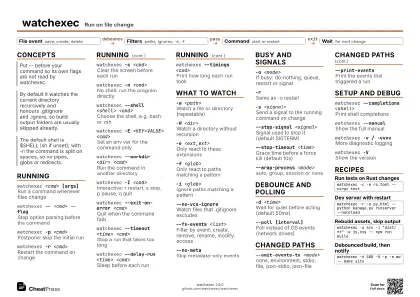 Ink saver · A4 landscape
297 × 210 mm · PDF
 Light · A3 landscape
420 × 297 mm · PDF
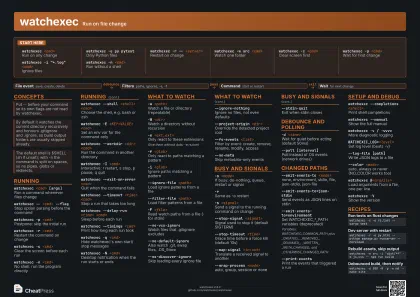 Dark · A3 landscape
420 × 297 mm · PDF
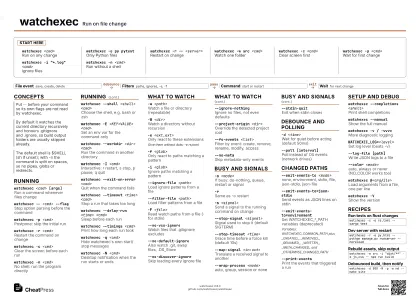 Ink saver · A3 landscape
420 × 297 mm · PDF
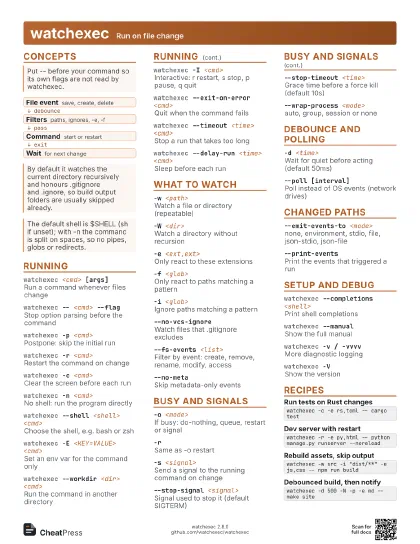
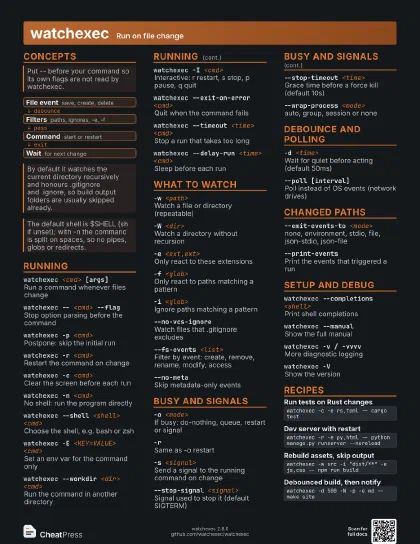
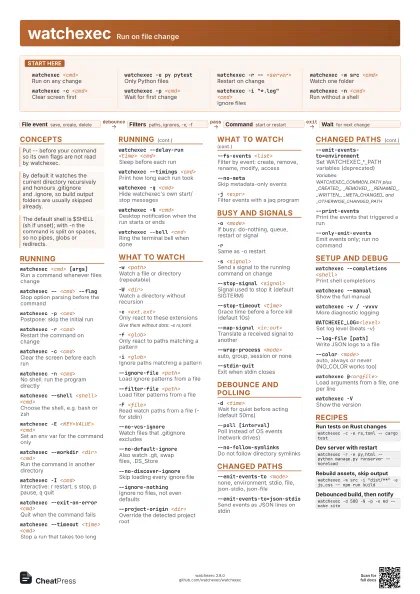
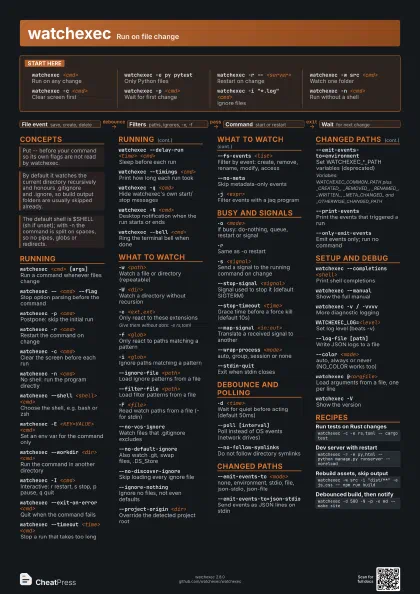
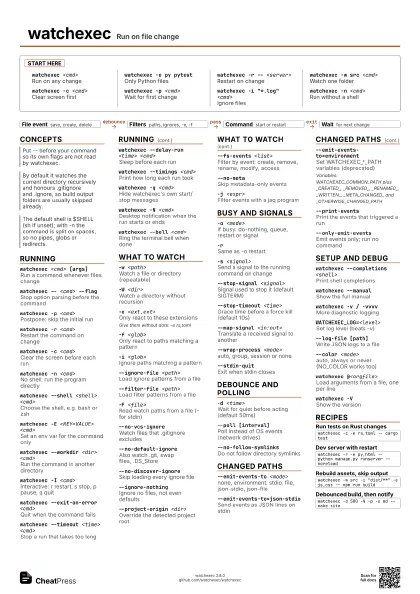
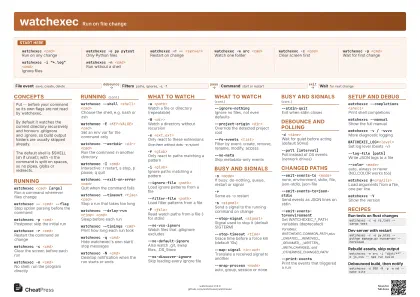
Start here
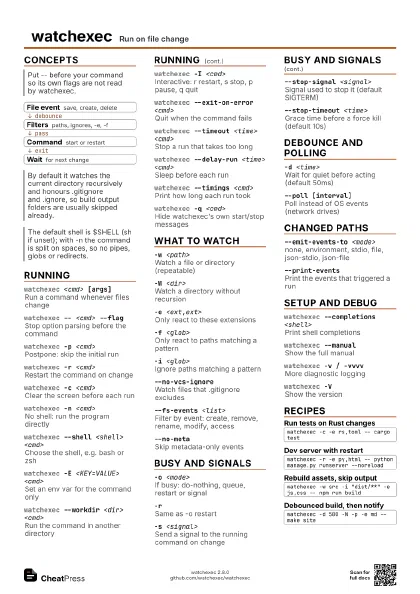
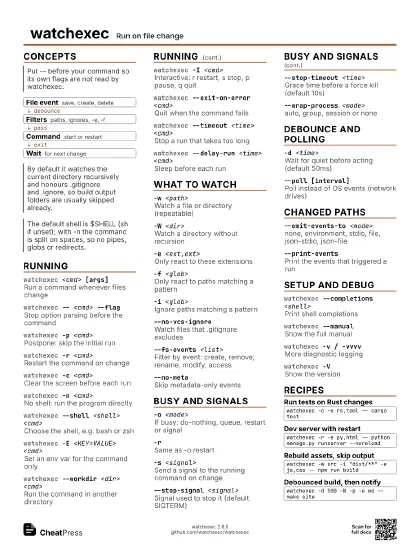
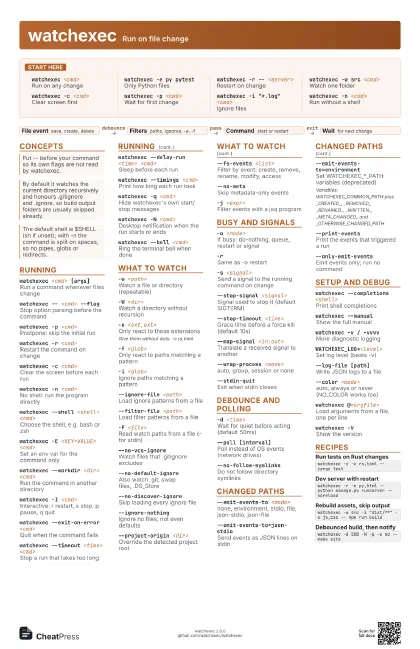
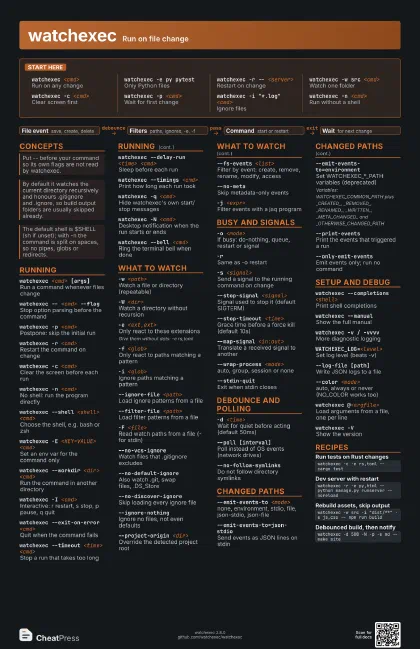
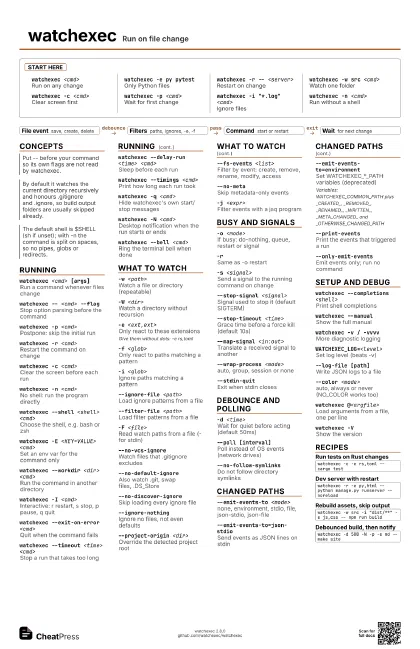
watchexec <cmd>
Run on any change
watchexec -e py pytest
Only Python files
watchexec -r -- <server>
Restart on change
watchexec -w src <cmd>
Watch one folder
watchexec -c <cmd>
Clear screen first
watchexec -p <cmd>
Wait for first change
watchexec -i "*.log" <cmd>
Ignore files
watchexec -n <cmd>
Run without a shell
Concepts
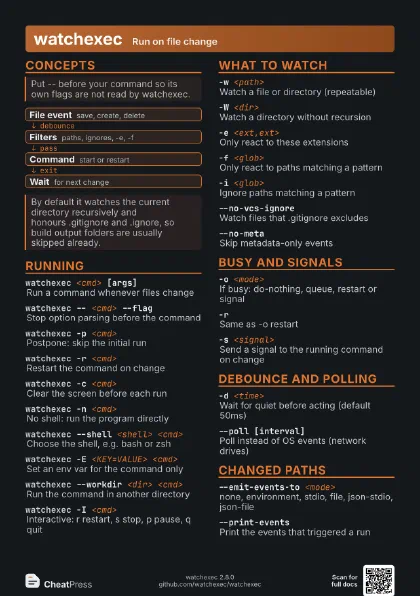
- File event save, create, delete
- Filters paths, ignores, -e, -f
- Command start or restart
- Wait for next change
Running
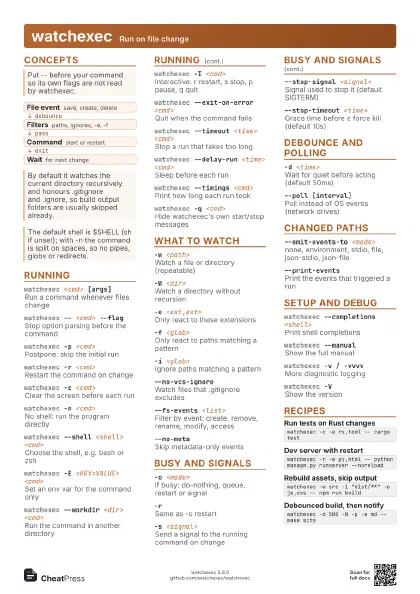
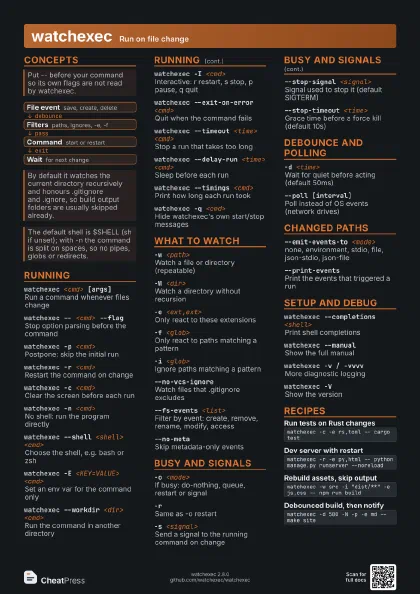
watchexec <cmd> [args]
Run a command whenever files change
watchexec -- <cmd> --flag
Stop option parsing before the command
watchexec -p <cmd>
Postpone: skip the initial run
watchexec -r <cmd>
Restart the command on change
watchexec -c <cmd>
Clear the screen before each run
watchexec -n <cmd>
No shell: run the program directly
watchexec --shell <shell> <cmd>
Choose the shell, e.g. bash or zsh
watchexec -E <KEY=VALUE> <cmd>
Set an env var for the command only
watchexec --workdir <dir> <cmd>
Run the command in another directory
watchexec -I <cmd>
Interactive: r restart, s stop, p pause, q quit
watchexec --exit-on-error <cmd>
Quit when the command fails
watchexec --timeout <time> <cmd>
Stop a run that takes too long
watchexec --delay-run <time> <cmd>
Sleep before each run
watchexec --timings <cmd>
Print how long each run took
watchexec -q <cmd>
Hide watchexec's own start/stop messages
watchexec -N <cmd>
Desktop notification when the run starts or ends
watchexec --bell <cmd>
Ring the terminal bell when done
What to watch
-w <path>Watch a file or directory (repeatable)
-W <dir>Watch a directory without recursion
-e <ext,ext>
Only react to these extensions
Give them without dots: -e rs,toml
-f <glob>Only react to paths matching a pattern
-i <glob>Ignore paths matching a pattern
--ignore-file <path>
Load ignore patterns from a file
--filter-file <path>
Load filter patterns from a file
-F <file>
Read watch paths from a file (- for stdin)
--no-vcs-ignoreWatch files that .gitignore excludes
--no-default-ignore
Also watch .git, swap files, .DS_Store
--no-discover-ignore
Skip loading every ignore file
--ignore-nothing
Ignore no files, not even defaults
--project-origin <dir>
Override the detected project root
--fs-events <list>
Filter by event: create, remove, rename, modify, access
--no-metaSkip metadata-only events
-j <expr>Filter events with a jaq program
Busy and signals
-o <mode>
If busy: do-nothing, queue, restart or signal
-rSame as -o restart
-s <signal>
Send a signal to the running command on change
--stop-signal <signal>
Signal used to stop it (default SIGTERM)
--stop-timeout <time>
Grace time before a force kill (default 10s)
--map-signal <in:out>
Translate a received signal to another
--wrap-process <mode>
auto, group, session or none
--stdin-quitExit when stdin closes
Debounce and polling
-d <time>
Wait for quiet before acting (default 50ms)
--poll [interval]
Poll instead of OS events (network drives)
--no-follow-symlinks
Do not follow directory symlinks
Changed paths
--emit-events-to <mode>
none, environment, stdio, file, json-stdio, json-file
--emit-events-to=json-stdio
Send events as JSON lines on stdin
--emit-events-to=environment
Set WATCHEXEC_*_PATH variables (deprecated)
Variables: WATCHEXEC_COMMON_PATH plus _CREATED_, _REMOVED_,
_RENAMED_, _WRITTEN_, _META_CHANGED_ and
_OTHERWISE_CHANGED_PATH
--print-eventsPrint the events that triggered a run
--only-emit-events
Emit events only; run no command
Setup and debug
watchexec --completions <shell>
Print shell completions
watchexec --manual
Show the full manual
watchexec -v / -vvvv
More diagnostic logging
WATCHEXEC_LOG=<level>
Set log level (beats -v)
--log-file [path]
Write JSON logs to a file
--color <mode>
auto, always or never (NO_COLOR works too)
watchexec @<argfile>
Load arguments from a file, one per line
watchexec -VShow the version
Recipes
watchexec -c -e rs,toml -- cargo testwatchexec -r -e py,html -- python manage.py runserver --noreloadwatchexec -w src -i "dist/**" -e js,css -- npm run buildwatchexec -d 500 -N -p -e md -- make site