Cheat
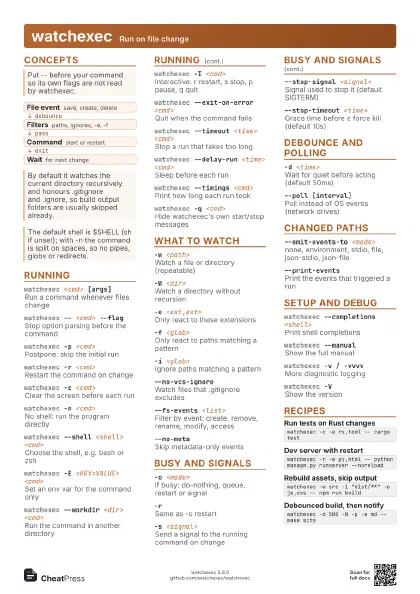
entr Run on file change
 Light · Postcard
102 × 152 mm · PDF
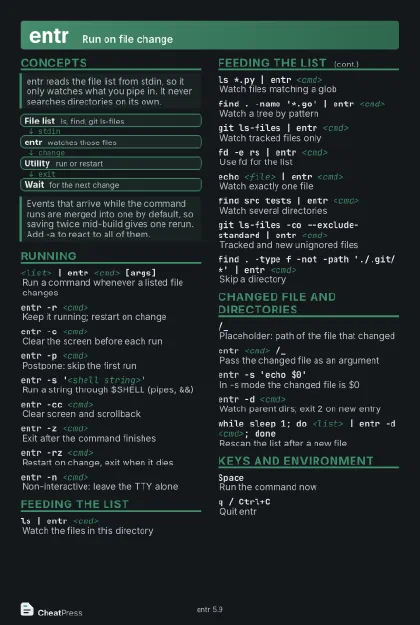 Dark · Postcard
102 × 152 mm · PDF
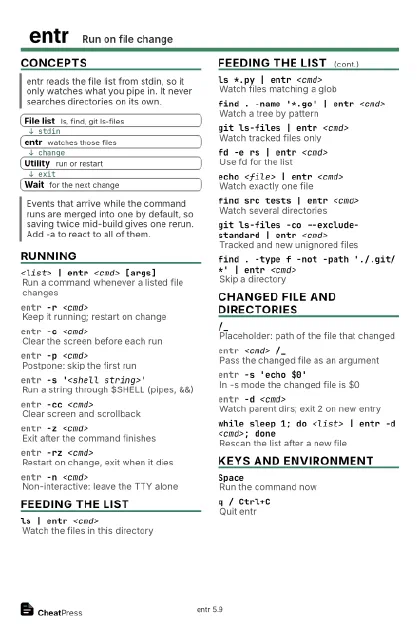 Ink saver · Postcard
102 × 152 mm · PDF
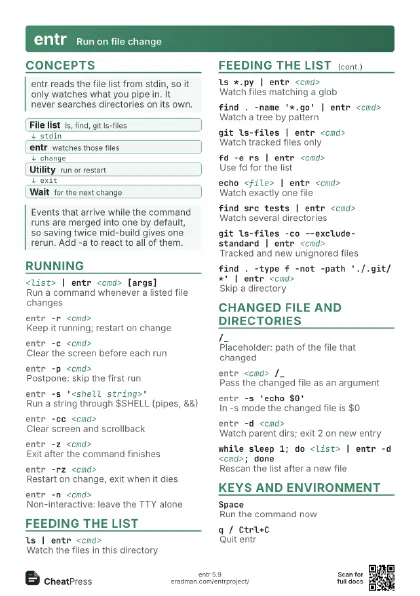
 Light · A4 landscape
297 × 210 mm · PDF
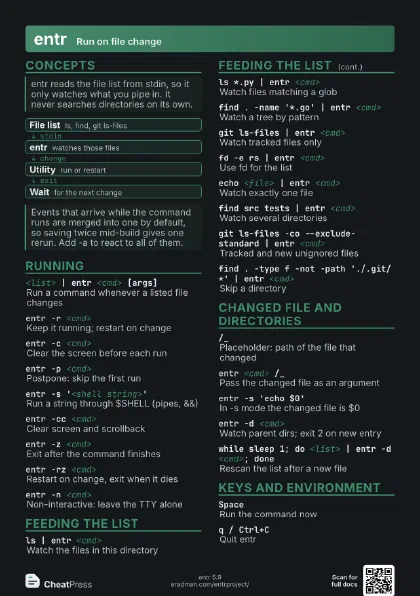
 Dark · A4 landscape
297 × 210 mm · PDF
 Ink saver · A4 landscape
297 × 210 mm · PDF
 Light · A3 landscape
420 × 297 mm · PDF
 Dark · A3 landscape
420 × 297 mm · PDF
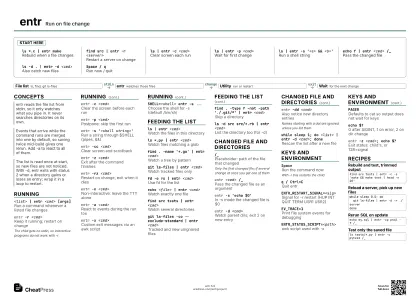 Ink saver · A3 landscape
420 × 297 mm · PDF
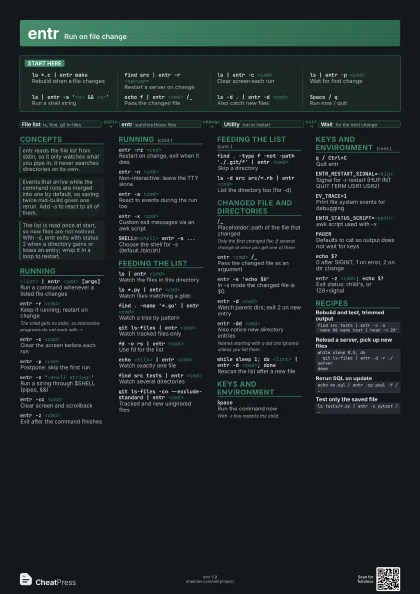
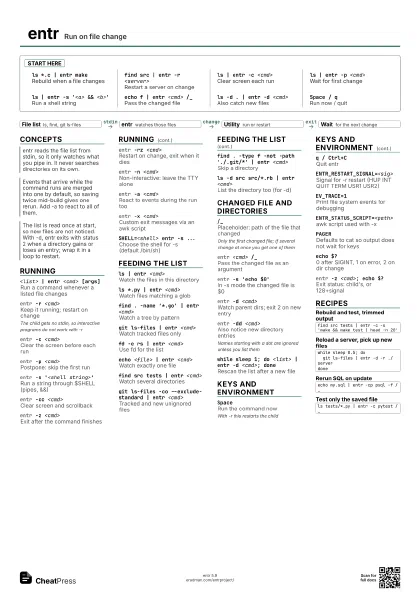
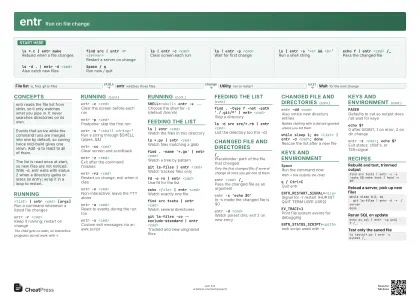
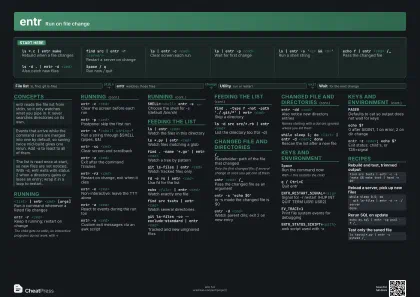
Start here
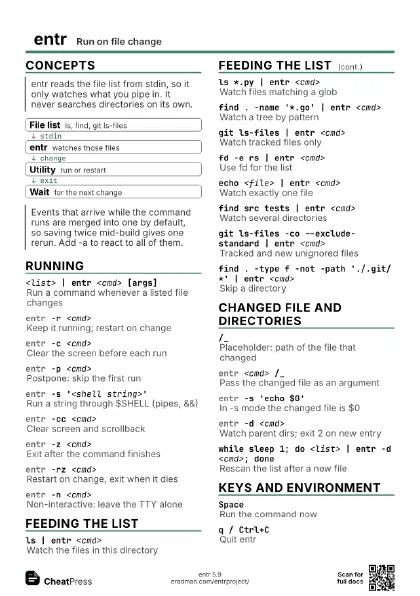
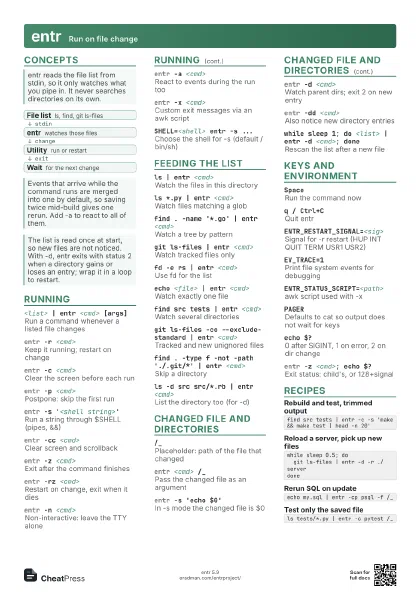
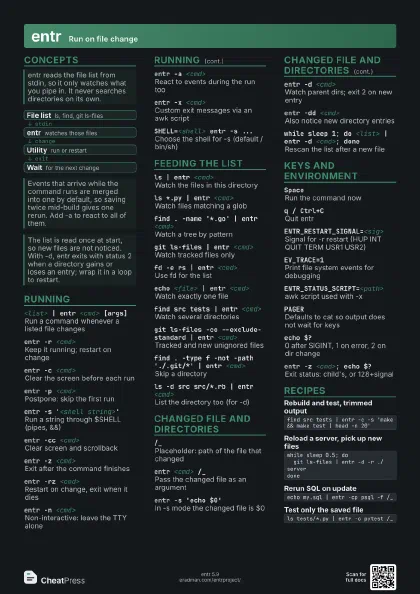
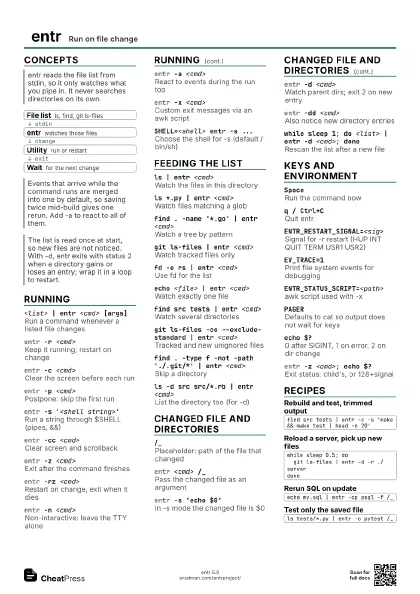
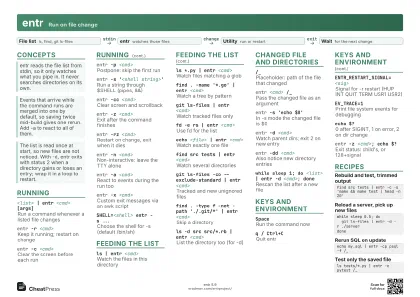
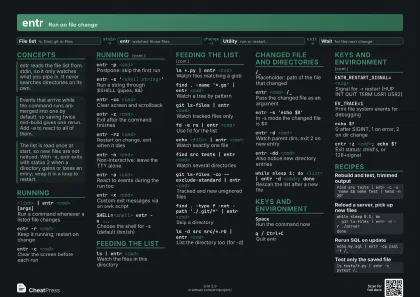
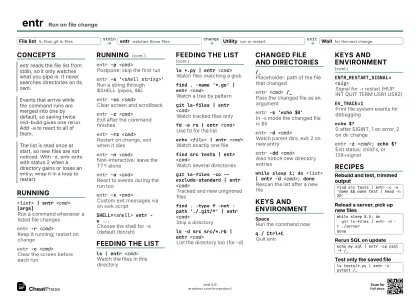
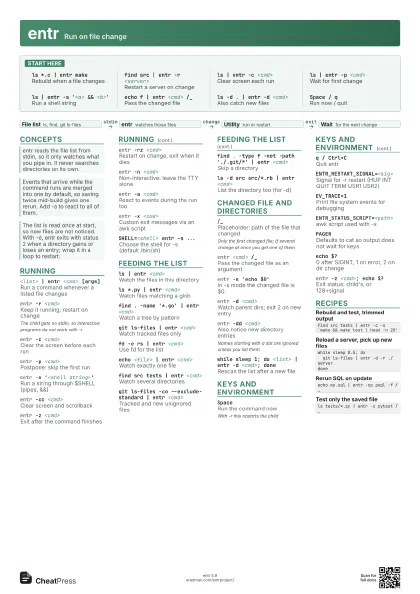
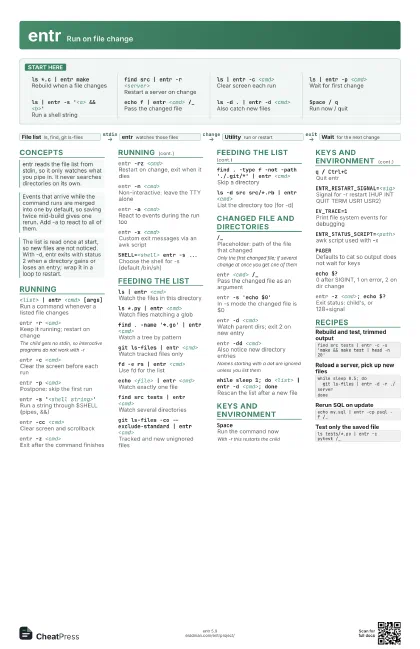
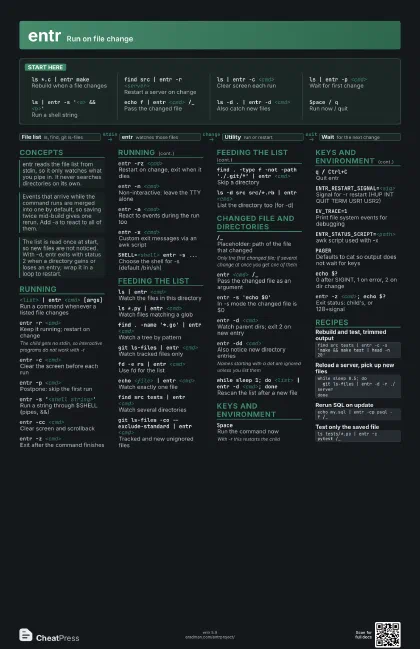
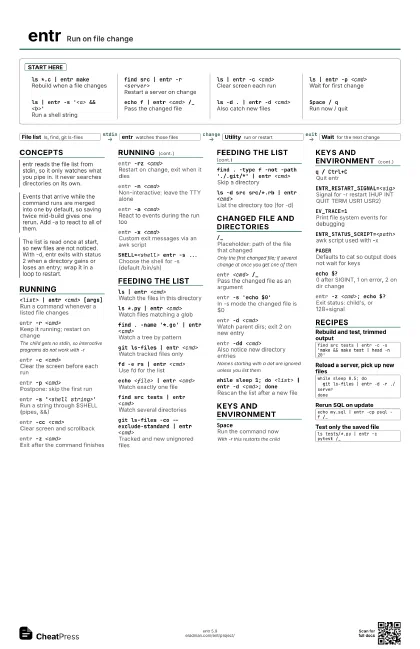
ls *.c | entr make
Rebuild when a file changes
find src | entr -r <server>
Restart a server on change
ls | entr -c <cmd>
Clear screen each run
ls | entr -p <cmd>
Wait for first change
ls | entr -s '<a> && <b>'
Run a shell string
echo f | entr <cmd> /_
Pass the changed file
ls -d . | entr -d <cmd>
Also catch new files
Space / qRun now / quit
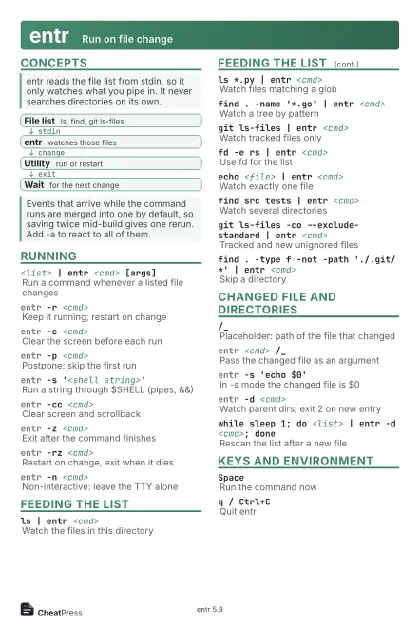
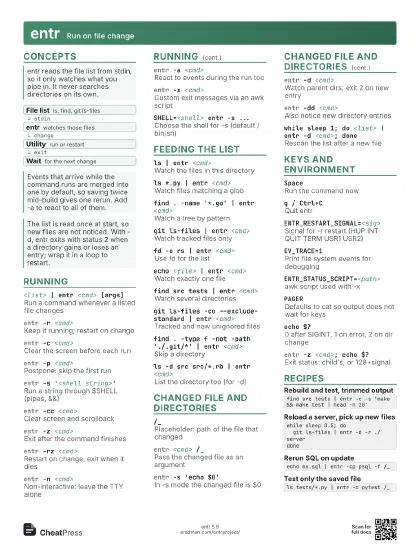
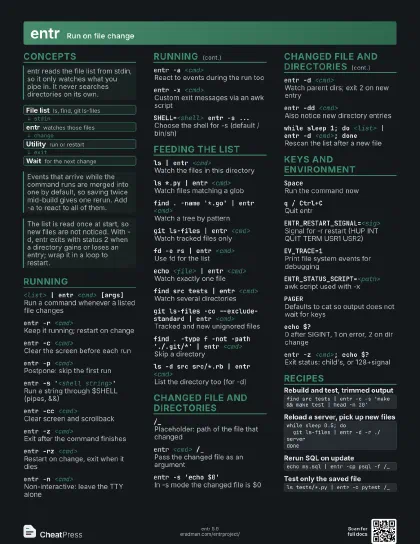
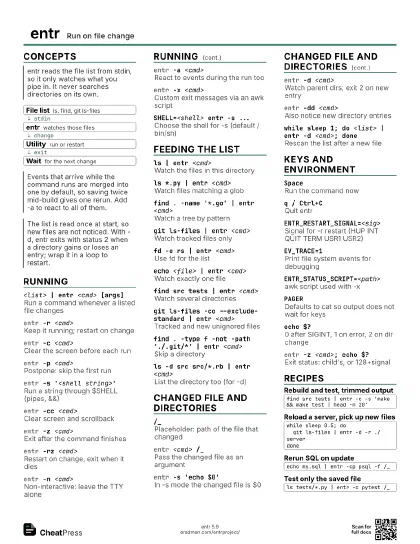
Concepts
- File list ls, find, git ls-files
- entr watches those files
- Utility run or restart
- Wait for the next change
Running
<list> | entr <cmd> [args]
Run a command whenever a listed file changes
entr -r <cmd>
Keep it running; restart on change
The child gets no stdin, so interactive programs do not work
with -r
entr -c <cmd>
Clear the screen before each run
entr -p <cmd>
Postpone: skip the first run
entr -s '<shell string>'
Run a string through $SHELL (pipes, &&)
entr -cc <cmd>
Clear screen and scrollback
entr -z <cmd>
Exit after the command finishes
entr -rz <cmd>
Restart on change, exit when it dies
entr -n <cmd>
Non-interactive: leave the TTY alone
entr -a <cmd>
React to events during the run too
entr -x <cmd>
Custom exit messages via an awk script
SHELL=<shell> entr -s ...
Choose the shell for -s (default /bin/sh)
Feeding the list
ls | entr <cmd>
Watch the files in this directory
ls *.py | entr <cmd>
Watch files matching a glob
find . -name '*.go' | entr <cmd>
Watch a tree by pattern
git ls-files | entr <cmd>
Watch tracked files only
fd -e rs | entr <cmd>
Use fd for the list
echo <file> | entr <cmd>
Watch exactly one file
find src tests | entr <cmd>
Watch several directories
git ls-files -co --exclude-standard | entr
                    <cmd>
Tracked and new unignored files
find . -type f -not -path './.git/*' | entr
                    <cmd>
Skip a directory
ls -d src src/*.rb | entr <cmd>
List the directory too (for -d)
Changed file and directories
/_
Placeholder: path of the file that changed
Only the first changed file; if several change at once you get
one of them
entr <cmd> /_
Pass the changed file as an argument
entr -s 'echo $0'
In -s mode the changed file is $0
entr -d <cmd>
Watch parent dirs; exit 2 on new entry
entr -dd <cmd>
Also notice new directory entries
Names starting with a dot are ignored unless you list them
while sleep 1; do <list> | entr -d <cmd>;
                    done
Rescan the list after a new file
Keys and environment
SpaceRun the command now
With -r this restarts the child
q / Ctrl+CQuit entr
ENTR_RESTART_SIGNAL=<sig>
Signal for -r restart (HUP INT QUIT TERM USR1 USR2)
EV_TRACE=1Print file system events for debugging
ENTR_STATUS_SCRIPT=<path>
awk script used with -x
PAGER
Defaults to cat so output does not wait for keys
echo $?
0 after SIGINT, 1 on error, 2 on dir change
entr -z <cmd>; echo $?
Exit status: child's, or 128+signal
Recipes
find src tests | entr -c -s 'make && make test | head -n 20'while sleep 0.5; do git ls-files | entr -d -r ./serverdoneecho my.sql | entr -cp psql -f /_ls tests/*.py | entr -c pytest /_