Cheat
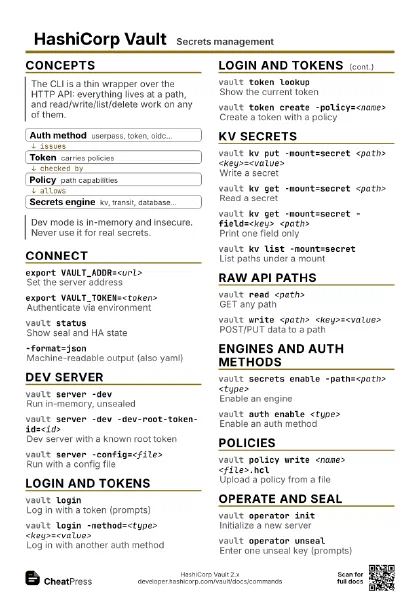
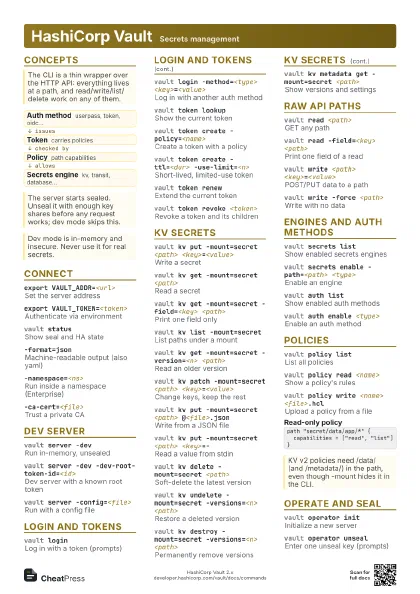
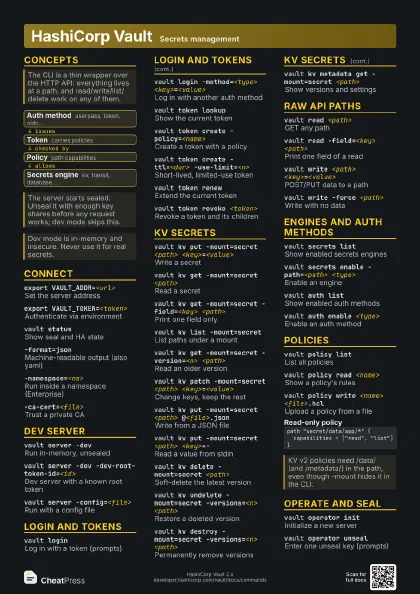
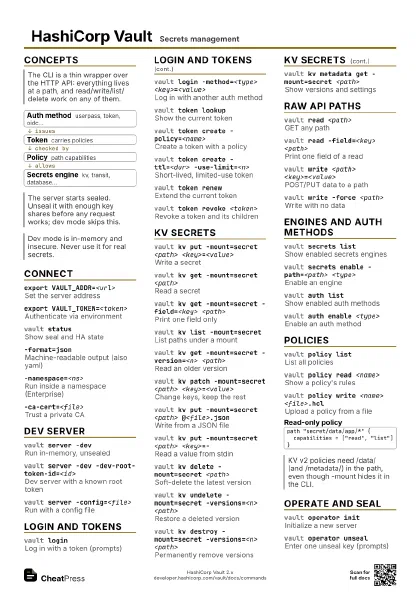
HashiCorp Vault Secrets management
 Light · Postcard
102 × 152 mm · PDF
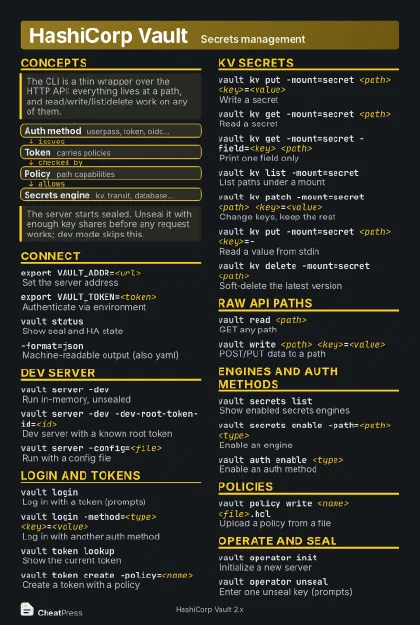 Dark · Postcard
102 × 152 mm · PDF
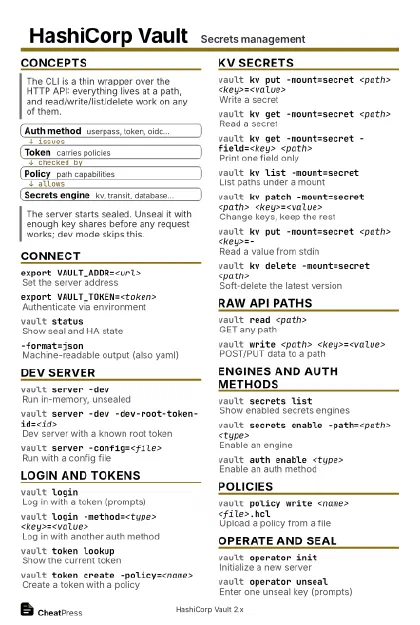 Ink saver · Postcard
102 × 152 mm · PDF
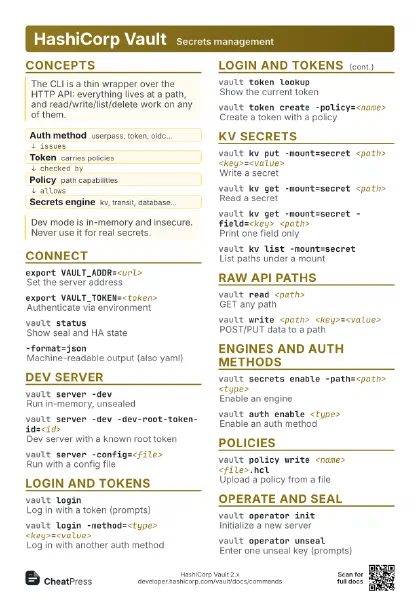
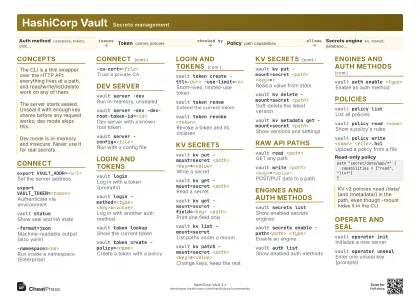 Light · A4 landscape
297 × 210 mm · PDF
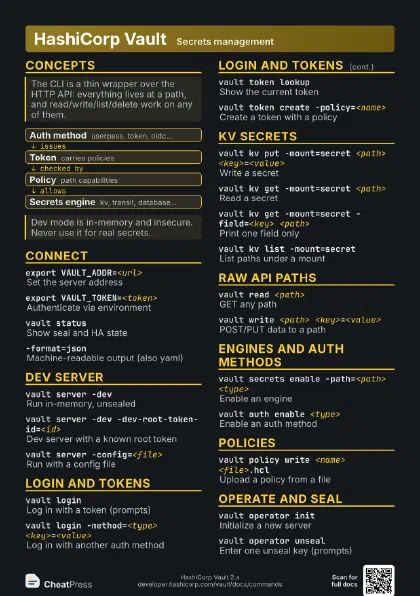
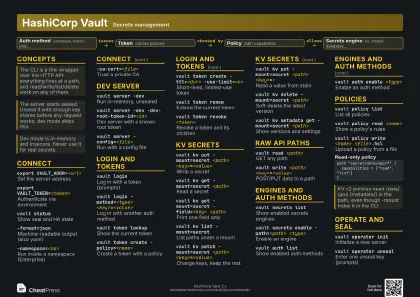 Dark · A4 landscape
297 × 210 mm · PDF
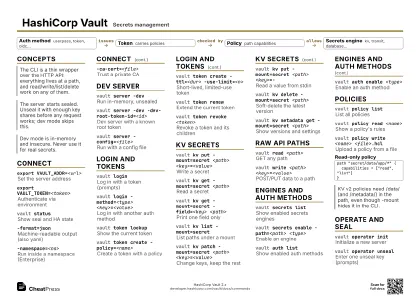 Ink saver · A4 landscape
297 × 210 mm · PDF
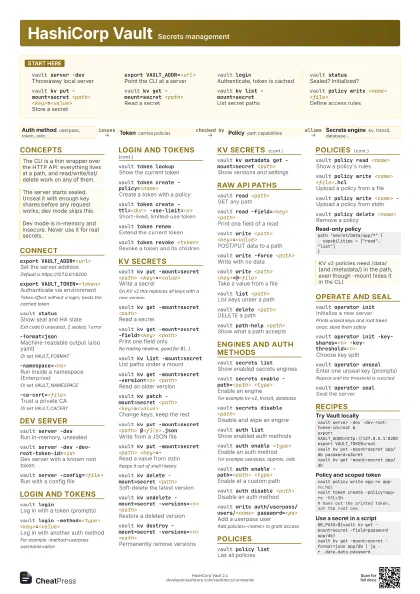
 Light · A3 landscape
420 × 297 mm · PDF
 Dark · A3 landscape
420 × 297 mm · PDF
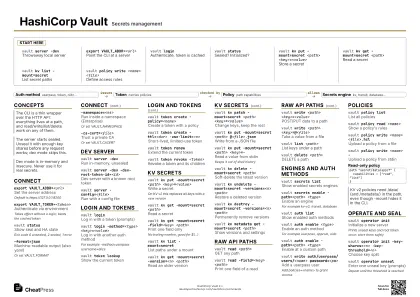 Ink saver · A3 landscape
420 × 297 mm · PDF
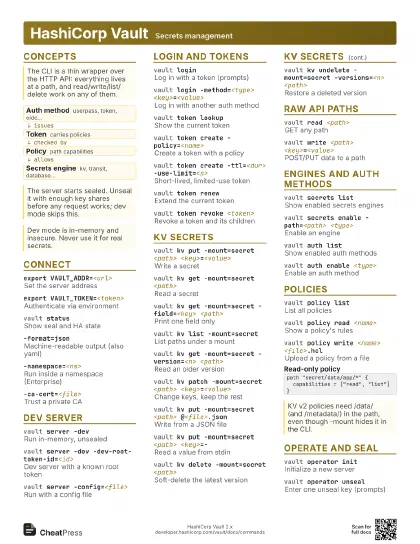
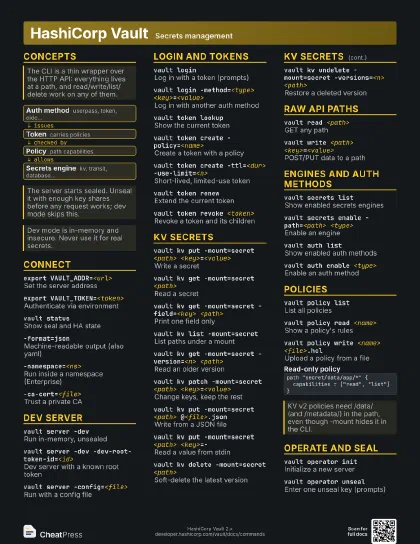
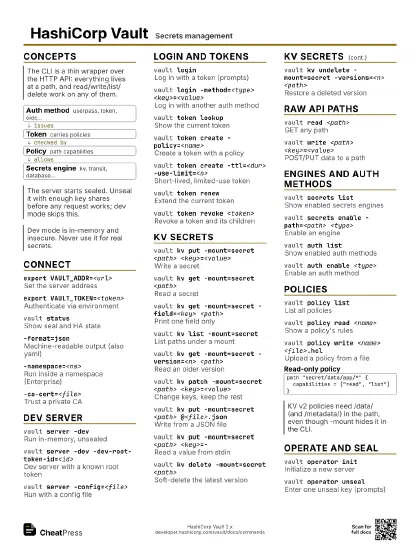
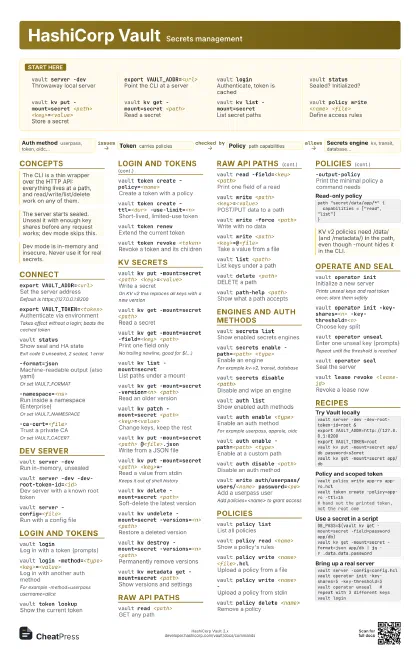
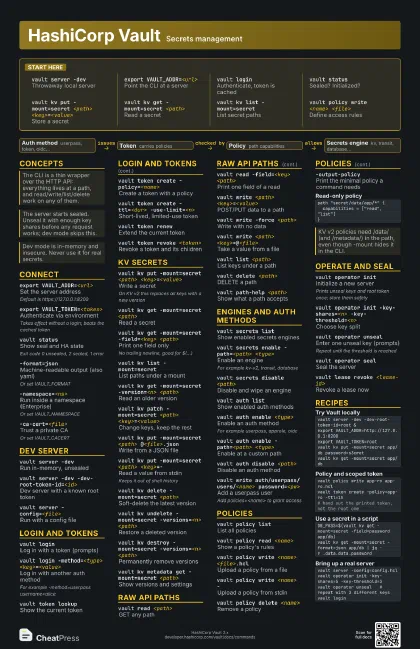
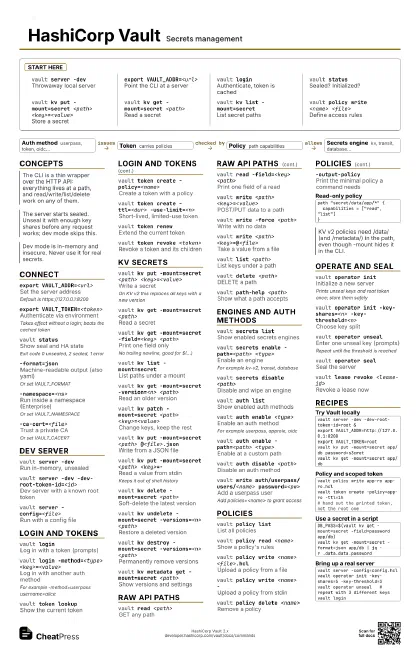
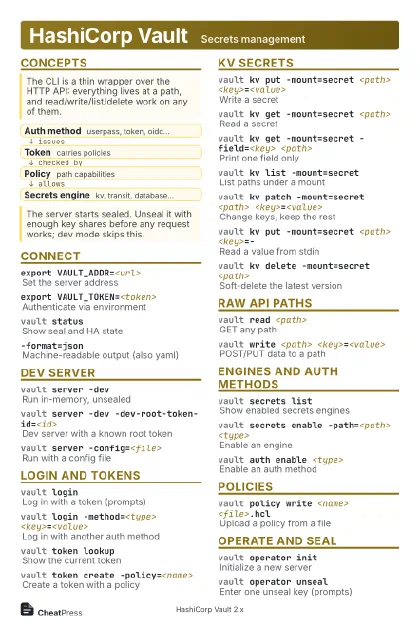
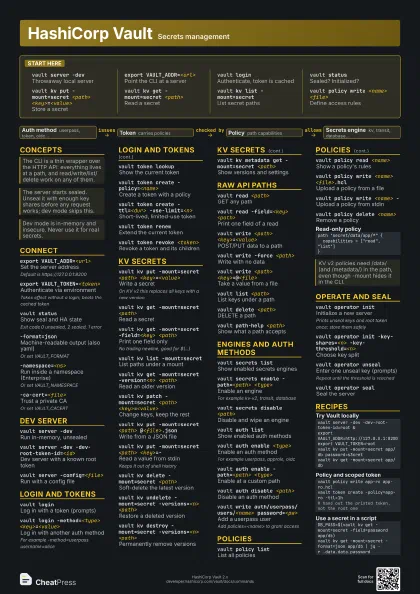
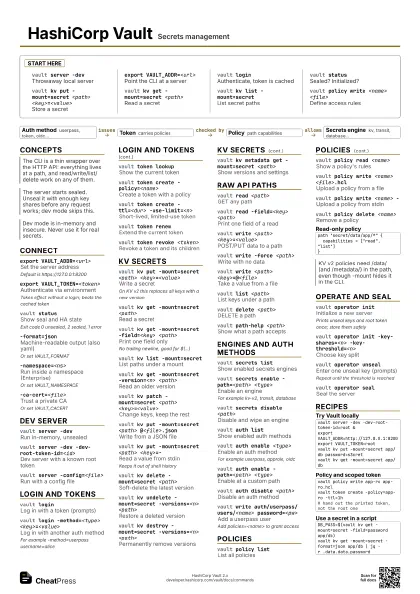
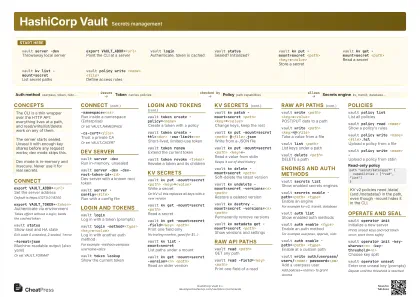
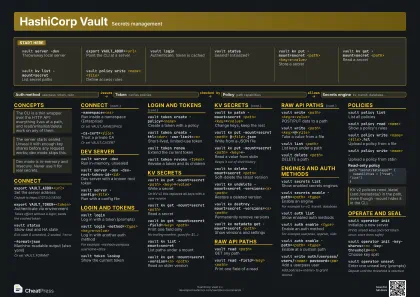
Start here
vault server -dev
Throwaway local server
export VAULT_ADDR=<url>
Point the CLI at a server
vault loginAuthenticate, token is cached
vault statusSealed? Initialized?
vault kv put -mount=secret <path>
                    <key>=<value>
Store a secret
vault kv get -mount=secret <path>
Read a secret
vault kv list -mount=secret
List secret paths
vault policy write <name> <file>
Define access rules
Concepts
- Auth method userpass, token, oidc...
- Token carries policies
- Policy path capabilities
- Secrets engine kv, transit, database...
Connect
export VAULT_ADDR=<url>
Set the server address
Default is https://127.0.0.1:8200
export VAULT_TOKEN=<token>
Authenticate via environment
Takes effect without a login; beats the cached token
vault statusShow seal and HA state
Exit code 0 unsealed, 2 sealed, 1 error
-format=jsonMachine-readable output (also yaml)
Or set VAULT_FORMAT
-namespace=<ns>
Run inside a namespace (Enterprise)
Or set VAULT_NAMESPACE
-tls-skip-verify
Skip TLS verification (testing only)
-ca-cert=<file>
Trust a private CA
Or set VAULT_CACERT
Dev server
vault server -dev
Run in-memory, unsealed
vault server -dev -dev-root-token-id=<id>
Dev server with a known root token
vault server -dev
                    -dev-listen-address=<addr:port>
Bind to another address
vault server -config=<file>
Run with a config file
Login and tokens
vault loginLog in with a token (prompts)
vault login -method=<type>
                    <key>=<value>
Log in with another auth method
For example -method=userpass username=alice
vault login -method=<type> -path=<path>
Auth method at a custom path
vault login -token-only -method=<type>
                    <key>=<value>
Print just the token
vault token lookup
Show the current token
vault token create -policy=<name>
Create a token with a policy
vault token create -ttl=<dur>
                    -use-limit=<n>
Short-lived, limited-use token
vault token create -period=<dur>
Periodic token for long-running services
Needs sudo capability
vault token renew
Extend the current token
vault token revoke <token>
Revoke a token and its children
vault token capabilities <path>
What can this token do here?
KV secrets
vault kv put -mount=secret <path>
                    <key>=<value>
Write a secret
On KV v2 this replaces all keys with a new version
vault kv get -mount=secret <path>
Read a secret
vault kv get -mount=secret -field=<key>
                    <path>
Print one field only
No trailing newline, good for $(...)
vault kv list -mount=secret
List paths under a mount
vault kv get -mount=secret -version=<n>
                    <path>
Read an older version
vault kv patch -mount=secret <path>
                    <key>=<value>
Change keys, keep the rest
vault kv put -mount=secret <path>
                    @<file>.json
Write from a JSON file
vault kv put -mount=secret <path> <key>=-
Read a value from stdin
Keeps it out of shell history
vault kv put -mount=secret -cas=<n> <path>
                    <key>=<value>
Write only if version matches
0 means only if it does not exist
vault kv delete -mount=secret <path>
Soft-delete the latest version
vault kv undelete -mount=secret -versions=<n>
                    <path>
Restore a deleted version
vault kv destroy -mount=secret -versions=<n>
                    <path>
Permanently remove versions
vault kv metadata get -mount=secret <path>
Show versions and settings
vault kv metadata delete -mount=secret <path>
Delete a secret and all history
vault kv rollback -mount=secret -version=<n>
                    <path>
Make an old version current
Raw API paths
vault read <path>
GET any path
vault read -field=<key> <path>
Print one field of a read
vault write <path> <key>=<value>
POST/PUT data to a path
vault write -force <path>
Write with no data
vault write <path> <key>=@<file>
Take a value from a file
vault write <path> -
Send a JSON body from stdin
vault list <path>
List keys under a path
vault delete <path>
DELETE a path
vault path-help <path>
Show what a path accepts
-output-curl-string
Print the equivalent curl command
Engines and auth methods
vault secrets list
Show enabled secrets engines
vault secrets enable -path=<path> <type>
Enable an engine
For example kv-v2, transit, database
vault secrets disable <path>
Disable and wipe an engine
vault secrets tune -default-lease-ttl=<dur>
                    <path>
Change engine lease TTLs
vault auth listShow enabled auth methods
vault auth enable <type>
Enable an auth method
For example userpass, approle, oidc
vault auth enable -path=<path> <type>
Enable at a custom path
vault auth disable <path>
Disable an auth method
vault write auth/userpass/users/<name>
                    password=<pw>
Add a userpass user
Add policies=<name> to grant access
Policies
vault policy list
List all policies
vault policy read <name>
Show a policy's rules
vault policy write <name> <file>.hcl
Upload a policy from a file
vault policy write <name> -
Upload a policy from stdin
vault policy delete <name>
Remove a policy
-output-policyPrint the minimal policy a command needs
path "secret/data/app/*" { capabilities = ["read", "list"]}Operate and seal
vault operator init
Initialize a new server
Prints unseal keys and root token once; store them safely
vault operator init -key-shares=<n>
                    -key-threshold=<n>
Choose key split
vault operator unseal
Enter one unseal key (prompts)
Repeat until the threshold is reached
vault operator seal
Seal the server
vault lease lookup <lease-id>
Inspect a lease
vault lease renew <lease-id>
Extend a lease
vault lease revoke <lease-id>
Revoke a lease now
vault audit enable file file_path=<file>
Log requests to a file
-wrap-ttl=<dur>
Wrap a response in a one-time token
vault unwrap <token>
Unwrap a wrapped response
Recipes
vault server -dev -dev-root-token-id=root &export VAULT_ADDR=http://127.0.0.1:8200export VAULT_TOKEN=rootvault kv put -mount=secret app/db password=s3cretvault kv get -mount=secret app/dbvault policy write app-ro app-ro.hclvault token create -policy=app-ro -ttl=1h# hand out the printed token, not the root oneDB_PASS=$(vault kv get -mount=secret -field=password app/db)vault kv get -mount=secret -format=json app/db | jq -r .data.data.passwordvault server -config=config.hclvault operator init -key-shares=5 -key-threshold=3vault operator unseal # repeat with 3 different keysvault login