Cheat
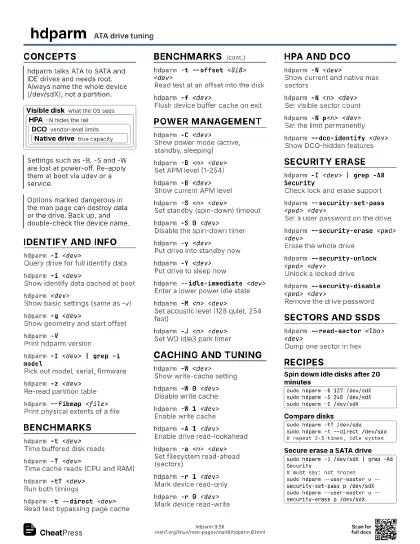
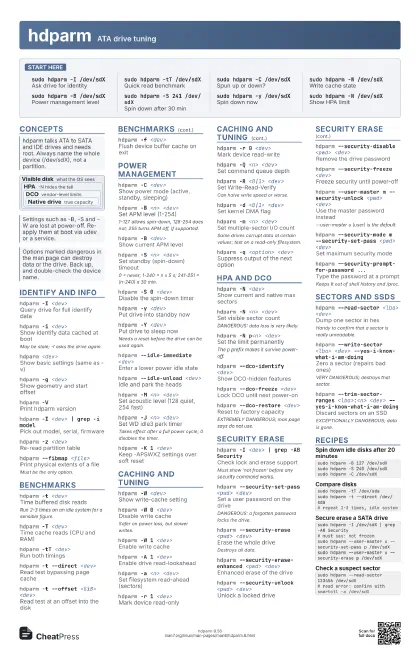
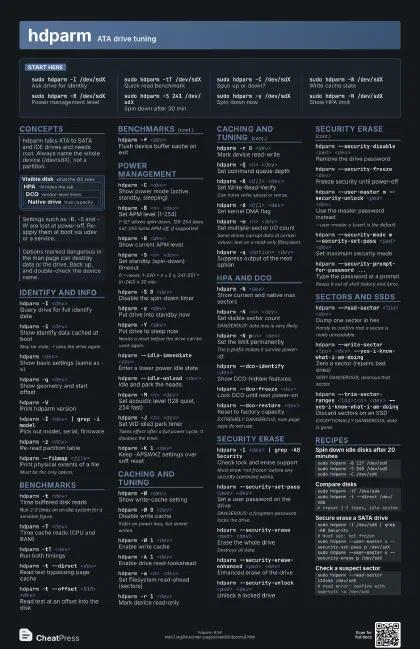
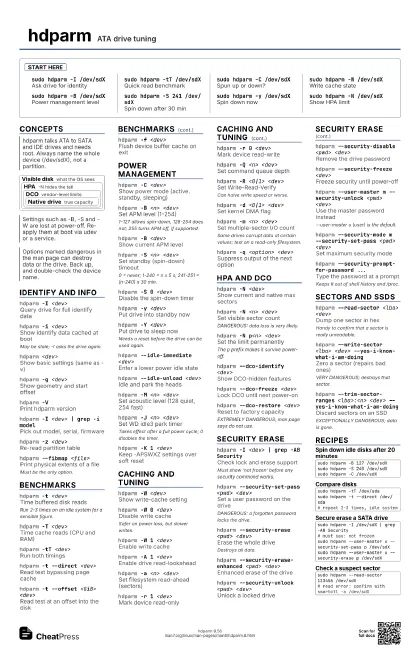
hdparm ATA drive tuning
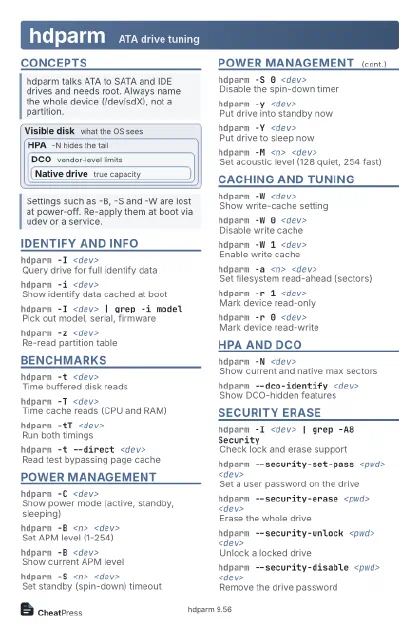 Light · Postcard
102 × 152 mm · PDF
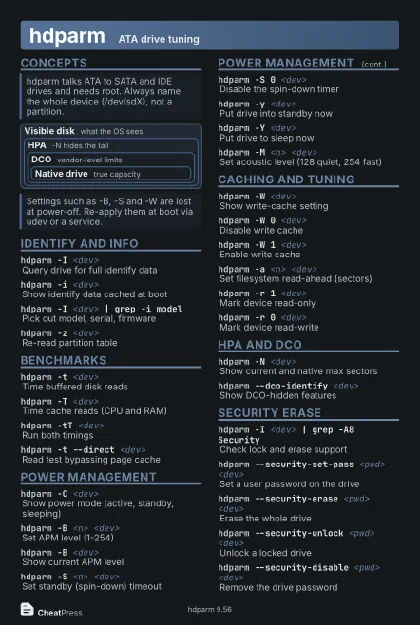 Dark · Postcard
102 × 152 mm · PDF
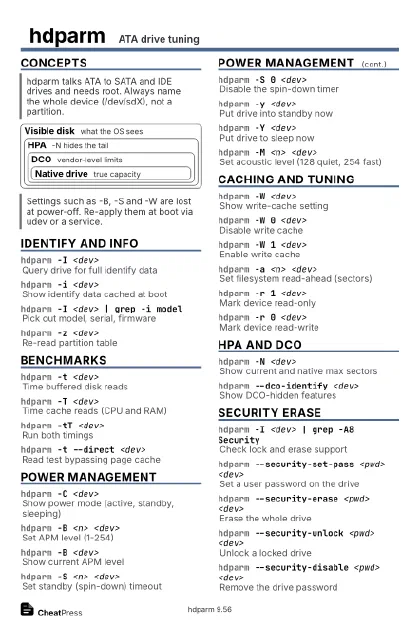 Ink saver · Postcard
102 × 152 mm · PDF
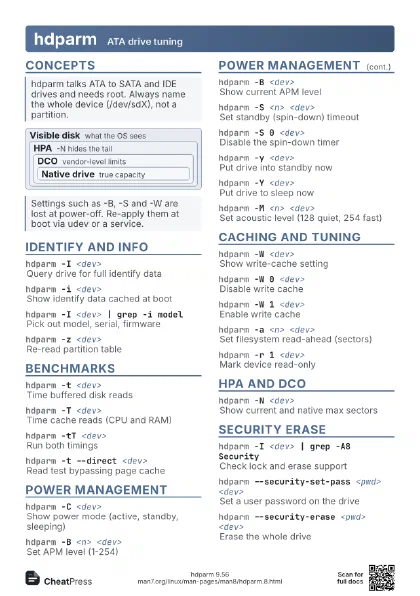
 Light · A4 landscape
297 × 210 mm · PDF
 Dark · A4 landscape
297 × 210 mm · PDF
 Ink saver · A4 landscape
297 × 210 mm · PDF
 Light · A3 landscape
420 × 297 mm · PDF
 Dark · A3 landscape
420 × 297 mm · PDF
 Ink saver · A3 landscape
420 × 297 mm · PDF
Start here
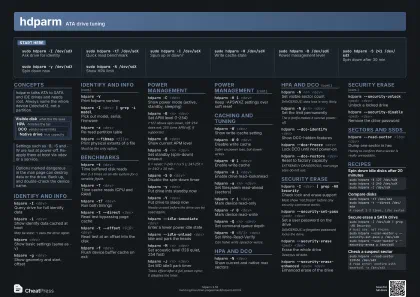
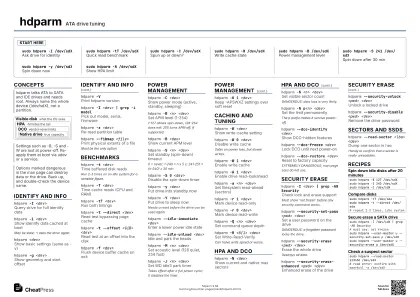
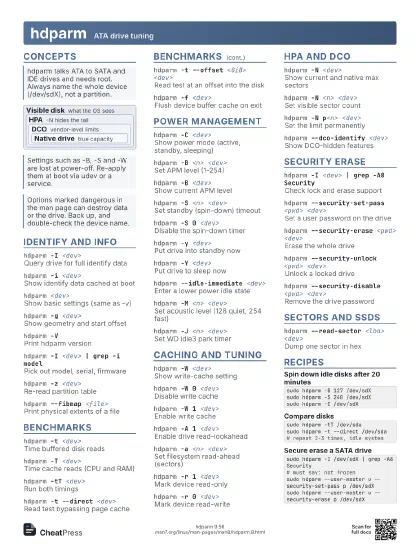
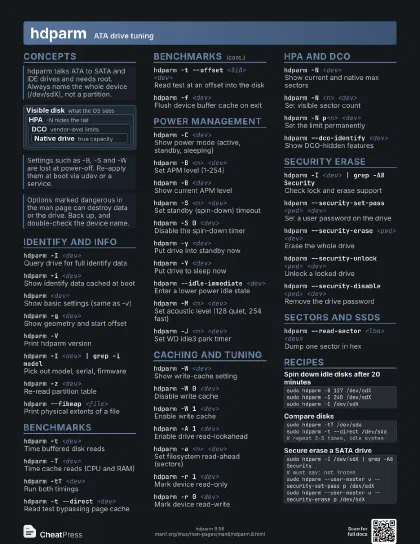
sudo hdparm -I /dev/sdX
Ask drive for identity
sudo hdparm -tT /dev/sdX
Quick read benchmark
sudo hdparm -C /dev/sdX
Spun up or down?
sudo hdparm -W /dev/sdX
Write cache state
sudo hdparm -B /dev/sdX
Power management level
sudo hdparm -S 241 /dev/sdX
Spin down after 30 min
sudo hdparm -y /dev/sdX
Spin down now
sudo hdparm -N /dev/sdX
Show HPA limit
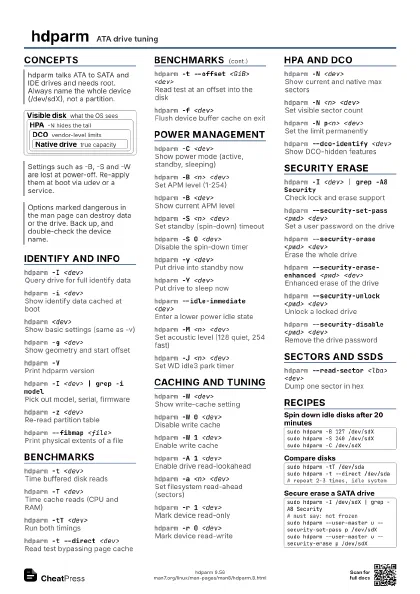
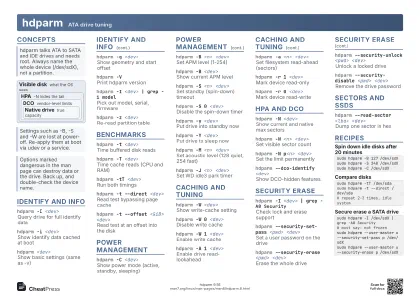
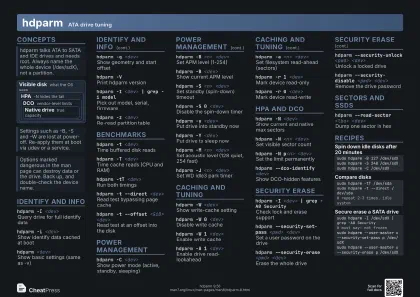
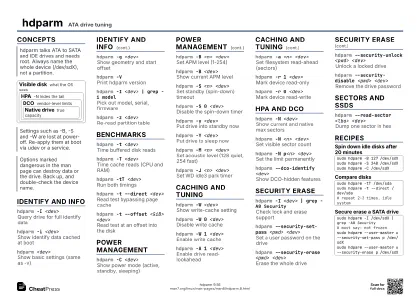
Concepts
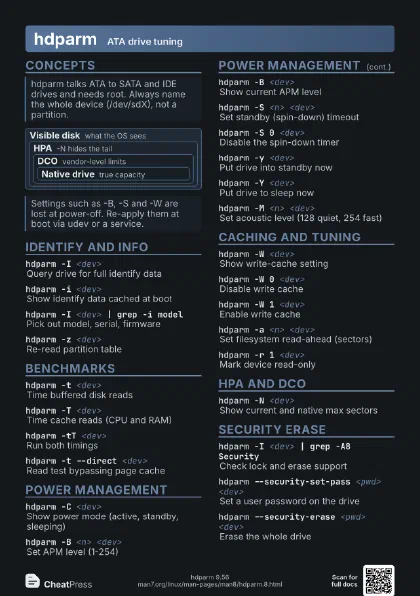
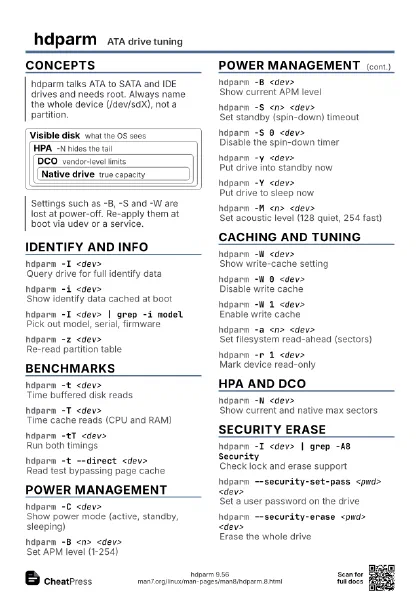
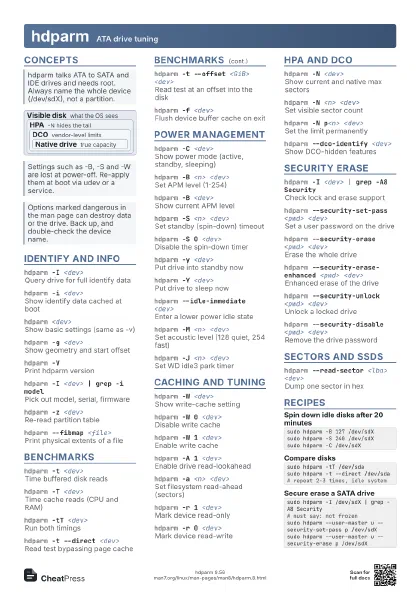
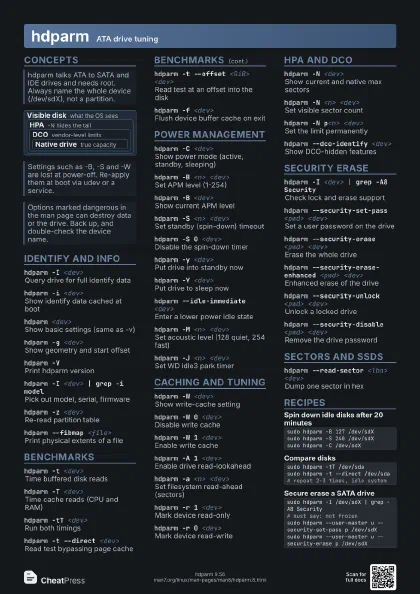
Visible disk what the OS sees
HPA -N hides the tail
DCO vendor-level limits
Native drive
true capacity
Identify and info
hdparm -I <dev>
Query drive for full identify data
hdparm -i <dev>
Show identify data cached at boot
May be stale; -I asks the drive again.
hdparm <dev>
Show basic settings (same as -v)
hdparm -g <dev>
Show geometry and start offset
hdparm -VPrint hdparm version
hdparm -I <dev> | grep -i model
Pick out model, serial, firmware
hdparm -z <dev>
Re-read partition table
hdparm --fibmap <file>
Print physical extents of a file
Must be the only option.
Benchmarks
hdparm -t <dev>
Time buffered disk reads
Run 2-3 times on an idle system for a sensible figure.
hdparm -T <dev>
Time cache reads (CPU and RAM)
hdparm -tT <dev>
Run both timings
hdparm -t --direct <dev>
Read test bypassing page cache
hdparm -t --offset <GiB> <dev>
Read test at an offset into the disk
hdparm -f <dev>
Flush device buffer cache on exit
Power management
hdparm -C <dev>
Show power mode (active, standby, sleeping)
hdparm -B <n> <dev>
Set APM level (1-254)
1-127 allows spin-down, 128-254 does not; 255 turns APM off,
if supported.
hdparm -B <dev>
Show current APM level
hdparm -S <n> <dev>
Set standby (spin-down) timeout
0 = never; 1-240 = n x 5 s; 241-251 = (n-240) x 30 min.
hdparm -S 0 <dev>
Disable the spin-down timer
hdparm -y <dev>
Put drive into standby now
hdparm -Y <dev>
Put drive to sleep now
Needs a reset before the drive can be used again.
hdparm --idle-immediate <dev>
Enter a lower power idle state
hdparm --idle-unload <dev>
Idle and park the heads
hdparm -M <n> <dev>
Set acoustic level (128 quiet, 254 fast)
hdparm -J <n> <dev>
Set WD idle3 park timer
Takes effect after a full power cycle; 0 disables the timer.
hdparm -K 1 <dev>
Keep -APSWXZ settings over soft reset
Caching and tuning
hdparm -W <dev>
Show write-cache setting
hdparm -W 0 <dev>
Disable write cache
Safer on power loss, but slower writes.
hdparm -W 1 <dev>
Enable write cache
hdparm -A 1 <dev>
Enable drive read-lookahead
hdparm -a <n> <dev>
Set filesystem read-ahead (sectors)
hdparm -r 1 <dev>
Mark device read-only
hdparm -r 0 <dev>
Mark device read-write
hdparm -Q <n> <dev>
Set command queue depth
hdparm -R <0|1> <dev>
Set Write-Read-Verify
Can halve write speed or worse.
hdparm -d <0|1> <dev>
Set kernel DMA flag
hdparm -m <n> <dev>
Set multiple-sector I/O count
Some drives corrupt data at certain values; test on a
read-only filesystem.
hdparm -q <option> <dev>
Suppress output of the next option
HPA and DCO
hdparm -N <dev>
Show current and native max sectors
hdparm -N <n> <dev>
Set visible sector count
DANGEROUS: data loss is very likely.
hdparm -N p<n> <dev>
Set the limit permanently
The p prefix makes it survive power-off.
hdparm --dco-identify <dev>
Show DCO-hidden features
hdparm --dco-freeze <dev>
Lock DCO until next power-on
hdparm --dco-restore <dev>
Reset to factory capacity
EXTREMELY DANGEROUS; man page says do not use.
Security erase
hdparm -I <dev> | grep -A8 Security
Check lock and erase support
Must show 'not frozen' before any security command
works.
hdparm --security-set-pass <pwd> <dev>
Set a user password on the drive
DANGEROUS: a forgotten password locks the drive.
hdparm --security-erase <pwd> <dev>
Erase the whole drive
Destroys all data.
hdparm --security-erase-enhanced <pwd>
                    <dev>
Enhanced erase of the drive
hdparm --security-unlock <pwd> <dev>
Unlock a locked drive
hdparm --security-disable <pwd> <dev>
Remove the drive password
hdparm --security-freeze <dev>
Freeze security until power-off
hdparm --user-master m --security-unlock <pwd>
                    <dev>
Use the master password instead
--user-master u (user) is the default.
hdparm --security-mode m --security-set-pass <pwd>
                    <dev>
Set maximum security mode
hdparm --security-prompt-for-password ...
Type the password at a prompt
Keeps it out of shell history and /proc.
hdparm --security-help
Show usage for the security options
Sectors and SSDs
hdparm --read-sector <lba> <dev>
Dump one sector in hex
Handy to confirm that a sector is really unreadable.
hdparm --write-sector <lba> <dev>
                    --yes-i-know-what-i-am-doing
Zero a sector (repairs bad ones)
VERY DANGEROUS; destroys that sector.
hdparm --repair-sector <lba> <dev>
                    --yes-i-know-what-i-am-doing
Alias of --write-sector
hdparm --make-bad-sector <lba> <dev>
                    --yes-i-know-what-i-am-doing
Create a media error for testing
hdparm --trim-sector-ranges <lba>:<n>
                    <dev> --yes-i-know-what-i-am-doing
Discard sectors on an SSD
EXCEPTIONALLY DANGEROUS; data is gone.
hdparm --fwdownload <file> <dev>
Flash drive firmware
EXTREMELY DANGEROUS; may brick the drive.
Recipes
sudo hdparm -B 127 /dev/sdXsudo hdparm -S 240 /dev/sdXsudo hdparm -C /dev/sdXsudo hdparm -tT /dev/sdasudo hdparm -t --direct /dev/sda# repeat 2-3 times, idle systemsudo hdparm -I /dev/sdX | grep -A8 Security# must say: not frozensudo hdparm --user-master u --security-set-pass p /dev/sdXsudo hdparm --user-master u --security-erase p /dev/sdXsudo hdparm --read-sector 123456 /dev/sdX# read error: confirm with smartctl -a /dev/sdX