Cheat
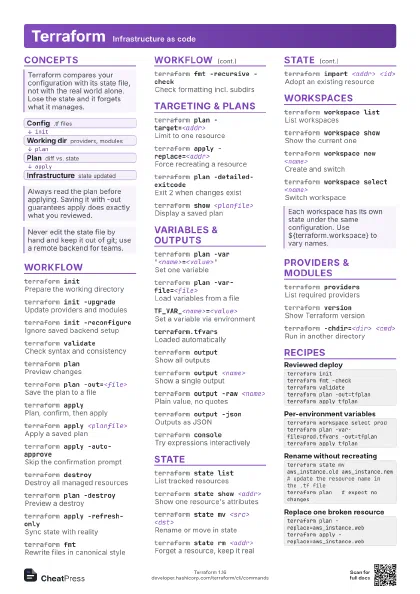
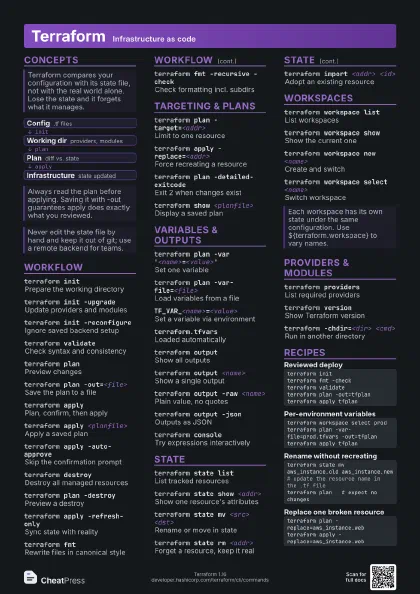
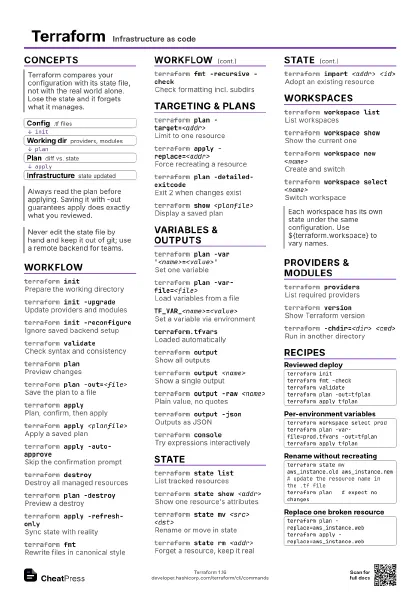
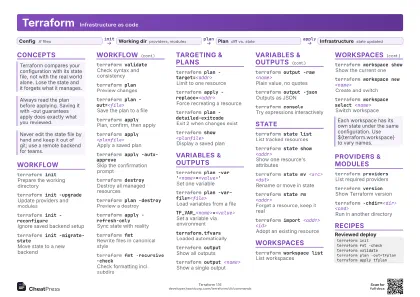
Terraform Infrastructure as code
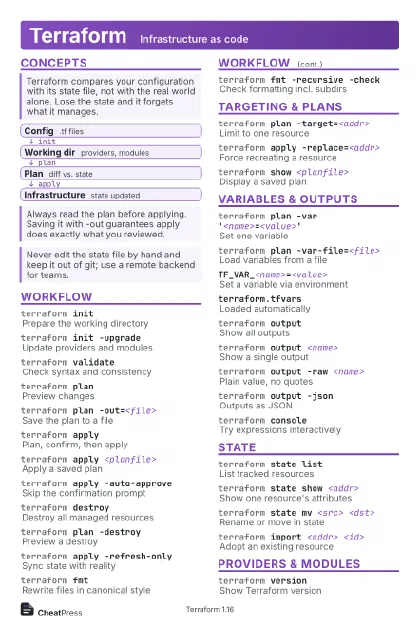 Light · Postcard
102 × 152 mm · PDF
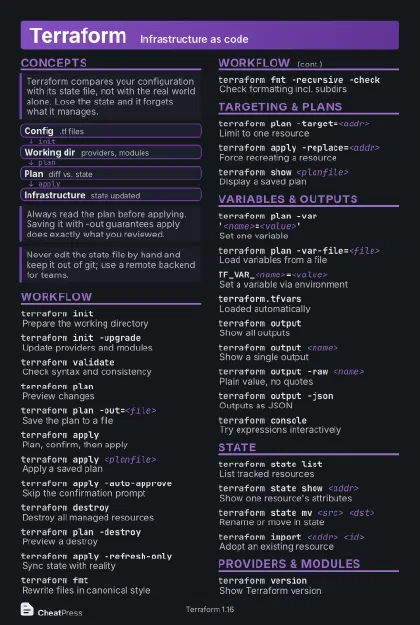 Dark · Postcard
102 × 152 mm · PDF
 Ink saver · Postcard
102 × 152 mm · PDF
 Light · A4 landscape
297 × 210 mm · PDF
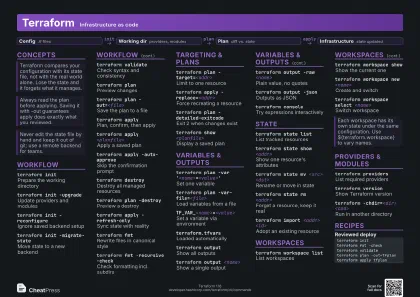 Dark · A4 landscape
297 × 210 mm · PDF
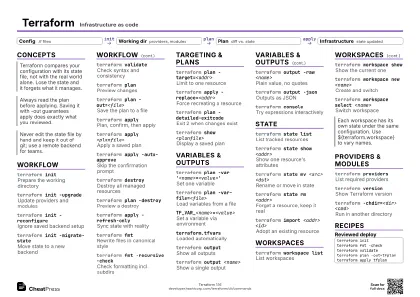 Ink saver · A4 landscape
297 × 210 mm · PDF
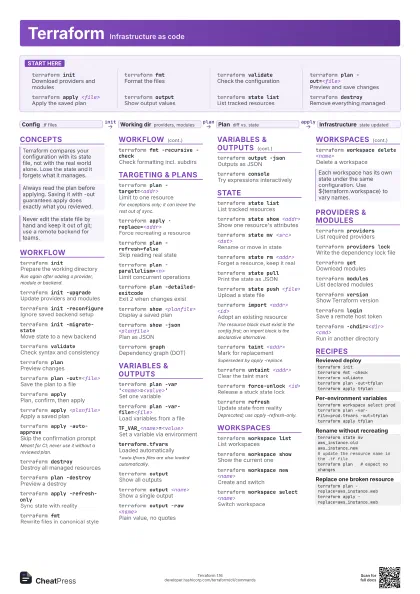
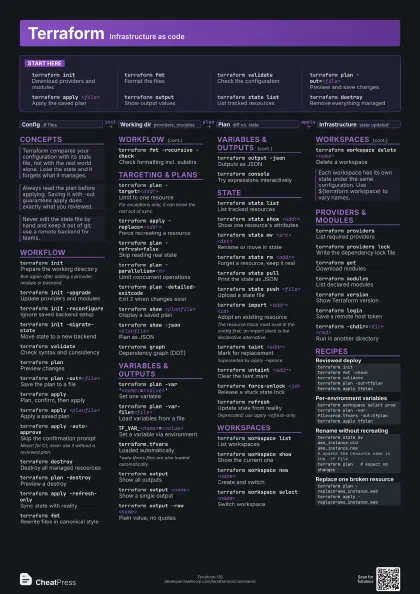
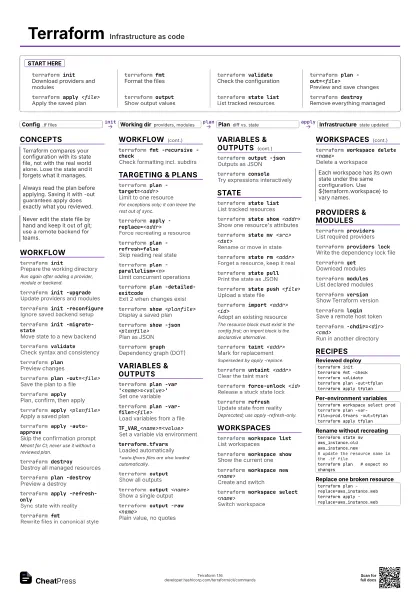
 Light · A3 landscape
420 × 297 mm · PDF
 Dark · A3 landscape
420 × 297 mm · PDF
 Ink saver · A3 landscape
420 × 297 mm · PDF
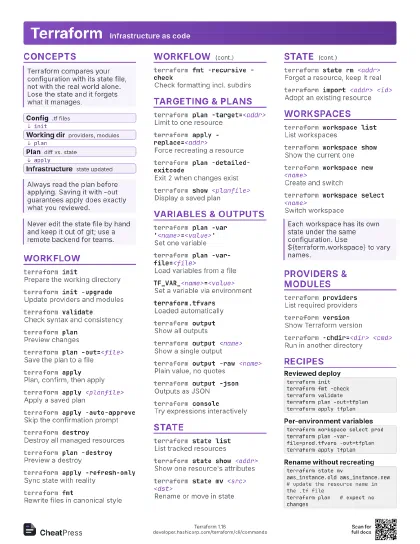
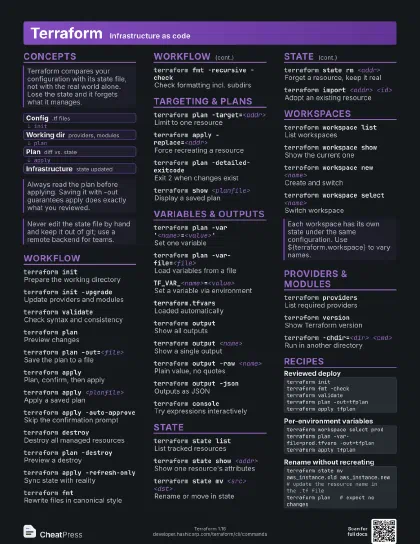
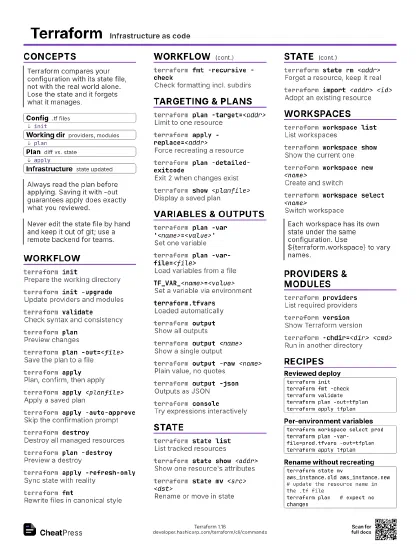
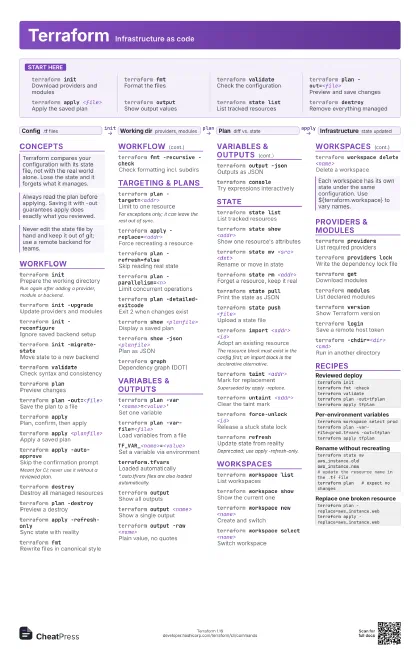
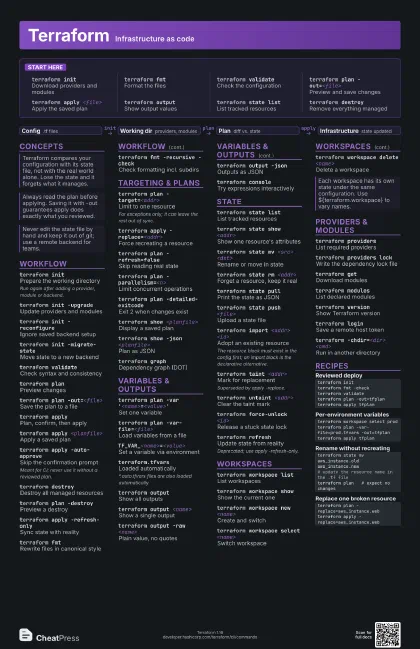
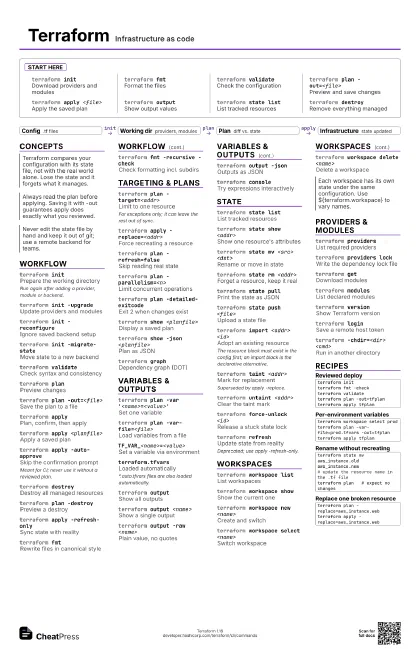
Start here
terraform initDownload providers and modules
terraform fmtFormat the files
terraform validate
Check the configuration
terraform plan -out=<file>
Preview and save changes
terraform apply <file>
Apply the saved plan
terraform output
Show output values
terraform state list
List tracked resources
terraform destroy
Remove everything managed
Concepts
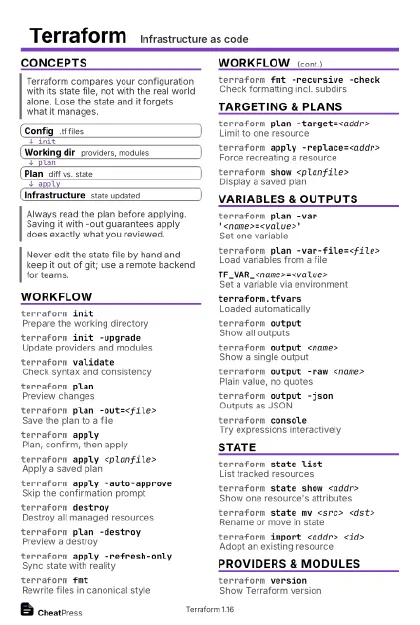
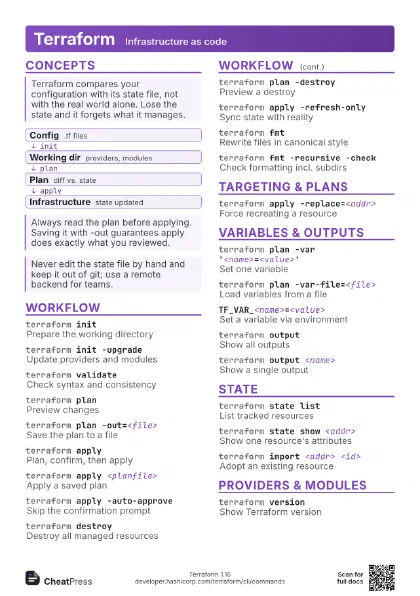
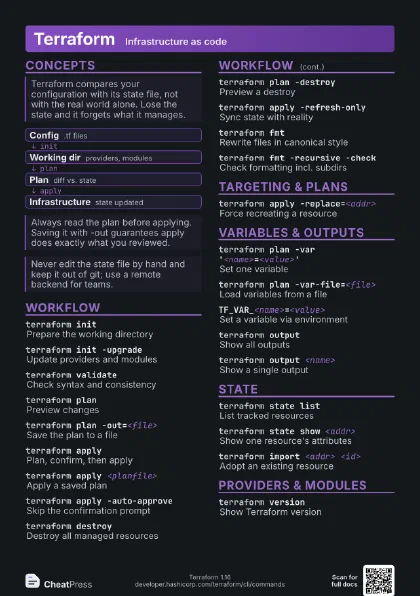
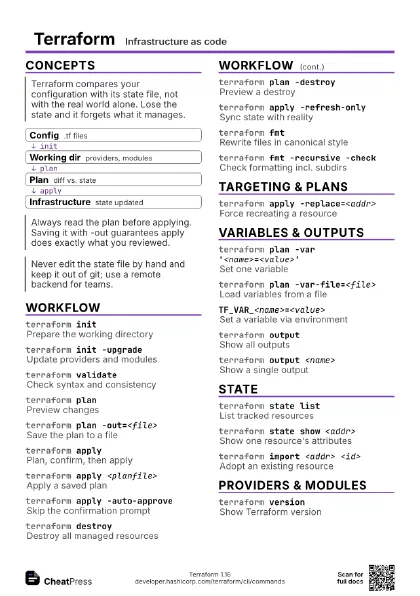
- Config .tf files
- Working dir providers, modules
- Plan diff vs. state
- Infrastructure state updated
Workflow
terraform initPrepare the working directory
Run again after adding a provider, module or backend.
terraform init -upgrade
Update providers and modules
terraform init -reconfigure
Ignore saved backend setup
terraform init -migrate-state
Move state to a new backend
terraform validate
Check syntax and consistency
terraform planPreview changes
terraform plan -out=<file>
Save the plan to a file
terraform applyPlan, confirm, then apply
terraform apply <planfile>
Apply a saved plan
terraform apply -auto-approve
Skip the confirmation prompt
Meant for CI; never use it without a reviewed plan.
terraform destroy
Destroy all managed resources
terraform plan -destroy
Preview a destroy
terraform apply -refresh-only
Sync state with reality
terraform fmtRewrite files in canonical style
terraform fmt -recursive -check
Check formatting incl. subdirs
Targeting & plans
terraform plan -target=<addr>
Limit to one resource
For exceptions only; it can leave the rest out of sync.
terraform apply -replace=<addr>
Force recreating a resource
terraform plan -refresh=false
Skip reading real state
terraform plan -parallelism=<n>
Limit concurrent operations
terraform plan -detailed-exitcode
Exit 2 when changes exist
terraform show <planfile>
Display a saved plan
terraform show -json <planfile>
Plan as JSON
terraform graphDependency graph (DOT)
Variables & outputs
terraform plan -var
                    '<name>=<value>'
Set one variable
terraform plan -var-file=<file>
Load variables from a file
TF_VAR_<name>=<value>
Set a variable via environment
terraform.tfvars
Loaded automatically
*.auto.tfvars files are also loaded automatically.
terraform output
Show all outputs
terraform output <name>
Show a single output
terraform output -raw <name>
Plain value, no quotes
terraform output -json
Outputs as JSON
terraform console
Try expressions interactively
State
terraform state list
List tracked resources
terraform state show <addr>
Show one resource's attributes
terraform state mv <src> <dst>
Rename or move in state
terraform state rm <addr>
Forget a resource, keep it real
terraform state pull
Print the state as JSON
terraform state push <file>
Upload a state file
terraform import <addr> <id>
Adopt an existing resource
The resource block must exist in the config first; an import
block is the declarative alternative.
terraform taint <addr>
Mark for replacement
Superseded by apply -replace.
terraform untaint <addr>
Clear the taint mark
terraform force-unlock <id>
Release a stuck state lock
terraform refresh
Update state from reality
Deprecated; use apply -refresh-only.
Workspaces
terraform workspace list
List workspaces
terraform workspace show
Show the current one
terraform workspace new <name>
Create and switch
terraform workspace select <name>
Switch workspace
terraform workspace delete <name>
Delete a workspace
Providers & modules
terraform providers
List required providers
terraform providers lock
Write the dependency lock file
terraform getDownload modules
terraform modules
List declared modules
terraform version
Show Terraform version
terraform loginSave a remote host token
terraform -chdir=<dir> <cmd>
Run in another directory
Recipes
terraform initterraform fmt -checkterraform validateterraform plan -out=tfplanterraform apply tfplanterraform workspace select prodterraform plan -var-file=prod.tfvars -out=tfplanterraform apply tfplanterraform state mv aws_instance.old aws_instance.new# update the resource name in the .tf fileterraform plan # expect no changesterraform plan -replace=aws_instance.webterraform apply -replace=aws_instance.web