Cheat
Ansible IT automation
 Light · Postcard
102 × 152 mm · PDF
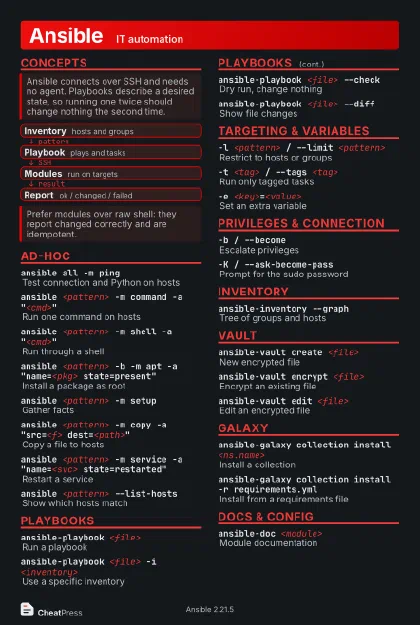 Dark · Postcard
102 × 152 mm · PDF
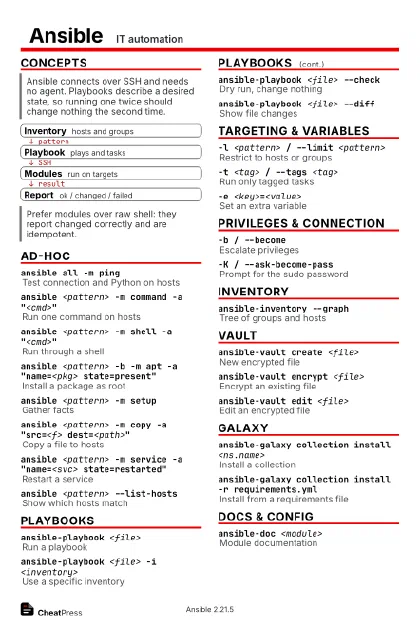 Ink saver · Postcard
102 × 152 mm · PDF
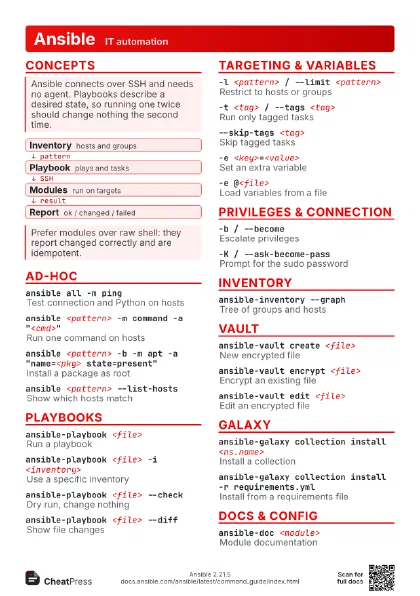
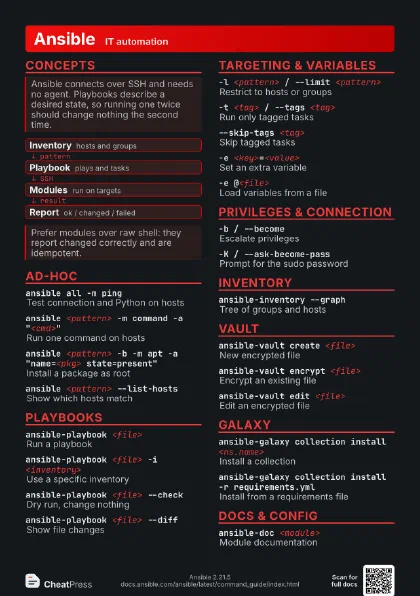
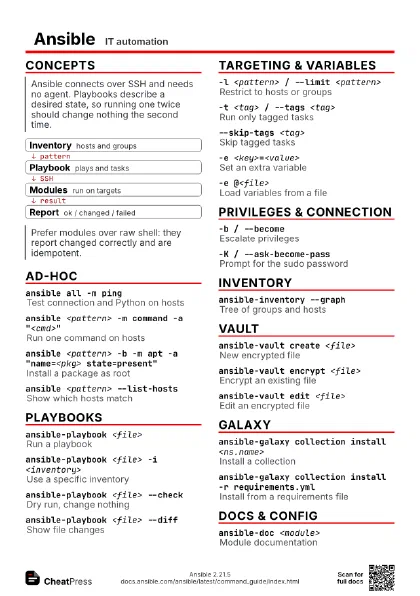
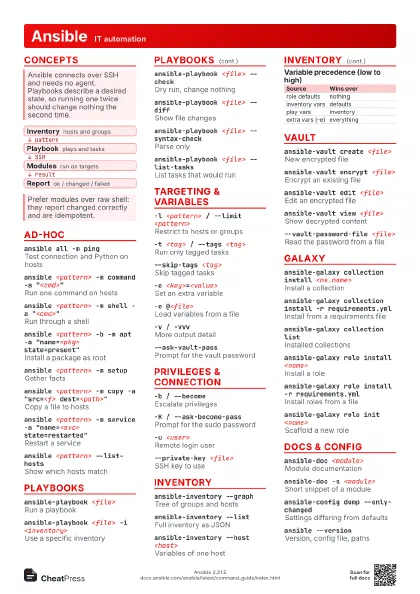
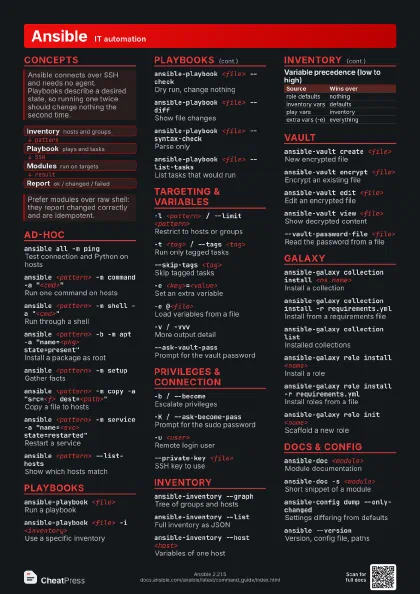
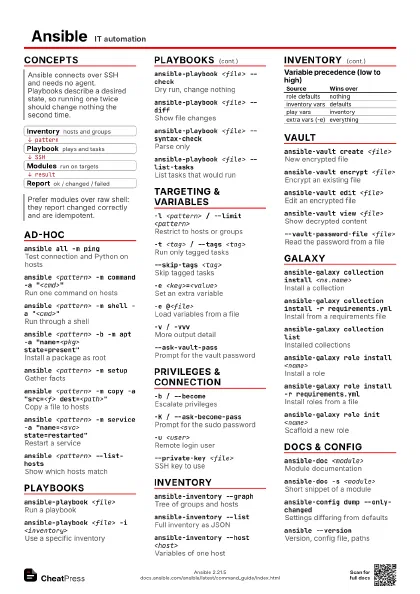
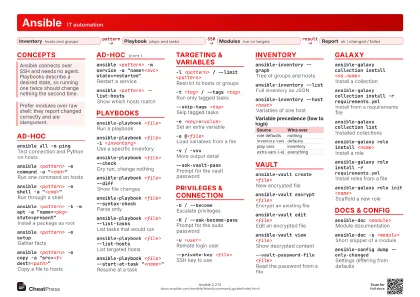 Light · A4 landscape
297 × 210 mm · PDF
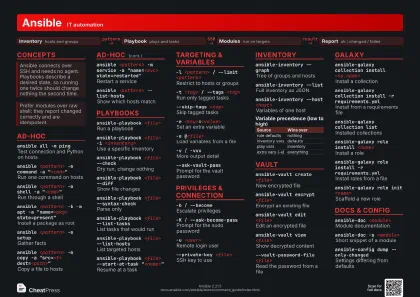 Dark · A4 landscape
297 × 210 mm · PDF
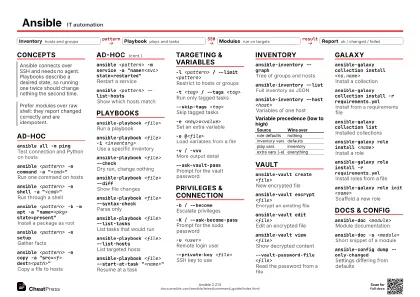 Ink saver · A4 landscape
297 × 210 mm · PDF
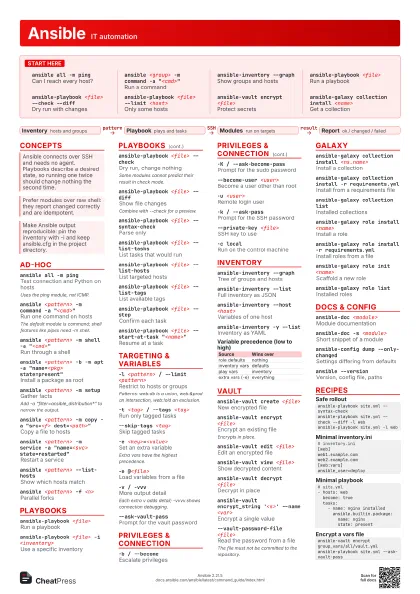
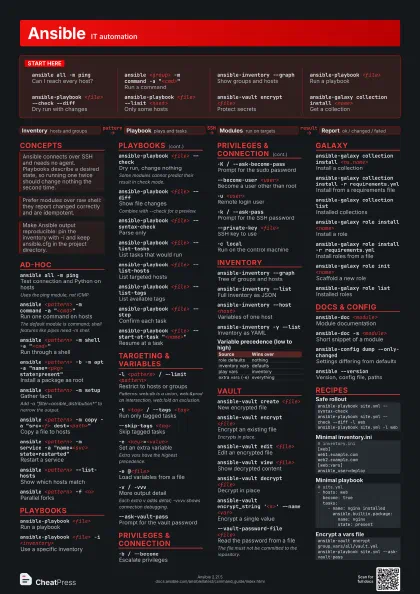
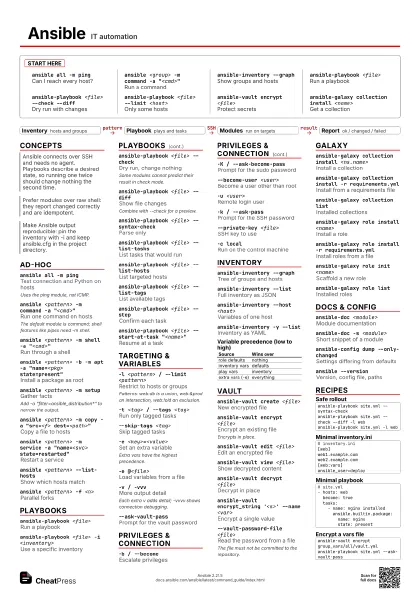
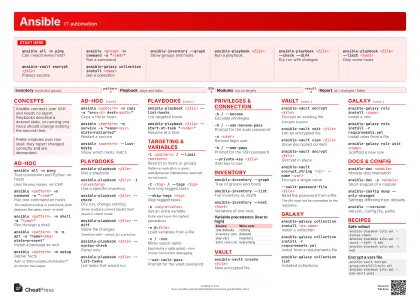 Light · A3 landscape
420 × 297 mm · PDF
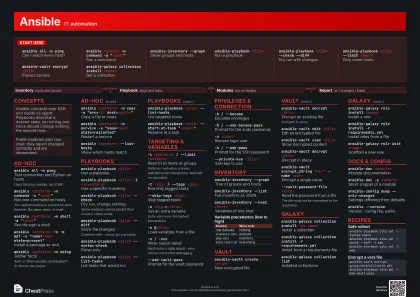 Dark · A3 landscape
420 × 297 mm · PDF
 Ink saver · A3 landscape
420 × 297 mm · PDF
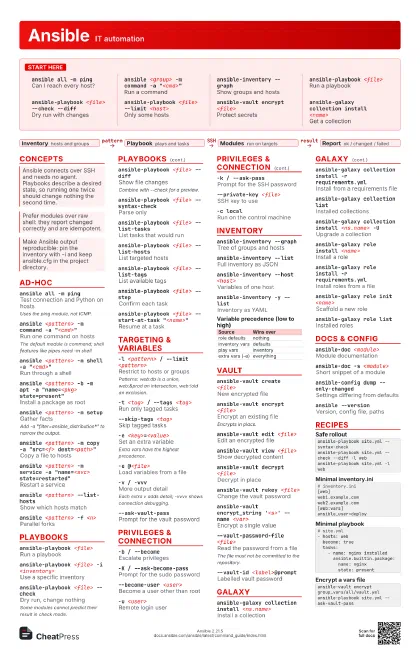
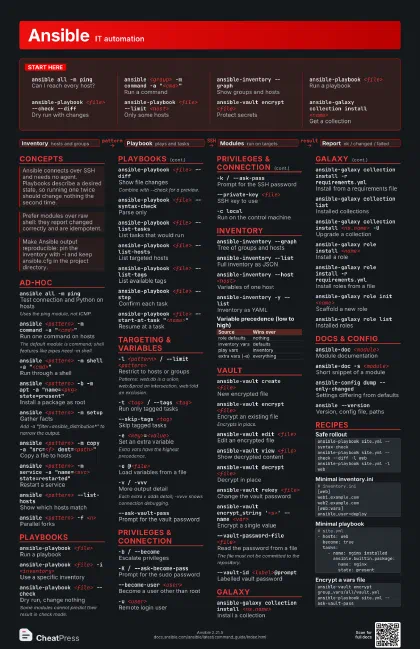
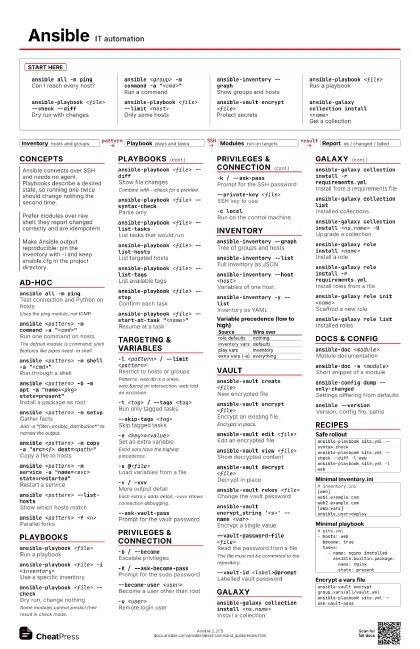
Start here
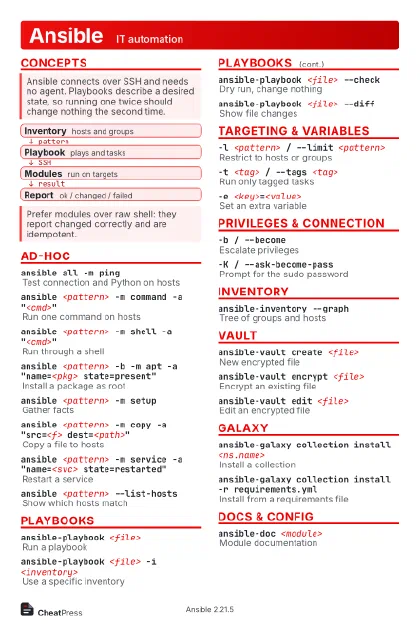
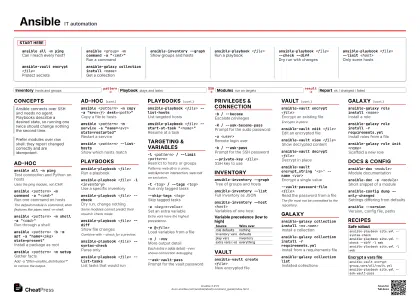
ansible all -m ping
Can I reach every host?
ansible <group> -m command -a
                    "<cmd>"
Run a command
ansible-inventory --graph
Show groups and hosts
ansible-playbook <file>
Run a playbook
ansible-playbook <file> --check --diff
Dry run with changes
ansible-playbook <file> --limit <host>
Only some hosts
ansible-vault encrypt <file>
Protect secrets
ansible-galaxy collection install <name>
Get a collection
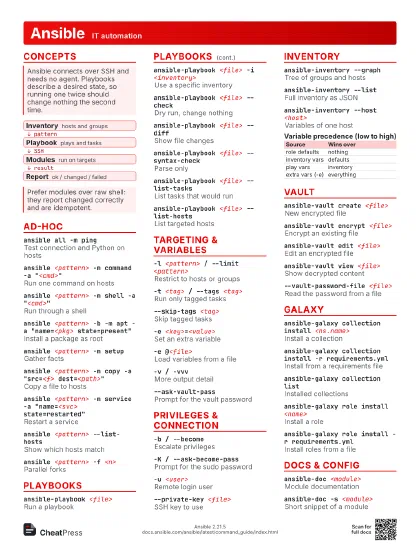
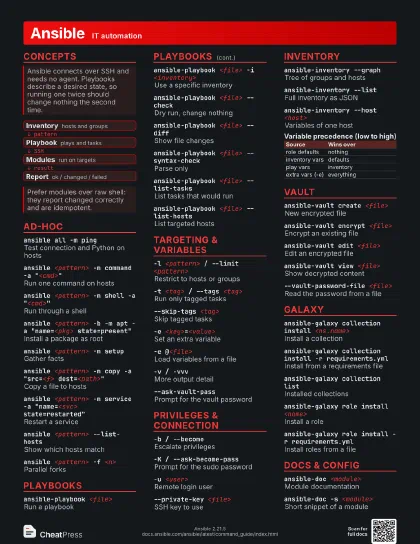
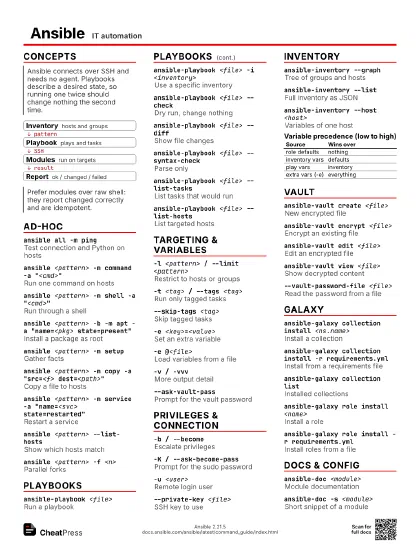
Concepts
- Inventory hosts and groups
- Playbook plays and tasks
- Modules run on targets
- Report ok / changed / failed
Ad-hoc
ansible all -m ping
Test connection and Python on hosts
Uses the ping module, not ICMP.
ansible <pattern> -m command -a
                    "<cmd>"
Run one command on hosts
The default module is command; shell features like pipes need
-m shell.
ansible <pattern> -m shell -a
                    "<cmd>"
Run through a shell
ansible <pattern> -b -m apt -a "name=<pkg>
                    state=present"
Install a package as root
ansible <pattern> -m setup
Gather facts
Add -a "filter=ansible_distribution*" to narrow the
output.
ansible <pattern> -m copy -a "src=<f>
                    dest=<path>"
Copy a file to hosts
ansible <pattern> -m service -a "name=<svc>
                    state=restarted"
Restart a service
ansible <pattern> --list-hosts
Show which hosts match
ansible <pattern> -f <n>
Parallel forks
ansible <pattern> -B <sec> -P <sec>
Run in background and poll
Playbooks
ansible-playbook <file>
Run a playbook
ansible-playbook <file> -i <inventory>
Use a specific inventory
ansible-playbook <file> --check
Dry run, change nothing
Some modules cannot predict their result in check mode.
ansible-playbook <file> --diff
Show file changes
Combine with --check for a preview.
ansible-playbook <file> --syntax-check
Parse only
ansible-playbook <file> --list-tasks
List tasks that would run
ansible-playbook <file> --list-hosts
List targeted hosts
ansible-playbook <file> --list-tags
List available tags
ansible-playbook <file> --step
Confirm each task
ansible-playbook <file> --start-at-task
                    "<name>"
Resume at a task
ansible-playbook <file> --force-handlers
Run handlers even after failure
Targeting & Variables
-l <pattern> / --limit <pattern>
Restrict to hosts or groups
Patterns: web:db is a union, web:&prod an intersection,
web:!old an exclusion.
-t <tag> / --tags <tag>
Run only tagged tasks
--skip-tags <tag>
Skip tagged tasks
-e <key>=<value>
Set an extra variable
Extra vars have the highest precedence.
-e @<file>
Load variables from a file
-v / -vvvMore output detail
Each extra v adds detail; -vvvv shows connection debugging.
--ask-vault-pass
Prompt for the vault password
Privileges & Connection
-b / --becomeEscalate privileges
-K / --ask-become-pass
Prompt for the sudo password
--become-user <user>
Become a user other than root
-u <user>Remote login user
-k / --ask-passPrompt for the SSH password
--private-key <file>
SSH key to use
-c localRun on the control machine
-T <sec>Connection timeout
Inventory
ansible-inventory --graph
Tree of groups and hosts
ansible-inventory --list
Full inventory as JSON
ansible-inventory --host <host>
Variables of one host
ansible-inventory -y --list
Inventory as YAML
ansible-inventory --graph --vars
Graph with variables
| Source | Wins over |
|---|---|
| role defaults | nothing |
| inventory vars | defaults |
| play vars | inventory |
| extra vars (-e) | everything |
Vault
ansible-vault create <file>
New encrypted file
ansible-vault encrypt <file>
Encrypt an existing file
Encrypts in place.
ansible-vault edit <file>
Edit an encrypted file
ansible-vault view <file>
Show decrypted content
ansible-vault decrypt <file>
Decrypt in place
ansible-vault rekey <file>
Change the vault password
ansible-vault encrypt_string '<s>' --name
                    <var>
Encrypt a single value
--vault-password-file <file>
Read the password from a file
The file must not be committed to the repository.
--vault-id <label>@prompt
Labelled vault password
Galaxy
ansible-galaxy collection install <ns.name>
Install a collection
ansible-galaxy collection install -r requirements.yml
Install from a requirements file
ansible-galaxy collection list
Installed collections
ansible-galaxy collection install <ns.name> -U
Upgrade a collection
ansible-galaxy role install <name>
Install a role
ansible-galaxy role install -r requirements.yml
Install roles from a file
ansible-galaxy role init <name>
Scaffold a new role
ansible-galaxy collection init <ns.name>
Scaffold a collection
ansible-galaxy role list
Installed roles
Docs & Config
ansible-doc <module>
Module documentation
ansible-doc -s <module>
Short snippet of a module
ansible-doc -lList all plugins
ansible-config dump --only-changed
Settings differing from defaults
ansible-config view
Show the active config file
ansible --version
Version, config file, paths
Recipes
ansible-playbook site.yml --syntax-checkansible-playbook site.yml --check --diff -l webansible-playbook site.yml -l web# inventory.ini[web]web1.example.comweb2.example.com[web:vars]ansible_user=deploy# site.yml- hosts: web become: true tasks: - name: nginx installed ansible.builtin.package: name: nginx state: presentansible-vault encrypt group_vars/all/vault.ymlansible-playbook site.yml --ask-vault-pass