Cheat
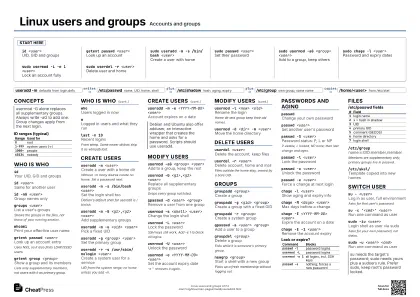
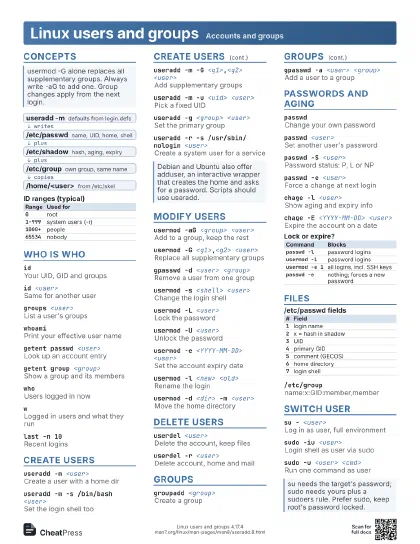
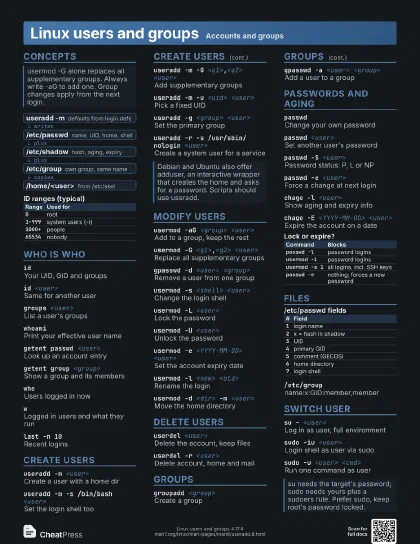
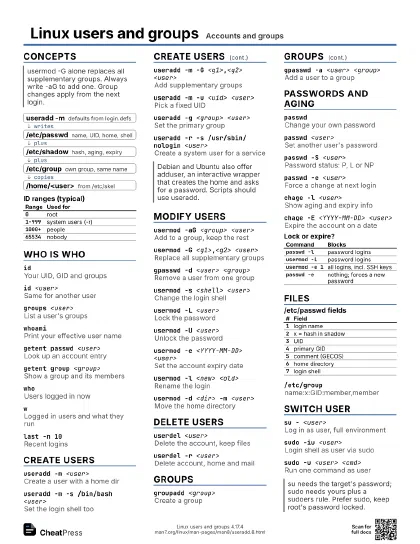
Linux users and groups Accounts and groups
 Light · Postcard
102 × 152 mm · PDF
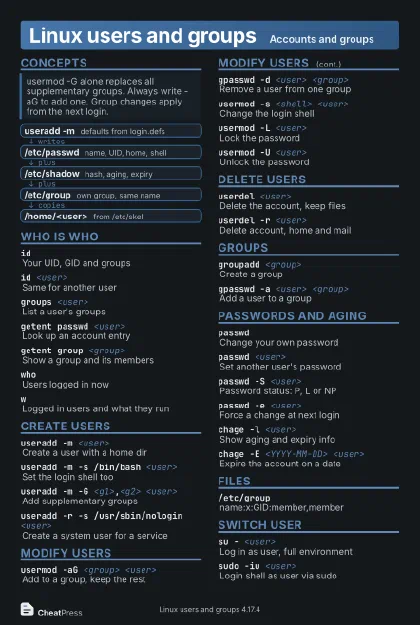 Dark · Postcard
102 × 152 mm · PDF
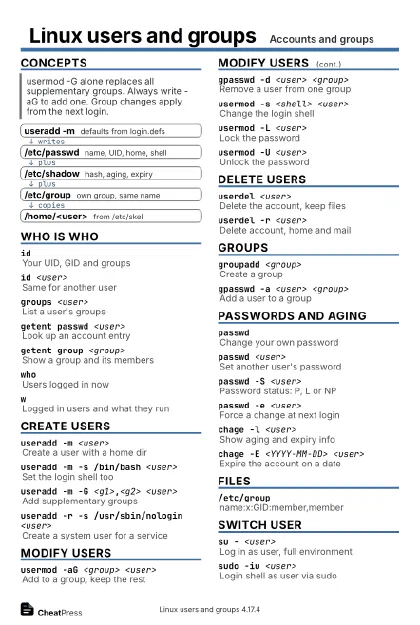 Ink saver · Postcard
102 × 152 mm · PDF
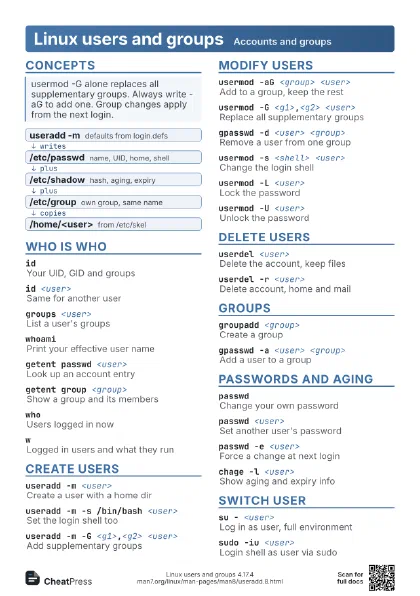
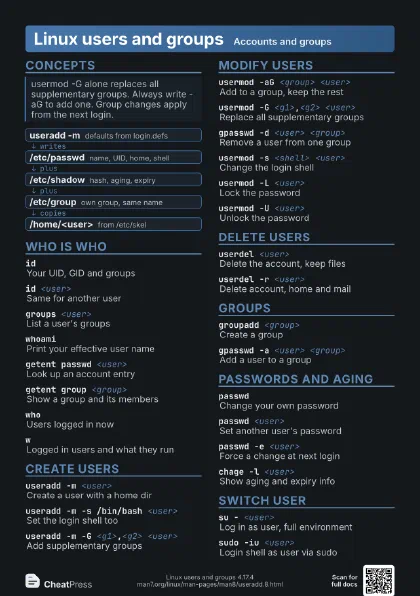
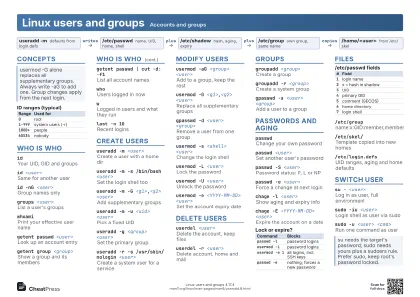 Light · A4 landscape
297 × 210 mm · PDF
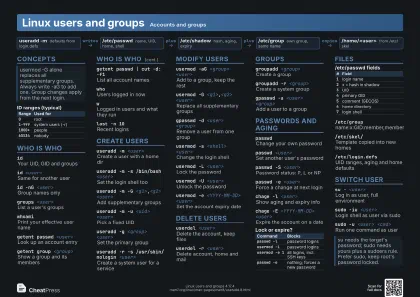 Dark · A4 landscape
297 × 210 mm · PDF
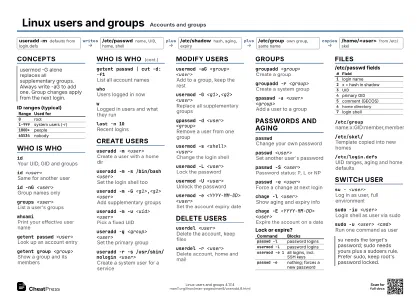 Ink saver · A4 landscape
297 × 210 mm · PDF
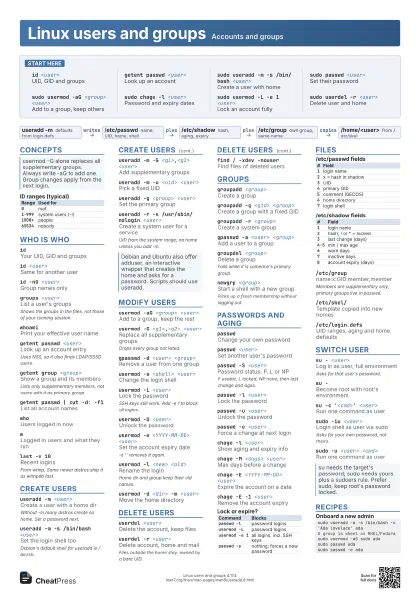
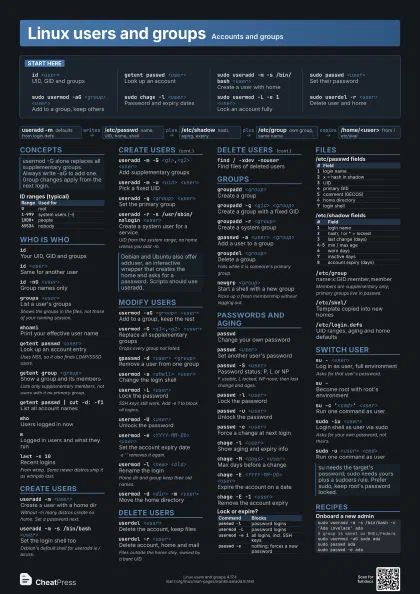
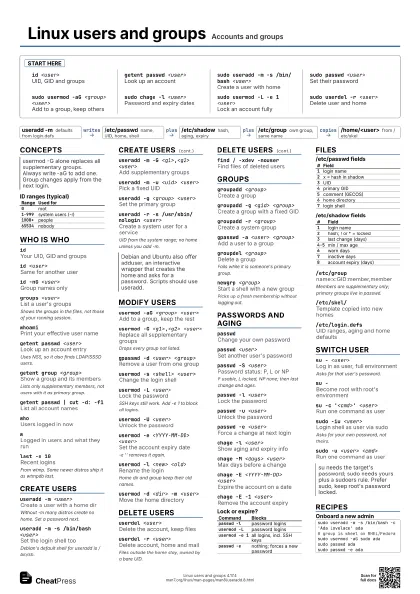
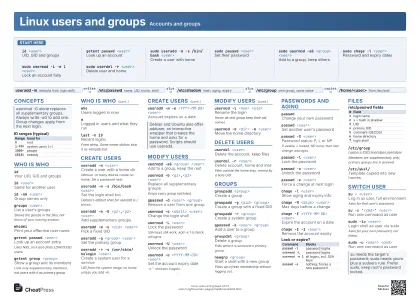 Light · A3 landscape
420 × 297 mm · PDF
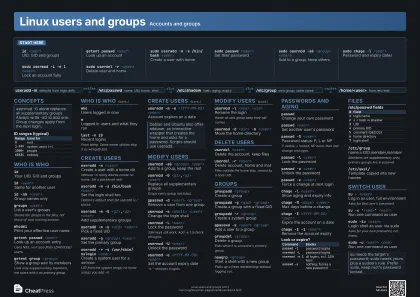 Dark · A3 landscape
420 × 297 mm · PDF
 Ink saver · A3 landscape
420 × 297 mm · PDF
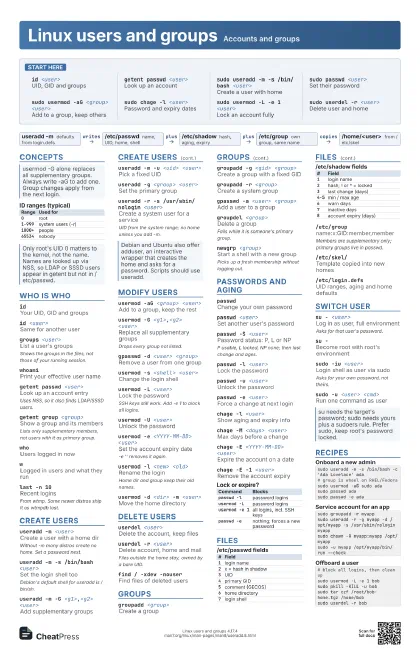
Start here
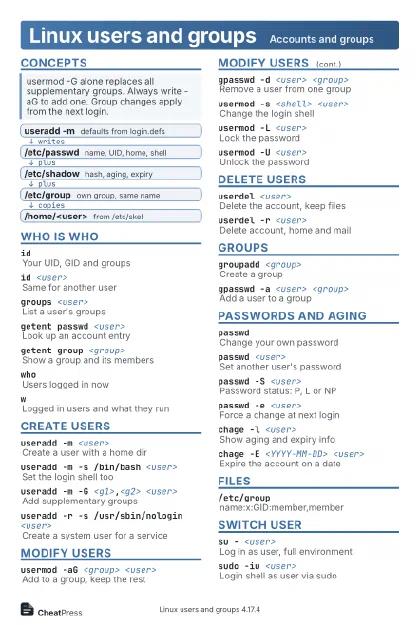
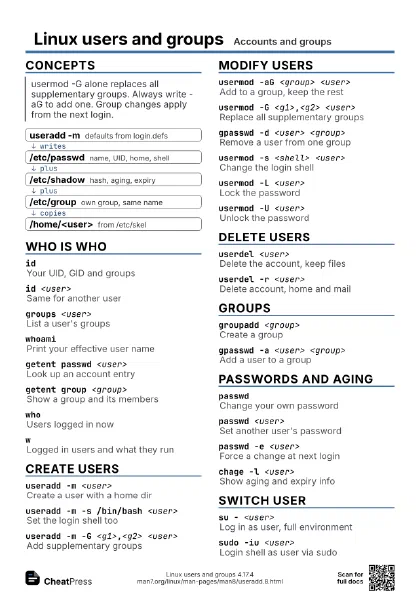
id <user>UID, GID and groups
getent passwd <user>
Look up an account
sudo useradd -m -s /bin/bash <user>
Create a user with home
sudo passwd <user>
Set their password
sudo usermod -aG <group> <user>
Add to a group, keep others
sudo chage -l <user>
Password and expiry dates
sudo usermod -L -e 1 <user>
Lock an account fully
sudo userdel -r <user>
Delete user and home
Concepts
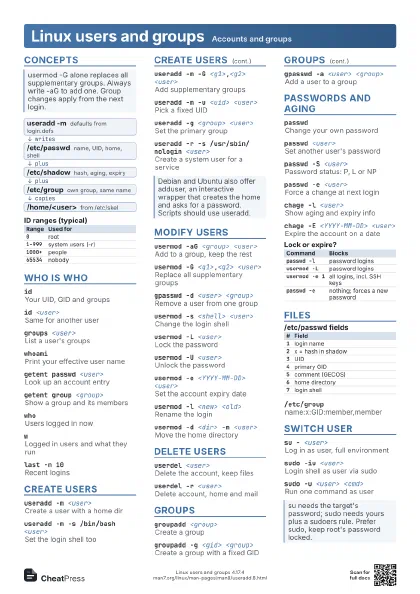
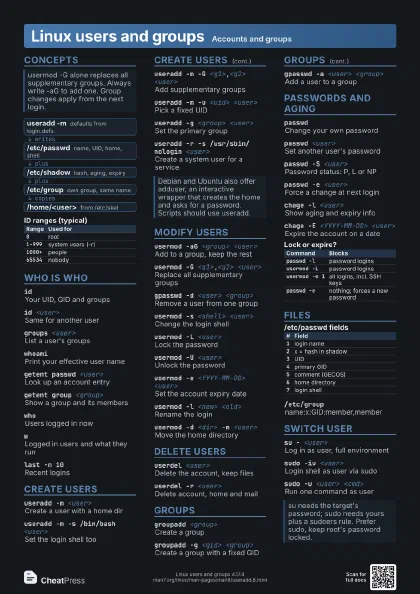
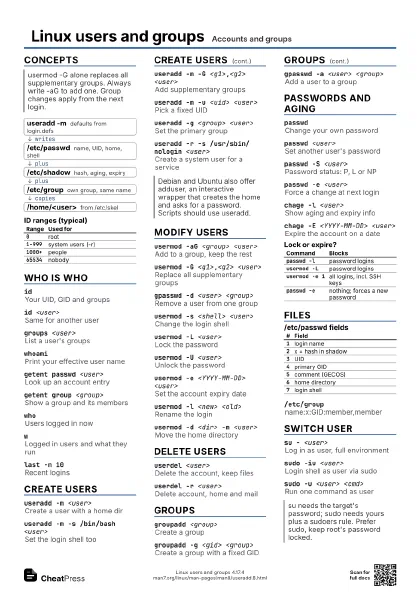
- useradd -m defaults from login.defs
- /etc/passwd name, UID, home, shell
- /etc/shadow hash, aging, expiry
- /etc/group own group, same name
- /home/<user> from /etc/skel
| Range | Used for |
|---|---|
0 |
root |
1-999 |
system users (-r) |
1000+ |
people |
65534 |
nobody |
Who is who
idYour UID, GID and groups
id <user>Same for another user
id -nG <user>
Group names only
groups <user>
List a user's groups
Shows the groups in the files, not those of your running
session.
whoamiPrint your effective user name
getent passwd <user>
Look up an account entry
Uses NSS, so it also finds LDAP/SSSD users.
getent group <group>
Show a group and its members
Lists only supplementary members, not users with it as primary
group.
getent passwd | cut -d: -f1
List all account names
whoUsers logged in now
wLogged in users and what they run
last -n 10Recent logins
From wtmp. Some newer distros ship it as wtmpdb last.
lslogins -uTable of user accounts
Create users
useradd -m <user>
Create a user with a home dir
Without -m many distros create no home. Set a password next.
useradd -m -s /bin/bash <user>
Set the login shell too
Debian's default shell for useradd is /bin/sh.
useradd -m -G <g1>,<g2> <user>
Add supplementary groups
useradd -m -c '<full name>'
                    <user>
Set the comment (GECOS) field
useradd -m -u <uid> <user>
Pick a fixed UID
useradd -g <group> <user>
Set the primary group
useradd -r -s /usr/sbin/nologin <user>
Create a system user for a service
UID from the system range; no home unless you add -m.
useradd -m -d <dir> <user>
Use a non-default home
useradd -m -e <YYYY-MM-DD> <user>
Account expires on a date
useradd -m -k <dir> <user>
Copy a different skeleton dir
useradd -DShow the defaults useradd uses
Modify users
usermod -aG <group> <user>
Add to a group, keep the rest
usermod -G <g1>,<g2> <user>
Replace all supplementary groups
Drops every group not listed.
gpasswd -d <user> <group>
Remove a user from one group
usermod -s <shell> <user>
Change the login shell
usermod -L <user>
Lock the password
SSH keys still work. Add -e 1 to block all logins.
usermod -U <user>
Unlock the password
usermod -e <YYYY-MM-DD> <user>
Set the account expiry date
-e '' removes it again.
usermod -l <new> <old>
Rename the login
Home dir and group keep their old names.
usermod -d <dir> -m <user>
Move the home directory
usermod -c '<full name>' <user>
Change the comment field
usermod -u <uid> <user>
Change the UID
Files in the home are re-owned; files elsewhere are not.
usermod -g <group> <user>
Change the primary group
Delete users
userdel <user>
Delete the account, keep files
userdel -r <user>
Delete account, home and mail
Files outside the home stay, owned by a bare UID.
find / -xdev -nouser
Find files of deleted users
pkill -KILL -u <user>
Kill a user's processes first
userdel -f <user>
Force, even if logged in
Groups
groupadd <group>
Create a group
groupadd -g <gid> <group>
Create a group with a fixed GID
groupadd -r <group>
Create a system group
gpasswd -a <user> <group>
Add a user to a group
gpasswd -M <u1>,<u2> <group>
Set the full member list
gpasswd -A <user> <group>
Make a user group admin
groupmod -n <new> <old>
Rename a group
groupmod -g <gid> <group>
Change a group's GID
groupdel <group>
Delete a group
Fails while it is someone's primary group.
newgrp <group>
Start a shell with a new group
Picks up a fresh membership without logging out.
sg <group> -c '<cmd>'
Run one command as a group
Passwords and aging
passwdChange your own password
passwd <user>
Set another user's password
passwd -S <user>
Password status: P, L or NP
P usable, L locked, NP none; then last change and ages.
passwd -l <user>
Lock the password
passwd -u <user>
Unlock the password
passwd -e <user>
Force a change at next login
passwd -d <user>
Delete the password
Allows login without a password where PAM permits it.
chage -l <user>
Show aging and expiry info
chage -M <days> <user>
Max days before a change
chage -m <days> <user>
Min days between changes
chage -W <days> <user>
Days of warning before expiry
chage -E <YYYY-MM-DD> <user>
Expire the account on a date
chage -E -1 <user>
Remove the account expiry
chage -d 0 <user>
Force a change at next login
echo '<user>:<pass>' | chpasswd
Set passwords in batch
Reads user:password lines from stdin.
| Command | Blocks |
|---|---|
passwd -l |
password logins |
usermod -L |
password logins |
usermod -e 1 |
all logins, incl. SSH keys |
passwd -e |
nothing; forces a new password |
Files
| # | Field |
|---|---|
1 |
login name |
2 |
x = hash in shadow |
3 |
UID |
4 |
primary GID |
5 |
comment (GECOS) |
6 |
home directory |
7 |
login shell |
| # | Field |
|---|---|
1 |
login name |
2 |
hash; ! or * = locked |
3 |
last change (days) |
4-5 |
min / max age |
6 |
warn days |
7 |
inactive days |
8 |
account expiry (days) |
/etc/groupname:x:GID:member,member
Members are supplementary only; primary groups live in passwd.
/etc/skel/Template copied into new homes
/etc/login.defsUID ranges, aging and home defaults
/etc/default/useradd
Default shell, home base, skel
vipwEdit /etc/passwd safely, with locking
vipw -s edits shadow; vigr and vigr -s do the group files.
pwck -rCheck passwd/shadow for errors
grpck -rCheck group/gshadow for errors
Switch user
su - <user>
Log in as user, full environment
Asks for that user's password.
su -Become root with root's environment
su -c '<cmd>' <user>
Run one command as user
su -s /bin/bash <user>
Use a shell for a nologin user
sudo -iu <user>
Login shell as user via sudo
Asks for your own password, not theirs.
sudo -u <user> <cmd>
Run one command as user
Recipes
sudo useradd -m -s /bin/bash -c 'Ada Lovelace' ada# group is wheel on RHEL/Fedorasudo usermod -aG sudo adasudo passwd adasudo passwd -e adasudo groupadd -r myappsudo useradd -r -g myapp -d /opt/myapp -s /usr/sbin/nologin myappsudo chown -R myapp:myapp /opt/myappsudo -u myapp /opt/myapp/bin/run --check# block all logins, then clean upsudo usermod -L -e 1 bobsudo pkill -KILL -u bobsudo tar czf /root/bob-home.tgz /home/bobsudo userdel -r bobsudo groupadd devssudo usermod -aG devs alicesudo install -d -g devs -m 2775 /srv/projectnewgrp devs