Cheat
chmod and chown File permissions
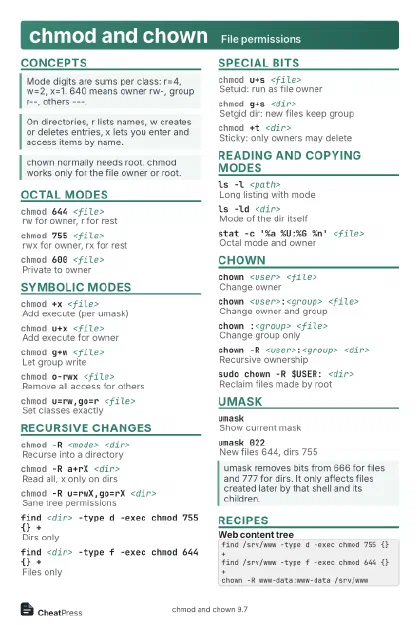 Light · Postcard
102 × 152 mm · PDF
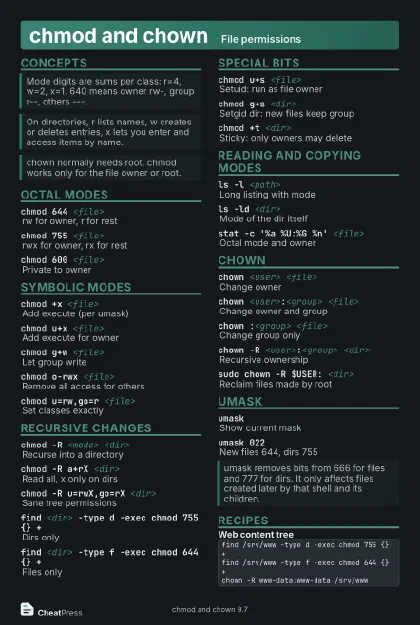 Dark · Postcard
102 × 152 mm · PDF
 Ink saver · Postcard
102 × 152 mm · PDF
 Light · A4 landscape
297 × 210 mm · PDF
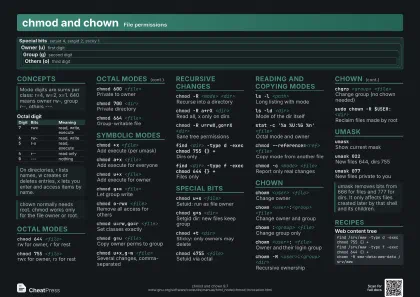 Dark · A4 landscape
297 × 210 mm · PDF
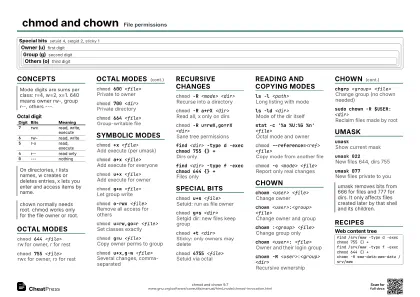 Ink saver · A4 landscape
297 × 210 mm · PDF
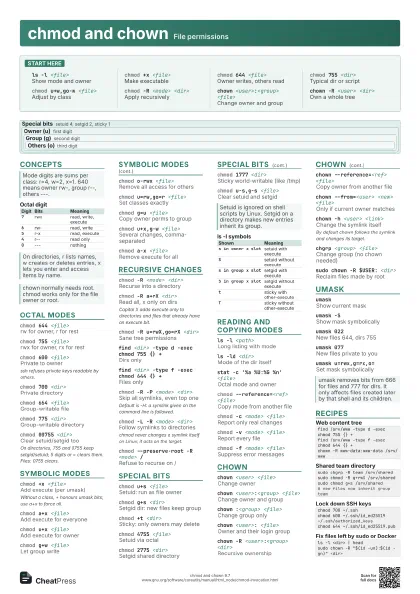
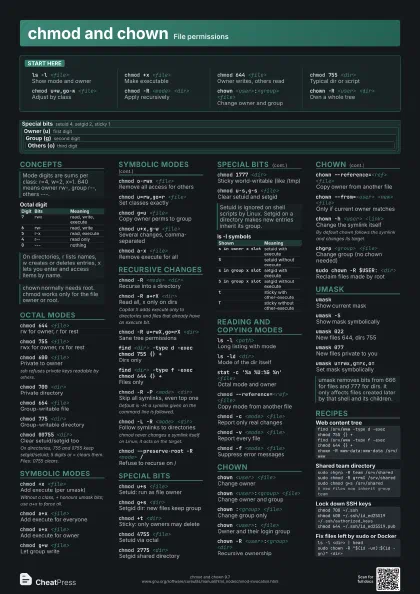
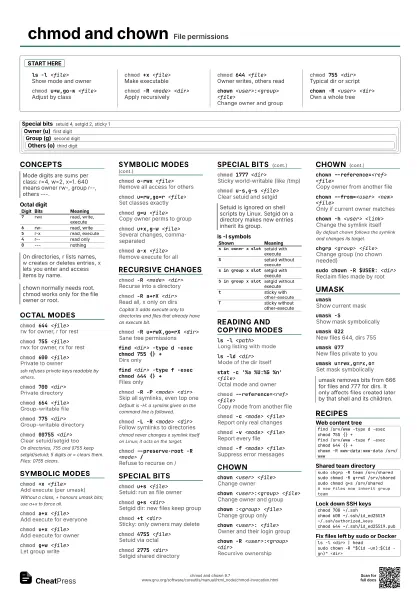
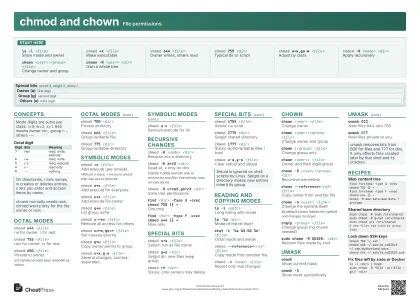 Light · A3 landscape
420 × 297 mm · PDF
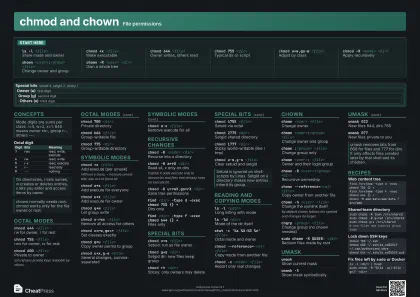 Dark · A3 landscape
420 × 297 mm · PDF
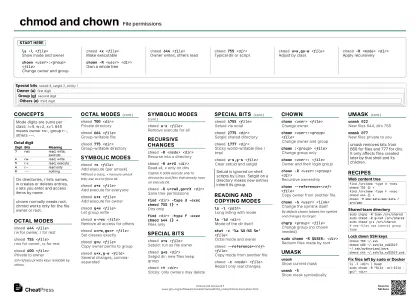 Ink saver · A3 landscape
420 × 297 mm · PDF
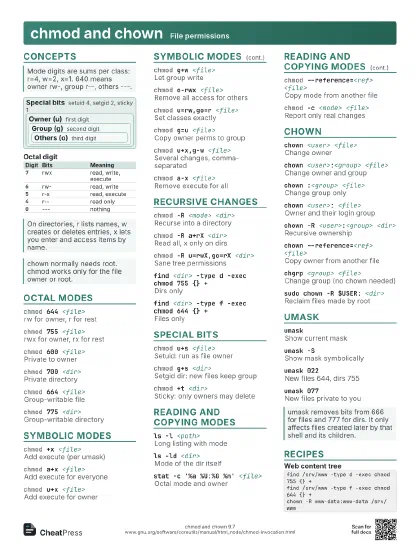
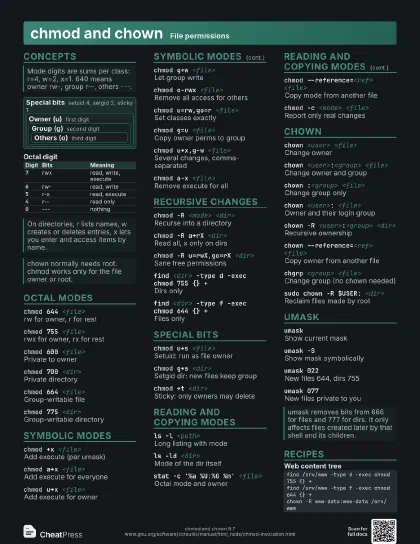
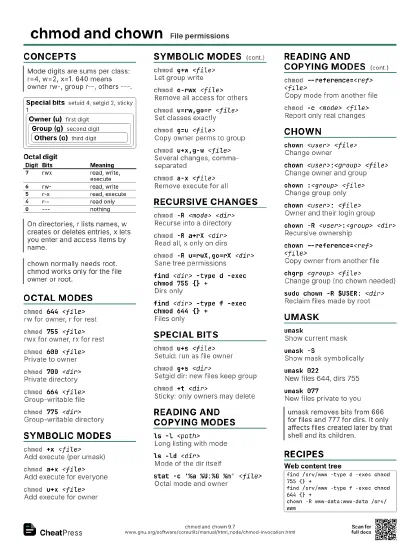
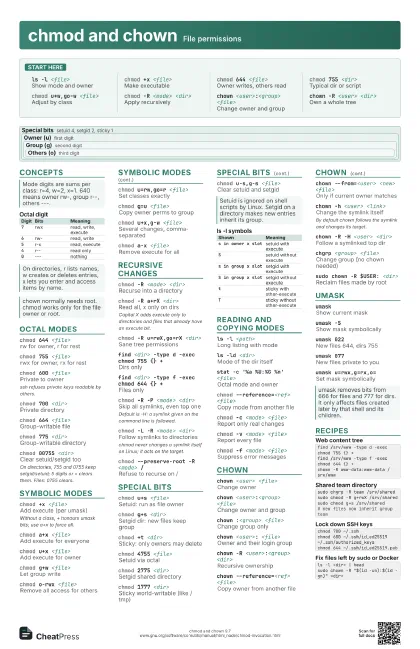
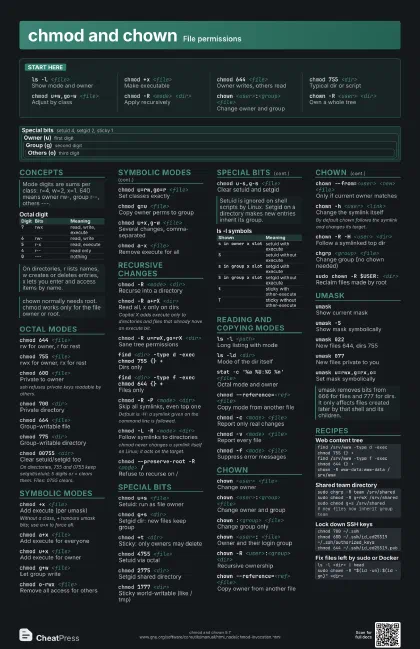
Start here
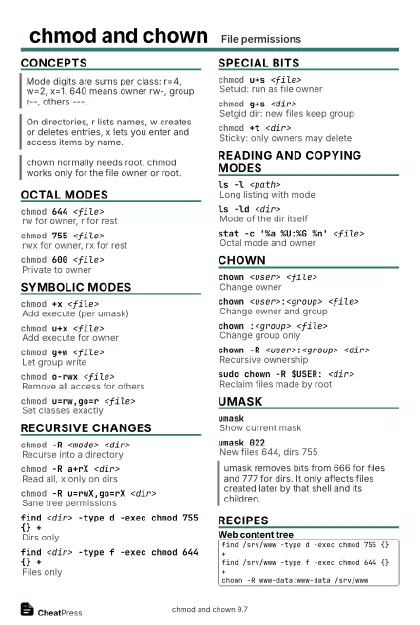
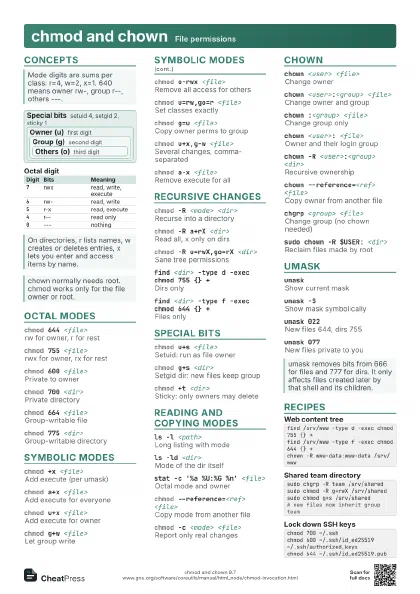
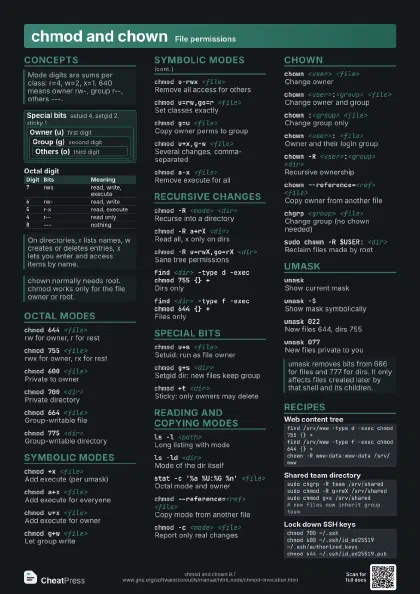
ls -l <file>
Show mode and owner
chmod +x <file>
Make executable
chmod 644 <file>
Owner writes, others read
chmod 755 <dir>
Typical dir or script
chmod u+w,go-w <file>
Adjust by class
chmod -R <mode> <dir>
Apply recursively
chown <user>:<group> <file>
Change owner and group
chown -R <user> <dir>
Own a whole tree
Concepts
Special bits
setuid 4, setgid 2, sticky 1
Owner (u) first digit
Group (g) second digit
Others (o) third digit
| Digit | Bits | Meaning |
|---|---|---|
7 |
rwx | read, write, execute |
6 |
rw- | read, write |
5 |
r-x | read, execute |
4 |
r-- | read only |
0 |
--- | nothing |
Octal modes
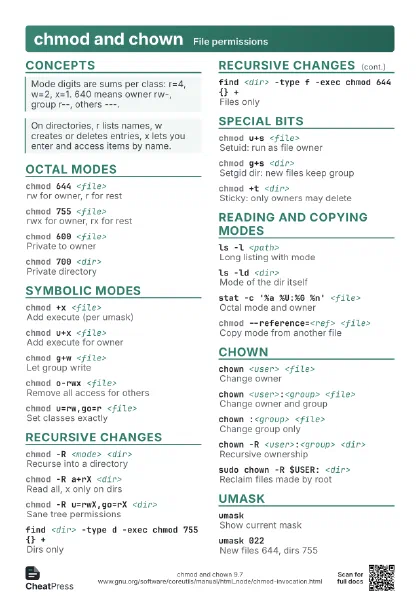
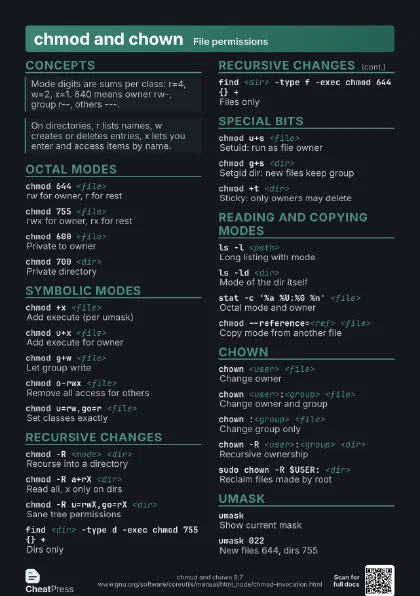
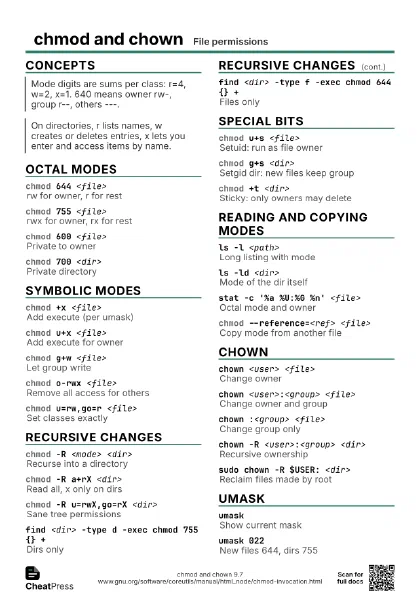
chmod 644 <file>
rw for owner, r for rest
chmod 755 <file>
rwx for owner, rx for rest
chmod 600 <file>
Private to owner
ssh refuses private keys readable by others.
chmod 700 <dir>
Private directory
chmod 664 <file>
Group-writable file
chmod 775 <dir>
Group-writable directory
chmod 00755 <dir>
Clear setuid/setgid too
On directories, 755 and 0755 keep setgid/setuid; 5 digits or =
clears them. Files: 0755 clears.
Symbolic modes
chmod +x <file>
Add execute (per umask)
Without a class, + honours umask bits; use a+x to
force all.
chmod a+x <file>
Add execute for everyone
chmod u+x <file>
Add execute for owner
chmod g+w <file>
Let group write
chmod o-rwx <file>
Remove all access for others
chmod u=rw,go=r <file>
Set classes exactly
chmod g=u <file>
Copy owner perms to group
chmod u+x,g-w <file>
Several changes, comma-separated
chmod a-x <file>
Remove execute for all
Recursive changes
chmod -R <mode> <dir>
Recurse into a directory
chmod -R a+rX <dir>
Read all, x only on dirs
Capital X adds execute only to directories and files that
already have an execute bit.
chmod -R u=rwX,go=rX <dir>
Sane tree permissions
find <dir> -type d -exec chmod 755 {} +
Dirs only
find <dir> -type f -exec chmod 644 {} +
Files only
chmod -R -P <mode> <dir>
Skip all symlinks, even top one
Default is -H: a symlink given on the command line is
followed.
chmod -L -R <mode> <dir>
Follow symlinks to directories
chmod never changes a symlink itself on Linux; it acts on the
target.
chmod --preserve-root -R <mode> /
Refuse to recurse on /
Special bits
chmod u+s <file>
Setuid: run as file owner
chmod g+s <dir>
Setgid dir: new files keep group
chmod +t <dir>
Sticky: only owners may delete
chmod 4755 <file>
Setuid via octal
chmod 2775 <dir>
Setgid shared directory
chmod 1777 <dir>
Sticky world-writable (like /tmp)
chmod u-s,g-s <file>
Clear setuid and setgid
| Shown | Meaning |
|---|---|
s in owner x slot |
setuid with execute |
S |
setuid without execute |
s in group x slot |
setgid with execute |
S in group x slot |
setgid without execute |
t |
sticky with other-execute |
T |
sticky without other-execute |
Reading and copying modes
ls -l <path>
Long listing with mode
ls -ld <dir>
Mode of the dir itself
stat -c '%a %U:%G %n' <file>
Octal mode and owner
chmod --reference=<ref> <file>
Copy mode from another file
chmod -c <mode> <file>
Report only real changes
chmod -v <mode> <file>
Report every file
chmod -f <mode> <file>
Suppress error messages
chown
chown <user> <file>
Change owner
chown <user>:<group> <file>
Change owner and group
chown :<group> <file>
Change group only
chown <user>: <file>
Owner and their login group
chown -R <user>:<group> <dir>
Recursive ownership
chown --reference=<ref> <file>
Copy owner from another file
chown --from=<user> <new> <file>
Only if current owner matches
chown -h <user> <link>
Change the symlink itself
By default chown follows the symlink and changes its target.
chown -R -H <user> <dir>
Follow a symlinked top dir
chgrp <group> <file>
Change group (no chown needed)
sudo chown -R $USER: <dir>
Reclaim files made by root
umask
umaskShow current mask
umask -SShow mask symbolically
umask 022New files 644, dirs 755
umask 077New files private to you
umask u=rwx,g=rx,o=
Set mask symbolically
Recipes
find /srv/www -type d -exec chmod 755 {} +find /srv/www -type f -exec chmod 644 {} +chown -R www-data:www-data /srv/wwwsudo chgrp -R team /srv/sharedsudo chmod -R g+rwX /srv/sharedsudo chmod g+s /srv/shared# new files now inherit group teamchmod 700 ~/.sshchmod 600 ~/.ssh/id_ed25519 ~/.ssh/authorized_keyschmod 644 ~/.ssh/id_ed25519.publs -l <dir> | headsudo chown -R "$(id -un):$(id -gn)" <dir>