Cheat
logrotate Log rotation
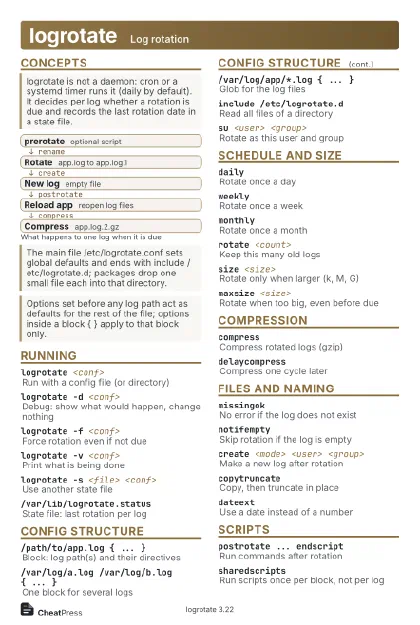 Light · Postcard
102 × 152 mm · PDF
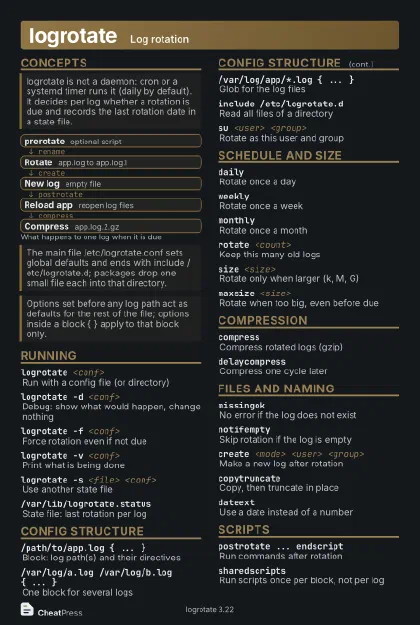 Dark · Postcard
102 × 152 mm · PDF
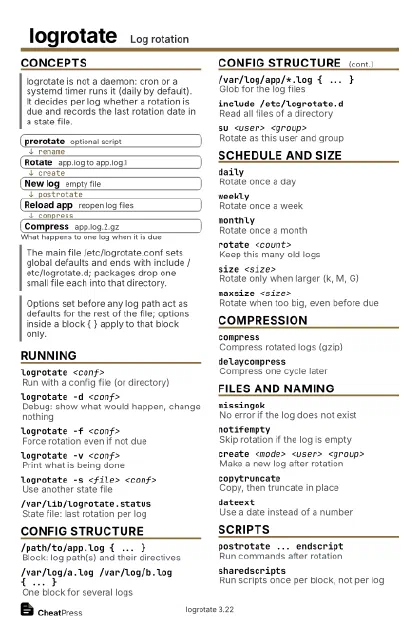 Ink saver · Postcard
102 × 152 mm · PDF
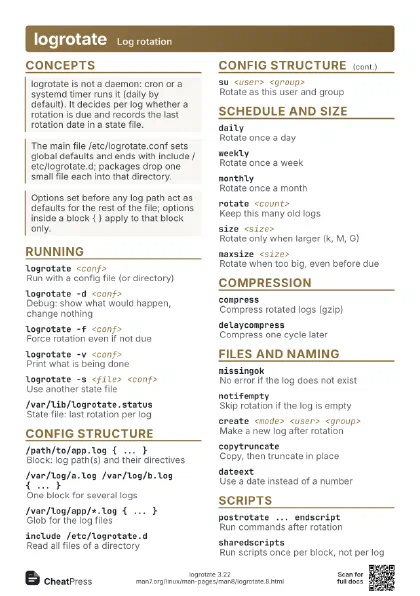
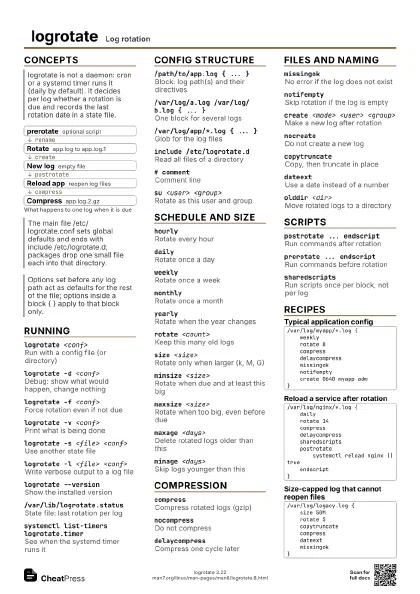
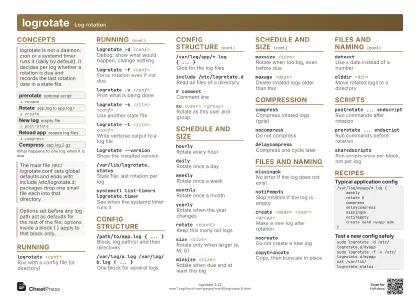 Light · A4 landscape
297 × 210 mm · PDF
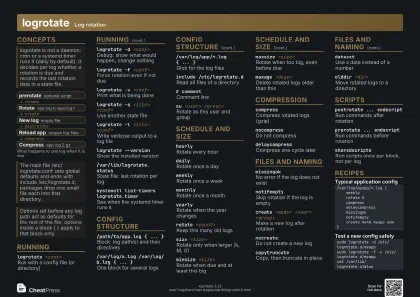 Dark · A4 landscape
297 × 210 mm · PDF
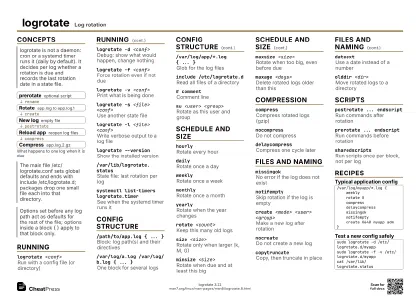 Ink saver · A4 landscape
297 × 210 mm · PDF
 Light · A3 landscape
420 × 297 mm · PDF
 Dark · A3 landscape
420 × 297 mm · PDF
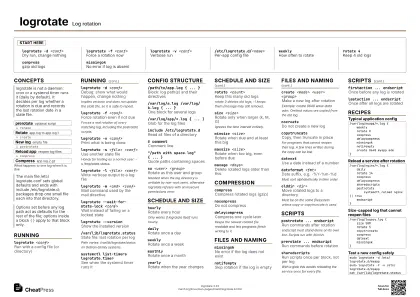 Ink saver · A3 landscape
420 × 297 mm · PDF
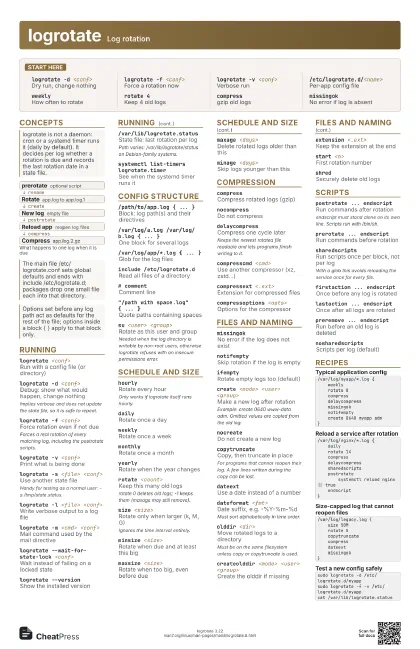
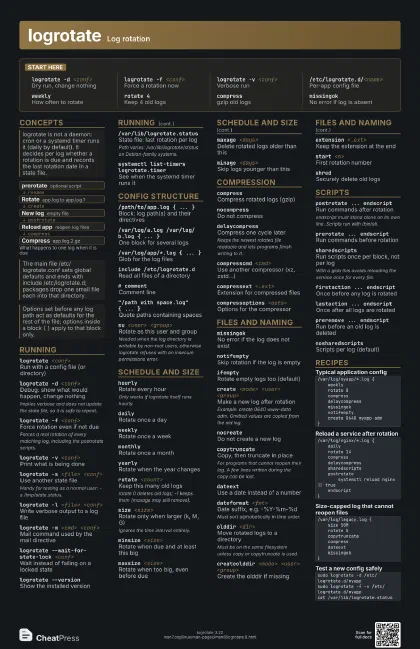
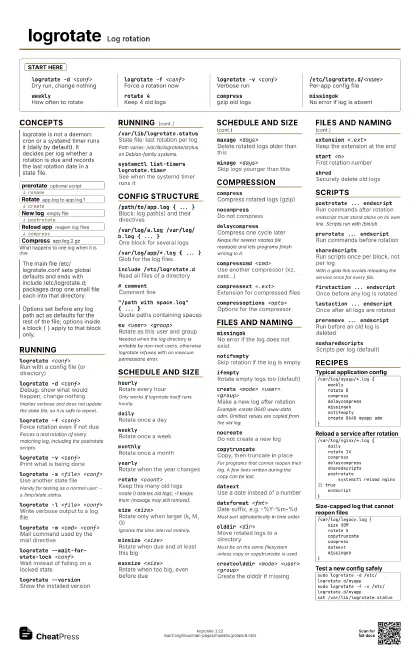
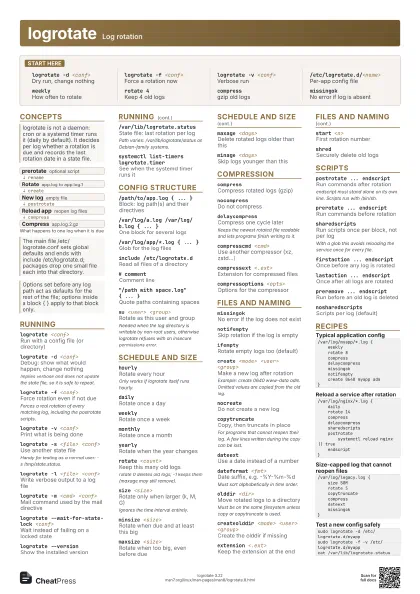
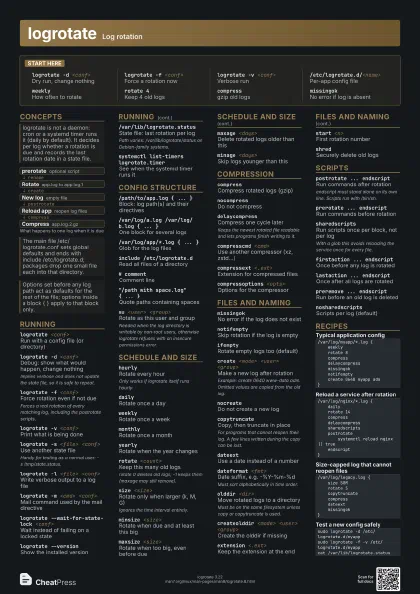
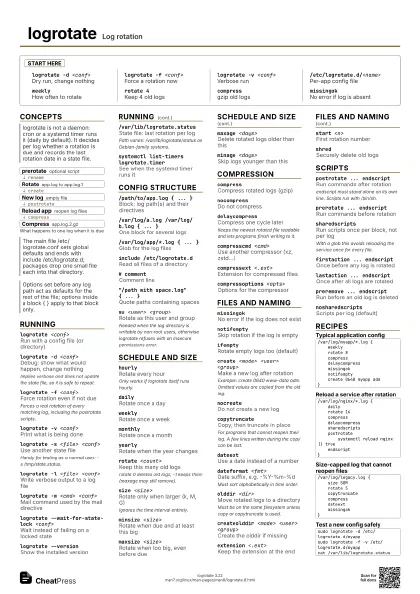
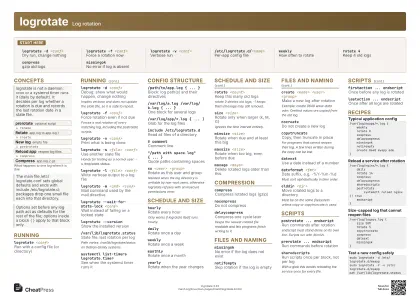
Start here
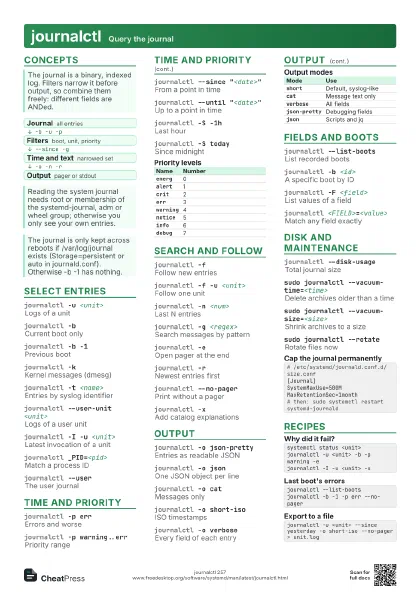
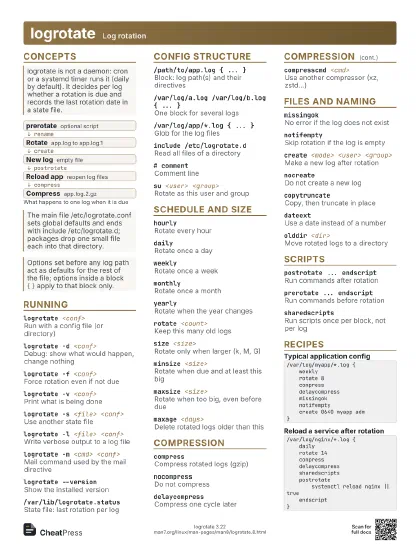
logrotate -d <conf>
Dry run, change nothing
logrotate -f <conf>
Force a rotation now
logrotate -v <conf>
Verbose run
/etc/logrotate.d/<name>
Per-app config file
weeklyHow often to rotate
rotate 4Keep 4 old logs
compressgzip old logs
missingokNo error if log is absent
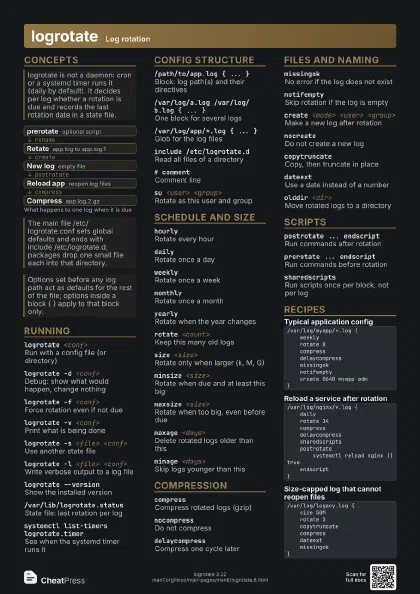
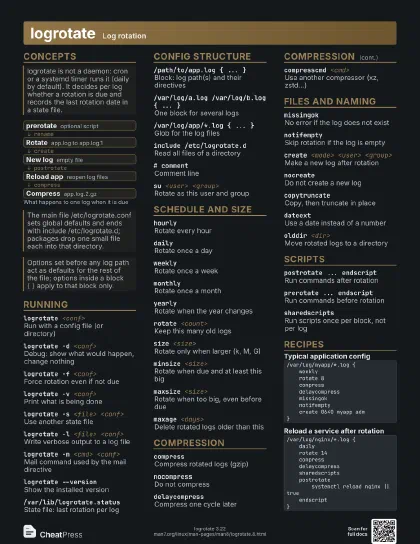
Concepts
- prerotate optional script
- Rotate app.log to app.log.1
- New log empty file
- Reload app reopen log files
- Compress app.log.2.gz
Running
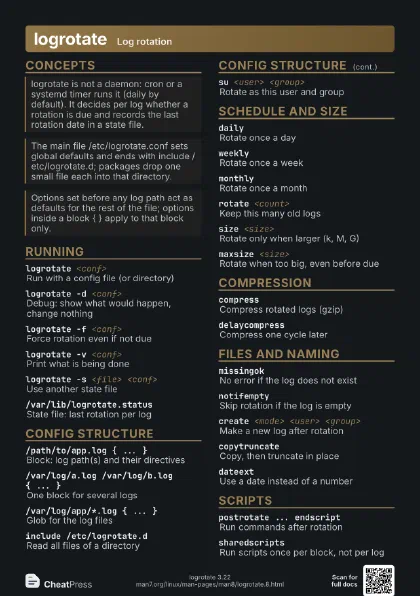
logrotate <conf>
Run with a config file (or directory)
logrotate -d <conf>
Debug: show what would happen, change nothing
Implies verbose and does not update the state file, so it is
safe to repeat.
logrotate -f <conf>
Force rotation even if not due
Forces a real rotation of every matching log, including the
postrotate scripts.
logrotate -v <conf>
Print what is being done
logrotate -s <file> <conf>
Use another state file
Handy for testing as a normal user: -s /tmp/state.status.
logrotate -l <file> <conf>
Write verbose output to a log file
logrotate -m <cmd> <conf>
Mail command used by the mail directive
logrotate --wait-for-state-lock <conf>
Wait instead of failing on a locked state
logrotate --version
Show the installed version
/var/lib/logrotate.status
State file: last rotation per log
Path varies: /var/lib/logrotate/status on Debian-family
systems.
systemctl list-timers logrotate.timer
See when the systemd timer runs it
Config structure
/path/to/app.log { ... }
Block: log path(s) and their directives
/var/log/a.log /var/log/b.log { ... }
One block for several logs
/var/log/app/*.log { ... }
Glob for the log files
include /etc/logrotate.d
Read all files of a directory
# commentComment line
"/path with space.log" { ... }
Quote paths containing spaces
su <user> <group>
Rotate as this user and group
Needed when the log directory is writable by non-root users,
otherwise logrotate refuses with an insecure permissions
error.
Schedule and size
hourlyRotate every hour
Only works if logrotate itself runs hourly.
dailyRotate once a day
weeklyRotate once a week
monthlyRotate once a month
yearlyRotate when the year changes
rotate <count>
Keep this many old logs
rotate 0 deletes old logs; -1 keeps them (maxage may still
remove).
size <size>
Rotate only when larger (k, M, G)
Ignores the time interval entirely.
minsize <size>
Rotate when due and at least this big
maxsize <size>
Rotate when too big, even before due
maxage <days>
Delete rotated logs older than this
minage <days>
Skip logs younger than this
Compression
compressCompress rotated logs (gzip)
nocompressDo not compress
delaycompressCompress one cycle later
Keeps the newest rotated file readable and lets programs
finish writing to it.
compresscmd <cmd>
Use another compressor (xz, zstd...)
compressext <.ext>
Extension for compressed files
compressoptions <opts>
Options for the compressor
Files and naming
missingokNo error if the log does not exist
notifemptySkip rotation if the log is empty
ifemptyRotate empty logs too (default)
create <mode> <user> <group>
Make a new log after rotation
Example: create 0640 www-data adm. Omitted values are copied
from the old log.
nocreateDo not create a new log
copytruncateCopy, then truncate in place
For programs that cannot reopen their log. A few lines written
during the copy can be lost.
dateextUse a date instead of a number
dateformat <fmt>
Date suffix, e.g. -%Y-%m-%d
Must sort alphabetically in time order.
olddir <dir>
Move rotated logs to a directory
Must be on the same filesystem unless copy or copytruncate is
used.
createolddir <mode> <user> <group>
Create the olddir if missing
extension <.ext>
Keep the extension at the end
start <n>First rotation number
shredSecurely delete old logs
Scripts
postrotate ... endscript
Run commands after rotation
endscript must stand alone on its own line. Scripts run with
/bin/sh.
prerotate ... endscript
Run commands before rotation
sharedscriptsRun scripts once per block, not per log
With a glob this avoids reloading the service once for every
file.
firstaction ... endscript
Once before any log is rotated
lastaction ... endscript
Once after all logs are rotated
preremove ... endscript
Run before an old log is deleted
nosharedscriptsScripts per log (default)
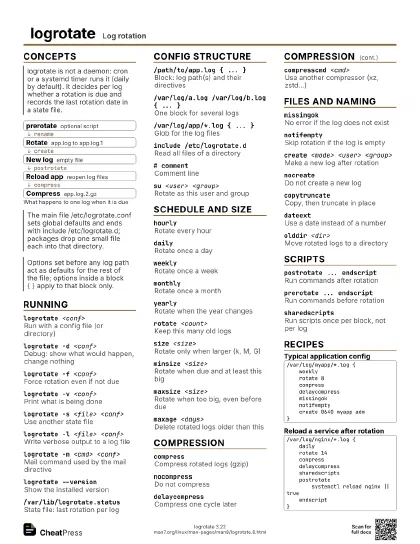
Recipes
/var/log/myapp/*.log { weekly rotate 8 compress delaycompress missingok notifempty create 0640 myapp adm}/var/log/nginx/*.log { daily rotate 14 compress delaycompress sharedscripts postrotate systemctl reload nginx || true endscript}/var/log/legacy.log { size 50M rotate 5 copytruncate compress dateext missingok}sudo logrotate -d /etc/logrotate.d/myappsudo logrotate -f -v /etc/logrotate.d/myappcat /var/lib/logrotate.status