Cheat
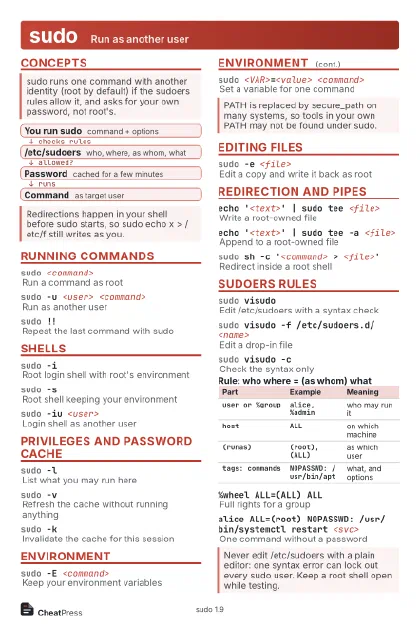
sudo Run as another user
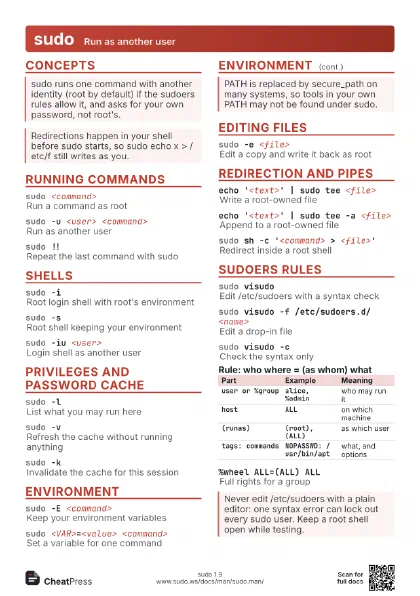
 Light · Postcard
102 × 152 mm · PDF
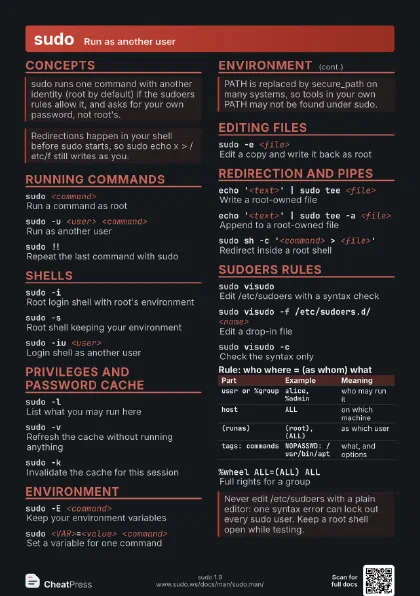
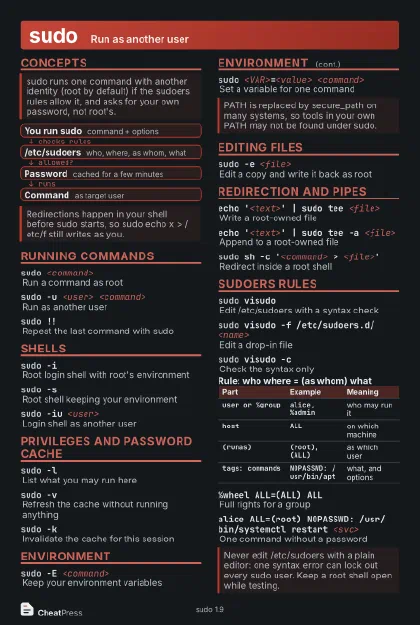 Dark · Postcard
102 × 152 mm · PDF
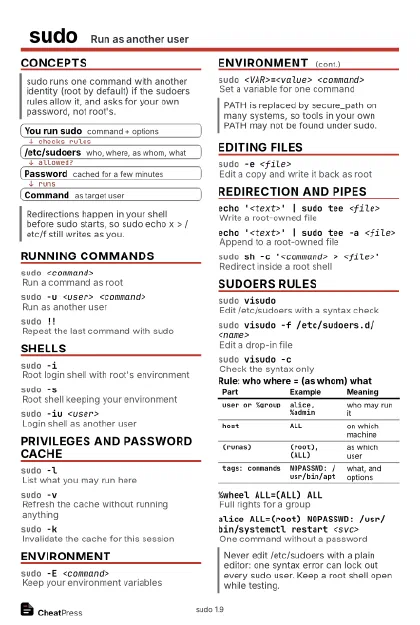 Ink saver · Postcard
102 × 152 mm · PDF
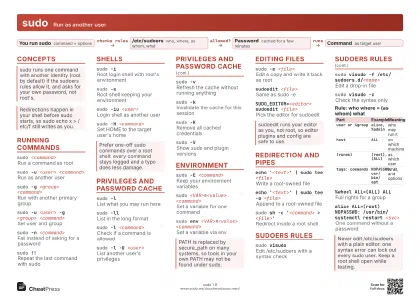 Light · A4 landscape
297 × 210 mm · PDF
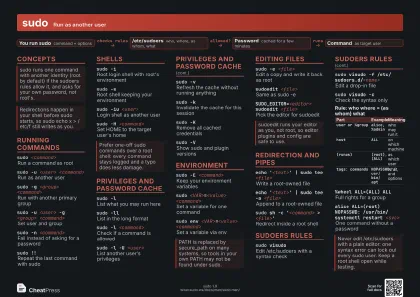 Dark · A4 landscape
297 × 210 mm · PDF
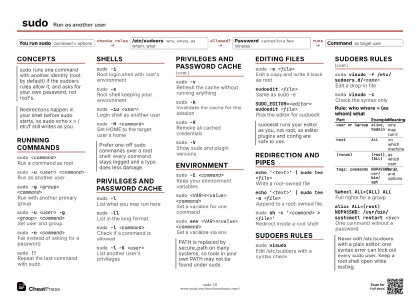 Ink saver · A4 landscape
297 × 210 mm · PDF
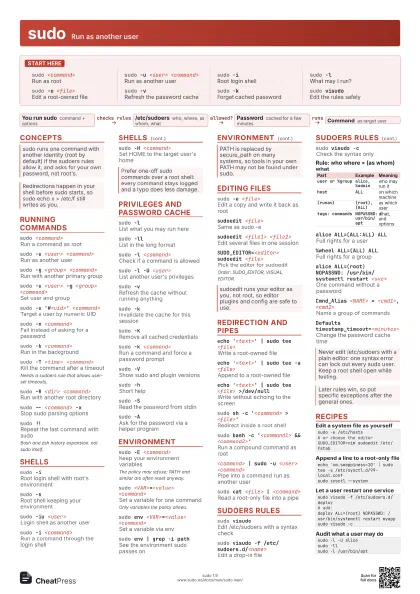
 Light · A3 landscape
420 × 297 mm · PDF
 Dark · A3 landscape
420 × 297 mm · PDF
 Ink saver · A3 landscape
420 × 297 mm · PDF
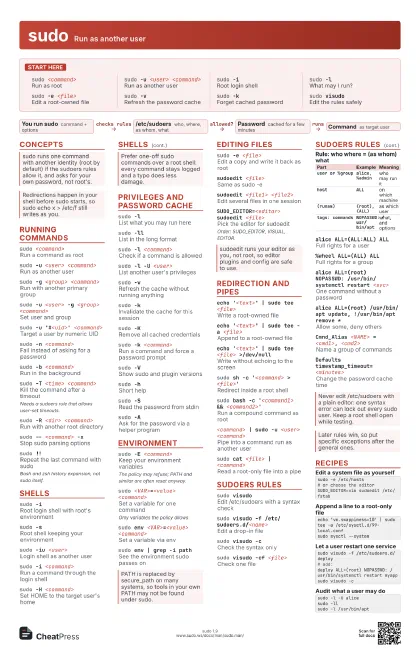
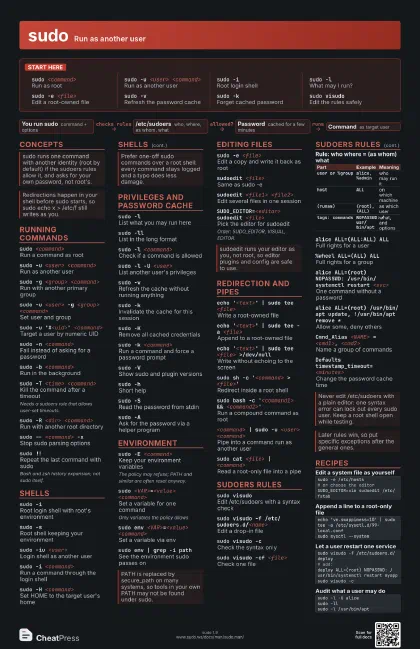
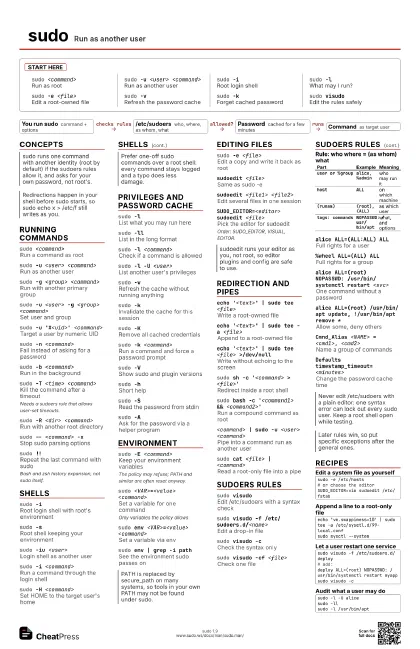
Start here
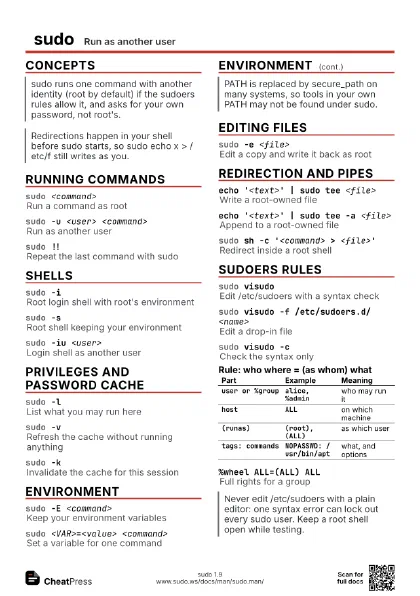
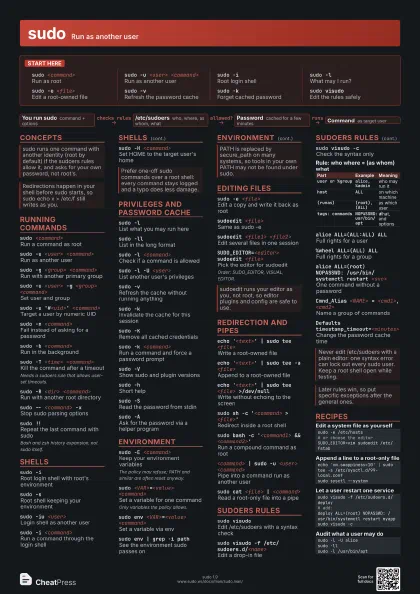
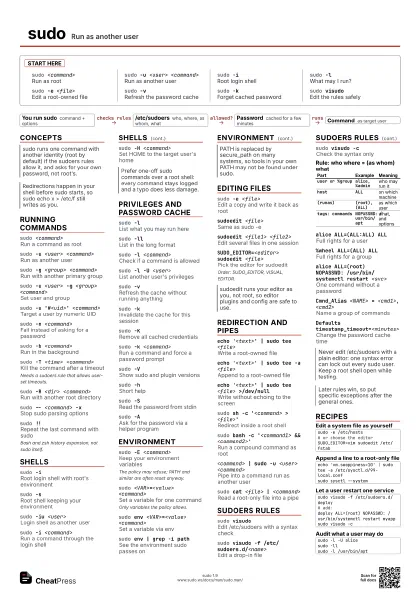
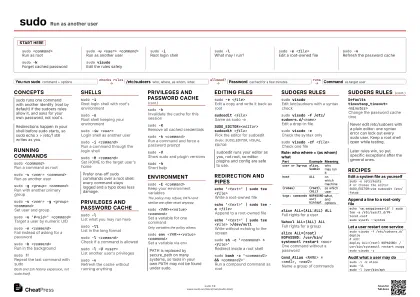
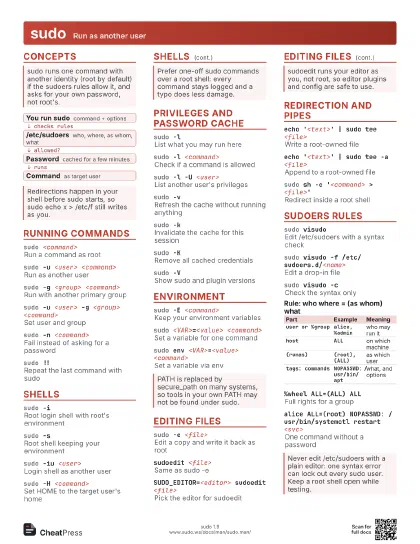
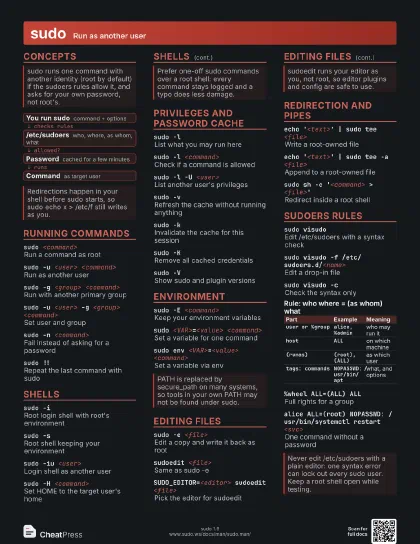
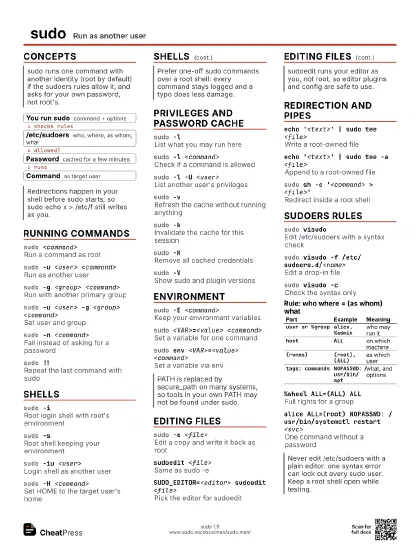
sudo <command>
Run as root
sudo -u <user> <command>
Run as another user
sudo -iRoot login shell
sudo -lWhat may I run?
sudo -e <file>
Edit a root-owned file
sudo -vRefresh the password cache
sudo -kForget cached password
sudo visudoEdit the rules safely
Concepts
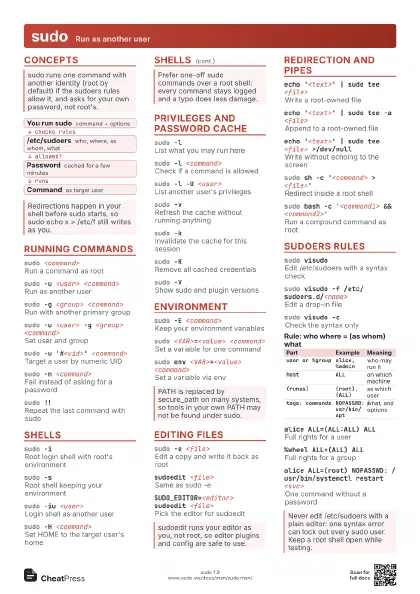
- You run sudo command + options
- /etc/sudoers who, where, as whom, what
- Password cached for a few minutes
- Command as target user
Running commands
sudo <command>
Run a command as root
sudo -u <user> <command>
Run as another user
sudo -g <group> <command>
Run with another primary group
sudo -u <user> -g <group> <command>
Set user and group
sudo -u '#<uid>' <command>
Target a user by numeric UID
sudo -n <command>
Fail instead of asking for a password
sudo -b <command>
Run in the background
sudo -T <time> <command>
Kill the command after a timeout
Needs a sudoers rule that allows user-set timeouts.
sudo -R <dir> <command>
Run with another root directory
sudo -- <command> -x
Stop sudo parsing options
sudo !!Repeat the last command with sudo
Bash and zsh history expansion, not sudo itself.
Shells
sudo -i
Root login shell with root's environment
sudo -sRoot shell keeping your environment
sudo -iu <user>
Login shell as another user
sudo -i <command>
Run a command through the login shell
sudo -H <command>
Set HOME to the target user's home
Privileges and password cache
sudo -lList what you may run here
sudo -llList in the long format
sudo -l <command>
Check if a command is allowed
sudo -l -U <user>
List another user's privileges
sudo -v
Refresh the cache without running anything
sudo -kInvalidate the cache for this session
sudo -KRemove all cached credentials
sudo -k <command>
Run a command and force a password prompt
sudo -VShow sudo and plugin versions
sudo -hShort help
sudo -SRead the password from stdin
sudo -A
Ask for the password via a helper program
sudo -p '<prompt>'
Custom password prompt
Environment
sudo -E <command>
Keep your environment variables
The policy may refuse; PATH and similar are often reset
anyway.
sudo <VAR>=<value> <command>
Set a variable for one command
Only variables the policy allows.
sudo env <VAR>=<value> <command>
Set a variable via env
sudo -P <command>
Keep your supplementary groups
sudo env | grep -i path
See the environment sudo passes on
Editing files
sudo -e <file>
Edit a copy and write it back as root
sudoedit <file>
Same as sudo -e
sudoedit <file1> <file2>
Edit several files in one session
SUDO_EDITOR=<editor> sudoedit <file>
Pick the editor for sudoedit
Order: SUDO_EDITOR, VISUAL, EDITOR.
Redirection and pipes
echo '<text>' | sudo tee <file>
Write a root-owned file
echo '<text>' | sudo tee -a
                    <file>
Append to a root-owned file
echo '<text>' | sudo tee <file>
                    >/dev/null
Write without echoing to the screen
sudo sh -c '<command> >
                    <file>'
Redirect inside a root shell
sudo bash -c '<command1> &&
                    <command2>'
Run a compound command as root
<command> | sudo -u <user>
                    <command>
Pipe into a command run as another user
sudo cat <file> | <command>
Read a root-only file into a pipe
sudoers rules
sudo visudoEdit /etc/sudoers with a syntax check
sudo visudo -f /etc/sudoers.d/<name>
Edit a drop-in file
sudo visudo -cCheck the syntax only
sudo visudo -cf <file>
Check one file
| Part | Example | Meaning |
|---|---|---|
user or %group |
alice, %admin |
who may run it |
host |
ALL |
on which machine |
(runas) |
(root), (ALL) |
as which user |
tags: commands |
NOPASSWD: /usr/bin/apt |
what, and options |
alice ALL=(ALL:ALL) ALL
Full rights for a user
%wheel ALL=(ALL) ALL
Full rights for a group
alice ALL=(root) NOPASSWD: /usr/bin/systemctl restart
                    <svc>
One command without a password
alice ALL=(root) /usr/bin/apt update, !/usr/bin/apt remove
                    *
Allow some, deny others
Cmnd_Alias <NAME> = <cmd1>, <cmd2>
Name a group of commands
Defaults timestamp_timeout=<minutes>
Change the password cache time
Defaults:<user> !authenticate
Never ask this user for a password
Defaults env_keep += "<VAR>"
Always keep a variable
@includedir /etc/sudoers.d
Include drop-in rule files
Recipes
sudo -e /etc/hosts# or choose the editorSUDO_EDITOR=vim sudoedit /etc/fstabecho 'vm.swappiness=10' | sudo tee -a /etc/sysctl.d/99-local.confsudo sysctl --systemsudo visudo -f /etc/sudoers.d/deploy# add:deploy ALL=(root) NOPASSWD: /usr/bin/systemctl restart myappsudo visudo -csudo -l -U alicesudo -llsudo -l /usr/bin/apt