Cheat
Trivy Security scanner
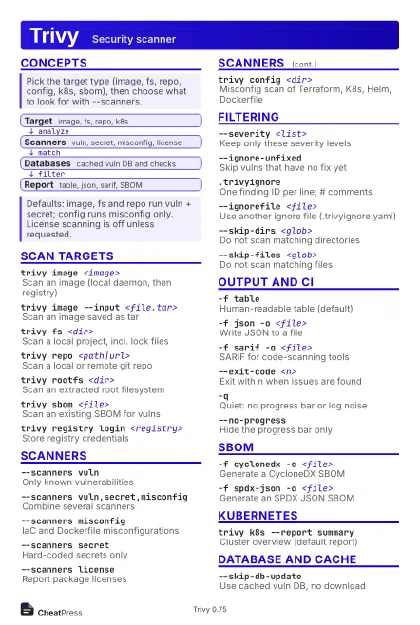 Light · Postcard
102 × 152 mm · PDF
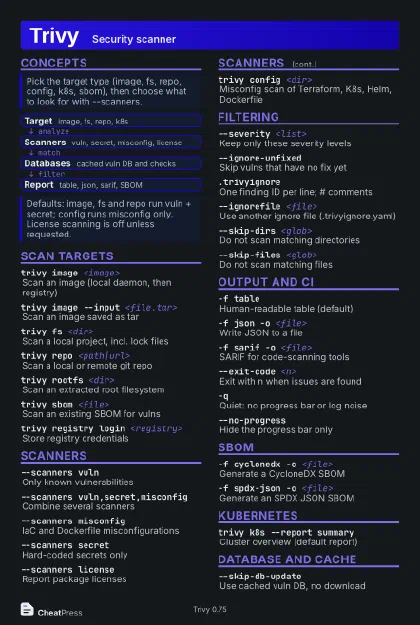 Dark · Postcard
102 × 152 mm · PDF
 Ink saver · Postcard
102 × 152 mm · PDF
 Light · A4 landscape
297 × 210 mm · PDF
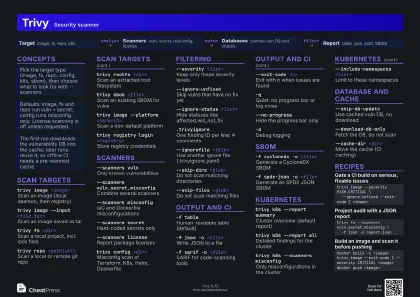 Dark · A4 landscape
297 × 210 mm · PDF
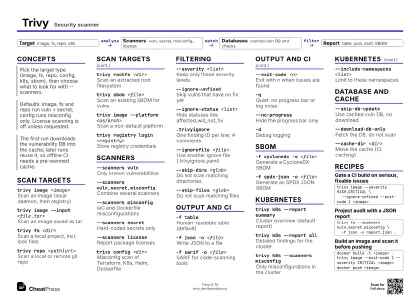 Ink saver · A4 landscape
297 × 210 mm · PDF
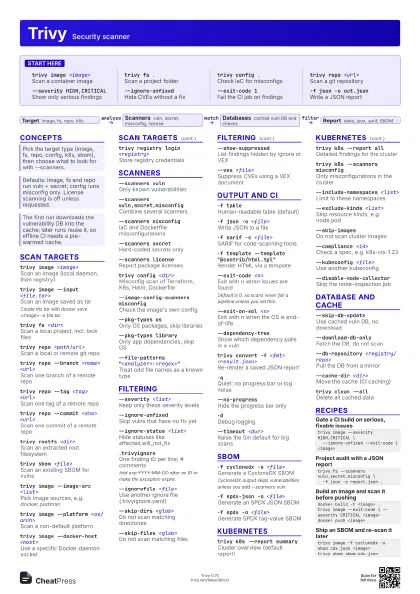
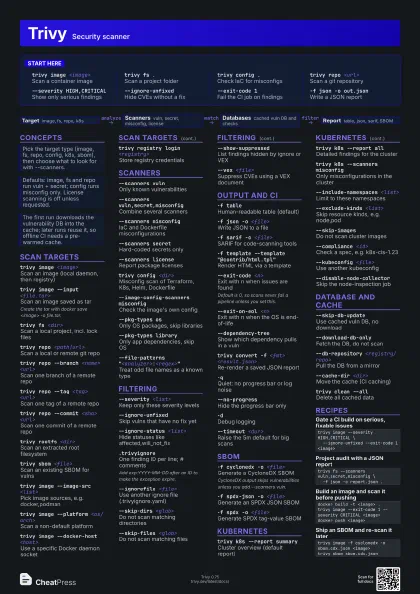
 Light · A3 landscape
420 × 297 mm · PDF
 Dark · A3 landscape
420 × 297 mm · PDF
 Ink saver · A3 landscape
420 × 297 mm · PDF
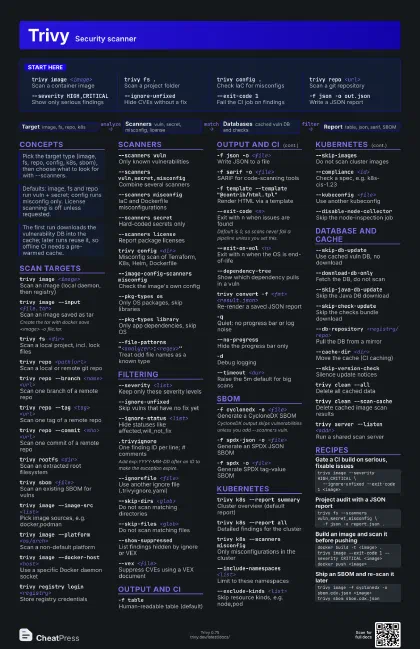
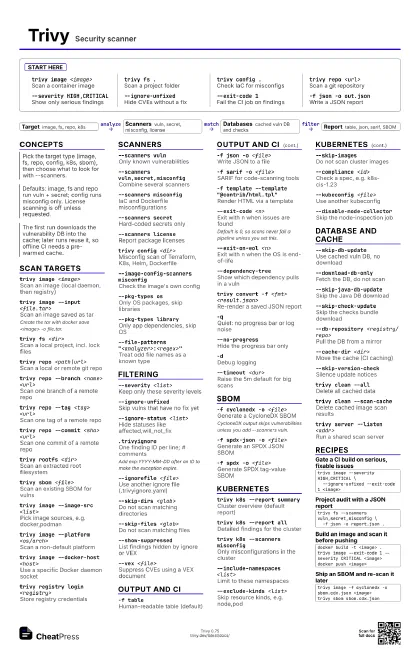
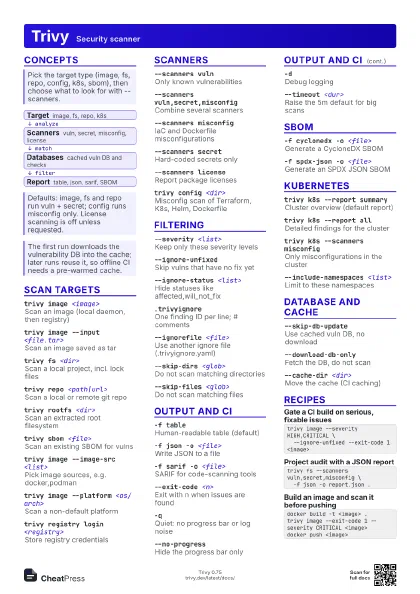
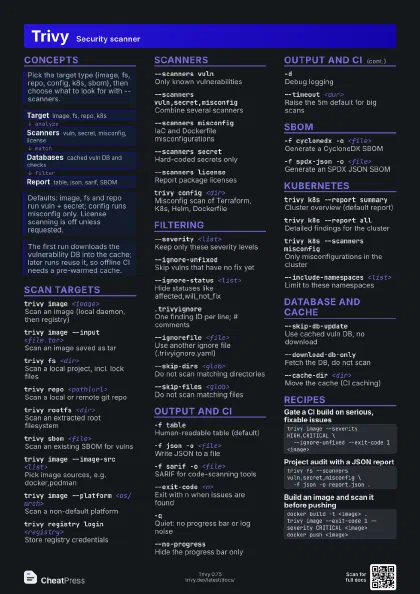
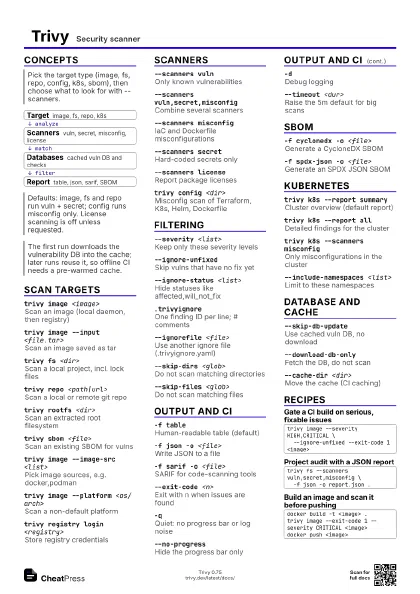
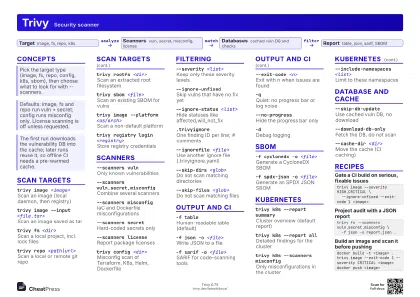
Start here
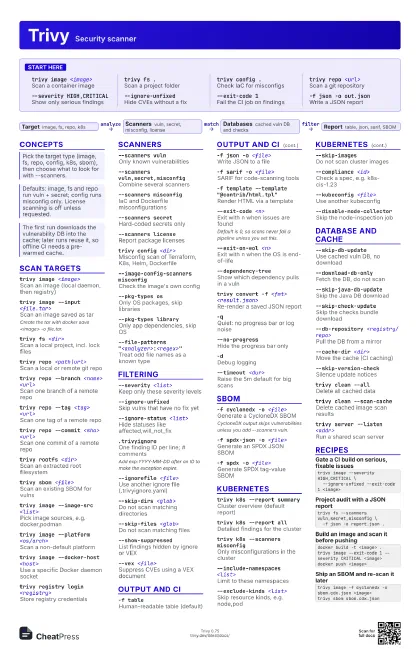
trivy image <image>
Scan a container image
trivy fs .Scan a project folder
trivy config .Check IaC for misconfigs
trivy repo <url>
Scan a git repository
--severity HIGH,CRITICAL
Show only serious findings
--ignore-unfixed
Hide CVEs without a fix
--exit-code 1Fail the CI job on findings
-f json -o out.json
Write a JSON report
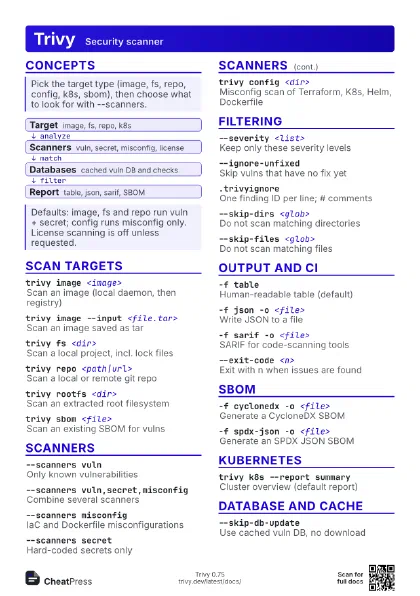
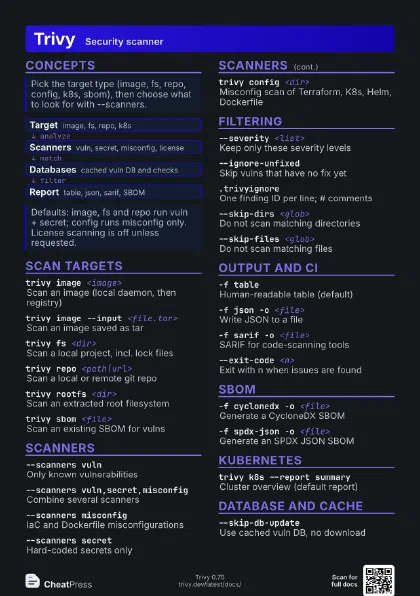
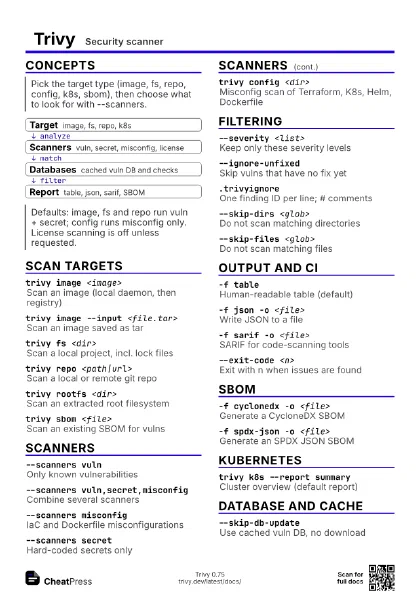
Concepts
- Target image, fs, repo, k8s
- Scanners vuln, secret, misconfig, license
- Databases cached vuln DB and checks
- Report table, json, sarif, SBOM
Scan targets
trivy image <image>
Scan an image (local daemon, then registry)
trivy image --input <file.tar>
Scan an image saved as tar
Create the tar with docker save <image> -o file.tar.
trivy fs <dir>
Scan a local project, incl. lock files
trivy repo <path|url>
Scan a local or remote git repo
trivy repo --branch <name> <url>
Scan one branch of a remote repo
trivy repo --tag <tag> <url>
Scan one tag of a remote repo
trivy repo --commit <sha> <url>
Scan one commit of a remote repo
trivy rootfs <dir>
Scan an extracted root filesystem
trivy sbom <file>
Scan an existing SBOM for vulns
trivy vm <image>
Scan a virtual machine image
trivy image --image-src <list>
Pick image sources, e.g. docker,podman
trivy image --platform <os/arch>
Scan a non-default platform
trivy image --docker-host <host>
Use a specific Docker daemon socket
trivy registry login <registry>
Store registry credentials
Scanners
--scanners vulnOnly known vulnerabilities
--scanners vuln,secret,misconfig
Combine several scanners
--scanners misconfig
IaC and Dockerfile misconfigurations
--scanners secret
Hard-coded secrets only
--scanners license
Report package licenses
trivy config <dir>
Misconfig scan of Terraform, K8s, Helm, Dockerfile
--image-config-scanners misconfig
Check the image's own config
--pkg-types osOnly OS packages, skip libraries
--pkg-types library
Only app dependencies, skip OS
--file-patterns
                    "<analyzer>:<regex>"
Treat odd file names as a known type
Filtering
--severity <list>
Keep only these severity levels
--ignore-unfixed
Skip vulns that have no fix yet
--ignore-status <list>
Hide statuses like affected,will_not_fix
.trivyignoreOne finding ID per line; # comments
Add exp:YYYY-MM-DD after an ID to make the exception expire.
--ignorefile <file>
Use another ignore file (.trivyignore.yaml)
--skip-dirs <glob>
Do not scan matching directories
--skip-files <glob>
Do not scan matching files
--show-suppressed
List findings hidden by ignore or VEX
--vex <file>
Suppress CVEs using a VEX document
Output and CI
-f tableHuman-readable table (default)
-f json -o <file>
Write JSON to a file
-f sarif -o <file>
SARIF for code-scanning tools
-f template --template "@contrib/html.tpl"
Render HTML via a template
--exit-code <n>
Exit with n when issues are found
Default is 0, so scans never fail a pipeline unless you set
this.
--exit-on-eol <n>
Exit with n when the OS is end-of-life
--dependency-tree
Show which dependency pulls in a vuln
--table-mode summary
Condensed table (experimental)
trivy convert -f <fmt> <result.json>
Re-render a saved JSON report
-qQuiet: no progress bar or log noise
--no-progressHide the progress bar only
-dDebug logging
--timeout <dur>
Raise the 5m default for big scans
SBOM
-f cyclonedx -o <file>
Generate a CycloneDX SBOM
CycloneDX output skips vulnerabilities unless you add
--scanners vuln.
-f spdx-json -o <file>
Generate an SPDX JSON SBOM
-f spdx -o <file>
Generate SPDX tag-value SBOM
--format github -o <file>
GitHub dependency snapshot
Kubernetes
trivy k8s --report summary
Cluster overview (default report)
trivy k8s --report all
Detailed findings for the cluster
trivy k8s --scanners misconfig
Only misconfigurations in the cluster
--include-namespaces <list>
Limit to these namespaces
--exclude-kinds <list>
Skip resource kinds, e.g. node,pod
--skip-imagesDo not scan cluster images
--compliance <id>
Check a spec, e.g. k8s-cis-1.23
--kubeconfig <file>
Use another kubeconfig
--disable-node-collector
Skip the node-inspection job
Database and cache
--skip-db-update
Use cached vuln DB, no download
--download-db-only
Fetch the DB, do not scan
--skip-java-db-update
Skip the Java DB download
--skip-check-update
Skip the checks bundle download
--db-repository <registry/repo>
Pull the DB from a mirror
--cache-dir <dir>
Move the cache (CI caching)
--skip-version-check
Silence update notices
trivy clean --all
Delete all cached data
trivy clean --scan-cache
Delete cached image scan results
trivy server --listen <addr>
Run a shared scan server
--server <url>
Scan through a Trivy server
trivy plugin install <name>
Install a plugin
trivy versionPrint version
Recipes
trivy image --severity HIGH,CRITICAL \ --ignore-unfixed --exit-code 1 <image>trivy fs --scanners vuln,secret,misconfig \ -f json -o report.json .docker build -t <image> .trivy image --exit-code 1 --severity CRITICAL <image>docker push <image>trivy image -f cyclonedx -o sbom.cdx.json <image>trivy sbom sbom.cdx.json