Cheat
ufw Simple Linux firewall
 Light · Postcard
102 × 152 mm · PDF
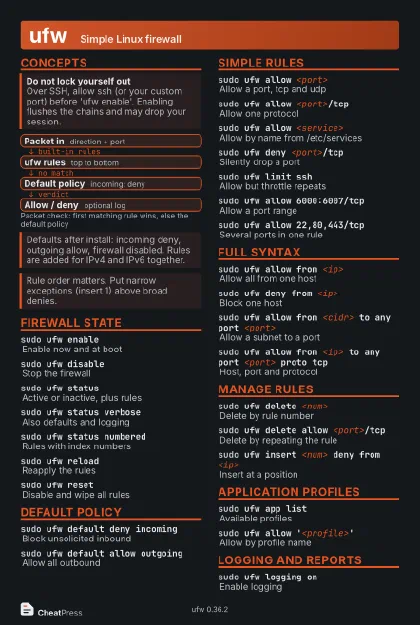 Dark · Postcard
102 × 152 mm · PDF
 Ink saver · Postcard
102 × 152 mm · PDF
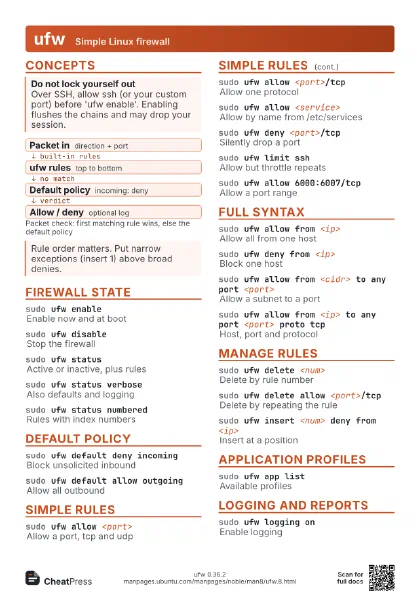
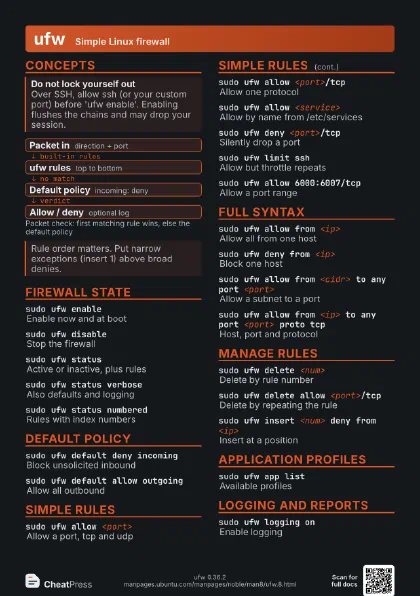
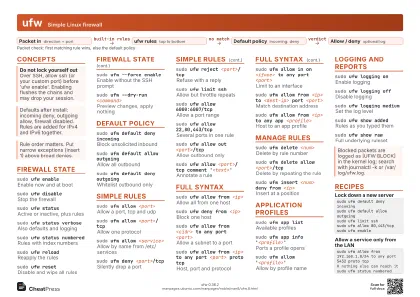 Light · A4 landscape
297 × 210 mm · PDF
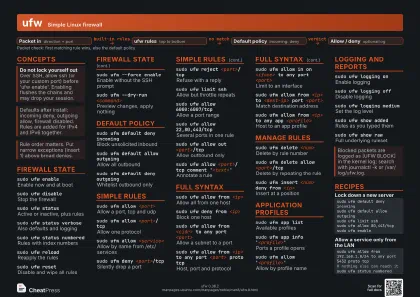 Dark · A4 landscape
297 × 210 mm · PDF
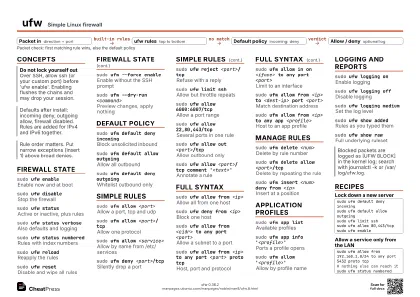 Ink saver · A4 landscape
297 × 210 mm · PDF
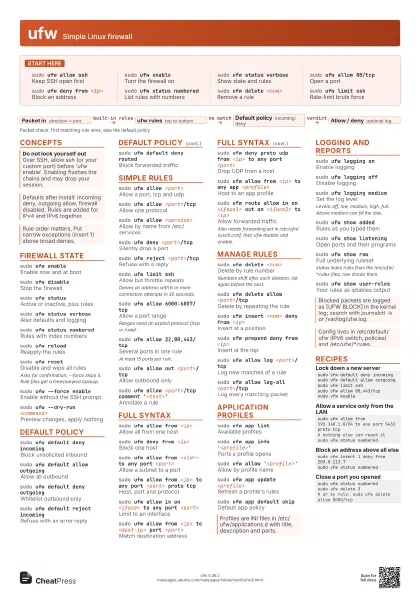
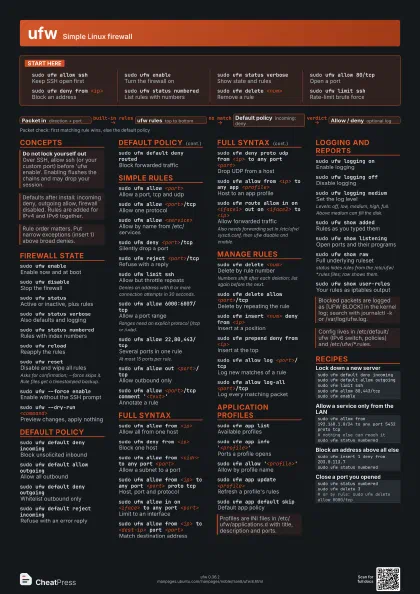
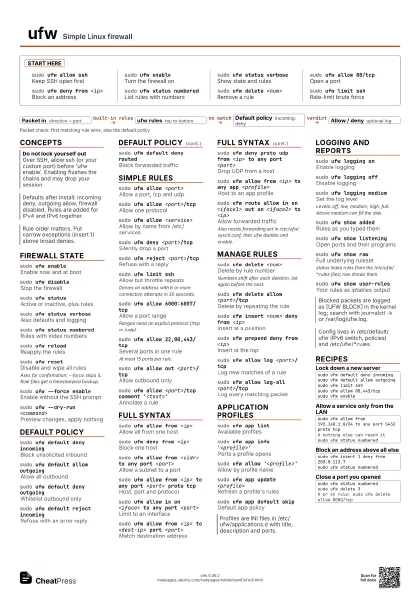
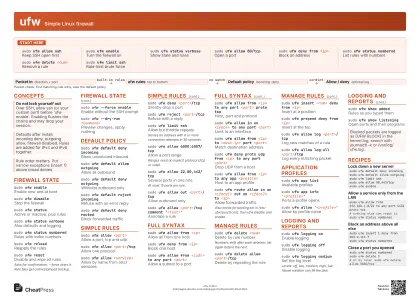 Light · A3 landscape
420 × 297 mm · PDF
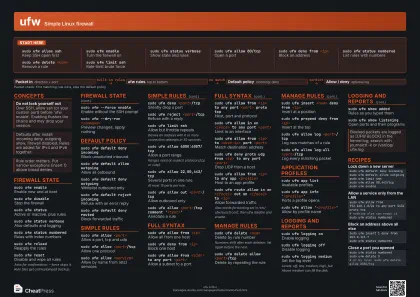 Dark · A3 landscape
420 × 297 mm · PDF
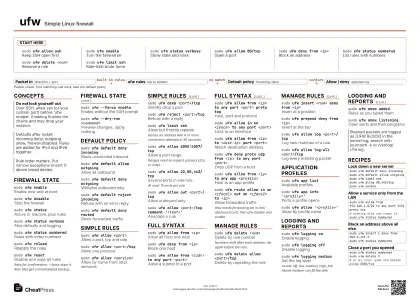 Ink saver · A3 landscape
420 × 297 mm · PDF
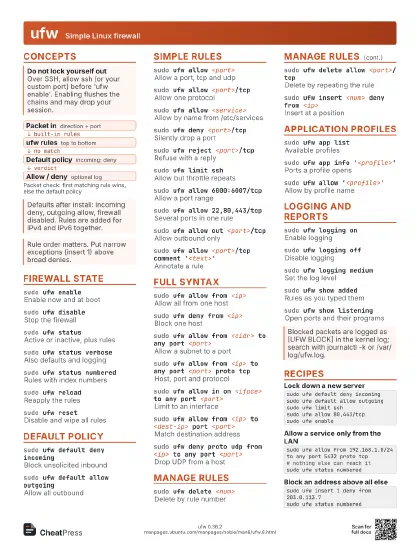
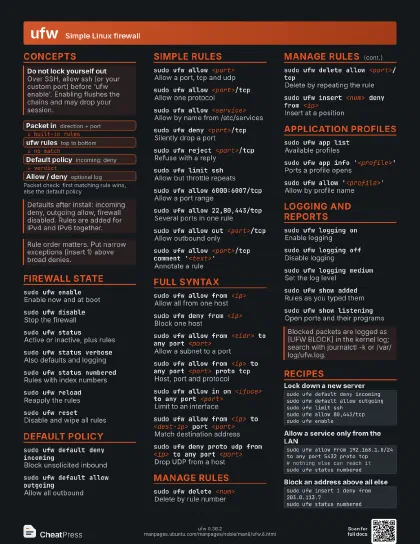
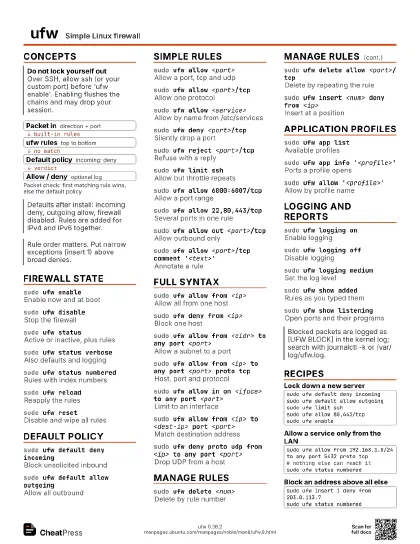
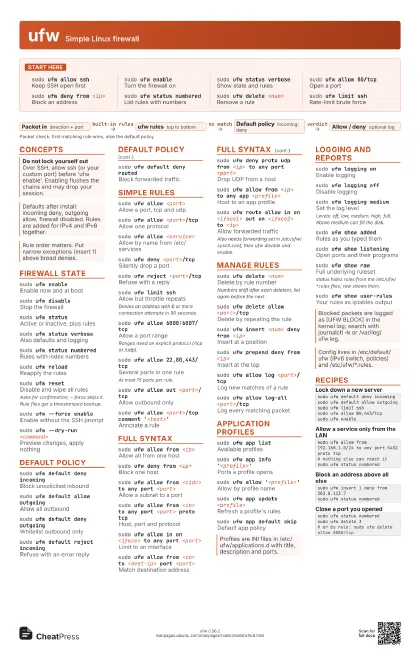
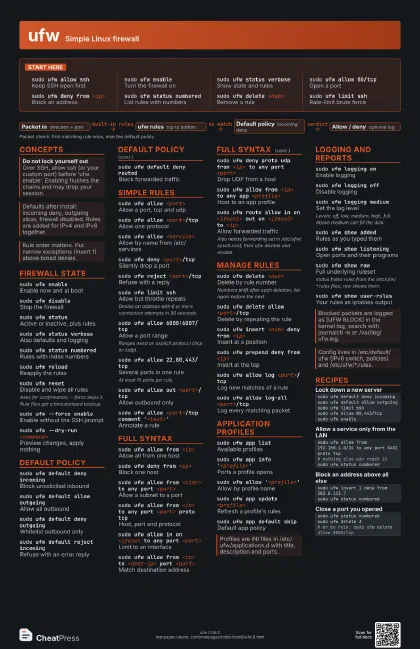
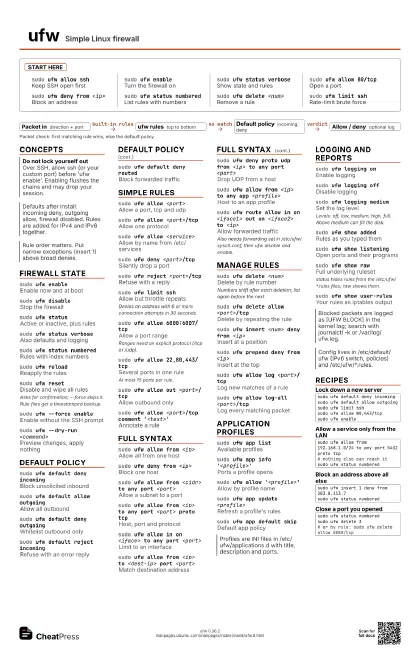
Start here
sudo ufw allow ssh
Keep SSH open first
sudo ufw enableTurn the firewall on
sudo ufw status verbose
Show state and rules
sudo ufw allow 80/tcp
Open a port
sudo ufw deny from <ip>
Block an address
sudo ufw status numbered
List rules with numbers
sudo ufw delete <num>
Remove a rule
sudo ufw limit ssh
Rate-limit brute force
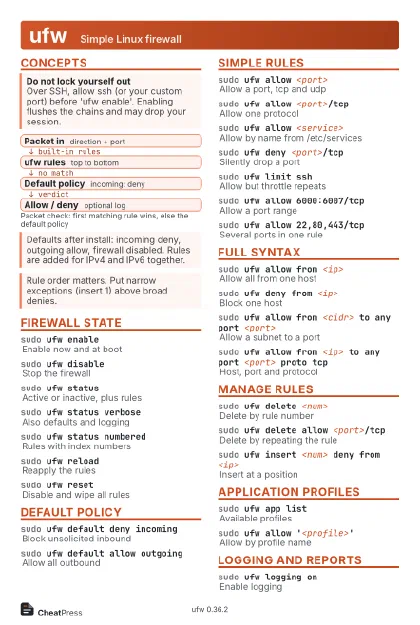
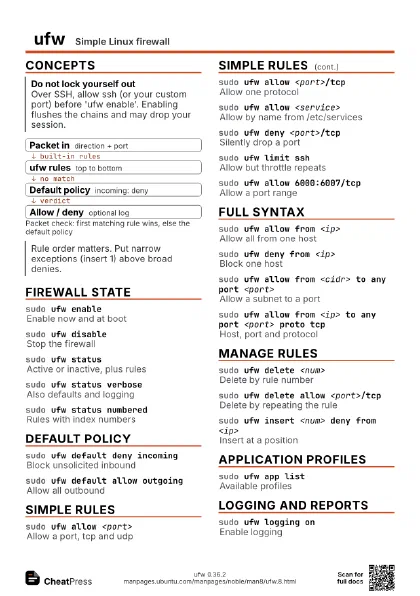
Concepts
- Packet in direction + port
- ufw rules top to bottom
- Default policy incoming: deny
- Allow / deny optional log
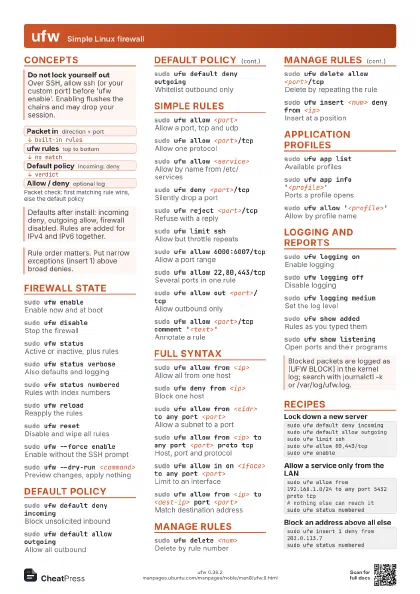
Firewall state
sudo ufw enableEnable now and at boot
sudo ufw disable
Stop the firewall
sudo ufw statusActive or inactive, plus rules
sudo ufw status verbose
Also defaults and logging
sudo ufw status numbered
Rules with index numbers
sudo ufw reloadReapply the rules
sudo ufw resetDisable and wipe all rules
Asks for confirmation; --force skips it. Rule files get a
timestamped backup.
sudo ufw --force enable
Enable without the SSH prompt
sudo ufw --dry-run <command>
Preview changes, apply nothing
Default policy
sudo ufw default deny incoming
Block unsolicited inbound
sudo ufw default allow outgoing
Allow all outbound
sudo ufw default deny outgoing
Whitelist outbound only
sudo ufw default reject incoming
Refuse with an error reply
sudo ufw default deny routed
Block forwarded traffic
Simple rules
sudo ufw allow <port>
Allow a port, tcp and udp
sudo ufw allow <port>/tcp
Allow one protocol
sudo ufw allow <service>
Allow by name from /etc/services
sudo ufw deny <port>/tcp
Silently drop a port
sudo ufw reject <port>/tcp
Refuse with a reply
sudo ufw limit ssh
Allow but throttle repeats
Denies an address with 6 or more connection attempts in 30
seconds.
sudo ufw allow 6000:6007/tcp
Allow a port range
Ranges need an explicit protocol (/tcp or /udp).
sudo ufw allow 22,80,443/tcp
Several ports in one rule
At most 15 ports per rule.
sudo ufw allow out <port>/tcp
Allow outbound only
sudo ufw allow <port>/tcp comment
                    '<text>'
Annotate a rule
Full syntax
sudo ufw allow from <ip>
Allow all from one host
sudo ufw deny from <ip>
Block one host
sudo ufw allow from <cidr> to any port
                    <port>
Allow a subnet to a port
sudo ufw allow from <ip> to any port <port>
                    proto tcp
Host, port and protocol
sudo ufw allow in on <iface> to any port
                    <port>
Limit to an interface
sudo ufw allow from <ip> to <dest-ip> port
                    <port>
Match destination address
sudo ufw deny proto udp from <ip> to any port
                    <port>
Drop UDP from a host
sudo ufw allow from <ip> to any app
                    <profile>
Host to an app profile
sudo ufw route allow in on <iface1> out on
                    <iface2> to <ip>
Allow forwarded traffic
Also needs forwarding set in /etc/ufw/sysctl.conf, then ufw
disable and enable.
Manage rules
sudo ufw delete <num>
Delete by rule number
Numbers shift after each deletion; list again before the next.
sudo ufw delete allow <port>/tcp
Delete by repeating the rule
sudo ufw insert <num> deny from <ip>
Insert at a position
sudo ufw prepend deny from <ip>
Insert at the top
sudo ufw allow log <port>/tcp
Log new matches of a rule
sudo ufw allow log-all <port>/tcp
Log every matching packet
Application profiles
sudo ufw app list
Available profiles
sudo ufw app info '<profile>'
Ports a profile opens
sudo ufw allow '<profile>'
Allow by profile name
sudo ufw app update <profile>
Refresh a profile's rules
sudo ufw app default skip
Default app policy
Logging and reports
sudo ufw logging on
Enable logging
sudo ufw logging off
Disable logging
sudo ufw logging medium
Set the log level
Levels: off, low, medium, high, full. Above medium can fill
the disk.
sudo ufw show added
Rules as you typed them
sudo ufw show listening
Open ports and their programs
sudo ufw show raw
Full underlying ruleset
status hides rules from the /etc/ufw/*.rules files; raw shows
them.
sudo ufw show user-rules
Your rules as iptables output
Recipes
sudo ufw default deny incomingsudo ufw default allow outgoingsudo ufw limit sshsudo ufw allow 80,443/tcpsudo ufw enablesudo ufw allow from 192.168.1.0/24 to any port 5432 proto tcp# nothing else can reach itsudo ufw status numberedsudo ufw insert 1 deny from 203.0.113.7sudo ufw status numberedsudo ufw status numberedsudo ufw delete 3# or by rule: sudo ufw delete allow 8080/tcp