Cheat
tldr pages Command examples
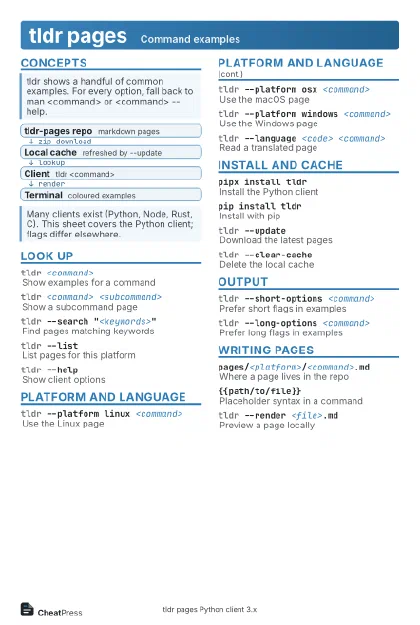 Light · Postcard
102 × 152 mm · PDF
 Dark · Postcard
102 × 152 mm · PDF
 Ink saver · Postcard
102 × 152 mm · PDF
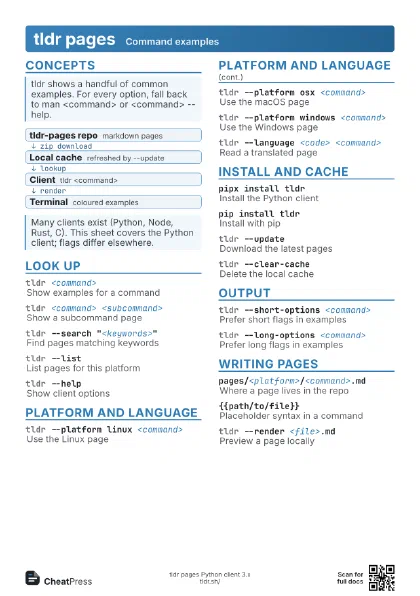
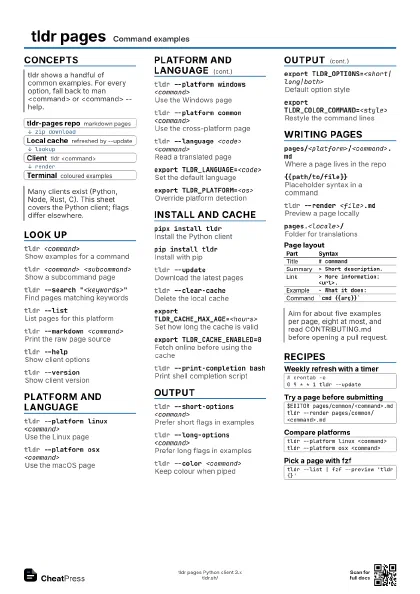
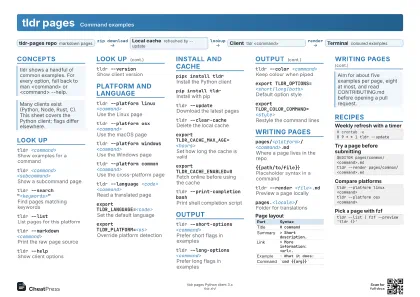 Light · A4 landscape
297 × 210 mm · PDF
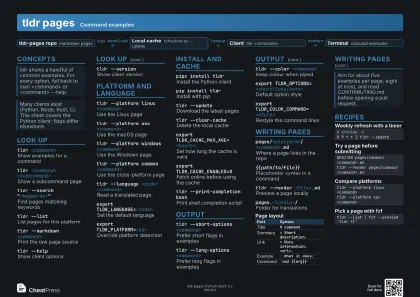 Dark · A4 landscape
297 × 210 mm · PDF
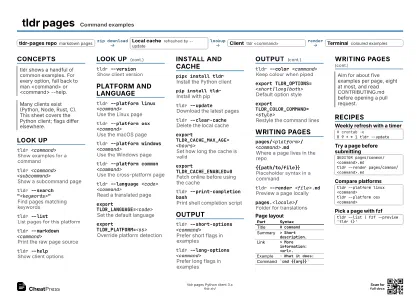 Ink saver · A4 landscape
297 × 210 mm · PDF
 Light · A3 landscape
420 × 297 mm · PDF
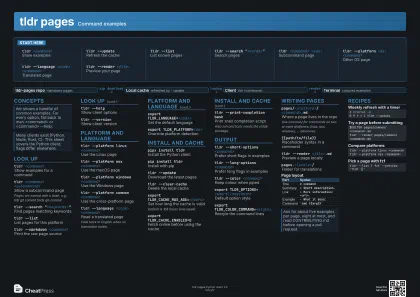 Dark · A3 landscape
420 × 297 mm · PDF
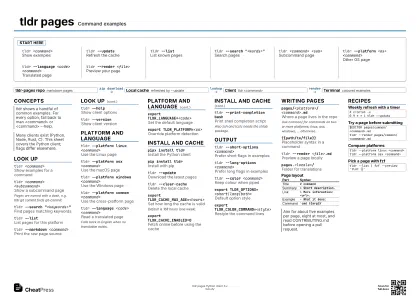 Ink saver · A3 landscape
420 × 297 mm · PDF
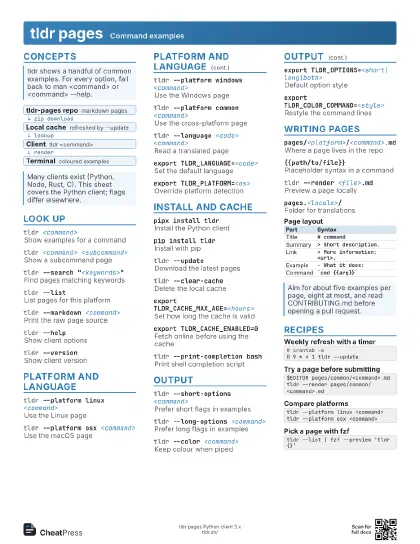
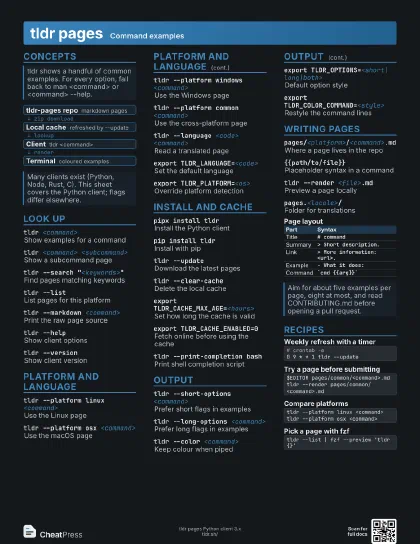
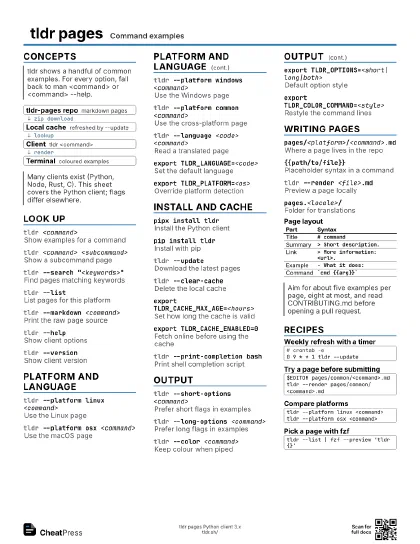
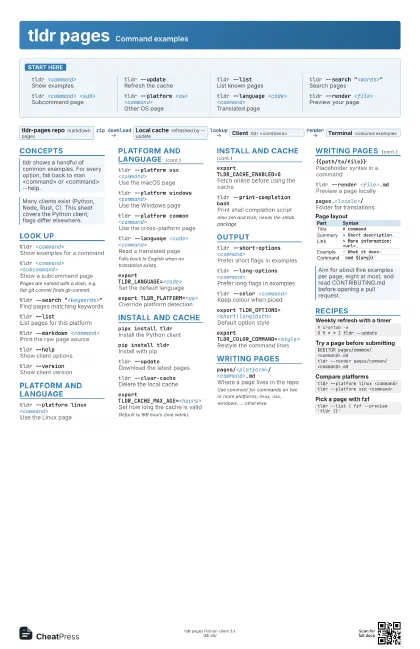
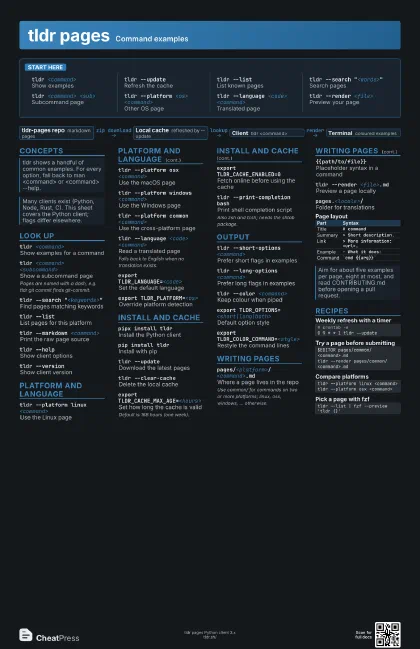
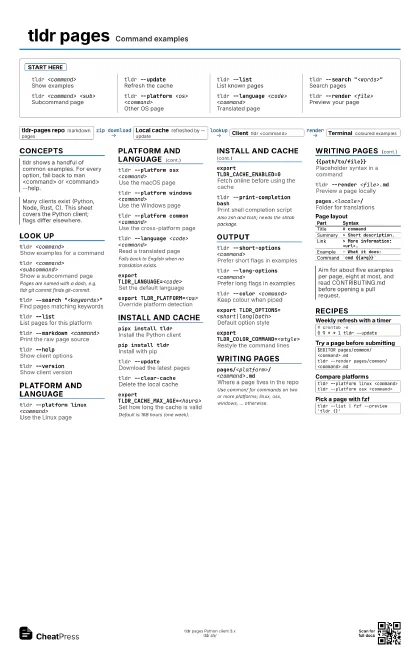
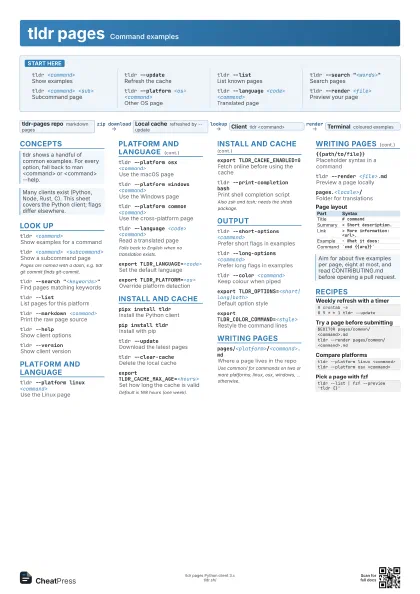
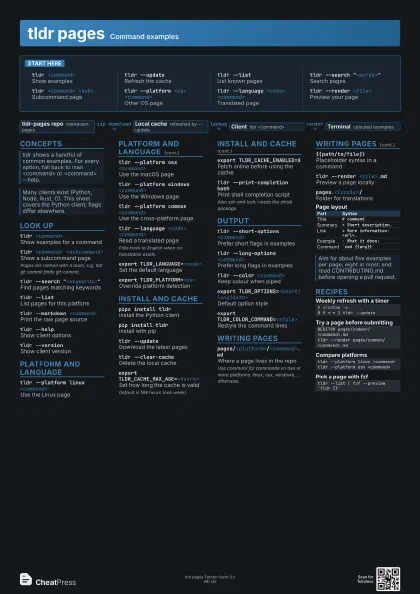
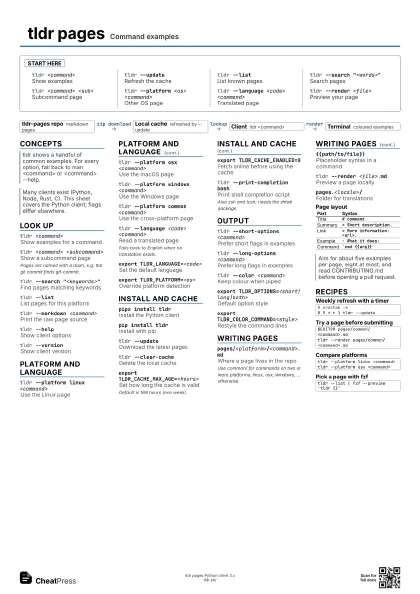
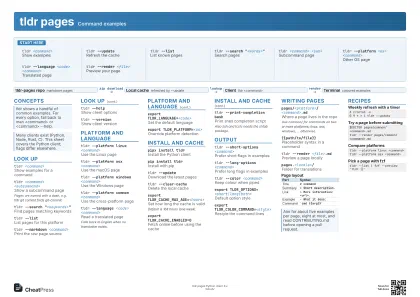
Start here
tldr <command>
Show examples
tldr --updateRefresh the cache
tldr --listList known pages
tldr --search "<words>"
Search pages
tldr <command> <sub>
Subcommand page
tldr --platform <os> <command>
Other OS page
tldr --language <code> <command>
Translated page
tldr --render <file>
Preview your page
Concepts
- tldr-pages repo markdown pages
- Local cache refreshed by --update
- Client tldr <command>
- Terminal coloured examples
Look up
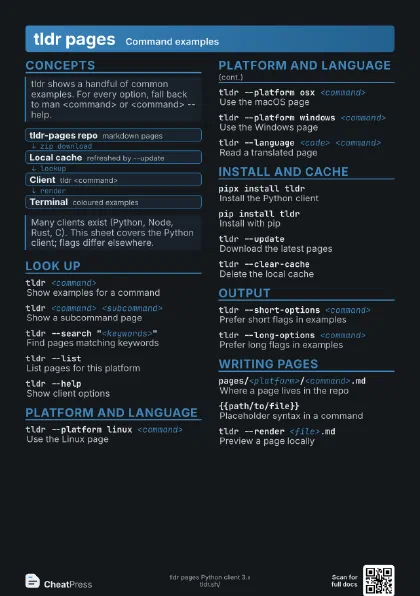
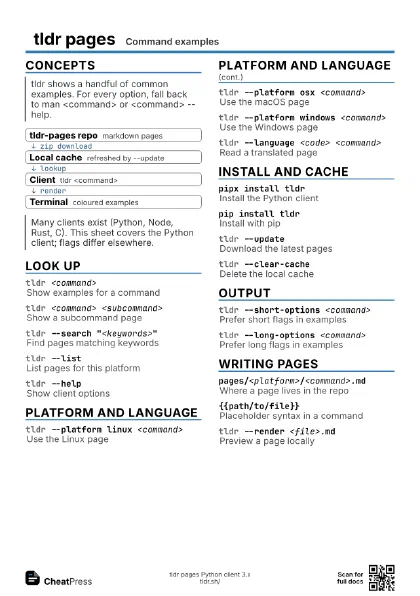
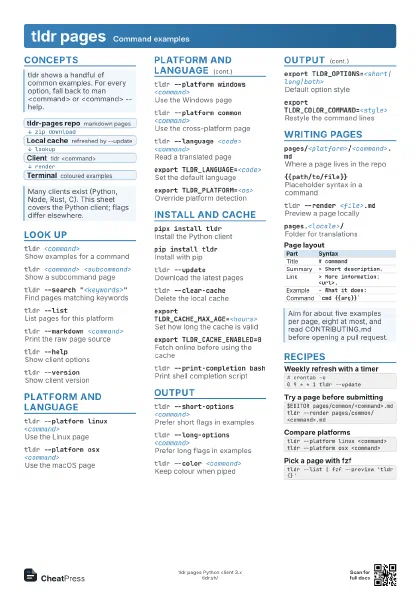
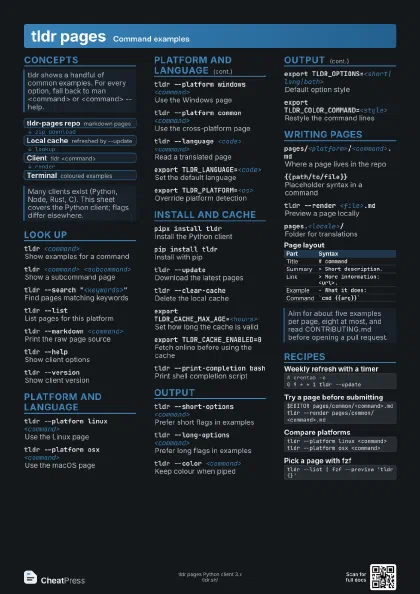
tldr <command>
Show examples for a command
tldr <command> <subcommand>
Show a subcommand page
Pages are named with a dash, e.g. tldr git commit finds
git-commit.
tldr --search "<keywords>"
Find pages matching keywords
tldr --listList pages for this platform
tldr --markdown <command>
Print the raw page source
tldr --helpShow client options
tldr --versionShow client version
Platform and language
tldr --platform linux <command>
Use the Linux page
tldr --platform osx <command>
Use the macOS page
tldr --platform windows <command>
Use the Windows page
tldr --platform common <command>
Use the cross-platform page
tldr --language <code> <command>
Read a translated page
Falls back to English when no translation exists.
export TLDR_LANGUAGE=<code>
Set the default language
export TLDR_PLATFORM=<os>
Override platform detection
Install and cache
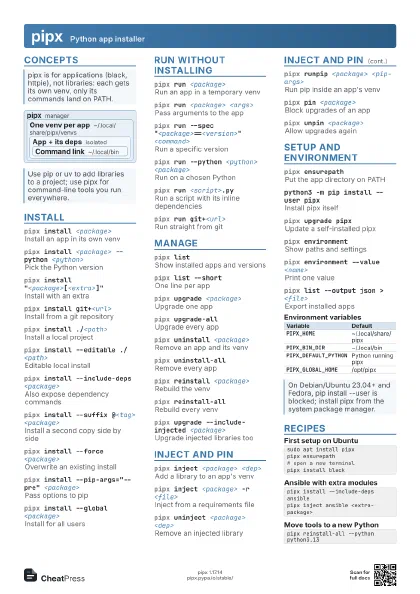
pipx install tldr
Install the Python client
pip install tldr
Install with pip
tldr --updateDownload the latest pages
tldr --clear-cache
Delete the local cache
export TLDR_CACHE_MAX_AGE=<hours>
Set how long the cache is valid
Default is 168 hours (one week).
export TLDR_CACHE_ENABLED=0
Fetch online before using the cache
tldr --print-completion bash
Print shell completion script
Also zsh and tcsh; needs the shtab package.
Output
tldr --short-options <command>
Prefer short flags in examples
tldr --long-options <command>
Prefer long flags in examples
tldr --color <command>
Keep colour when piped
export TLDR_OPTIONS=<short|long|both>
Default option style
export TLDR_COLOR_COMMAND=<style>
Restyle the command lines
Writing pages
pages/<platform>/<command>.md
Where a page lives in the repo
Use common/ for commands on two or more platforms; linux, osx,
windows, ... otherwise.
{{path/to/file}}
Placeholder syntax in a command
tldr --render <file>.md
Preview a page locally
pages.<locale>/
Folder for translations
| Part | Syntax |
|---|---|
| Title | # command |
| Summary | > Short description. |
| Link | > More information: <url>. |
| Example | - What it does: |
| Command | `cmd {{arg}}` |
Recipes
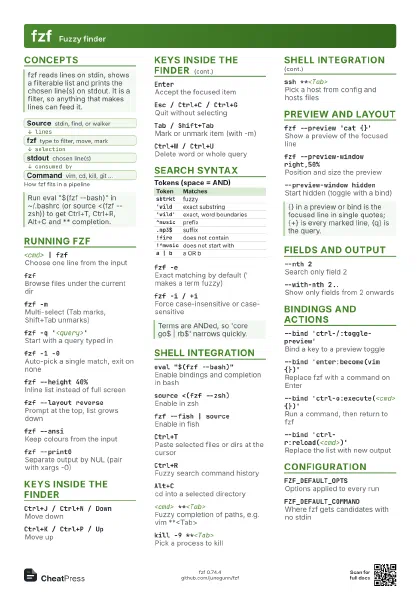
# crontab -e0 9 * * 1 tldr --update$EDITOR pages/common/<command>.mdtldr --render pages/common/<command>.mdtldr --platform linux <command>tldr --platform osx <command>tldr --list | fzf --preview 'tldr {}'